Before You Read Further

Three Questions Every Poly Buyer Asks First

Question 01

Is Poly actually better than Logitech or Yealink — or is it just more expensive?

Poly's premium pricing reflects acoustic engineering depth that most buyers don't see until they're in a problematic room. In a small, acoustically treated space, the difference is minor. In a glass-walled boardroom, reverberant chamber, or open-plan executive suite — it's significant. Poly systems handle these environments by design, not by accident.

Question 02

Do I need Poly for every room, or just specific ones?

Not every room. Poly earns its price point in rooms where audio quality directly affects business outcomes — executive boardrooms, client-facing presentation spaces, legal conference rooms, financial briefing rooms. For standard huddle rooms and everyday meeting spaces, other brands deliver excellent results at lower cost. Match the system to the room, not the brand to the budget.

Question 03

Does Poly work with Microsoft Teams Rooms and Zoom Rooms?

Yes — Poly manufactures certified hardware for both platforms. The Studio X series runs the native Teams Rooms or Zoom Rooms app directly on the device with no separate compute required. The V-Series pairs with the HP G9 Plus Mini for organisations requiring full Windows-based Teams Rooms management, Intune enrollment, and conditional access policies.

Why Poly

The Science Behind Poly's Acoustic Performance

Most video conferencing brands focus on camera resolution, screen compatibility, and software certification. Poly's engineering heritage is different — Poly — formerly Polycom and Plantronics — brings decades of professional telephony and audio research to every system it manufactures. The result is hardware that solves real-world acoustic problems that standard conferencing equipment was simply never designed to address. There are two distinct acoustic problems in modern Australian boardrooms. Poly's systems address both.

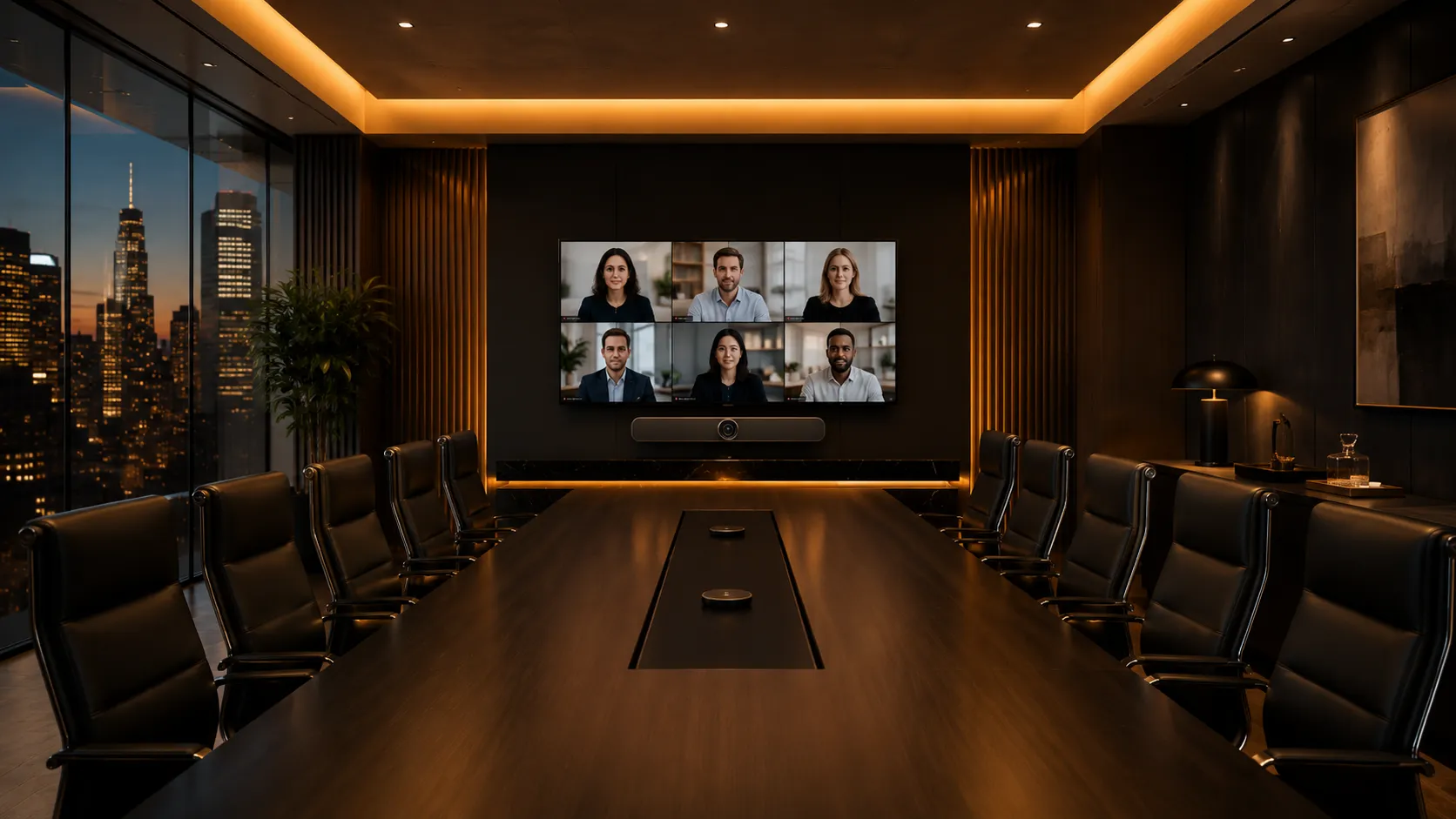
Glass-walled executive boardroom showing floor-to-ceiling glass panels and reflective hard surfaces — a challenging acoustic environment

Contemporary Australian corporate fit-outs prioritise visual aesthetics — floor-to-ceiling glass, polished concrete, exposed ceilings. The result is a room that looks premium but creates two separate acoustic failure modes.

Problem 01

External Noise

In open-plan executive floors and glass-fronted meeting rooms, full acoustic isolation is architecturally impossible. Sound bleeds in from corridors, adjacent workstations, and neighbouring rooms. Standard microphone systems pick up everything indiscriminately.

Poly's Solution — Acoustic Fence

Beamforming technology that defines a virtual boundary around the meeting table. Sound originating outside that boundary — corridor noise, open-plan office activity, building works — is attenuated before it enters the call. The microphone array focuses on voices at the table and ignores everything beyond it. No physical acoustic treatment required.

Problem 02

Internal Reflection & Glass Echo

This is the boardroom problem most conferencing hardware fails to solve. Sound generated at the table bounces off glass walls, polished floors, and hard ceilings and returns to the microphone milliseconds later as echo — the hollow "tin can" effect that makes a premium boardroom feel like a phone call from 2003. Acoustic Fence does not solve this. The reflection originates inside the table boundary, not outside it.

Poly's Solution — Hardware-Level DSP & AEC

Poly's Digital Signal Processing identifies and measures reflected sound waves in real time. The Acoustic Echo Cancellation algorithm calculates the delay and frequency signature of each reflection and removes it from the outgoing audio stream. This is hardware-level signal mathematics — not software suppression — which is why it performs consistently regardless of ambient changes that cause software-only solutions to degrade.

NoiseBlockAI

Machine-learning noise suppression running in real time alongside the hardware DSP layer. It distinguishes human voice from HVAC, keyboard clicks, paper shuffling, and side conversations — suppressing non-voice audio before it reaches the call. In a boardroom where air conditioning is constant and architecturally irreducible, NoiseBlockAI removes it from the audio stream entirely without affecting voice quality.

Full-Duplex Audio

Standard conferencing systems use half-duplex processing — when one person speaks, incoming audio is attenuated to prevent feedback. Interruptions are clipped. Overlapping conversation is lost. The call feels stilted in a way that subtly undermines the confidence of a high-stakes discussion. Poly's full-duplex engineering allows simultaneous two-way audio. Natural conversation flow is preserved even when multiple people speak at once.

DirectorAI — Meeting Equity

Audio quality is half the equation. Poly DirectorAI operates across three modes: People Framing (individual tracking when one person speaks), Speaker Framing (following the active speaker around the table), and Group Framing (composed group view when multiple participants contribute). In a boardroom where high-stakes negotiations depend on non-verbal communication, remote participants need to read facial expressions — not watch a wide-angle shot where faces are unreadable.

"In most problematic boardrooms, microphone placement and room acoustics have more impact on meeting quality than camera resolution. Poly's systems address both — by design, not by accident."

Poly Hardware

Choosing the Right Poly System for Your Room

Poly's enterprise range spans every room size and two distinct deployment architectures. The right system depends on room dimensions, acoustic environment, platform, and whether your organisation requires Windows-based device management.

Two Deployment Architectures
FeatureAndroid All-in-One (Studio X Series)Windows PC-Based (Studio V Series + HP G9 Plus)
ComputeBuilt into the barSeparate HP G9 Plus Mini PC
ManagementNative Teams / Zoom appFull Windows, Intune, Conditional Access
Touch ControllerOptionalPoly TC10 (recommended)
Best ForSimpler deployments, smaller IT teamsEnterprise IT-managed estates, compliance environments
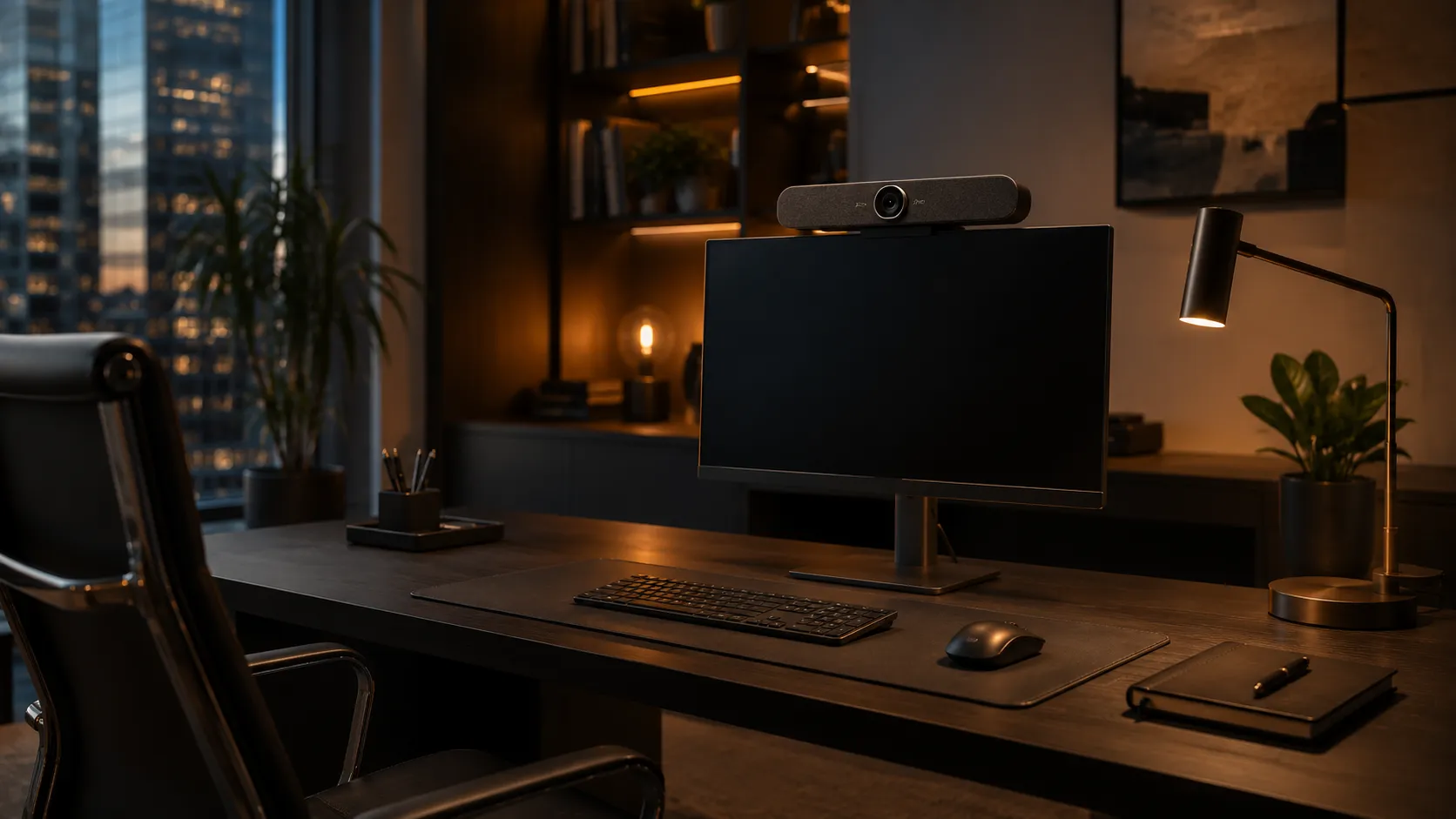
Small executive private office with Poly Studio video bar mounted on monitor for personal conferencing
Room Size 01

Small Rooms & Huddle Spaces

Android: Studio X30  |  Windows: Studio V12 + HP G9 Plus + TC10

Integrated camera and microphone bar, native Teams or Zoom app on Android, or full Windows compute via V12. Wall or monitor mount. The V12 is the entry point to the modern Windows-managed Poly estate — same acoustic processing stack as larger V-Series units.

  • 1–4 People
  • Native Teams / Zoom App
  • Wall or Monitor Mount
  • Windows Compute Optional

Many businesses deploy Poly in small rooms specifically for senior executive private offices — the MD, CFO, or senior legal partner whose calls are confidential and whose audio quality reflects directly on the business. This is a different buying decision to a standard meeting room and justifies a different hardware tier.
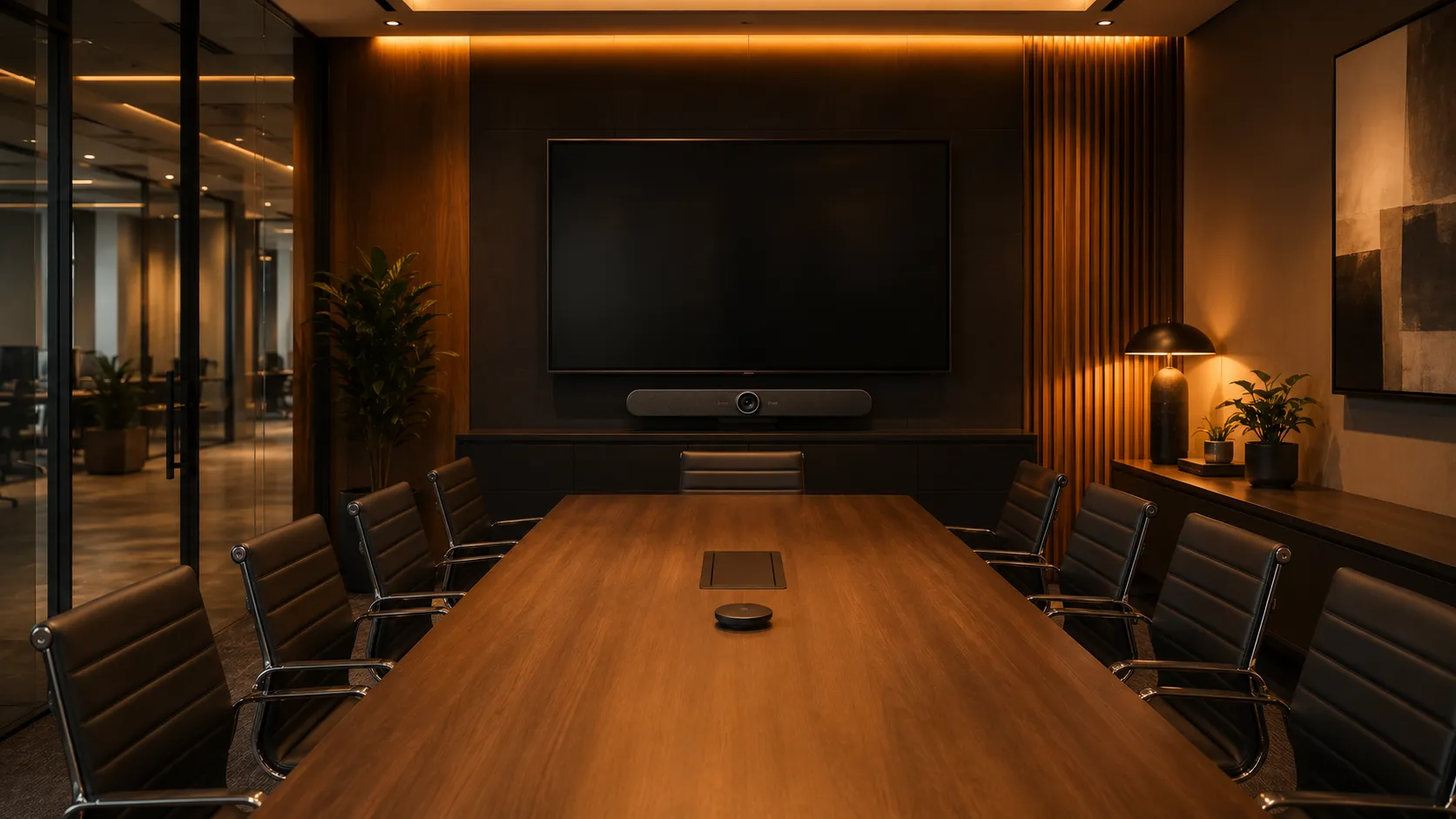
Medium corporate meeting room with Poly Studio video conferencing system and glass wall
Room Size 02

Medium Meeting Rooms

Android: Studio X52  |  Windows: Studio V52 + HP G9 Plus + TC10

4K camera with auto-framing and DirectorAI, expanded microphone pickup range for tables up to approximately 5 metres, dual screen support. The V52 adds Windows compute for organisations requiring Intune device management across their conferencing estate.

  • 4–8 People
  • DirectorAI Framing
  • Dual Screen Support
  • Intune Compatible (V52)

The medium meeting room is where Poly's acoustic advantage becomes commercially clear. In a room with hard surfaces and no acoustic treatment — which describes most Australian corporate fit-outs — the X52 and V52 outperform equivalent-priced alternatives in audio clarity, particularly across a full conference table where microphone distance varies significantly between participants.
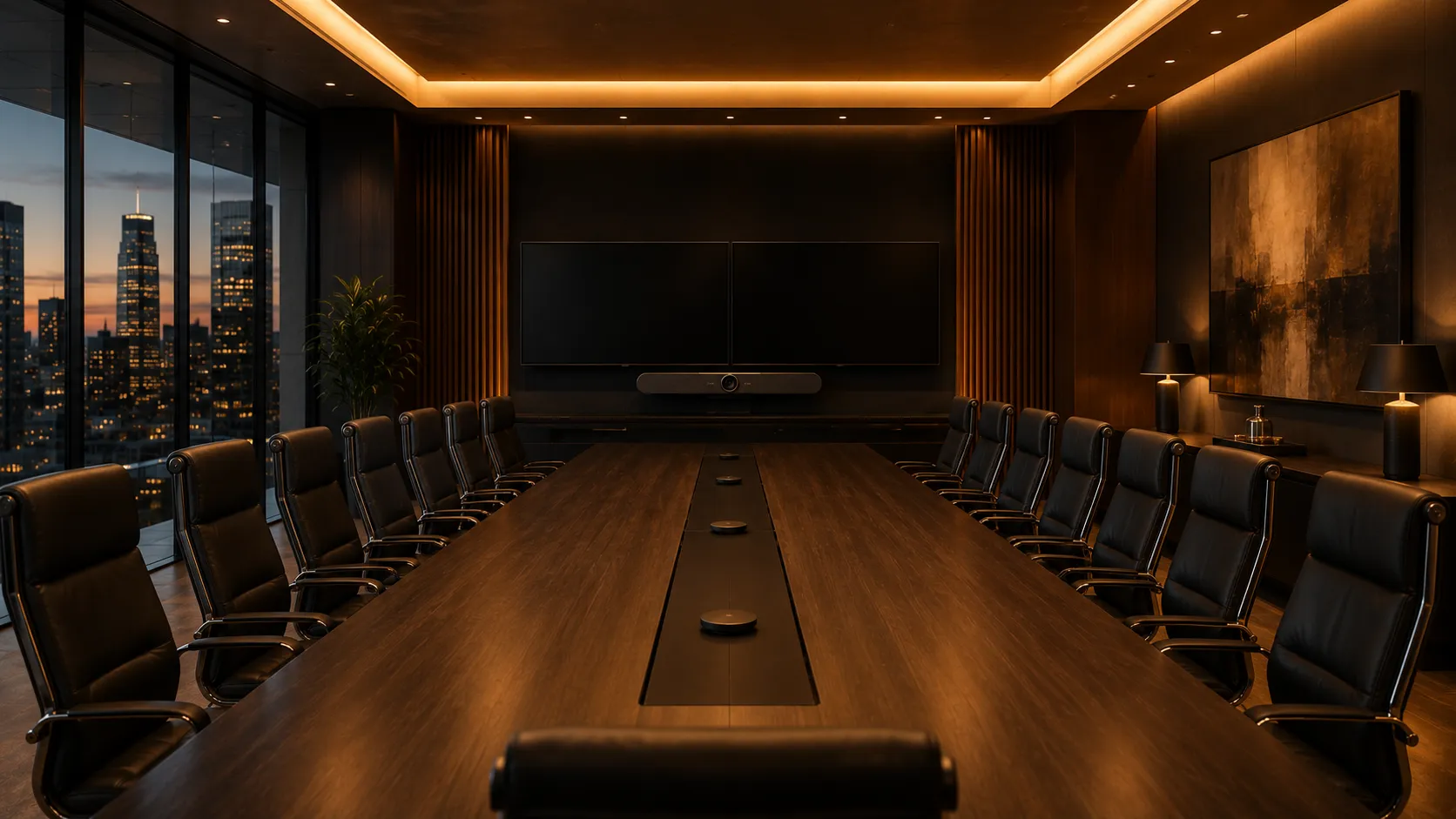
Large executive boardroom with Poly video conferencing system and dual display screens
Room Size 03

Large Boardrooms

Android: Studio X70  |  Windows: Studio V72 + HP G9 Plus + TC10  |  Modular: G7500

4K wide-angle camera, DirectorAI group and speaker framing, extended microphone coverage, dual display output. The V72 is the current standard for new enterprise Windows boardroom deployments in Australia — it replaces the older G7500 for most new-build specifications while retaining the full Poly DSP acoustic stack.

  • 8–20 People
  • DirectorAI Group Framing
  • Dual Display Output
  • HP G9 Plus Windows Compute

The G7500 modular system remains relevant for existing deployments and specific configurations requiring expansion microphone pods. For new boardroom builds, the V72 with HP G9 Plus compute is the architecture Kickstart recommends — cleaner cabling, unified management, and the full modern Poly DSP stack.
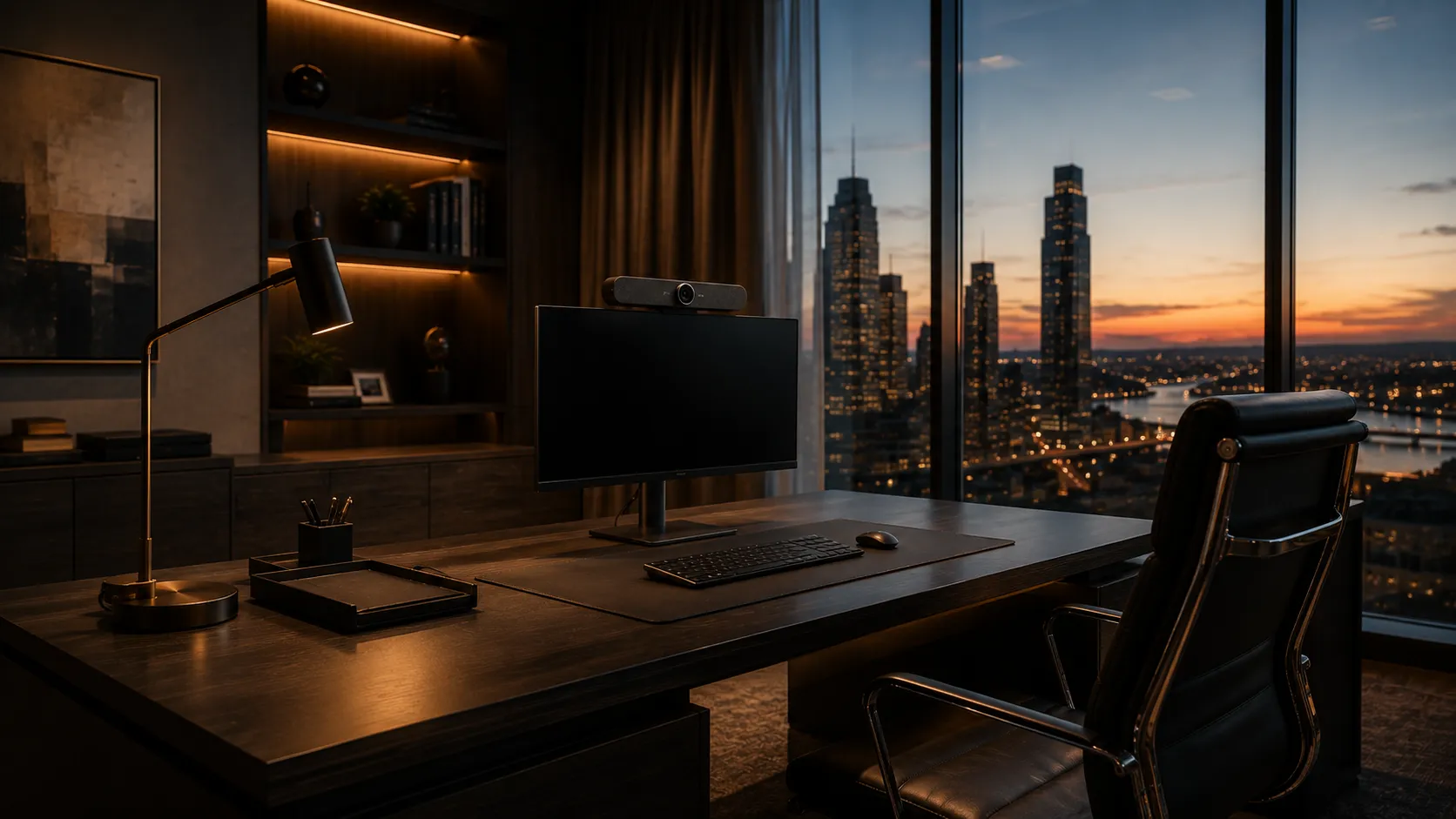
Premium CEO private office with compact Poly personal conferencing device and city view
Executive Tier

Executive Director's Office

Personal Tier: Studio P15 / Studio X30

Designed for individual use in private executive office environments. Premium webcam quality, personal noise cancellation, compact and discreet form factor. Not a meeting room system — a personal conferencing solution for the executive whose individual calls carry the most commercial weight.

  • 1 Person
  • Personal Noise Cancellation
  • Monitor Mount
  • CEO / MD / CFO

The Director's Office is a procurement category many IT managers overlook when standardising room systems. A CEO whose video calls sound professionally managed projects operational quality. A CEO whose audio echoes, drops, or picks up office background noise does the opposite. Poly's personal conferencing range addresses this specific environment — separate to meeting room infrastructure, sized and priced appropriately for one-person use.

Platform Support

Poly for Microsoft Teams Rooms and Zoom Rooms

Poly manufactures certified hardware for both major enterprise conferencing platforms. The acoustic engineering, DirectorAI, and hardware-level DSP stack are consistent across both — the platform is a configuration choice, not a hardware choice.

Microsoft Teams Rooms

Poly for Teams Rooms

The Studio X series runs the certified Teams Rooms app natively on the device — no Windows PC required for Android deployments. The V-Series pairs with the HP G9 Plus Mini for organisations requiring full Windows-based Teams Rooms management, Intune enrollment, and conditional access policies.

Poly is one of Microsoft's longest-standing hardware partners. Firmware updates are tested and certified through Microsoft's program before release — reducing the risk of a platform update disrupting a live boardroom environment.

Microsoft Teams Rooms systems at Kickstart →
Zoom Rooms

Poly for Zoom Rooms

The Studio X series also runs the Zoom Rooms app natively — the same Android hardware supports either platform depending on configuration. For organisations that have not yet finalised their platform decision, Poly hardware reduces the risk of an early hardware commitment.

Switching between Teams Rooms and Zoom Rooms on a single device requires a factory reset and full reconfiguration. For organisations standardised on one platform, this flexibility carries no penalty — the hardware simply runs the platform of choice from day one.

Zoom Rooms systems at Kickstart →
Enterprise Environments

The Environments Where Poly Delivers Its Strongest Return

Poly hardware is specified across a wide range of industries. These are the environments where its acoustic engineering and meeting equity technology deliver the clearest commercial return — and where the investment in premium hardware is most straightforwardly justified.
Premium corporate executive floor interior representing law firm, financial services, and government enterprise environments
Environment 01

Law Firms & Legal Practices

Legal conference rooms carry a specific audio requirement: every word matters. Depositions, client briefings, mediations, and barrister consultations conducted over video require audio that captures every participant with equal clarity, suppresses ambient noise completely, and preserves natural conversational flow without clipping. Poly's full-duplex audio, NoiseBlockAI, and hardware-level AEC are direct engineering answers to this requirement. Many Australian law firms have standardised on Poly for executive and client-facing rooms for exactly this reason.

Environment 02

Financial Services & Investment Banking

Financial boardrooms conduct sensitive client presentations, investment committee meetings, and regulatory discussions over video. The premium Poly positioning aligns naturally with the standard of quality that financial services clients bring to every touchpoint. Audio that sounds professionally managed is part of the brand presentation — and audio that doesn't is noticed immediately by the people on the other end of the call.

Environment 03

Government & Public Sector

Australian government departments and agencies deploying Microsoft Teams Rooms or Zoom Rooms frequently apply a tiered hardware strategy — Poly for executive and ministerial meeting rooms where audio quality and reliability carry institutional weight, and other certified hardware for standard staff spaces. The V-Series with HP G9 Plus compute fits naturally into Windows-managed government IT estates with Intune and conditional access requirements already in place.

Environment 04

Corporate Head Offices & Executive Floors

For multi-site Australian corporates standardising on a single conferencing platform, a tiered hardware approach is common and commercially sensible: Poly for the executive floor and client-facing boardrooms; Yealink for standard meeting rooms and staff areas. This is not a compromise — it is the correct strategy applied by experienced procurement teams. Not every room carries the same commercial weight. Not every room needs the same system.

Kickstart supplies and specifies both Poly and Yealink — often into the same building. The room determines the recommendation, not the brand relationship. If you're planning a mixed estate, we can spec both tiers simultaneously so the deployment logic is consistent from day one.

Honest Comparison

Poly vs Logitech vs Yealink — Matching the Brand to the Environment

Every brand in this comparison delivers excellent results in the right environment. The question is never which brand is best — it is which system is right for this specific room. The table below reflects what actually happens in real deployments, not manufacturer marketing positions.

Poly vs Logitech vs Yealink — Enterprise Deployment Comparison
FeaturePolyLogitechYealink
Core StrengthAcoustic engineering, executive boardroomsSimplicity, broad mainstream deploymentScalability, Teams infrastructure rollouts
Best EnvironmentGlass boardrooms, law firms, finance, executive suites, reverberant spacesStandard meeting rooms, broad multi-room deploymentMulti-site IT-managed estates, standardised rollouts
Audio PerformancePremium — hardware DSP, AEC, NoiseBlockAI, Acoustic Fence, full-duplexExcellent in standard acoustic spaces; AI noise suppression lacks hardware-level DSP depthOptimised for standard acoustic spaces; lacks high-end reflection suppression for untreated glass environments
Camera & Framing4K with DirectorAI — People, Speaker & Group Framing4K with AI framing (Rally series)4K with auto-framing
Platform SupportTeams Rooms + Zoom Rooms certifiedTeams Rooms + Zoom Rooms certifiedTeams Rooms certified (primary)
Deployment ArchitectureAndroid all-in-one (X Series) or Windows V-Series + HP G9 PlusAndroid all-in-one or Windows computeAndroid all-in-one or Windows compute
Price PositionPremiumMid to upperMid
Typical BuyerCIO, Executive EA, Project Director, Facilities ManagerIT Manager, Operations LeadIT Manager, CTO, Procurement
Deployment ScaleSingle premium rooms to enterprise tiered estates5–100 rooms10–200+ rooms
Glass / Hard Surface RoomsPurpose-built — hardware DSP compensates for internal reflectionPerforms well in treated spaces; less effective in untreated reflective environmentsPerforms well in treated spaces; lacks high-end reflection suppression for glass environments

Many Australian businesses run Poly and Yealink in the same building — Poly on the executive floor, Yealink across standard meeting rooms. This is not a compromise; it is the correct strategy applied by experienced procurement teams. Kickstart can spec and supply both tiers simultaneously.

Independent Advice

Why Australian Businesses Choose Kickstart for Poly Deployments
Kickstart Computers conferencing advisor in a premium executive boardroom environment
Australian Business Since 2007

Kickstart has been advising Australian businesses on conferencing infrastructure since 2007. We are not a volume reseller chasing margin on a specific brand. Our role is to match the right hardware to the actual room — which means recommending Poly where it delivers, and recommending alternatives where they deliver better value.

For Poly specifically, that means understanding the acoustic environment before specifying hardware. A V72 with Windows compute in a premium glass boardroom is the right answer. The same system in a small carpeted huddle room on a constrained budget is an expensive mistake. We have seen both.

If you're planning a mixed estate — Poly on the executive floor, Yealink across standard rooms — we can spec and supply both tiers simultaneously. The deployment logic is consistent from day one.

Since 2007 Advising Australian businesses on conferencing infrastructure — before Teams Rooms existed, before Zoom was a household name, and before the Australian corporate fit-out discovered floor-to-ceiling glass.

Independent Brand Advice

We specify Poly, Logitech, Yealink, Jabra, and AVer. Our recommendation follows the room requirement and the deployment architecture — not the margin on any individual product. If Poly is the right answer, we'll say so. If it isn't, we'll say that too.

Pre-Configuration Before Delivery

Every Poly system is configured for your platform — Teams Rooms or Zoom Rooms — and your network environment before it ships. It arrives ready to mount and power on. No on-site configuration surprises, no firmware issues on day one.

Acoustic Environment Assessment

Before recommending a Poly system, we ask the right questions about the room. Glass walls, ceiling height, table length, ambient noise sources, platform, and IT management requirements. The hardware recommendation follows the acoustic and operational reality of the actual space.

Ongoing Support

Firmware updates, platform recertification, and technical support from a team that knows the product. When Poly releases a firmware update that changes behaviour on your platform, we know about it before it affects your boardroom — not after.

Speak with Andrew

0416 353 501 — or use the contact form for a written response.

Common Questions

Poly Video Conferencing — Frequently Asked Questions

Questions about Poly hardware, acoustic technology, deployment architecture, or which system suits your room? If you'd prefer a direct answer, speak with Andrew at Kickstart.

  • Yes. Poly was formed through the merger of Polycom and Plantronics. Many Australian businesses — particularly in enterprise, government, and legal environments — still refer to Poly hardware as "Polycom" conferencing equipment. The acoustic engineering heritage, enterprise certifications, and product DNA are continuous. The brand is Poly. The reputation is Polycom.

  • Poly's engineering heritage comes from Polycom and Plantronics — two companies whose primary focus was professional audio and telephony rather than cameras or software. That background is reflected in the microphone array design, acoustic processing algorithms, and noise cancellation systems built into every Poly device. In a standard office environment the difference is subtle. In a glass boardroom, reverberant chamber, or open-plan executive space, the difference is clearly audible within the first minute of a call.

  • Better than most alternatives, yes. Glass-walled boardrooms are acoustically difficult — sound reflects off every surface and the room acts as a reverb chamber. Poly addresses this through two separate systems: Acoustic Fence defines a virtual pickup boundary around the table to suppress external noise, while hardware-level DSP and Acoustic Echo Cancellation identify and remove reflected sound originating inside the room. These systems don't eliminate the acoustic problem entirely, but they reduce it to a manageable level without requiring expensive acoustic treatment panels.

  • Acoustic Fence is a beamforming microphone technology built into certain Poly systems. It creates a defined virtual zone around the meeting table. Audio originating outside that zone — corridor noise, adjacent office conversations, building HVAC — is attenuated before it enters the call. It is effective for external noise. It does not suppress echo caused by sound bouncing off hard internal surfaces — that requires Poly's hardware DSP layer operating on reflected sound originating inside the table boundary.

  • NoiseBlockAI is Poly's machine-learning noise suppression system. It runs in real time on the device and distinguishes between human speech and background noise. Non-voice sounds — air conditioning, keyboard typing, paper movement — are identified and suppressed before reaching the far end of the call. It operates alongside the hardware DSP layer, not instead of it. The combination of hardware-level echo cancellation and AI-based noise suppression is what gives Poly systems their acoustic consistency across difficult environments.

  • DirectorAI is Poly's intelligent camera framing system. It operates across three modes: People Framing tracks individual faces when one person is speaking, Speaker Framing dynamically follows the active speaker as they move around the table, and Group Framing pulls back to a composed group view when multiple participants contribute simultaneously. In executive boardrooms where remote participants need to read facial expressions and body language during high-stakes discussions, DirectorAI maintains the visual equity that makes a video call feel like a real meeting.

  • The Studio X Series runs on Android — the Teams Rooms or Zoom Rooms app is built directly into the bar with no separate compute PC required. It is the simpler deployment architecture, well suited to organisations that don't require Windows-based device management. The Studio V Series pairs with the HP G9 Plus Mini conferencing PC and runs full Windows, giving IT teams access to Intune enrollment, conditional access policies, and Windows-based remote management — the full enterprise device management stack. Both series carry the same Poly acoustic processing and DirectorAI camera technology. For organisations where Windows Update cycle stability is a priority, Kickstart can discuss pre-delivery configuration options to reduce day-one variables.

  • In most executive boardroom environments — particularly those with glass walls, hard floor surfaces, long tables, or significant ambient noise — Poly's acoustic engineering delivers a cleaner meeting experience than equivalent Yealink hardware. Yealink delivers excellent audio in well-treated or smaller rooms. Where the acoustic environment is challenging, Poly's investment in hardware-level DSP, AEC, and beamforming becomes the deciding factor. Both brands are excellent. The room determines the recommendation. Many Australian businesses deploy Poly on the executive floor and Yealink across standard meeting rooms in the same building — that is not a compromise, it is the correct tiered strategy.

  • Kickstart Computers supplies, pre-configures, and supports Poly conferencing systems for Australian businesses, including Microsoft Teams Rooms and Zoom Rooms deployments across executive boardrooms, legal practices, corporate offices, and enterprise meeting environments. Contact Kickstart to discuss your requirements →

  • Poly hardware in Australia is available through authorised resellers and specialist AV and conferencing integrators. Kickstart Computers is an authorised Poly supplier with experience across executive boardrooms, Microsoft Teams Rooms, Zoom Rooms, and enterprise conferencing deployments. Every system is pre-configured before delivery — it arrives ready to mount and power on. Talk to Kickstart about Poly supply and deployment →

  • For large boardrooms — typically 8 to 20 people — the current recommended architecture is the Poly Studio V72 with HP G9 Plus Mini PC and Poly TC10 touch controller for Windows-managed deployments, or the Studio X70 for Android all-in-one deployments. The G7500 modular system remains relevant for existing deployments and configurations requiring expansion microphone pods for very long tables. All three options carry Poly's full acoustic processing stack — hardware DSP, AEC, NoiseBlockAI, Acoustic Fence, and DirectorAI camera framing.

  • The Poly Studio X Series supports both platforms on the same hardware. Switching between Teams Rooms and Zoom Rooms requires a factory reset and full reconfiguration — you cannot run both simultaneously. For organisations that have not yet finalised their platform decision, this flexibility reduces hardware risk. For organisations already standardised on one platform, the flexibility carries no penalty — the system simply runs the chosen platform from day one.

Shopping Cart
Scroll to Top