Room Solution Guide — Medium Meeting Rooms & Conference Rooms

Jump Ahead Too

Medium Meeting Room & Conference Room Video Conferencing — Hardware For 6 to 10 Seat Spaces

Medium meeting rooms, conference rooms, hybrid meeting rooms and project rooms — the terminology varies but the hardware decisions follow the same logic for any 6 to 10 person space. This guide covers what actually works in medium spaces — and what to avoid when specifying for a hybrid workplace.

  • Australian Business Since 2007
  • Independent Multi-Brand Advice
  • Phone & Email Support
  • Logitech · Yealink · Poly · Jabra · AVer
  • No Lock-In
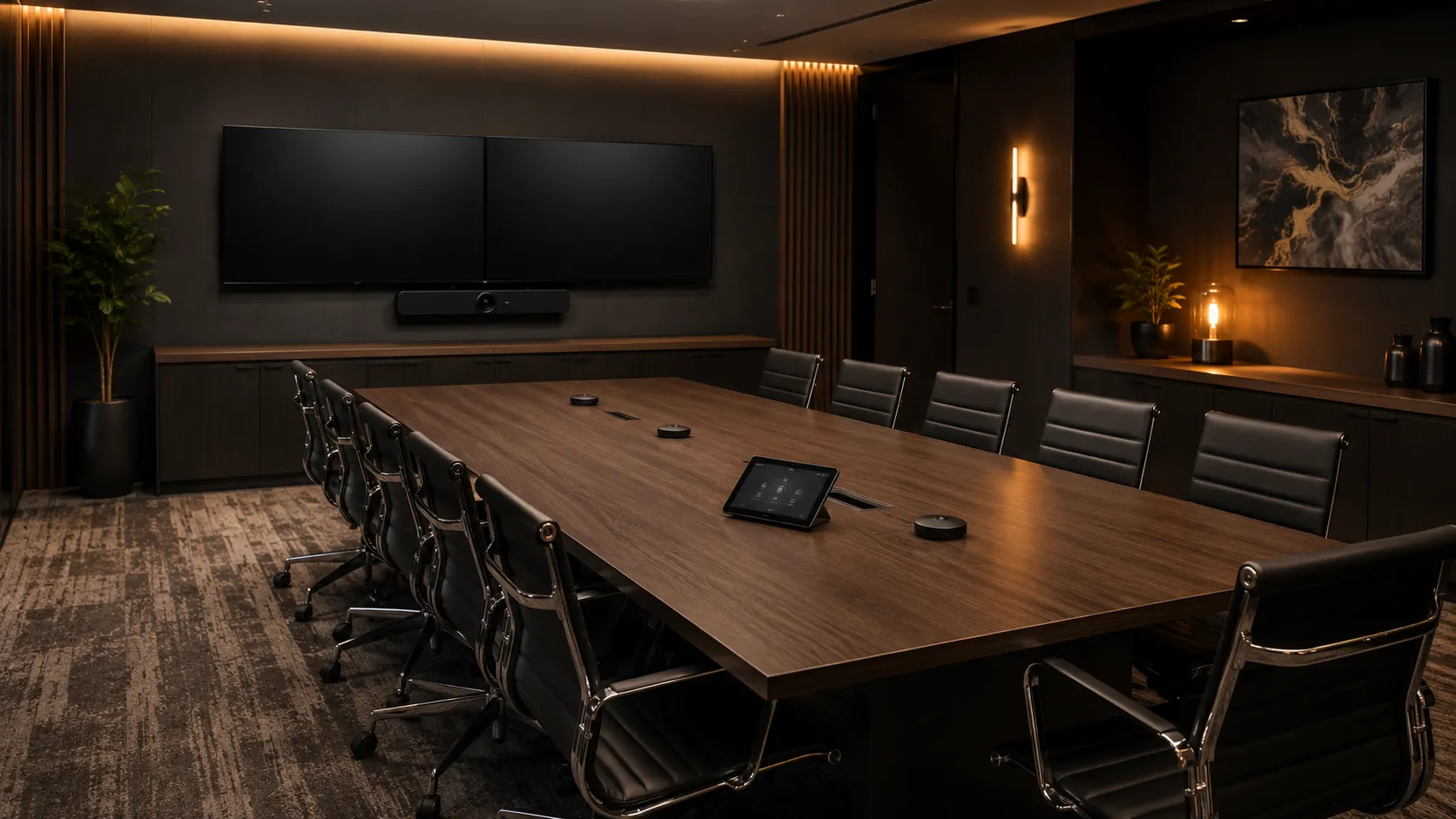
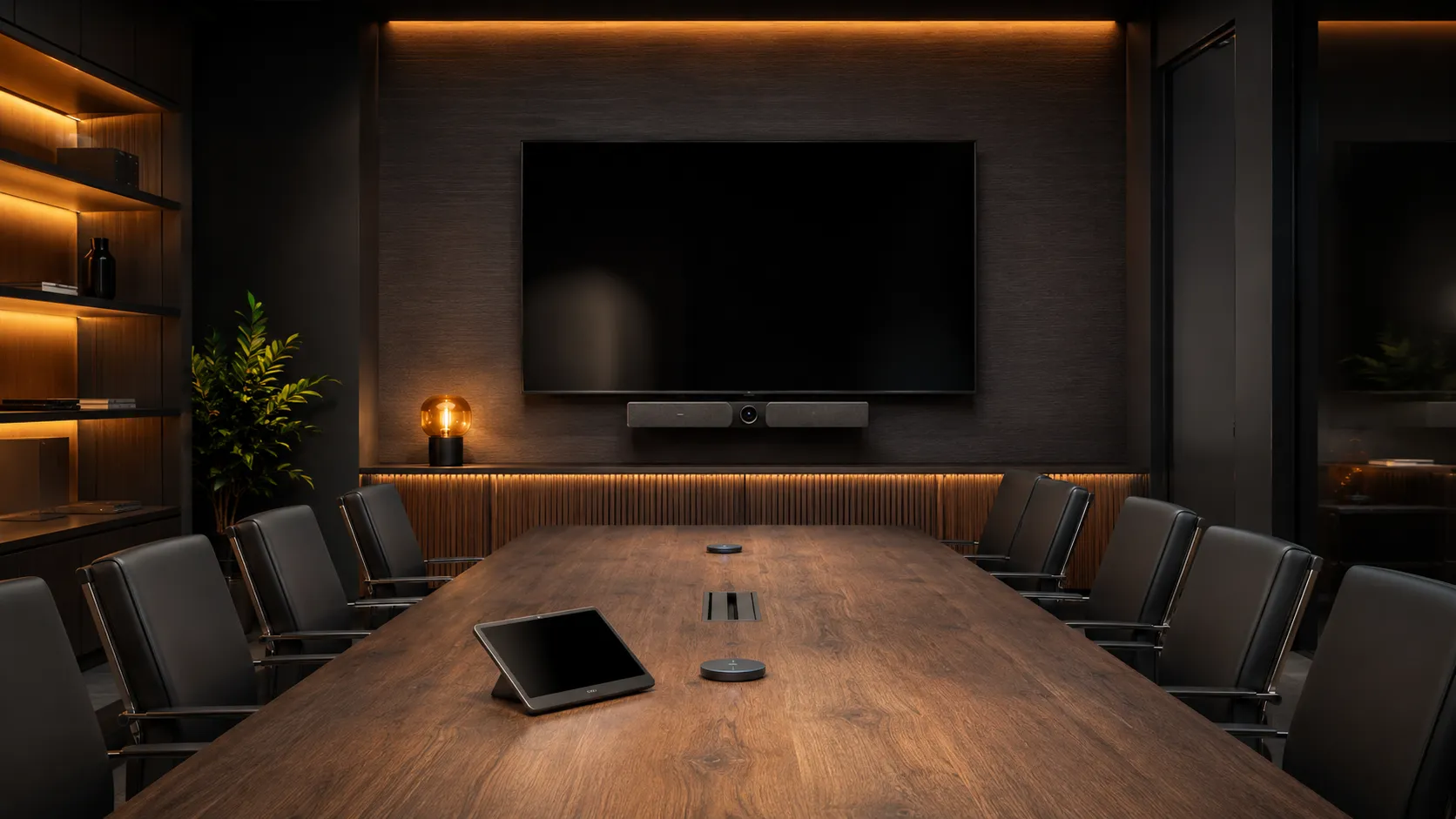
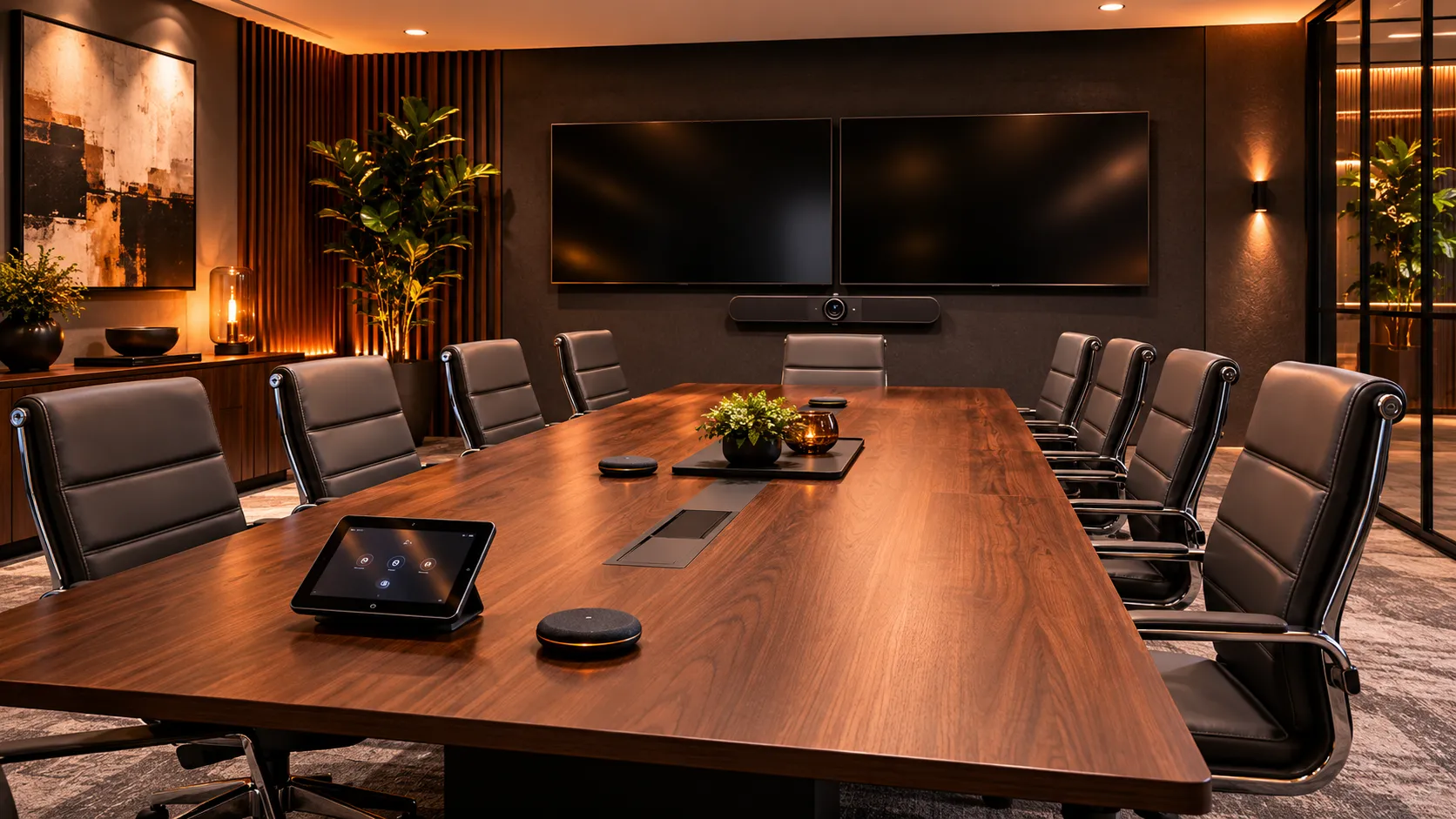
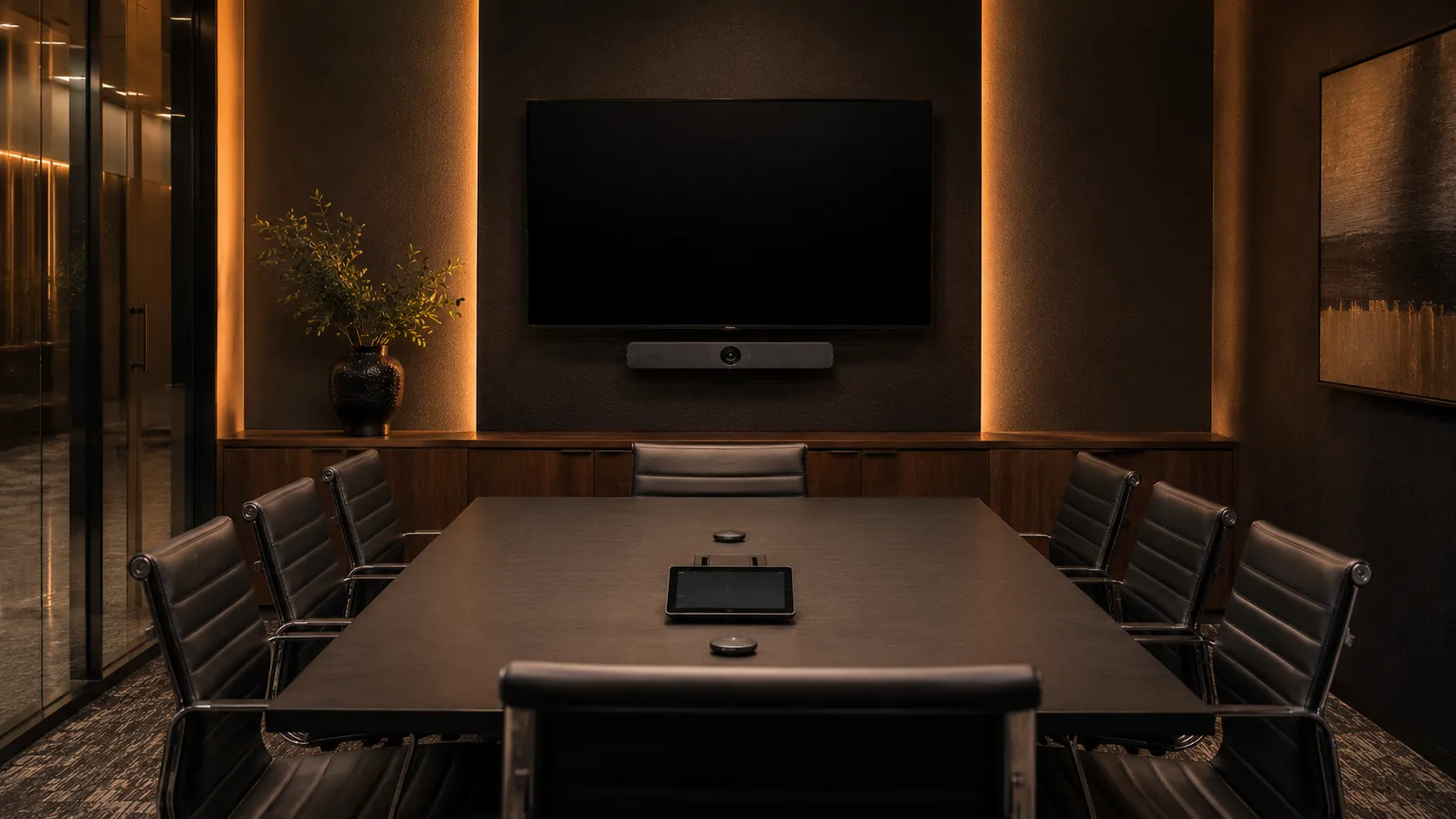
Medium meeting room and conference room with 6 to 10 seat rectangular table, video conferencing bar with expansion microphones, single or dual display, warm amber lighting — Kickstart Computers Australia
What You Need To Know First

Three things that determine whether a medium meeting room or conference room setup actually delivers

  • Question 01

    Do we really need different hardware for a medium room than a small one?

    Yes — and the reasons are physical, not marketing. At 6+ seats and table lengths past 2.4 metres, the single-bar microphone coverage that works in a huddle space starts to break down. Camera field of view that comfortably frames 4 people crops the table ends at 8. Medium rooms genuinely need wider FOV cameras, expansion microphones for full-table audio and often more capable processing.

    See why dedicated systems become essential →
  • Question 02

    What hardware actually scales properly to a medium meeting room?

    For most 6 to 10 person medium meeting rooms and conference rooms, a certified Android conferencing bar built for medium spaces plus expansion microphones for tables over 2.4 metres is the right answer. The Logitech Rally Bar Mini, Yealink MeetingBar A30, Poly Studio X52 and AVer VB342 Pro are the four we recommend most often. Modular component systems become relevant where the room has non-standard layout or audio requirements.

    See recommended hardware →
  • Question 03

    How much does a complete medium meeting room conferencing system cost?

    A complete medium room or conference room setup typically ranges from $5,000 to $12,000 AUD including conferencing bar, expansion microphones, touch controller, display or dual displays and platform licence. The wider range vs small rooms reflects optional dual-display configurations and dual-camera systems. Full hardware tier breakdown with both hardware-only and all-inclusive pricing follows in the hardware section below.

    See hardware tier pricing →
Who Makes The Call

Medium room decisions usually involve more than one person — and the conversation matters

Unlike huddle spaces — where one person often makes the call — medium meeting room and conference room decisions typically involve four roles around the same table. Each brings a different concern.

  • IT Director or IT ManagerDeployment complexity, network readiness, support burden, platform standardisation.
  • Operations or Facilities ManagerDay-to-day room experience, cable management, future flexibility, staff frustration with bad rooms.
  • Office ManagerEase of use, training overhead, "will this just work" for staff and guests.
  • CEO or Business OwnerTotal cost, ROI, looking professional to clients, not getting oversold on AV.

Whichever role you're reading this from, the underlying questions are the same — room size, usage pattern, platform, budget. We're set up to have that conversation with whoever's leading it.

Room Types Covered

Medium meeting rooms, conference rooms and project spaces — what's the difference and where does it actually matter?

The terminology spread is wider for medium rooms than for huddle spaces. Whether your organisation calls them medium meeting rooms, conference rooms, hybrid meeting rooms, project rooms, client meeting rooms or standard meeting rooms — if the room seats 6 to 10 people and is used for video calls, the hardware decisions follow the same logic. The meaningful differences come down to formality, room layout and how the space is actually used day to day.

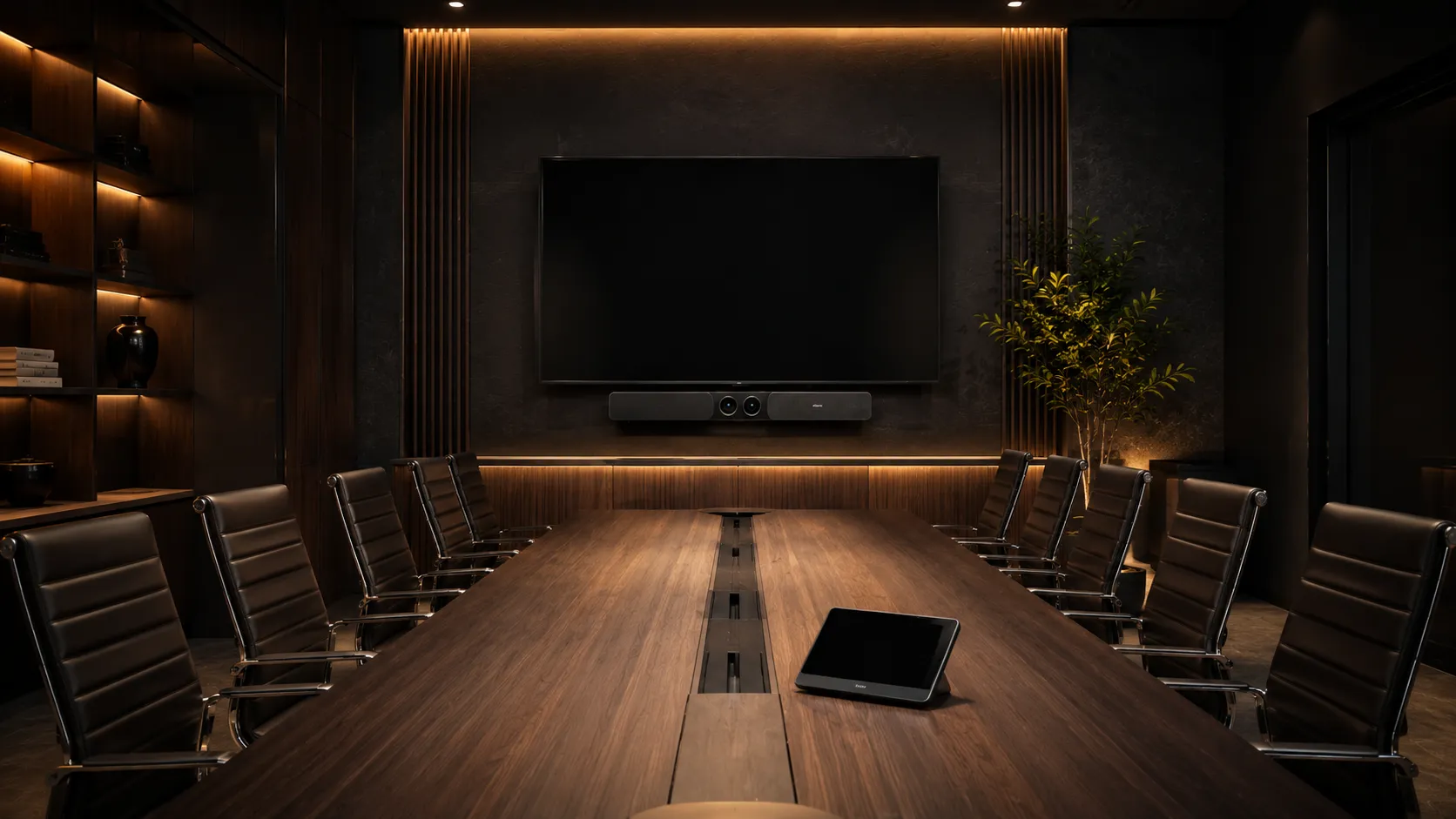
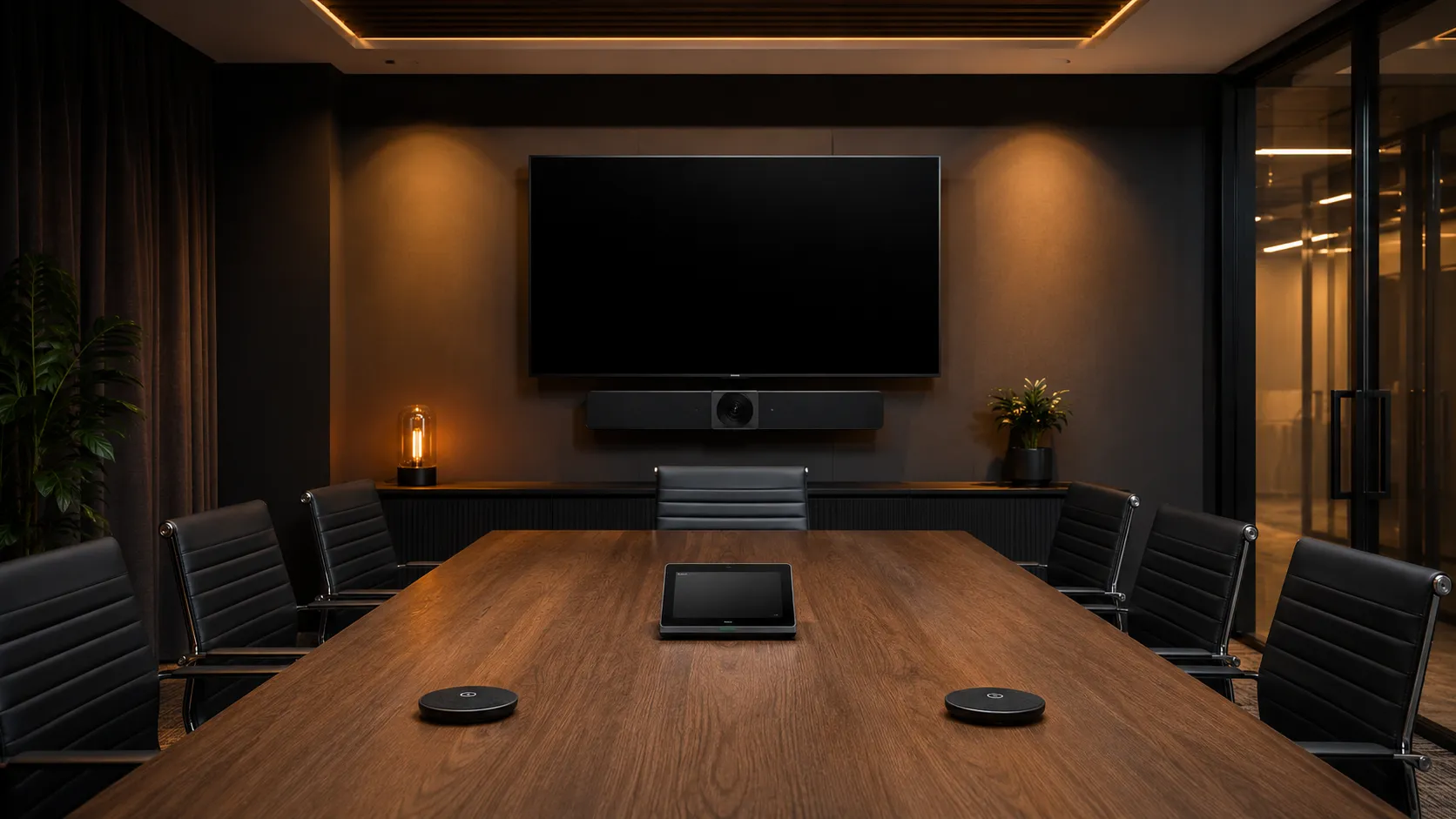
  • Standard medium meeting room with 6 to 8 person rectangular table, single display with conferencing bar and expansion microphones, internal project meeting setting — Kickstart Computers Australia
    Room Type 01

    Standard Medium Meeting Room

    6–8 people

    The workhorse meeting room. Internal team meetings, project standups, hybrid daily collaboration. Single-bar conferencing with expansion microphones still works comfortably at this size. Typical table length 2.4–3 metres.

    Priority is consistent audio across the whole table — single-bar mic pickup starts to break down past 2.4 metres without expansion pods.

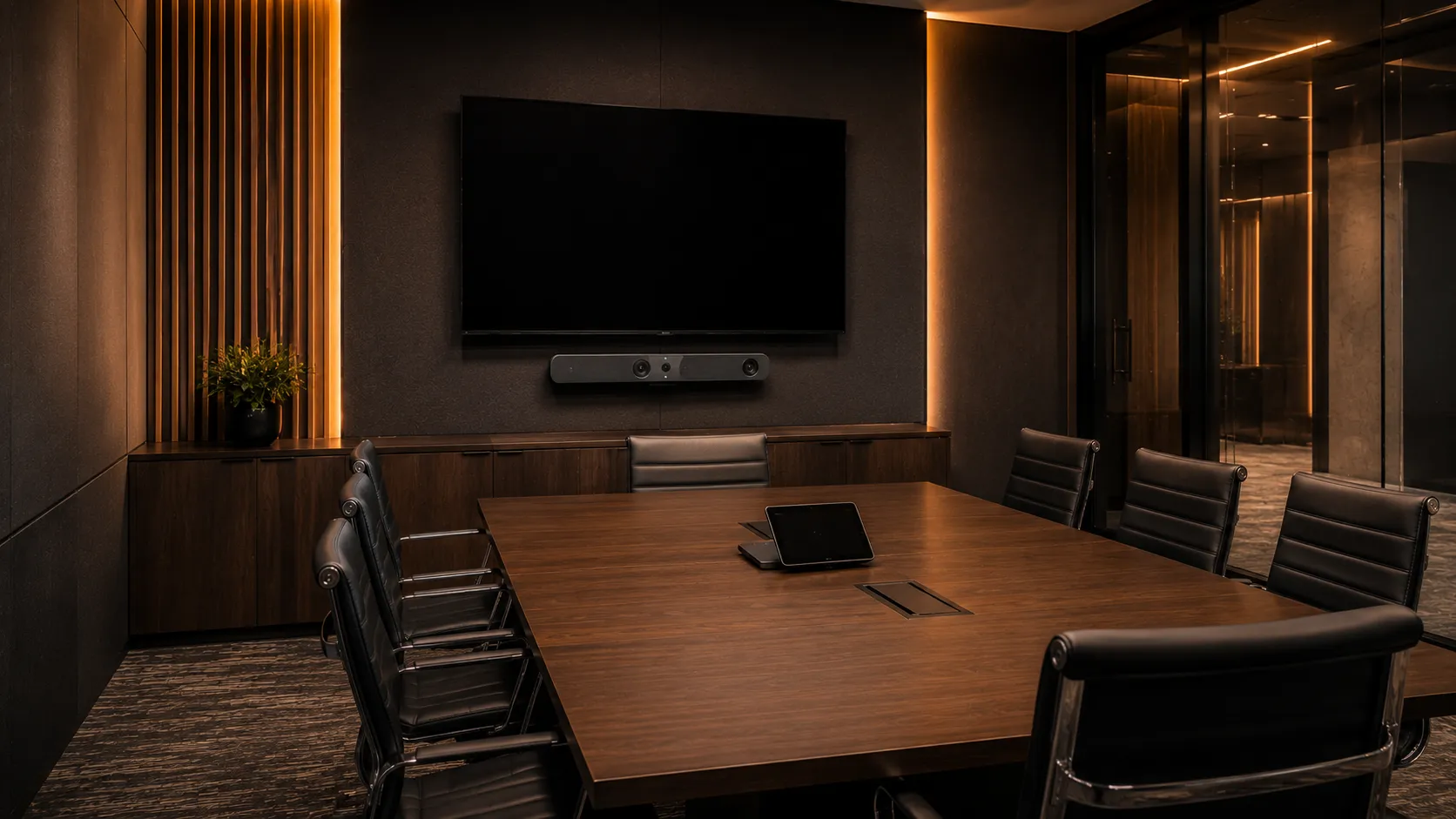
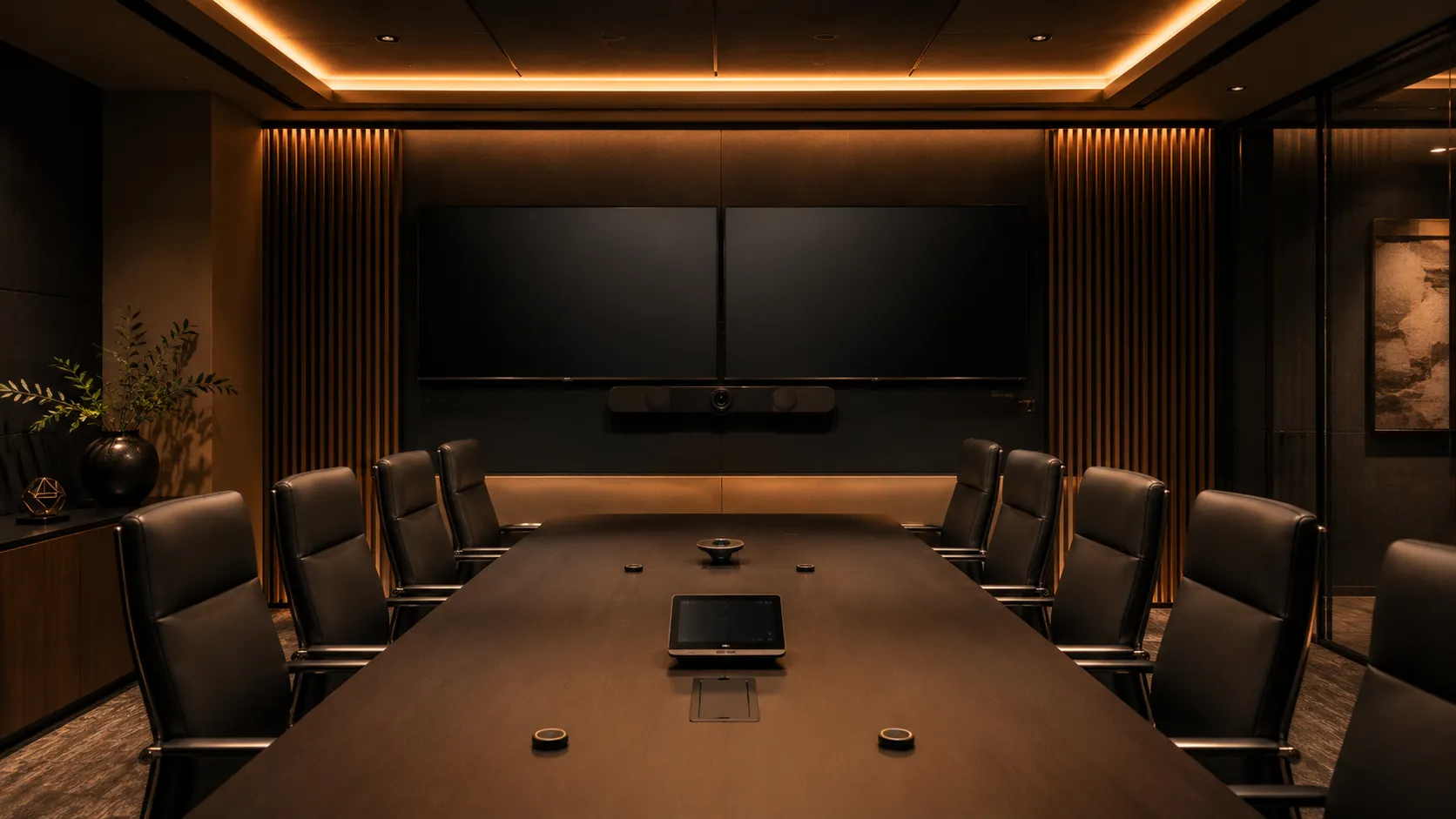
  • Conference room or client meeting room with 8 to 10 person table, dual displays with video conferencing system, formal client-facing meeting setup, warm amber lighting — Kickstart Computers Australia
    Room Type 02

    Conference Room or Client Meeting Room

    8–10 people

    Slightly more formal than a standard medium room. Often client-facing or used for senior internal meetings. Dual displays become relevant — one for the remote attendees, one for content sharing. Audio quality becomes critical because client perception is on the line.

    Priority is presentation quality — wider field-of-view camera, dual displays where the budget allows, premium audio. Client meetings are not the room to under-spec.

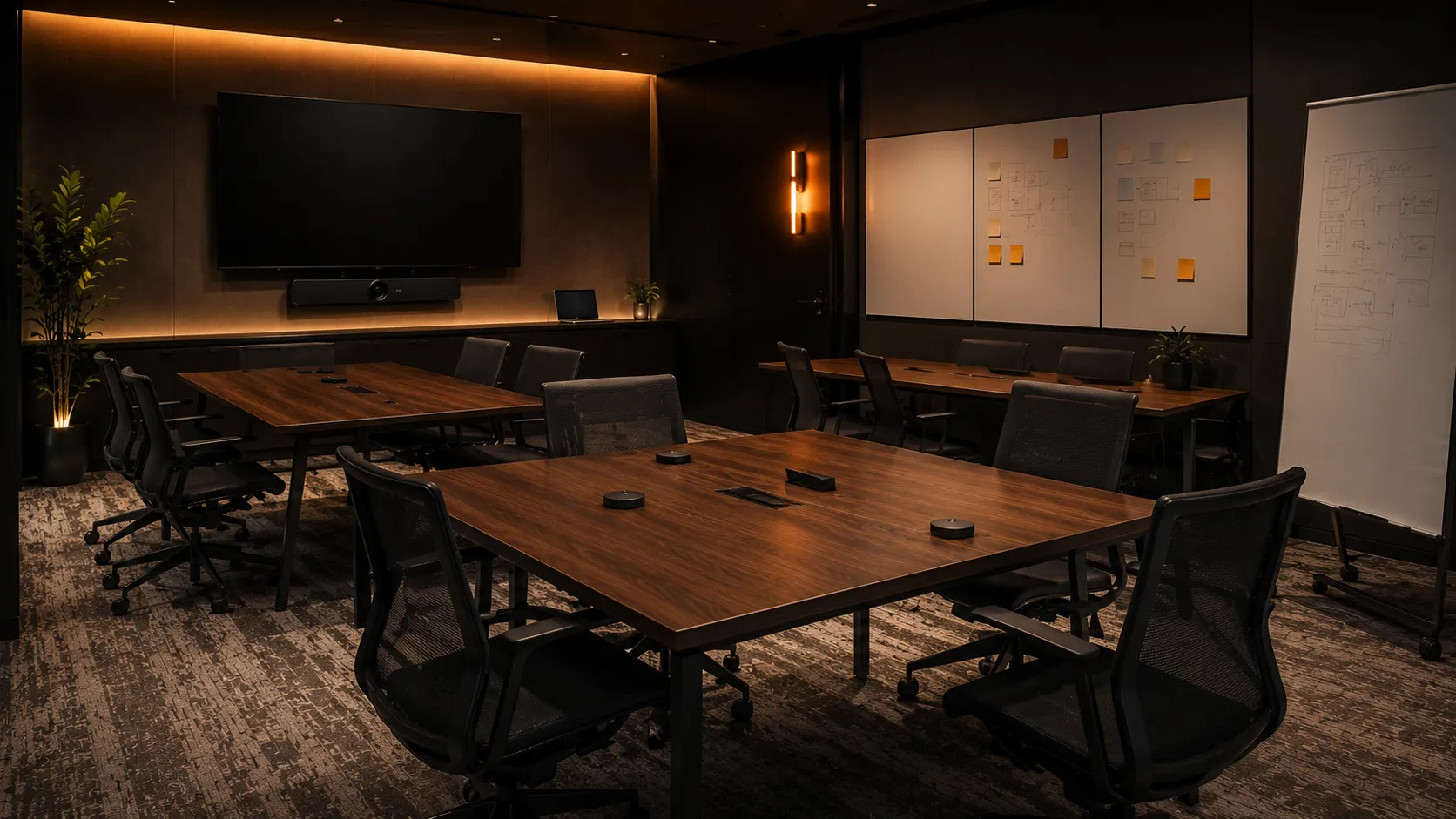
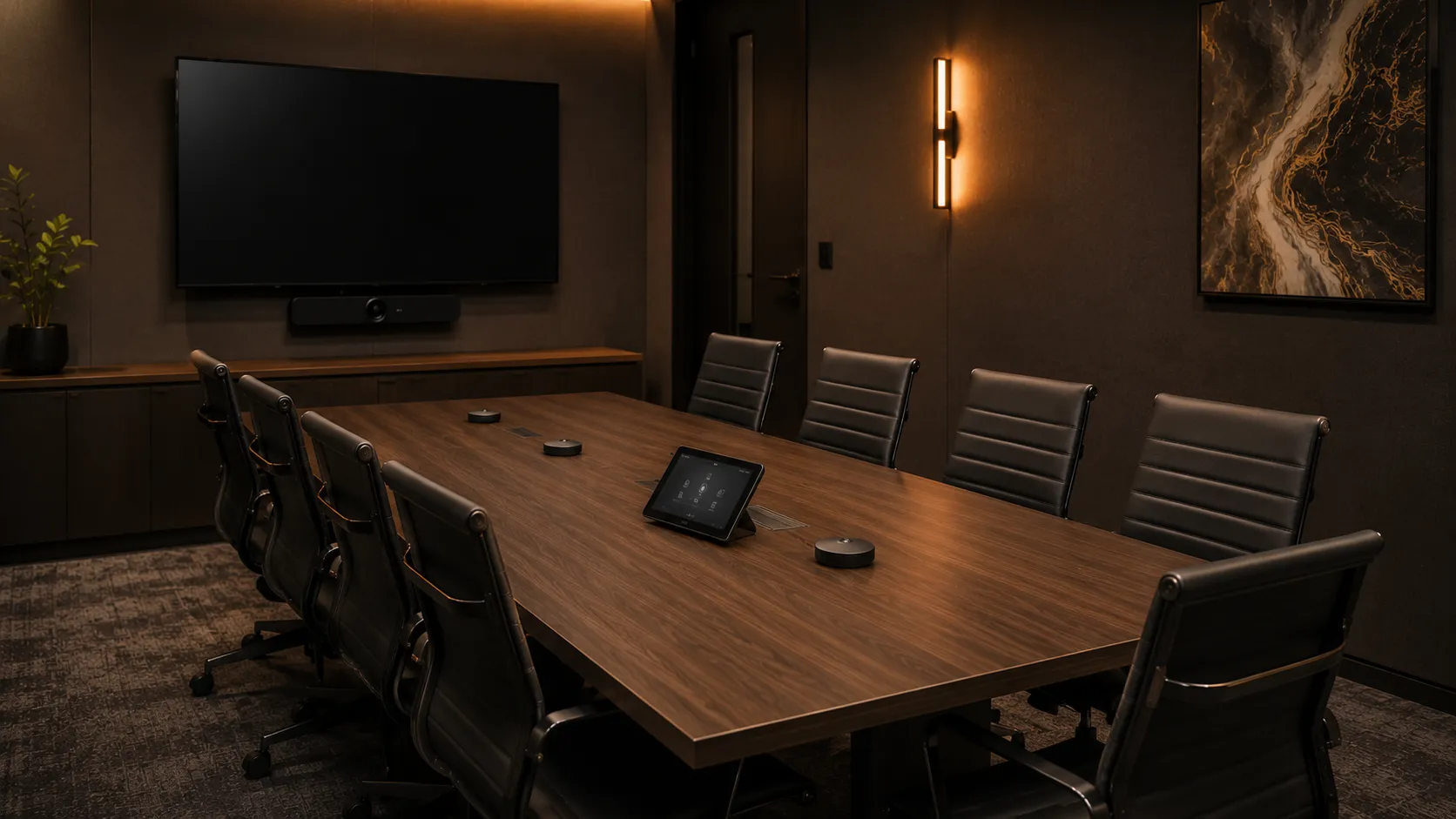
  • Project room or hybrid collaboration space with modular furniture, flexible layout, video conferencing setup for workshops and longer sessions, warm amber lighting — Kickstart Computers Australia
    Room Type 03

    Project Room or Hybrid Collaboration Space

    6–10 people, flexible layout

    Modular furniture, used for workshops, design sessions and longer hybrid meetings. Often has different acoustic challenges than a fixed meeting room — people moving around, multiple speakers, content sharing from different points in the space.

    Wireless content sharing matters more here than in fixed-layout rooms — people present from different positions and don't want to be tethered to one cable.
The Physical Limits Argument

Why a dedicated medium room system isn't optional — the physical limits of laptop-based BYOD

For huddle spaces, laptop-based BYOD remains a legitimate lower-cost option. For medium meeting rooms and conference rooms, the calculation shifts entirely. The reasons aren't about preference or polish — they're about physical limits. At 6+ seats and table lengths past 2.4 metres, the laptop approach stops working regardless of how good the laptop is.

Laptop BYOD vs dedicated medium room system — four-point comparison covering audio coverage, camera framing, cable management and total lifetime cost in 6 to 10 person rooms.
AspectLaptop BYODDedicated Medium Room System
Audio coverageLaptop mic reaches ~2 metres reliably. On a 3-metre table, half the room is inaudible to remote attendees.Bar plus expansion microphone pods cover full table length. Every seat heard clearly.
Camera framingLaptop webcam at 78° FOV crops table ends. People at the far seats are off-camera.Medium room bars at 120–163° FOV cover the whole table. AI framing tracks active speakers automatically.
Cable managementHDMI run from laptop to wall display across 3 metres of table creates a daily trip hazard and connection failures.Permanent installation. One touch controller, no cables on the table, no daily setup.
Long-term costLower upfront cost but higher IT support burden, inconsistent meeting quality, and staff frustration that affects hybrid retention.Higher upfront cost recovered through reduced support tickets, consistent meeting experience, and meetings that simply work.

Bottom line: Unlike huddle spaces where the laptop approach is a legitimate budget choice, medium rooms genuinely require dedicated hardware. The economics don't support BYOD past 4 seats — and the physical limits don't bend to budget pressure.

Hardware Guide

The best video conferencing hardware for medium meeting rooms and conference rooms — three tiers, three different jobs

Medium meeting room hardware divides cleanly into three tiers based on room formality and complexity rather than just budget. Most standard 6 to 8 person rooms sit comfortably in the workhorse mid-range tier. Conference rooms and client-facing spaces justify the dual-display premium tier. Modular component systems become relevant only when the room has non-standard layout or specific AV requirements — and at that point, the budget often crosses into large-room territory.

  • Workhorse mid-range Android conferencing bar mounted below display in standard medium meeting room with expansion microphones on table — Kickstart Computers Australia
    Tier 01 — Workhorse Mid-Range

    Single Android Bar Plus Expansion Microphones — The Standard Medium Room Solution

    For most 6 to 8 seat standard medium meeting rooms in regular daily use, a certified Android conferencing bar paired with expansion microphone pods is the right answer. Single display, single bar, two expansion mics for the table ends. The platform — Teams Rooms or Zoom Rooms — runs natively inside the bar. No separate compute unit, no Windows maintenance overhead.

    Recommended Hardware

    • Logitech Rally Bar Mini — 163° horizontal coverage, dual speakers, supports up to two external mic pods, also scales up to small-medium rooms
    • Yealink MeetingBar A30 — Android all-in-one for medium rooms, 8MP camera with AI tracking, optional expansion microphones for longer tables
    • Poly Studio X52 — premium Android bar for medium rooms, 4K dual-camera, Poly DirectorAI with active speaker tracking
    • AVer VB342 Pro — 4K dual-camera approach, AI speaker tracking, well-priced for the spec
    • Android Bar
    • Expansion Mics
    • Single Display
    • Teams & Zoom Certified
    • No Windows Overhead
    Tier 01 Budget
    Hardware only (bar + 2 mics):$3,500 – $5,500 AUD
    All-inclusive (+ touch controller, display, licence):$5,000 – $8,000 AUD

    This is where most medium room budgets land. The Logitech Rally Bar Mini and Yealink A30 are the two we deploy most often — both run natively on Android, both support expansion microphones, both eliminate the Windows maintenance overhead that makes cheaper systems frustrating long-term.

  • Dual-display premium conference room with dual-camera video conferencing system, formal client-facing setup, executive boardroom-style table — Kickstart Computers Australia
    Tier 02 — Dual-Display Premium

    Dual-Display Conference Room and Client Meeting Room Systems

    For 8 to 10 seat conference rooms and client-facing medium rooms, dual-display systems become relevant. One display for remote attendees, one for content sharing. Dual-camera systems with AI group framing and individual speaker tracking become the standard. The hardware tier shift reflects the visible client perception difference, not just better specs on a sheet.

    Recommended Hardware

    • Logitech Rally Bar — full-size Android bar, dual-display support, dual cameras with AI framing, larger sibling of Rally Bar Mini
    • Yealink MeetingBar A50 — modular Android system for medium-to-large rooms, dual-display and dual-camera capable
    • Poly Studio E70 — dual-camera system specifically engineered for premium medium and conference rooms, paired with a Studio X compute unit
    • Dual Display
    • Dual Camera
    • AI Framing
    • Client-Facing
    • Conference Room
    Tier 02 Budget
    Hardware only (bar + dual displays + mics):$6,000 – $9,000 AUD
    All-inclusive (+ touch controller, licence):$8,000 – $12,000 AUD

    Dual displays are worth specifying when the room is genuinely client-facing — the visible quality difference between one and two displays in front of clients matters. For internal-only medium rooms, single-display Tier 01 hardware usually delivers the same actual collaboration experience at lower cost.

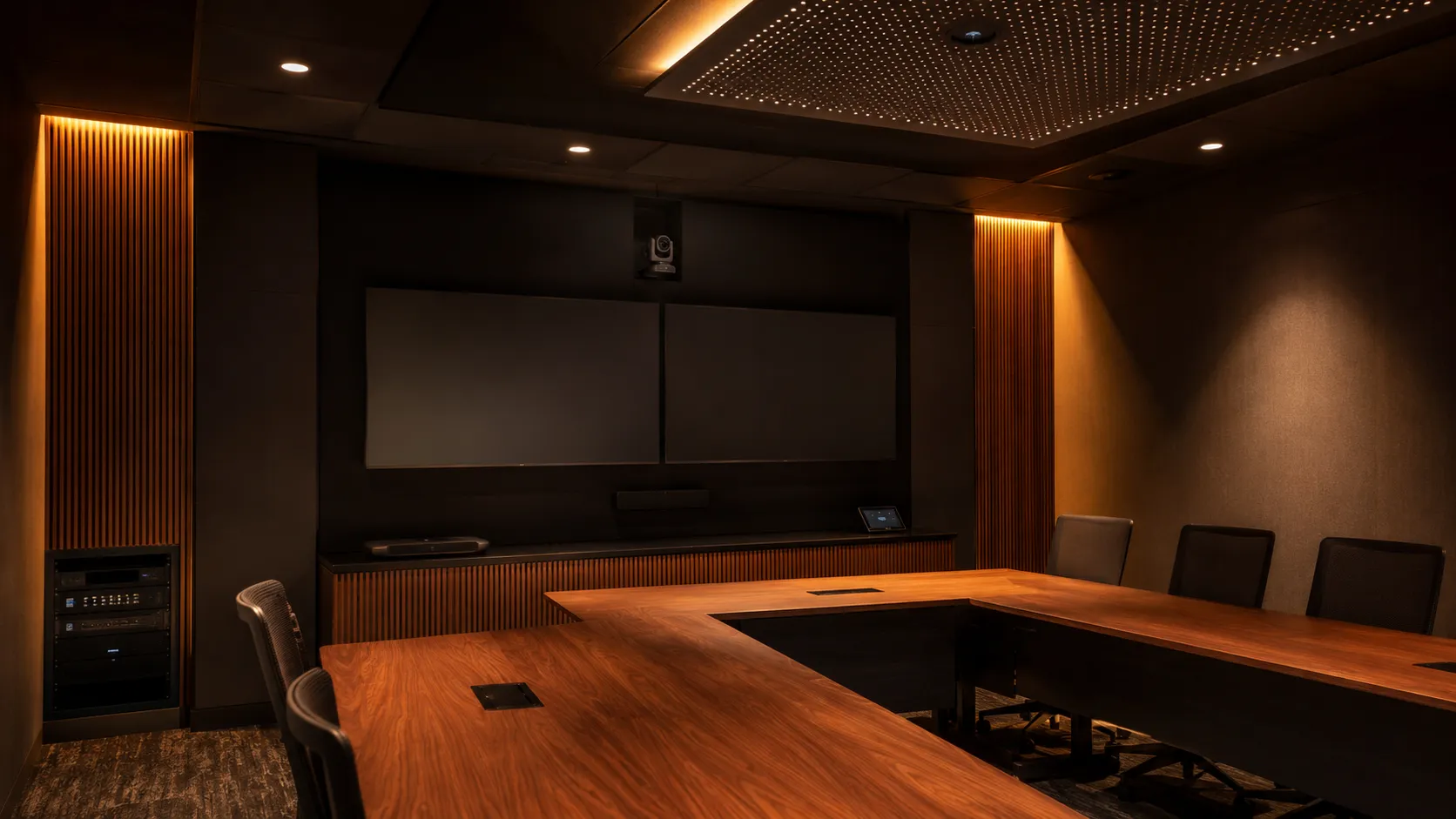
  • Modular component medium meeting room with separate PTZ camera, ceiling microphone array and dedicated compute unit for non-standard room layouts — Kickstart Computers Australia
    Tier 03 — Modular Component

    Modular Medium Room Systems For Non-Standard Layouts

    For medium rooms with non-standard layouts, longer tables, L-shaped rooms or specific AV requirements that an all-in-one bar can't address. Separate PTZ camera, separate ceiling or expansion microphones, dedicated compute unit. This tier is less common than Tier 01 or Tier 02 — most medium rooms don't need this complexity. When a room legitimately does, the budget often justifies looking at large-room hardware instead.

    Recommended Hardware

    • PTZ Cameras: Logitech Rally Camera, Yealink UVC86, Poly E60
    • Ceiling / Expansion Microphones: Shure MXA310, Sennheiser TeamConnect, Logitech Rally Mic Pods
    • Compute Units: Logitech Tap IP, Yealink MCore, Poly G7500
    • Modular Component
    • PTZ Camera
    • Ceiling Microphones
    • Non-Standard Layout
    • Dedicated Compute
    Tier 03 Budget
    Hardware only (camera + mics + compute):$8,000 – $12,000 AUD
    All-inclusive (+ displays, install, licence):$10,000 – $14,000 AUD

    Modular systems in medium rooms are often a sign the room is actually a small large-room. If the budget is approaching $14,000, it's worth checking whether the room would be better served by large-room hardware specified properly for the space — usually a more capable system at a similar total cost.
→ For rooms over 10 people or modular systems above $14,000 see Large Meeting Rooms & Boardrooms

Beyond the four main pillars

The hardware above covers the four manufacturers we recommend most often for medium meeting rooms and conference rooms — Logitech, Yealink, Poly and AVer. Our full medium room range includes additional models and configurations across all five brands including Jabra for modular audio. Browse the complete medium room conferencing range below.

Shop Medium Room Conferencing Hardware →

Video bars are the right choice for most medium rooms — a single Android bar with expansion microphones handles the majority of 6 to 10 person spaces without the complexity of a modular component system. Browse all video bar models.

Browse video bars →

See the full product range tagged for medium meeting room deployments — all brands, all tiers, all platform certifications in one place.

Browse all medium meeting room products →

For medium rooms, an all-in-one video conferencing system is almost always the right answer. Browse our full category of conference bars and room kits.

Shop all-in-one video conferencing systems →
Planning Across Multiple Rooms

Medium rooms usually sit within a mix of room types — and the hardware decision can shift when the fleet is considered as a whole

Most businesses with medium meeting rooms also have smaller huddle spaces and at least one larger boardroom or training space. The temptation is to specify each room independently — pick the perfect hardware for each size. In practice, treating the rooms as a coordinated fleet often produces a better long-term outcome than optimising each room in isolation.

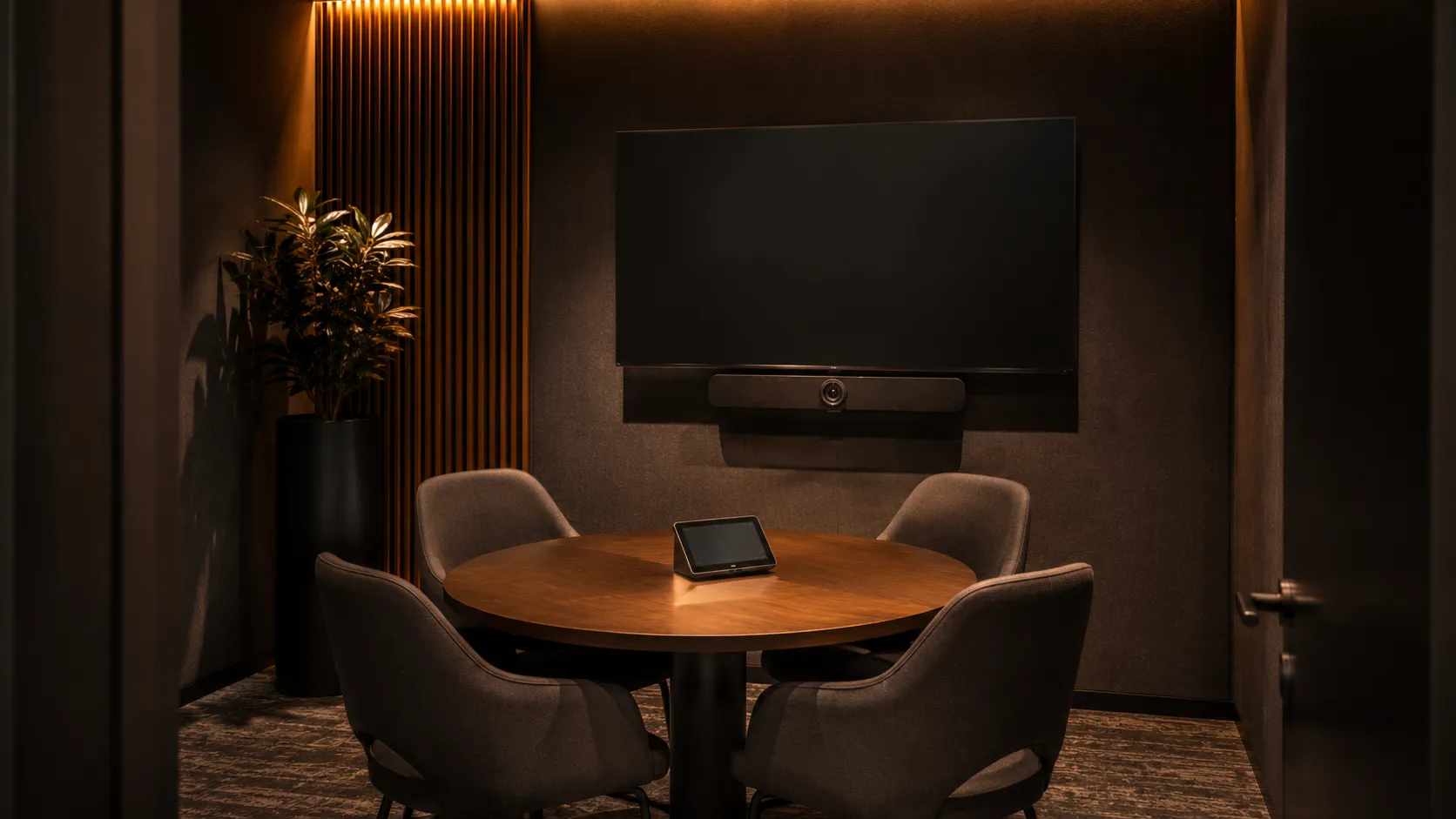
  • Small meeting room or huddle space with 2 to 4 person table, all-in-one video conferencing bar mounted below display, warm amber lighting — Kickstart Computers Australia
    Adjacent Room Type 01

    Small Meeting Rooms & Huddle Spaces — 2 To 6 Seats

    Huddle rooms, breakout spaces, focus rooms and small meeting rooms. Different hardware logic — USB and Android all-in-one bar systems without expansion microphones. Often the right place to apply fleet-consistency thinking if your medium rooms dominate.

    See Small Meeting Rooms guide →
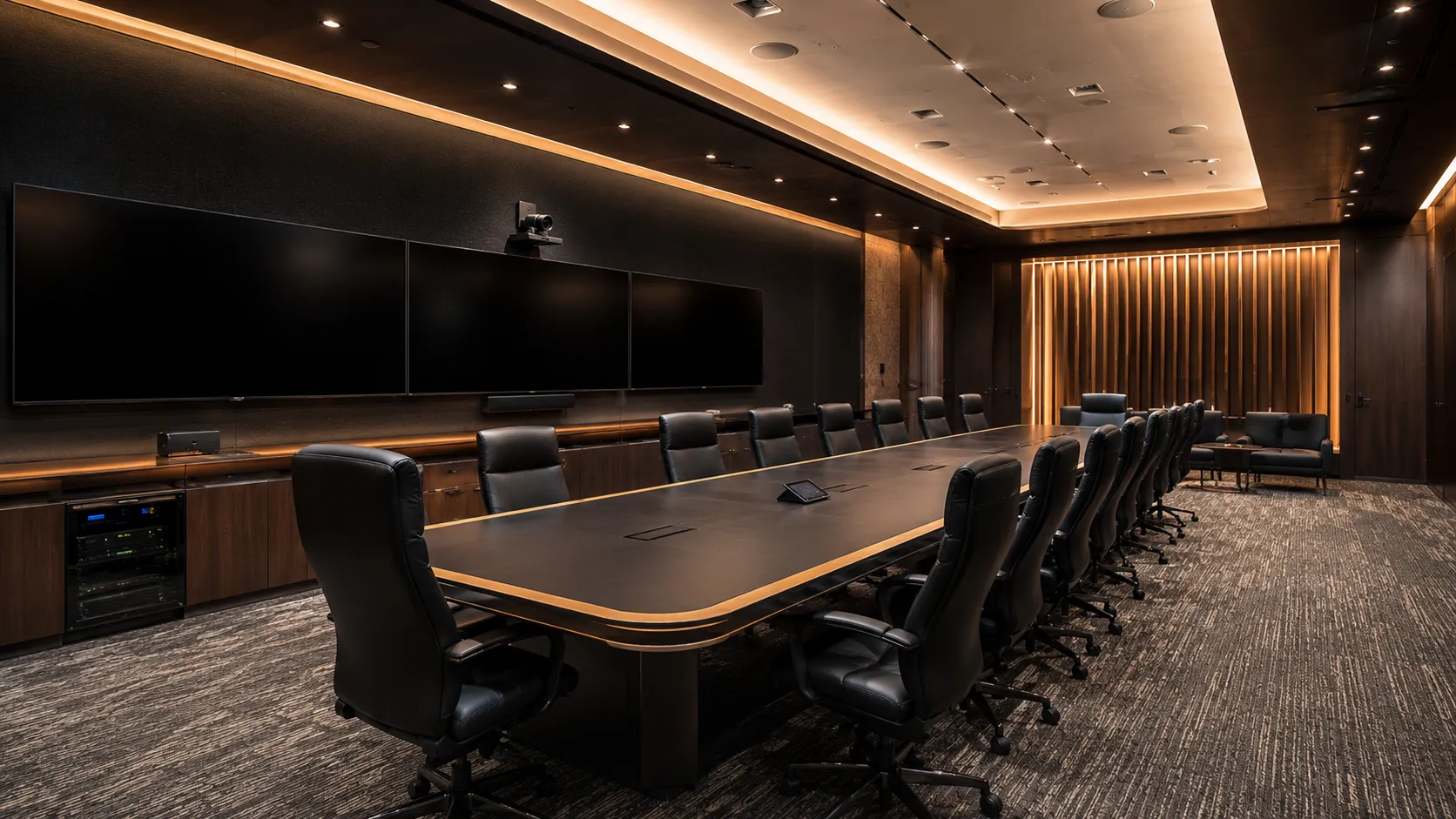
  • Large boardroom or training room seating 10 plus people with PTZ camera, ceiling microphone array, dual displays, modular component AV system — Kickstart Computers Australia
    Adjacent Room Type 02

    Large Meeting Rooms & Boardrooms — 10+ Seats

    Executive boardrooms, training rooms, conference suites and large hybrid spaces. Modular component systems with PTZ cameras, ceiling microphone arrays and dedicated compute units. Usually warrants separate specialist treatment from the operational fleet of medium and small rooms.

    See Large Meeting Rooms & Boardrooms guide →
Bottom line: Medium rooms rarely exist alone. If your fitout includes multiple room sizes, the medium room hardware decision is also a decision about how the small rooms get equipped — and how the boardroom relates to the operational fleet. A conversation about the whole environment usually produces a better outcome than specifying each room independently.

Platform Guide

Teams Rooms Basic or Pro, or Zoom Rooms for medium spaces — where each platform actually fits

Platform choice for medium rooms is slightly more involved than for huddle spaces. Teams Rooms now has a meaningful tier split — Basic remains free for up to 25 rooms but Pro becomes relevant for medium rooms running dual displays, intelligent speaker setups or advanced room analytics. Zoom Rooms continues its single-licence-per-room model regardless of room size or feature set. The decision still comes down to which platform your team already uses, but the licence cost equation looks different at medium scale.

  • Platform 01 — Microsoft

    Microsoft Teams Rooms — Basic Still Free, Pro Becomes Relevant At Medium Scale

    Teams Rooms Basic remains free for up to 25 rooms with one-touch join, single-screen Teams meetings and calendar integration. For standard medium rooms running a single bar and single display, Basic still delivers everything needed. Pro becomes worth considering when the room runs dual displays, intelligent speaker setups, advanced room analytics or front row mode for hybrid presentation.

    Basic Tier Free, up to 25 rooms per organisation Single display, one-touch join, calendar integration
    Pro Tier $850 AUD inc GST per room per year Dual display, intelligent speakers, room analytics. Discount packages available for 3-year tenancy commitments and not-for-profit organisations.
    See full Microsoft Teams Rooms guide →
  • Platform 02 — Zoom

    Zoom Rooms — Single Paid Licence Per Room, No Tier Split

    Every Zoom Rooms deployment requires a paid Zoom Rooms Licence per room regardless of room size or feature set. Unlike Teams Rooms there's no Basic vs Pro split — medium rooms pay the same per-room licence as huddle spaces. Multi-camera support, adaptive layouts, Smart Gallery and wireless content sharing are included in the standard licence at any room size. For businesses already running Zoom daily, the licence cost is the only platform variable to plan for.

    Zoom Rooms Licence Annual per-room subscription — enquire for current Australian pricing All features included regardless of room size or camera setup. Separate from standard Zoom user licences.
    Sector Pricing Discount packages available For not-for-profit organisations and multi-year commitments — enquire for sector-specific pricing.
    See full Zoom Rooms guide →

When Teams Rooms Pro Is Actually Worth The Cost

Pro is worth specifying when at least one of three things is true: the room has dual displays (Basic only supports single-screen mode), the room runs Teams intelligent speakers for individual voice attribution in transcripts, or the business needs advanced room usage analytics for ongoing fitout decisions. For a standard single-display medium room with regular Teams meetings, Basic still covers everything needed and the Pro licence is hard to justify.

Android Bars Support Both Platforms

Most certified Android medium room bars — Logitech Rally Bar Mini, Logitech Rally Bar, Yealink MeetingBar A30, Yealink MeetingBar A50, Poly Studio X52 — support both Microsoft Teams Rooms and Zoom Rooms. Platform choice doesn't lock you into a hardware choice at medium-room scale either.

The Pre-Configuration Decision

Pre-configuration means the manufacturer loads either Microsoft Teams Rooms or Zoom Rooms onto the conferencing bar before it ships. Adds $100–$300 per unit and eliminates deployment-day setup time. Must be confirmed before the order is placed — it cannot be applied after the unit leaves the warehouse. More relevant for medium rooms than for huddle spaces because the deployment cost of a botched platform choice scales with hardware complexity.

Bottom line: For medium offices running Microsoft 365 and Teams — Teams Rooms Basic still wins on cost for single-display rooms. Step up to Pro only when dual displays, intelligent speakers or analytics genuinely apply. If your team lives in Zoom, the Zoom Rooms Licence continues to deliver platform consistency at a single all-features-included per-room price.

See full Microsoft Teams Rooms guide
See full Zoom Rooms guide

Platform Guide

Teams Rooms Basic or Pro, or Zoom Rooms for medium spaces — where each platform actually fits

Platform choice for medium rooms is slightly more involved than for huddle spaces. Teams Rooms now has a meaningful tier split — Basic remains free for up to 25 rooms but Pro becomes relevant for medium rooms running dual displays, intelligent speaker setups or advanced room analytics. Zoom Rooms continues its single-licence-per-room model regardless of room size or feature set. The decision still comes down to which platform your team already uses, but the licence cost equation looks different at medium scale.

  • Platform 01 — Microsoft

    Microsoft Teams Rooms — Basic Still Free, Pro Becomes Relevant At Medium Scale

    Teams Rooms Basic remains free for up to 25 rooms with one-touch join, single-screen Teams meetings and calendar integration. For standard medium rooms running a single bar and single display, Basic still delivers everything needed. Pro becomes worth considering when the room runs dual displays, intelligent speaker setups, advanced room analytics or front row mode for hybrid presentation.

    Basic Tier Free, up to 25 rooms per organisation Single display, one-touch join, calendar integration
    Pro Tier $850 AUD inc GST per room per year Dual display, intelligent speakers, room analytics. Discount packages available for 3-year tenancy commitments and not-for-profit organisations.
    See full Microsoft Teams Rooms guide →
  • Platform 02 — Zoom

    Zoom Rooms — Single Paid Licence Per Room, No Tier Split

    Every Zoom Rooms deployment requires a paid Zoom Rooms Licence per room regardless of room size or feature set. Unlike Teams Rooms there's no Basic vs Pro split — medium rooms pay the same per-room licence as huddle spaces. Multi-camera support, adaptive layouts, Smart Gallery and wireless content sharing are included in the standard licence at any room size. For businesses already running Zoom daily, the licence cost is the only platform variable to plan for.

    Zoom Rooms Licence Annual per-room subscription — enquire for current Australian pricing All features included regardless of room size or camera setup. Separate from standard Zoom user licences.
    Sector Pricing Discount packages available For not-for-profit organisations and multi-year commitments — enquire for sector-specific pricing.
    See full Zoom Rooms guide →

When Teams Rooms Pro Is Actually Worth The Cost

Pro is worth specifying when at least one of three things is true: the room has dual displays (Basic only supports single-screen mode), the room runs Teams intelligent speakers for individual voice attribution in transcripts, or the business needs advanced room usage analytics for ongoing fitout decisions. For a standard single-display medium room with regular Teams meetings, Basic still covers everything needed and the Pro licence is hard to justify.

Android Bars Support Both Platforms

Most certified Android medium room bars — Logitech Rally Bar Mini, Logitech Rally Bar, Yealink MeetingBar A30, Yealink MeetingBar A50, Poly Studio X52 — support both Microsoft Teams Rooms and Zoom Rooms. Platform choice doesn't lock you into a hardware choice at medium-room scale either.

The Pre-Configuration Decision

Pre-configuration means the manufacturer loads either Microsoft Teams Rooms or Zoom Rooms onto the conferencing bar before it ships. Adds $100–$300 per unit and eliminates deployment-day setup time. Must be confirmed before the order is placed — it cannot be applied after the unit leaves the warehouse. More relevant for medium rooms than for huddle spaces because the deployment cost of a botched platform choice scales with hardware complexity.

Bottom line: For medium offices running Microsoft 365 and Teams — Teams Rooms Basic still wins on cost for single-display rooms. Step up to Pro only when dual displays, intelligent speakers or analytics genuinely apply. If your team lives in Zoom, the Zoom Rooms Licence continues to deliver platform consistency at a single all-features-included per-room price.

See full Microsoft Teams Rooms guide
See full Zoom Rooms guide

Independent Advice

Why Australian businesses choose Kickstart for medium meeting room and conference room conferencing — independent advice since 2007
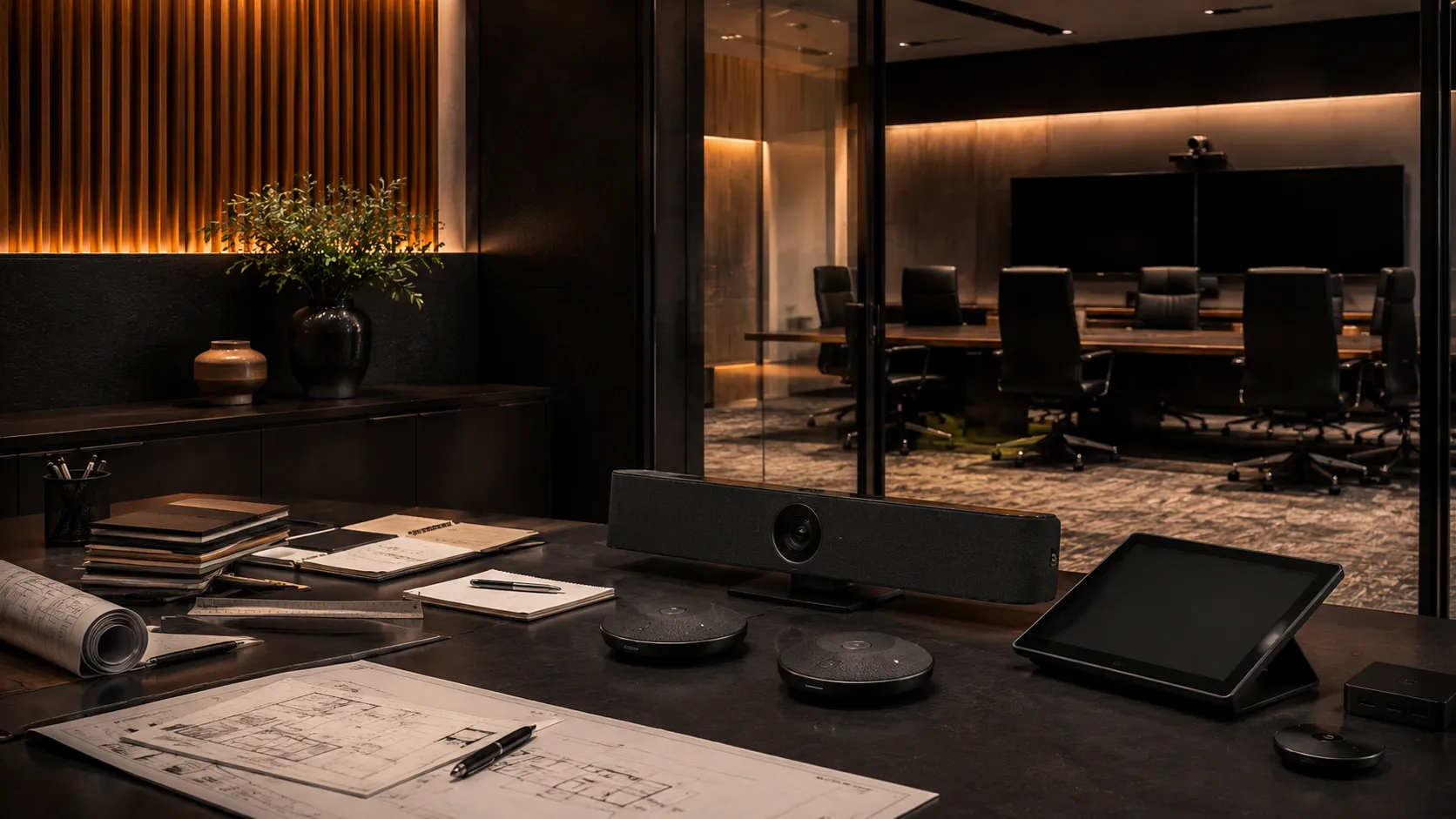
Independent video conferencing consultation environment for medium meeting rooms and conference rooms, Australian business advisory setting with hardware samples and planning materials, warm professional lighting — Kickstart Computers since 2007

Kickstart Computers has been advising Australian businesses on medium meeting room and conference room conferencing systems since 2007. Medium rooms are where most fitouts succeed or fail — the hardware is more capable, the stakes are higher, and there's usually more than one stakeholder involved in the decision.

We're not aligned to a single brand or platform. Our job is to match your medium meeting space, your usage pattern, your platform and your fleet of rooms to the right hardware at the right price — without upselling hardware the room doesn't need or under-specifying hardware that should have been planned for more capability from the start.

  • Point 01

    Independent Advice

    We recommend what the room needs, not what generates margin. Hardware choice is matched to room size, usage and the broader fleet — not to which brand has the highest reseller incentive.

  • Point 02

    Multi-Brand Hardware

    Logitech, Yealink, Poly, Jabra and AVer across all price points plus Shure and Sennheiser for premium audio components. Five brands plus specialist audio means real choice — the right system for the room rather than the one brand a single-vendor reseller carries.

  • Point 03

    Phone & Email Support

    Real advice before you buy. Most clients are interstate — the phone and email conversation matters more than a showroom visit. We talk through room size, usage pattern, platform and the rest of your fleet before recommending anything.

  • Point 04

    No Lock-In

    No platform preference, no support contract required. Buy what suits the room — we're here for the deployment conversation and any follow-up advice, not to lock you into ongoing fees.

Manufacturer Ecosystems

The four conferencing ecosystems we deploy most often in Australian medium meeting rooms — and where each one fits best

Most medium meeting room and conference room deployments today sit within four major conferencing ecosystems — Logitech, Yealink, Poly and AVer. Each approaches medium-room hardware slightly differently, from Android-first single bars through to premium dual-camera systems and modular component configurations for non-standard layouts.

These are not the only conferencing manufacturers available in Australia, however they represent the majority of modern medium-room deployments we specify and support across Teams Rooms, Zoom Rooms and multi-platform hybrid meeting environments.

  • Modern Logitech video conferencing medium meeting room with Rally Bar Mini or Rally Bar system mounted below display, expansion microphones on table — Kickstart Computers Australia Manufacturer 01

    Logitech

    Logitech dominates the medium-room conferencing tier in Australia thanks to the Rally Bar Mini and Rally Bar — both Android-native, both certified for Teams Rooms and Zoom Rooms, both with strong AI camera framing and expansion microphone support. The Rally Bar Mini covers standard 6-8 seat medium rooms, while the full Rally Bar handles dual-display conference rooms and larger 8-10 seat installations. Fleet consistency across small, medium and large rooms is where the Logitech ecosystem genuinely earns its position.

    Explore Logitech conferencing →
  • Modern Yealink Teams Rooms or Zoom Rooms medium meeting room environment with MeetingBar A30 or A50 mounted below display — Kickstart Computers Australia Manufacturer 02

    Yealink

    Yealink has captured significant medium-room market share in Australia by combining Android-native conferencing with strong value pricing. The MeetingBar A30 sits as the sweet spot for standard medium meeting rooms with AI camera tracking and optional expansion microphones. The A50 steps up to dual-display conference rooms and medium-to-large hybrid spaces. Yealink ecosystems work particularly well for businesses standardising across multiple medium rooms where total fleet cost matters.

    Explore Yealink conferencing →
  • Premium Poly conference room with Studio X52 or Studio E70 dual-camera system, client-facing executive meeting environment — Kickstart Computers Australia Manufacturer 03

    Poly

    Poly conferencing systems are positioned towards client-facing conference rooms and premium medium-room environments where audio quality and presentation polish matter most. The Studio X52 covers standard medium meeting rooms with 4K dual-camera and Poly DirectorAI. The Studio E70 is purpose-built for premium client-facing conference rooms paired with a Studio X compute unit — the dual-camera system delivers genuinely better client perception in formal meeting scenarios.

    Explore Poly conferencing →
  • Modern AVer VB342 Pro dual-camera conferencing bar installed in medium meeting room with AI speaker tracking — Kickstart Computers Australia Manufacturer 04

    AVer

    AVer has built a strong medium-room reputation around the VB342 Pro — a 4K dual-camera conferencing bar with AI speaker tracking that delivers genuinely premium specifications at mid-range pricing. Particularly well suited to businesses wanting dual-camera capability and modern AI framing features without stepping into the premium enterprise pricing tiers of Poly's flagship range. AVer optics and pricing positioning makes them a strong choice when the brief is "as much capability as possible per dollar."

    Explore AVer conferencing →
Beyond these four ecosystems: Kickstart Computers also supplies additional conferencing manufacturers available within the Australian market including Jabra for modular audio and Shure and Sennheiser for premium ceiling microphone arrays in modular component medium room configurations. The four ecosystems above simply represent the conferencing platforms we deploy most often across modern medium meeting room and conference room environments.
Frequently Asked Questions

Medium meeting room and conference room video conferencing — questions Australian businesses ask before buying

Independent answers to the questions we hear most often from Australian businesses planning medium meeting room, conference room and hybrid meeting space deployments. If your question isn't covered here, the fastest path is a phone or email conversation — we cover room size, usage pattern, platform and the rest of your fleet before recommending anything.

  • Kickstart Computers has been advising Australian businesses on medium meeting room and conference room video conferencing since 2007. We supply independent multi-brand hardware from Logitech, Yealink, Poly, Jabra and AVer plus Shure and Sennheiser for premium audio components, with platform support for Microsoft Teams Rooms Basic and Pro, and Zoom Rooms Licence deployments. We deliver nationally across Australia and work primarily by phone and email — most clients are interstate. Showroom access through our supplier network is available for multi-room fitouts and significant deployments.

  • Terminology varies by industry — medium meeting rooms, conference rooms, hybrid meeting rooms, project rooms, client meeting rooms and standard meeting rooms all describe spaces seating roughly 6 to 10 people for video calls. The meaningful difference comes down to formality and use: standard medium rooms (6-8 people) are typically internal meeting spaces using a single bar and single display, while conference rooms (8-10 people) are more often client-facing and benefit from dual displays and dual-camera systems. Hardware decisions differ between the two even though the seat count overlaps.

  • For an 8-person conference room — especially one used for client meetings — an Android conferencing bar paired with expansion microphones plus dual displays is the typical right answer. The Logitech Rally Bar Mini, Yealink MeetingBar A30 and Poly Studio X52 all handle this room size comfortably. If the room is genuinely client-facing and presentation quality matters, stepping up to dual-display systems like the Logitech Rally Bar, Yealink MeetingBar A50 or Poly Studio E70 delivers a visibly more polished experience. The AVer VB342 Pro offers a strong dual-camera option at mid-range pricing if the brief is "maximum capability per dollar."

  • For a standard single-display medium meeting room running regular Teams meetings, Teams Rooms Basic is enough — and remains free for up to 25 rooms. Pro becomes necessary when at least one of three things is true: the room runs dual displays, the room uses Teams intelligent speakers for individual voice attribution, or the business needs advanced room usage analytics. Teams Rooms Pro currently costs $850 AUD inc GST per room per year, with discount packages available for 3-year tenancy commitments and not-for-profit organisations.

  • In practice, no. Microsoft 365 tenants are geographically bound — an Australian Microsoft 365 tenant contracts with Microsoft Pty Ltd and can only have Australian-region licences attached. The same applies to Zoom Rooms via Zoom's Australian billing entity. Setting up a US-based corporate structure to access US pricing typically costs more in legal and accounting than it saves on the licence, and fragments your Microsoft environment across two tenants. The realistic comparison for Australian businesses is buying direct from Microsoft Australia versus buying from an Australian reseller who bundles deployment advice and ongoing support.

  • A complete medium meeting room or conference room setup typically ranges from $5,000 to $12,000 AUD including conferencing bar, expansion microphones, touch controller, display or dual displays and platform licence. Standard medium rooms with single bar and single display sit at $5,000-$8,000. Dual-display premium conference rooms run $8,000-$12,000. Modular component systems for non-standard layouts cap at around $14,000 — beyond that, large-room hardware typically delivers better value than scaling up medium-room components. Hardware-only pricing runs roughly 30-40% lower than these all-inclusive figures.

  • Lead times depend on stock availability and whether the hardware needs pre-configuration before shipping. When hardware is in stock with our local Australian suppliers and doesn't need pre-configuration, delivery is typically 1 to 3 days. When the hardware needs to come from the manufacturer rather than local supplier stock, expect 5 to 7 business days from the manufacturer plus 1 to 3 days delivery — roughly 1 to 2 weeks total. Pre-configuration adds another 3 to 5 days. If the specific model needs to be brought in from overseas because it's not available through Australian distribution, the standard lead time is 6 weeks. Worth confirming stock availability before committing to an installation date — particularly for newer-release or premium models.

  • For any medium room with a table longer than 2.4 metres — yes. Single-bar conferencing microphones reliably cover roughly 2.4 metres of audio pickup. Past that distance, the people at the far end of the table sound distant, get clipped, or get cut off entirely. Two expansion microphone pods are the standard solution and add to the bar price depending on brand. Adding them after the room is in daily use is much harder than including them in the initial installation — budget for them upfront if your table approaches or exceeds 2.4 metres.

  • Not always — and this is the most over-spec'd decision in medium-room fitouts. Dual displays are genuinely valuable in client-facing conference rooms where one screen shows remote attendees and the other shows shared content side-by-side. For internal medium meeting rooms used for project meetings, daily standups and team collaboration, a single larger display (65-75 inches) typically delivers the same actual collaboration experience at lower cost. Dual displays also require Teams Rooms Pro licence rather than Basic, adding ongoing cost. Worth the spend in client-facing rooms; often unnecessary in internal-only rooms.

  • There's a strong case for it when medium rooms dominate your fitout. A pattern we see repeatedly — a business has four or five medium meeting rooms alongside one or two huddle spaces and a single boardroom. Standardising the medium and small rooms on the same hardware tier (typically the medium tier) means one spare unit cross-deploys to any of seven rooms, one staff training session covers them all, and one set of IT support knowledge applies across the operational fleet. The boardroom stays as a separate specialist installation because the scale genuinely justifies it. The small rooms are slightly over-specified, but the operational simplicity usually outweighs the cost difference.

  • Each medium room running a 4K conference with active content sharing can consume 8 to 12 Mbps of upload bandwidth. Multi-room offices need to plan capacity carefully — three medium rooms in simultaneous calls need 24-36 Mbps of dedicated upload, which exceeds many small business NBN plans. Wired ethernet to each room is the gold standard for reliability. If Wi-Fi is unavoidable, dedicate a 5GHz corporate VLAN to the meeting rooms rather than sharing bandwidth with general office traffic, employee phones and internet browsing. Network planning is more critical for medium rooms than for huddle spaces because the bandwidth demand scales with room capability.

  • For most medium meeting rooms, no — the install complexity is genuinely low. A typical medium room install involves mounting the display, mounting the conferencing bar below it, running a small number of cables, placing expansion microphones on the table and configuring the platform. Most clients handle this with an in-house IT manager or a handyman they already use for office maintenance. Where Kickstart adds value is the upstream conversation — we sit down with the director and IT manager (where needed) to work through fitout planning, hardware selection across the room, platform decisions and how the room fits within the broader fleet. Our model is competitive hardware supply paired with consultative planning advice, not pushing paid installation services that most medium rooms don't need.

Final Step — Talk To Us

Planning a medium room or conference room fitout?

Talk to us. We'll sit down with you and your IT manager — by phone, email or in person — to work through room size, usage pattern, platform choice, the broader fleet of rooms and budget. Competitive hardware supply paired with consultative planning advice. Most fitout decisions come together in a single conversation.

Shopping Cart
Scroll to Top