
AVer Video Conferencing — PTZ Cameras & Presenter Tracking for Australian Businesses
Most conferencing brands optimise for small meeting rooms. AVer specialises in rooms where camera coverage, presenter movement, and optical zoom actually matter — where a standard wide-angle huddle bar loses clarity.
- Australian Business Since 2007
- Independent Multi-Brand Advice
- AVer Authorised
- PTZ Camera Specialists
- No Lock-In
Three Questions Buyers Ask About AVer
Question 01
Is AVer worth considering over Logitech or Poly?
Yes — for specific use cases. PTZ cameras, training rooms, large room coverage, and presenter tracking are where AVer is particularly strong. For a standard huddle room or 6-person meeting room, Logitech or Yealink are simpler choices. AVer is the right call when the room demands it.
Best fit scenarios:
- Corporate training rooms
- Lecture and education spaces
- Large boardrooms
- Multi-presenter environments
- Rooms deeper than 8–10 metres
- Hybrid training sessions
- Town hall overflow rooms
Question 02
Do AVer cameras work with Microsoft Teams and Zoom?
Yes. Most AVer cameras are certified for both Teams Rooms and Zoom Rooms. The CAM series connects via USB to a compute device. The VB series are Android all-in-one appliances with direct platform certification.
Platform compatibility is model-specific — worth confirming before specifying, particularly on newer Teams Rooms features where certification timing can vary by manufacturer.
Question 03
What does AVer actually cost compared to other brands?
AVer USB PTZ cameras start around $900–$1,800 for the CAM520 Pro3 range. All-in-one bars (VB342 Pro, VB350) run $1,800–$3,500. Full large-room deployments with PTZ camera, ceiling microphone array, and Windows compute can reach $6,000–$12,000+.
Generally competitive with Poly on camera quality for equivalent optical performance. AVer often delivers better optical hardware at a lower price point than comparable Logitech PTZ configurations.
What AVer Actually Specialises In — And Why It Matters
AVer is not a full-range conferencing brand in the Logitech or Yealink sense. It is a specialist — strongest where fixed wide-angle bars reach their limits. Understanding the four product categories helps clarify exactly where AVer earns its place.
Category 01
PTZ Cameras
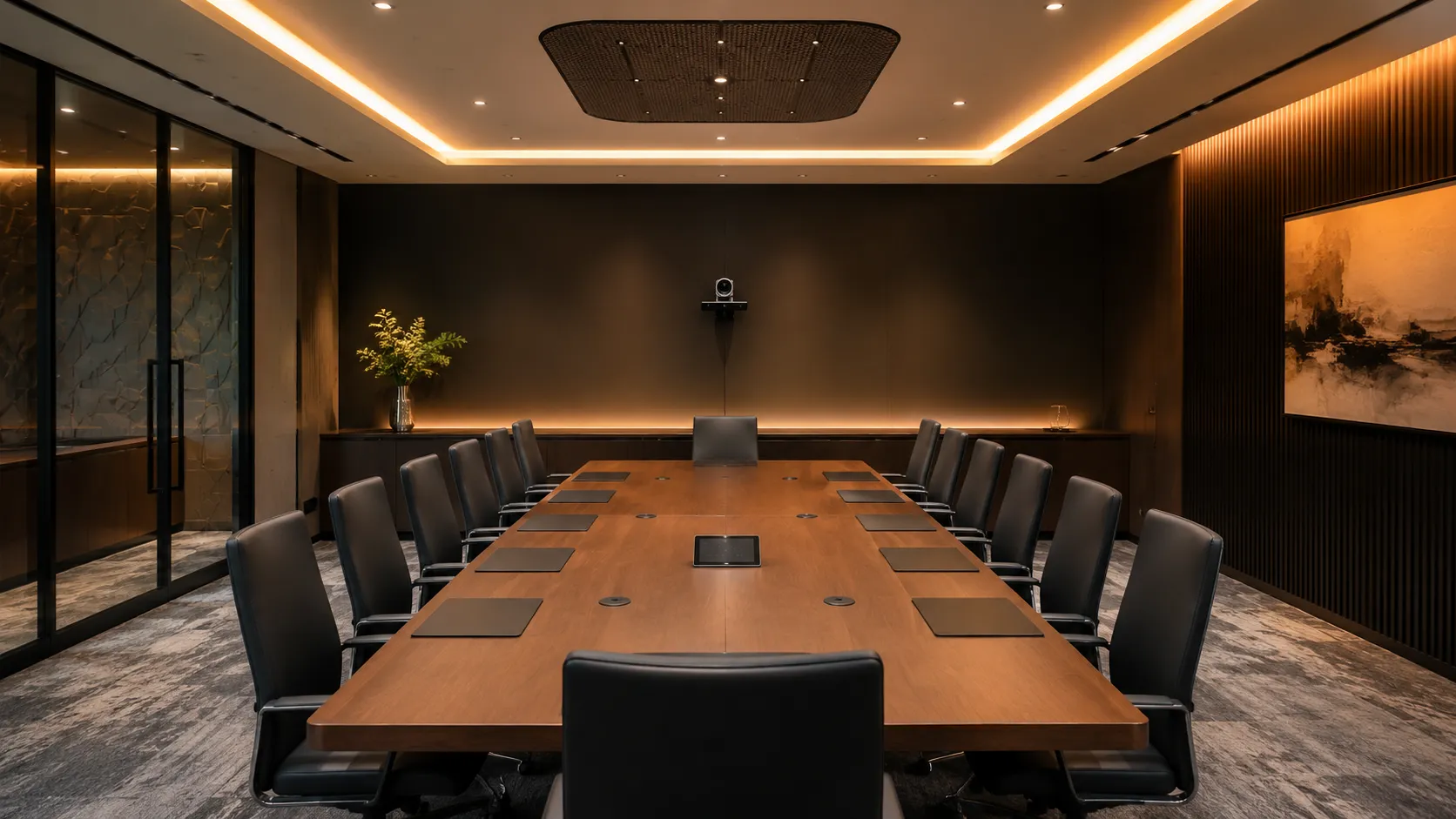
Pan, tilt, zoom cameras for rooms where a fixed lens cannot cover the space. USB connected — works with any compute device, any platform. Best for large meeting rooms, boardrooms, and rooms with multiple presenter positions or significant table depth.
Larger PTZ deployments typically pair with ceiling microphones or DSP audio systems for full-room coverage — budget for audio separately from the camera cost.
AVer's PTZ cameras are built for medium to large rooms — browse the full range including the CAM520 Pro3, CAM570 and CAM550.
Browse PTZ cameras →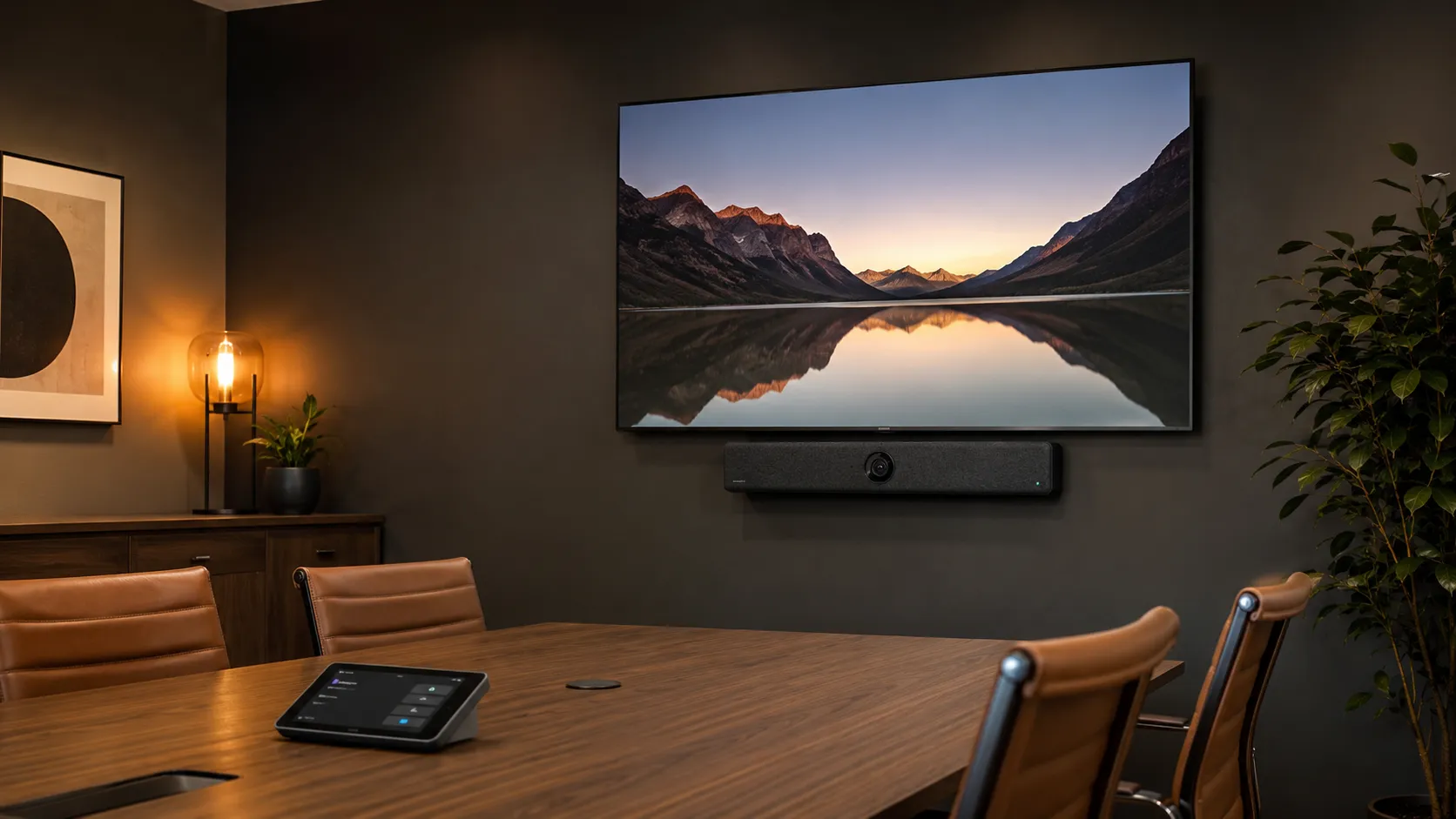
Category 02
All-In-One Android Bars
The VB series integrates camera, microphone, speaker and Android compute into a single device. Direct Teams Rooms and Zoom Rooms certified appliances — no separate compute required. Unlike many fixed-lens bars, AVer's VB range focuses heavily on camera coverage and framing performance in wider or deeper rooms.

Category 03
Presenter Tracking & Auto-Framing
The CAM570 is the right choice for corporate UC environments — its secondary fixed lens calculates AI tracking data dynamically within Teams and Zoom workflows, without requiring a separate operator or controller.
The TR-series (TR313, TR530) are purpose-built lecture capture cameras with SDI/HDMI outputs — excellent for lecture theatres connected to systems like Panopto or Echo360, but not the primary choice for standard Teams or Zoom room deployments.
Category 04
USB Cameras for Non-Dedicated Rooms
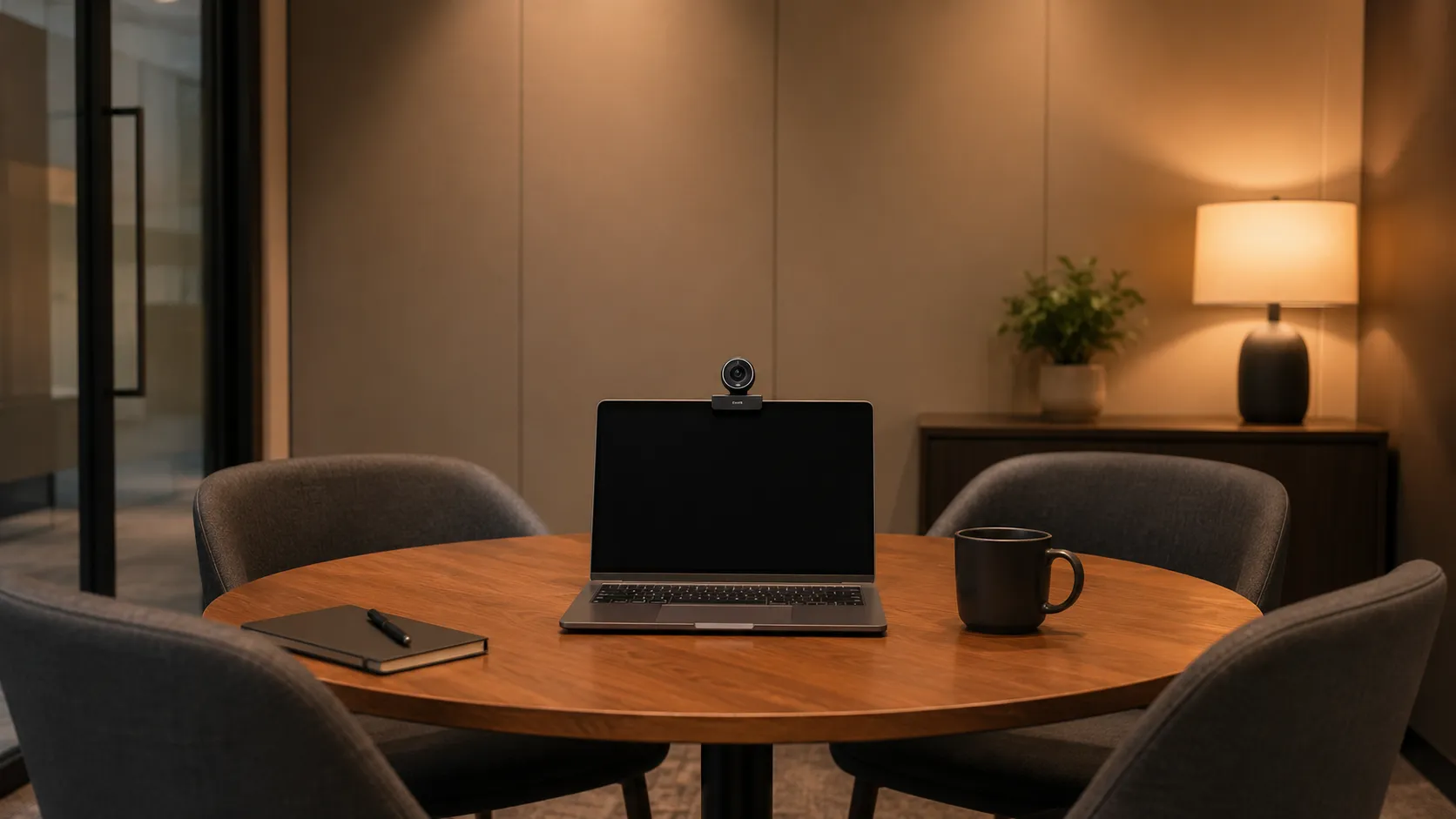
BYOD and flexible room cameras — USB connection, no dedicated compute required. Works with Microsoft Teams, Zoom and Google Meet on any laptop. Practical for rooms used occasionally where a full appliance deployment is unnecessary.
AVer Hardware by Room Size — What Works Where
The right AVer product depends primarily on room depth, seating capacity, and whether a dedicated compute device is in scope. Here is the recommended hardware by room type.
Room Type 01
Small Rooms & Huddle Spaces
2–6 people · Up to 5 metres depth
$900 – $2,500 AUDSimple USB or Android appliance deployment. AVer suits small rooms where a wide-angle lens covers the space without PTZ complexity.
- AVer CAM130 — USB wide-angle camera
- AVer VB342 Pro — Android all-in-one bar
Room Type 02
Medium Meeting Rooms
6–10 people · 5–8 metres depth
$1,800 – $3,500 AUDUSB camera paired with existing compute, or Android all-in-one. The VB350's dual-lens framing handles wider tables cleanly at this depth range.
- AVer VB342 Pro — Android all-in-one
- AVer VB350 — dual-lens Android bar
- AVer CAM520 Pro3 — USB PTZ camera
- AVer CAM550 — 4K dual-lens USB
Room Type 03
Large Rooms, Boardrooms & Training Spaces
10+ people · 8 metres and beyond
$3,500 – $12,000+ AUDPTZ and presenter tracking are where AVer leads at this scale. A separate audio solution — ceiling mic array or DSP speakerphone — is almost always required. The camera budget is often half the total room cost once audio is included.
- AVer CAM570 — AI tracking, Teams/Zoom UC
- AVer CAM520 Pro3 — PTZ, manual presets
- AVer TR313 / TR530 — lecture capture
AVer with Microsoft Teams Rooms and Zoom Rooms
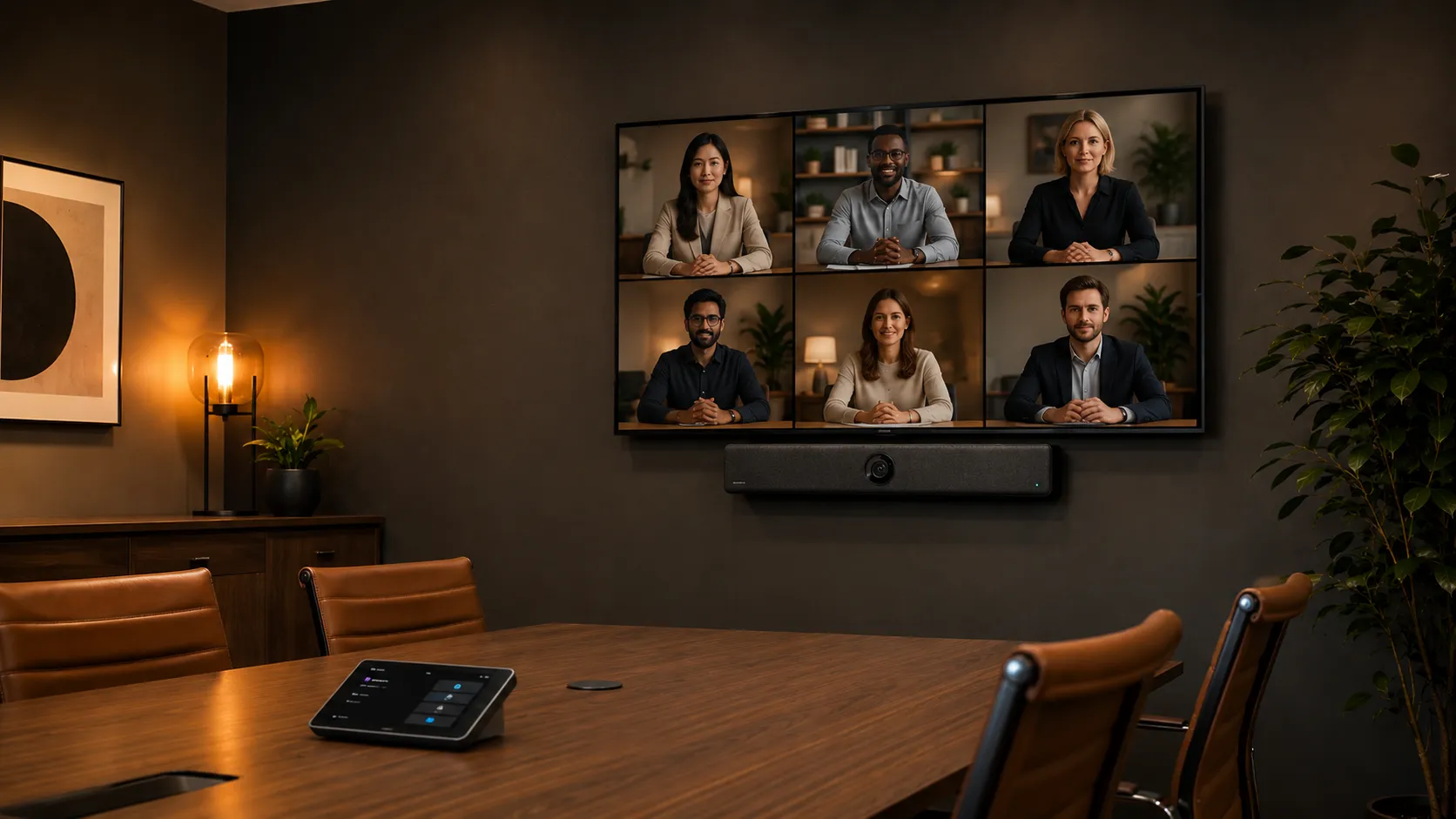
AVer hardware works across both major platforms — but the deployment approach differs depending on whether you are using a USB CAM series camera or a VB series Android appliance. Here is what to know before specifying.
Platform 01
AVer + Microsoft Teams Rooms
Most AVer CAM series cameras carry Microsoft Teams Rooms certification and connect via USB to a Windows or Android compute device running the Teams Rooms application. The VB series Android appliances are certified Teams Rooms on Android devices — no separate compute required.
AVer PTZ cameras make sense for Teams Rooms deployments in large meeting rooms and boardrooms where Logitech or Poly fixed-lens bars cannot cover the room depth. The CAM570's AI presenter tracking works natively within the Teams Rooms interface.
- CAM series — USB to Windows or Android Teams Rooms compute
- VB342 Pro / VB350 — certified Teams Rooms on Android appliances
- CAM570 — presenter tracking within Teams Rooms
- Confirm current certification status on specific models before specifying
Platform 02
AVer + Zoom Rooms
The VB series Android appliances run Zoom Rooms natively — certified all-in-one devices that require only a Zoom Rooms licence to deploy. The CAM series USB cameras connect to a separate Windows or Android compute device running the Zoom Rooms application.
AVer's training room and presenter tracking capability is particularly relevant to Zoom Rooms deployments in hybrid training and learning environments, where Zoom's collaborative workflow tools pair well with AVer's camera tracking performance.
- VB342 Pro / VB350 — native Android Zoom Rooms appliances
- CAM series — USB to separate Zoom Rooms compute device
- CAM570 — presenter tracking in Zoom training environments
- Every Zoom Rooms deployment requires a paid per-room licence
How AVer Compares to Logitech, Poly, Yealink and Jabra
The right brand depends on your room size, the problem you are solving, and how much AV commissioning is acceptable in exchange for camera capability. Here is an honest assessment based on what we see in real Australian deployments — not manufacturer marketing material.
Logitech is the most commonly specified all-in-one bar in Australia — well-built, simple to deploy, and reliable across small and medium rooms. The Rally Bar and Rally Bar Mini cover the majority of standard meeting room deployments without requiring AV commissioning. Where AVer pulls ahead is in rooms that demand optical zoom, PTZ capability, or presenter tracking — use cases where a fixed wide-angle bar runs out of range.
For a standard 6 to 10 person meeting room with a rectangular table and consistent seating, Logitech is the lower-complexity choice. For a room over 10 metres deep, a boardroom with multiple presenter positions, or a training room where remote participants need to follow a moving speaker, AVer's camera range delivers what Logitech's fixed bars cannot.
Logitech also leads on ecosystem breadth — broader Teams certification coverage, faster certification cycles for new Teams features, and a more mature IT management platform via Logitech Sync. For organisations standardising at scale, Logitech's management tooling is a genuine advantage. For large room PTZ performance, AVer is the stronger hardware choice at a competitive price point.
See Logitech solutions →Poly's strength has traditionally been in premium audio — particularly the Studio X range in acoustically difficult spaces with hard surfaces, glass walls, and challenging echo environments. The Studio X70 is the most capable all-in-one large room system in the category for organisations where audio quality is the primary concern. AVer competes on camera hardware rather than audio processing — the CAM570 and CAM520 Pro3 deliver optical zoom and presenter tracking that Poly's fixed-lens bars cannot match.
The choice between AVer and Poly often comes down to what the room problem actually is. If the primary issue is audio quality in a difficult acoustic environment — a glass-walled boardroom, a room with bare concrete — Poly's processing has historically had an edge. If the primary issue is camera coverage in a deep room or presenter tracking in a training environment, AVer's camera hardware is the more practical solution at a lower price point than equivalent Poly PTZ configurations.
For large boardrooms requiring both excellent audio and PTZ camera coverage, some Australian deployments pair AVer cameras with Poly speakerphones or ceiling mic systems — getting the best of both approaches rather than committing to a single brand's all-in-one system.
See Poly solutions →Yealink is the value-focused Teams Rooms brand — strong across small, medium and large rooms with a consistent ecosystem, centralised management via YDMP, and competitive pricing across the full product range. The MeetingBar A series covers standard rooms cleanly and the modular MVC architecture handles larger spaces. Where AVer separates itself is in PTZ cameras, optical zoom, and presenter tracking — capabilities Yealink's fixed-lens bars do not offer.
For organisations standardising across multiple rooms of similar size — particularly small and medium rooms — Yealink's ecosystem depth and management platform make it a practical single-vendor solution. For rooms with specific camera requirements — deep boardrooms, training rooms, spaces where a presenter needs to be tracked — AVer's specialist camera range is the more targeted choice.
Both brands are commonly deployed in Australian corporate and education environments. The clearest differentiator is use case: Yealink for consistent standardised deployments, AVer for rooms where the camera problem is the primary driver.
See Yealink solutions →Jabra's PanaCast range is well-regarded for small huddle rooms and BYOD deployments — the audio heritage is genuine, and the PanaCast 50 VBS is a strong medium room system for rooms up to 4.5m × 6m. Where the comparison shifts decisively toward AVer is in rooms beyond that depth range. Jabra has no PTZ camera range and no presenter tracking capability. For any room requiring optical zoom or a camera that follows a moving speaker, AVer is the only relevant option between the two brands.
For small rooms where audio quality is the primary concern and the room geometry is straightforward, Jabra is the simpler and often more audio-focused choice. For rooms where coverage, zoom or training room tracking are the requirements, AVer's specialist camera hardware is the correct specification.
See Jabra solutions →| Criterion | AVer | Logitech | Poly | Yealink | Jabra |
|---|---|---|---|---|---|
| PTZ camera range | Extensive ✓ | Rally Camera only | Studio E70 only | Limited | None |
| Presenter tracking | CAM570 — native UC ✓ | Basic | AI framing | Limited | None |
| Training room fit | Excellent ✓ | Moderate | Moderate | Moderate | Limited |
| Small room fit | Good | Excellent ✓ | Good | Excellent ✓ | Excellent ✓ |
| Large room fit | Excellent — PTZ ✓ | Good | Good | Good | Limited |
| Audio in difficult rooms | Good — separate mic needed | Good | Strong ✓ | Good | Strong ✓ |
| Deployment simplicity | Moderate — commissioning needed | Strong ✓ | Good | Good | Strong ✓ |
| Multi-site management | Basic | Good — Sync | Good | Strong — YDMP ✓ | Moderate — Xpress |
| Teams & Zoom certified | Both ✓ | Both ✓ | Both ✓ | Both ✓ | Both ✓ |
| BYOD USB camera | Extensive — CAM series ✓ | Limited | Limited | Limited | PanaCast 20 |
After deploying AVer systems across Australian corporate, education and government environments, the clearest observation we can offer is this: AVer is the system we specify when the room problem is a camera problem. When a client has a room that is too deep for a fixed bar, a training space where a presenter needs to be tracked, or a boardroom where remote participants feel disconnected because the camera cannot resolve faces at the far end of the table — AVer's camera hardware solves the problem that other brands in this list cannot.
Where AVer requires more care in specification is audio. Most PTZ deployments need a separate microphone solution — ceiling arrays, expansion mics, or a quality speakerphone — and the commissioning time for camera presets needs to be factored into the project scope. AVer is not a plug-and-play brand in the way that Jabra or Logitech are for standard rooms. It rewards careful specification and earns its place in rooms where that investment is warranted.
Note: "Deployment simplicity" refers to standard out-of-box setup without AV commissioning. AVer PTZ systems require camera preset configuration before go-live. "Audio in difficult rooms" refers to acoustically challenging spaces — glass walls, hard surfaces, reverberant environments. In a well-treated standard meeting room, AVer's audio with appropriate microphone selection is excellent.
Common AVer Deployment Issues — What to Know Before You Buy
AVer systems suit environments where some level of AV commissioning is acceptable in exchange for better camera flexibility. These are the issues that most commonly catch buyers by surprise.
Issue 01
PTZ Cameras Need Presets or a Controller
Base CAM models do not auto-track without additional configuration. Without properly set camera presets for the room geometry, a PTZ becomes an expensive static camera. Budget time for room commissioning — this is not a plug-and-play category.
Issue 02
Audio Is Almost Always Separate
Most AVer PTZ cameras do not include a microphone array. A ceiling mic system or quality speakerphone is required for large rooms. In practice, the camera budget is often half the total room cost once audio is properly scoped. Many buyers underestimate this at specification stage.
Issue 03
VB Series Is Android Only
There is no Windows compute option in the AVer all-in-one bar range. For Teams Rooms on Windows — whether for specific IT policy reasons or application compatibility — AVer PTZ cameras need to be paired with a separate Windows Mini PC or NUC.
Issue 04
Field of View vs Zoom Trade-Off
A PTZ camera at default wide position covers less than a fixed wide-angle bar. Presets must be configured correctly for the room geometry before go-live. Rooms with irregular layouts or multiple presenter positions need more commissioning time to set up correctly.
Issue 05
Teams Certification Timing
Some Microsoft Teams Rooms features and certification updates appear earlier on larger ecosystem vendors like Logitech. Worth checking current certification status on specific AVer models before specifying, particularly for deployments requiring the latest Teams Rooms feature set.
Issue 06
USB Extension Failures in the Field
Long USB runs in large boardrooms can cause intermittent video dropouts if incorrect extenders are used. Powered or fibre USB extensions are required beyond standard cable lengths — AVer's official active powered or fibre-optic USB extension cables are the correct solution for any run over 5 metres. This is a common installation oversight that causes callbacks after go-live.
Why Australian Businesses Choose Kickstart for AVer
Kickstart Computers has been advising Australian businesses on video conferencing since 2007. We stock AVer, Logitech, Poly, Yealink and Jabra and recommend on room fit — not margin.
Independent Advice
We stock all five major conferencing brands. Our recommendation is based on what your room actually needs — not which brand has the best margin.
Pre-Configuration Before Shipping
We help specify the right camera, audio and compute combination before purchase — especially important in larger training and boardroom deployments.
AVer Authorised Reseller
Authorised AVer reseller in Australia. Full product range, correct warranty, and access to AVer support channels when needed.
Post-Deployment Support
Phone and email support after your system is live. AVer PTZ deployments sometimes need commissioning adjustments — we are available when that happens.
Speak directly with Andrew — 0416 353 501 · Contact Us →
AVer Video Conferencing — Frequently Asked Questions
Questions Kickstart is asked most often about AVer equipment. If your question is not here, contact us directly — Andrew is available by phone or email.
Does AVer make the best PTZ camera for meeting rooms in Australia?
AVer is one of the strongest options for PTZ cameras in Australian corporate meeting rooms — particularly for rooms where a fixed wide-angle bar loses clarity beyond 8 to 10 metres of table depth. The CAM520 Pro3 and CAM570 are the two models most commonly specified for corporate deployments.
Logitech's Rally Camera is the main competitor at the enterprise level. AVer generally offers competitive optical performance at a lower price point. The right choice depends on room depth, platform, and whether presenter tracking is required.
What is the difference between the AVer CAM and VB series?
The CAM series are standalone cameras only — they connect via USB to a separate compute device running Teams Rooms, Zoom Rooms, or a standard laptop. They have no built-in microphone or speaker. They are the right choice when you need optical zoom or PTZ capability and already have a compute device in the room.
The VB series are all-in-one Android appliances — camera, microphone, speaker and compute in a single bar. They run Teams Rooms or Zoom Rooms natively without a separate compute device. The VB342 Pro and VB350 are the current corporate models. Choose VB when you want a clean, simple deployment with minimal cabling.
Can I use an AVer camera without a full Teams Rooms licence?
Yes. AVer CAM series cameras connect via USB and work with any device running standard Teams, Zoom, or Google Meet — no dedicated room licence required. A laptop plugged into the room display with an AVer USB camera is a valid BYOD deployment.
A Teams Rooms licence is only required if you are running a dedicated Teams Rooms appliance — such as the VB series Android bars or a Windows compute device running the Teams Rooms application. For standard meeting room use with a laptop, a Microsoft 365 user licence is sufficient.
Does AVer presenter tracking work with Microsoft Teams?
Yes — the AVer CAM570 supports AI presenter tracking natively within Microsoft Teams Rooms. Its secondary fixed lens calculates tracking data dynamically, following the presenter without requiring a separate controller or operator input.
This is distinct from the AVer TR-series (TR313, TR530), which are lecture capture cameras designed for SDI/HDMI output to systems like Panopto or Echo360. The TR-series can work alongside Teams but is not a native Teams Rooms camera in the same way as the CAM570.
What AVer camera works best for a corporate training room?
For a corporate training room running Teams or Zoom, the AVer CAM570 is the primary recommendation. Its AI presenter tracking follows the trainer automatically, giving remote participants a significantly more engaged experience than a static wide-angle camera. It connects via USB to a compute device running Teams Rooms or Zoom Rooms.
For larger lecture theatres or spaces with a dedicated AV capture system (Panopto, Echo360), the AVer TR313 or TR530 are worth considering — but these are professional AV cameras with SDI/HDMI outputs, not standard USB UC cameras.
A separate ceiling microphone array or quality speakerphone is almost always required in training rooms — the camera budget is often half the total room cost once audio is properly scoped.
Is the CAM570 better than the TR-series for a Teams Rooms deployment?
Yes — for a standard Teams Rooms or Zoom Rooms deployment, the CAM570 is the correct choice. It connects via USB, is certified for Teams Rooms, and handles AI presenter tracking natively within the UC workflow.
The TR-series cameras are professional lecture capture cameras with SDI/HDMI outputs. They are designed for dedicated AV environments — lecture theatres, auditoriums, or spaces with a separate capture system. They can be integrated alongside Teams but require additional infrastructure and are not a simple USB plug-in solution.
Can AVer cameras be used with Zoom Rooms?
Yes. The AVer VB342 Pro and VB350 run Zoom Rooms natively as certified Android appliances — no separate compute device required beyond a paid Zoom Rooms licence per room. The CAM series cameras connect via USB to a separate Windows or Android device running the Zoom Rooms application.
Every Zoom Rooms deployment requires a paid per-room licence — there is no free tier equivalent to Teams Rooms Basic. This is worth factoring into the total cost of deployment across multiple rooms.
How does AVer compare to Logitech for large rooms?
For large rooms requiring optical zoom and PTZ capability, AVer offers competitive performance at a generally lower price point than comparable Logitech configurations. The AVer CAM520 Pro3 delivers enterprise-grade optical zoom at a price point below the Logitech Rally Camera plus Rally Plus kit.
Logitech leads on ecosystem breadth — a wider range of certified accessories, broader IT management tooling, and faster Teams certification cycles. For organisations standardising on Teams Rooms at scale across multiple sites, Logitech's management platform is a genuine advantage. For large room PTZ performance on a tighter budget, AVer is the stronger choice.
Where can I buy AVer video conferencing equipment in Australia?
Kickstart Computers is an authorised AVer reseller in Australia, supplying AVer PTZ cameras, all-in-one bars and USB cameras to businesses, schools and government organisations nationally. We pre-configure equipment before shipping and provide phone and email support post-deployment.
Contact Andrew directly on 0416 353 501 or via the contact page to discuss your room requirements before purchasing.
Does Kickstart pre-configure AVer equipment before delivery?
Yes. Kickstart pre-configures AVer equipment — including camera presets, platform enrolment, and firmware updates — before shipping. This is particularly important for PTZ deployments where room-specific preset configuration is required before go-live.
Pre-configuration must be discussed and ordered before payment and shipping. Contact us before purchasing to discuss your room layout and configuration requirements.
Talk to a Specialist About AVer for Your Room
The right PTZ or presenter tracking system can completely change how remote participants experience a room. If you are planning a training space, boardroom, or hybrid presentation environment, we can help specify the right AVer solution before you buy.