
Video Conferencing for Training Rooms & Collaboration Spaces — The Australian Deployment Guide
This guide helps Training Managers, L&D Leaders and Facilities Teams specify AV hardware that actually works for dynamic rooms — what standard meeting room bars get wrong in these spaces, what to specify instead, and realistic 2026 budget tiers for Australian corporate training environments. Every system we supply can be pre-configured to your Teams Rooms or Zoom Rooms tenant before delivery — talk to us before ordering to confirm staging requirements for your preferred platform.
- Australian Business Since 2007
- Pre-Configuration Available
- No Lock-In Contracts
- Expert Advice Before You Buy
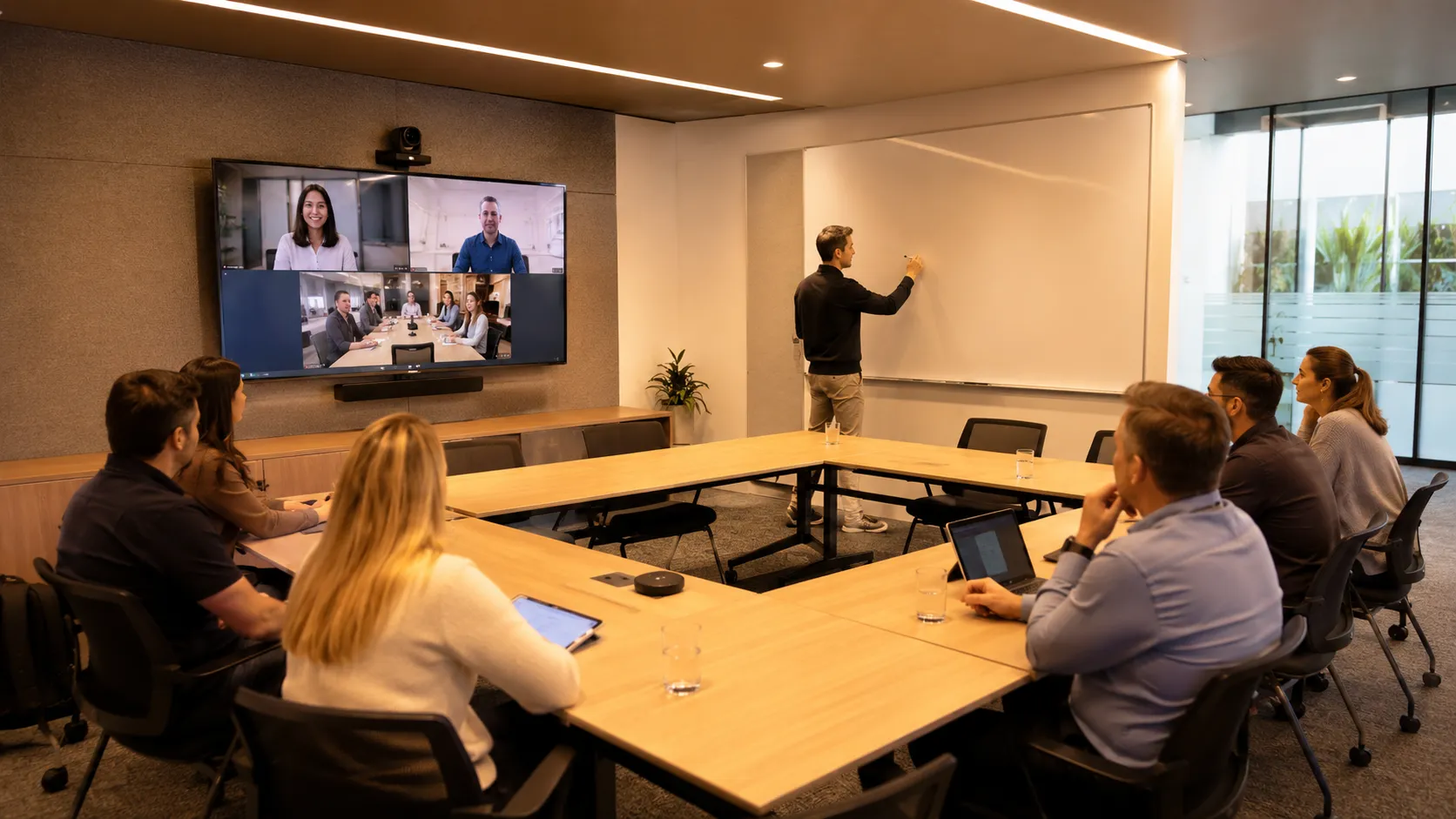
What Most Buyers Get Wrong About Collaboration Space AV
Why won't a standard meeting room bar work in our training room?
Meeting room bars are engineered for fixed rectangular tables where everyone faces the camera. In a training room, the presenter faces away from the camera, participants move around, and the room is often wider than it is deep. The camera can't track a moving presenter, the microphone can't follow participants to the whiteboard, and the display layout assumes equal participants rather than a presenter-and-audience dynamic. These aren't software problems — they're hardware specification problems that no amount of configuration can fix after purchase.
Do we need different hardware for hybrid training versus in-room only?
Yes — and the gap is larger than most buyers expect. An in-room-only training space can get away with a fixed wide-angle camera and a basic audio system. The moment remote participants join, you need a camera that tracks the presenter, microphones that follow movement around the room, and a display layout that serves both the in-room audience and remote viewers simultaneously. Hybrid training rooms are genuinely more complex to specify than hybrid boardrooms.
Who should be making this hardware decision?
In most organisations this decision lands on IT by default — but the people who best understand what the room needs are the Training Manager or Head of People who actually run sessions in it. The most successful collaboration space deployments involve both — IT handling network and platform requirements, and the training team defining how the room needs to behave during a live session. If IT specifies in isolation, the room usually works technically but fails operationally.
Collaboration Spaces Cover Four Distinct Room Types
The hardware decisions differ significantly depending on how the room is actually used — not just how many people it seats. If your requirement is a dedicated executive boardroom rather than a training or flexible space, the boardroom conferencing guide covers that use case in detail.
PTZ camera field of view shown as dashed lines. Ceiling microphone coverage zone shown as dashed circle.
| Room Type | Camera Requirement | Audio Requirement | Complexity | Typical Budget |
|---|---|---|---|---|
| Training Room | PTZ with presenter tracking | Ceiling mic array | Medium | $18k – $32k |
| Workshop & Flexible Space | Multi-preset wide PTZ | Zoned audio system | High | $20k – $38k |
| Presentation Suite | Dual camera setup | Presenter wireless mic | High | $25k – $45k |
| Hybrid Learning Room | Multi-camera array | Full beamforming array | Very High | $32k – $55k+ |
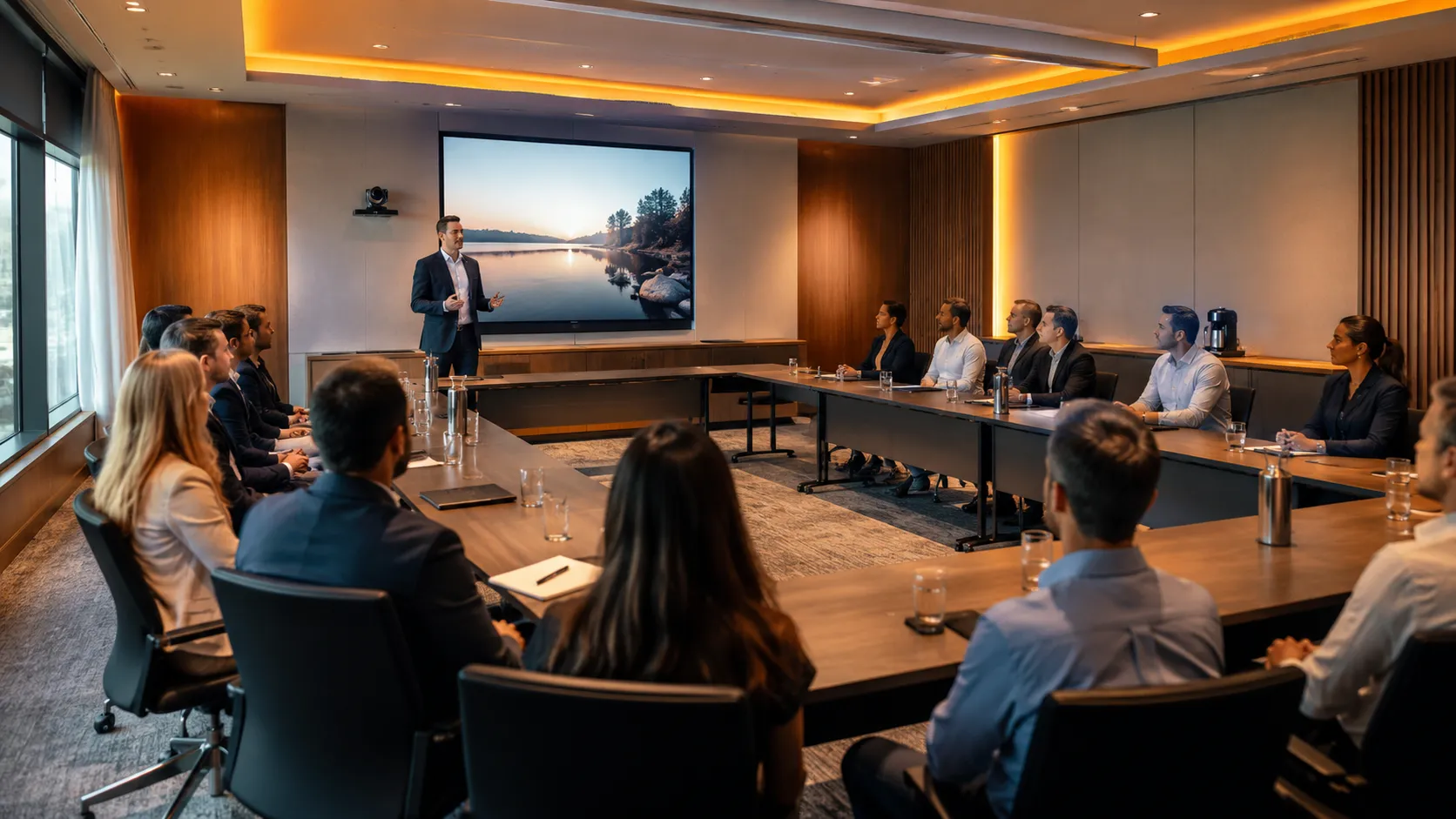
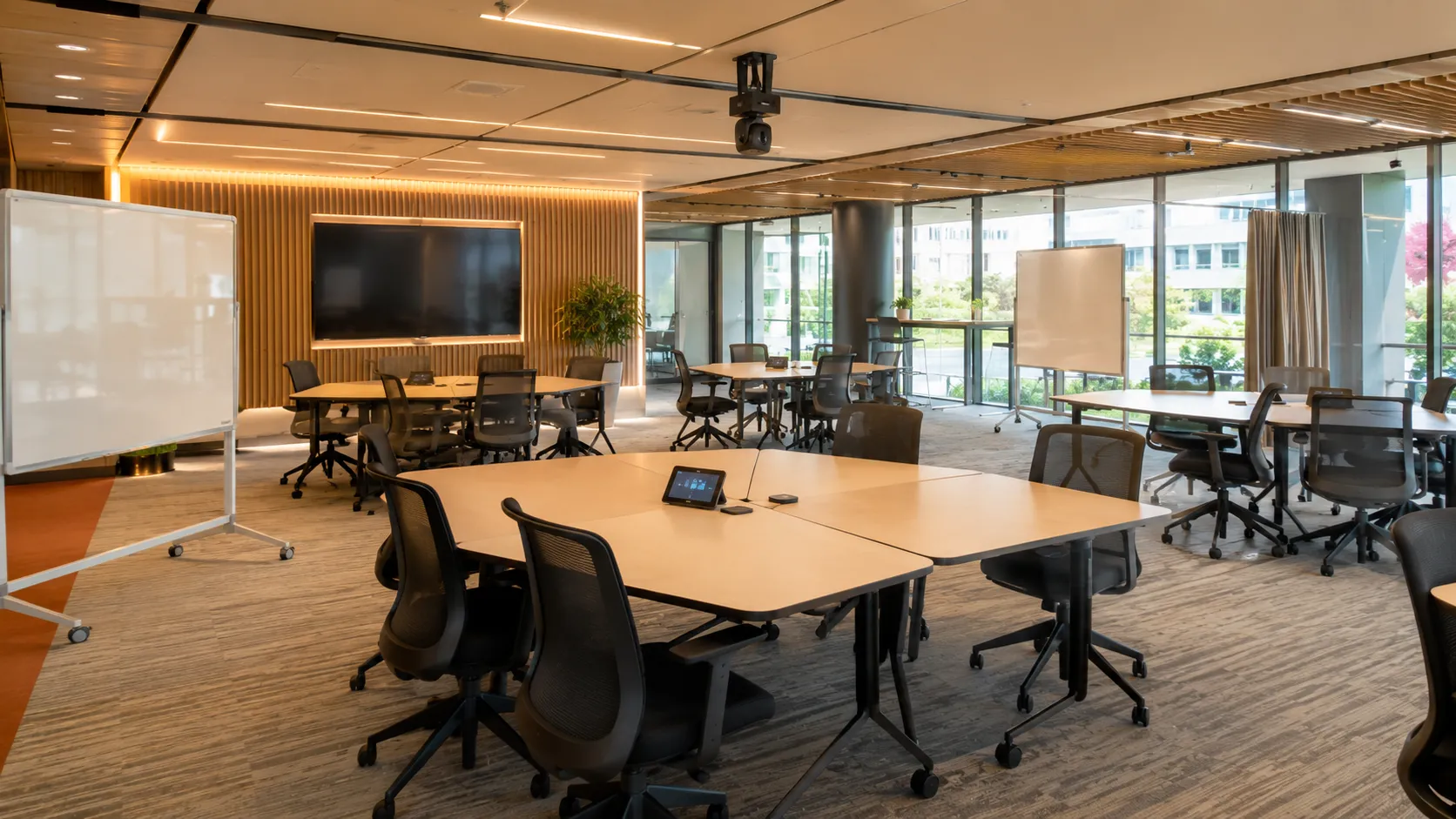
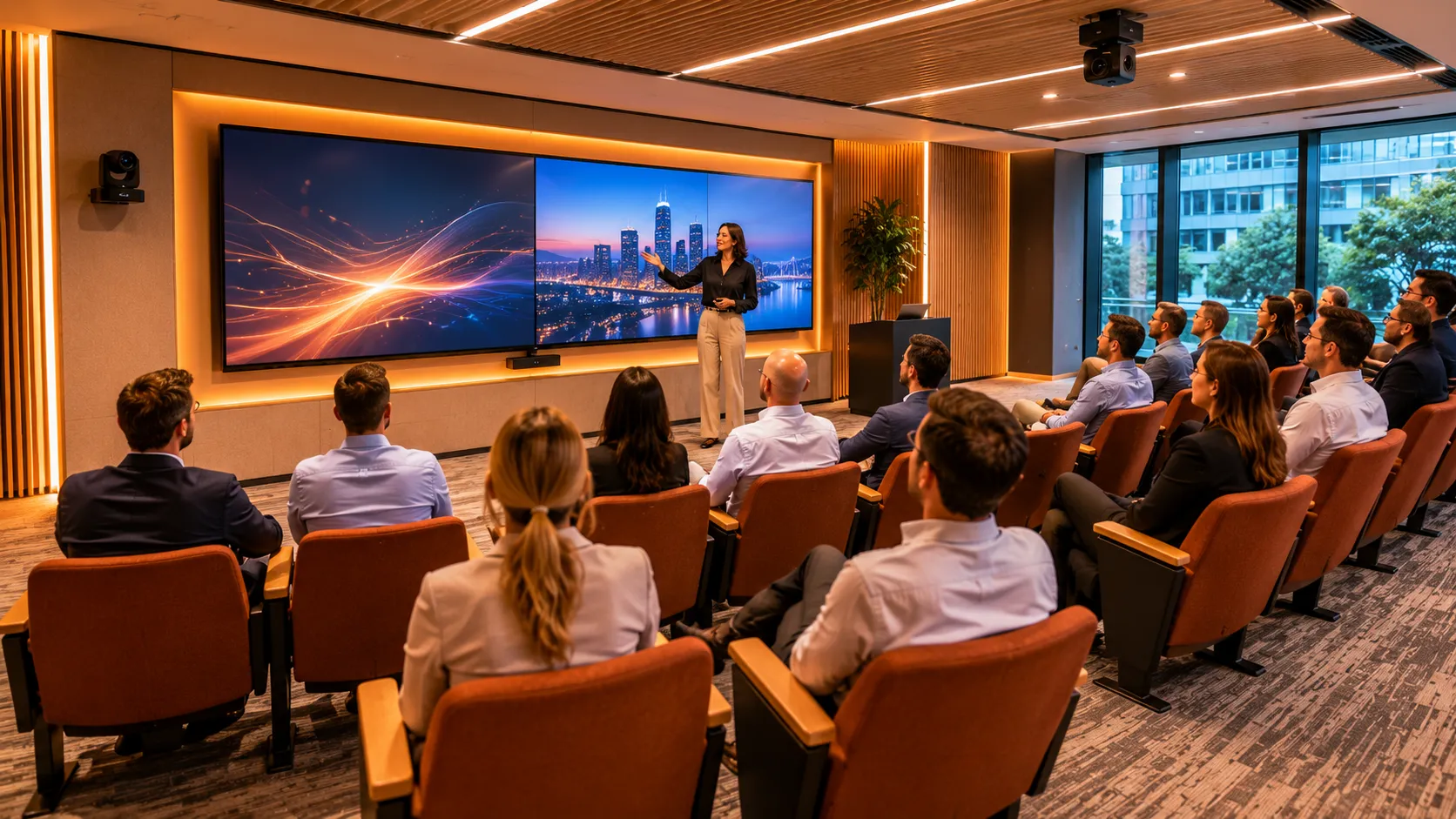
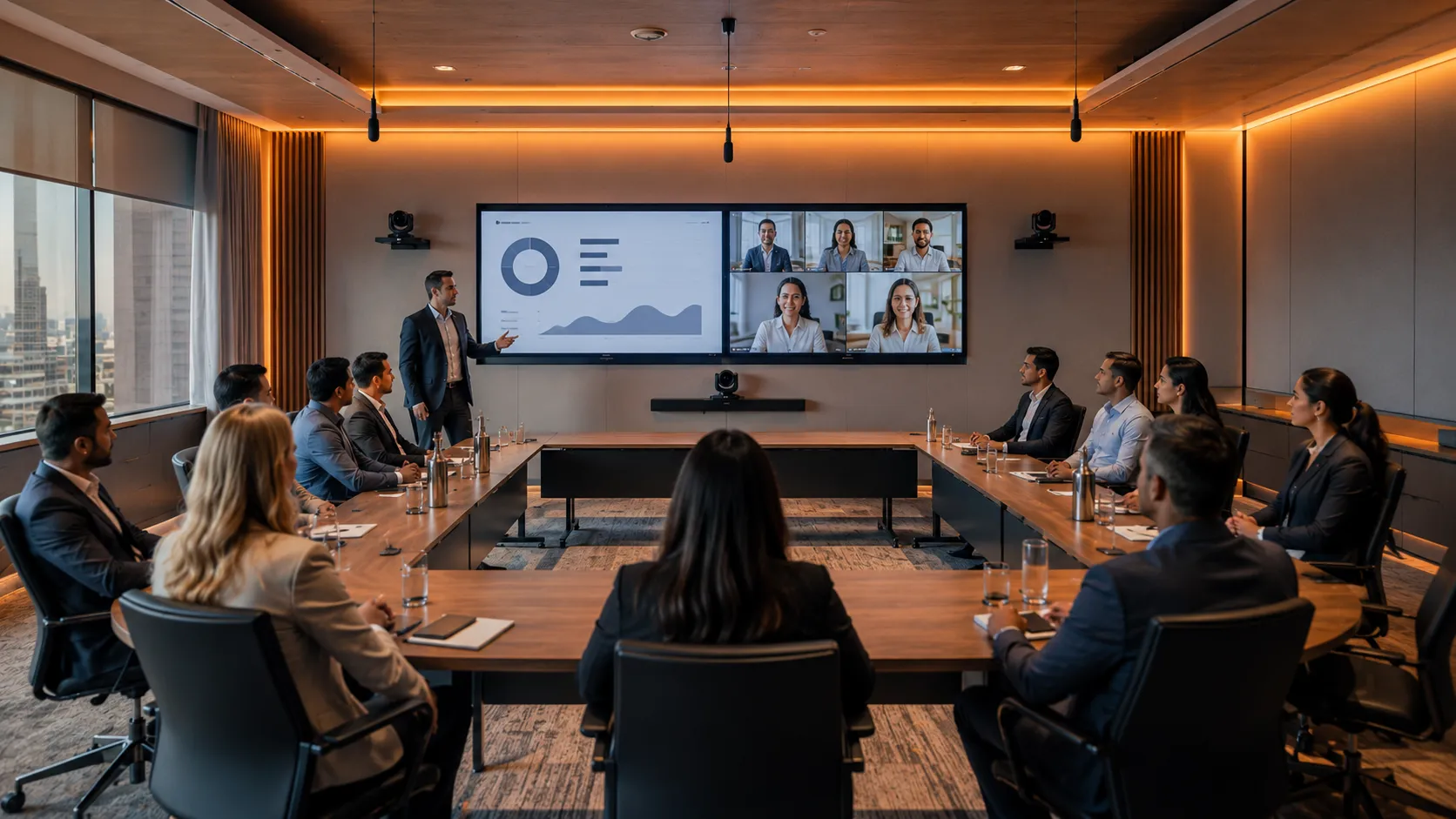
Why Standard Meeting Room Cameras Fail in Collaboration Spaces
A fixed-frame camera in a training room captures whoever happens to be in frame. If the presenter moves to the whiteboard, they disappear. If a participant asks a question from the side of the room, the camera stays pointed at the front. Remote participants see a static wide shot that shows the room but doesn't follow the action.
This is not a configuration problem. It is a fundamental mismatch between hardware designed for static meetings and rooms where movement is the point.
In most collaboration space deployments, the camera failure isn't discovered until the first hybrid session runs. By then the hardware is installed, the budget is spent, and the fix requires replacing the camera entirely — not reconfiguring it.
Camera follows the active presenter using optical zoom and pan/tilt — not digital crop which degrades image quality at range.
At least three presets required — full room wide shot, presenter position at front, and whiteboard capture. Single button switching from the touch panel.
Training rooms are often wider than they are deep. Wide-angle PTZ or dual-camera setups handle this — fixed-focus bars designed for rectangular rooms do not.
Ceiling-mounted PTZ cameras give better coverage of reconfigurable spaces and remove the problem of participants blocking the camera sightline.

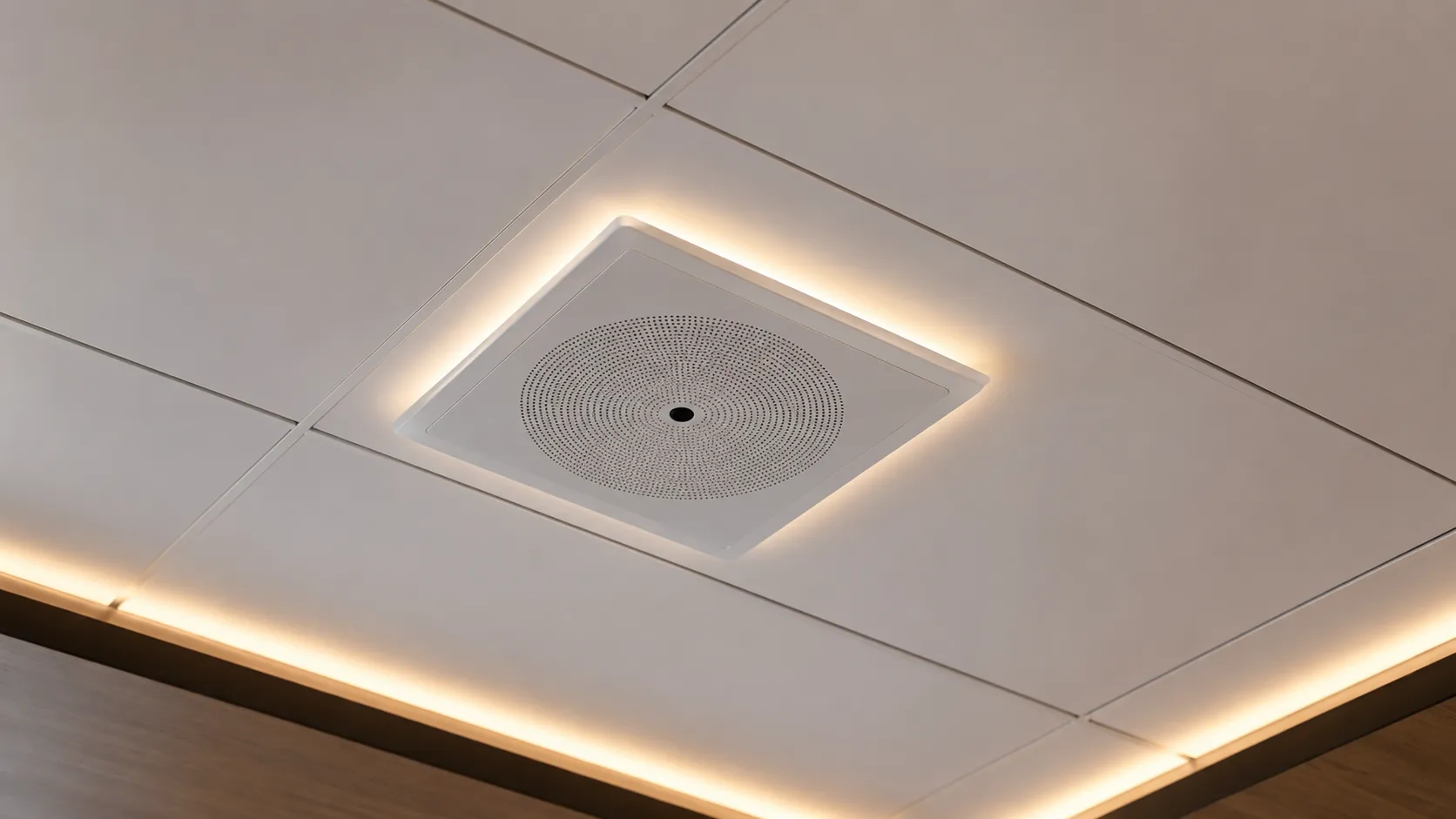
Why Audio Is Harder in Collaboration Spaces Than Boardrooms
Boardroom audio is a largely solved problem — a ceiling microphone array or expansion mic system, specified correctly for table dimensions, delivers reliable pickup for fixed seated participants. Collaboration spaces are not a solved problem.
Moving Participants
When a participant walks to the whiteboard or moves between table clusters, a fixed microphone array loses them. Beamforming microphone systems that track movement are more appropriate than static arrays in flexible spaces.
Reflective Surfaces
Training rooms almost always have whiteboards, glass walls or hard floors that create echo and reverberation. Acoustic treatment — panels, ceiling baffles, carpet — has more impact on audio quality than upgrading the microphone. This is the honest conversation most AV buyers don't want to have.
Presenter Microphones
In rooms where the presenter is the primary audio source for remote participants, a fixed table microphone array is the wrong tool. A wireless lapel or headset microphone for the presenter, combined with a room microphone system for participant questions, gives remote viewers a significantly better experience.
Multiple Simultaneous Sources
Workshop spaces running breakout activities create competing audio that a single microphone system picks up as noise. Zoned audio systems or directional microphones for different areas of the room are the correct specification — and they add cost and complexity that buyers frequently underestimate.
Three Budget Tiers For Collaboration & Training Spaces
Budget ranges are approximate and exclude installation, cabling and platform licensing. Actual cost depends on room dimensions, ceiling height, surface materials and whether presenter tracking is required. All systems can be pre-configured to your Microsoft Teams Rooms or Zoom Rooms tenant before delivery — contact us before ordering to confirm staging requirements.
$12,000 – $18,000
Suitable for smaller training rooms up to 8 metres with semi-fixed layout and limited presenter movement.
What's Included
- → Wide-angle PTZ with basic pan/tilt presets
- → Expansion mic system covering full room depth
- → Single large 75-to-86-inch commercial display
- → Dedicated compute running Teams Rooms or Zoom Rooms
Best For
Smaller training rooms, occasional hybrid use, limited presenter movement, budget-conscious first deployment.
Avoid If
Your room exceeds 8 metres, has significant reflective surfaces, runs regular hybrid training sessions, or requires a wireless presenter microphone.
Typical Hardware
- → AVer CAM570 PTZ
- → Logitech Rally Camera + Rally Mic Pod
- → Single 75" commercial display
- → Dedicated compute unit
Entry tier works well for rooms where hybrid use is occasional and the presenter stays relatively static at the front.
$18,000 – $32,000
The standard benchmark for active corporate training and L&D spaces across Australia. Handles rooms up to 12 metres with regular hybrid delivery.
What's Included
- → AI-powered PTZ with active presenter tracking
- → Ceiling beamforming microphone array
- → Dedicated wireless presenter lapel microphone
- → Dual 75–86" commercial displays
- → Pre-configured Windows or Android compute
Best For
Dedicated corporate training rooms, active workshop environments, consistent hybrid learning cohorts, L&D teams running regular remote sessions.
Avoid If
Your room uses multi-tiered lecture seating, exceeds 12 metres, or requires broadcast-grade dual-camera switching.
Typical Hardware
The most common specification for Australian corporate training rooms running regular hybrid sessions.
$32,000 – $55,000+
Full specification for large training rooms, presentation suites and hybrid learning environments where remote participant experience must match in-room quality.
What's Included
- → Dual PTZ setup — presenter tracking + room capture
- → Ceiling mic array with zoned coverage
- → Wireless mic system for presenter and roving participants
- → Dual 86" 4K commercial displays
- → Windows compute with full Pro licensing
Best For
Large training rooms over 12 metres, presentation suites, hybrid learning environments, L&D teams running regular remote cohorts, multi-site fleet deployments.
Avoid If
Your budget doesn't allow for ongoing Pro platform licensing — the hardware investment at this tier requires Pro licensing to deliver its full capability.
Typical Hardware
- → Dual AVer or Poly PTZ cameras
- → Ceiling mic array with zone control
- → Wireless mic system
- → Dual 86" 4K commercial displays
- → Windows compute + full Pro licensing
The correct specification when remote participant experience is not optional — large rooms, regular hybrid cohorts, executive-adjacent training environments.
Not sure which tier fits your training room? Room dimensions, ceiling height, surface materials and network infrastructure all affect the right specification. Talk to a Kickstart specialist before purchasing — the wrong tier costs more to fix than to get right first time.
Not Sure Which Tier Fits Your Training Room?
Tell us your room dimensions, how many participants typically attend, and your preferred platform — Teams Rooms or Zoom Rooms. We'll recommend the right specification before you commit to a purchase.
Or call Andrew directly on 0416 353 501
Why Content Sharing Is the Priority This Room Type Gets Wrong
In a boardroom, content sharing is secondary — the meeting is the primary activity and content is referenced occasionally. In a training room, content sharing is the primary activity. Slides, documents, videos, whiteboards and annotation are the session itself. The AV system exists to deliver that content to both in-room and remote participants simultaneously, reliably, without requiring the presenter to troubleshoot mid-session.
Dual Display Layout
Training rooms need at minimum two displays — one showing the content being presented, one showing the video feed of remote participants. A single display forces a choice between content and faces. In sessions where remote participants are active learners rather than passive viewers, seeing faces matters — it tells the presenter who is engaged, confused or has a question.
Wireless Content Sharing
Presenters in training rooms switch between devices, move around the room and share content from laptops they didn't plug in at the start of the session. Wired HDMI is not the right answer. Both Microsoft Teams Rooms and Zoom Rooms include platform-native wireless sharing as part of their room licensing — allowing any participant to share content from any seat without cables.
Whiteboard Capture
Physical whiteboards remain common in training rooms. Remote participants need to see what's on the whiteboard. A PTZ camera preset pointed at the whiteboard — triggered by a single button press — is the minimum viable solution. Interactive display systems that digitise whiteboard content are more sophisticated but add cost and complexity.
BYOD Considerations
Training rooms frequently host external facilitators, visiting trainers and guest presenters who arrive with their own devices. The AV system needs to accommodate a laptop the room has never seen before without requiring IT support or a lengthy setup process. BYOD-capable systems with wireless sharing and platform-agnostic joining options are the correct specification for rooms used by people outside the organisation's standard device fleet. Browse all BYOD-compatible conference equipment — plug-in USB hardware that works with any platform from any laptop. Browse BYOD conference equipment →
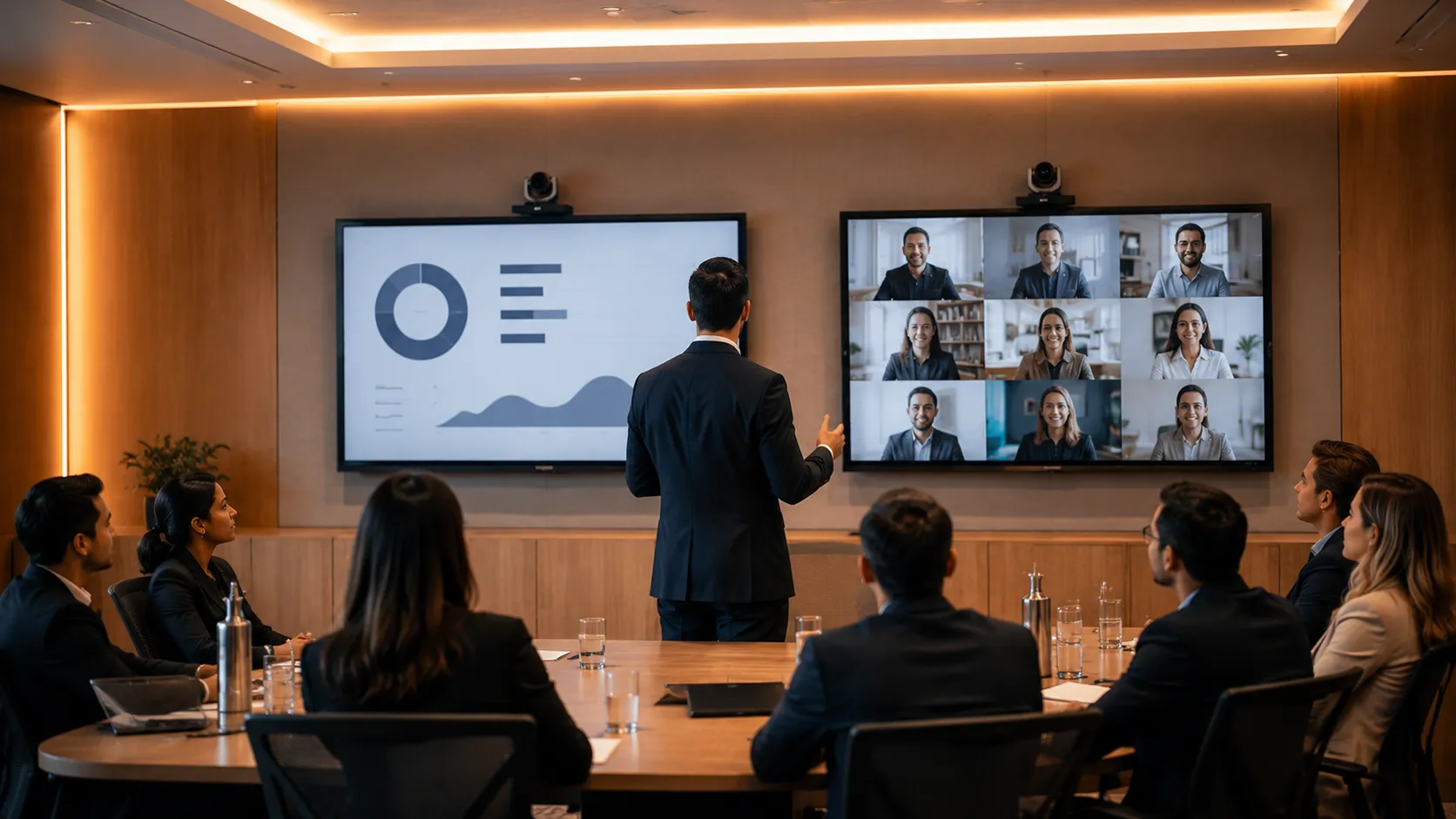
Six Things That Go Wrong in Collaboration Space AV — And Why They Happen
These are failures specific to training and collaboration spaces. They would not appear on a boardroom page because they require a room where people move, present and reconfigure.
The presenter walks out of frame
A fixed-frame or wide-angle bar camera is set to capture the full room. The presenter moves to the whiteboard on the left wall. Remote participants now see an empty lectern and the back of the presenter's head. No amount of post-installation adjustment fixes this — it is a hardware specification failure. The correct solution is a PTZ camera with presenter tracking, specified before purchase, not a workaround applied after.
The camera can't track across the room width
Training rooms are frequently wider than they are deep. A PTZ camera with a narrow horizontal field of view and slow pan speed loses the presenter during movement and takes several seconds to reacquire them. Remote participants experience this as a lurching, disorienting camera that never quite catches up. Wide-angle PTZ cameras with fast pan response and horizon-level mounting are the correct specification for wide training rooms.
Audio drops when someone moves to the whiteboard
A table-mounted or front-of-room microphone array has a defined pickup pattern. When the presenter or a participant moves to the whiteboard at the side or back of the room, they step outside that pattern. Remote participants hear them at significantly reduced volume or not at all. The solution is either a ceiling-mounted beamforming array that covers the full room, or a wireless presenter microphone — not a louder table microphone.
The non-technical presenter can't operate the system
Boardroom systems are typically operated by IT-literate attendees who can troubleshoot a join failure. Training rooms are operated by facilitators and trainers who should not need to know what a codec is. A system that requires multiple steps to start, a specific join sequence, or IT assistance when something goes wrong will fail the moment IT isn't in the room. Touch panel controllers with single-button session start and readable status indicators are not optional in these environments.
The flexible layout breaks the fixed camera preset
A training room that reconfigures between sessions — U-shape for workshops, rows for presentations, pods for group work — has no single correct camera position. A PTZ camera with three or four saved presets handles this. A fixed bar camera does not. Rooms that reconfigure and use fixed cameras produce a different wrong shot for every layout. This is specified incorrectly at purchase in the majority of flexible space deployments we see.
Remote participants can't read the whiteboard
The room sounds fine. The presenter is visible. But remote attendees cannot read handwritten content on the whiteboard because the camera is pointed at the presenter, not the board. The room was specified around meetings rather than training delivery. The solution is a dedicated PTZ preset for whiteboard capture — one button press switches the camera to a tight shot of the board — or a digital whiteboard system that shares content directly into the platform feed.
In larger training rooms, microphone placement and room acoustics typically have more impact on meeting quality than camera resolution. We see more collaboration space deployments fail on audio than on video — and almost always because the microphone system was specified for a fixed meeting room, not a dynamic training environment.
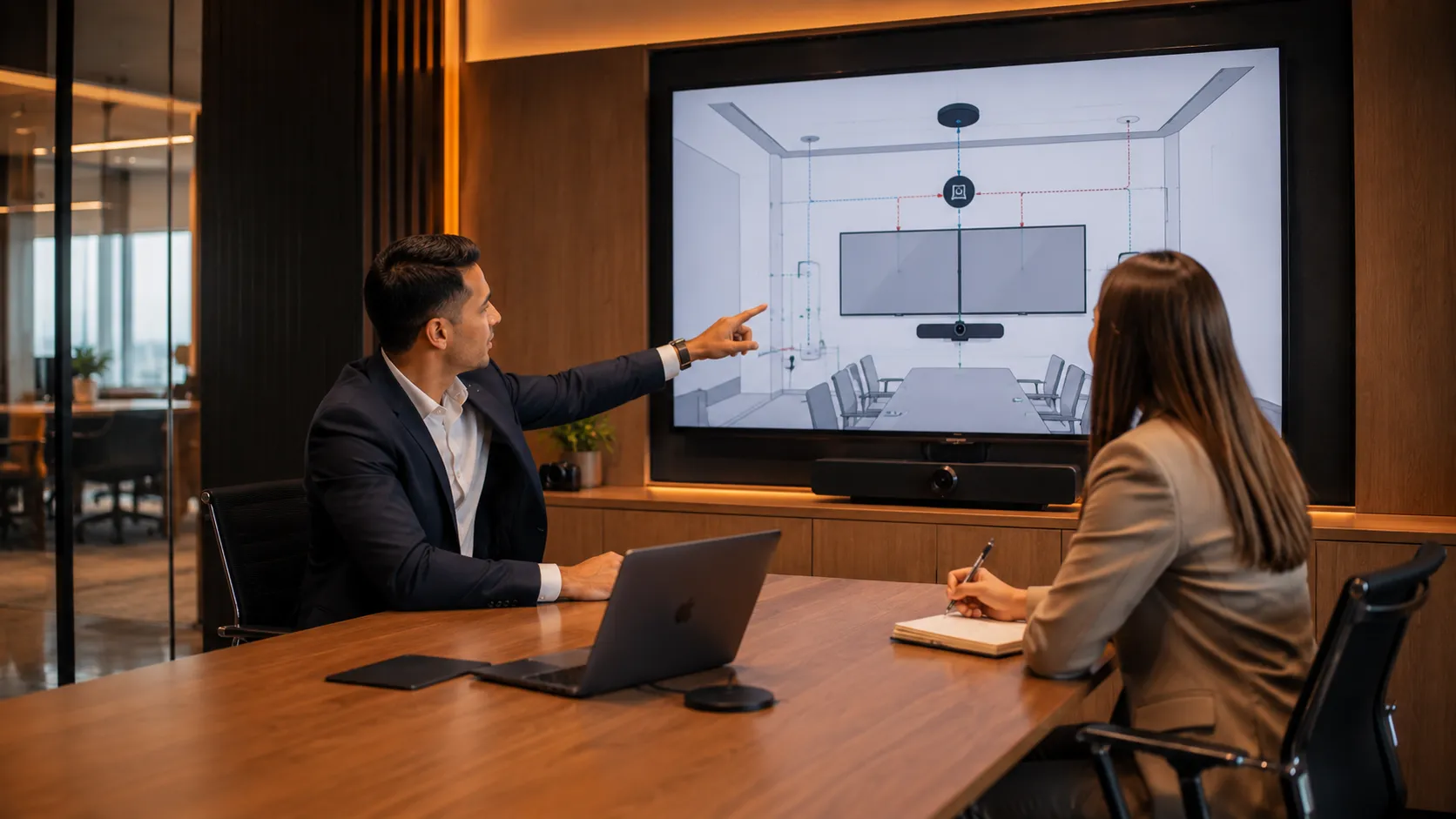
Why Australian Training Teams Choose Kickstart for Collaboration Spaces
Kickstart Computers has been supplying and configuring AV systems for Australian businesses since 2007. Collaboration spaces are among the most frequently mis-specified room types we see — not because the technology is complicated, but because the buying process typically involves IT specifying hardware for a room they don't run sessions in.
We work differently. Before recommending hardware for a training room or flexible collaboration space, we ask about how the room is actually used — how often it runs hybrid sessions, whether the presenter moves around, what the surfaces are like, and who operates the system day to day. Those answers change the specification more than the room dimensions do.
Every system we supply can be pre-configured to your Microsoft Teams Rooms or Zoom Rooms tenant before delivery. Talk to us before ordering to confirm staging arrangements with your preferred manufacturer — requirements vary depending on the hardware and platform combination.
For training room deployments, AVer and Yealink are particularly well suited — AVer for presenter tracking and PTZ flexibility, Yealink for multi-site fleet consistency and centralised management. We also supply Logitech, Poly and Jabra systems where the room requirements suit them.
We supply collaboration space AV systems to businesses throughout Australia including Adelaide, Melbourne, Sydney, Brisbane, Perth and regional locations.
Australian business since 2007
Nearly two decades supplying and configuring AV systems for Australian businesses of all sizes.
Pre-configuration available
Systems can be staged to your Teams Rooms or Zoom Rooms tenant before delivery — confirm requirements before ordering.
No lock-in contracts
No managed service requirements or ongoing contracts. Buy the hardware, get it configured, own it outright.
Advice before purchase
Talk to a specialist before you specify. The wrong hardware costs more to fix than to get right first time.
Ready to discuss your training room? Call Andrew directly on 0416 353 501 or visit our contact page.