
Jabra Video Conferencing for Australian Meeting Rooms
Jabra is an audio company that makes conferencing hardware — not the other way around. The PanaCast range brings that audio heritage into the meeting room. If your room problem is sound quality, ease of use, and reliable deployment, Jabra deserves serious consideration.
- Australian Business Since 2007
- Independent Multi-Brand Advice
- Jabra Authorised
- Audio-First Conferencing
- No Lock-In
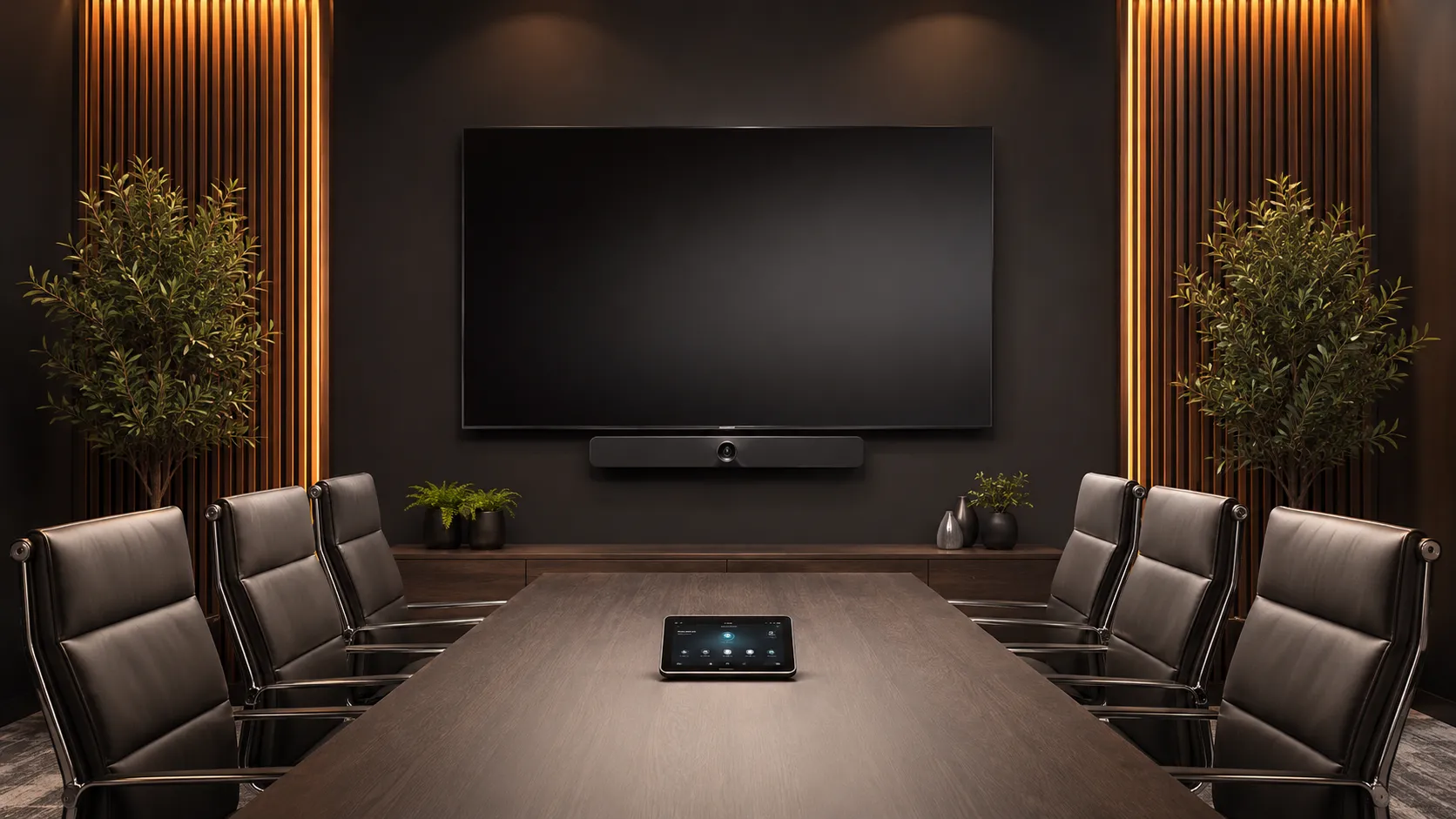
Three Questions Buyers Ask About Jabra
Question 01
Is Jabra worth considering over Logitech or Yealink?
Yes — for specific priorities. Jabra leads on audio quality, simplicity, and huddle room deployments. For organisations already running Jabra headsets and speakerphones, extending that to room systems means one vendor and a consistent audio experience across desk and room.
Best fit scenarios:
- Small huddle rooms and focus spaces
- BYOD and flexible meeting spaces
- Audio-priority medium room deployments
- Simple Teams Rooms on Android
- Organisations already standardised on Jabra audio
Question 02
Does Jabra work with Microsoft Teams and Zoom?
Yes. The PanaCast 40 VBS and 50 VBS are certified Teams Rooms and Zoom Rooms Android appliances. The PanaCast 50 Room System runs Teams Rooms on Windows. The PanaCast 20 and 50 USB cameras work with any platform on a laptop. All Speak series speakerphones are Teams and Zoom certified.
Platform compatibility is model-specific — confirm before specifying, particularly for Windows MTR deployments where the Room System is required rather than the VBS bar.
Question 03
What does Jabra actually cost compared to other brands?
PanaCast 20 USB camera from $350–$500. PanaCast 40 VBS from $1,200–$2,000. PanaCast 50 VBS $2,500–$4,000. PanaCast 50 Room System $3,500–$5,500.
Complete configured room kits — bar, scheduler, control panel, and Shure audio where required — are priced based on your specific room, budget and platform. Not every configuration is listed on the site. Contact Kickstart for a quote.
Is Jabra Right for Your Room?
Jabra is the right choice for specific room types and use cases. This quick reference helps you decide in under a minute.
Jabra Is a Strong Fit For
- Huddle rooms and small meeting spaces
- Audio-priority deployments
- BYOD and flexible meeting spaces
- Simple Teams Rooms on Android
- Organisations already on Jabra headsets or speakerphones
- Rooms where ease of use and minimal IT involvement matter
Not Ideal For
- Large auditoriums or rooms over 10 metres depth
- PTZ camera coverage requirements
- Presenter tracking or lecture capture
- Deep training room deployments
- High-volume multi-room PTZ rollouts
- Rooms needing Windows MTR without the Room System
What Jabra Actually Specialises In — And Why Audio Comes First
Jabra built its reputation on headsets and speakerphones before entering the room systems market. That audio heritage shows in every product — microphone array design, echo cancellation, and voice clarity are where Jabra consistently outperforms brands that started with cameras.
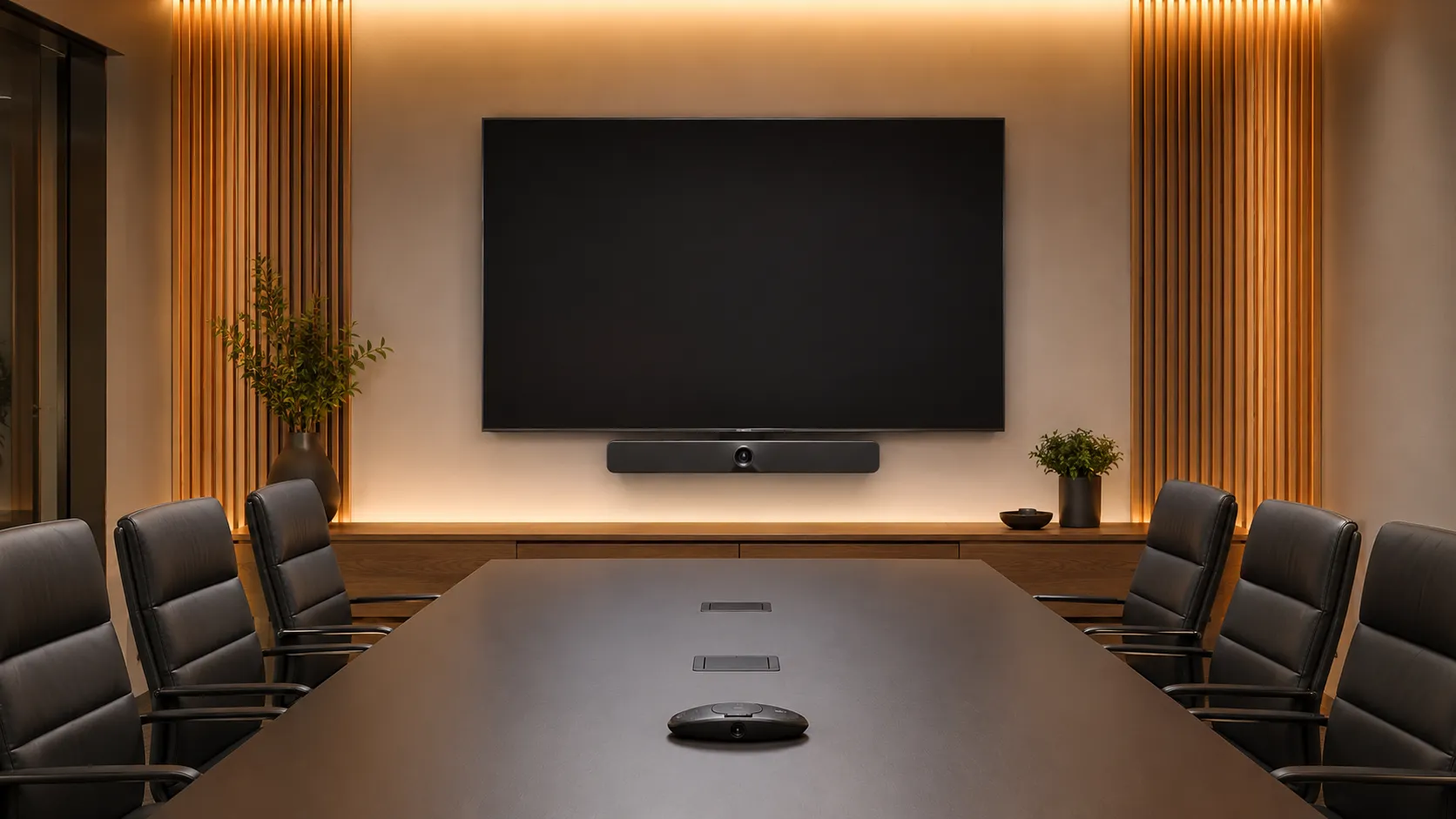
Category 01
PanaCast Product Range
Four distinct products for four distinct use cases — choose by room size and deployment type:
Category 02
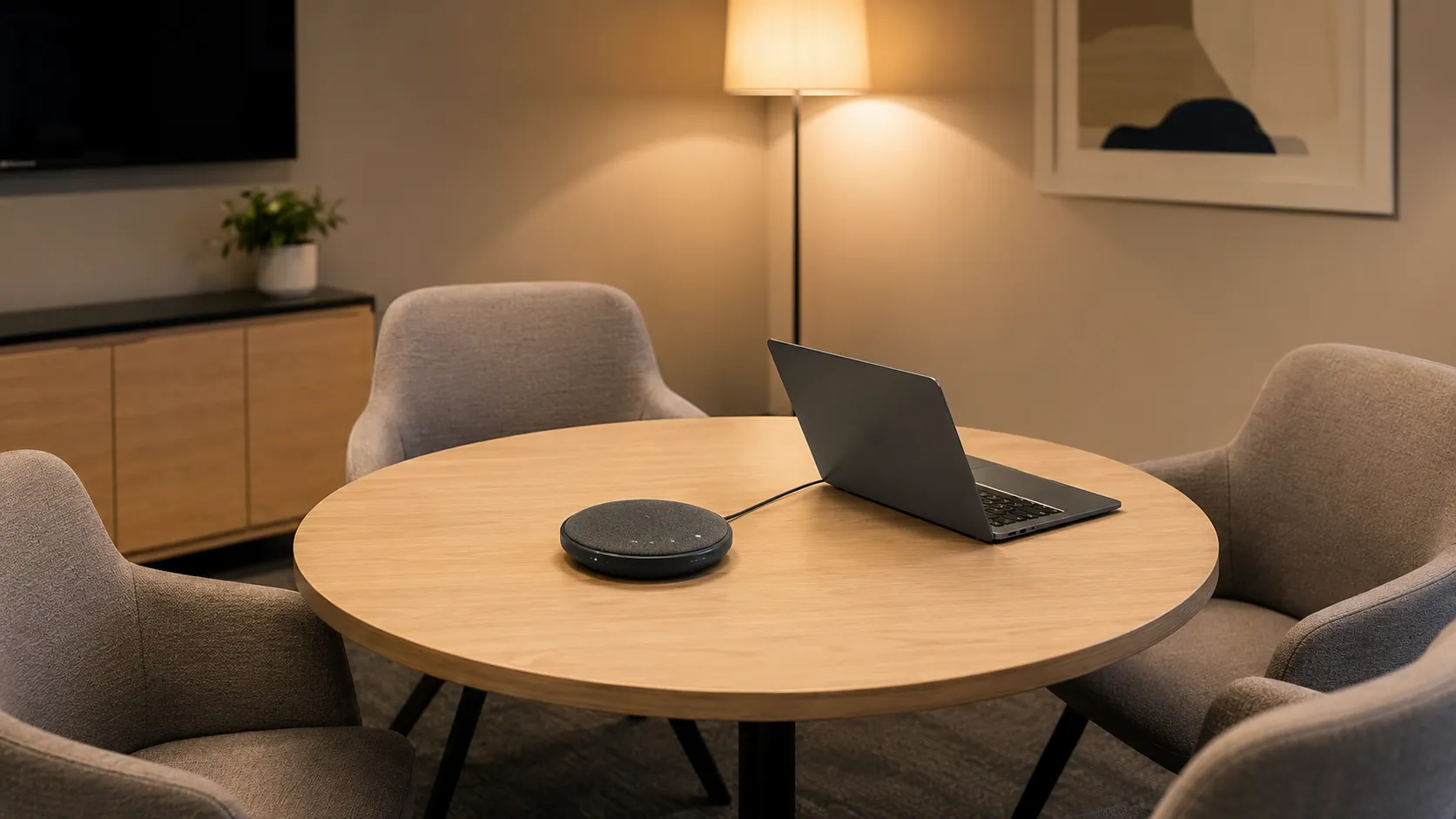
Speak Series Speakerphones
Omnidirectional speakerphones certified for Teams and Zoom. Works standalone or pairs with any PanaCast USB camera for a complete BYOD room solution. Common in Australian SME meeting rooms — many Jabra room system buyers are already Speak users extending a trusted audio experience into a full room deployment.
Category 03
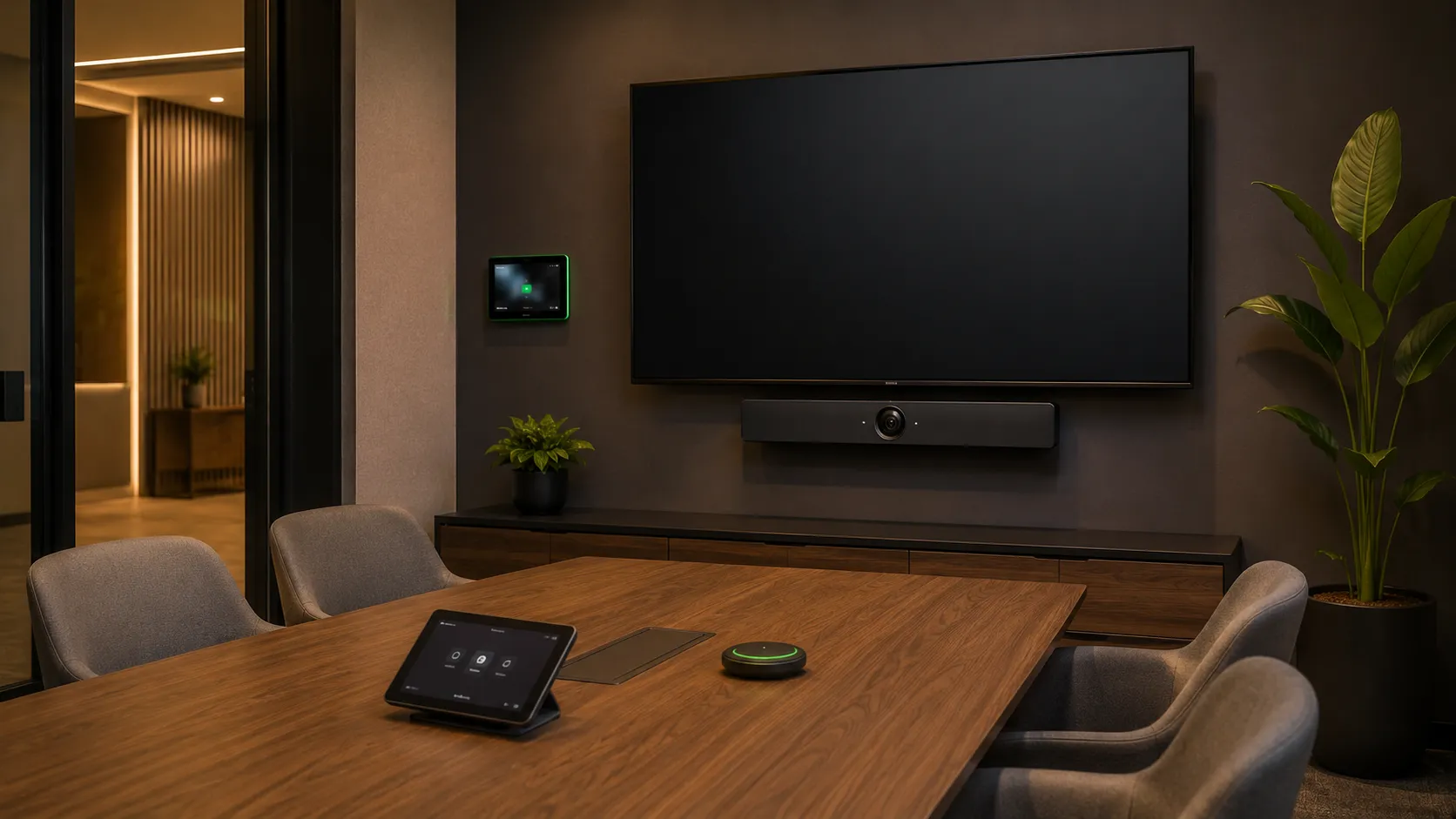
Room Kits & Bundle Configurations
Kickstart supplies Jabra hardware as configured room kits — not just individual components. Standard configurations include a PanaCast bar, 10" room scheduler, and optional 10" control panel. For rooms needing extended audio coverage, Jabra/Shure hybrid kits pair PanaCast video with Shure ceiling mic arrays.
Category 04
BYOD & Flexible Spaces
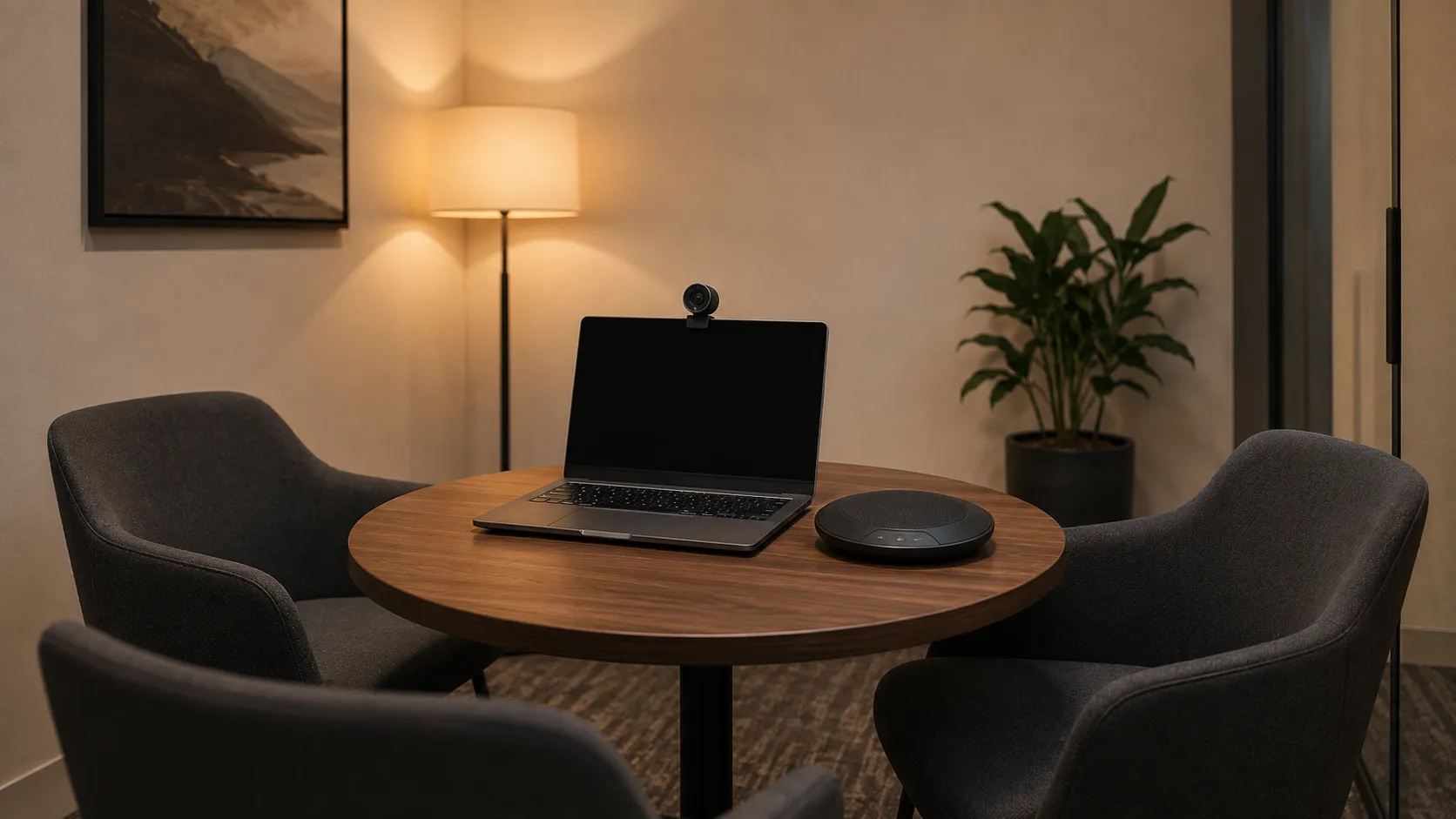
PanaCast USB cameras connect to any laptop — no compute, no licence, no IT involvement. Works with Teams, Zoom, Google Meet and Webex out of the box. Popular with schools, councils and distributed offices across Australia where not every room justifies a dedicated appliance.
Jabra Hardware by Room Size — What Works Where
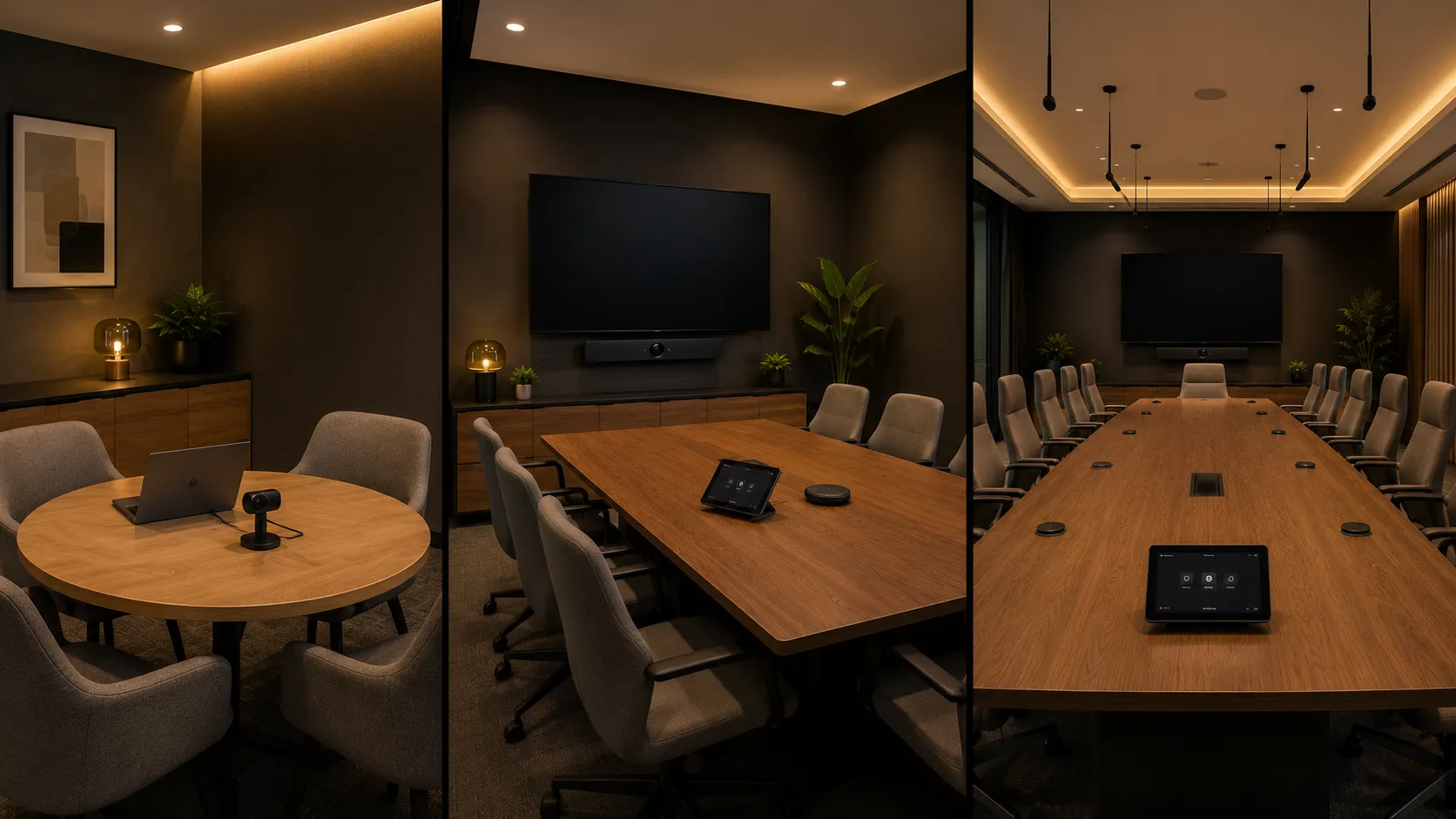
The right Jabra product depends on room dimensions, seating capacity, and whether a dedicated appliance or BYOD deployment is in scope. Use the exact room dimensions below to match the hardware to your space.
Room Type 01
Small Rooms & Huddle Spaces
2–6 people · Up to 4.5m × 4.5m
$350 – $2,500 AUDSimple USB BYOD kit or Android appliance. The PanaCast 40 VBS is engineered specifically for a 4.5m × 4.5m footprint — pushing it into a deeper space means the 6-mic array and single speaker will leave participants struggling to hear.
- PanaCast 20 + Speak2 75 — BYOD kit
- PanaCast 40 VBS — Android appliance
- Room kit: PanaCast 40 VBS + 10" scheduler + optional control
- Shure hybrid: IMXRK30 for extended mic coverage
Room Type 02
Medium Meeting Rooms
6–10 people · Up to 4.5m × 6m
$2,500 – $5,500 AUDThe PanaCast 50 VBS covers medium rooms up to 4.5m × 6m with 3 lenses, 8 microphones and 4 speakers. The PanaCast 50 Room System is the right choice for organisations requiring Teams Rooms on Windows rather than Android.
- PanaCast 50 VBS — Android appliance
- PanaCast 50 Room System — Windows MTR
- Room kit: PanaCast 50 VBS + 10" scheduler + 10" control
- Shure hybrid: IMXRK50 for full-room mic coverage
Room Type 03
Large Rooms & Boardrooms
10+ people · Beyond 4.5m × 6m
$4,000 – $10,000+ AUDJabra alone is not the strongest recommendation at this scale. The PanaCast 50 Room System paired with a Shure ceiling mic kit extends the range — but requires professional AV installation. For rooms over 10 metres depth, AVer PTZ or Poly Studio X70 are worth considering alongside Jabra.
- PanaCast 50 Room System + Shure IMXRK70
- PanaCast 50 Room System + Shure IMXRK80 (XL)
- All large room configurations quoted on request
Jabra with Microsoft Teams Rooms and Zoom Rooms
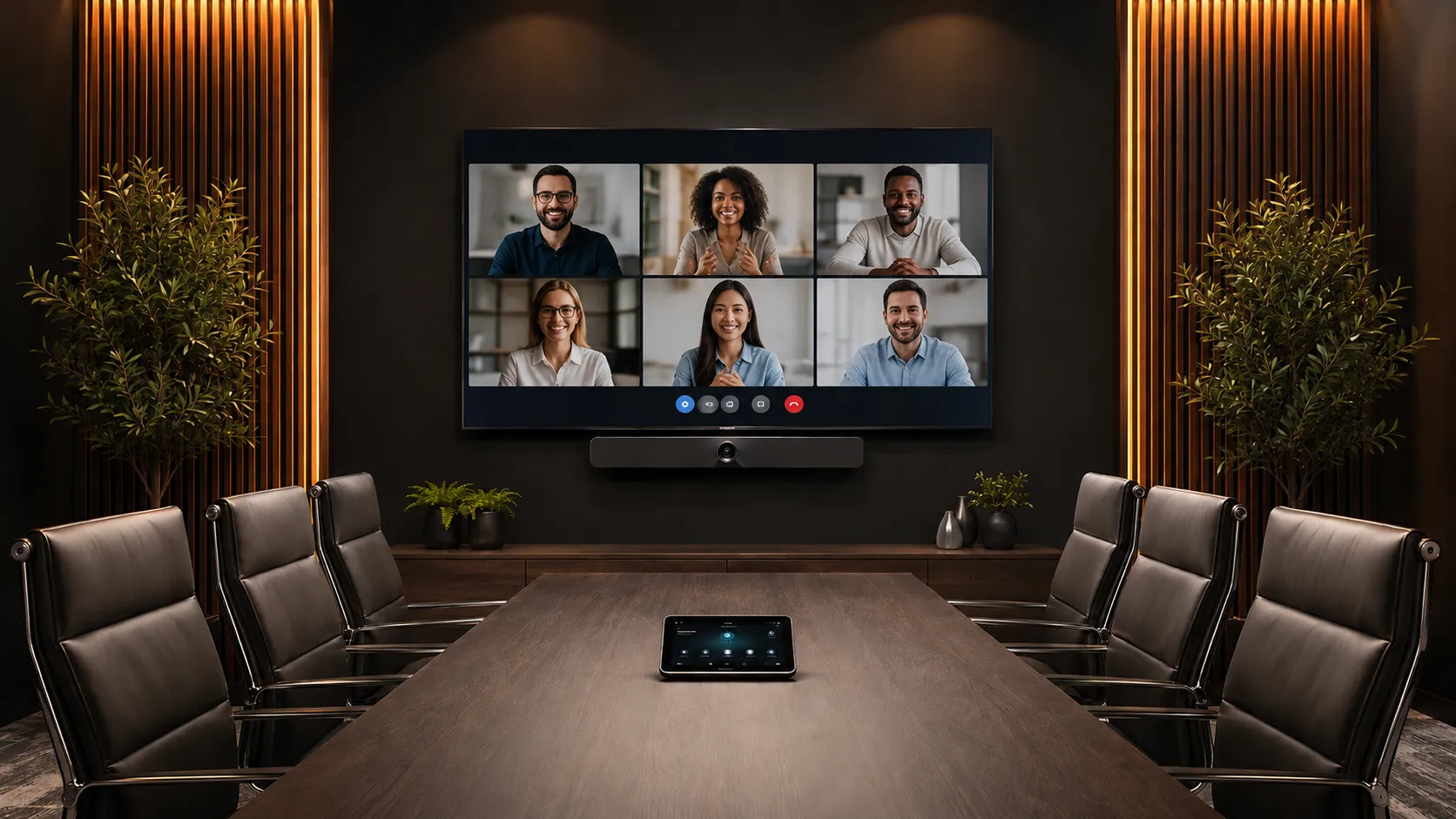
The PanaCast VBS bars are Android appliances — they run Teams Rooms and Zoom Rooms natively. The PanaCast 50 Room System adds Windows compute for organisations requiring MTR on Windows. USB cameras work with any platform on any laptop without a room licence.
Platform 01
Jabra + Microsoft Teams Rooms
The PanaCast 40 VBS and 50 VBS are certified Teams Rooms on Android appliances — no separate compute required beyond the device itself and a Teams Rooms licence. The PanaCast 50 Room System runs Teams Rooms on Windows for organisations with IT policies requiring MTR-W.
Speak series speakerphones are certified Teams devices and work with any compute running Teams — useful for BYOD rooms or as supplementary audio in larger spaces.
- PanaCast 40 VBS — certified Teams Rooms on Android
- PanaCast 50 VBS — certified Teams Rooms on Android
- PanaCast 50 Room System — Teams Rooms on Windows (MTR-W)
- Speak2 series — certified Teams speakerphones
- PanaCast 20 USB — works with standard Teams on any laptop
Platform 02
Jabra + Zoom Rooms
The PanaCast 40 VBS and 50 VBS run Zoom Rooms natively as certified Android appliances. The PanaCast 50 Room System runs Zoom Rooms on Windows. PanaCast USB cameras connect to any laptop running the standard Zoom application — no room licence required for BYOD deployments.
Every Zoom Rooms dedicated appliance deployment requires a paid per-room licence. This applies equally to the VBS bars and the Room System — there is no free tier equivalent to Teams Rooms Basic.
- PanaCast 40 VBS — certified Zoom Rooms on Android
- PanaCast 50 VBS — certified Zoom Rooms on Android
- PanaCast 50 Room System — Zoom Rooms on Windows
- PanaCast 20 USB — standard Zoom on any laptop, no licence
- Every Zoom Rooms room requires a paid per-room licence
How Jabra Compares to Logitech, AVer, Poly and Yealink
The right brand depends on your room size, audio priorities, and how much deployment simplicity matters relative to camera capability. Here is an honest assessment based on what we see in real Australian deployments — not manufacturer marketing material.
Logitech is the most commonly specified all-in-one bar in Australia — well-built, simple to deploy, and backed by a mature IT management ecosystem via Logitech Sync. The Rally Bar Mini and Rally Bar cover small and medium rooms cleanly, and Logitech's Teams certification cycle tends to be faster than most other brands. For organisations standardising across multiple rooms and sites with centralised IT management as a priority, Logitech's ecosystem depth is a genuine advantage over Jabra.
Where Jabra pulls ahead is on audio quality and BYOD flexibility. The PanaCast 50 VBS microphone array reflects Jabra's audio heritage in a way that Logitech's bars, designed primarily around camera performance, do not always match in acoustically demanding spaces. For organisations already running Jabra headsets and Speak speakerphones at the desk, extending that audio consistency into the room with a PanaCast system is a practical and well-supported choice.
The decision between Jabra and Logitech for small and medium rooms often comes down to one question: is audio quality or IT management tooling the higher priority? For audio-first deployments, Jabra. For multi-room standardisation at scale, Logitech.
See Logitech solutions →Jabra and AVer serve genuinely different room problems. Jabra is an audio company that makes video hardware — its strength is microphone quality, echo cancellation, and simplicity of deployment in small and medium rooms. AVer is a camera company that makes conferencing hardware — its strength is optical zoom, PTZ capability, and presenter tracking for rooms where a fixed wide-angle lens runs out of range.
For rooms up to 4.5m × 6m where audio quality matters and the table geometry is straightforward, Jabra's PanaCast 50 VBS is the simpler and often more audio-focused choice. For rooms over that depth, for training spaces requiring presenter tracking, or for boardrooms where remote participants need optical zoom to feel present, AVer's CAM series is the relevant specification, and Jabra has no equivalent product to offer.
The two brands rarely compete directly in the same room type. Where they do overlap — medium meeting rooms around 6 to 8 metres — the decision comes down to whether camera coverage or audio quality is the primary concern. For rooms where both matter equally, pairing an AVer PTZ camera with a separate Jabra Speak speakerphone is a valid approach that some Australian deployments use to get the best of both brands.
See AVer solutions →Both Jabra and Poly have strong audio heritage — Poly through its Plantronics acquisition, Jabra through decades of headset and speakerphone development. In standard Australian meeting rooms, both deliver excellent audio and the gap in practice is narrower than manufacturer specifications suggest. Where Poly separates itself is in acoustically difficult spaces — glass-walled boardrooms, rooms with hard reflective surfaces, long reverberant tables — where Poly's audio processing has historically had an edge in managing echo and ambient noise.
Jabra's advantage over Poly is in the BYOD and small room space. The PanaCast 20 USB camera and Speak2 series give Jabra a more practical and lower-cost entry point for rooms that don't justify a dedicated appliance. Poly's product range skews toward higher-budget premium deployments, and the price differential at the small room end of the market is meaningful for cost-conscious organisations.
For standard small and medium rooms where budget is a consideration, Jabra is the more practical choice. For larger rooms with acoustic challenges and a higher budget tolerance, Poly's audio processing advantage becomes more relevant.
See Poly solutions →Yealink is the value-focused Teams Rooms brand with strong coverage across every room size — small bars, medium bars, large room modular systems, and the MeetingBoard interactive display. Its YDMP centralised management platform is one of the most developed in the category for multi-site fleet deployments. Where Jabra leads is on audio quality and BYOD simplicity — the PanaCast range and Speak series reflect an audio-first philosophy that Yealink's camera-led product design does not match in the same way.
For smaller businesses fitting out one or two rooms where ease of use and audio quality matter most, Jabra is a strong choice. For organisations deploying across ten or more rooms across multiple locations and needing a single consistent ecosystem with centralised management, Yealink's range and platform depth is more practical than Jabra's narrower product footprint.
Jabra also holds an advantage in the BYOD category — the PanaCast 20 USB camera and Speak2 speakerphone give Jabra a cleaner entry-level option for rooms used occasionally with a laptop. Yealink's USB camera range is more limited at this price point.
See Yealink solutions →| Criterion | Jabra | Logitech | AVer | Poly | Yealink |
|---|---|---|---|---|---|
| Small rooms | Excellent ✓ | Strong | Good | Good | Strong |
| Medium rooms | Strong ✓ | Strong | Good | Good | Strong |
| Large boardrooms | Limited | Good | Excellent — PTZ ✓ | Strong | Good |
| PTZ & presenter tracking | None | Rally Camera only | Extensive ✓ | Studio E70 | Limited |
| Audio quality | Excellent — audio heritage ✓ | Good | Good — separate mic needed | Excellent ✓ | Good |
| BYOD & USB camera | Strong — PanaCast 20 ✓ | Limited | Strong — CAM series | Limited | Limited |
| Deployment simplicity | Excellent ✓ | Excellent ✓ | Moderate — commissioning | Good | Good |
| Multi-site management | Moderate — Xpress | Good — Sync | Basic | Good | Strong — YDMP ✓ |
| Teams & Zoom certified | Both ✓ | Both ✓ | Both ✓ | Both ✓ | Both ✓ |
| Room kit bundles | Yes — via Kickstart ✓ | Yes — via Kickstart | Yes — via Kickstart | Yes — via Kickstart | Yes — via Kickstart |
After deploying Jabra systems across Australian businesses ranging from single-room huddle space fitouts to multi-room corporate offices, the clearest observation we can offer is this: Jabra is the system we specify when the room problem is an audio problem and the deployment needs to be simple. When a client wants a system that sounds excellent, deploys without AV commissioning, and extends naturally from the Jabra headsets and speakerphones their staff already use at their desks — the PanaCast range is the most coherent answer in the category.
Where Jabra requires honest qualification is scale and camera capability. For organisations with more than five or six rooms across multiple sites, Yealink or Logitech's management platforms are more practical at fleet level. For rooms requiring PTZ coverage or presenter tracking, AVer is the correct specification and Jabra cannot compete on camera hardware. Jabra earns its place decisively in rooms where the buyer's primary criteria are audio quality, ease of use, and a seamless extension of an existing Jabra audio environment.
Note: "Audio quality" comparisons refer to standard Australian meeting room environments. In acoustically difficult spaces — glass walls, hard reflective surfaces, long reverberant tables — Poly's audio processing has historically had an advantage. In a typical carpeted or treated meeting room, the gap between Jabra and Poly narrows considerably and both deliver excellent results.
Common Jabra Deployment Issues — What to Know Before You Buy
Jabra hardware is among the simplest to deploy in the category — but there are still common specification mistakes worth knowing before you commit.
Issue 01
Specifying Beyond the Rated Room Dimensions
The PanaCast 40 VBS is strictly engineered for a 4.5m × 4.5m footprint. Pushing it into a 6m deep space means the 6-mic array and single speaker will leave participants struggling to hear. Match the bar to the exact room dimensions before specifying — the PanaCast 50 VBS is the correct step up for rooms up to 4.5m × 6m.
Issue 02
VBS Bars Are Android Only — Windows Requires the Room System
The PanaCast 40 VBS and 50 VBS are Android-only appliances. If your corporate IT policy requires Teams Rooms on Windows, you cannot use the standalone VBS bars — you need the PanaCast 50 Room System which includes the Windows compute module. Confirm your platform requirement before specifying.
Issue 03
Room Scheduler Is a Separate Purchase
The PanaCast bar does not include a room booking panel. The 10" scheduler is a separate component. Kickstart bundles these in configured room kits — buyers purchasing components individually sometimes go live without room scheduling capability and have to retrofit it later.
Issue 04
BYOD Kits Need Input Management
PanaCast 20 + Speak2 75 is simple but requires the laptop user to manage audio and video input selection in the meeting app. In rooms used by multiple people this creates inconsistency — different users select different inputs and the room experience varies. A dedicated appliance solves this at the cost of a room licence.
Issue 05
Firmware Updates Need Jabra Direct or Xpress
Jabra's device management platform needs to be in scope for multi-room deployments. Not a problem for a single room, but organisations rolling out across multiple sites need to plan for centralised device management. Factor Jabra Xpress into the IT management scope before committing to a multi-room rollout.
Issue 06
Shure Hybrid Kits Require Professional Installation
The Jabra/Shure IMXRK ceiling microphone kits are not DIY. Ceiling microphone installation, DSP configuration and room acoustic tuning require a qualified AV installer. This is the correct solution for extending Jabra's audio range into larger rooms — but the installation cost needs to be factored into the total project budget before specifying. Kickstart can advise on installation scope and connect you with qualified installers in your area.
Why Australian Businesses Choose Kickstart for Jabra
Kickstart Computers has been advising Australian businesses on video conferencing since 2007. We stock Jabra, Logitech, AVer, Poly and Yealink and recommend on room fit — not margin.
Independent Advice
We stock all five major conferencing brands. Our recommendation is based on what your room actually needs — room dimensions, platform, budget and existing audio infrastructure.
Configured Room Kits
We supply Jabra hardware as complete configured room kits — PanaCast bar, room scheduler, control panel and Shure audio where required. Configured to your specific room before shipping.
Jabra Authorised Reseller
Authorised Jabra reseller in Australia. Full PanaCast and Speak series range, correct warranty, and access to Jabra support channels when needed.
Post-Deployment Support
Phone and email support after your system is live. If input management, firmware or room scheduler issues arise post-deployment, we are available to help resolve them.
Speak directly with Andrew — 0416 353 501 · Contact Us →
Jabra Video Conferencing — Frequently Asked Questions
Questions Kickstart is asked most often about Jabra equipment. If your question is not here, contact us directly — Andrew is available by phone or email.
Is the Jabra PanaCast 50 good for a medium meeting room in Australia?
Yes — the PanaCast 50 VBS is one of the strongest options for medium meeting rooms in Australia, particularly for rooms up to 4.5m × 6m where audio quality is a priority. Its 180-degree field of view across three lenses captures the full table width without distortion, and the 8-microphone array with 4 speakers handles medium room audio without needing a separate speakerphone.
For rooms requiring Teams Rooms on Windows rather than Android, the PanaCast 50 Room System is the correct model. For rooms beyond 4.5m × 6m, consider a Shure hybrid kit or an alternative brand with PTZ capability.
What is the difference between the PanaCast 40 VBS, 50 VBS and 50 Room System?
The PanaCast 40 VBS is the small room Android appliance — 2 lenses, 6 microphones, 1 speaker, rated for rooms up to 4.5m × 4.5m. The PanaCast 50 VBS is the medium room Android appliance — 3 lenses, 8 microphones, 4 speakers, rated for rooms up to 4.5m × 6m. Both run Teams Rooms and Zoom Rooms natively on Android.
The PanaCast 50 Room System is a different product entirely — it includes a Windows compute module running Teams Rooms or Zoom Rooms on Windows. It is the right choice for organisations with IT policies requiring Windows MTR rather than Android. It is also better suited to larger rooms when paired with Shure ceiling microphones.
Can I use a Jabra PanaCast camera without a Teams Rooms licence?
Yes. The PanaCast 20 and PanaCast 50 USB cameras connect via USB to any laptop and work with standard Teams, Zoom, Google Meet or Webex — no room licence required. A standard Microsoft 365 user licence is sufficient for USB camera BYOD deployments.
A Teams Rooms licence is only required if you are running a dedicated Teams Rooms appliance — the PanaCast 40 VBS, 50 VBS or 50 Room System. For occasional-use rooms with a laptop, the USB camera approach avoids licence costs entirely.
What is the Jabra PanaCast 20 best used for?
The PanaCast 20 is a USB wide-angle camera best suited to small huddle rooms, breakout spaces, and BYOD deployments where a full appliance is not justified. It connects via USB to any laptop and works with Teams, Zoom, Google Meet and Webex without any configuration.
Paired with a Jabra Speak2 75 speakerphone, the PanaCast 20 becomes a complete room audio and video solution for small spaces at a fraction of the cost of a dedicated appliance. It is also used as a personal desk camera for home office and hybrid workers who want wide-angle coverage beyond a standard laptop camera.
Do Jabra room systems work with Zoom Rooms?
Yes. The PanaCast 40 VBS and 50 VBS run Zoom Rooms natively as certified Android appliances. The PanaCast 50 Room System runs Zoom Rooms on Windows. PanaCast USB cameras work with standard Zoom on any laptop without a room licence.
Every dedicated Zoom Rooms appliance deployment requires a paid per-room licence — there is no free tier. Factor this into the total cost when comparing Zoom Rooms against Teams Rooms Basic, which has a free licence tier for basic functionality.
How does Jabra compare to Logitech for small rooms?
Both are strong options for small rooms. Jabra leads on audio quality — the microphone array and echo cancellation in the PanaCast 40 VBS reflects Jabra's audio heritage. The Logitech Rally Bar Mini is a comparable small room system with a stronger ecosystem for multi-room IT management via Logitech Sync.
For organisations already running Jabra headsets or Speak speakerphones, the PanaCast 40 VBS is a natural extension. For organisations standardising on Logitech across a larger estate, the Rally Bar Mini fits more cleanly into that ecosystem. Price points are comparable — the decision usually comes down to audio priority versus IT management tooling.
What are the Jabra and Shure hybrid room kits?
Jabra and Shure hybrid room kits pair Jabra PanaCast video hardware with Shure ceiling microphone arrays for rooms where the built-in PanaCast microphone coverage needs reinforcement. Kickstart supplies these as configured kits in four sizes: IMXRK30 for small rooms, IMXRK50 for medium rooms, IMXRK70 for large rooms and IMXRK80 for extra-large rooms.
These kits require professional AV installation — ceiling mic placement, DSP configuration and room acoustic tuning need a qualified installer. They are the right solution for larger Jabra deployments where the built-in audio is insufficient, but the installation cost needs to be factored into the total project budget.
Not every configuration is listed on the site. Contact Kickstart to discuss the right kit for your specific room before purchasing.
Can Jabra handle a large boardroom or training room?
Jabra alone is not the strongest recommendation for rooms over 10 metres depth or training rooms requiring presenter tracking. The PanaCast 50 Room System paired with a Shure IMXRK70 or IMXRK80 ceiling mic kit extends Jabra's range into larger boardrooms — but this requires professional AV installation and a meaningful budget.
For training rooms requiring presenter tracking, AVer's CAM570 is a better fit. For large boardrooms with demanding audio requirements, Poly Studio X70 is worth considering alongside Jabra. Contact Kickstart to discuss the right option for your specific room before committing.
Where can I buy Jabra video conferencing equipment in Australia?
Kickstart Computers is an authorised Jabra reseller in Australia, supplying PanaCast room systems, Speak series speakerphones, USB cameras and configured room kits to businesses, schools and government organisations nationally.
Contact Andrew directly on 0416 353 501 or via the contact page to discuss your room requirements before purchasing. Not every Jabra configuration is listed on the site — we can quote custom room kits based on your specific needs.
Does Kickstart supply complete Jabra room kits ready to install?
Yes. Kickstart supplies Jabra hardware as complete configured room kits — PanaCast bar, 10" room scheduler, optional 10" control panel, and Shure ceiling mic arrays where required. Kits are configured and pre-tested before shipping.
The bundles shown on the site are example configurations. Kickstart configures room kits based on your specific room size, budget and preferred platform — not every combination is listed. Contact us before purchasing to discuss what is right for your room.
Talk to a Specialist About Jabra for Your Room
Jabra room systems are at their best when the hardware matches the room. Whether you need a simple BYOD kit, a complete PanaCast room system, or a Jabra and Shure hybrid configuration for a larger space — we can specify the right combination before you buy.