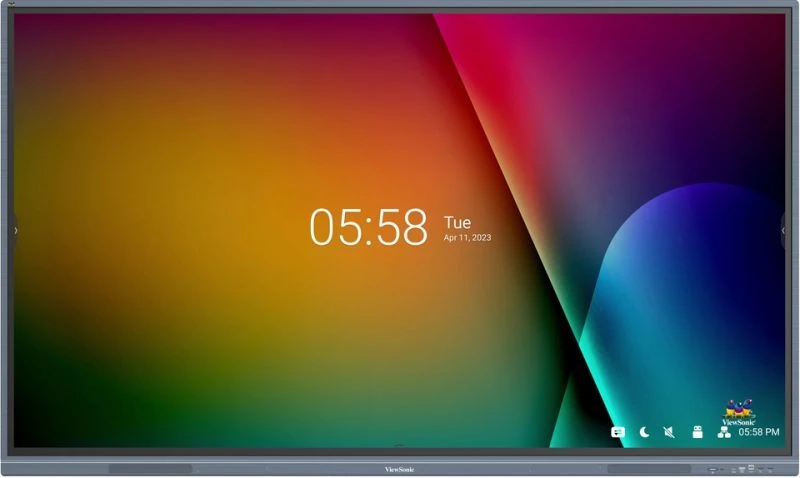

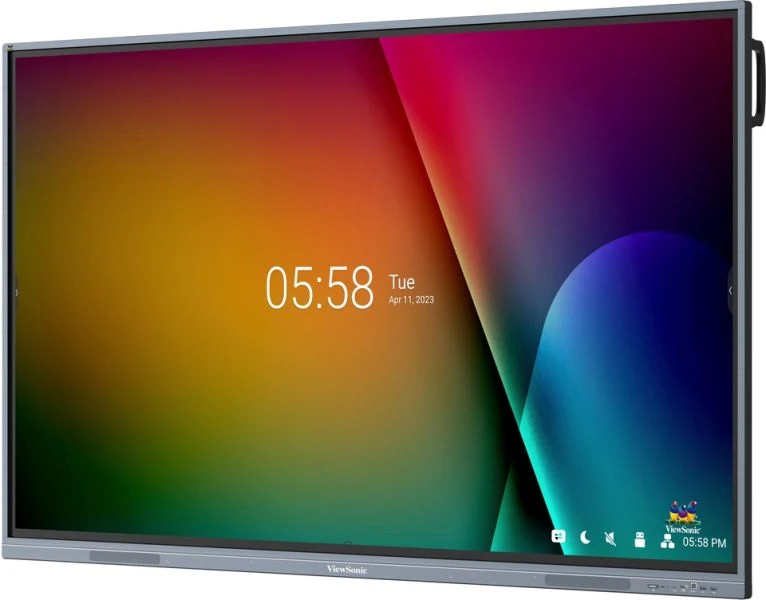




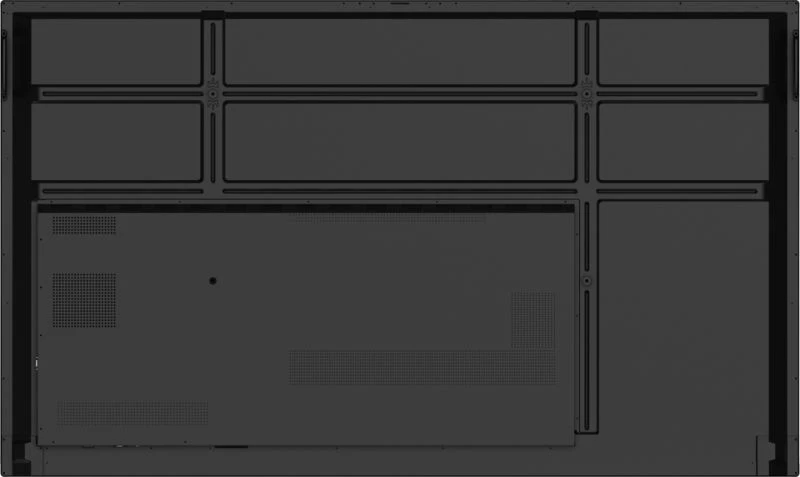
The IFP7533-G is built for AV environments where the display must connect predictably into existing IT infrastructure—control systems, network management platforms, casting ecosystems, and device provisioning workflows. With dual LAN ports, USB-C with Power Delivery and DisplayPort support, and optional OPS slot compatibility, this display integrates into managed deployment scenarios, not just standalone installations. The Android 11 platform and myViewBoard ecosystem allow IT teams to manage annotation workflows, device access, and wireless presentation protocols centrally.

Simultaneous multi-user annotation without touch lag
The 40-point touch surface handles concurrent user input without point-tracking loss or input queuing, making it viable for group activities where responsiveness is instructional—not just a nice-to-have. This is particularly important in education deployments where student engagement depends on immediate visual feedback when multiple people write at once.
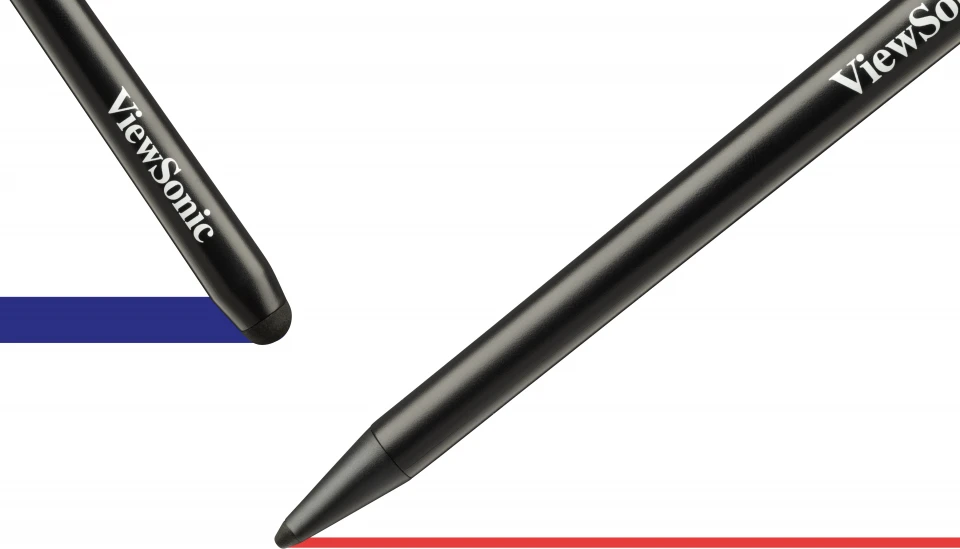
Fine-point annotation with persistent pressure sensitivity
Ultra Fine Touch Technology captures pen strokes and fingertip input with equal fidelity, allowing instructors and students to switch between annotation tools without retraining or workflow interruption. The included touch pens (VB-PEN-009) provide a familiar whiteboard-like writing experience that doesn’t require recalibration between sessions.
Key Features
- Multi-touch collaboration at scale: The 40-point Ultra Fine Touch Technology enables simultaneous annotation by multiple users without lag or point-tracking loss—critical for classroom group work and enterprise brainstorming sessions where responsiveness directly affects usability perception.
- USB-C front connectivity: A single front USB-C port combines power delivery (65W), DisplayPort 1.2 video, and data transmission, reducing cable complexity in rooms where devices rotate frequently and cable management overhead matters operationally.
- Wireless presentation with touch feedback: ViewBoard Cast and myViewBoard Display enable device-to-display casting from Windows, Mac, iOS, and Android without HDMI switching—participants retain remote control of their content and interactive pen feedback works across protocols.
- Built-in WiFi slot and Ethernet redundancy: Optional WiFi dongle (VSB-050 included) plus dual RJ45 LAN ports support both wireless casting and hardwired network management, reducing dependency on a single connectivity path in facilities where network reliability varies by zone.
- Front-facing stereo audio: 16W × 2 channels deliver classroom-appropriate sound without requiring external amplification for video playback, annotation narration, or video conferencing in spaces up to mid-sized meeting rooms.
- 4K 400-nit display at 16:9: UHD resolution (3840×2160) and 400-nit brightness provide legible text and video content in daylit classrooms and conference rooms; the 5000:1 contrast ratio (with DCR) maintains readability even when projection areas have mixed ambient light.
- Slot-in PC compatibility: Support for VPC2-O and VPC12-WPO series compute modules allows IT teams to deploy Windows annotation software (myViewBoard for Windows) or additional compute horsepower without replacing the display—extends lifecycle and maintains single-screen footprint.
- Campus-wide device management: myViewBoard’s embedded annotation suite, combined with network-based access control and roster management features, enables IT and instructors to scale deployment across multiple rooms while maintaining consistent workflows and user permissions.
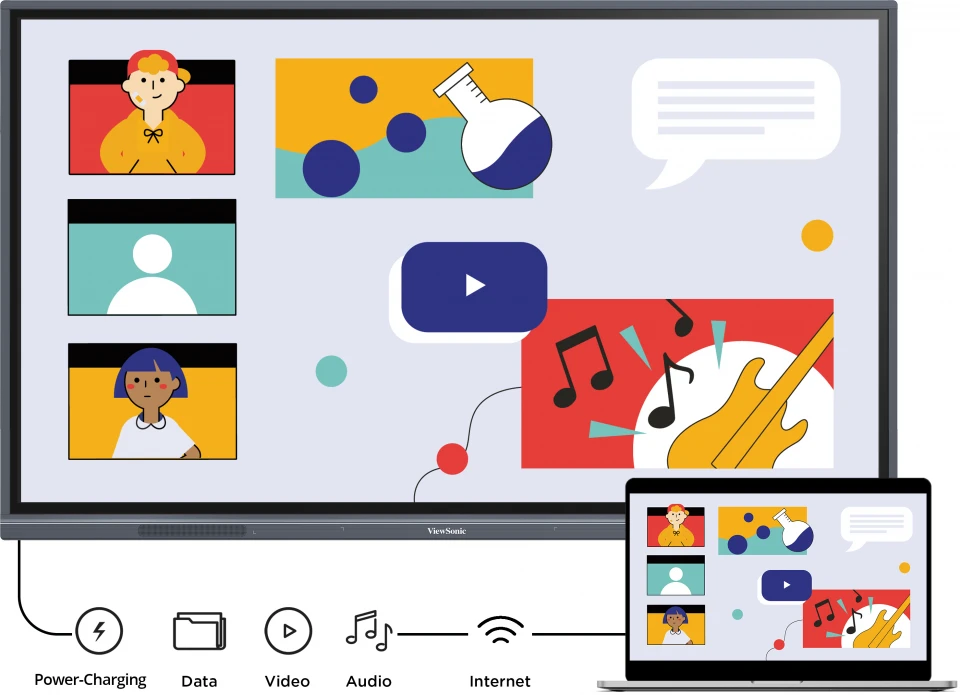
Single USB-C eliminates power and video cable requirements
The front-mounted USB-C port combines 65W Power Delivery, DisplayPort 1.2 video, and USB data into one connection point. In rotation-based classroom and meeting room environments, this reduces setup time and cable-swap friction, particularly when devices from different suppliers (Windows, Mac, iOS) rotate through the same room.
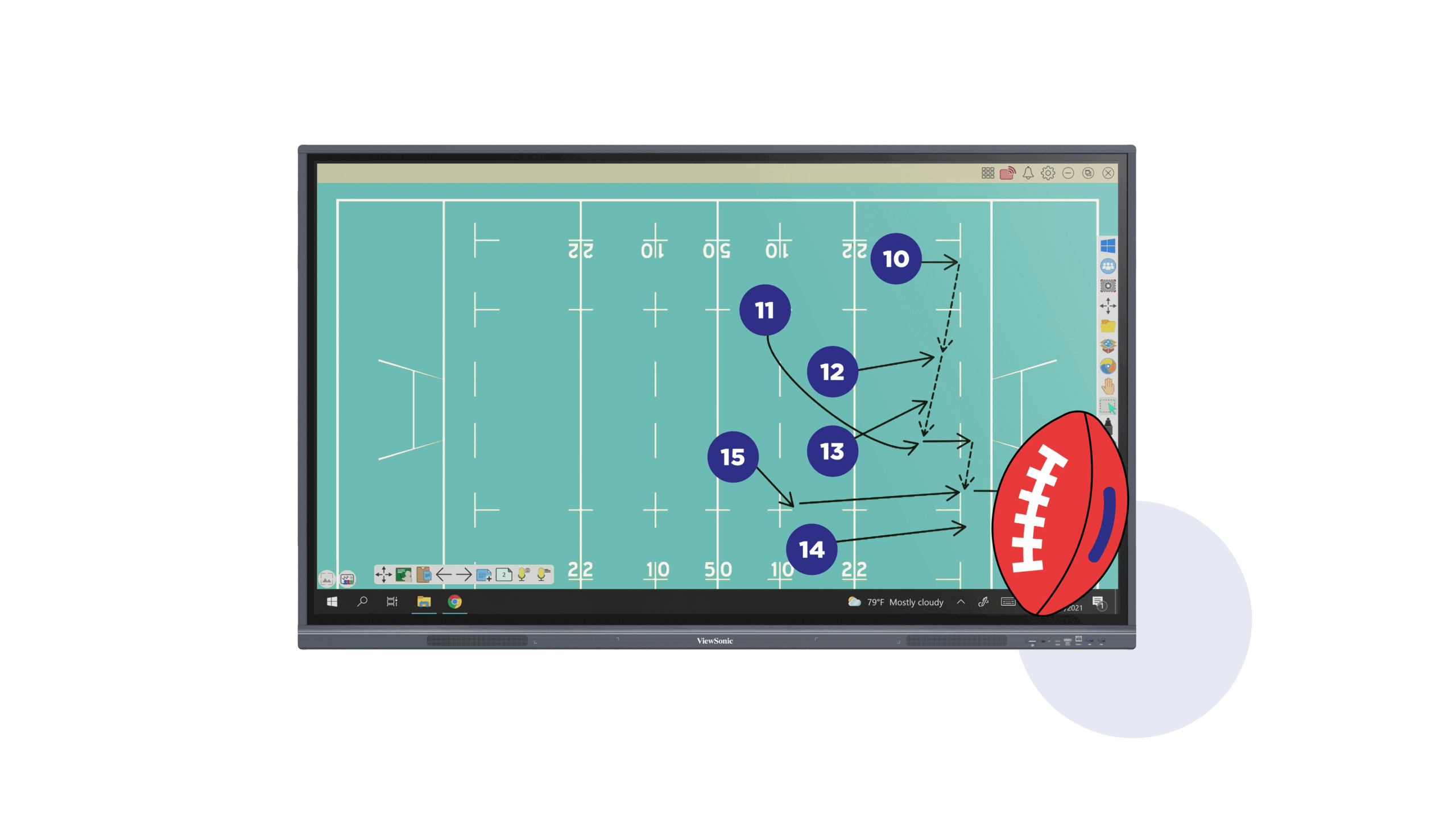
Roster-based access and embedded annotation management
myViewBoard integrates user authentication, session history, and device provisioning into a single platform that IT teams can manage centrally. Deploy the display in multiple rooms and maintain consistent access controls, saved lesson templates, and usage reporting without per-device configuration.

Cast and control from Windows, Mac, iOS, and Android
ViewBoard Cast and myViewBoard Display support protocol-independent wireless presentation, meaning participants can present from any device without HDMI switching. Remote touch feedback allows presenters to interact with their slides on the display while retaining control from their own device.
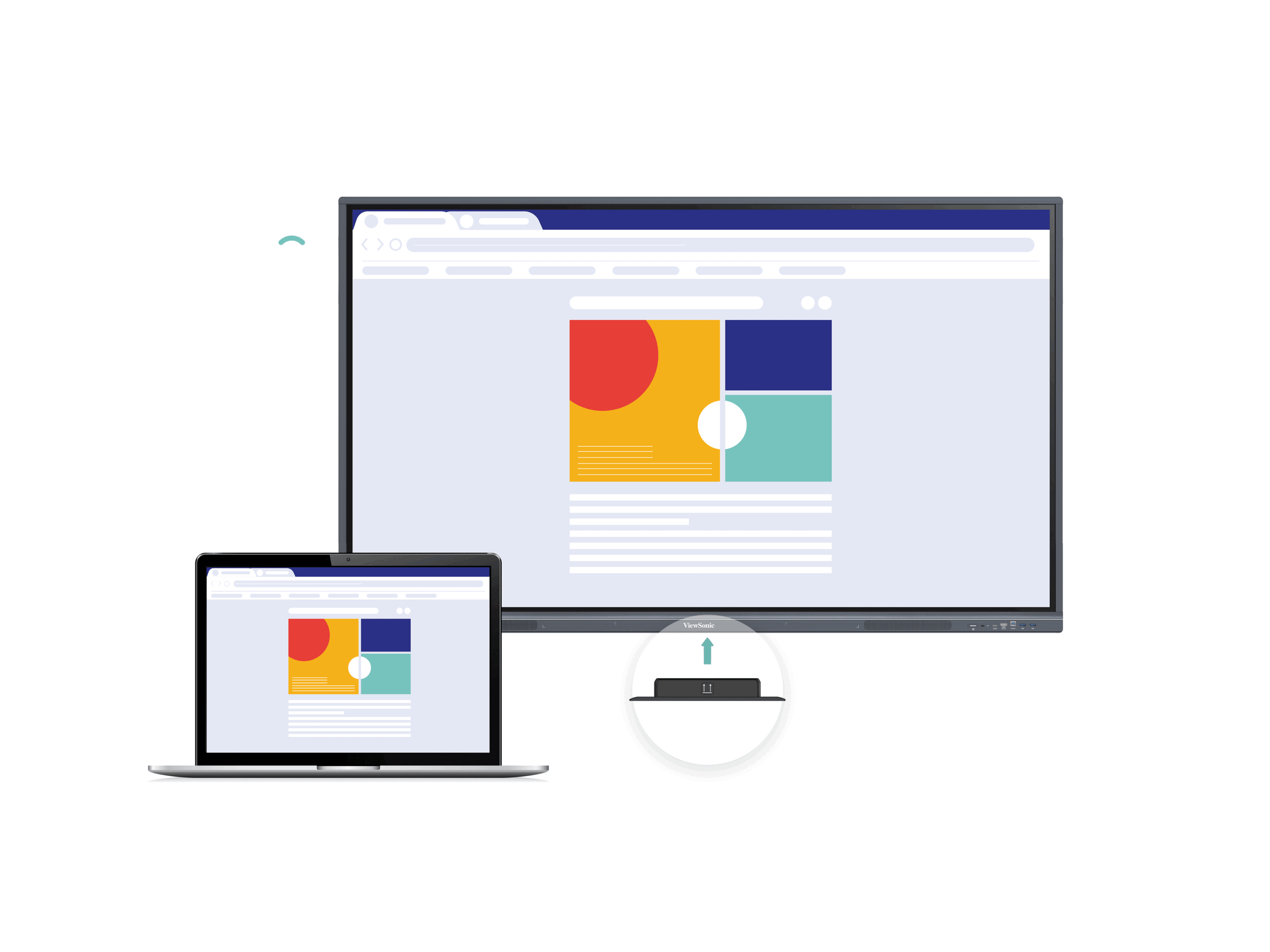
Dual LAN and optional WiFi for reliable campus deployment
Two RJ45 ports plus WiFi slot redundancy ensure the display connects reliably across facilities where network topology varies. IT teams can harden wired connectivity in fixed rooms and rely on wireless casting as a supplementary path in spaces where Ethernet runs are impractical.
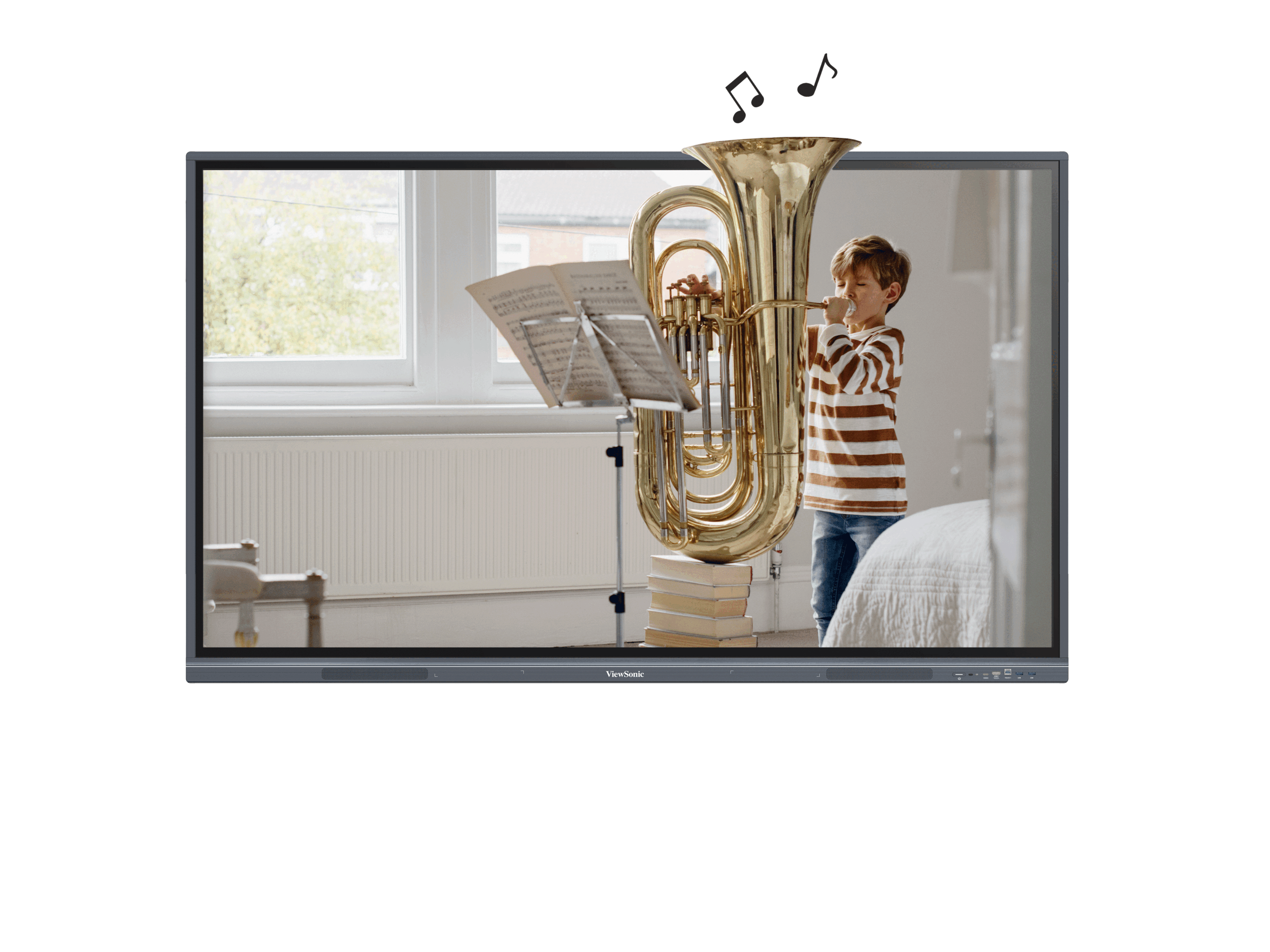
Integrated stereo audio for video and narration playback
16W × 2 front-facing speakers handle classroom video playback, annotated narration, and video conferencing audio without requiring external amplification in rooms up to medium meeting size. Front placement ensures audio travels toward participants, not into walls.

IT management through network-based device monitoring
Campus communication features enable IT and facility teams to schedule content, push updates, and monitor display status across multiple installations from a central management console. Optional slot-in Windows PC adds compute resources for advanced annotation workflows or extended application licensing.
Specifications
| Specification | Detail |
|---|---|
| Display Size | 75 inches (74.6″ diagonal, 16:9 aspect ratio) |
| Resolution | UHD 3840×2160 pixels |
| Brightness | 400 nits |
| Contrast Ratio | 5000:1 (max. with DCR enabled) |
| Panel Type | IPS TFT LCD with DLED backlight; 9H anti-glare hardened surface |
| Operating Hours Rating | 30,000 hours (backlight minimum) |
| Response Time | 8ms |
| Viewing Angles | 178° H × 178° V |
| Operating System | Android 11 |
| Processor | Quad-core ARM Cortex A55 |
| RAM | 8GB DDR4 |
| Storage | 128GB internal |
| Touch Capability | 40-point Ultra Fine Touch Technology |
| Wireless Casting | myViewBoard Display and ViewBoard Cast (Windows, Mac, iOS, Android); VSB-050 WiFi dongle included |
| Audio Output | 16W × 2 channels (front-facing stereo speakers) |
| VESA Wall Mount | 800×400mm compatible |
| Physical Dimensions (W×H×D) | 1709×1020×88mm (67.3×40.2×3.5 in) |
| Weight (net) | 47.3kg (104.3 lb) |
| Power Consumption | 106W operating; ≤0.5W standby |
| Power Supply | 100–240V AC, 50/60Hz |
| Operating Temperature | 0–40°C (non-condensing, 20–80% RH) |
| Slot-in PC Compatibility | VPC2-O series, VPC12-WPO-15/16 (optional) |
Connectivity
- Video inputs: 3× HDMI 2.0 (3840×2160 @60Hz), 1× VGA/RGB, OPS slot for compute modules
- Video outputs: 1× HDMI 2.0, S/PDIF digital audio output
- USB: 1× USB-C (front, PD 65W + DisplayPort 1.2 + USB 2.0 data); 4× USB 3.0 (2 front, 2 rear); 1× USB 2.0; 2× USB Type-B (1 front, 1 rear)
- Network: 2× RJ45 LAN (10/100M); WiFi slot for optional dongle
- Audio: 1× 3.5mm audio input; 1× 3.5mm audio output
- Control: 1× RS-232 serial port (for room control system integration)
- Touch connectivity: Dedicated touch USB inputs; light sensor for ambient adjustment
Warranty
This ViewSonic display is covered by a 5-year replacement warranty. In the event of a hardware fault, ViewSonic will replace the unit — minimising downtime in classroom and enterprise deployments. Contact Kickstart Computers for warranty claims and support.
Looking for more options? Browse our full range of interactive digital signage solutions available from Kickstart Computers Australia.