
MeetingBar A50 Camera and Audio — Zoom Rooms on Windows From MCore 4
Organisations standardised on Zoom Rooms face a choice when specifying small-to-medium rooms: Android-based video bars are simple to deploy but limit access to the full Zoom Rooms on Windows feature set — particularly Zoom AI Companion, advanced IT management via Microsoft Endpoint Manager, and deeper integration with Windows-based infrastructure. The Yealink ZVC S50 solves this by pairing the MeetingBar A50’s proven camera and audio hardware with the MCore 4 Windows compute module, prestaged for Zoom Rooms and ready to enrol from first power-on.
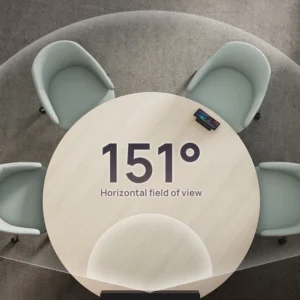
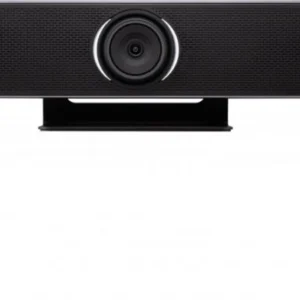
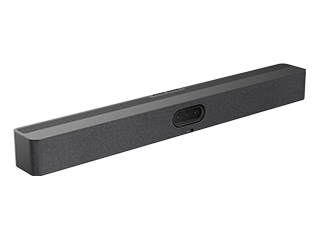
The MeetingBar A50 handles all camera and audio work. Three 50MP sensors — one wide-angle at 98° HFOV and two telephoto at 41.6° HFOV — with an electronic gimbal deliver ultra-HD clarity across both wide room shots and individual close-ups. Zoom’s Smart Gallery uses this triple-camera feed to present individually framed participants to remote attendees, switching automatically as the conversation moves. The built-in electric privacy shutter closes physically when the room is unoccupied — providing verifiable camera blocking relevant to organisations with privacy compliance requirements. Nine preset positions can be stored and recalled from the MTouch Plus Zoom Rooms controller.
Audio is handled by a 16-mic MEMS array with 10-metre pickup, 32-bit sampling, and AI-enhanced noise suppression. Clean source audio directly improves Zoom AI Companion transcription accuracy — the less noise in the input, the more reliable the meeting summaries and action item detection. Four 5W speakers with 0–180° sound emission distribute audio evenly across the room. Up to three expansion microphones extend coverage for rooms that grow or change layout without replacing the camera unit.
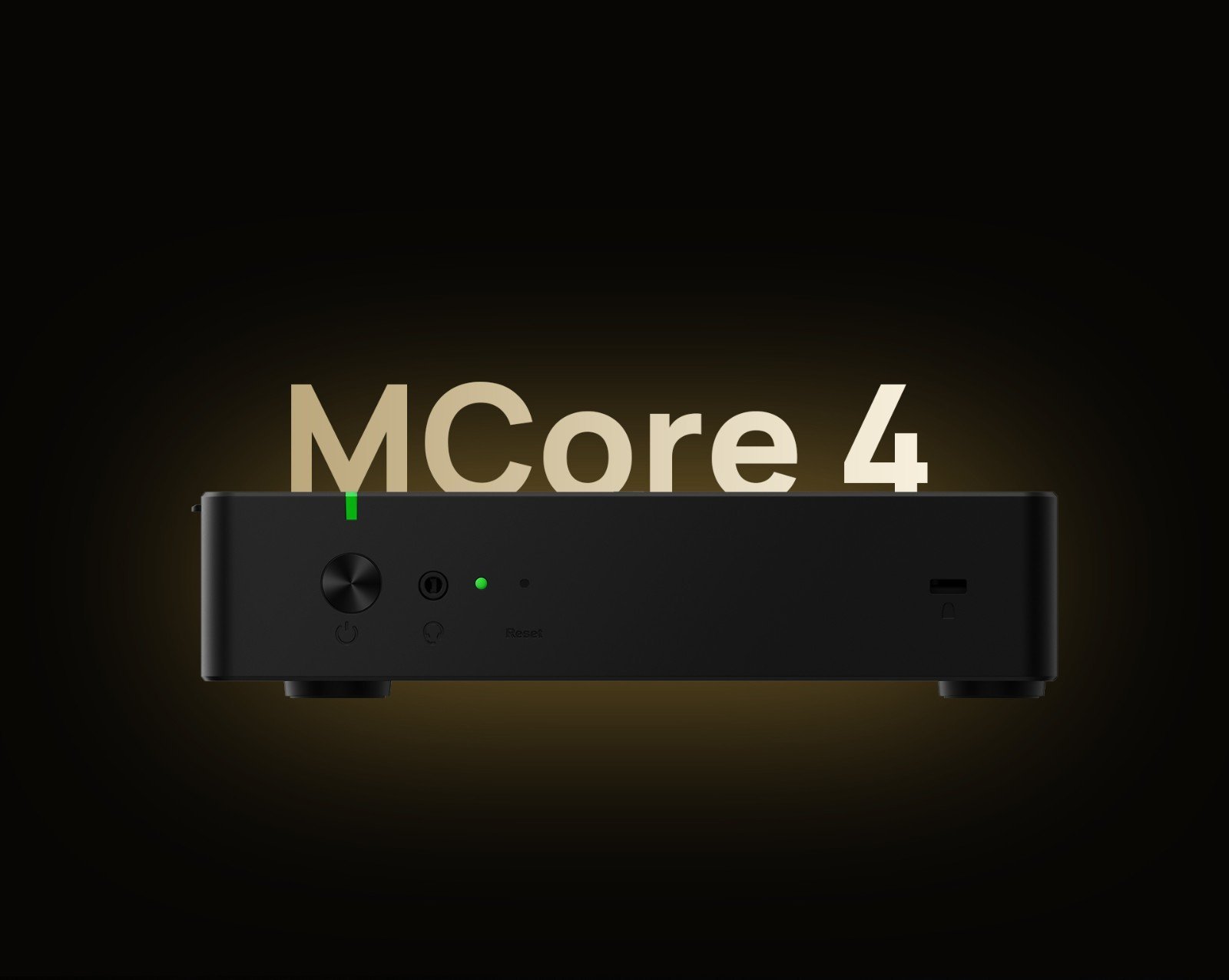
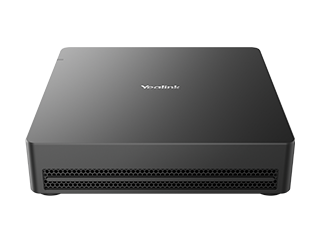
The MCore 4 runs Windows 11 IoT Enterprise with Zoom Rooms preloaded. The Intel Ultra5 125H processor includes a dedicated NPU delivering up to 34 TOPS of AI compute — Zoom AI Companion, Smart Gallery framing, and background processing run on the NPU while Zoom Rooms operates cleanly on the CPU. Windows compute also unlocks IT management via Microsoft Endpoint Manager, allowing the ZVC S50 to be managed alongside the rest of the Windows device estate without a separate MDM platform. Three HDMI outputs support the dual-display layout Zoom recommends for certified rooms, plus a third output for overflow or confidence monitors.
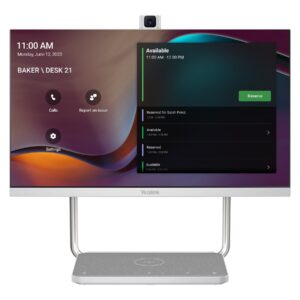
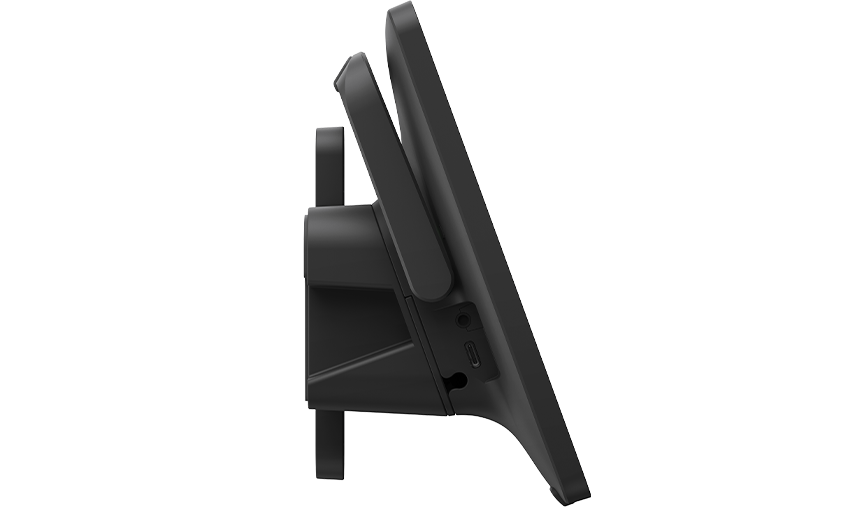
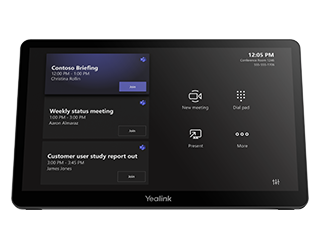
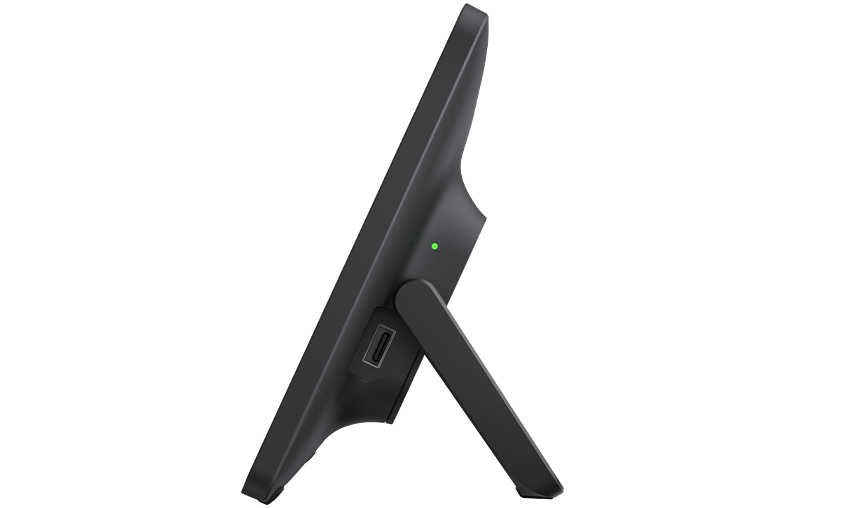
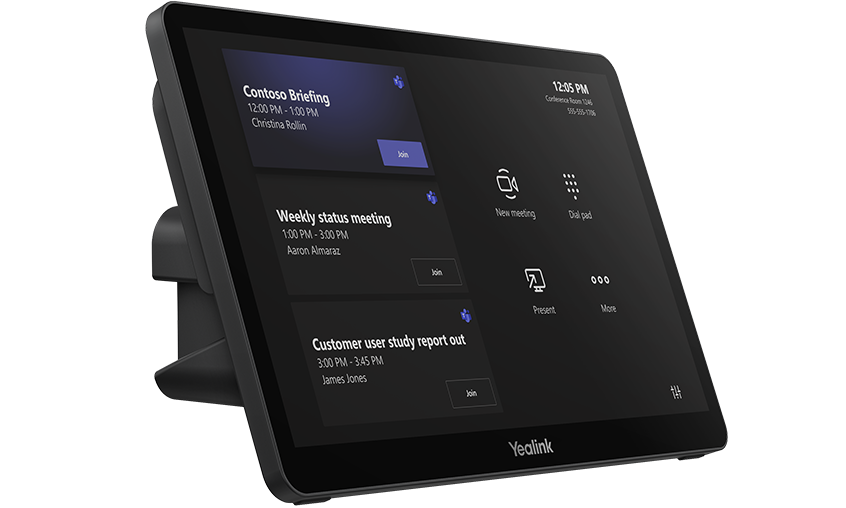
The MTouch Plus 11.6″ IPS panel runs the Zoom Rooms controller interface — one-touch meeting join from the calendar, participant management, camera preset selection, and content sharing all from the table panel. A single CAT5e cable carries both data and power to the panel, no separate adapter needed. The RoomSensor pairs via Bluetooth and auto-wakes Zoom Rooms when participants enter, with live occupancy, temperature, and humidity data surfacing on the MTouch Plus — supporting Zoom’s workspace reservation features for accurate room utilisation reporting.
Content sharing works across wired HDMI and USB-C inputs on the MTouch Plus, wireless via the optional WPP30 adapter at 1080p/30fps, and 4K HDMI-In on the MCore 4 for full-resolution auxiliary presentation input. All devices support Yealink Device Management Platform for centralised remote firmware updates, configuration, diagnostics, and monitoring.
The ZVC S50 suits small to medium meeting rooms in organisations standardised on Zoom Rooms where Windows compute, Zoom AI Companion, and IT management through Microsoft Endpoint Manager are requirements rather than optional extras.
Browse our full Yealink product range to compare Zoom Rooms models across room sizes, or explore our complete video conferencing equipment guide below.
MeetingBar A50 Camera and Audio — Zoom Rooms on Windows From MCore 4
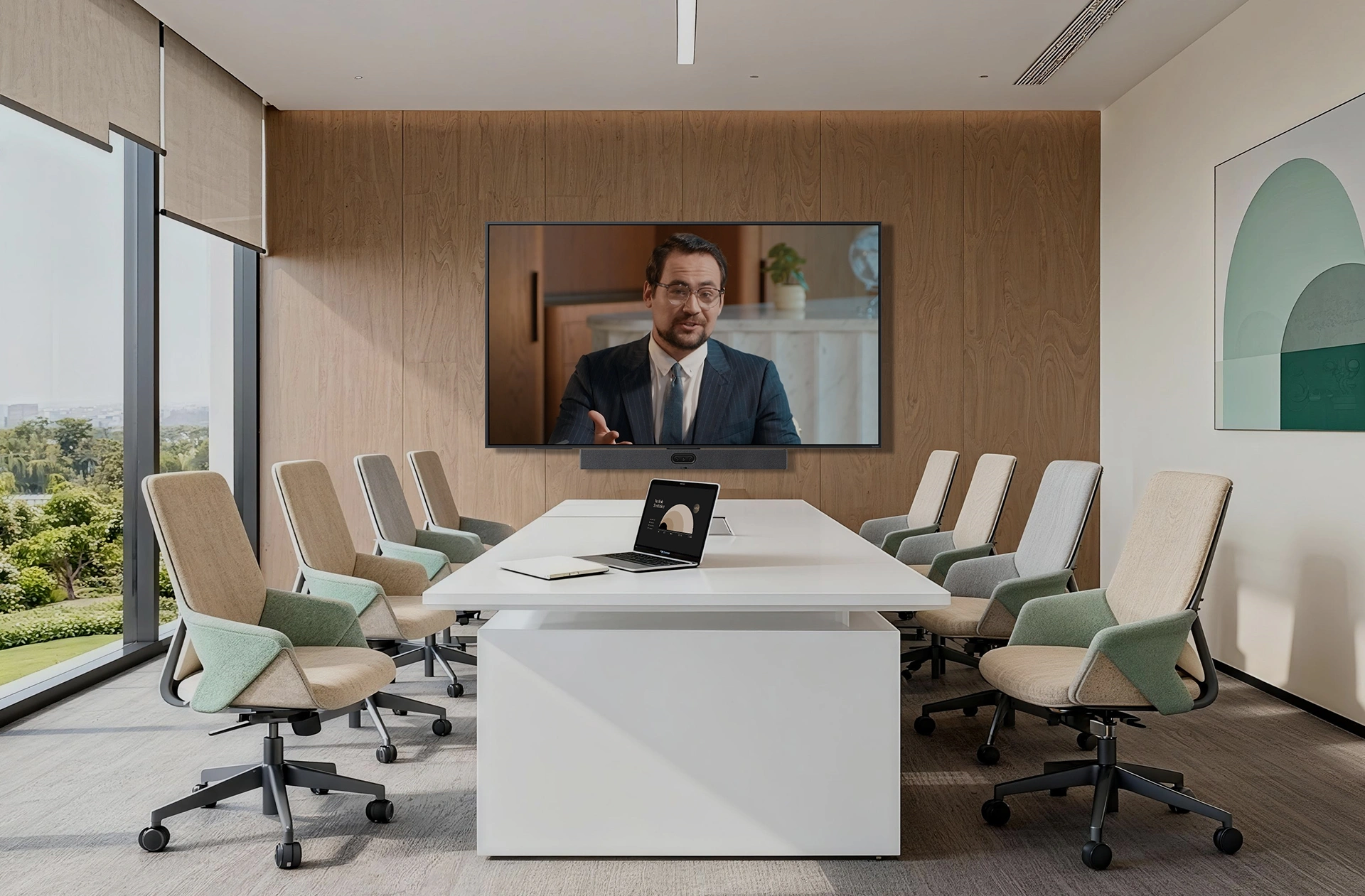
The ZVC S50 pairs the MeetingBar A50’s triple 50MP camera and 16-mic audio with the MCore 4 Windows compute module — delivering A50-quality AV running Zoom Rooms on Windows rather than Android. For organisations where Zoom AI Companion, Microsoft Endpoint Manager management, or Windows-based IT infrastructure are requirements, this is the direct path to deploying A50 performance in small to medium rooms without compromising on platform.
Key Features
- MeetingBar A50 — triple 50MP camera, Zoom Smart Gallery certified — 98° wide-angle and dual 41.6° telephoto with electronic gimbal, electric physical privacy shutter, 9 preset positions
- Zoom Rooms on Windows via MCore 4 — unlocks Zoom AI Companion, Microsoft Endpoint Manager device management, and full Windows Zoom Rooms feature parity
- Zoom AI Companion and Smart Gallery — meeting summaries, transcription, action items, and individually framed participant shots run natively on Windows Zoom Rooms
- 16-mic MEMS array, 10-metre pickup — 32-bit sampling, AI-enhanced noise suppression — cleaner audio input improves AI Companion transcription accuracy; supports up to 3 expansion mics
- 4 × 5W speakers, 97 dBSPL max, 0–180° emission — even audio distribution across the room with no dead zones at the far end of the table
- Intel Ultra5 125H with NPU (34 TOPS) — AI Companion and Smart Gallery run on NPU, Zoom Rooms runs on CPU — no performance competition between workloads
- MTouch Plus 11.6″ Zoom Rooms controller — single CAT5e for data and power, one-touch join, camera preset control, live RoomSensor environmental display
- 4K HDMI-In on MCore 4 — full-resolution auxiliary presentation input without downscaling
- RoomSensor — 120° BLE occupancy detection, auto-wakes Zoom Rooms on entry, supports Zoom workspace reservation reporting
- Wi-Fi 6 (802.11ax) and Bluetooth 5.2 on MCore 4
- Full remote management via YDMP — firmware, configuration, diagnostics, and monitoring across all devices
- 2-year warranty — Australian stock, freight delivery
Intel Ultra5 125H With NPU — Zoom AI Companion Runs on the Chip, Not the Cloud
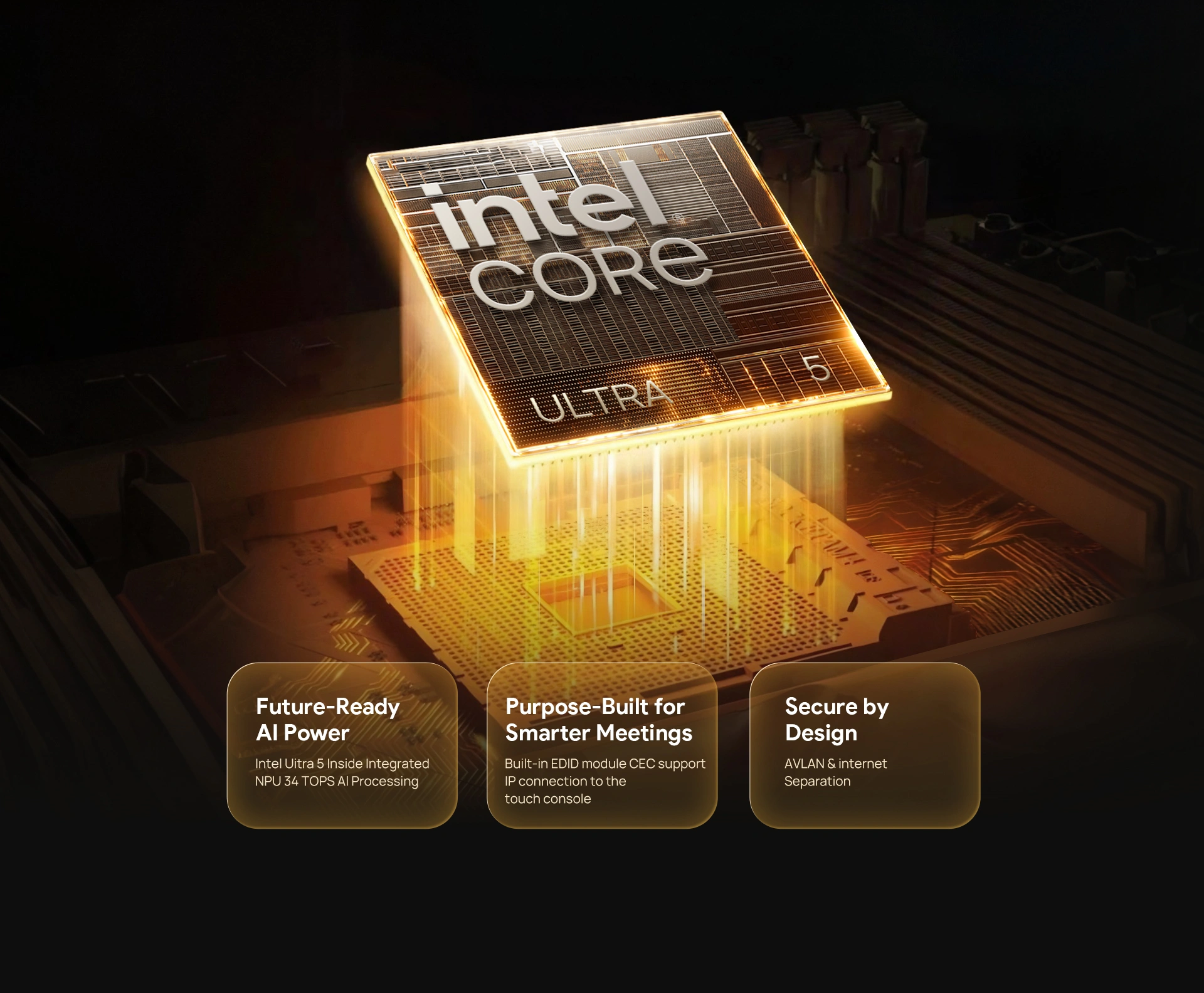
The MCore 4 runs Windows 11 IoT Enterprise with Zoom Rooms preloaded. The Intel Ultra5 125H processor’s dedicated NPU delivers up to 34 TOPS of AI compute — Smart Gallery framing, AI Companion processing, and camera tracking all run on the NPU while Zoom Rooms operates cleanly on the CPU. Windows compute also enables Microsoft Endpoint Manager device management, so IT teams can manage the ZVC S50 alongside the rest of the Windows estate from a single console.
Triple 50MP Camera — Smart Gallery Has a Full-Resolution Room Feed
The MeetingBar A50 combines three 50MP sensors — one 98° wide-angle and two 41.6° telephoto — with an electronic gimbal. The wide lens gives Zoom Smart Gallery a full-room panoramic feed; the telephoto lenses deliver sharp individual close-ups when AI Companion framing activates. An electric physical privacy shutter closes automatically when the room is unoccupied — physical blocking rather than software-only camera mute, relevant for compliance-sensitive environments.
Zoom AI Companion and Smart Gallery — Native on Windows Zoom Rooms
Smart Gallery presents individually framed participant shots to remote attendees — instead of a static wide angle, remote participants see clearly framed individuals switching with the conversation. Zoom AI Companion for meeting summaries, transcription, and action items runs natively within the Windows Zoom Rooms interface. Video fence defines active tracking zones to prevent false camera switches from people passing through adjoining spaces. Nine preset positions allow consistent framing for recurring meeting formats.
16-Mic Array — Clean Audio Input for Accurate AI Companion Transcription
The A50’s 16-mic MEMS array picks up speech across a 10-metre range with AI-enhanced noise suppression removing HVAC noise, keyboard sounds, and room echo before audio reaches Zoom’s processing layer. Cleaner source audio directly improves AI Companion transcription accuracy and meeting summary quality. Full duplex AEC prevents audio cancellation artefacts when participants speak simultaneously. Four 5W speakers with 0–180° emission distribute Zoom audio evenly across the room. Up to three expansion microphones extend coverage for longer or L-shaped rooms.
MTouch Plus — Zoom Rooms Controller With Live Room Intelligence
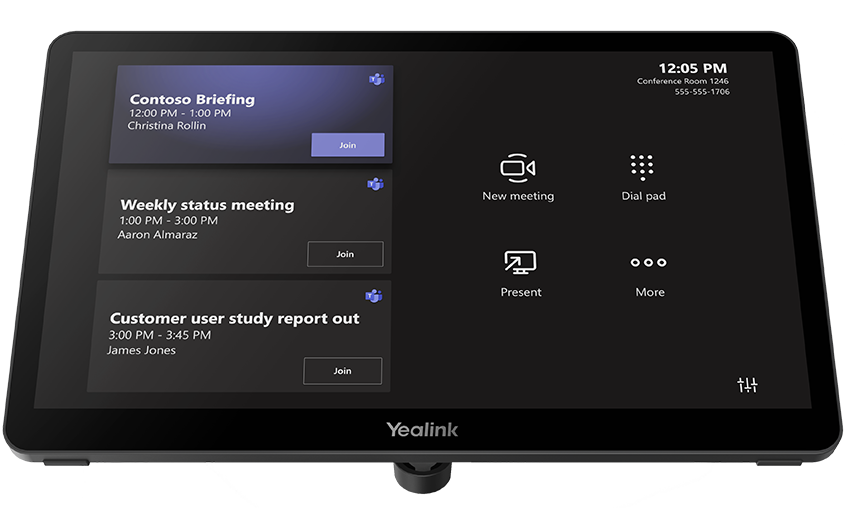
The MTouch Plus 11.6″ IPS panel runs the Zoom Rooms controller interface natively — one-touch meeting join from the calendar, participant management, camera preset selection, and content sharing without touching the main display. Live RoomSensor data (occupancy, temperature, humidity) surfaces on the panel, feeding Zoom’s workspace reservation system for accurate room utilisation reporting. A single CAT5e cable carries both data and power to the panel — no separate power adapter at the desk or wall mount.
Content Sharing — Wired, Wireless, and 4K Input Alongside Zoom Screen Share
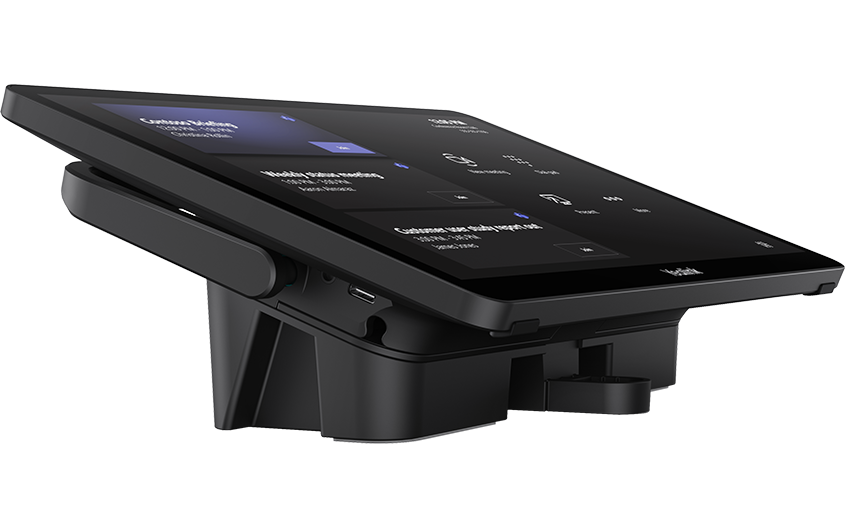
The MTouch Plus accepts wired HDMI and USB-C inputs from any laptop. The optional WPP30 wireless adapter supports 1080p/30fps one-click casting that works alongside Zoom’s screen share — useful when a presenter wants to share a secondary device without switching the meeting host. The MCore 4’s 4K HDMI-In accepts full-resolution auxiliary presentation streams without downscaling, preserving quality for high-resolution content input during Zoom sessions.
Remote Management — YDMP Plus Microsoft Endpoint Manager for the Full Estate

All ZVC S50 components — MCore 4, MeetingBar A50, MTouch Plus, and RoomSensor — support Yealink Device Management Platform for centralised remote firmware updates, configuration, diagnostics, and health monitoring. Windows compute adds Microsoft Endpoint Manager compatibility, so IT teams managing mixed Windows and Zoom Rooms environments can handle the ZVC S50 from the same console as the rest of the estate — no separate MDM platform required for the room systems.
Things to Consider Before Buying
| Feature | Specification | Why It Matters for Zoom Rooms |
|---|---|---|
| Room Size | Small to medium — 4 to 12 participants | A50’s 98° wide-angle covers small huddle rooms; dual telephoto and 10m mic pickup handle medium boardrooms — Zoom Smart Gallery has a complete room feed to frame from |
| Key Difference vs Standalone A50 | Windows compute (MCore 4) instead of Android | Zoom Rooms on Windows unlocks AI Companion, Microsoft Endpoint Manager management, and the full Windows Zoom Rooms feature set — Android Zoom Rooms has a more limited feature parity |
| Camera System | 3 × 50MP — 1 × 98° HFOV wide, 2 × 41.6° HFOV telephoto, electronic gimbal | Triple 50MP sensors give Zoom Smart Gallery a high-resolution full-room feed — more detail in the source image means more accurate individual participant framing for remote attendees |
| Privacy Shutter | Electric physical shutter — blocks camera when room unoccupied | Physical shutter provides verifiable camera blocking — relevant for organisations with privacy compliance or data governance requirements where software-only camera mute isn’t sufficient |
| Zoom AI Features | AI Companion, Smart Gallery, auto-framing, video fence, 9 presets | AI Companion delivers meeting summaries, transcription, and action items natively in Zoom Rooms on Windows — not available on Android Zoom Rooms at the same feature level |
| Microphone | 16 MEMS mic array, 10m pickup, 32-bit, AI noise suppression, AEC/AGC | Clean audio input directly improves AI Companion transcription accuracy — AI suppression removes HVAC and keyboard noise before it reaches Zoom’s processing layer |
| Speakers | 4 × 5W (max 10W each), 97 dBSPL, 80Hz–20kHz, 0–180° emission | Wide emission angle distributes Zoom audio evenly — remote participant voices reach every seat without hot spots or drop-off at the far end of the table |
| Mic Expansion | Supports up to 3 expansion microphones | Extend pickup for rooms over 10m or U-shaped layouts — better mic coverage means better AI Companion transcription for participants further from the bar |
| Processor | Intel Ultra5 125H with NPU (34 TOPS) | NPU runs Smart Gallery and AI Companion compute independently — Zoom Rooms stays responsive on the CPU even during AI-heavy meetings with transcription and framing active simultaneously |
| Memory / Storage | 16GB DDR5 / 256GB SSD | Sufficient for Zoom Rooms on Windows, AI Companion, and simultaneous background processing without degradation over a long deployment lifecycle |
| Display Outputs | 3 × HDMI out on MCore 4 + 2 × HDMI on A50 | Supports Zoom’s recommended dual-display layout — gallery view on one screen, shared content on the other — plus a third output for overflow or confidence monitors |
| Touch Panel | MTouch Plus — 11.6″ IPS, 1920×1080, single CAT5e | Runs Zoom Rooms controller natively — one-touch join, participant management, and camera controls without touching the main display |
| Occupancy Sensor | RoomSensor — 120° BLE, temp/humidity | Auto-wakes Zoom Rooms on room entry; occupancy data feeds Zoom workspace reservation for accurate room utilisation reporting across the estate |
| OS / Software | Windows 11 IoT Enterprise, Zoom Rooms app, Yealink RoomConnect — preloaded | Ships Zoom Rooms ready — enrol in your Zoom account and the room is live; manageable via Microsoft Endpoint Manager alongside the rest of the Windows estate |
| Warranty | 2-year limited hardware warranty | Covers all kit components — MCore 4, MeetingBar A50, MTouch Plus, and RoomSensor |
Warranty & Support
The Yealink ZVC S50 is covered by a 2-year limited hardware warranty across all kit components — MCore 4, MeetingBar A50, MTouch Plus, and RoomSensor. Australian stock. Freight delivery to metro and regional locations.
Kickstart Computers provides pre-sales consultation, deployment guidance, and post-sales support for ZVC S50 Zoom Rooms installations. Contact us for site assessment, installation referrals, or Yealink Device Management Platform configuration assistance.