


Dual UVC86 Cameras and AVHub — Zoom Rooms on Windows for Extra-Large Rooms
Extra-large meeting rooms present a fundamental coverage problem for Zoom Rooms deployments — a single camera can’t cover the full table width, multi-speaker tracking fails when active speakers are at opposite ends of the room, and standard video bars simply aren’t designed for spaces this size. The Yealink ZVC S90 is built specifically for these environments, pairing two UVC86 4K PTZ cameras with the AVHub processor and MCore 4 Windows compute — delivering Zoom Smart Gallery and AI Companion across the full room without camera operators or manual switching.
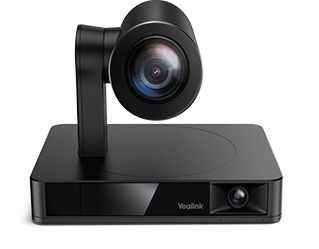
The kit ships with two UVC86 cameras. Each combines a 4K sensor with 12× optical zoom (20.4× HD total) across two lenses — a 110° panoramic and a 90° telephoto — giving comprehensive room coverage and tight speaker framing from each unit. Zoom’s Smart Gallery uses the dual-camera feed to present individually framed participants to remote attendees, switching automatically with the conversation. The UVC86 supports up to 9 preset positions, 200° horizontal rotation, and 130° vertical rotation — adaptable to rooms with unusual layouts or angled seating. AI tracking modes include auto-framing, speaker tracking with region trigger, presenter tracking with gesture control, multi-focus, and picture-in-picture.
The AVHub processor ties the dual-camera setup together. It handles multi-camera video compositing, supports customisable split-screen layouts controlled from the MTouch Plus Zoom Rooms controller, and enables Multi-Stream IntelliFrame on-device — so remote participants see intelligently framed individual shots without cloud processing dependency. The AVHub also supports dividable and mergeable room configurations via network cable, allowing two adjoining spaces to operate independently or combine without rewiring when room configurations change.
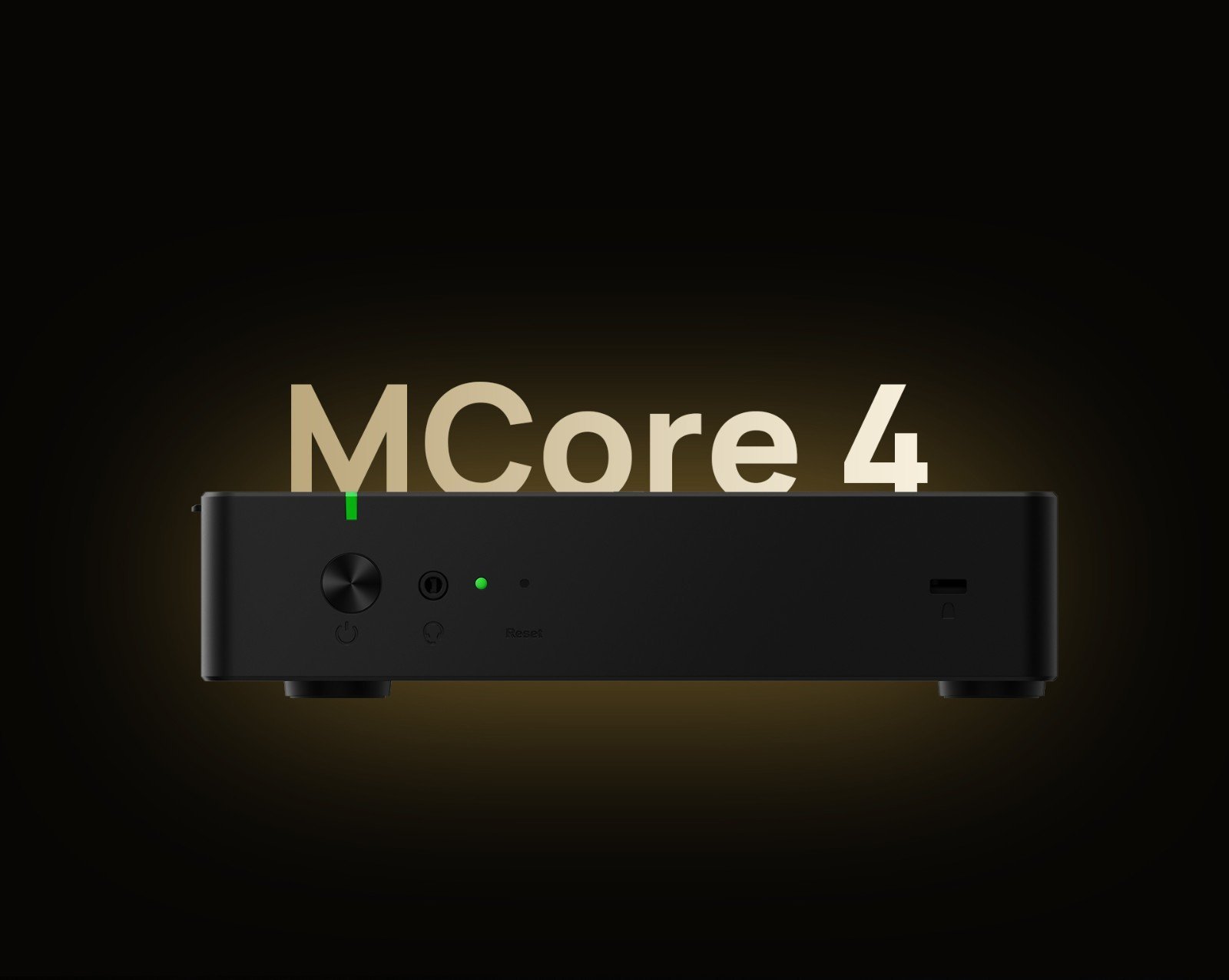
The MCore 4 runs Windows 11 IoT Enterprise with Zoom Rooms and Yealink RoomConnect preloaded. The Intel Ultra5 125H processor’s dedicated NPU delivers up to 34 TOPS of AI compute — Smart Gallery framing, AI Companion processing, and camera tracking all run on the NPU while Zoom Rooms operates on the CPU. Three HDMI outputs support Zoom’s recommended dual-display layout plus a third output, and a 4K HDMI-In handles full-resolution auxiliary presentation input. Windows compute enables Microsoft Endpoint Manager device management alongside the rest of the Windows estate.
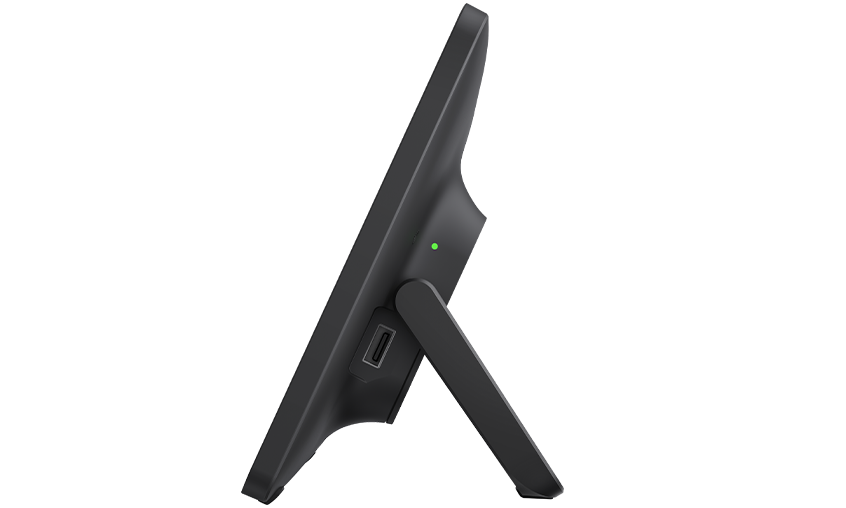
The VCH51 Pro allows any laptop to use the room’s cameras and audio via USB-C with DP video input — no software install on the guest device. The MTouch Plus 11.6″ IPS panel runs the Zoom Rooms controller interface natively, connecting via a single CAT5e cable for both data and power. The RoomSensor pairs via Bluetooth, auto-wakes Zoom Rooms on room entry, and feeds occupancy data to Zoom’s workspace reservation system.
The ZVC S90 suits extra-large boardrooms, training centres, divisible conference spaces, and classrooms where organisations are standardised on Zoom Rooms and need dual-camera coverage without the camera count of a full SmartVision 80 multi-camera array.
Browse our full Yealink product range to compare Zoom Rooms models across room sizes, or explore our complete video conferencing equipment guide below.
Intel Ultra5 125H NPU — Zoom AI Companion and Smart Gallery Without Cloud Latency
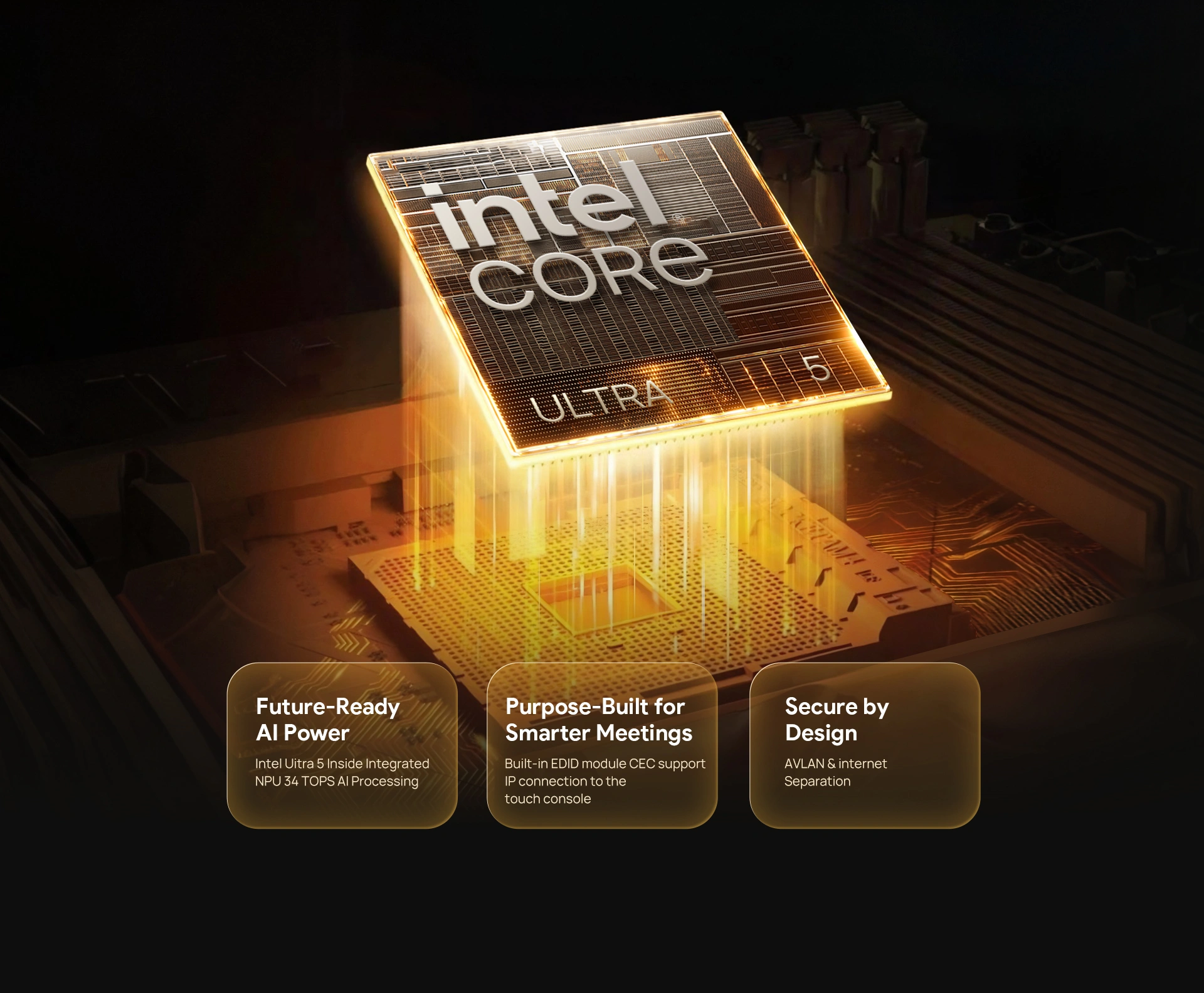
The MCore 4 runs an Intel Ultra5 125H with a dedicated NPU delivering up to 34 TOPS of AI compute. Zoom’s Smart Gallery framing, AI Companion processing, and all UVC86 tracking run on the NPU — Zoom Rooms operates cleanly on the CPU with no competition from AI workloads. For extra-large rooms in daily use, that compute separation keeps the system stable and the Zoom Rooms interface responsive regardless of how many AI features are active simultaneously.
Key Features
- 2 × UVC86 4K dual-eye PTZ cameras — Zoom Smart Gallery certified — 12× optical zoom, 110° panoramic + 90° telephoto per unit, expandable to 9 cameras via AVHub
- AVHub multi-camera processor — composites dual UVC86 feeds, supports customisable Smart Gallery layout from MTouch Plus, Multi-Stream IntelliFrame on-device
- Dividable and mergeable room support — two adjoining spaces combine or split via network cable without rewiring
- Zoom AI Companion on Windows Zoom Rooms — meeting summaries, transcription, and action items at full feature parity; not available at the same level on Android Zoom Rooms
- Full UVC86 AI tracking suite — auto-framing, speaker tracking (region trigger), presenter tracking (gesture control), multi-focus, PIP, 9 presets — all on-device
- Intel Ultra5 125H with NPU (34 TOPS) — Smart Gallery and AI Companion on NPU, Zoom Rooms on CPU — no performance competition
- MCore 4 — Zoom Rooms on Windows 11 IoT Enterprise preloaded — 16GB DDR5, 256GB SSD, 3× HDMI, Microsoft Endpoint Manager compatible
- VCH51 Pro BYOD sharing — USB-C with DP video input, no software install on guest laptop
- MTouch Plus 11.6″ Zoom Rooms controller — single CAT5e for data and power, one-touch join, camera layout control, live RoomSensor display
- RoomSensor — 120° BLE occupancy, auto-wakes Zoom Rooms, feeds Zoom workspace reservation reporting
- 4K HDMI-In on MCore 4 — full-resolution auxiliary presentation input
- Wi-Fi 6 (802.11ax) and Bluetooth 5.2 on MCore 4
- Full remote management via YDMP — firmware, configuration, diagnostics, monitoring
- 2-year warranty — Australian stock, freight delivery
Complete Zoom Rooms Kit — Prestaged for Extra-Large Room Deployment
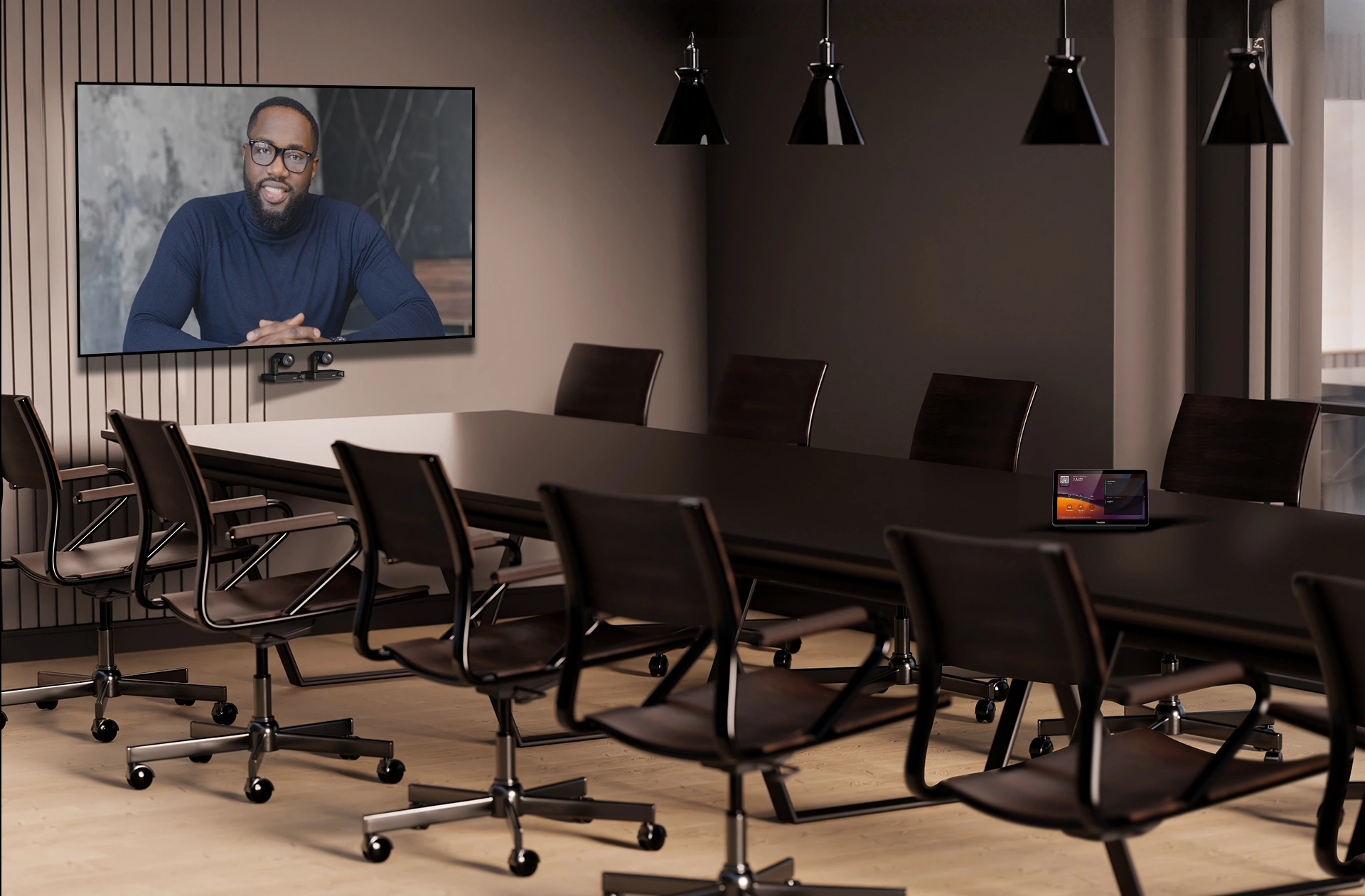
The ZVC S90 ships as a fully integrated Zoom Rooms kit: MCore 4 mini-PC, two UVC86 4K PTZ cameras, AVHub processor, MTouch Plus Zoom Rooms controller, RoomSensor, and VCH51 Pro BYOD sharing. Zoom Rooms and Yealink RoomConnect arrive preloaded and licensed — enrol in your Zoom account and the room is live from first power-on. Each component communicates through Yealink’s VCH cabling standard, reducing integration complexity and eliminating compatibility guesswork across the kit.
UVC86 — 4K Dual-Eye PTZ Giving Zoom Smart Gallery a Complete Room Feed

Each UVC86 combines a 110° panoramic lens and a 90° telephoto lens with a 4K sensor and 12× optical zoom. The panoramic lens gives Zoom Smart Gallery a full room context feed; the telephoto lens delivers the close-up shots Smart Gallery needs to frame individual participants accurately. With two UVC86 units, Smart Gallery has coverage of the full room width — one camera handling the far end, the other covering closer participants — switching between them automatically as the conversation moves. Up to 9 preset positions per camera with 200° horizontal and 130° vertical rotation handles unusual room layouts.
AVHub — Multi-Camera Smart Gallery and Dividable Room Support
The AVHub connects both UVC86 cameras and handles all video compositing in hardware. Multi-Stream IntelliFrame runs on the AVHub itself, delivering Smart Gallery-compatible individually framed participant shots without cloud processing. Operators can set split-screen layouts from the MTouch Plus Zoom Rooms controller, controlling each camera independently or combining feeds. Dividable and mergeable room support means two adjoining spaces can run as separate Zoom Rooms or combine into one large room — managed through the same system without any hardware reconfiguration.
MTouch Plus Controller and VCH51 Pro BYOD — Simple Control, Flexible Sharing
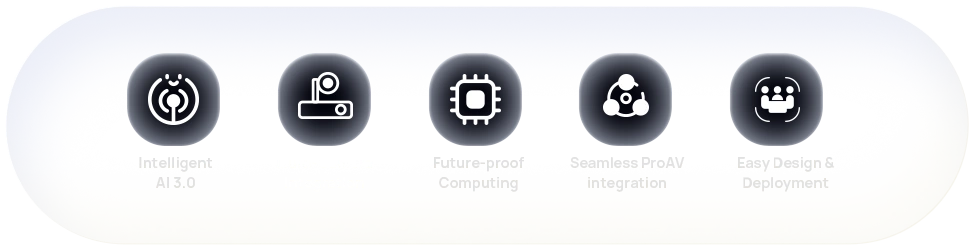
The MTouch Plus 11.6″ IPS panel runs the Zoom Rooms controller interface natively — one-touch join, participant management, camera layout selection, and content sharing without touching the main display. A single CAT5e carries both data and power to the panel. The VCH51 Pro lets any guest laptop use the room’s cameras and audio via USB-C with DP video input — no Zoom app install or software configuration required. Wireless sharing via the optional WPP30 adapter supports 1080p/30fps casting alongside Zoom screen share, and the MCore 4’s 4K HDMI-In handles full-resolution auxiliary input.
Large Conference Rooms — Dual UVC86 Coverage for Every Seat
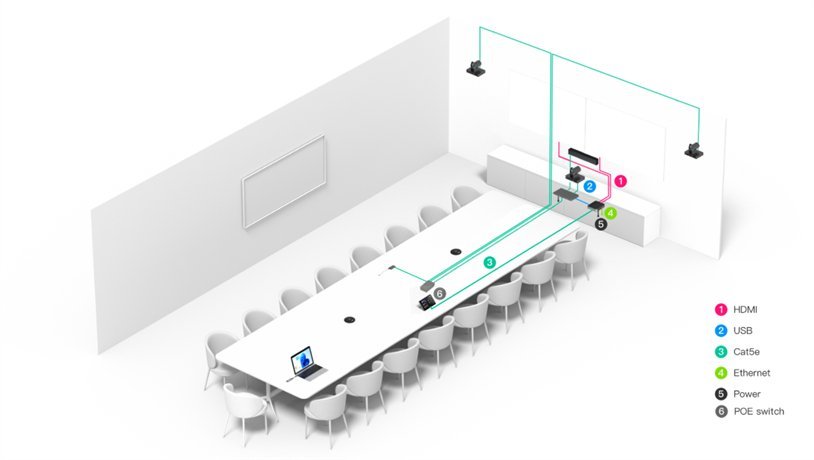
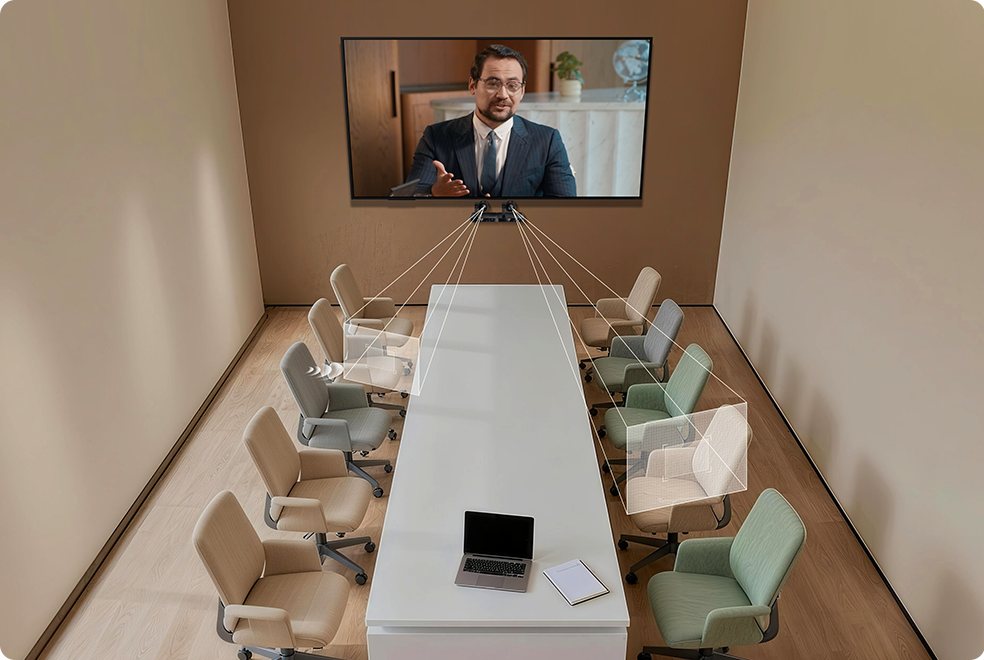
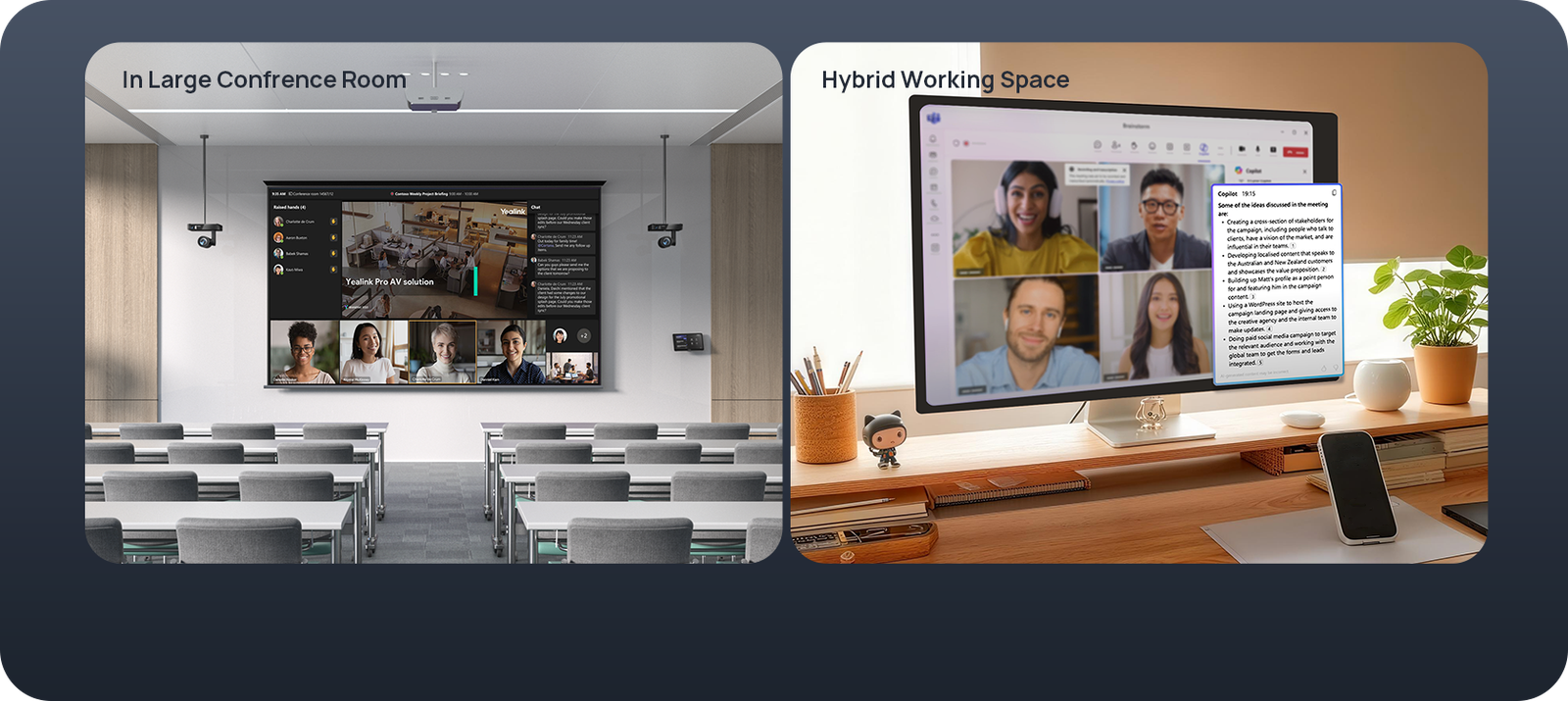
In a large conference room with participants spread across a long table, a single camera leaves one half of the room in a wide shot that remote Zoom attendees struggle to read from. The ZVC S90’s dual UVC86 setup covers the full table length — Smart Gallery receives feeds from both cameras and presents clearly framed individuals to remote participants, switching with the conversation automatically. Three HDMI outputs support Zoom’s dual-display layout — gallery on one screen, shared content on the other — plus a third screen for overflow or confidence monitors.
Training Rooms — Presenter Tracking and AI Companion Transcription for Hybrid Sessions

Training rooms running hybrid Zoom sessions need the presenter visible to remote participants as they move, plus accurate transcription for post-session review. The UVC86’s presenter tracking with gesture control follows the instructor around the room without a camera operator; Zoom AI Companion transcribes the session in real time and generates a meeting summary with action items. For organisations running hybrid training programmes, the ZVC S90 removes the need for a dedicated AV operator while giving remote participants a genuinely useful session record via AI Companion.
U-Shaped and Divisible Rooms — Zoom Rooms That Adapts to the Layout
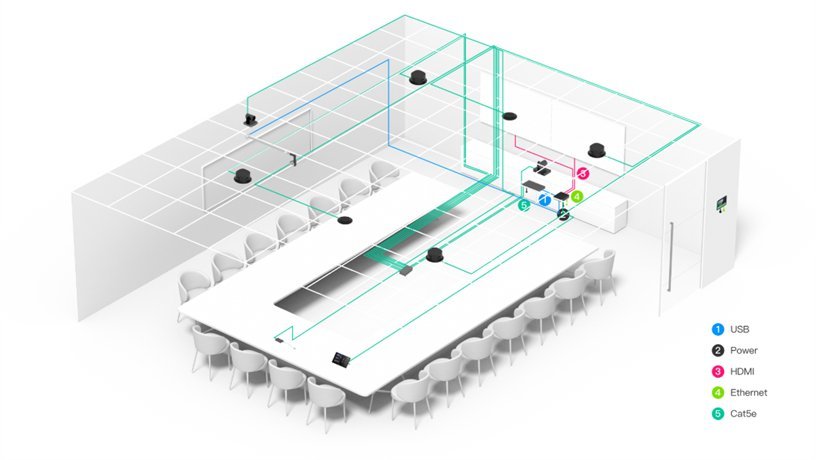
U-shaped rooms are one of the hardest configurations for a single Zoom Rooms camera — participants face inward rather than toward a single display, and anyone on the side arms of the U is off-axis from a front-mounted camera. With two UVC86 units and AVHub compositing, the ZVC S90 covers a U-shaped layout properly, Smart Gallery framing participants from whichever camera has the best angle. Divisible rooms benefit from the network-cable merging feature — two separate Zoom Rooms combine into one large space for full-group sessions without hardware reconfiguration or re-enrolment.
Things to Consider Before Buying
| Feature | Specification | Why It Matters for Zoom Rooms |
|---|---|---|
| Room Size | Extra-large — boardrooms, training centres, divisible spaces, classrooms | Two UVC86 cameras give Zoom Smart Gallery complete room coverage — no blind spots in large or irregularly shaped spaces where a single camera can’t cover the full table |
| Cameras | 2 × UVC86 (expandable to 9 via AVHub) | Dual cameras cover opposite ends of the table simultaneously — Smart Gallery has two high-resolution feeds to frame from, delivering more accurate individual participant shots to remote attendees |
| PTZ Optical Zoom | 12× optical / 20.4× HD per UVC86 | Keeps remote Zoom participants clearly focused on the active speaker even at the far end of a long boardroom table — no digital quality loss |
| AVHub | Multi-camera compositing, up to 9 cameras, customisable layout, Multi-Stream IntelliFrame on-device | IntelliFrame runs on-device in AVHub — Smart Gallery switching decisions happen locally without cloud latency; layout customisation from MTouch Plus lets operators set the Zoom display view for the room |
| Room Configuration | Dividable and mergeable via network cable | Two adjoining spaces run as separate Zoom Rooms or combine into one large room — no rewiring when room layout changes for different meeting formats |
| Zoom AI Features | AI Companion, Smart Gallery, speaker tracking (region trigger), presenter tracking (gesture), multi-focus, PIP, 9 presets | AI Companion runs at full feature parity on Windows Zoom Rooms — meeting summaries, transcription, and smart recaps available natively without additional configuration |
| BYOD Sharing | VCH51 Pro — USB-C with DP video input, no software install | Guest laptops access the room’s cameras and audio via one USB-C cable — no Zoom app install or configuration required on the guest device |
| Processor | Intel Ultra5 125H with NPU (34 TOPS) | NPU handles Smart Gallery and AI Companion compute independently — Zoom Rooms stays responsive on the CPU during AI-heavy sessions with transcription and multi-camera framing active |
| Memory / Storage | 16GB DDR5 / 256GB SSD | Headroom for Zoom Rooms, AI Companion, and multi-camera processing without performance degradation across a long deployment lifecycle |
| Display Outputs | 3 × HDMI out (1 × 2.1, 2 × 2.0) | Supports Zoom’s recommended dual-display layout — gallery on one screen, shared content on the other — plus a third for confidence monitors or overflow screens |
| Touch Panel | MTouch Plus — 11.6″ IPS, 1920×1080, single CAT5e | Runs Zoom Rooms controller natively — one-touch join, participant management, and multi-camera layout controls without touching the main display |
| Occupancy Sensor | RoomSensor — 120° BLE, temp/humidity | Auto-wakes Zoom Rooms on entry; occupancy data feeds Zoom workspace reservation for accurate room utilisation reporting across the estate |
| Device Management | YDMP + Microsoft Endpoint Manager (via Windows) | Windows compute means the ZVC S90 integrates into the same Endpoint Manager console as the rest of the Windows estate — no separate MDM platform for Zoom room systems |
| OS / Software | Windows 11 IoT Enterprise, Zoom Rooms app, Yealink RoomConnect — preloaded | Ships Zoom Rooms ready — enrol in your Zoom account and the room is live; no OS licensing to purchase separately |
| Warranty | 2-year limited hardware warranty | Covers all kit components — MCore 4, 2 × UVC86, AVHub, MTouch Plus, RoomSensor, VCH51 Pro |
Warranty & Support
The Yealink ZVC S90 is covered by a 2-year limited hardware warranty across all kit components — MCore 4, 2 × UVC86, AVHub, MTouch Plus, RoomSensor, and VCH51 Pro. Australian stock. Freight delivery to metro and regional locations.
Kickstart Computers provides pre-sales consultation, deployment guidance, and post-sales support for ZVC S90 Zoom Rooms installations. Contact us for site assessment, installation referrals, or YDMP configuration assistance.