Jump Ahead Too
Toggle
Boardroom Conferencing Equipment —
Getting the Large Room Right
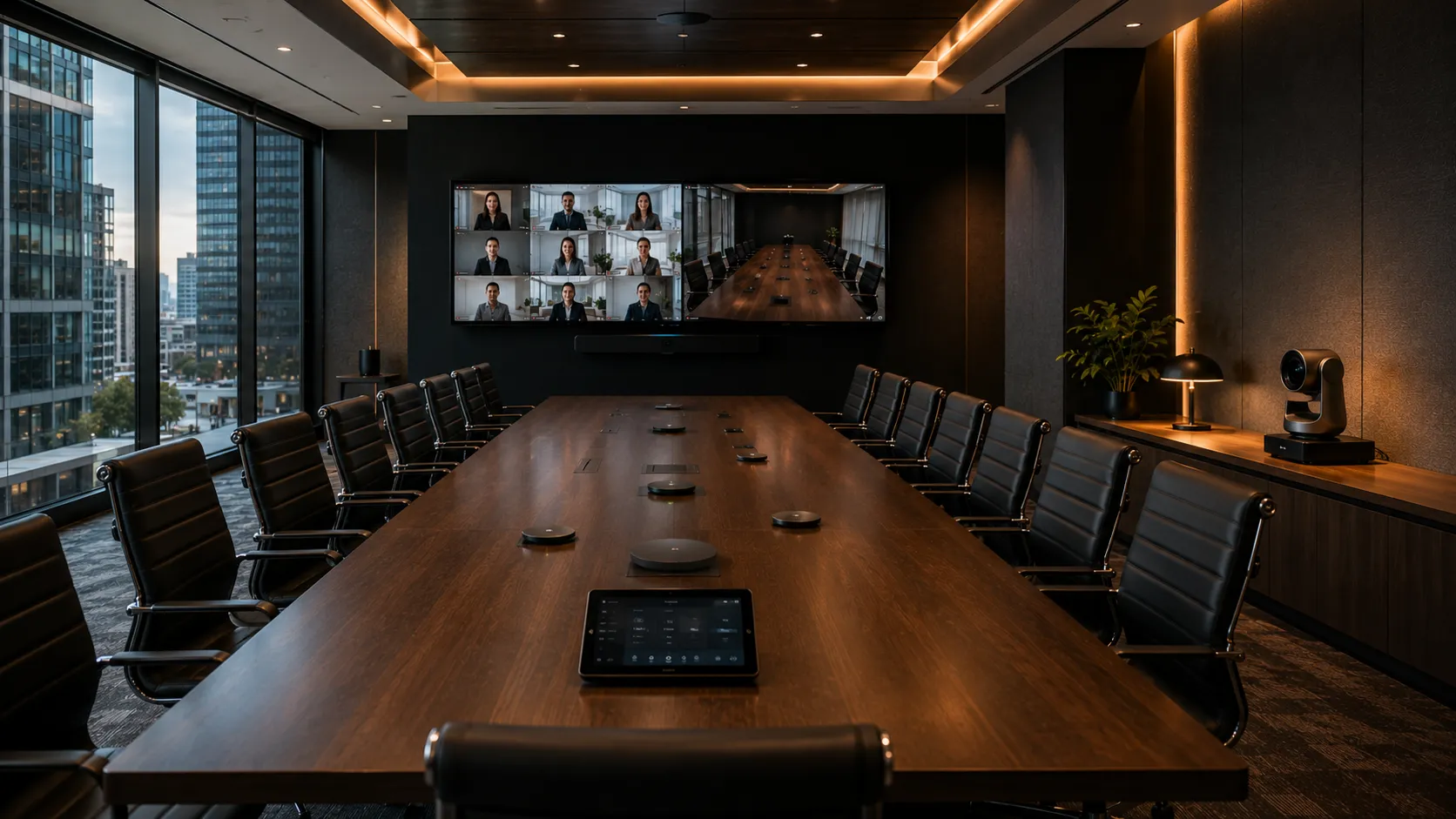
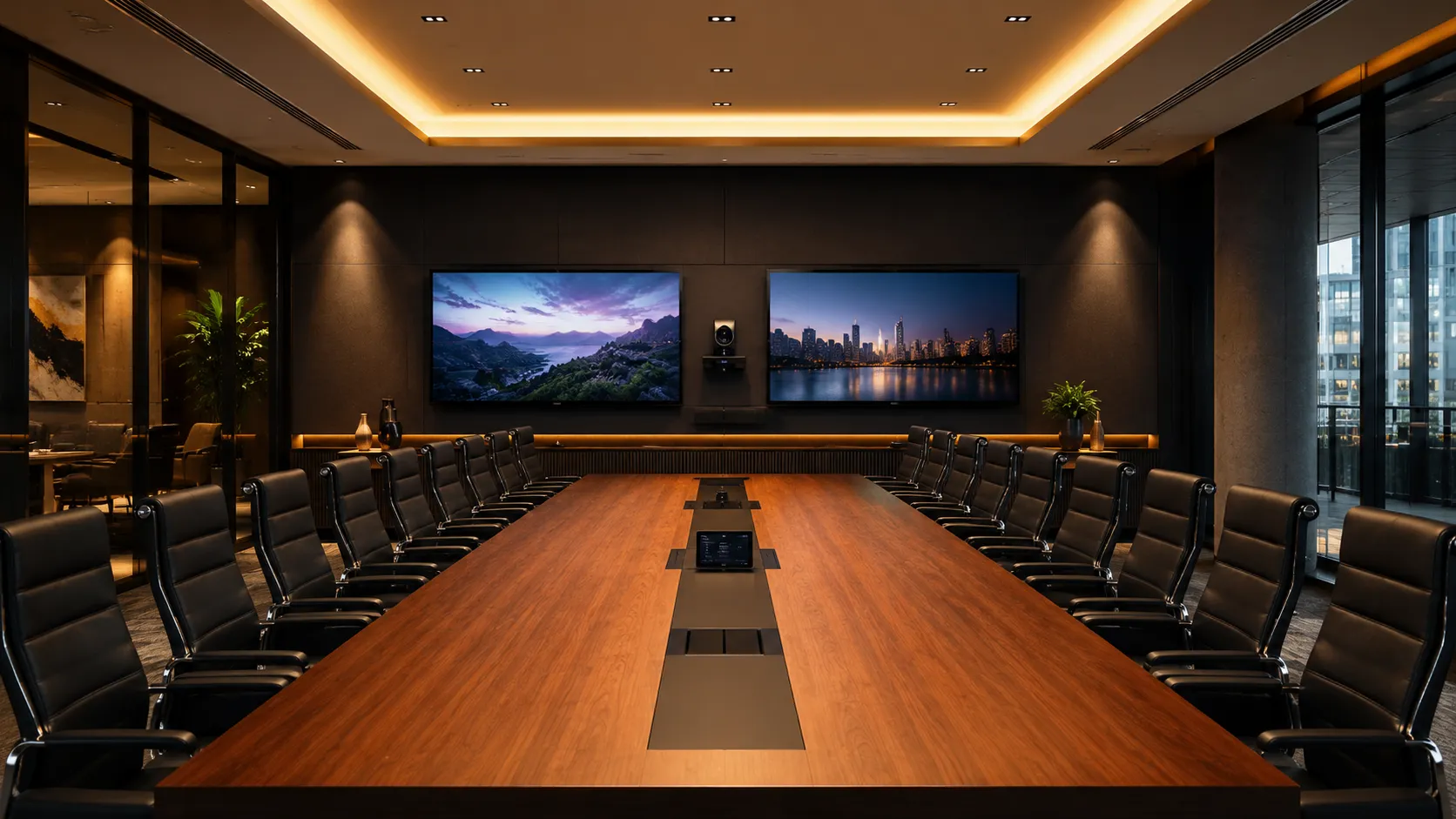
Large boardrooms are the most technically demanding meeting spaces in any building. Long tables, hard surfaces, high ceilings and executive expectations mean the margin for error is smaller than any other room. This guide covers what actually makes boardrooms different — and what to get right before you spec a single piece of hardware.
Why Australian businesses choose Kickstart
- Australian Business Since 2007
- Independent Multi-Brand Advice
- Phone & Email Support
- Logitech · Yealink · Poly · Jabra · AVer
- No Lock-In
Not quite the right room for you?
This page covers dedicated executive boardrooms. If your requirement is different, here's where to look.
Large Meeting Rooms & Boardrooms
Conference rooms and large meeting spaces seating 10 to 20+. Routes to all large room specialist guides including this one.
See Large Rooms hub →Training & Collaboration Spaces
Training rooms, workshop spaces and flexible collaboration environments. A specialist guide sitting alongside this page under the Large Meeting Rooms hub.
See Collaboration Spaces guide →Three things that determine whether a
boardroom conferencing system actually works
Question 1
Why do boardrooms cost more than smaller meeting rooms?
Because the physics of a large room demand more — longer microphone pickup range, wider camera field of view, more processing power for speaker tracking, and often dual displays. Add installation complexity in a formal space and the labour component alone is significant. A well-specified boardroom system is genuinely more expensive. The question is whether cutting cost upfront creates larger costs later.
See the real cost breakdown →Question 2
Does it matter which platform you choose for a boardroom?
Less than most people think. The hardware requirements for a proper boardroom deployment are largely the same whether you're running Microsoft Teams Rooms or Zoom Rooms. Platform choice affects licensing cost and management overhead — it doesn't change the acoustic physics of a 12-metre table.
See platform comparison →Question 3
What goes wrong most often in boardroom installations?
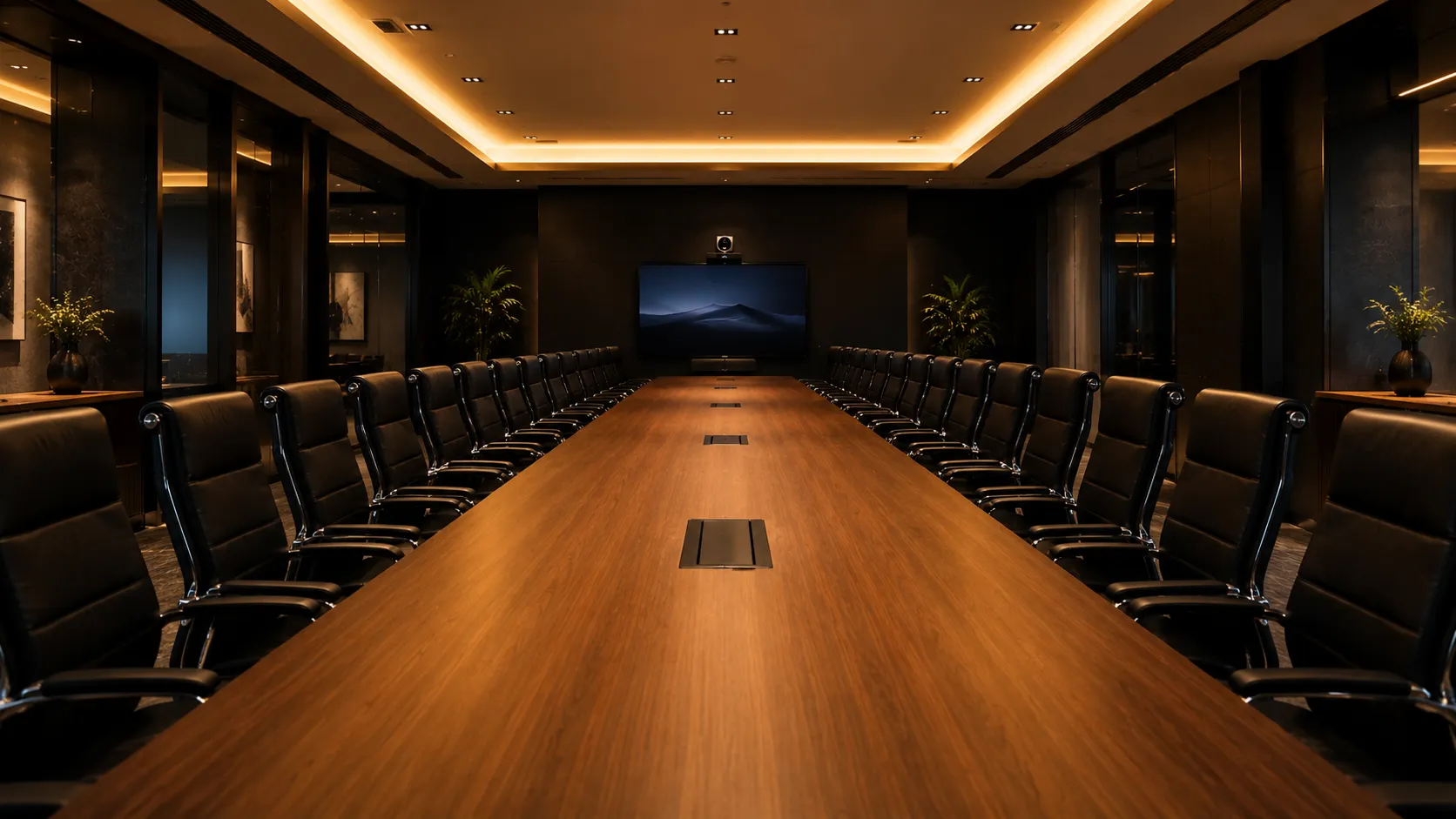
Acoustics — almost always. A PTZ camera and ceiling microphone array that perform perfectly in a test environment will underperform in a room with hard surfaces, glass walls, HVAC noise or poor ceiling treatment. The room itself determines the outcome more than the hardware does.
See what goes wrong →
Why a boardroom isn't just
a bigger meeting room
Most meeting room problems are hardware problems. Most boardroom problems are room problems. Understanding that distinction is the starting point for any large room deployment — and the reason boardroom projects require a different approach to scoping, specification and installation.
Four room characteristics that create technical complexity- 01
Table Length
A 10-metre table puts end participants 5 metres from any centrally mounted microphone. Table length — not room area — determines microphone specification.
- 02
Hard Surfaces
Glass walls, stone floors, timber tables and hard ceilings all reflect sound. Boardrooms often have more hard surfaces per square metre than any other space in a building.
- 03
Camera FOV
A 12-person boardroom requires a camera wide enough to capture all participants — or a PTZ camera with speaker-tracking. Fixed-lens cameras that suit huddle rooms don't cover boardrooms effectively.
- 04
Executive Expectations
Boardrooms carry a different standard of expectation. Audio or video quality problems during an executive meeting are noticed immediately and remembered. The tolerance for "mostly fine" is lower here than anywhere else.
-

01 — Table Length
The variable nobody puts in the spec sheet
Most conferencing hardware documentation lists room size in square metres. What actually determines microphone performance is table length — specifically, the distance between the furthest participant and the nearest microphone pickup point.
- Up to 5m table — bar-mounted microphone adequate with correct placement
- 5–8m table — satellite microphone or ceiling array recommended
- 8m+ table — distributed ceiling array or table-inset microphones required
Many boardroom audio problems we're called in to fix post-installation are directly traceable to a microphone specified for room area rather than table length. The two don't correlate reliably in boardrooms.
-

02 — Dual Displays
One screen for people, one screen for content
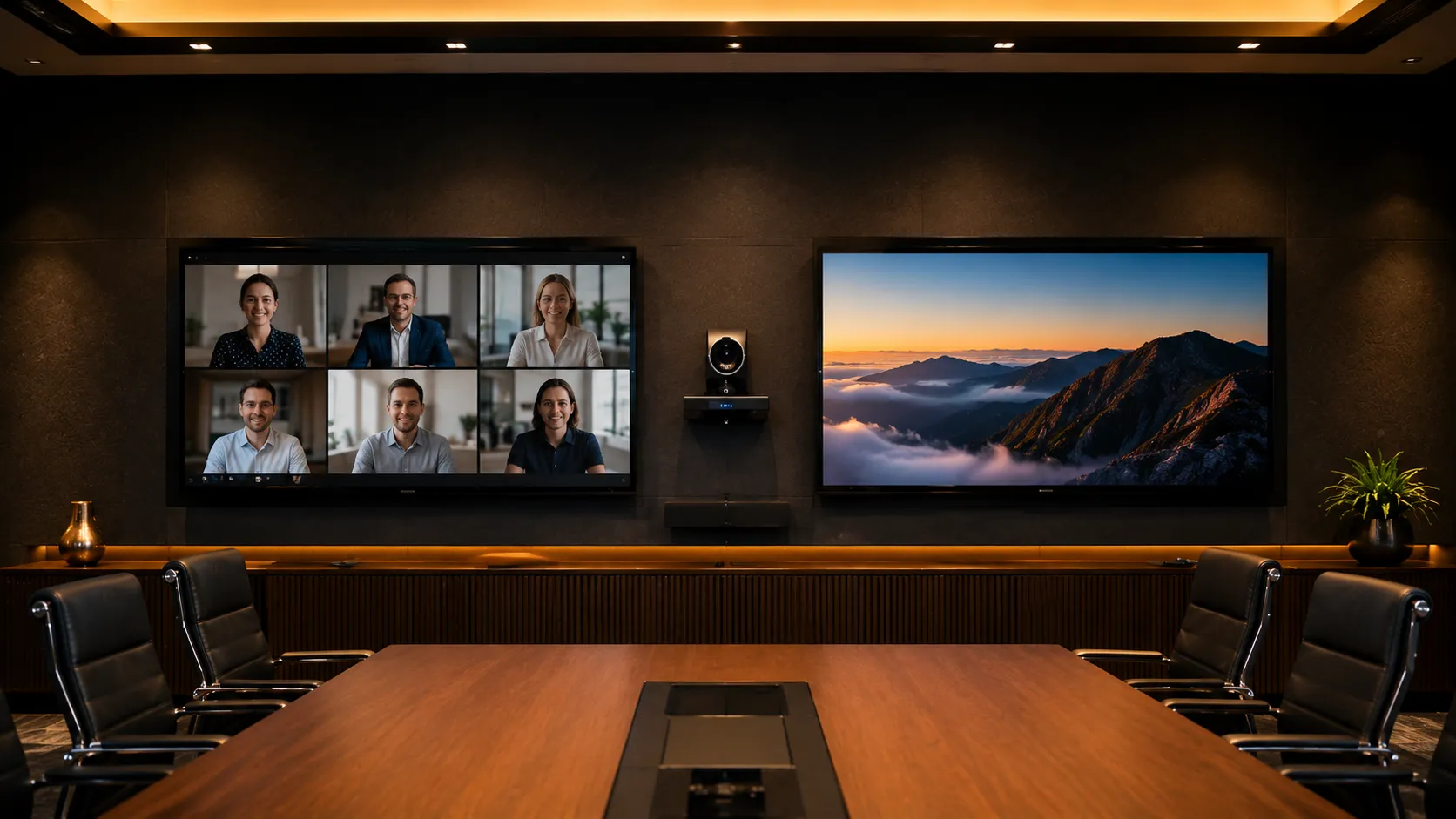
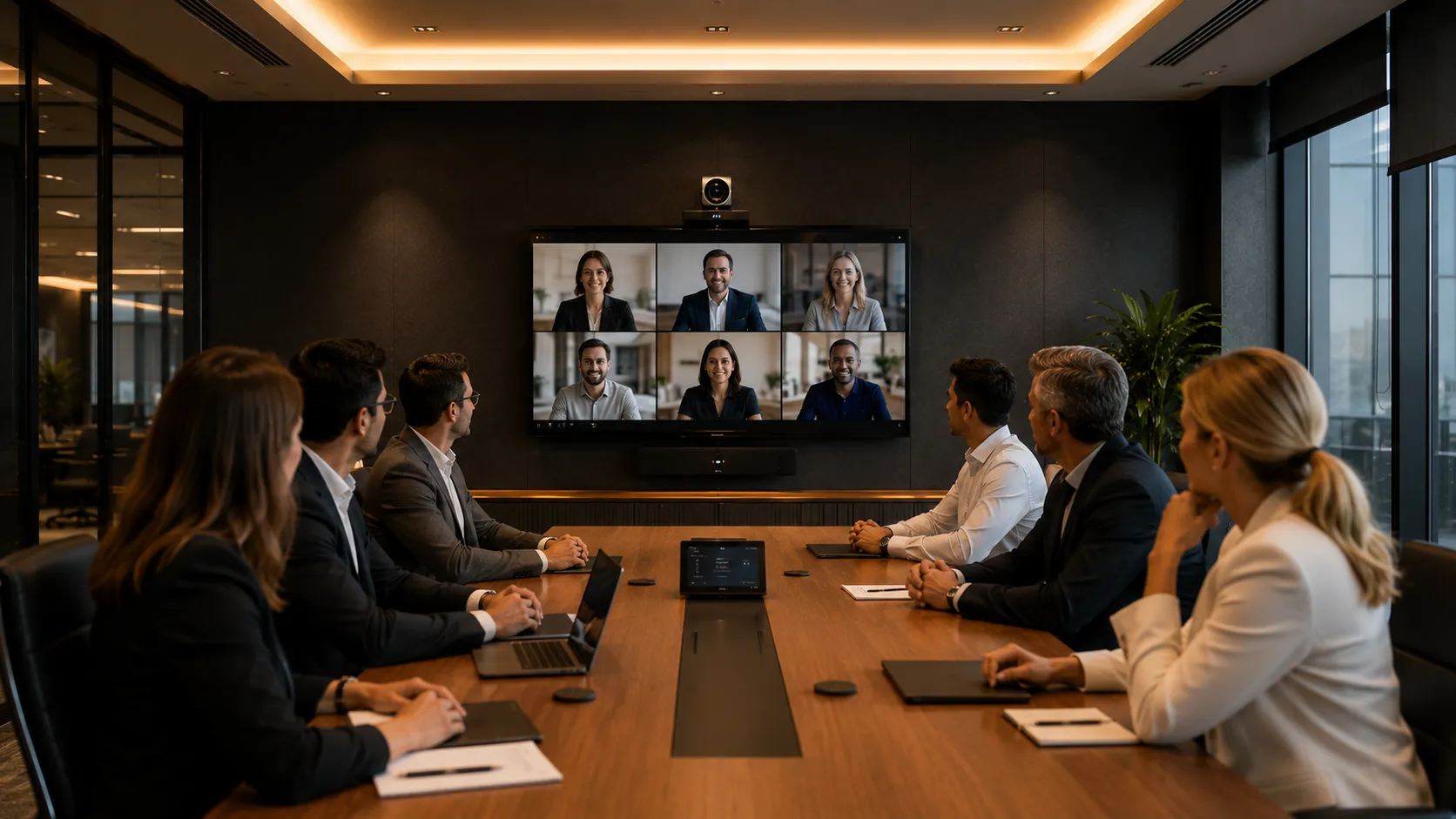
Most boardrooms benefit from dual displays — one dedicated to showing remote participants, one dedicated to shared content. This prevents the constant switching between "see the presentation" and "see the people" that degrades meeting quality in single-display rooms.
Dual display support requires either a Windows compute unit or — on Zoom Rooms — is included on the standard licence (up to 3 displays). On Microsoft Teams Rooms, dual display support requires a Pro licence.
The most common boardroom display mistake is under-sizing. A 65-inch display at the far end of a 10-metre table requires participants to strain to see faces. 86 inches is a more practical minimum for long boardrooms — and that display cost is often more significant than the conferencing hardware itself.
-

03 — PTZ Cameras
When a fixed camera isn't enough
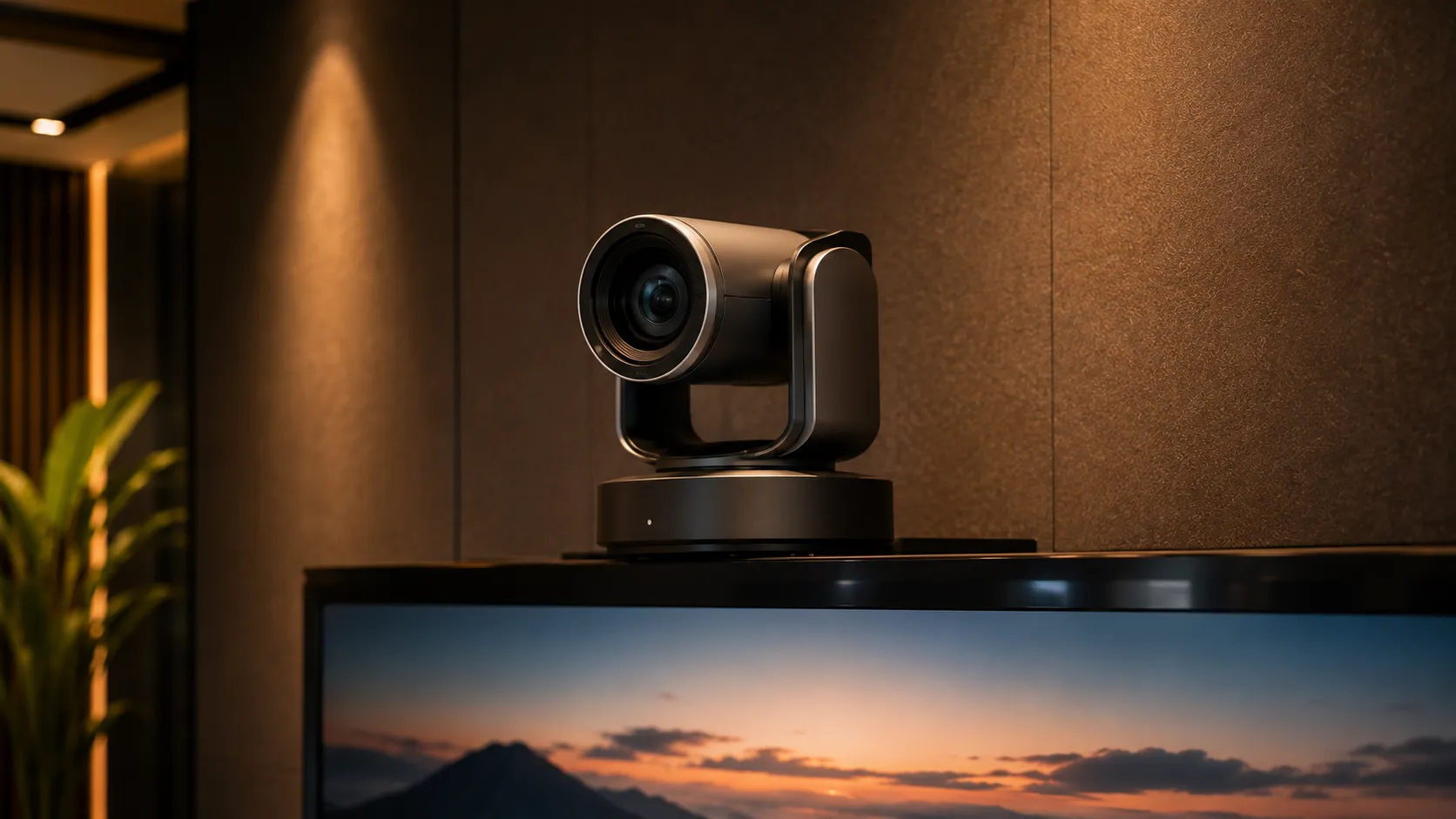
A fixed wide-angle camera captures everyone in a small room. In a large boardroom, a fixed camera either shows everyone as tiny figures or crops out end-of-table participants entirely. PTZ cameras with speaker-tracking solve this by automatically framing the active speaker — but introduce placement and calibration requirements that fixed cameras don't have.
- Speaker tracking requires the camera to distinguish voice from room noise
- HVAC outlets and hard surfaces create false-trigger risks
- PTZ cameras require initial calibration and occasional recalibration
- Ceiling mounting eliminates most false-tracking issues but adds install complexity
In environments where HVAC runs loudly or the room has significant echo, speaker-tracking cameras frequently trigger on the wrong sound source. Ceiling mounting and acoustic treatment resolve this — but both require planning before installation, not after.
Why spending more on hardware
sometimes costs less overall
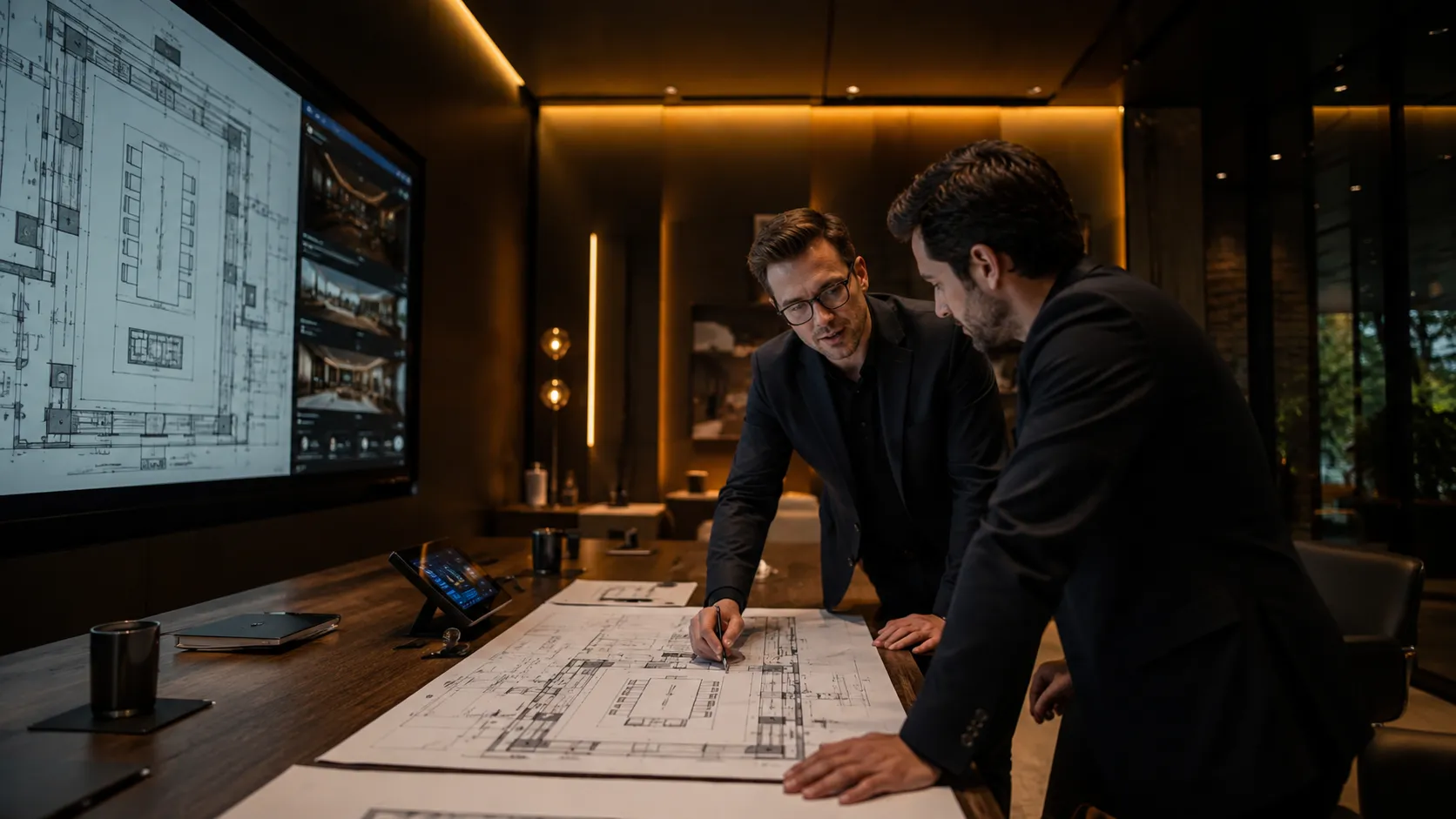
This is the conversation most technology advisors avoid — but it's one of the most important ones for boardroom projects specifically. Labour costs for AV installation in Australia are high and rising. In a complex boardroom environment, the cost of cabling, conduit, wall penetrations, ceiling work and commissioning can exceed the hardware cost itself. That changes the calculation on which hardware to specify.
of total boardroom project cost in complex environments is installation labour — not hardware. Most buyers focus on the hardware invoice and overlook the installation invoice entirely. In boardrooms, the installation cost is often the larger number.
Panel 01
The hidden cost of complexity
A traditional boardroom AV system — separate camera, separate microphone array, separate speakerphone, separate compute unit, separate control system — requires significant cabling infrastructure. Each component needs power, data and signal runs. In a finished corporate environment, running cable means ceiling access, wall penetrations, conduit and making good. That's a full day of additional labour per room, sometimes more.
Panel 02
When an all-in-one system costs less in total
An all-in-one conferencing bar costs more to purchase than entry-level component alternatives. But if it eliminates two days of cable running and ceiling work, the total installed cost may be lower — and the ongoing support cost is almost always lower. For boardrooms where the alternative involves significant structural work, the premium hardware often represents better value.
Panel 03
Wireless and PoE — where the calculus shifts
Wireless microphone systems and Power-over-Ethernet devices reduce cabling significantly. A ceiling microphone array that runs on a single PoE cable instead of requiring separate power and audio runs eliminates a meaningful portion of installation labour. In renovated or heritage spaces where cable runs are particularly invasive or expensive, PoE and wireless components often pay for their premium in labour savings alone.
Panel 04
The honest question to ask before specifying
Before finalising a boardroom hardware specification, ask your installer for a labour estimate on two approaches — the component system and the integrated alternative. In many cases the difference in hardware cost is smaller than the difference in installation cost. Getting both numbers before deciding is the only way to make the right choice.
“What will it cost to install this system in this specific room — not just to purchase it?”
Cable infrastructure complexity, ceiling access, wall penetrations and commissioning vary significantly between rooms and between hardware choices. A system that looks cheaper on a hardware quote can be significantly more expensive once installation is factored in. The total installed cost — hardware plus labour — is the only meaningful comparison.
We've seen boardroom projects where a hardware upgrade costing $3,000 more eliminated $6,000 in installation labour. The client almost specified the cheaper option based on the hardware quote alone — before the installation quote came in. Getting both numbers before deciding is the only way to make the right choice.
Boardroom conferencing hardware —
matched to your room
Boardrooms aren't uniform. A 10-person executive boardroom has different requirements to a 20-person training room used for hybrid presentations. The hardware recommendations below reflect actual room performance requirements — not marketing tier positioning.
-

Room Tier 01
Medium-Large Boardrooms
(8–12 people, table up to 6m)The step up from a medium meeting room. A high-end all-in-one bar or a component system with a dedicated PTZ camera and satellite microphone covers this room size effectively. Windows compute becomes relevant here if dual displays are required.
Compute note: Android appliance suits single-display rooms. Windows compute required for dual display or advanced enterprise IT management.
Recommended Hardware
- PTZ Camera
- Satellite Mic Option
- Android or Windows
- Single or Dual Display
Typical budget $8,000 – $15,000 AUDThis is the room size where the Android vs Windows decision becomes genuinely consequential. If dual screens are required, Windows compute is almost always the right choice — the licence and compute cost is justified by display flexibility.
Get advice on this room size → -

Room Tier 02
Large Boardrooms
(12–20 people, table 6–10m)Requires PTZ camera with speaker tracking, ceiling or distributed microphone array, Windows compute, and dual displays in most cases. This is a full component system — no all-in-one bar adequately covers a room of this size.
Windows compute required: Multi-camera audio matrix processing, dual display support and enterprise network authentication all require a dedicated Windows compute unit at this room size.
Recommended Hardware
- Logitech Rally Plus with PTZ Pro 2 + ceiling mic
- Yealink MVC960 with UVC86 PTZ + CPT18 ceiling mic
- Poly G10-T with Eagle Eye Director II
- PTZ + Speaker Tracking
- Ceiling Mic Array
- Windows Compute
- Dual Display
Typical budget $15,000 – $28,000 AUDTable microphone placement is frequently overlooked in large boardroom specs. Even with a ceiling array, microphone-to-participant distance at the table ends requires careful planning. We map microphone coverage zones before recommending hardware for any room over 8 metres.
Get advice on this room size → -

Room Tier 03
Executive & High-Spec Boardrooms
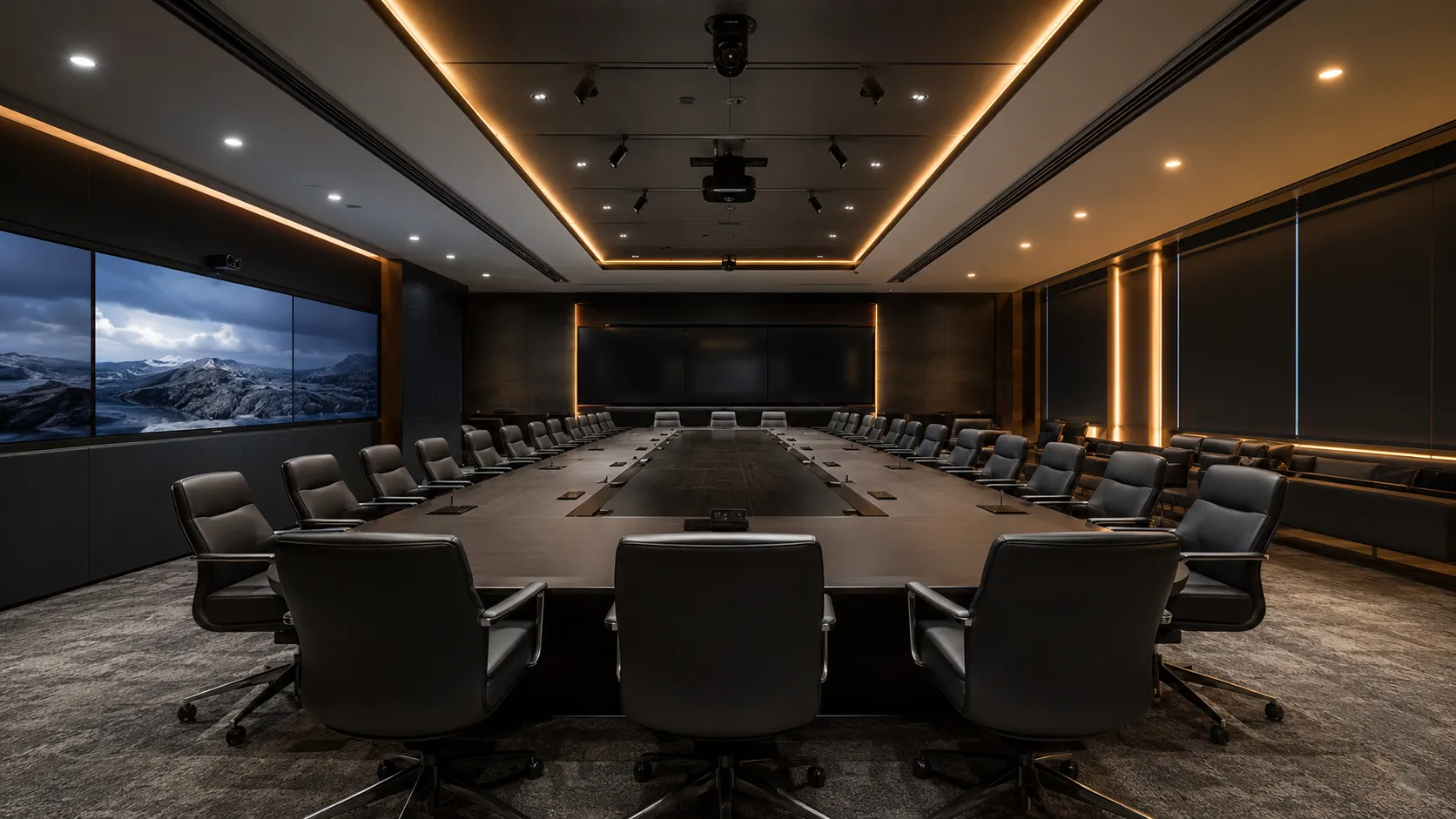
(20+ people or premium fit-out)At this scale, the AV and IT systems begin to merge. Room booking panels, AV control systems, HDMI matrix switching, multiple PTZ cameras and integrated ceiling microphone arrays are all common. Installation complexity is high and acoustic treatment is almost always a prerequisite for reliable performance.
Full AV integration: At this scale the technology advisor and AV integrator need to work together from the room design stage — not after fit-out is complete.
Recommended Hardware
- Logitech Sight + Rally Plus (multi-camera)
- Yealink MVC960 + multiple CPT18 ceiling mics
- Poly G10-T + ceiling mic array + AV control
- Multi-Camera
- Distributed Ceiling Mics
- AV Control System
- Room Booking Panel
Typical budget $28,000 – $60,000+ AUDAt this scale, acoustic treatment, cable infrastructure, display mounting and camera sight lines all need to be resolved before walls are closed. Retrofitting is always more expensive than planning ahead.
Discuss your executive boardroom →
About these budget ranges: Figures are indicative of total installed cost including hardware, installation labour and first-year licensing. Cable infrastructure complexity, display sizing and acoustic treatment are additional variables that affect the final cost. We provide detailed scoping advice by phone or email before any purchase is made.
Why acoustic treatment belongs in the
boardroom budget — not the nice-to-have list
No conferencing hardware specification will reliably perform in a room with significant acoustic problems. Echo-cancellation algorithms have limits. Microphone arrays have limits. PTZ speaker-tracking has limits. All of those limits are hit faster in a hard-surface boardroom with poor acoustic treatment than anywhere else.
“In a boardroom, the room itself is part of the conferencing system. Treating acoustics as a separate problem from the AV specification is the single most reliable predictor of post-installation audio complaints.”
Hard surfaces, poor ceiling treatment and HVAC noise affect every system equally — regardless of brand or price point. We assess acoustic risk before recommending hardware for any boardroom.
Issue 01
Flutter echo
Parallel hard surfaces — glass wall opposite plasterboard, stone floor opposite hard ceiling — create flutter echo: a rapid, repeating reflection that makes speech sound hollow and difficult to understand. Conferencing microphones pick this up clearly even when it's not obviously audible to people in the room.
Issue 02
HVAC noise
Air conditioning systems in boardrooms often run louder than in smaller spaces — larger rooms require more airflow. HVAC noise creates a consistent background signal that degrades microphone sensitivity and triggers false positives in speaker-tracking cameras. Microphone placement relative to air outlets matters significantly.
Issue 03
Glass walls
Glass is acoustically reflective and structurally resonant. Boardrooms with full-height glass walls — common in modern corporate fit-outs — require specific acoustic treatment and microphone placement strategies that differ significantly from solid-wall rooms. This is often the hardest problem to fix post-installation.
Issue 04
High ceilings
Ceilings above 3 metres increase the reverberation time of a room significantly. This affects how long sound takes to decay after a speaker stops — which directly affects speech intelligibility on the far end of a call. Acoustic ceiling treatment or baffles reduce reverberation time and improve microphone performance measurably.
How to assess your boardroom acoustics before specifying any hardware
You don't need an acoustic engineer to identify obvious problems. These three basic tests give a useful baseline — and the results should inform your hardware specification conversation before anything is ordered.
- 01
The Clap Test
Stand at one end of the boardroom and clap once sharply. Listen carefully for the decay.
Flutter or rapid ring — parallel hard surfaces. Acoustic treatment needed.
Long hollow decay — reverberation too high. Ceiling or wall treatment needed.
Clean short decay — acoustically manageable room. - 02
Speech Clarity Check
Have someone speak normally from one end of the table while you listen from the other. If speech sounds hollow, echoey or difficult to follow at normal volume, a conferencing microphone at that distance will perform worse — not better — than what you're hearing directly.
If speech is unclear — acoustic treatment before hardware. The microphone cannot fix what the room is doing. - 03
HVAC Noise Check
Sit quietly in the room with the air conditioning running. If you can clearly hear the HVAC system, so can every microphone you install. Note which areas are closest to air outlets — those are the worst locations for microphone placement.
Audible HVAC — avoid placing microphones near outlets. Flag for discussion before specifying hardware placement.
You don't always need a full acoustic fitout. In many boardrooms, targeted treatment of the worst surfaces meaningfully improves microphone and call quality. Options in order of cost and complexity:
Soft furnishings first
Carpet, fabric chairs, curtains and upholstered wall panels all absorb sound. If the boardroom currently has hard floors, hard chairs and no window coverings, adding soft furnishings is the lowest-cost first step — and sometimes sufficient for smaller boardrooms.
Acoustic wall panels
Fibrous materials — wool, polyester fibre, acoustic felt — mounted as wall panels absorb mid-range frequencies most relevant to speech intelligibility. Commercial-grade polyester fibre panels with NRC ratings of 0.8 to 1.0 are durable, available in a wide range of finishes, and effective across the frequency range that matters most for conferencing.
Ceiling baffles and clouds
Suspended ceiling baffles or flat acoustic clouds address high ceilings and flutter echo without wall treatment. Fiberglass baffles with NRC ratings of 0.90 to 0.95 are a common choice for commercial boardrooms. Effective in rooms where wall treatment would affect the aesthetic of the space.
What not to use
Acoustic foam — studio foam with wedge or pyramid shapes — is designed for recording studios, not corporate boardrooms. It performs poorly at the mid-range speech frequencies that matter most for conferencing, and it looks out of place in a corporate environment. It is not the right tool for this application.
For most boardrooms with moderate acoustic problems, targeted wall panel treatment on the two longest walls — covering roughly 20 to 25 percent of the wall surface area — produces a measurable improvement in speech intelligibility. This is typically a $3,000 to $8,000 investment depending on room size and panel specification.
The most expensive acoustic problem to fix is one discovered after conferencing hardware has been installed and commissioned. A clap test and walk-through costs nothing. An acoustic assessment by a specialist costs $500 to $1,500. A full post-installation rectification — replacing hardware, adjusting installation, adding treatment — can cost $10,000 or more. Assess the room first. Spec the hardware second.
Microsoft Teams Rooms vs Zoom Rooms —
which is right for your boardroom?
The platform decision for a boardroom is the same decision as for any other room — with one additional consideration. Boardrooms are the spaces most likely to require dual displays, remote IT management and compliance-level security. Those three requirements push the platform decision in a specific direction.
Zoom Rooms
Collaborative workflow platform
Microsoft Teams Rooms
Operational infrastructure platform
| Feature | Zoom Rooms | Microsoft Teams Rooms |
|---|---|---|
| Dual screen support | Up to 3 displays — standard licence Zoom advantage | Dual screen requires Pro licence |
| Windows compute | Required for large rooms | Required for large rooms |
| Remote device management | Zoom Admin Portal — included | Teams Admin Centre — Pro licence Teams advantage |
| Compliance & security policies | Standard controls | Advanced — Pro licence Teams advantage |
| AV control system integration | Limited native support | Better native integration Teams advantage |
| Guest joining | Standard Zoom link — no licence needed Zoom advantage | Direct Guest Join — Pro licence required |
| Cross-platform joining | Joins Teams and Google Meet via calendar | Joins Zoom and Webex via Direct Guest Join |
| Licensing cost for boardroom | Paid per room — no free tier | Pro recommended — paid per room |
| Best fit boardroom | Cross-company collaboration focus | M365-standardised enterprise More common |
For boardrooms specifically, Teams Rooms Pro is more commonly the right choice — dual screen support, compliance policies and remote management at scale are more likely to be genuine requirements in a boardroom than in a huddle space. Zoom Rooms suits boardrooms where cross-company collaboration and guest simplicity are the primary drivers. Neither is wrong — the decision depends on how your organisation is already structured.
What actually causes
boardroom conferencing failures — and how to avoid them
Boardroom conferencing failures are more visible and more costly than failures in any other room. The same issues appear repeatedly — and almost all of them are preventable with proper scoping before anything is ordered.
Acoustic assessment skipped to save money
The single most common cause of post-installation audio complaints. A room with significant echo, HVAC noise or hard surfaces will defeat any microphone specification — regardless of how much was spent on hardware. Acoustic assessment adds cost to a project. But less cost than rectification after installation.
Microphone specified for room area, not table length
Room area and table length don't correlate reliably in boardrooms. A bar-mounted microphone specified for a "large room" may only reliably pick up participants within 3 to 4 metres. End-of-table participants in a 10-metre boardroom are effectively off-mic — and the problem only becomes obvious during the first real meeting.
Display sizing underestimated
A 65-inch display at the far end of a 10-metre boardroom requires participants to strain to see remote faces clearly. Display size should be calculated from the furthest viewing distance — not chosen based on what looks proportionate from the front of the room. Under-sized displays are one of the most common post-installation complaints in large boardrooms.
Cable infrastructure planned after fit-out
Boardroom AV cable runs that weren't planned during fit-out require surface mounting, conduit or invasive ceiling work after the fact. This adds significant cost and visual impact — and in heritage or premium corporate environments, it may not be acceptable at all. This is the most expensive planning mistake to fix.
Cheaper component system specified without full installation cost
Component systems that appear cheaper on a hardware quote often require significantly more installation labour than integrated alternatives. The hardware quote and the installation quote are two different numbers — and in boardrooms, the gap between them is where most budget surprises happen.
PTZ camera placement not calibrated for the room
A PTZ camera with speaker-tracking installed without calibration for the specific room's acoustic signature will mistrack. Air conditioning outlets, windows and hard surfaces all create false tracking triggers. Poorly calibrated PTZ cameras in boardrooms — constantly tracking to the wrong person or swinging to an HVAC vent — are one of the most frustrating post-installation problems to diagnose and fix.
Most boardroom conferencing failures are predictable and preventable. The common thread is decisions made without enough information — hardware specified before the room was assessed, installation costs not factored in, cable infrastructure not planned ahead. A scoping conversation before anything is ordered prevents most of these problems.
Why Australian businesses choose
Kickstart for boardroom projects
Independent advice since 2007Boardroom projects are the most complex meeting room deployments we work on — and the ones where independent advice has the most value. We're not aligned to a single brand or platform, which means our hardware recommendations are driven by room requirements and total installed cost, not margin.
On boardrooms specifically: we discuss room acoustics before specifying hardware, we factor installation cost into the recommendation, and we've seen enough post-installation problems to know which shortcuts create them.
- Independent advice Not aligned to any brand or platform. We recommend what the room actually needs.
- Multi-brand hardware Logitech, Yealink, Poly, Jabra and AVer across all boardroom configurations.
- Phone & email support Real advice by phone before you buy. Most clients are interstate — we work remotely.
- No lock-in No platform preference, no support contract required. Buy what you need.
Kickstart Computers has been advising Australian businesses on meeting room technology for over 18 years. That includes the hardware generations, platform shifts and deployment mistakes that manufacturer documentation never covers.
Boardroom conferencing — questions we get asked
by Australian businesses
-
The hardware available online is typically rated for small to medium rooms. A boardroom system that reliably covers a 12-person table requires PTZ cameras, distributed microphone coverage, Windows compute and dual display support — none of which is in an entry-level conferencing bar.
Add installation labour in a corporate environment — ceiling access, cable infrastructure, commissioning and PTZ calibration — and the total cost reflects the genuine complexity of the job. Not a margin premium.
The single most useful thing you can do before getting a boardroom quote is measure your table length. That one number determines more of the final cost than any other variable.
-
Yes — always. Acoustic treatment after hardware installation is more expensive and less effective than acoustic treatment planned as part of the project.
A clap test and basic room assessment before hardware specification costs nothing and can identify problems that would otherwise surface as post-installation audio complaints. In many cases $3,000 to $5,000 of acoustic treatment prevents $15,000 of hardware underperformance.
The sequence that prevents most problems: assess the room first, identify acoustic issues, factor treatment into the budget, then specify hardware. Doing it in the other order is the single most common source of post-installation complaints.
-
Often yes — particularly in boardrooms where cable infrastructure is complex or the space is already finished. Installation labour in Australia is a significant cost in any AV project.
A hardware premium that eliminates ceiling work, wall penetrations or conduit runs may reduce the total installed cost even though the hardware invoice is higher. Always get a labour estimate alongside the hardware quote before deciding. The total installed cost — hardware plus labour — is the only meaningful comparison.
We've seen projects where a $3,000 hardware upgrade eliminated $6,000 in installation labour. The client almost chose the cheaper option based on the hardware quote alone — before the installation quote came in.
-
A fixed wide-angle camera captures everyone in frame simultaneously but at low resolution in large rooms — participants at the far end of a long table appear small and are difficult to see clearly.
A PTZ camera with speaker-tracking automatically frames the active speaker at higher resolution. PTZ cameras require calibration and have more complex installation requirements, but deliver significantly better remote participant experience in large boardrooms where a fixed camera simply cannot cover the room effectively.
PTZ cameras need to be calibrated in the live room environment with HVAC running. A PTZ camera that hasn't been calibrated for the specific room's acoustic signature will mistrack — often pointing at an air conditioning vent instead of the speaker.
-
Kickstart Computers supplies boardroom conferencing hardware for Australian businesses and provides independent advice by phone and email. We carry Logitech, Yealink, Poly, Jabra and AVer and can advise on hardware selection, platform choice, acoustic considerations and installation approach before any purchase is made.
Most of our clients are interstate — we work remotely and ship Australia-wide. Call 0416 353 501 or use the contact form to discuss your boardroom.
-
Usually yes. Boardrooms are the rooms most likely to genuinely need the features Pro covers. Dual display support alone typically justifies Pro in a boardroom. Add remote device management for an IT-managed estate and compliance requirements in regulated industries, and Basic rarely covers boardroom requirements adequately.
Zoom Rooms includes up to three displays on its standard licence — a genuine advantage for boardrooms that need dual display without a Pro licence cost.
-
A standard boardroom installation — PTZ camera, ceiling microphone array, dual displays, Windows compute and touch controller — typically takes one to two days for installation and commissioning. Complex rooms with significant cable infrastructure, AV control systems or acoustic treatment can take three to five days.
Rooms that were not pre-wired during fit-out take longer due to the additional cable work required. This is one of the reasons planning cable infrastructure during fit-out — rather than after — reduces both cost and installation time significantly.
Ready to spec your boardroom properly?
Talk to us before you buy anything. Boardroom projects where the scoping conversation happens first consistently deliver better outcomes — and lower total costs — than projects where hardware is ordered before the room has been assessed.
Independent advice. No platform preference. No lock-in.- Australian Business Since 2007
- Independent Multi-Brand Advice
- Phone & Email Support
- Ships Australia-Wide
- No Lock-In