One Cable. Four-K Video. Everything a Small Room Needs.
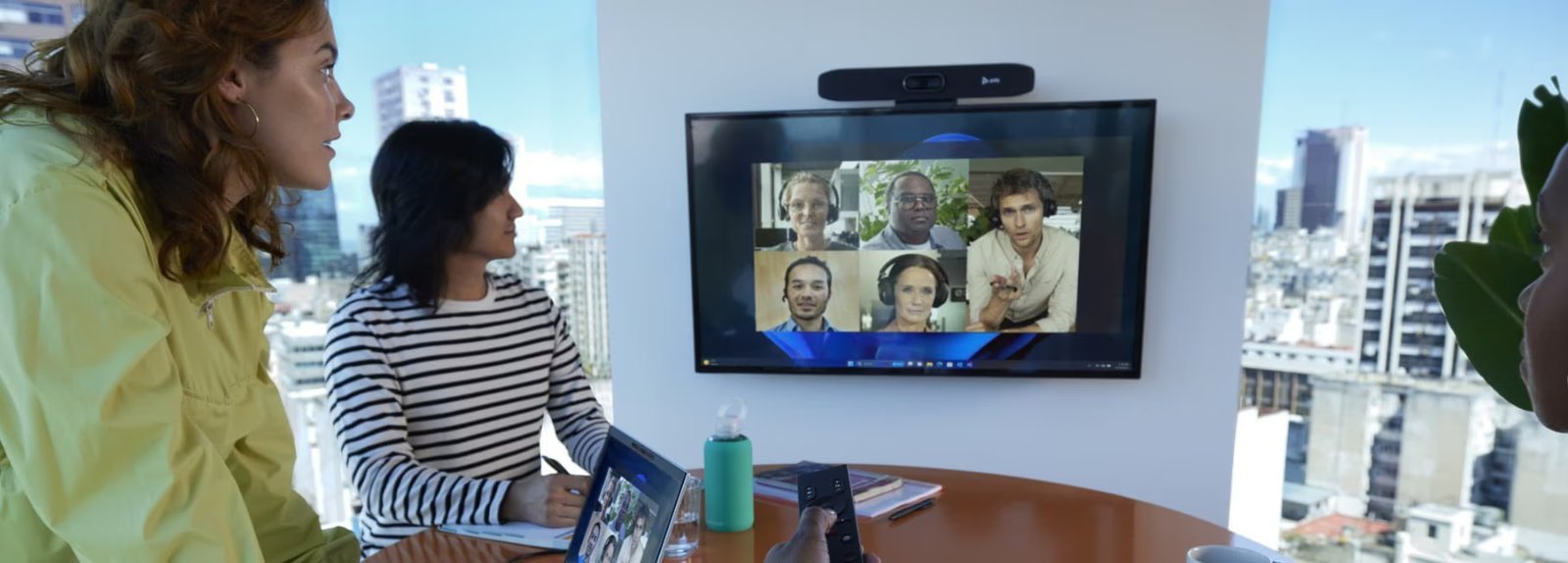
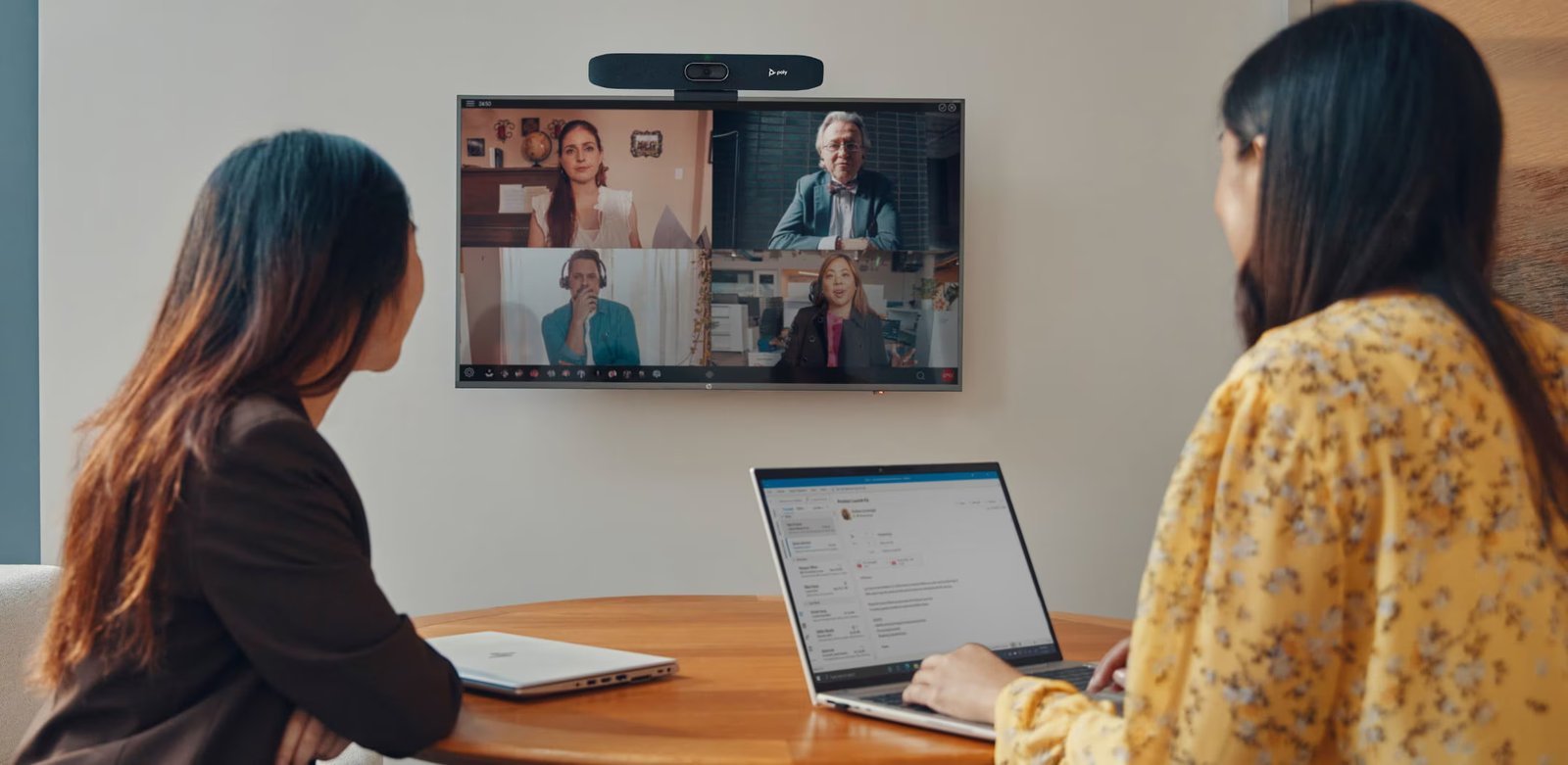
The HP Poly Studio R30 is built for the reality of most small meeting rooms — a huddle space, a focus room, a four to six person meeting room where the setup needs to be simple, the equipment needs to work every time, and no one should have to think about it.
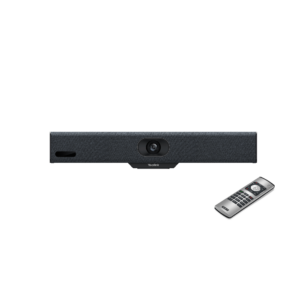
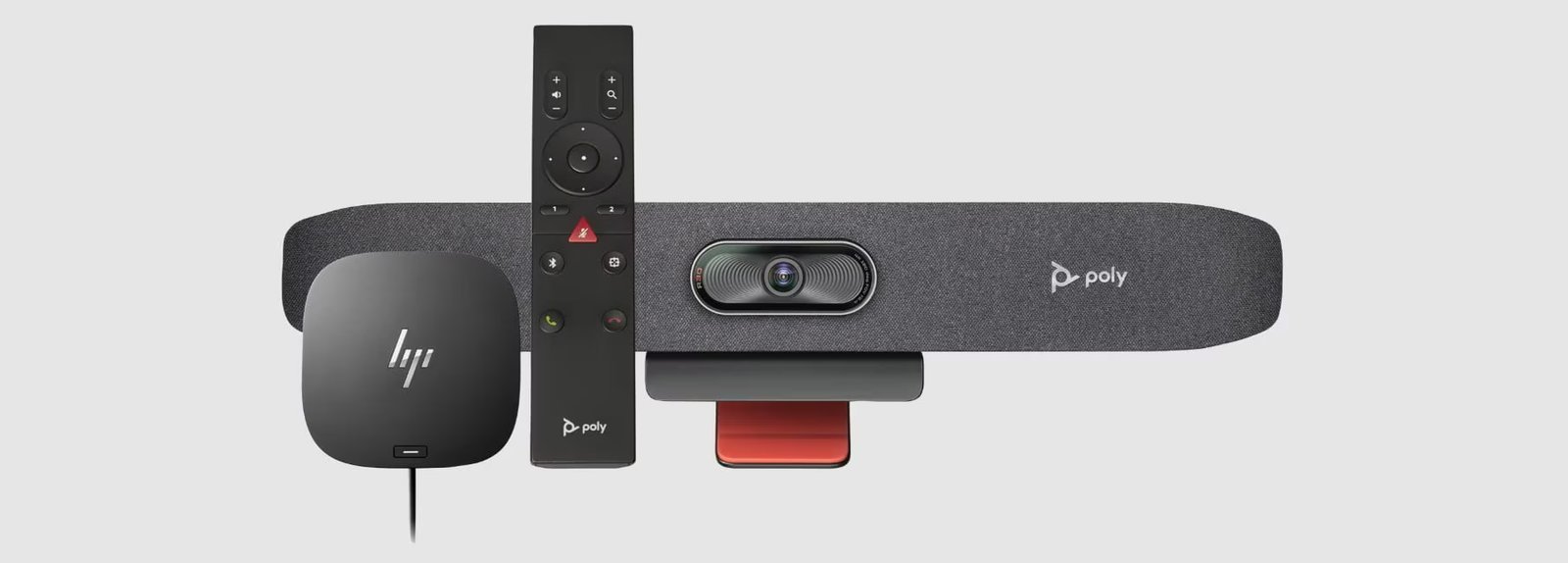
Connection is a single USB-C cable to a laptop. That’s it. The R30 handles power, audio, and video through one cable — no separate power adapter needed in most setups. The Bluetooth remote that ships in the box covers volume, mute, and camera control so no one has to walk up to the device to adjust anything.
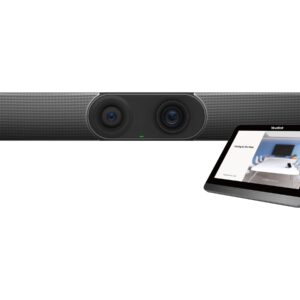
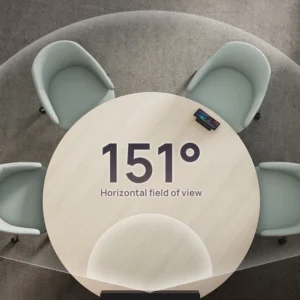
The camera is 4K at 120° horizontal field of view — wide enough that a small room is fully covered without repositioning, and DirectorAI handles framing automatically. Group mode keeps everyone in shot; Speaker mode follows whoever is talking; Presenter tracking locks onto a speaker moving through the room. At 8MP, the image is sharp and clear on any connected display.
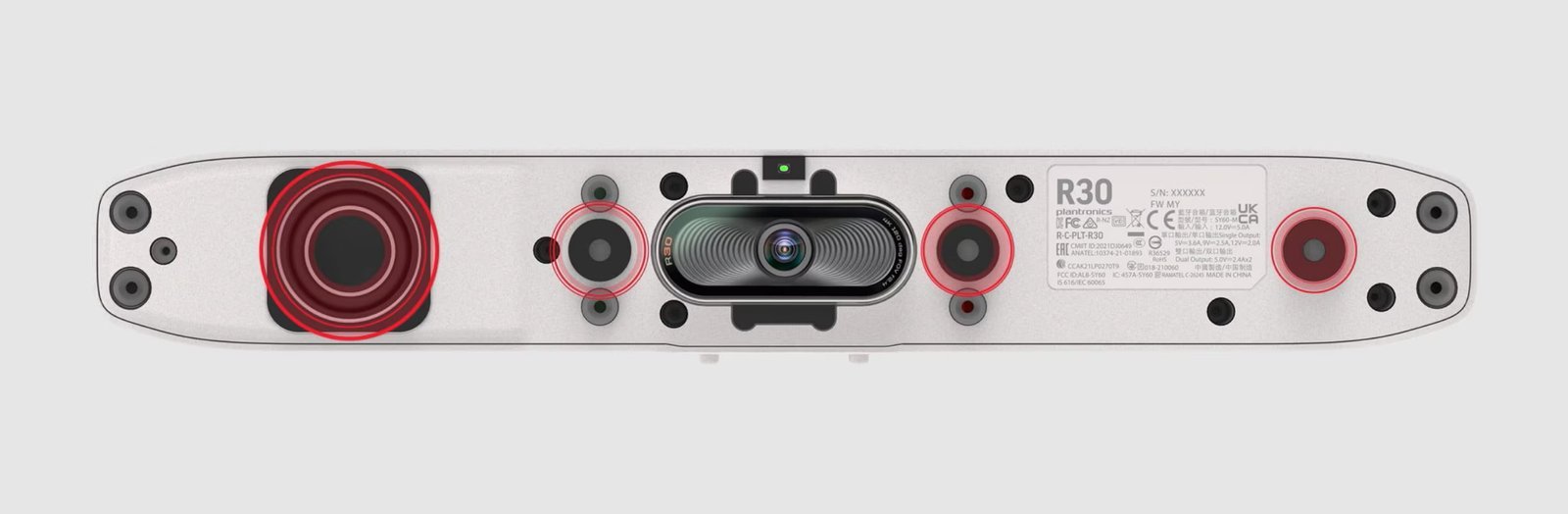
Three-element beamforming microphones with NoiseBlockAI and Acoustic Fence handle the audio. The pickup range of 4.57 metres covers a small room end to end, and the noise filtering means that even in a busy office environment, remote participants hear the meeting clearly. The built-in speaker covers the room without needing anything additional.
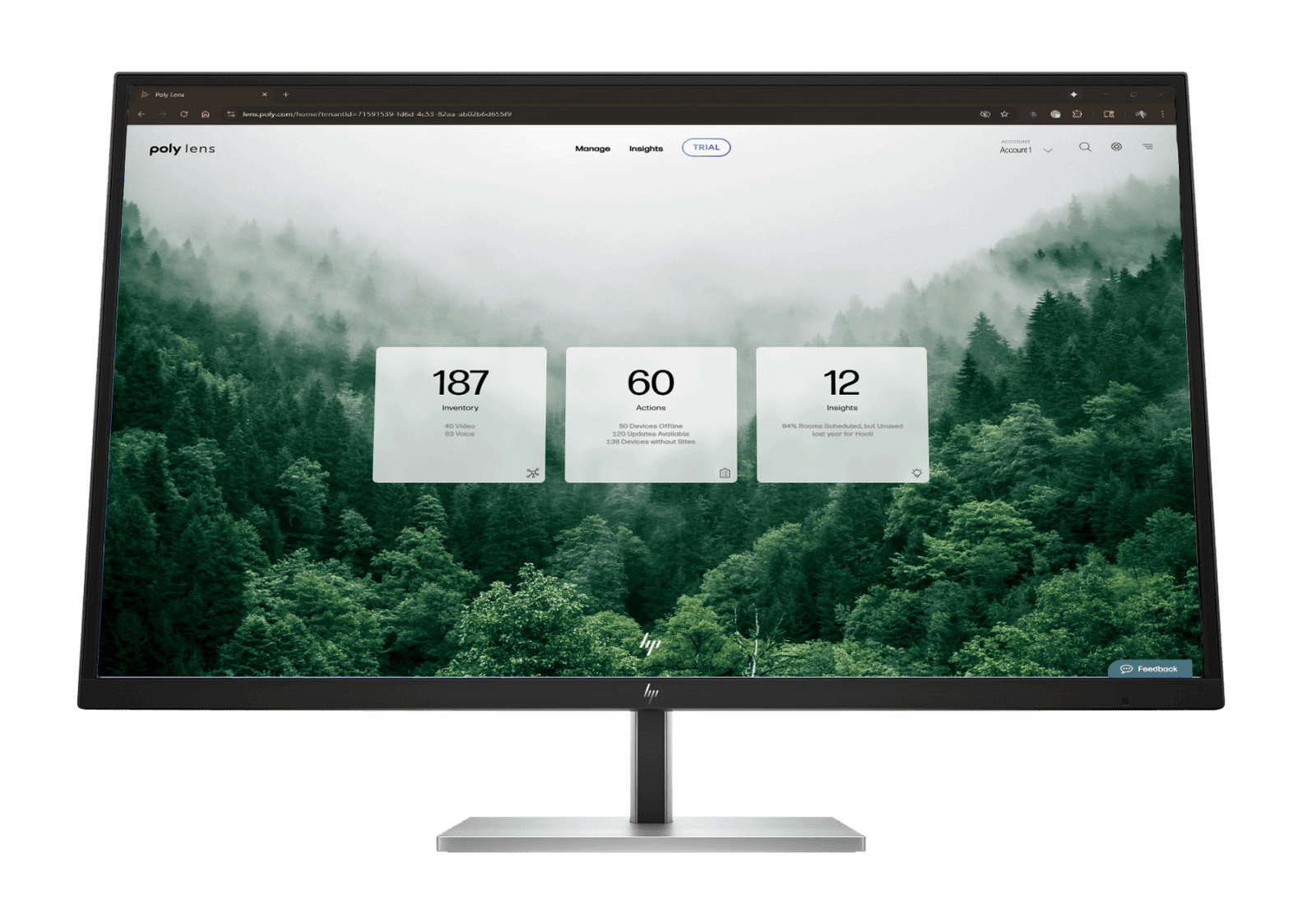
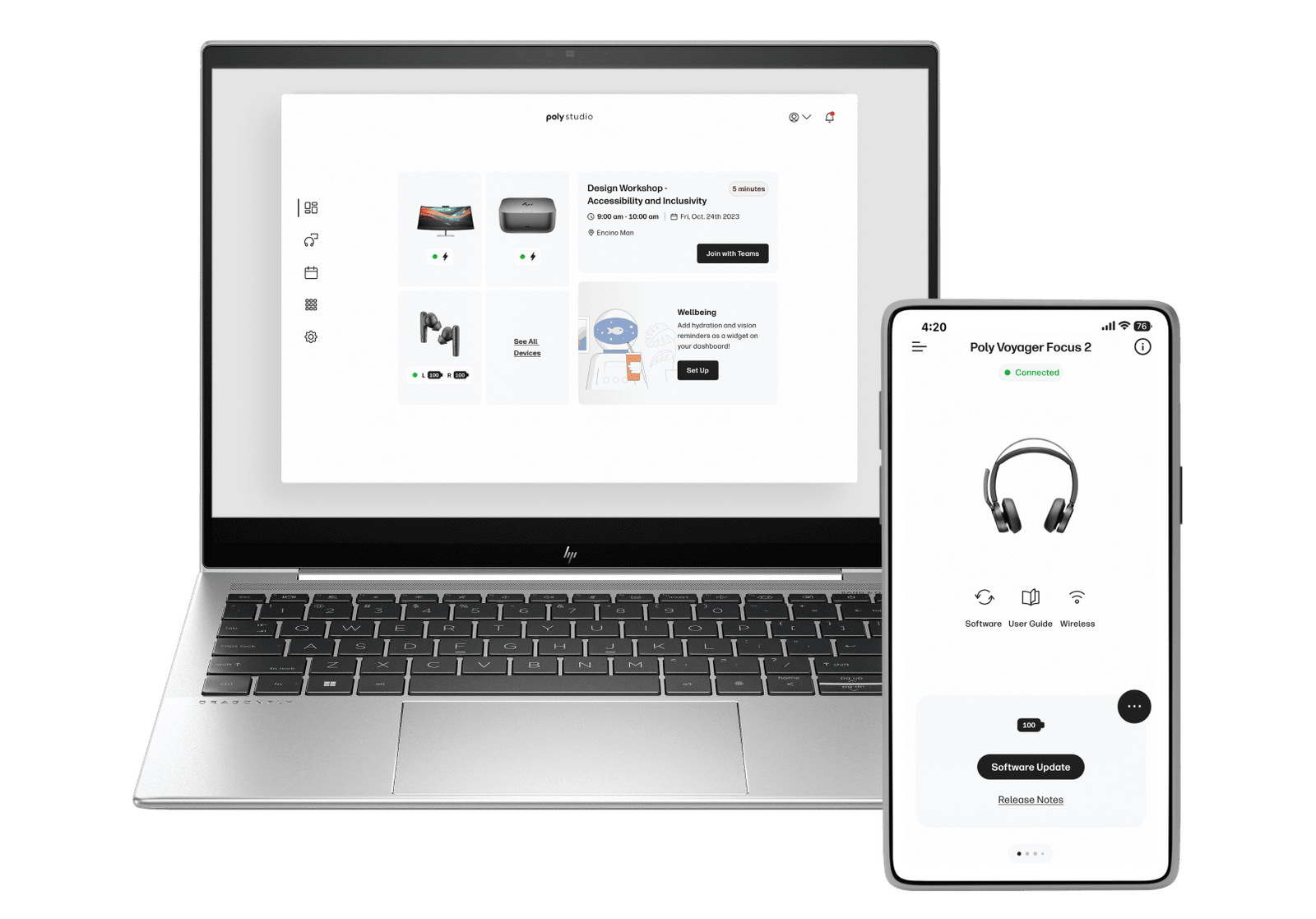
Certified for Microsoft Teams and Zoom, and compatible with any platform that supports standard USB audio and video drivers — so it works with Google Meet, Webex, and anything else without additional configuration. Wi-Fi and Bluetooth 4.2 are built in. Poly Lens handles remote management if IT needs it.
One USB-C Cable — Power, Audio, and Video to Your Laptop

Plug a single USB-C cable into a laptop and the R30 is live — no drivers, no separate power adapter, no configuration. The cable carries power to the device and audio and video back to the computer simultaneously. For small rooms where the setup changes or different people use the room with their own laptops, this simplicity is the point. The Bluetooth remote handles volume, mute, and camera from anywhere in the room.
Key Features
- 4K camera at 120° FOV — 8MP single-lens covering a full small room; 5× zoom (4× with auto-tracking active); DirectorAI Group, Speaker, People, and Presenter tracking modes
- Single USB-C connection — one cable powers the device and carries audio and video to the laptop; no separate power adapter required in most setups
- Three-element beamforming microphone — 4.57m (15ft) pickup range; NoiseBlockAI, Acoustic Fence, and Acoustic Clarity technologies for clean, interference-free audio
- Bluetooth remote included — volume, mute, and camera control without touching the device
- Microsoft Teams and Zoom certified — compatible with any USB audio/video platform including Google Meet, Webex, and others without additional setup
- Wi-Fi and Bluetooth 4.2 built in — wireless content sharing and mobile connectivity without additional hardware
- Poly Lens remote management — IT can monitor, configure, and update remotely; Kensington lock slot for shared spaces
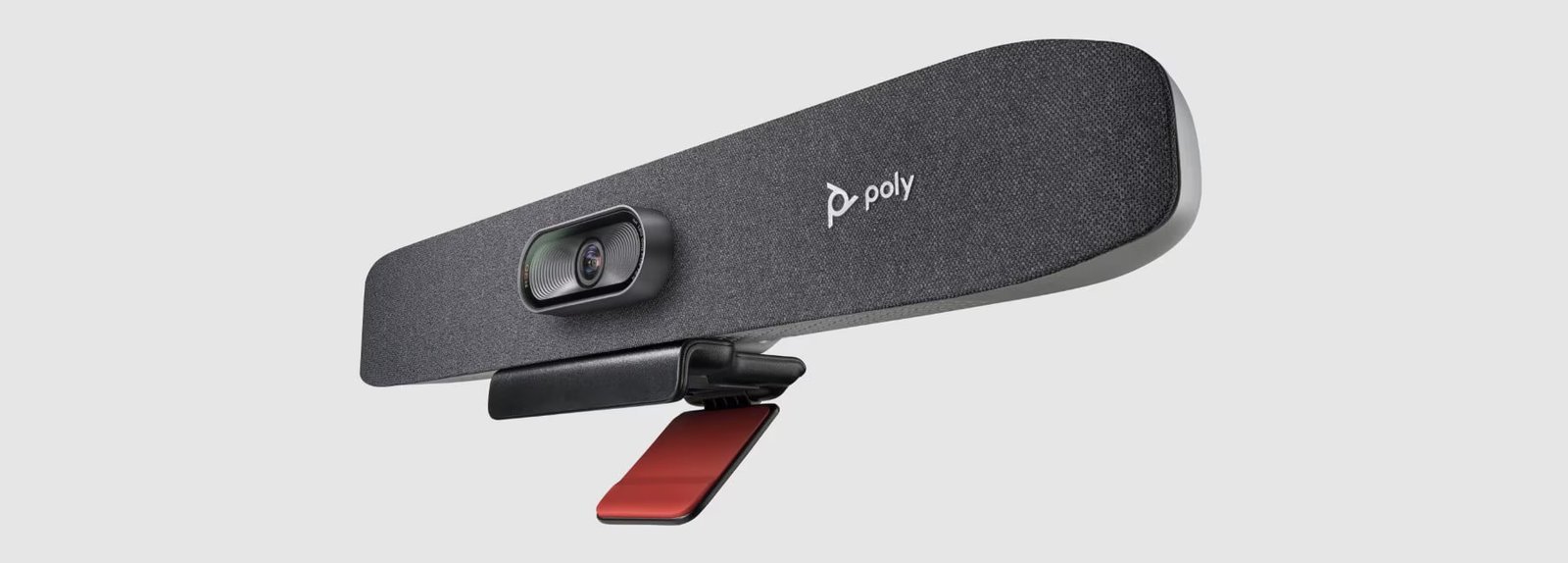
- Monitor clamp and privacy cap included — attaches to any display; privacy cap covers the lens when not in use
120° FOV and DirectorAI — the Whole Small Room, Always Framed
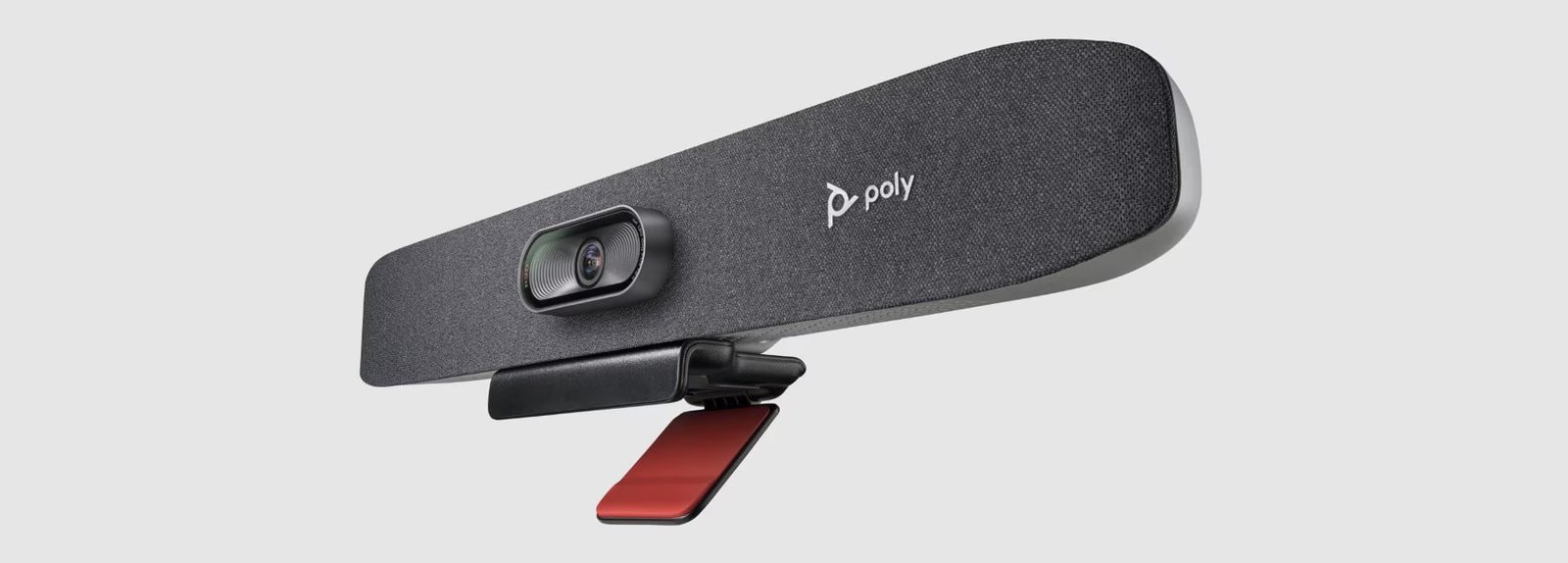
At 120° field of view, the R30 covers a full small meeting room without needing to zoom out or reposition. DirectorAI tracks whoever is speaking and adjusts the frame in real time — Group mode keeps the table in view, Speaker mode follows the active voice, and Presenter tracking locks onto someone moving through the room. Remote participants always see the right shot without anyone managing the camera.
NoiseBlockAI and Acoustic Fence — the Office Noise Stops at the Door
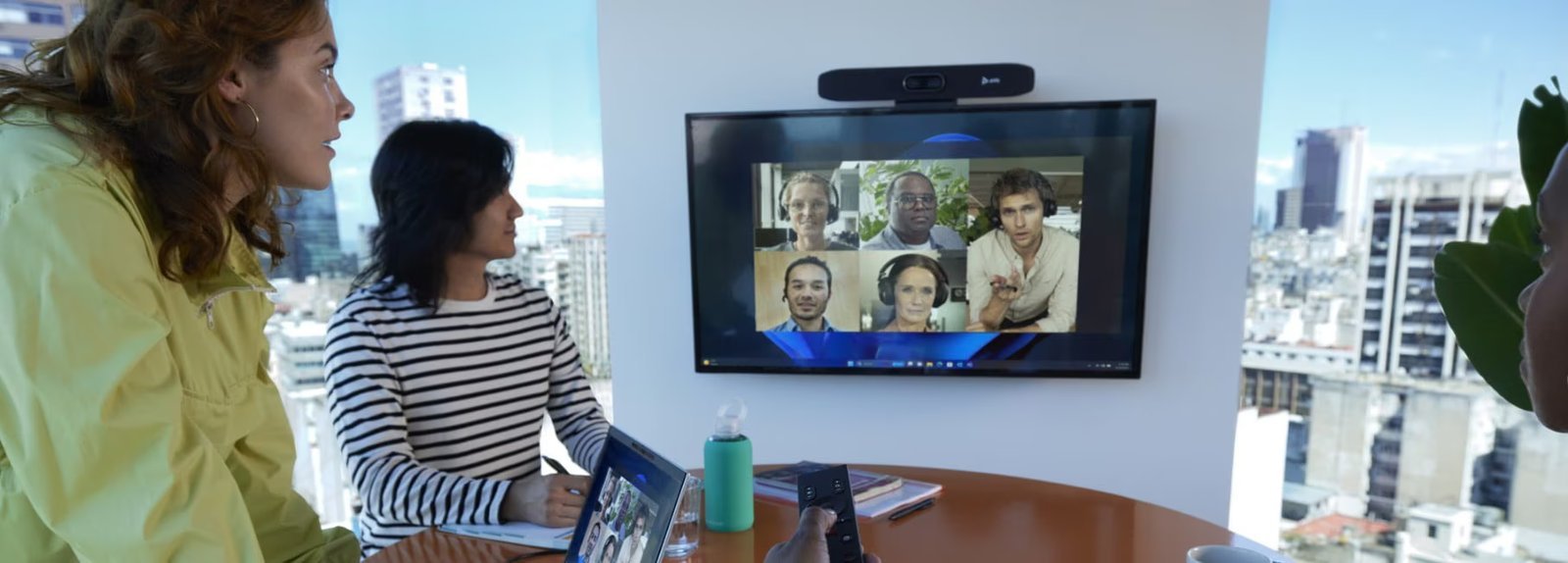
Three beamforming microphones cover the room up to 4.57 metres with NoiseBlockAI filtering background sound continuously. Acoustic Fence defines the meeting zone — anything outside it is silenced. For small rooms in open-plan offices, this is the difference between a meeting that sounds professional and one where remote participants spend the call asking people to repeat themselves.
Specifications
| Category | Specification | What It Means for You |
|---|---|---|
| Camera | 4K UHD 8MP · 120° dFOV · 110° hFOV · 5× zoom (4× with tracking) · DirectorAI Group/Speaker/People/Presenter tracking · attachable privacy cap | 120° covers a small room completely; DirectorAI frames and tracks automatically so no one needs to adjust the camera during the meeting |
| Audio | 3-element beamforming mic array · 4.57m pickup · NoiseBlockAI · Acoustic Fence · Acoustic Clarity · 90dB SPL speaker · 100Hz–20kHz response | Covers a small room end to end; noise filtering keeps open-plan office sounds out of the meeting |
| Connection | 1× USB-C 5Gbps (power + audio + video) · 2× USB-A 2.0 · 4.5mm power adapter · Bluetooth 4.2 · Wi-Fi 802.11ac SISO | One cable to the laptop — no setup complexity; wireless for content sharing and mobile connection |
| Platforms | Microsoft Teams · Zoom (certified) · compatible with any USB audio/video platform · Windows 10/11 · macOS 10.10+ · Chrome OS | Works with Teams and Zoom out of the box; connects to Google Meet, Webex, and anything else without additional configuration |
| In the Box | R30 · monitor clamp · AC power adapter · USB-C to USB-A cable (5m) · Bluetooth remote · privacy cap · setup sheet | Everything needed to mount and start using immediately — no separate accessories required for a standard small-room setup |
| Dimensions | 444 × 86 × 81 mm (with clamp) · 0.45 kg | Compact and lightweight — sits neatly on top of any display without dominating a small room |
Warranty & Support
The HP Poly Studio R30 is backed by a 1-year limited hardware warranty. Australian stock.
Kickstart Computers provides pre-sales consultation and post-sales support for HP Poly Studio R30 deployments in corporate, education, and government environments across Australia. HP Poly+ extended support plans are also available.
Explore our full range of HP Poly video conferencing solutions — from compact huddle room bars to enterprise-grade boardroom systems.
Not sure which system suits your room size or budget? Browse our full video conferencing range or get in touch — we’ll help you find the right fit.