
The Right Tool for Medium Meeting Rooms — Not Over-Engineered, Not Under-Specced
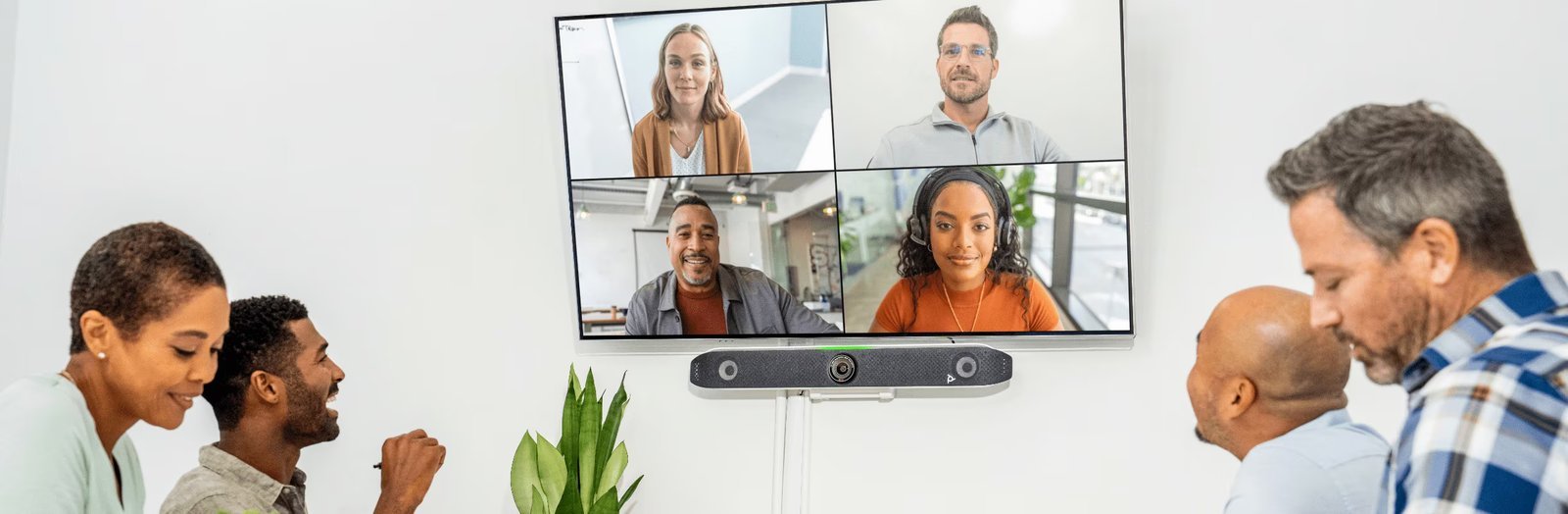
Medium meeting rooms — the six to twelve person spaces that make up the majority of most office floor plans — are where the X52 lives. It’s not the biggest or most feature-rich video bar in the Poly range, but it’s the one that’s most precisely calibrated for this room size and this use case.
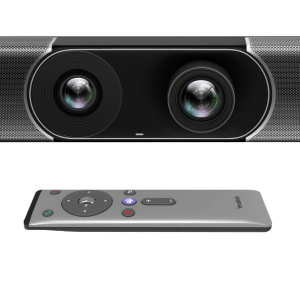
A single 4K 20MP camera at 95° horizontal field of view covers a medium room cleanly without the distortion you get from ultra-wide lenses. DirectorAI handles framing — Group mode keeps everyone at the table in frame, Speaker mode follows the active voice, and People framing ensures each participant is clearly represented. For hybrid meetings where half the team is remote, this makes a genuine difference to whether the people joining by video feel present or peripheral.
The audio uses the same second-order microphone design as the larger X70 — MEMS and second-order gradient mics combined, with a 6-metre pickup range that covers a medium room comfortably. NoiseBlockAI and Acoustic Fence filter background noise and isolate the meeting zone, so the open-plan office surrounding the room doesn’t bleed into the call. Stereo speakers at 2×20W fill the room evenly.
The X52 connects to nearly any cloud platform — Teams, Zoom, and Google Meet natively, plus RingCentral, Dialpad, GoToRoom, and StarLeaf via native apps, and any other platform via USB device mode or Poly Video App. HDMI-in supports content sharing directly. Poly Lens handles remote management, firmware, and analytics across the whole fleet.
4K at 95° — Optimised Precisely for Medium Rooms

The X52’s 20MP 4K camera sits at 95° horizontal field of view — wide enough to cover a full medium conference table without needing to zoom out, narrow enough that remote participants see faces clearly rather than a sprawling wide shot. DirectorAI layers on top: Group mode frames everyone at the table, Speaker mode follows whoever is talking, and People framing gives each participant equal visual presence on the call.
Key Features
- 4K 20MP camera at 95° FOV — single-lens design optimised for medium rooms up to 20 feet; DirectorAI Group, Speaker, People, and Perimeter framing modes
- DirectorAI smart framing — automatic framing adjustments based on participant position and who is speaking; no manual camera control needed
- MEMS + second-order microphone array — 6.09m (20ft) pickup range; NoiseBlockAI and Acoustic Fence for clean, interference-free audio
- 2×20W stereo speakers — full duplex audio with echo cancellation and automatic gain control
- Flexible platform support — Microsoft Teams, Zoom, Google Meet certified; RingCentral, Dialpad, GoToRoom, StarLeaf native; all cloud providers via Poly Video App; USB device mode for any laptop
- Content sharing built in — HDMI-in, Apple AirPlay, Miracast, and digital whiteboarding; dual HDMI-out for two display setups
- Poly Lens remote management — IT monitors, configures, and updates all devices remotely; Kensington lock slot for security
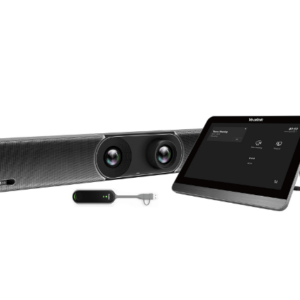
- All-in-one, quick setup — camera, mics, and speakers in one unit; up and running in minutes with no separate devices to configure
NoiseBlockAI and Acoustic Fence — Your Meeting, Not the Office Around It

The X52 uses the same second-order microphone design as the larger X70 — more directionally precise than standard arrays, with a 6-metre pickup range that covers a medium room end to end. NoiseBlockAI runs continuously to separate speech from background noise. Acoustic Fence defines the meeting zone — anything outside it is silenced. The result is that open-plan environments, HVAC, and adjacent rooms don’t become the remote participants’ problem.
Join Any Platform, Share Any Content — Without Switching Devices
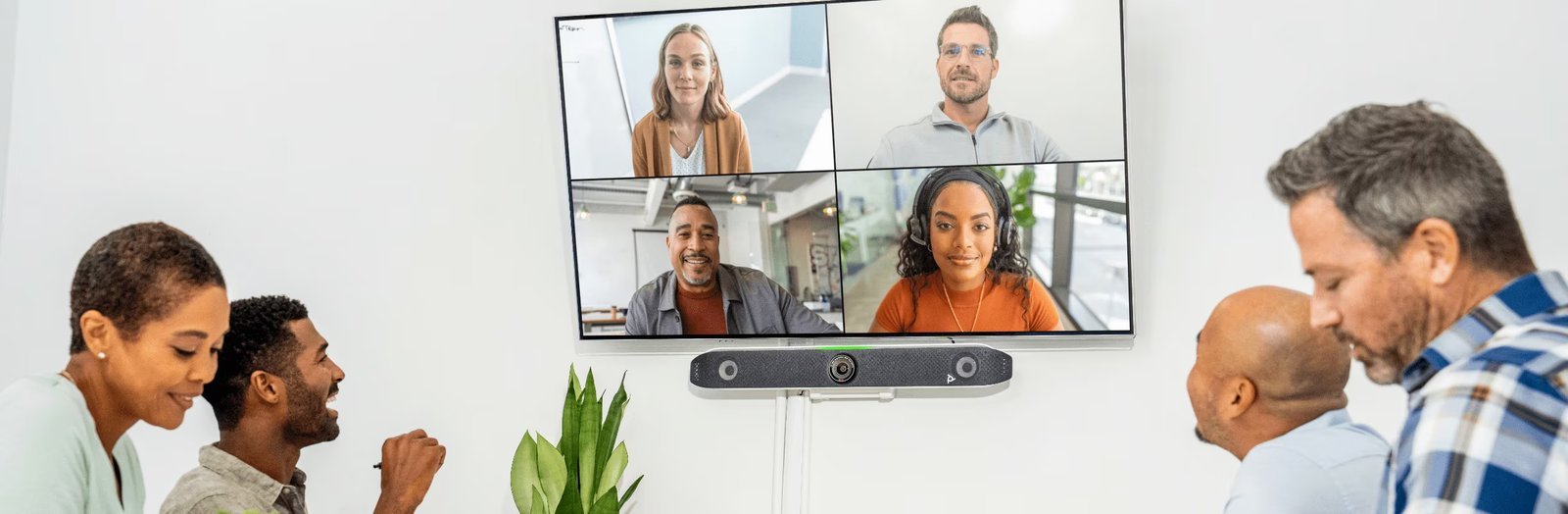
The X52 supports Teams, Zoom, and Google Meet natively, plus RingCentral, GoToRoom, and others via native apps — and any other platform via USB device mode. Content sharing works via HDMI-in, AirPlay, or Miracast without needing a separate presentation device. Poly Lens gives IT remote management, firmware updates, and device health monitoring across every X52 in the organisation from a single dashboard.
Specifications
| Category | Specification | What It Means for You |
|---|---|---|
| Camera | 4K UHD 20MP · 95° hFOV · 110° dFOV · 5× digital zoom · camera range up to 6m · DirectorAI Group/Speaker/People/Perimeter · attachable privacy cover | Optimised for medium rooms — 95° covers the table without distortion; DirectorAI keeps everyone framed without manual adjustment |
| Audio | 2× MEMS + 2× second-order gradient mics · 6.09m pickup · NoiseBlockAI · Acoustic Fence · echo cancellation · AGC · 2×20W stereo speakers | Covers a medium room cleanly; noise filtering means open-plan surroundings don’t disrupt the meeting audio |
| Platforms | Microsoft Teams · Zoom · Google Meet (certified) · RingCentral · Dialpad · GoToRoom · StarLeaf · all cloud via Poly Video App · USB device mode | Works with every platform — native apps for the main ones, USB mode as a fallback for anything else |
| Connectivity | 1× HDMI-in 2.0 · 2× HDMI-out 2.0 · USB-C 5Gbps · 2× USB-A 5Gbps · RJ-45 · line in · Bluetooth 5.0 · Wi-Fi 802.11ax MIMO | HDMI-in for content sharing; dual HDMI-out for two-display setups; Wi-Fi 6 for fast wireless content sharing |
| Management | HP Poly Lens · Kensington lock · remote firmware and configuration | IT manages all rooms remotely — no site visits for updates or config changes |
| Dimensions | 770 × 114 × 102 mm · 2.54 kg · monitor clamp included | Sits neatly on top of any display; monitor clamp ships in the box |
Warranty & Support
The HP Poly Studio X52 is backed by a 1-year limited hardware warranty. Australian stock.
Kickstart Computers provides pre-sales consultation and post-sales support for HP Poly Studio X52 deployments in corporate, education, and government environments across Australia. HP Poly+ extended support plans are also available.
Explore our full range of HP Poly video conferencing solutions — from compact huddle room bars to enterprise-grade boardroom systems.
Not sure which system suits your room size or budget? Browse our full video conferencing range or get in touch — we’ll help you find the right fit.