Microsoft Teams Rooms — Australia
Jump Ahead Too
ToggleMicrosoft Teams Rooms for Australian Businesses
Microsoft Teams Rooms turns any meeting space into a one-touch hybrid
collaboration environment — calendar integrated, camera live, one button
to join.
Kickstart helps Australian businesses choose the right hardware, plan the
right licence tier and deploy Teams Rooms correctly — based on room size
and real deployment experience, not just hardware specs.
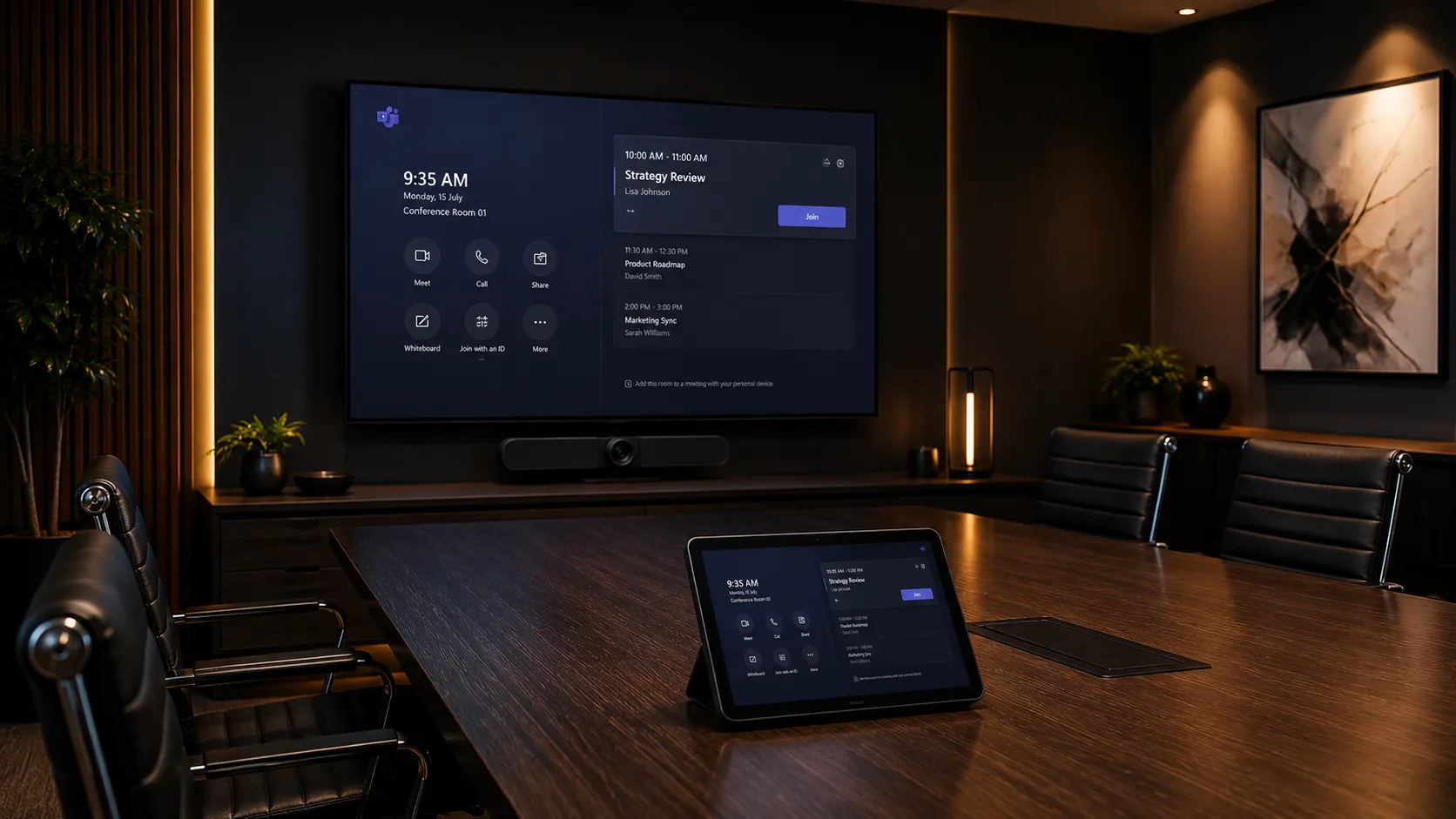
Do You Actually Need to Pay for Teams Rooms Pro? The Honest Answer.
The short answer: most small and medium Australian businesses do not need to pay for Teams Rooms Pro. The free Basic licence covers one-touch join, calendar integration and single screen support for up to 25 rooms — Pro is only required when specific features such as dual screens, Zoom or Webex joining, remote device management or compliance policies are genuinely needed. What Microsoft's documentation won't tell you clearly is where the real savings are — and that's what this page covers.
- Basic is genuinely free — up to 25 rooms per tenant
- Basic covers one-touch join, single screen, Teams meetings
- Pro is only needed when specific features are required
- Dual screens in any room requires Pro — no workaround
- Joining Zoom or Webex from the room requires Pro
- Remote IT management at scale requires Pro
- Room 26 onwards requires Pro — Basic caps at 25
- Start on Basic — only upgrade rooms that genuinely need Pro
- Android appliance saves $500–$1,500 per room vs Windows
- Use a BYOD passthrough for occasional Zoom or Webex calls
- Check existing Microsoft 365 licences — Pro may be bundled
- Not every room needs the same licence tier
- Small businesses can deploy professionally for hardware cost only
- Delay Pro until a specific need actually requires it
- Room count matters more than staff headcount
- Single vs dual screen is the first decision point
- Do you ever need to join Zoom or Webex calls?
- Does IT need to manage devices remotely at scale?
- Android appliance suits most small and medium rooms
- Windows systems suit complex or multi-display environments
- Compliance requirements may force Pro regardless of size
The bottom line: many small and medium Australian businesses can deploy professional Teams Rooms on Basic — completely free — using Android appliance hardware. Pro is only worth paying for when a specific feature genuinely requires it. See the full licensing breakdown →
The Basics
What Is Microsoft Teams Rooms — And How Does It Actually Work?
Microsoft Teams Rooms is a dedicated room conferencing platform that turns a meeting
space into a one-touch collaboration environment. Unlike using a laptop for meetings,
a Teams Rooms system means the room itself is always ready — calendar integrated,
camera live, audio active — with a single button to join any scheduled meeting.
The first real decision isn't which hardware brand to choose. It's which deployment
style suits your rooms and IT environment.
Appliance-Based Teams Rooms
Android appliance systems run Teams Rooms directly on the conferencing hardware itself — no separate Windows computer required. The camera bar, microphone, speaker and Teams Rooms software are all built into one device.
Best For- Small rooms
- Medium rooms
- Simple deployments
- Limited IT resource
- No separate compute device — saves $500–$1,500 per room
- Minimal cabling — cleaner, simpler installation
- Faster to deploy and easier for staff to support
- Fewer failure points than Windows-based systems
- Common systems: Yealink A20, Logitech Rally Bar, Poly Studio X50
Appliance-based Teams Rooms consistently generate fewer IT support calls than Windows-based systems in small and medium room deployments.
Windows-Based Teams Rooms
Windows-based systems use a dedicated mini-PC compute unit alongside the conferencing hardware. This gives greater flexibility for complex room setups, multiple displays and enterprise IT management requirements.
Best For- Large boardrooms
- Dual display rooms
- Enterprise IT
- Complex deployments
- Supports multiple displays natively
- Full enterprise IT management via Intune
- Greater flexibility for advanced room configurations
- Requires dedicated compute: Logitech RoomMate, Lenovo Core, Dell OptiPlex
- Higher hardware cost and more cabling than appliance systems
Windows-based Teams Rooms make sense when complex room requirements or strict enterprise security protocols genuinely justify the additional cost and complexity.
Licensing Reality
Teams Rooms Basic vs Pro — What Do You Actually Need to Pay For?
This is the question most IT managers and business owners get confused by — and most reseller websites don't answer honestly. Here's the plain English version.
| Feature | Basic — Free | Pro — Paid Per Room / Month |
|---|---|---|
| One-touch Teams meeting join | Included | Included |
| Single display support | Included | Included |
| Microsoft 365 calendar integration | Included | Included |
| Number of rooms per tenant | Up to 25 rooms | Unlimited |
| Dual display support | Pro Required | Included |
| Join Zoom or Webex from the room | Pro Required | Included |
| Advanced AI camera framing | Pro Required | Included |
| Remote device management via Teams Admin Center | Pro Required | Included |
| Conditional access & compliance policies | Pro Required | Included |
| Advanced analytics & reporting | Pro Required | Included |
| Hot-desking support | Pro Required | Included |
Small Business — 1 to 3 Meeting Rooms, Teams Only
Single screens, Teams meetings only, no need for remote IT management, under 25 rooms. A Yealink A10 or A20 on Android handles this perfectly. Staff walk in, hit join, done.
Any Business Where a Room Needs Dual Screens
The moment one room has dual displays — even in a 5-person business — that room needs Pro. Basic simply won't support a second screen regardless of how good the hardware is.
Business That Occasionally Joins Zoom or Webex Calls
If clients regularly send Zoom invites, Pro is needed for the room to join natively. Alternatively a BYOD passthrough like a Logitech Swytch lets a laptop use the room's camera and audio — keeping the room on Basic.
Enterprise — 25+ Rooms, IT Managed, Compliance Required
At this scale Pro is almost always justified — remote device management alone saves significant IT time across a large estate, and compliance requirements typically mandate it regardless of preference.
Hardware Guide
Which Teams Rooms Hardware Suits Which Room Size?
The right Teams Rooms hardware depends primarily on room size, seating capacity and whether the deployment needs Android appliance simplicity or Windows-based flexibility. These are the systems Kickstart most commonly deploys across Australian meeting environments.
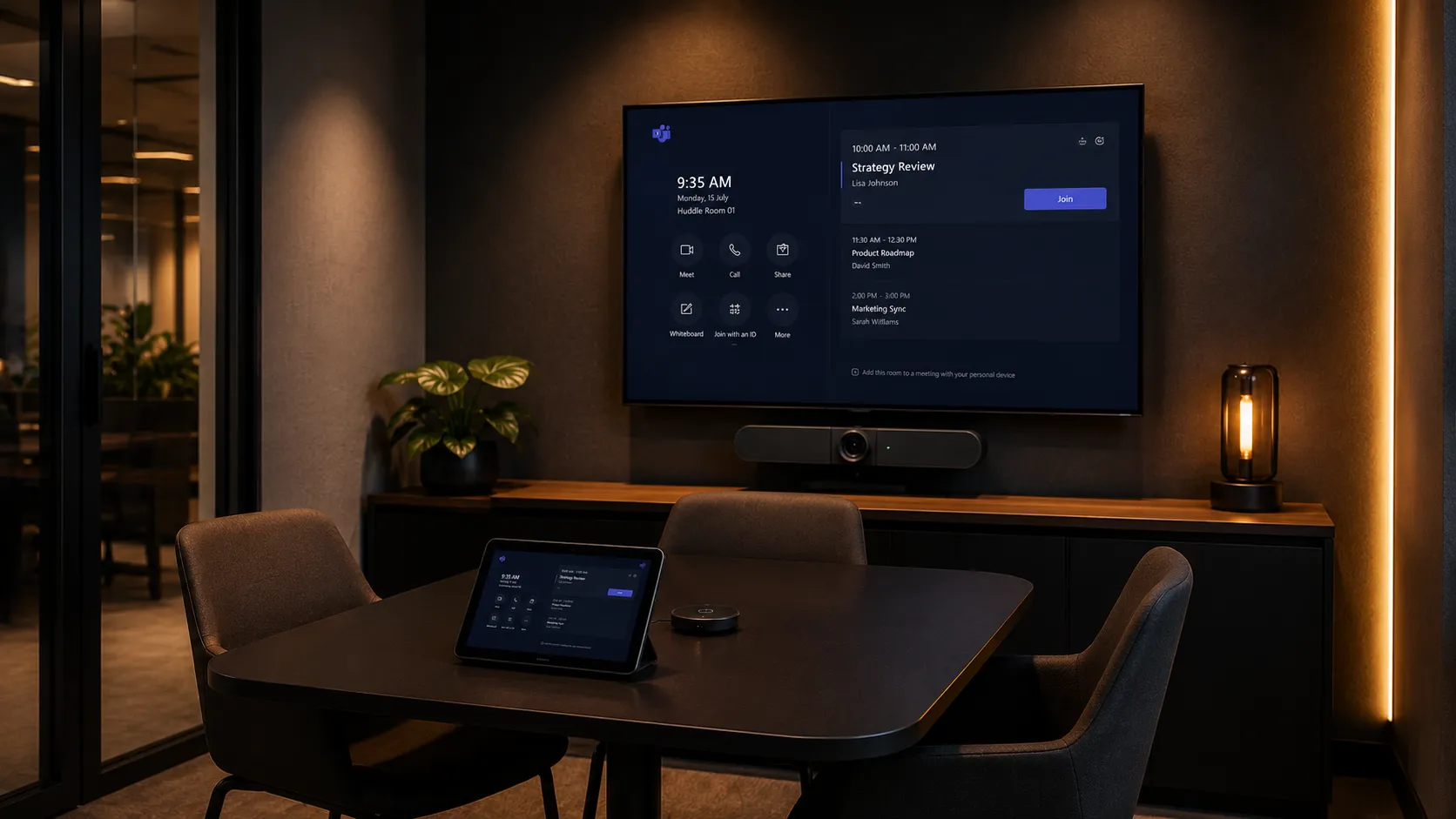
Small Huddle Rooms
2–4 People- Yealink A10 — entry-level Android appliance, ideal for Basic licence
- Yealink A20 — mid-range Android, strong Teams Rooms integration
- Logitech MeetUp 2 — ultra-wide camera, minimal footprint
- Android appliance suits almost all small room requirements
- No compute device needed — hardware cost only
Small huddle rooms on Basic licence with Android hardware represent the lowest total cost of ownership of any Teams Rooms deployment style.
Small Room Solutions
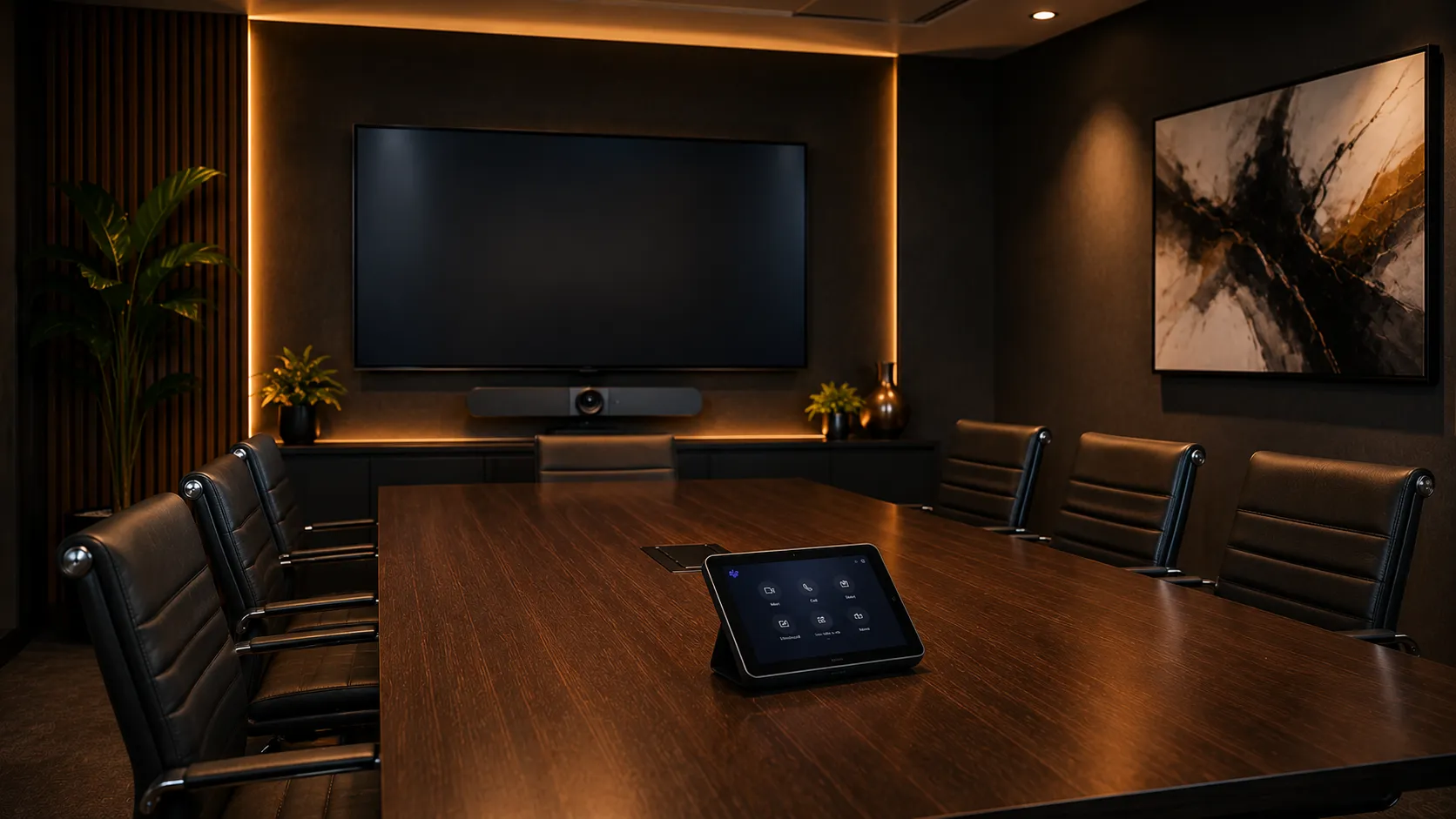
Medium Meeting Rooms
4–10 People- Yealink A20 or A30 — strong Android appliance for medium rooms
- Logitech Rally Bar — premium all-in-one, Android or Windows
- Poly Studio X50 — excellent audio processing for harder rooms
- Consider Pro licence if dual screen or Zoom joining needed
- Beamforming microphones important at this room size
Medium rooms are where the Basic vs Pro decision most commonly arises — a second display or occasional Zoom call can change the licence requirement entirely.
Medium Room Solutions
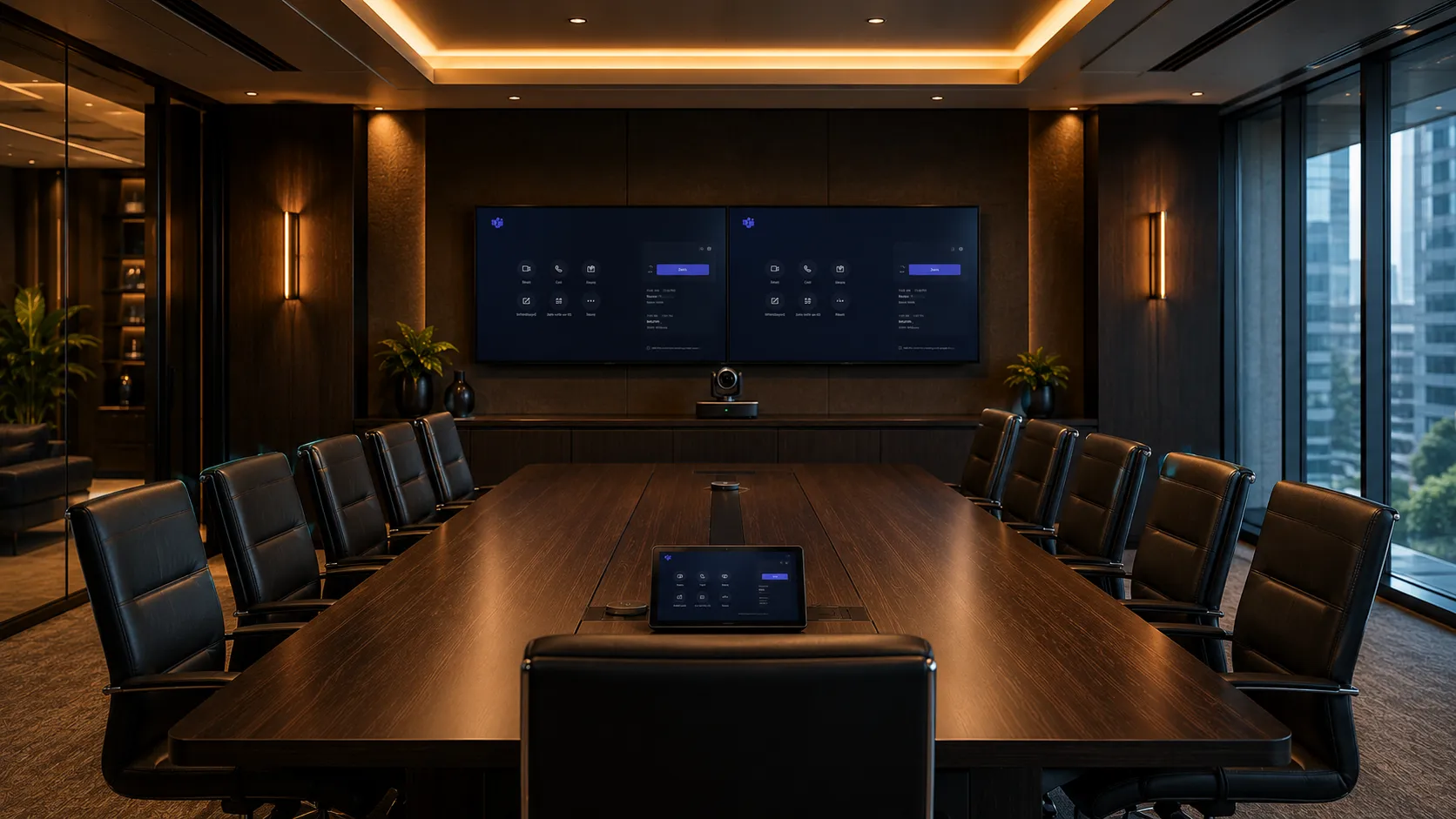
Large Boardrooms
10+ People- Logitech Rally Plus — modular PTZ system, Windows compute
- Yealink MVC Series — Windows-based for large room flexibility
- Poly G20 or G85 — strong for acoustically challenging rooms
- Pro licence almost always required at this room size
- PTZ camera and expandable microphone arrays recommended
Large boardrooms almost always justify Pro — dual screens, remote management and compliance requirements typically all apply at this environment level.
Boardroom Solutions| System | Room Size | Deployment | Licence Tier | Key Strength |
|---|---|---|---|---|
| Yealink A10 | Small — 2 to 4 people | Android | Basic — free | Entry-level, lowest total cost |
| Yealink A20 | Small to medium — 2 to 8 people | Android | Basic — free | Strong Teams integration, value |
| Logitech MeetUp 2 | Small — 2 to 4 people | Android | Basic — free | Ultra-wide camera, minimal footprint |
| Logitech Rally Bar | Medium — 4 to 10 people | Android Windows | Basic — single screen. Pro if dual screen or Zoom | Premium all-in-one, flexible deployment |
| Poly Studio X50 | Medium — 4 to 10 people | Android | Basic — single screen. Pro if dual screen or Zoom | Advanced audio for difficult rooms |
| Yealink MVC Series | Large — 10+ people | Windows | Pro required — dual screen or management | Flexible large room Windows system |
| Logitech Rally Plus | Large — 10+ people | Windows | Pro required — dual screen or management | Modular PTZ, expandable microphones |
BYOD & Third Party Calls
Native Teams vs BYOD — Handling Zoom and Webex Calls
Even in a dedicated Teams Room, the reality for most Australian businesses is that someone will eventually be sent a Zoom or Webex meeting invite. Here's how to handle it without necessarily upgrading every room to Pro.
Teams Rooms Pro — Native Platform Joining
Teams Rooms Pro includes native third-party joining for Zoom and Webex. The room controller shows a join button for any supported platform meeting — no laptop required, no switching inputs.
- One-touch join for Zoom and Webex meetings
- Uses the room's camera, microphone and speakers natively
- Clean experience — no laptop needed at the table
- Requires Pro licence on that room
Best for rooms that regularly host Zoom or Webex calls — the Pro licence cost is justified when third-party joining is a frequent requirement.
BYOD Workaround — Keep the Room on Basic
A BYOD passthrough device such as a Logitech Swytch connects a laptop to the room system — allowing the laptop to use the room's camera, microphone and speakers for any video platform while the room stays on the free Basic licence.
- Works with Zoom, Webex, Google Meet or any platform
- Laptop connects via USB — room audio and video used
- Room stays on Basic licence — no Pro cost
- One-off hardware cost rather than ongoing monthly licence
For rooms that only occasionally need Zoom or Webex, a BYOD passthrough device often delivers a better return than upgrading to Pro — especially across multiple rooms.
Deployment Reality
What Actually Goes Wrong in Teams Rooms Deployments?
Most Teams Rooms problems aren't caused by the hardware or the software — they're caused by decisions made before the hardware was ordered. Understanding these common deployment mistakes can save significant time, cost and frustration.
Choosing Windows When Android Would Have Done the Job
Windows-based Teams Rooms systems are more complex to deploy, require more
cabling and generate more IT support calls than Android appliance systems.
Many businesses default to Windows because it feels more familiar to IT
teams — not because the room actually requires it.
For most small and medium meeting rooms a Yealink A20 or Logitech Rally Bar
on Android will deliver an identical meeting experience with less complexity,
lower hardware cost and fewer ongoing support issues.
The question isn't "which is better" — it's "does this room actually need what Windows adds?" In most cases under 10 people, the answer is no.
Paying for Pro Across Every Room When Most Don't Need It
Many businesses licence every room at Pro tier without checking whether
individual rooms actually need Pro features. A single-screen small meeting
room used exclusively for internal Teams calls has no functional reason
to be on Pro.
The most cost-effective approach is to audit each room individually —
Basic for simple single-screen rooms, Pro only where dual screens, Zoom
joining or remote management are genuine requirements.
Licensing 10 rooms at Pro when 7 could run on Basic represents a significant ongoing monthly cost that compounds over time with no benefit.
Installing the Hardware Before Checking the Network
Teams Rooms devices need reliable network connectivity, correct VLAN
configuration and in some enterprise environments specific firewall rules
to function correctly. Hardware that works perfectly in a demo environment
can fail unpredictably when dropped onto a corporate network without
proper preparation.
Network readiness — particularly for businesses with strict security
policies or conditional access requirements — should be confirmed before
hardware is ordered, not after it arrives.
More Teams Rooms deployments run into problems at the network configuration stage than at any other point in the process.
Forgetting the Room Account and Licence Setup
Every Teams Rooms system needs a dedicated Microsoft 365 room account —
a resource mailbox configured specifically for the room device. This is
separate from any user licence and is where the Teams Rooms Basic or Pro
licence is assigned.
Businesses that don't plan this in advance often find themselves
troubleshooting sign-in problems on day one — or discovering their
Microsoft 365 tenant isn't configured to support room accounts without
additional IT work.
Room account setup and licence assignment is often the last thing planned and the first thing that causes delays on installation day.
Why Kickstart
Why Australian Businesses Choose Kickstart for Teams Rooms
Deploying Teams Rooms correctly requires more than ordering hardware. Licence planning, network readiness, room account configuration and deployment style all affect long-term outcomes — and getting them wrong is expensive to fix after installation.
Independent Teams Rooms Hardware Advice
We compare Yealink, Logitech and Poly Teams Rooms systems based on your room size, deployment style and licence tier — not on which brand offers the best margin. A Yealink A20 on Android Basic is often the right answer for a small room. A Logitech Rally Plus on Windows Pro is right for a large boardroom. We recommend what suits the room, not what's easiest to sell.
Honest Teams Rooms Licensing Guidance
Most resellers won't tell you that Basic is free and covers most small business requirements — because there's no margin in it for them. We help businesses audit each room individually, identify which rooms genuinely need Pro and which don't, and avoid paying for features that add no practical value to their specific meeting environment.
We've Seen Every Teams Rooms Deployment Problem
Network misconfigurations, room account setup errors, wrong licence tier, Android chosen when Windows was needed — and Windows chosen when Android would have done the job at half the cost. Since 2007 we've been solving meeting room technology problems in Australian businesses. That means we anticipate these issues before hardware is ordered, not after it's installed.
Australia-Wide — One Room or One Hundred
Whether you need a single Yealink A10 for a small huddle room on Basic or a multi-site enterprise Teams Rooms rollout across dozens of locations on Pro — Kickstart supplies and advises on Teams Rooms deployments Australia-wide. Same independent advice regardless of order size.
Common Questions
Questions IT Managers Ask Before Deploying Teams Rooms
Do I actually need Teams Rooms Pro or can I get away with Basic?
Most small and medium Australian businesses do not need Teams Rooms Pro —
and many are paying for it unnecessarily.
The free Basic licence covers the core meeting room experience: one-touch
join for Teams meetings, Microsoft 365 calendar integration, single screen
support and up to 25 rooms per tenant. For a business with straightforward
meeting rooms that only run Teams meetings on a single screen, Basic
delivers everything needed at zero ongoing licence cost.
Pro becomes necessary only when specific features are genuinely required:
dual display support, joining Zoom or Webex natively from the room, remote
device management via Teams Admin Center, conditional access and compliance
policies, or more than 25 rooms. The most practical approach is a
mixed-licence strategy — Basic on simple rooms, Pro only where a specific
feature genuinely justifies the cost.
Can small businesses afford Microsoft Teams Rooms?
Yes — and many small Australian businesses are already running professional
Teams Rooms setups for significantly less than they expect.
The free Basic licence removes any ongoing software cost for businesses
with fewer than 25 rooms on single screens. Paired with an entry-level
Android appliance like the Yealink A10 — which requires no separate
compute device, minimal cabling and straightforward setup — a small
business can have a genuine one-touch Teams Rooms experience in a
huddle room for the cost of the hardware alone.
The total cost of ownership for a small room Teams Rooms deployment
on Basic is typically lower than most small businesses expect, and
significantly lower than the equivalent Windows-based deployment.
The key is choosing the right hardware tier for the room — not
defaulting to enterprise-grade systems that a small huddle room
simply doesn't need.
Who can help me choose and set up Microsoft Teams Rooms in Australia?
Kickstart Computers has been helping Australian businesses solve meeting room
technology and collaboration challenges since 2007 — long before Microsoft
Teams Rooms existed. That experience across evolving conferencing platforms,
room deployments and hybrid workplace technology means we understand the
practical realities of getting these systems working correctly in real
business environments.
Today that experience translates directly into Teams Rooms deployments —
covering hardware selection, licence planning, Android vs Windows deployment
decisions and room configuration across small huddle rooms through to large
enterprise boardrooms. Unlike generic online resellers, Kickstart provides
independent advice across Yealink, Logitech and Poly Teams Rooms systems
based on room requirements rather than brand margin.
How can we join Zoom calls from a Teams Room without paying for Pro?
A BYOD passthrough device like a Logitech Swytch lets a laptop use the room's camera, microphone and speakers for Zoom or Webex calls. The room stays on Basic licence. For rooms that only occasionally need Zoom, this one-off hardware cost is almost always more cost effective than upgrading to Pro.
What is the difference between MTR on Android and MTR on Windows?
Android appliance systems run Teams Rooms directly on the device — no separate computer needed, less cabling, simpler support. Windows systems use a dedicated compute unit for greater flexibility with dual displays and enterprise IT management. For most small and medium rooms, Android appliance is the better choice.
Which Teams Rooms hardware works best for small meeting rooms in Australia?
The Yealink A10 and A20 are the most commonly deployed small room Teams Rooms systems in Australia — affordable, Android-based, compatible with the free Basic licence and requiring no separate compute device. The Logitech MeetUp 2 is a strong alternative where ultra-wide camera coverage is the priority.
Does every room in my office need a Teams Rooms licence?
Every dedicated Teams Rooms device needs its own room account and licence — but not all rooms need Pro. A practical approach is Basic for simple single-screen rooms and Pro only for rooms that genuinely need its additional features. This mixed-licence approach can significantly reduce ongoing costs across a multi-room deployment.
Can I check if Teams Rooms Pro is already included in my Microsoft 365 licence?
Yes — some Microsoft 365 Business Premium and enterprise plans include Teams Rooms Pro licences or discounted add-ons. It is worth checking your existing Microsoft agreement before purchasing standalone Pro licences, as you may already have entitlements available through your existing Microsoft licensing partner.
Ready to Deploy Microsoft Teams Rooms?
Whether you're setting up a single small Teams Room or deploying across multiple locations, Kickstart Computers can help you choose the right hardware, plan the right licence tier and avoid the common deployment mistakes that cost time and money to fix later.
