


Extra-large meeting rooms are where conferencing systems typically break down — insufficient camera coverage, audio that drops out at the far end of the table, and systems that can’t scale when the room layout changes. The Yealink MVC S98 is built specifically for these environments, and the engineering reflects it at every level.
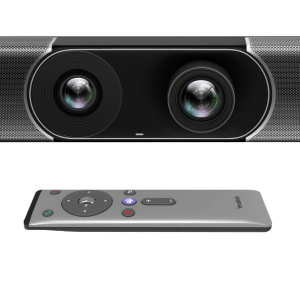
The kit ships with three SmartVision 80 cameras as standard. Each unit combines a PTZ camera with 20× optical zoom and three electronic lenses — a 110° panoramic and two 51° telephoto — giving you comprehensive room coverage and close-up clarity simultaneously. When all three cameras work together through the AVHub processor, the system supports multi-camera IntelliFrame, multi-speaker tracking with voice-incentive switching, and presenter tracking across the full room width. For rooms that need even more coverage, the MVC S98 can connect up to 9 Yealink cameras total.
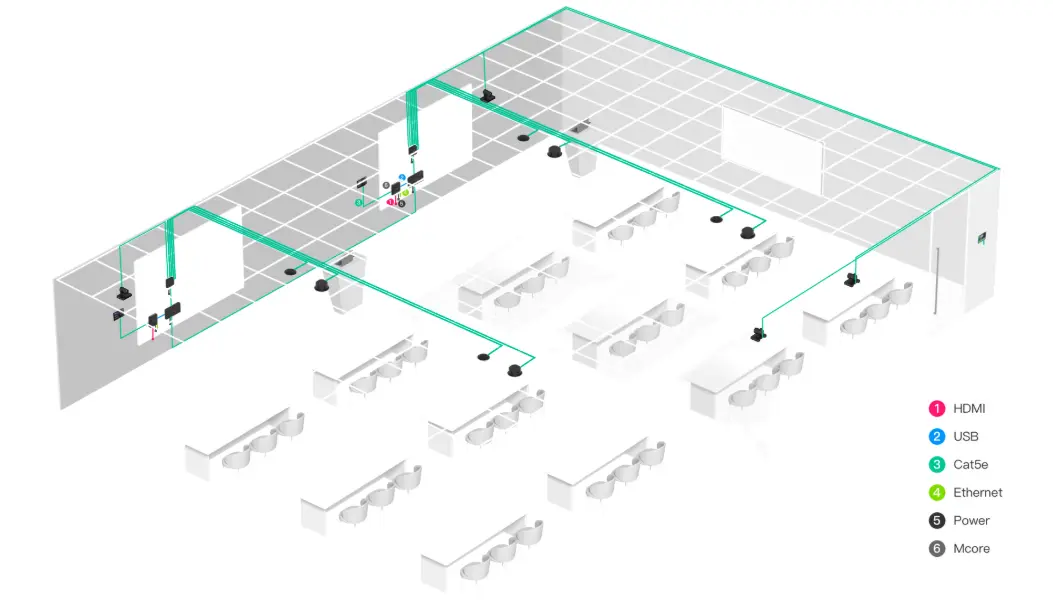
The AVHub is what makes the multi-camera solution work. It handles video compositing, lets you customise the on-screen layout from the MTouch Plus, and supports dividable and mergeable room configurations — meaning two adjoining rooms can operate as separate spaces or combine into one large environment without rewiring. This is the kind of flexibility that matters in university lecture facilities, large training centres, and premium executive boardrooms.
At the compute level, the MCore 4 runs Windows 11 IoT Enterprise with the Microsoft Teams Rooms app preloaded. The Intel Ultra5 125H processor includes a dedicated NPU delivering up to 34 TOPS of AI computing — enough to run real-time AI features like speaker tracking, background suppression, and intelligent framing without taxing the CPU. Memory is 16GB DDR5 with 256GB SSD storage, and connectivity includes three HDMI outputs, one HDMI-In for 4K auxiliary content, four USB 3.0 ports, and Wi-Fi 6 with Bluetooth 5.2.
Content sharing covers both wired and wireless. The VCH51 Pro allows BYOD laptop connection via USB-C with DP video input — plug in your laptop and the room system handles audio, video, and display without any software install. Wireless sharing via WPP30 (optional) supports 1080p/30fps one-click sharing. The MCore 4’s HDMI-In accepts 4K auxiliary streams for lossless presentation input.
Deployment is straightforward for a system of this complexity. A single CAT5e cable connects the MCore 4 to the MTouch Plus for both data and power. The RoomSensor connects via Bluetooth, eliminating a cable run. The RCH40 E2 PoE+ switch (90W budget, 30W per port) provides clean power distribution across the camera array. All devices support Yealink Device Management Platform for remote configuration, firmware updates, diagnostics, and monitoring.
The MVC S98 suits Australian organisations running Microsoft Teams as their primary collaboration platform in spaces that standard video bars simply cannot cover — large boardrooms, divisible training rooms, university lecture theatres, and multi-purpose spaces where the room layout changes regularly.
Future-Ready AI Power for Extra-Large Rooms

The MCore 4 mini-PC at the heart of the MVC S98 runs an Intel Ultra5 125H processor with a dedicated NPU delivering up to 34 TOPS of AI compute. That’s enough headroom to run real-time speaker tracking, multi-camera IntelliFrame, presenter following, and background processing simultaneously — without any of it degrading the Teams Rooms experience. For organisations planning rooms that will be in service for five or more years, the compute headroom matters.
Key Features
- Three SmartVision 80 four-lens cameras included — PTZ with 20× optical zoom plus panoramic and dual telephoto electronic lenses per unit, covering every corner of extra-large rooms
- Up to 9 cameras simultaneously via AVHub — multi-camera IntelliFrame, multi-speaker tracking with voice-incentive switching, and customisable screen layout
- Intel Ultra5 125H with NPU (34 TOPS) — dedicated AI processing for real-time speaker tracking, presenter tracking, IntelliFrame, and auto framing without CPU overhead
- Dividable and mergeable room support — connect multiple MVC S98 units via network cable to split or combine adjoining rooms without rewiring
- MCore 4 mini-PC — Windows 11 IoT Enterprise preloaded — Teams Rooms app and Yealink RoomConnect installed, 16GB DDR5, 256GB SSD, three HDMI outputs
- MTouch Plus 11.6″ touch panel — intuitive room control, meeting join, content sharing, and real-time RoomSensor environmental display
- VCH51 Pro BYOD content sharing — USB-C connection with DP video input, no software required on guest laptop
- 4K HDMI-In on MCore 4 — lossless 4K auxiliary content stream input for presentations
- RoomSensor occupancy detection — 120° detection angle, Bluetooth BLE connection, real-time temperature and humidity display on MTouch Plus
- RCH40 E2 PoE+ switch — 90W total budget, 30W per port, powers camera array cleanly
- Wi-Fi 6 and Bluetooth 5.2 on MCore 4 — flexible network connectivity without mandatory cable runs
- Full remote management via YDMP — remote configuration, firmware updates, diagnostics, and monitoring across all connected devices
- 2-year warranty — Australian stock, freight delivery
SmartVision 80 — Four Lenses, One Camera

Each SmartVision 80 combines a 20× optical zoom PTZ camera with a 110° panoramic lens and two 51° telephoto electronic lenses in a single unit. The panoramic lens handles wide room coverage; the telephoto lenses deliver sharp close-ups of individual participants; the PTZ tracks active speakers with precision. Three of these cameras ship in the MVC S98 kit as standard — and up to nine can be connected simultaneously through the AVHub for the most demanding room configurations.
Built for Boardrooms, Training Centres, and Lecture Theatres
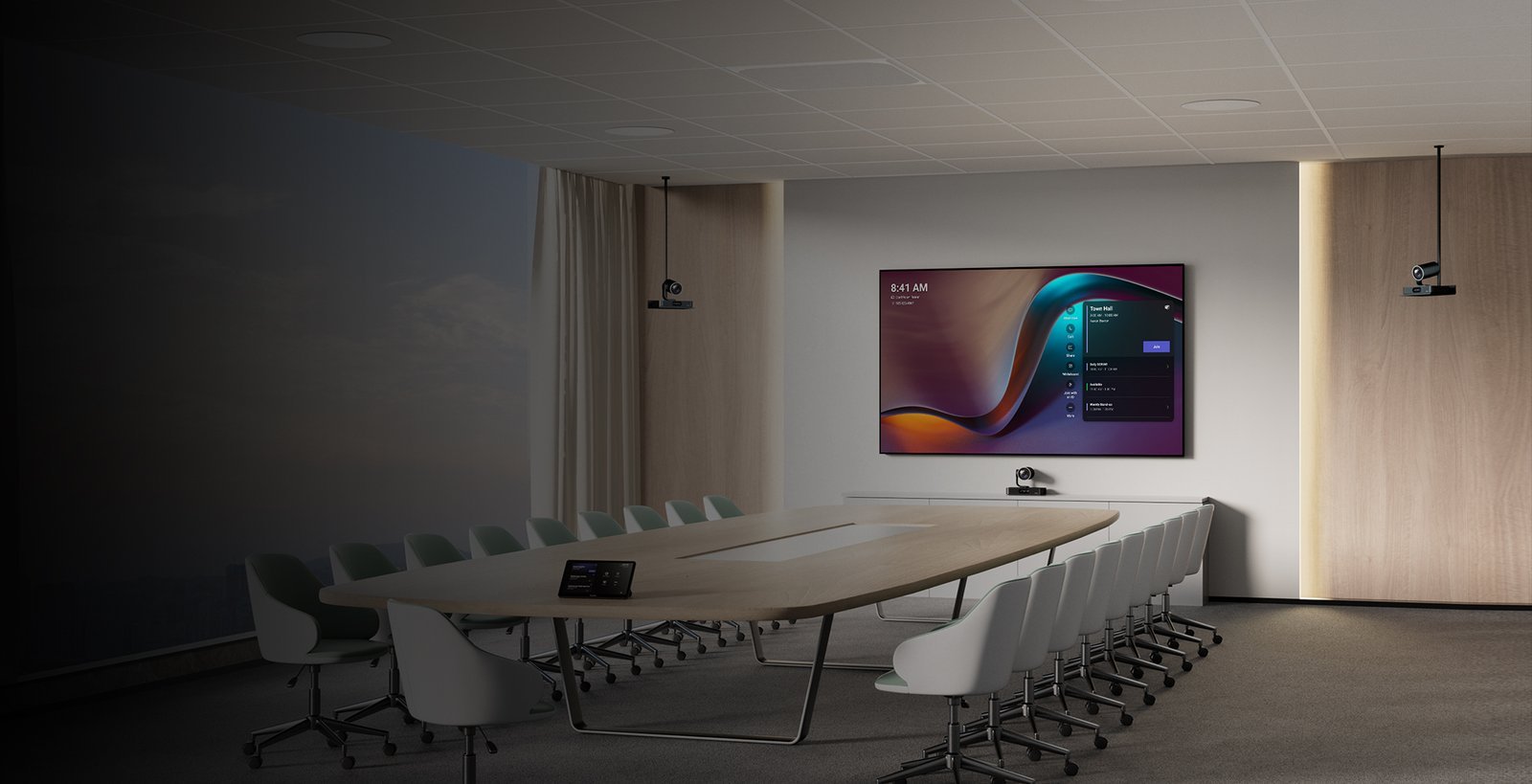
The MVC S98 is the right answer when a room is simply too large for a video bar. Three cameras cover corners that a single fixed lens cannot reach. The multi-speaker tracking system switches between active participants using voice-incentive logic — the camera follows the conversation naturally without manual operator input. Dual or triple display output (three HDMI ports on MCore 4) means in-room content and the remote video feed can each have dedicated screens.
AVHub — Multi-Camera Control and Flexible Room Layout
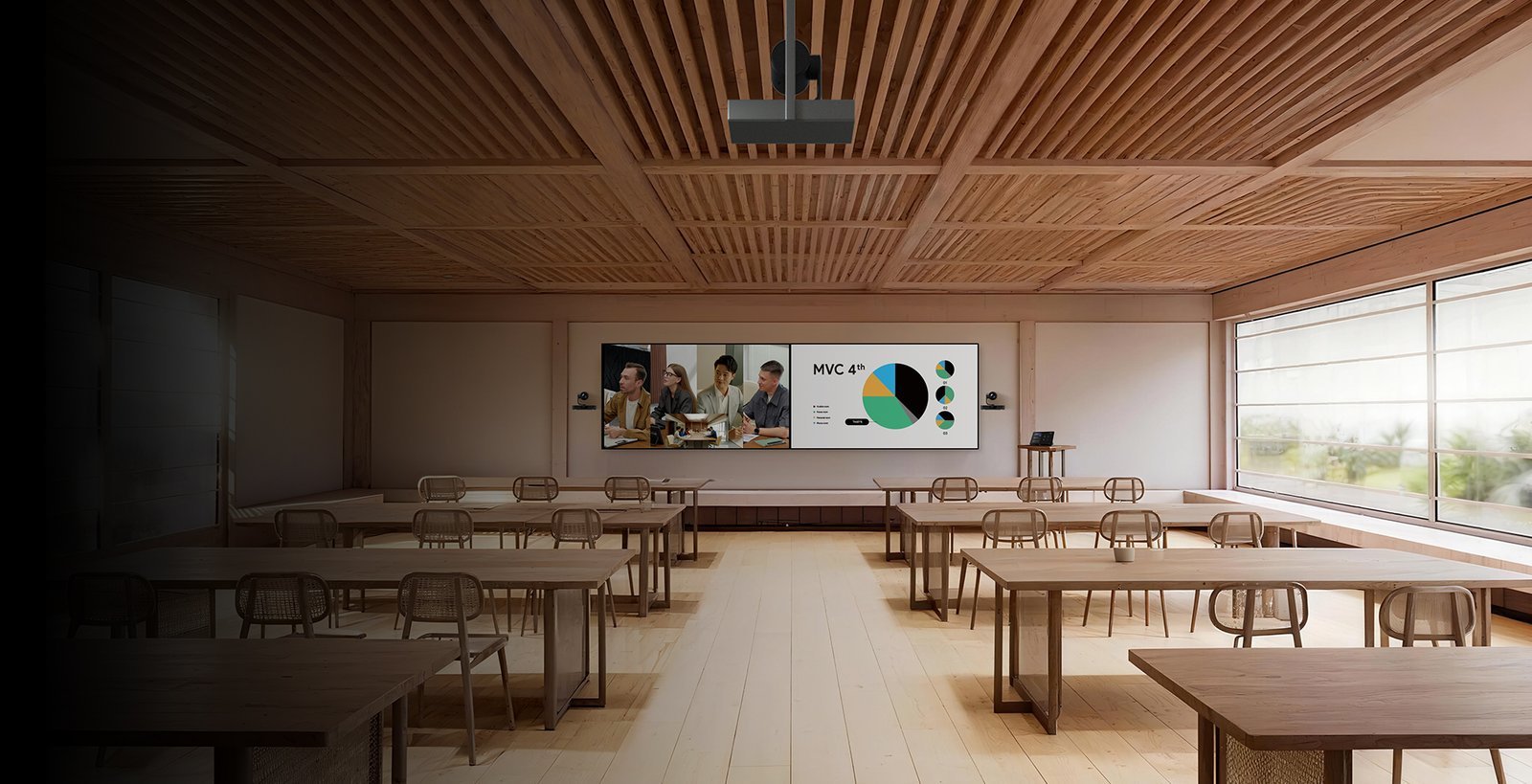
The AVHub audio-video processor is what makes the MVC S98’s multi-camera solution possible. It handles video compositing from up to 9 connected cameras, lets you customise the split-screen layout from the MTouch Plus, and supports dividable and mergeable room configurations via network cable. Two adjoining rooms can operate independently or combine into one large space — the AVHub handles the switching without rewiring. It also manages intelligent multi-speaker tracking across the full camera array.
Everything in the Box — No Hidden Extras
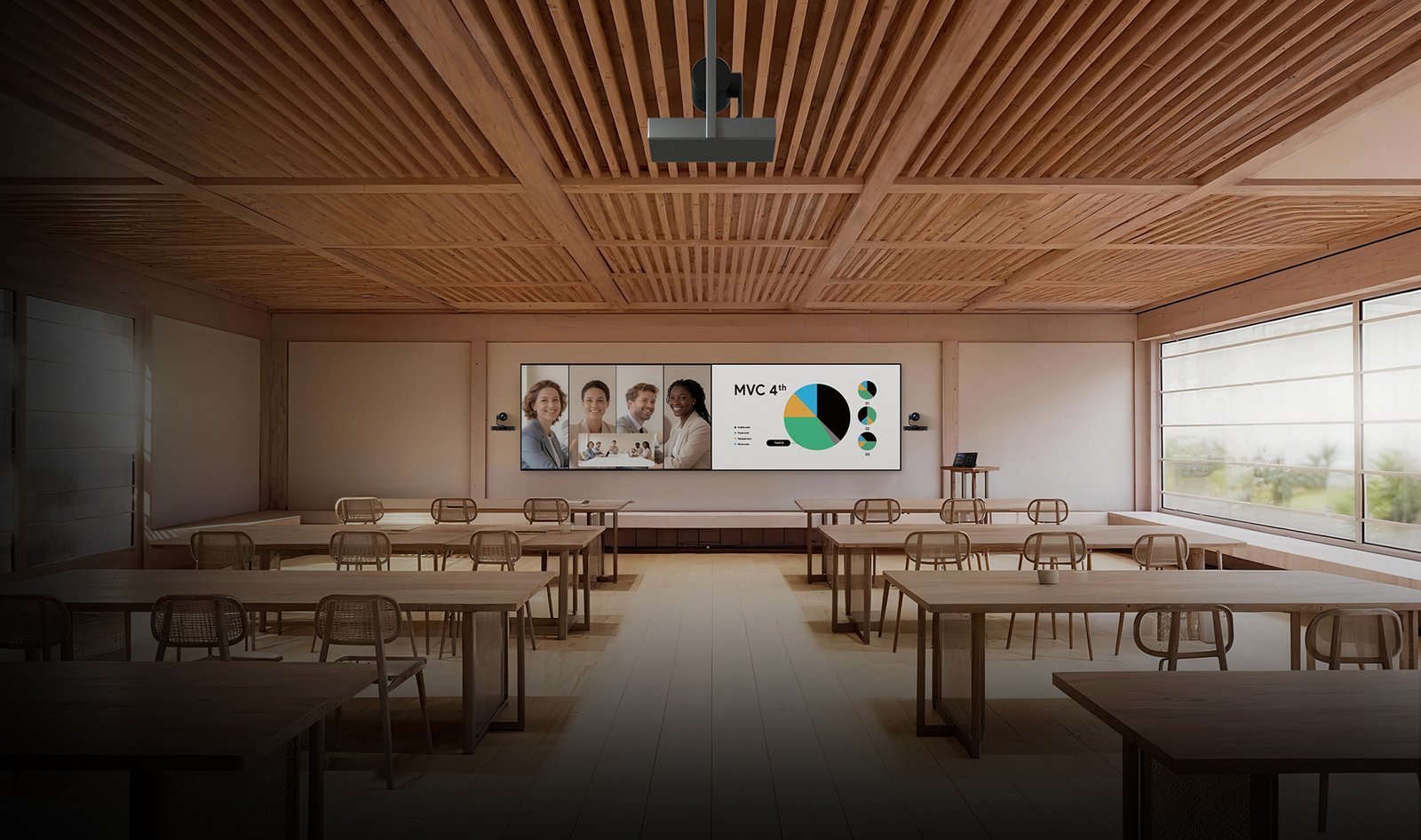
The MVC S98-C5U-004 kit includes every component needed to deploy a fully functional Teams Rooms system: MCore 4 mini-PC, three SmartVision 80 cameras, AVHub processor, MTouch Plus 11.6″ touch panel, RCH40 E2 PoE+ switch, RoomSensor, and VCH51 Pro for BYOD content sharing. Windows 11 IoT Enterprise licence and Teams Rooms app are preloaded. A single CAT5e cable connects MCore 4 to MTouch Plus for both data and power.
MTouch Plus — Room Control and Intelligent Scheduling

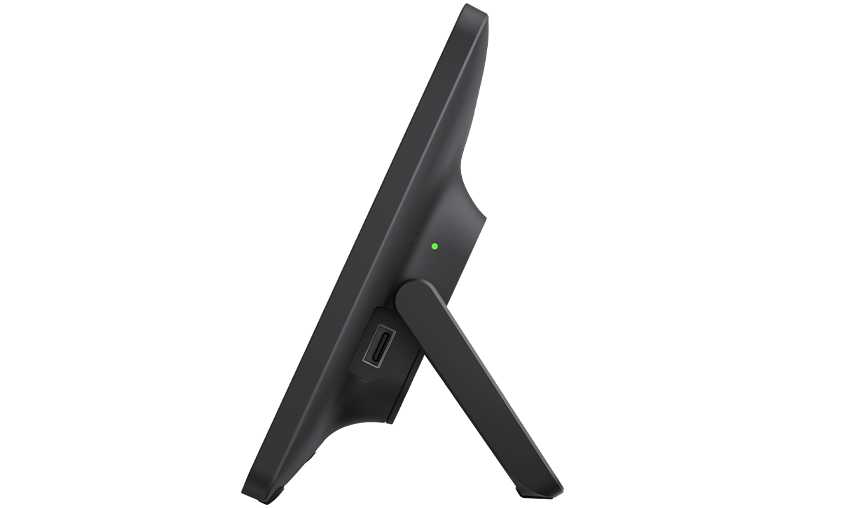
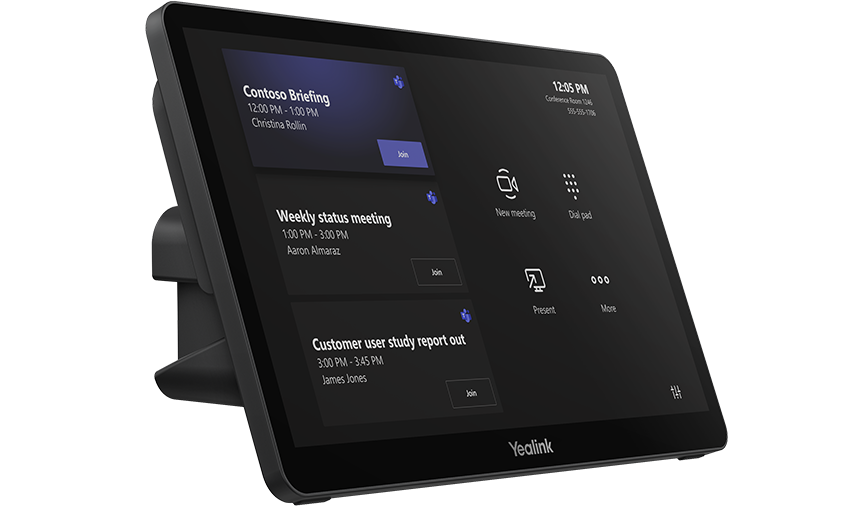
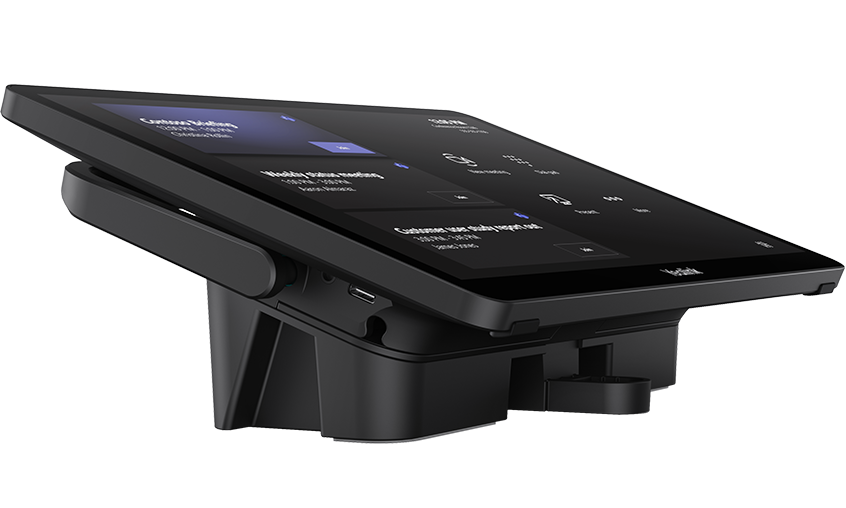
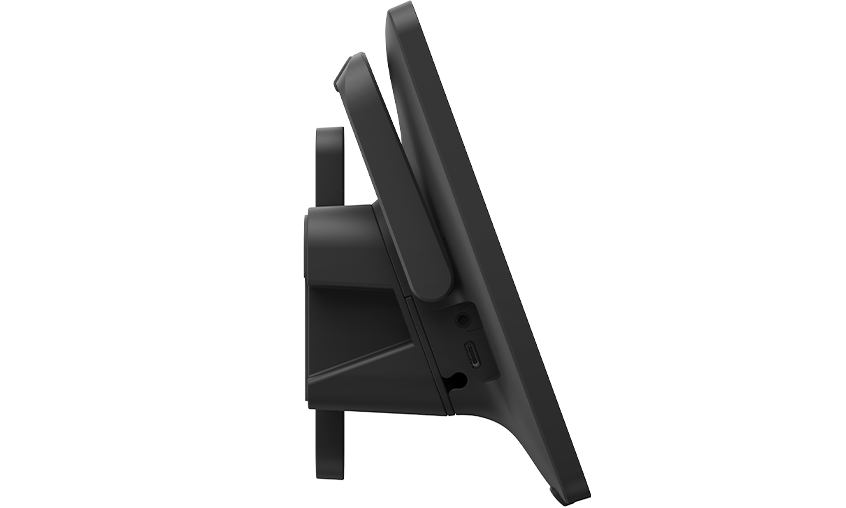
The MTouch Plus 11.6″ IPS touch panel is the room’s control centre. It displays upcoming calendar meetings for one-touch join, handles content sharing selection, shows live camera layout options, and surfaces real-time environmental data from the RoomSensor — temperature, humidity, and occupancy status. The panel connects to MCore 4 via a single CAT5e cable carrying both data and power, keeping the desk surface clean. It supports desktop placement, desktop-fixed mounting, and wall mounting.
BYOD and Content Sharing Without the Friction

The VCH51 Pro lets any laptop use the room’s cameras, microphones, and speakers via a single USB-C connection — no software, no drivers, no IT involvement. The MCore 4 also accepts 4K content via HDMI-In for lossless presentation input, and wireless sharing via the optional WPP30 adapter supports 1080p/30fps one-click casting. Wired USB-C and HDMI inputs round out the flexibility for rooms where multiple presenters may switch during a session.
Remote Management Across Every Device in the Kit
All MVC S98 components — cameras, AVHub, MCore 4, MTouch Plus, RoomSensor — support the Yealink Device Management Platform (YDMP). IT teams can push firmware updates, adjust configuration, run diagnostics, and monitor device health remotely across every room in the estate from a single dashboard. For Australian organisations managing multiple sites, this removes the need for on-site visits for routine maintenance and software updates.
Things to Consider Before Buying
| Feature | Specification | Why It Matters |
|---|---|---|
| Room Size | Extra-large — boardrooms, training centres, lecture theatres | Designed for spaces where standard video bars can’t cover the full room — typically 20+ seat environments |
| Cameras Included | 3 × SmartVision 80 (expandable to 9 total) | Three cameras cover the full room from multiple angles — no blind spots in large or irregularly shaped spaces |
| PTZ Optical Zoom | 20× optical zoom per SmartVision 80 | Keeps remote participants clearly visible even when the active speaker is at the far end of a long boardroom table |
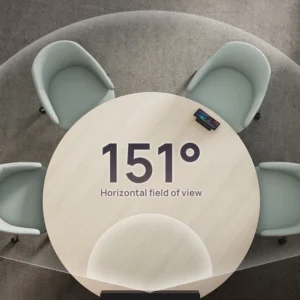
| Camera FOV (Panoramic) | 110° DFOV / 98° HFOV | Wide-angle lens captures the full room width for establishing shots and IntelliFrame group framing |
| Processor | Intel Ultra5 125H with NPU (up to 34 TOPS) | Dedicated AI chip runs speaker tracking and framing without impacting Teams Rooms performance — no lag during complex multi-camera switching |
| Memory / Storage | 16GB DDR5 / 256GB SSD | Sufficient headroom for Windows 11 IoT, Teams Rooms, and simultaneous AI processing tasks |
| Display Outputs | 3 × HDMI out (1 × HDMI 2.1, 2 × HDMI 2.0) | Supports dual main displays plus a third output — essential for large rooms with multiple screens or a confidence monitor |
| Content Input | 1 × HDMI-In (4K) + VCH51 Pro USB-C/DP | 4K auxiliary input preserves presentation quality; VCH51 Pro lets BYOD laptops use the room system without any software install |
| Room Configuration | Dividable and mergeable via network cable | Two adjoining rooms can operate independently or combine into one large space — no rewiring required when room layout changes |
| Touch Panel | MTouch Plus — 11.6″ IPS, 1920×1080 | Single CAT5e cable for both data and power — clean installation with no extra power adapter at the table |
| Occupancy Sensor | RoomSensor — 120° detection, BLE, temp/humidity | Enables room booking automation based on actual occupancy — reduces ghost bookings and displays live environmental data on MTouch Plus |
| Network / Wireless | Wi-Fi 6 (802.11ax), Bluetooth 5.2, Gigabit LAN | Wi-Fi 6 handles high-bandwidth video reliably — important in buildings with congested wireless environments |
| PoE Switch | RCH40 E2 — 4-port, 90W total, 30W per port | Powers the camera array cleanly from a single switch — reduces cable complexity in the ceiling or wall cavity |
| OS / Software | Windows 11 IoT Enterprise, Teams Rooms, Yealink RoomConnect | Ships ready to enrol — no OS licensing to purchase separately, Teams Rooms app pre-installed and licensed |
| Warranty | 2-year limited hardware warranty | Standard Yealink Australian warranty — covers manufacturing defects across all kit components |
Warranty & Support
The Yealink MVC S98 is covered by a 2-year limited hardware warranty across all kit components — MCore 4, SmartVision 80 cameras, AVHub, MTouch Plus, RCH40 E2, RoomSensor, and VCH51 Pro. Australian stock. Freight delivery to metro and regional locations.
Kickstart Computers provides pre-sales consultation, deployment guidance, and post-sales support for MVC S98 installations. Contact us for site assessment, installation referrals, or YDMP configuration assistance.
Explore More Yealink Solutions
The MVC S98 is part of a broader Yealink ecosystem covering everything from small huddle spaces to large divisible boardrooms. If you’re comparing models or specifying multiple rooms, browse our full Yealink product range or explore our complete video conferencing equipment guide.