Room Solution Guide — Small Meeting Rooms & Huddle Spaces

Jump Ahead Too

Small Meeting Room & Huddle Space Video Conferencing — The Right Setup Without Overcomplicating It

Small meeting rooms, huddle spaces and video conferencing environments for small businesses don't need complex AV systems. They need one-touch join, reliable audio, a camera that covers the table, and hardware that anyone can use without training. This guide covers what actually works in compact meeting spaces — and what's a waste of money.

  • Australian Business Since 2007
  • Independent Multi-Brand Advice
  • Phone & Email Support
  • Logitech · Yealink · Poly · Jabra · AVer
  • No Lock-In
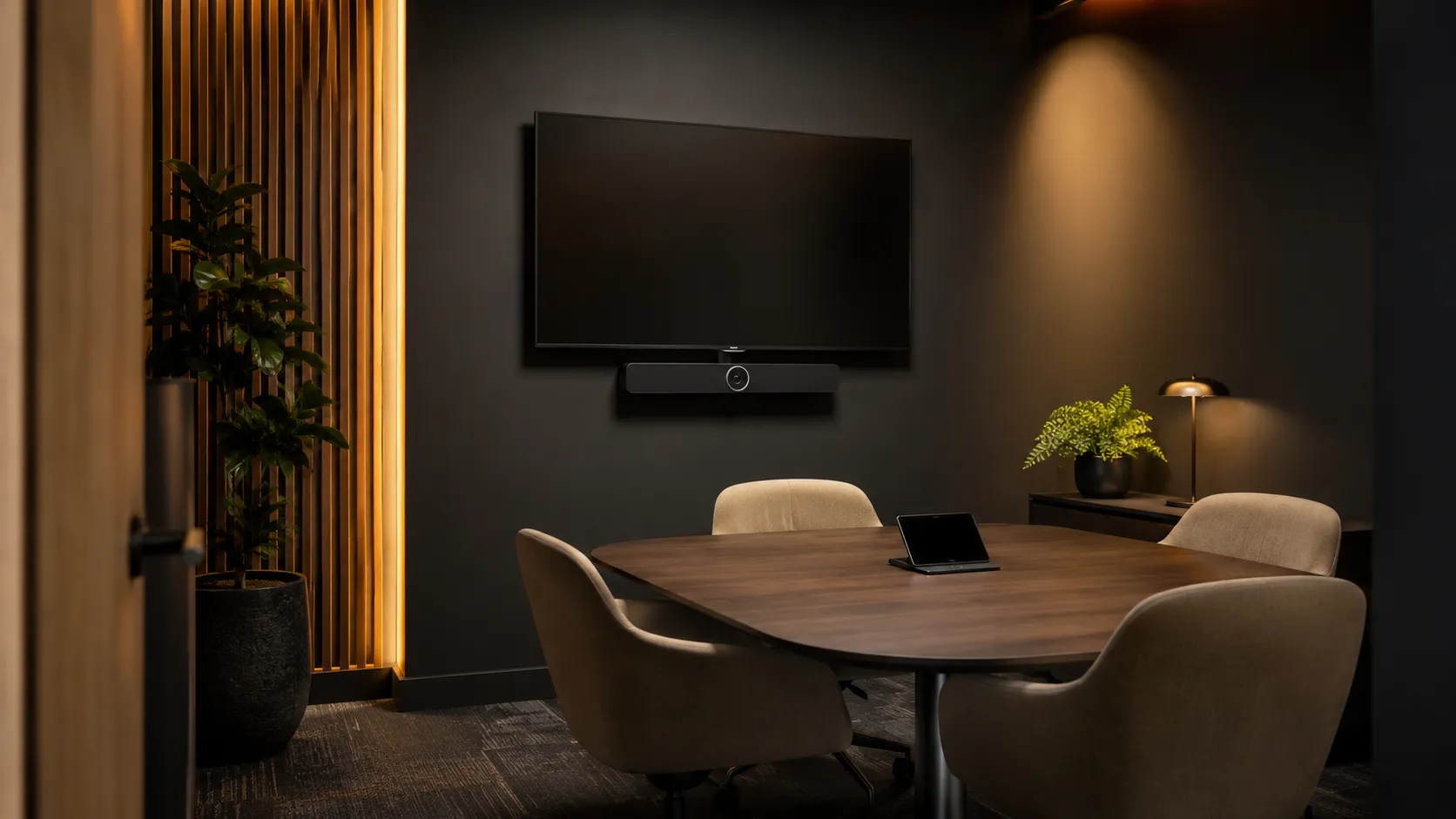
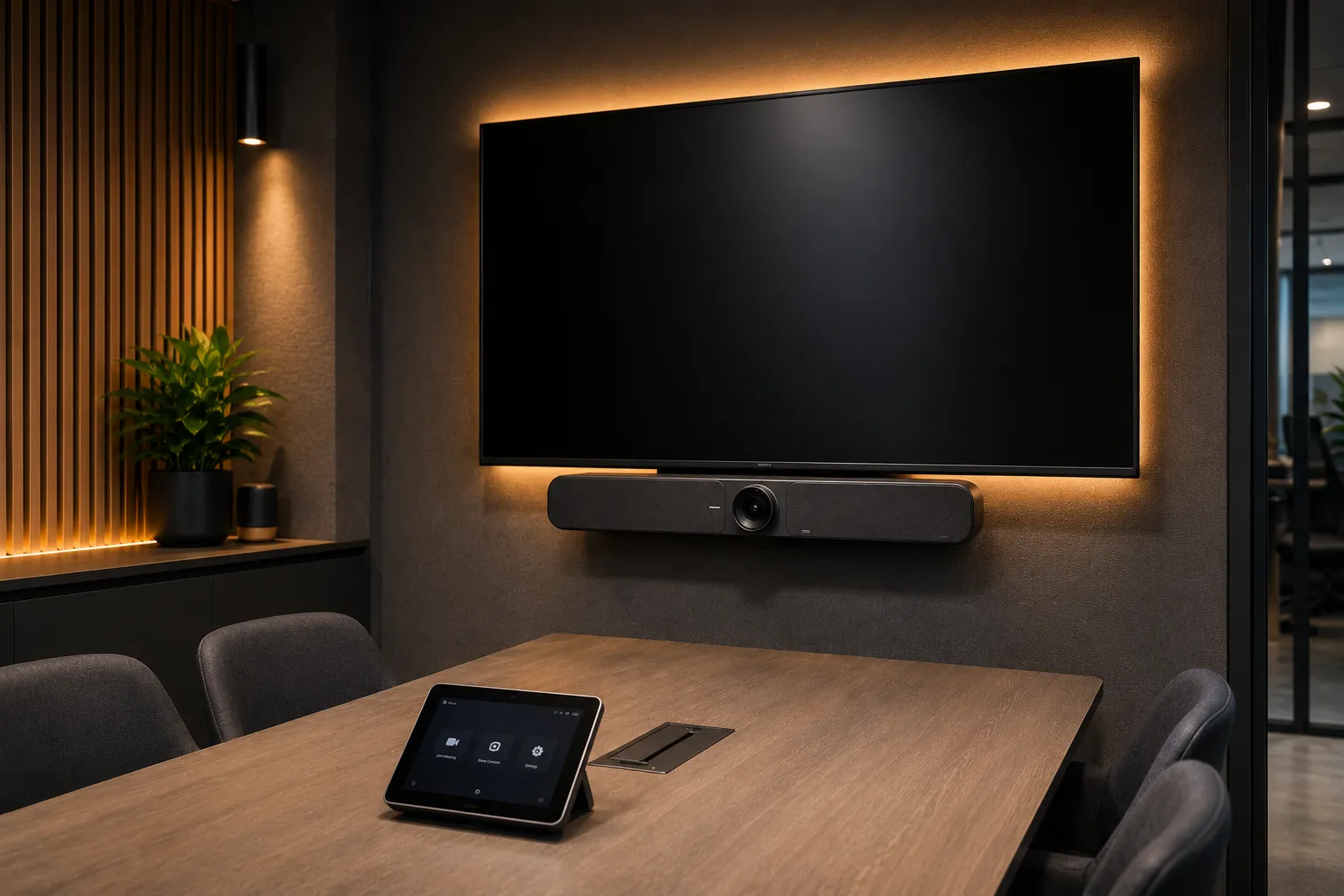
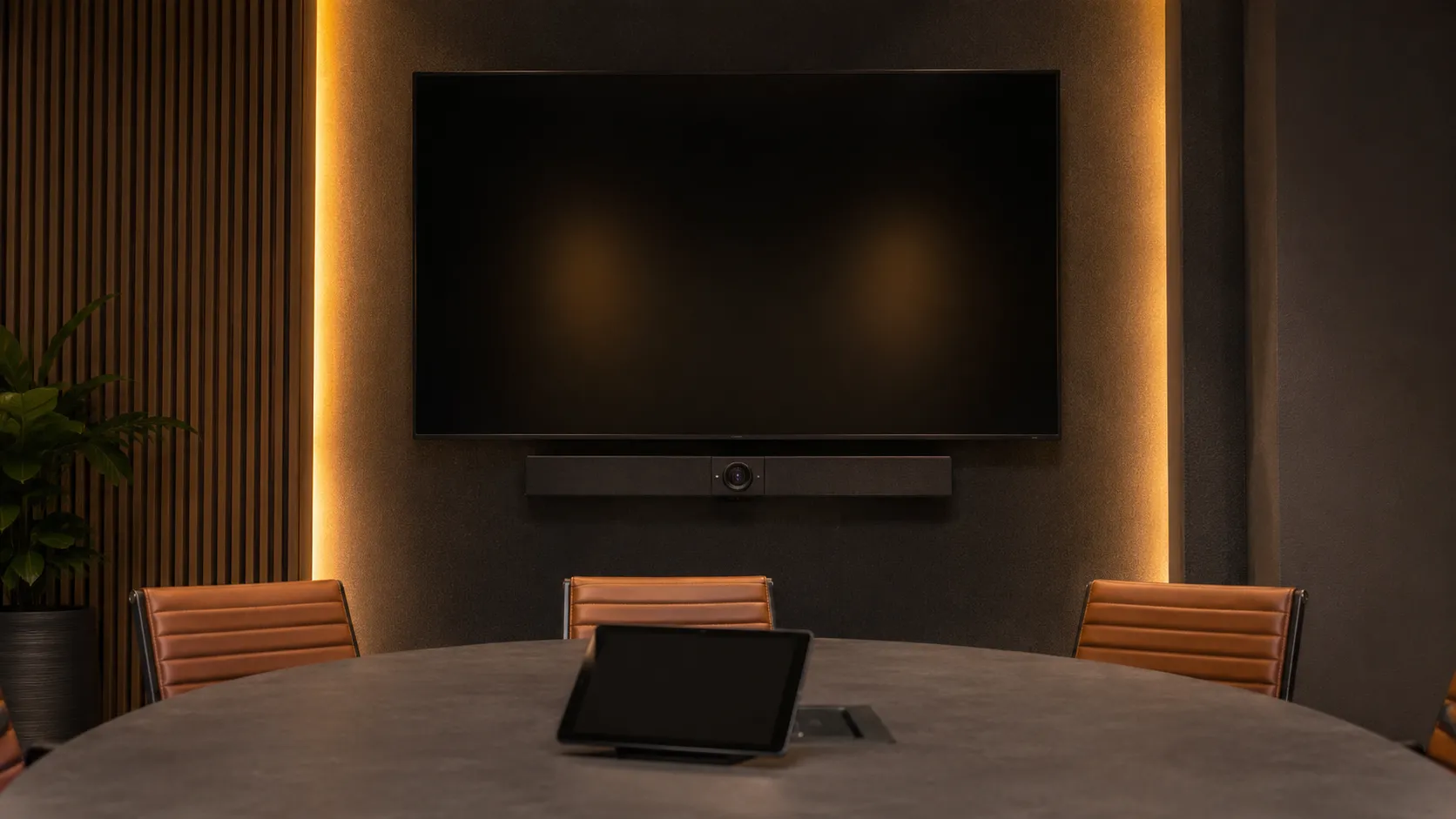
Small meeting room and huddle space video conferencing setup with all-in-one conferencing bar mounted below display, warm amber lighting, compact 2 to 4 seat collaborative table — Kickstart Computers Australia
What You Need To Know First

Three things that determine whether a small meeting room or huddle space conferencing setup actually works

  • Question 01

    Do small meeting rooms need a dedicated conferencing system or can we just use a laptop?

    A laptop works — but it creates inconsistency. Different batteries, different audio quality, different camera angles, different logins every time. A dedicated small room conferencing system means the room is always ready, always the same quality, regardless of who walks in. For huddle spaces used more than a few times a week, the consistency pays for itself quickly.

    See why room systems outperform laptops →
  • Question 02

    What hardware do you actually need for a small meeting room or huddle space?

    For most dedicated compact meeting spaces, an all-in-one Android conferencing bar is the right answer — one device handles camera, microphone and speaker, mounts below the display, and connects to a touch controller on the table. No separate compute unit, no multiple cable runs, no complexity.

    See recommended hardware →
  • Question 03

    How much does a small business meeting room conferencing system cost?

    A complete small room setup — all-in-one bar, touch controller, display and platform licence — typically ranges from $2,500 to $6,000 AUD depending on hardware choice and platform. Most businesses over-specify small rooms. A well-chosen mid-range bar outperforms an over-engineered system in a 4-person huddle space every time.

    See cost breakdown →
Room Types Covered

Huddle rooms, breakout spaces and small office conferencing systems — what's the difference and does it matter?

The terminology varies by industry and building type but the requirements are largely the same. Whether your organisation calls them huddle rooms, huddle spaces, breakout rooms, focus rooms, collaboration pods or small meeting rooms — if the room seats 2 to 6 people and is used for video calls, the hardware specification for your small business meeting room system follows the same logic.

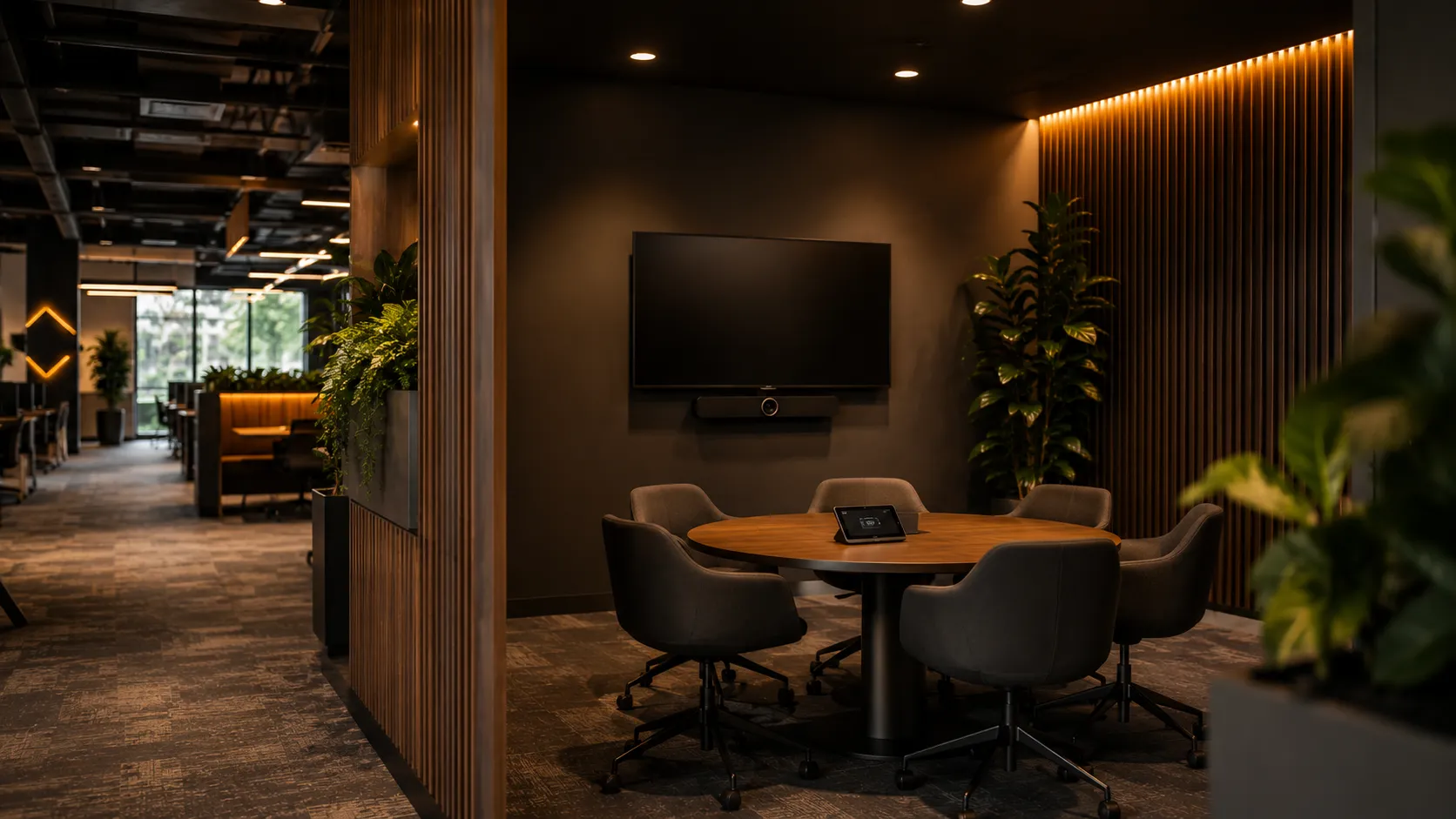
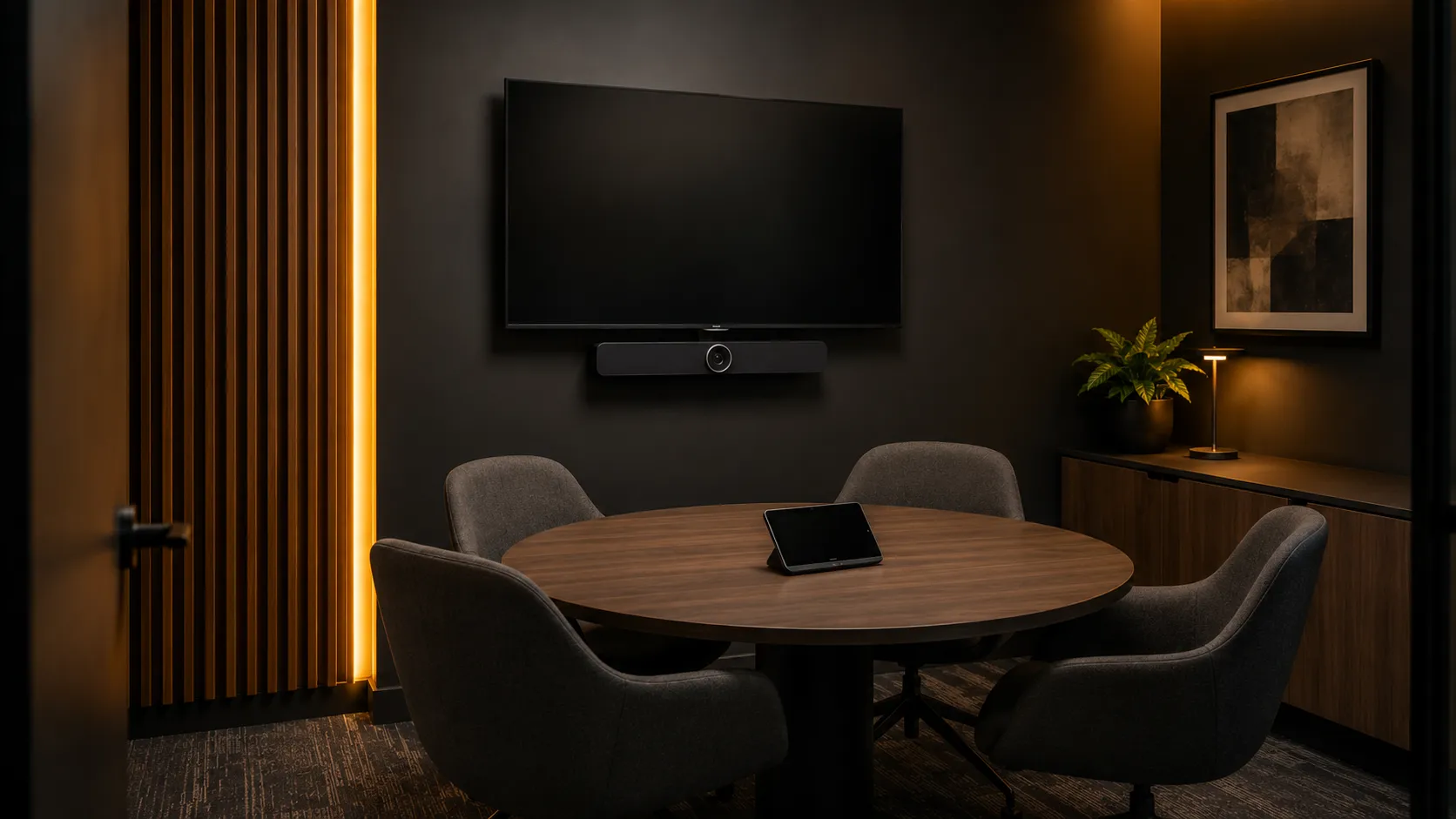
  • Compact huddle room with 2 to 4 person table, all-in-one video conferencing bar mounted below single display, warm amber lighting — Kickstart Computers Australia
    Room Type 01

    Huddle Room

    2–4 people

    Informal, fast-turnaround meetings. Often used for quick client calls, one-on-ones and small team standups. The classic huddle room conferencing setup — priority is simplicity and speed.

    One-touch join is essential — nobody has time to troubleshoot a huddle space before a call.

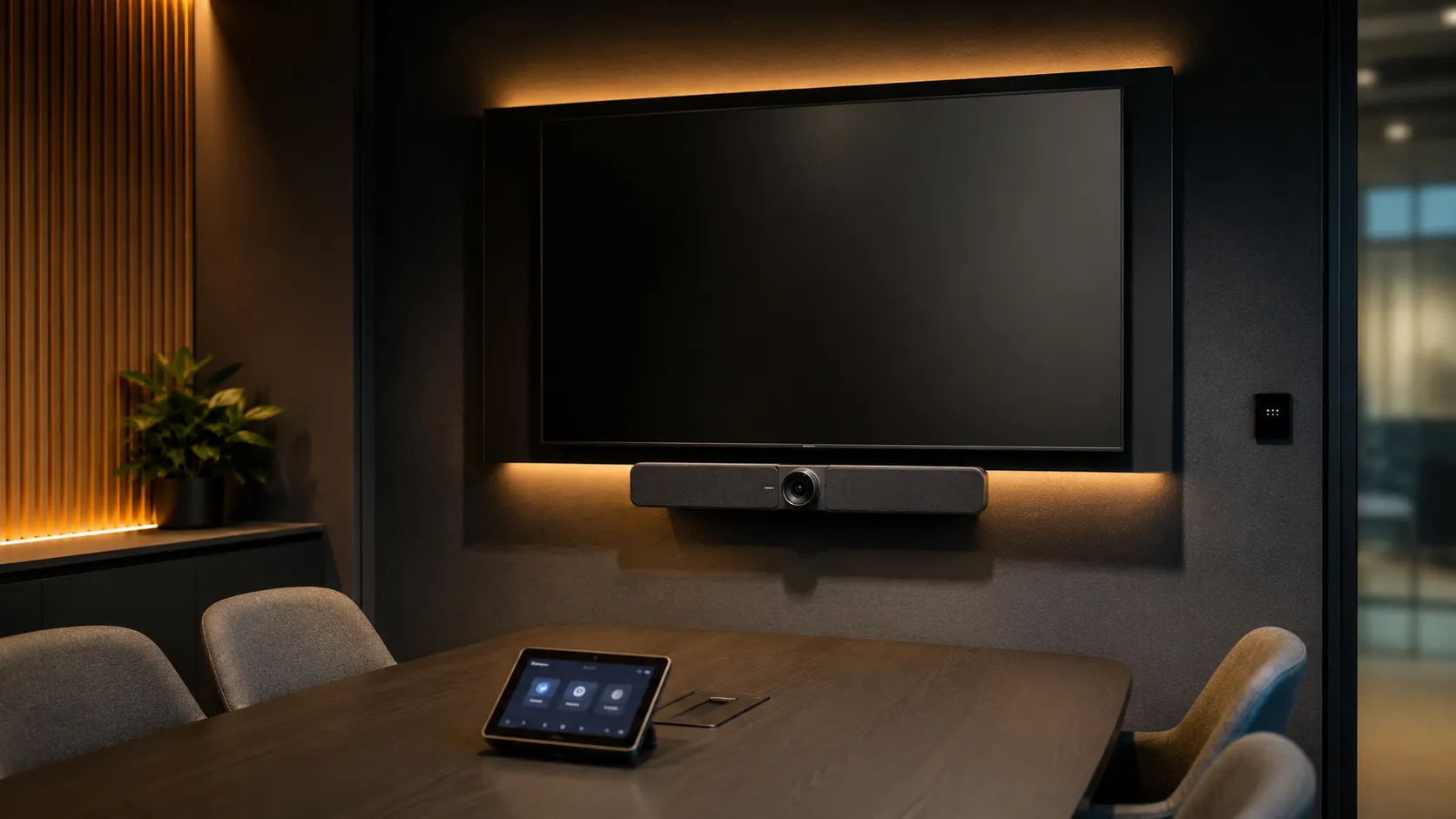
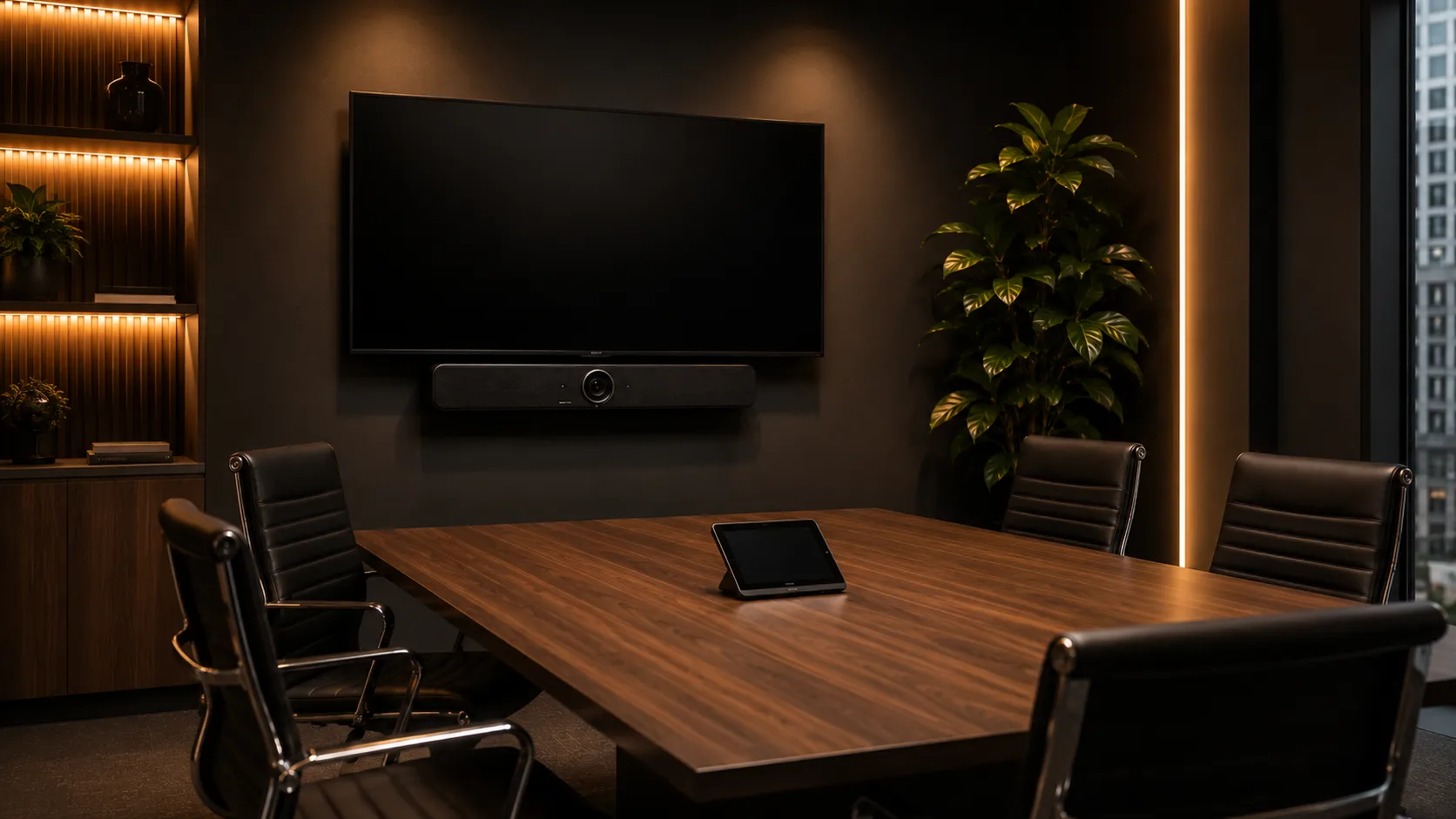
  • Small meeting room with 4 to 6 person rectangular table, video conferencing bar below display, touch controller on table, professional corporate setting — Kickstart Computers Australia
    Room Type 02

    Small Meeting Room

    4–6 people

    Slightly more formal than a huddle space. Used for project meetings, client calls and internal planning sessions. A compact meeting room setup for small teams.

    Priority is reliable audio for the whole table and a camera that covers all participants without cropping.

  • Open plan breakout space with video conferencing setup, directional microphones, semi-enclosed booth feel within larger workspace — Kickstart Computers Australia
    Room Type 03

    Breakout Space

    2–6 people

    Often open plan or semi-enclosed. Acoustic challenges differ from enclosed rooms — background noise from the surrounding workspace is the most common problem. Priority: directional microphones and echo cancellation over wide pickup range.

    Poly's Acoustic Fence technology is worth noting here — it acts as an invisible wall, muting background noise from outside the immediate space.
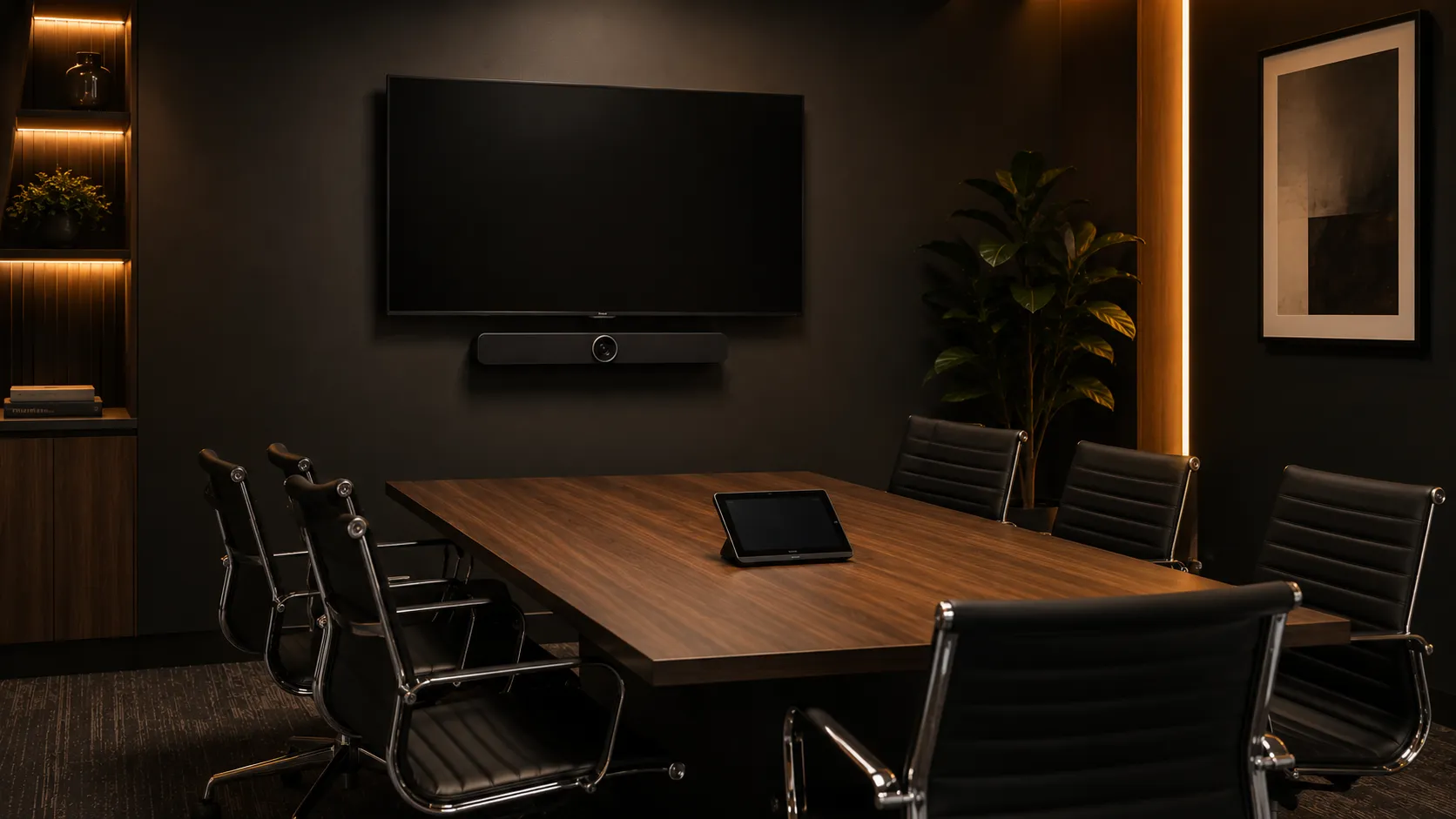
The Consistency Argument

Why a dedicated small room conferencing system outperforms a laptop in a huddle space

Most small meeting room and huddle space problems aren't hardware problems — they're consistency problems. The question isn't whether a laptop can run a video call. It's whether every call in that compact meeting space runs at the same quality, with the same experience, regardless of who walks in.

Laptop in the room vs dedicated small room conferencing system — 8-point comparison across audio, camera, startup, cabling, guest access, power, support and best-fit use case.
AspectLaptop In The RoomDedicated Small Room System
Audio qualityVaries by laptop model and ageConsistent — certified hardware every time
Camera angleInconsistent — depends on placementFixed optimal position every time
Meeting startupLogin, open app, share screen, connect audioOne tap on touch controller
Cable managementHDMI cables, adapters, donglesClean — permanent installation
Guest accessWhoever has the right adapterStandard meeting link — always works
Battery dependencyYes — low battery disrupts meetingsNo — permanently powered
IT support callsHigher — more variablesLower — fixed known configuration
Best forOccasional use, flexible spacesRegular use — 3 or more meetings per week

Bottom line: For rooms used occasionally — once or twice a week — a laptop and a good USB speakerphone is a reasonable approach for small business video conferencing. For huddle spaces and small meeting rooms with regular scheduled meetings, a dedicated system pays for itself in reduced setup friction and IT support calls within the first year.

Manufacturer Ecosystems

The four conferencing ecosystems we deploy most often in Australian small meeting rooms — and where each one fits best

Most small meeting room deployments today sit within four major conferencing ecosystems — Logitech, Yealink, Poly and AVer. Each approaches room hardware slightly differently, from Android-first conferencing bars through to USB collaboration systems and premium enterprise conferencing platforms.

These are not the only conferencing manufacturers available in Australia, however they represent the majority of modern small room deployments we specify and support across Teams Rooms, Zoom Rooms and BYOD meeting environments.

  • Modern Logitech video conferencing meeting room with Rally Bar collaboration system Manufacturer 01

    Logitech

    Logitech has become one of the most widely deployed conferencing ecosystems in modern meeting rooms thanks to strong Microsoft Teams Rooms support, reliable Android conferencing bars and excellent fleet consistency across small, medium and large spaces. The Rally Bar Huddle and Rally Bar Mini are now common standards in Australian hybrid meeting deployments.

    Explore Logitech conferencing →
  • Modern Yealink Teams Rooms or Zoom Rooms conferencing environment Manufacturer 02

    Yealink

    Yealink has grown rapidly in Teams Rooms and Zoom Rooms deployments by focusing heavily on Android-based conferencing systems with strong value positioning. Their MeetingBar range is particularly popular for small and medium meeting rooms where businesses want dedicated one-touch conferencing without the complexity of Windows-based room systems.

    Explore Yealink conferencing →
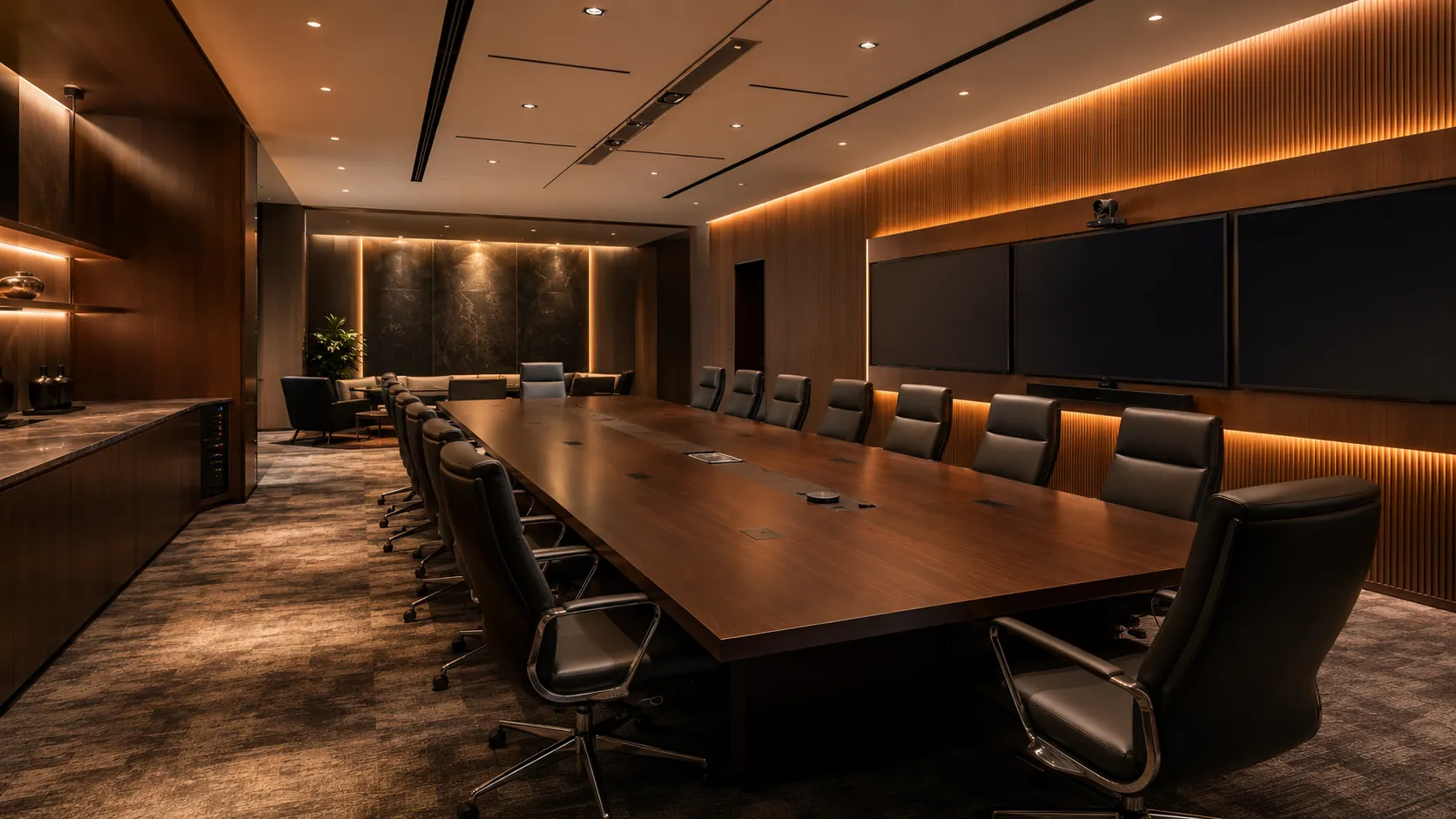
  • Premium Poly executive conferencing boardroom environment Manufacturer 03

    Poly

    Poly conferencing systems are typically positioned toward premium enterprise environments where audio quality, microphone performance and executive meeting experience matter most. Their conferencing hardware remains popular in boardrooms, executive offices and client-facing meeting spaces where polished presentation quality is important.

    Explore Poly conferencing →
  • Modern AVer conferencing bar installed in small business meeting room Manufacturer 04

    AVer

    AVer has built a strong reputation around high-quality optics, practical USB conferencing solutions and excellent value in smaller meeting environments. Their conferencing bars are particularly well suited to businesses wanting modern camera tracking and AI framing features without moving into premium enterprise pricing tiers.

    Explore AVer conferencing →
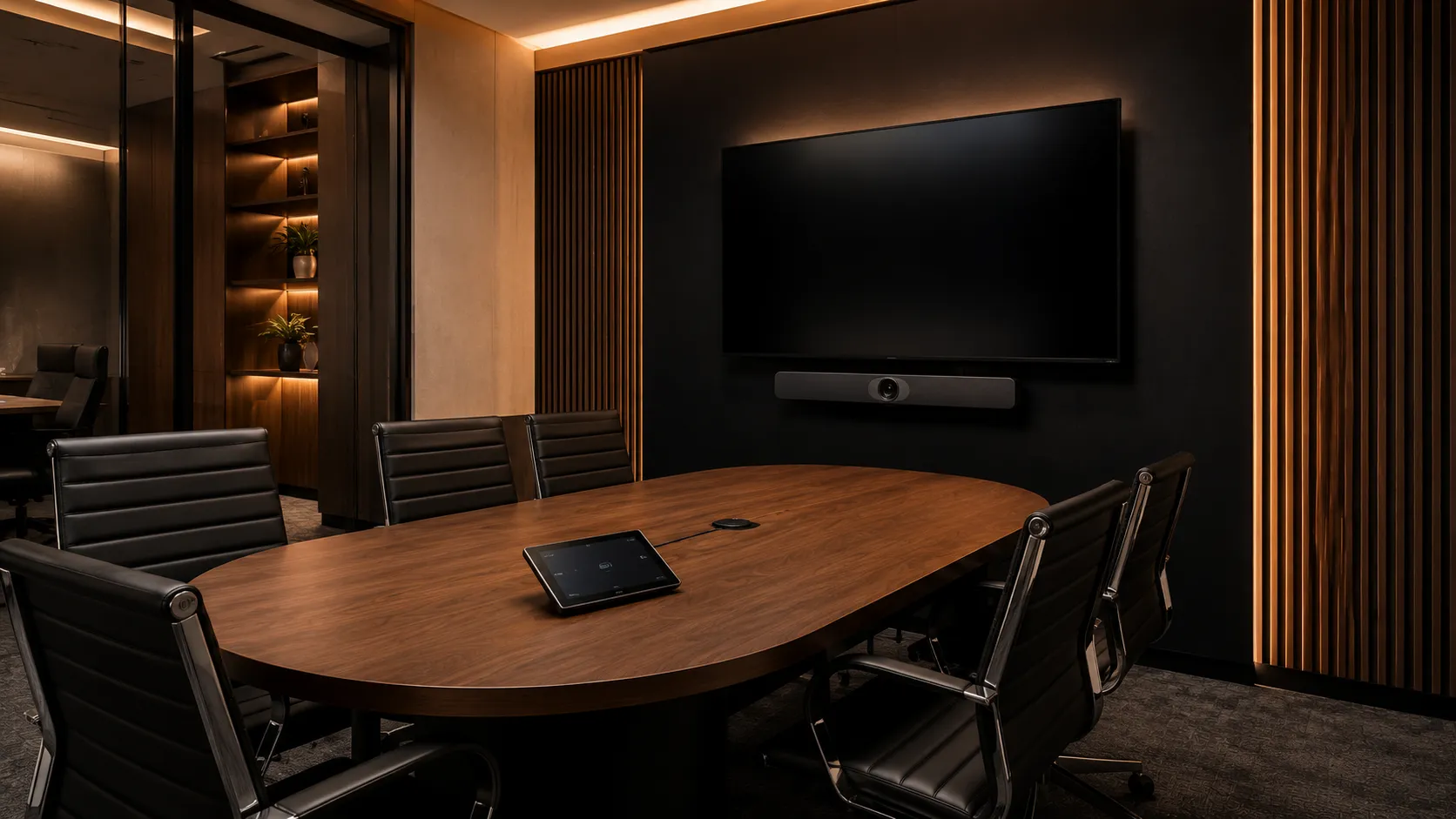
Beyond these four ecosystems: Kickstart Computers also supplies additional conferencing manufacturers available within the Australian market including Jabra and other specialist collaboration vendors. The four ecosystems above simply represent the conferencing platforms we deploy most often across modern small meeting room environments.
Planning Across Multiple Rooms

Most businesses don't have just one room type — and that often changes the small room hardware decision

Few businesses operate with a single meeting room. The typical fitout — particularly for growing organisations — is a mix of one or two small huddle spaces alongside several medium meeting rooms and one or more larger boardrooms or training spaces. When the brief covers multiple rooms, the small room hardware decision often shifts.

  • Medium meeting room with 6 to 10 person rectangular table, single or dual display setup, video conferencing bar with expansion microphones, project meeting room — Kickstart Computers Australia
    Adjacent Room Type 01

    Medium Meeting Rooms — 6 To 10 Seats

    Standard meeting rooms and project spaces seating 6 to 10 people. Hardware decisions get more involved — wider field-of-view cameras, expansion microphones for longer tables, dual displays in some configurations. If your fitout includes multiple medium rooms, this is where most of the deployment thinking should focus.

    See Medium Meeting Rooms guide →
  • Large boardroom or training room seating 10 plus people with PTZ camera, ceiling microphone array, dual displays, modular component AV system, executive boardroom — Kickstart Computers Australia
    Adjacent Room Type 02

    Large Meeting Rooms & Boardrooms — 10+ Seats

    Executive boardrooms, training rooms, conference suites and large hybrid spaces. Modular component systems with PTZ cameras, ceiling microphone arrays and dedicated compute units replace the all-in-one bars used in smaller rooms. This is where AV engineering matters more than hardware choice alone.

    See Large Meeting Rooms & Boardrooms guide →
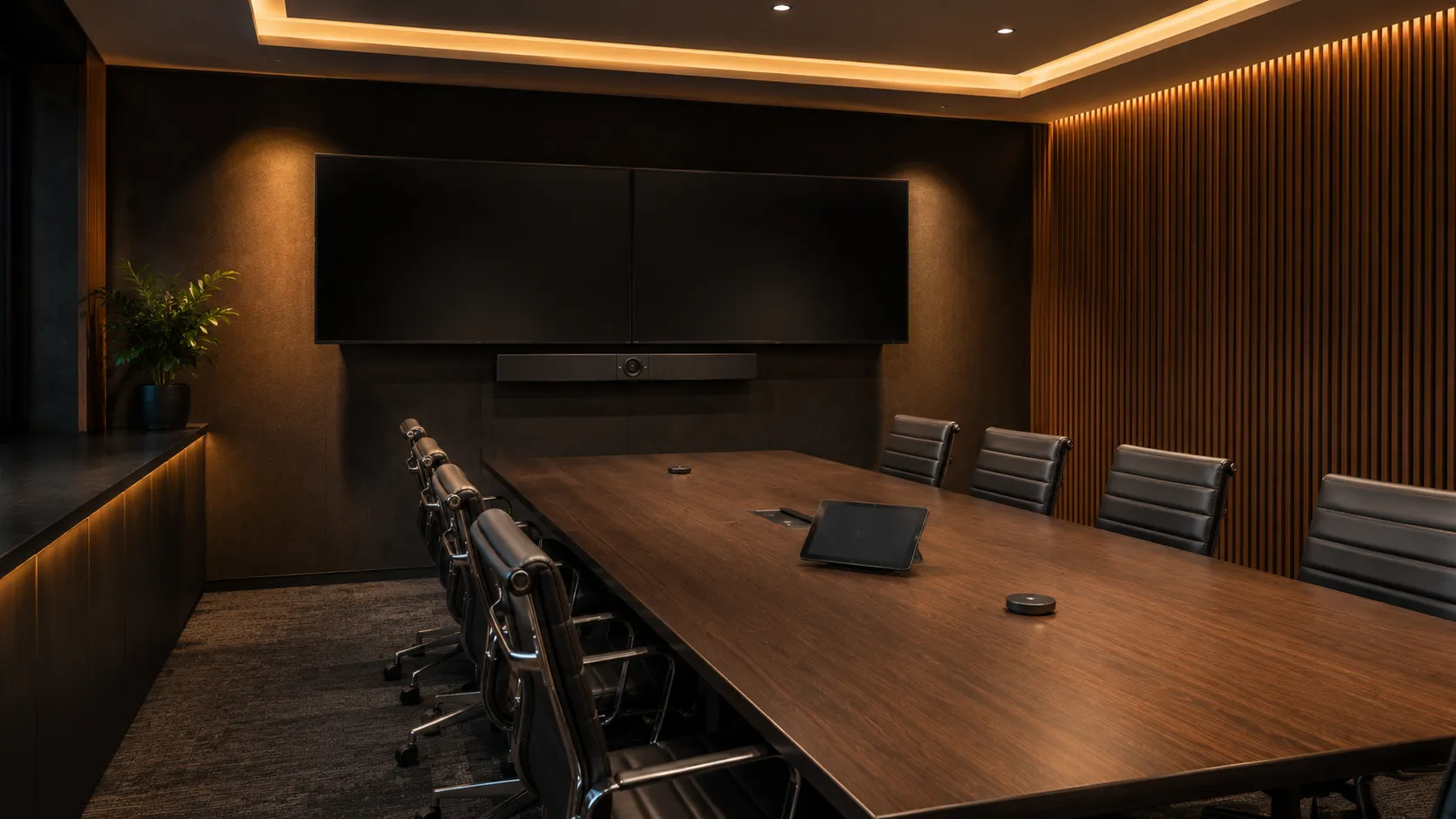
Bottom line: If your fitout involves multiple room sizes, the small room hardware decision shouldn't be made in isolation. A 10-minute conversation about the whole environment often produces a better outcome than specifying each room independently — and frequently saves money on the overall package.

Hardware Guide

The best video conferencing hardware for dedicated small rooms and huddle spaces — what we actually recommend

For dedicated small meeting rooms and huddle spaces in regular use, an all-in-one Android conferencing bar is almost always the right answer — one device, minimal cabling, fast deployment, zero Windows maintenance overhead. For rooms used occasionally where BYOD flexibility matters, a USB bar or speakerphone connected to a laptop is a practical lower-cost alternative. Here's what works at each level.

  • Compact USB video conferencing bar mounted below single display in small huddle space, single cable connection, laptop-based BYOD setup, warm ambient lighting — Kickstart Computers Australia
    Tier 01 — Entry Level

    Entry Level — Reliable Small Room Conferencing Without A Platform Licence

    USB bars and speakerphones connect to a laptop via a single cable and give the room a fixed camera, microphone and speaker without requiring a Teams Rooms or Zoom Rooms platform licence on the room itself. Right for rooms used a few times a week where BYOD flexibility matters — any guest can connect their laptop and use the room's hardware for any platform including Teams, Zoom, Webex or GoToMeeting.

    Full USB Bar — All-In-One

    • Logitech MeetUp 2 — compact 4K USB bar, AI noise suppression, single USB-C cable handles video, audio and laptop charging simultaneously
    • Poly Studio R30 / R30 Plus — compact USB bar, 120° FOV, Poly DirectorAI tracking; R30 Plus bundles an HP USB-C dock for single-cable connection
    • AVer VB130 — compact 4K USB bar, built-in ring lighting for poorly-lit spaces, 5-metre microphone pickup range

    Premium USB Bar

    • Poly Studio V12 — 20MP 4K sensor, 120° FOV, latest DirectorAI with group and individual people framing; the premium USB choice for client-facing huddle spaces

    Modular BYOD — Camera + Speakerphone

    • AVer VB130 + Jabra Speak2 75 — good option when a room already has a display and just needs quality audio added
    • Jabra Speak2 40 or 55 — entry speakerphones for 1–3 person spaces where a camera is already present or not required
    • USB / BYOD
    • No Platform Licence
    • Laptop Dependent
    • Any Platform Compatible

    Typical budget: $400 – $2,500 AUD depending on configuration (hardware only, no platform licence required)

    USB bars are often the right answer for small rooms that don't justify a platform licence. A room used twice a week for informal calls doesn't need a dedicated Teams Rooms or Zoom Rooms system. A good USB bar and a laptop covers the use case at a fraction of the cost — and Jabra speakerphones are a practical modular option when audio quality is the priority.

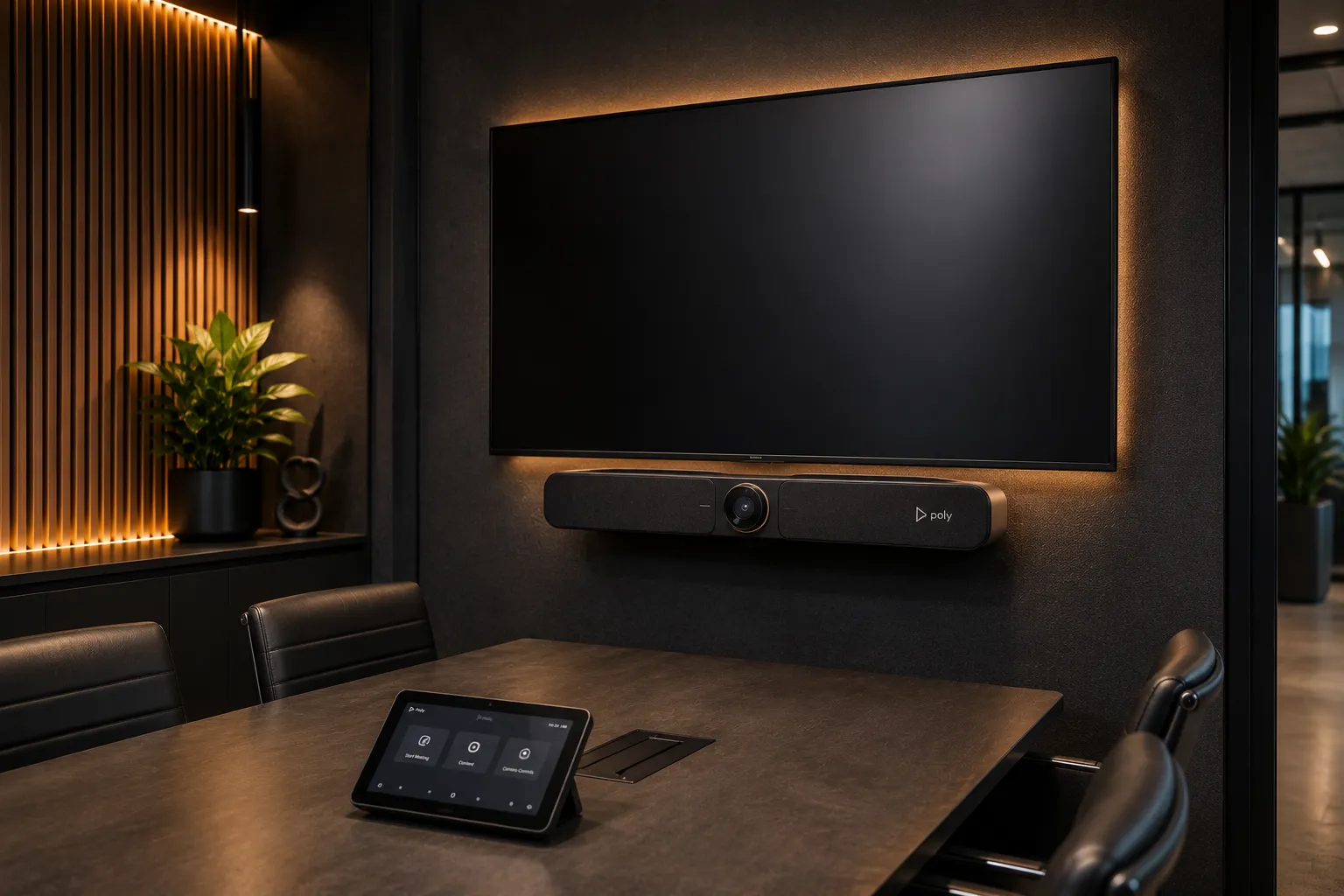
  • All-in-one Android video conferencing bar mounted below display in small meeting room, touch controller on table, no laptop required, warm amber lighting — Kickstart Computers Australia
    Tier 02 — Mid Range

    Mid Range — The Sweet Spot For Dedicated Small Office Conferencing Systems

    For small rooms and huddle spaces in regular daily use, an Android all-in-one bar is the right small business meeting room system. The platform — Teams Rooms or Zoom Rooms — runs natively inside the bar. No laptop required, no Windows maintenance overhead, one-touch join from a touch controller on the table.

    Some Android bars (notably the Logitech Rally Bar Huddle) can also fall back to USB mode if needed, giving you flexibility if your usage pattern changes down the line. Most certified Android bars also support BYOD passthrough — a guest can connect their laptop via a single USB cable and use the room's camera, microphone and speaker for any platform without needing a Zoom or Teams licence.

    Recommended Hardware

    • Logitech Rally Bar Huddle — compact Android bar, physical privacy shutter, runs Teams Rooms or Zoom Rooms natively or works as a USB device
    • Yealink MeetingBar A25 — Android bar for huddle spaces and focus rooms up to 5 people, 4K camera with AI tracking
    • Poly Studio X32 — Android replacement for the X30, 20MP 4K camera, 120° FOV, Poly DirectorAI, zero compute unit required
    • AVer VB150 — new-release Android bar, 120° FOV, Smart Composition AI framing, optional expansion microphone for slightly longer tables
    • Android Bar
    • One-Touch Join
    • Teams & Zoom Certified
    • BYOD Passthrough
    • No Windows Overhead

    Typical budget: $1,800 – $3,500 AUD (hardware only, excluding platform licence)

    Kickstart Computers recommends the Logitech Rally Bar Huddle and Yealink A25 most often for dedicated small rooms. Both run natively on Android, both support Teams Rooms for small offices and Zoom Rooms for huddle spaces, and both eliminate the Windows maintenance overhead that makes cheaper systems frustrating over time.

  • Premium all-in-one video conferencing bar in high-use client-facing small meeting room or executive office, clean below-display installation, warm amber premium corporate lighting — Kickstart Computers Australia
    Tier 03 — Premium

    Premium Android — For High-Use Compact Meeting Spaces Where Quality Matters

    For small rooms used intensively — back-to-back meetings, client-facing spaces, executive offices — a premium Android all-in-one bar delivers noticeably better camera quality, wider field of view and more sophisticated audio processing. Still a simple all-in-one system, still easy to deploy.

    Recommended Hardware

    • Logitech Rally Bar Mini — small-to-medium sweet spot, dual speakers, 163° horizontal coverage, supports up to two external mic pods; also an excellent starting point for medium rooms
    • Yealink MeetingBar A30 — still available for rooms where the A25 isn't quite enough but a full medium-room system is overkill
    • Poly Studio X32 — top of the Poly Android small-room range, suits high-use small spaces
    • Premium Android
    • Wide FOV
    • AI Framing
    • High Use
    • Client-Facing

    Typical budget: $3,000 – $5,000 AUD (hardware only, excluding platform licence)

    Kickstart Computers recommends the Logitech Rally Bar Huddle and Yealink A25 most often for dedicated small rooms. Both run natively on Android, both support Teams Rooms for small offices and Zoom Rooms for huddle spaces, and both eliminate the Windows maintenance overhead that makes cheaper systems frustrating over time.

  • Premium all-in-one video conferencing bar in high-use client-facing small meeting room or executive office, clean below-display installation, warm amber premium corporate lighting — Kickstart Computers Australia
    Tier 03 — Premium

    Premium Android — For High-Use Compact Meeting Spaces Where Quality Matters

    For small rooms used intensively — back-to-back meetings, client-facing spaces, executive offices — a premium Android all-in-one bar delivers noticeably better camera quality, wider field of view and more sophisticated audio processing. Still a simple all-in-one system, still easy to deploy.

    Recommended Hardware

    • Logitech Rally Bar Mini — small-to-medium sweet spot, dual speakers, 163° horizontal coverage, supports up to two external mic pods; also an excellent starting point for medium rooms
    • — still available for rooms where the A25 isn't quite enough but a full medium-room system is overkill
    • — top of the Poly Android small-room range, suits high-use small spaces
    • Premium Android
    • Wide FOV
    • AI Framing
    • High Use
    • Client-Facing

    Typical budget: $3,000 – $5,000 AUD (hardware only, excluding platform licence)

    Premium Android bars in small rooms are often over-specified — the room doesn't need the extra capability. The exception is high-use client-facing spaces where video quality affects perception. Outside those environments, the mid-range tier covers most small room requirements comfortably.
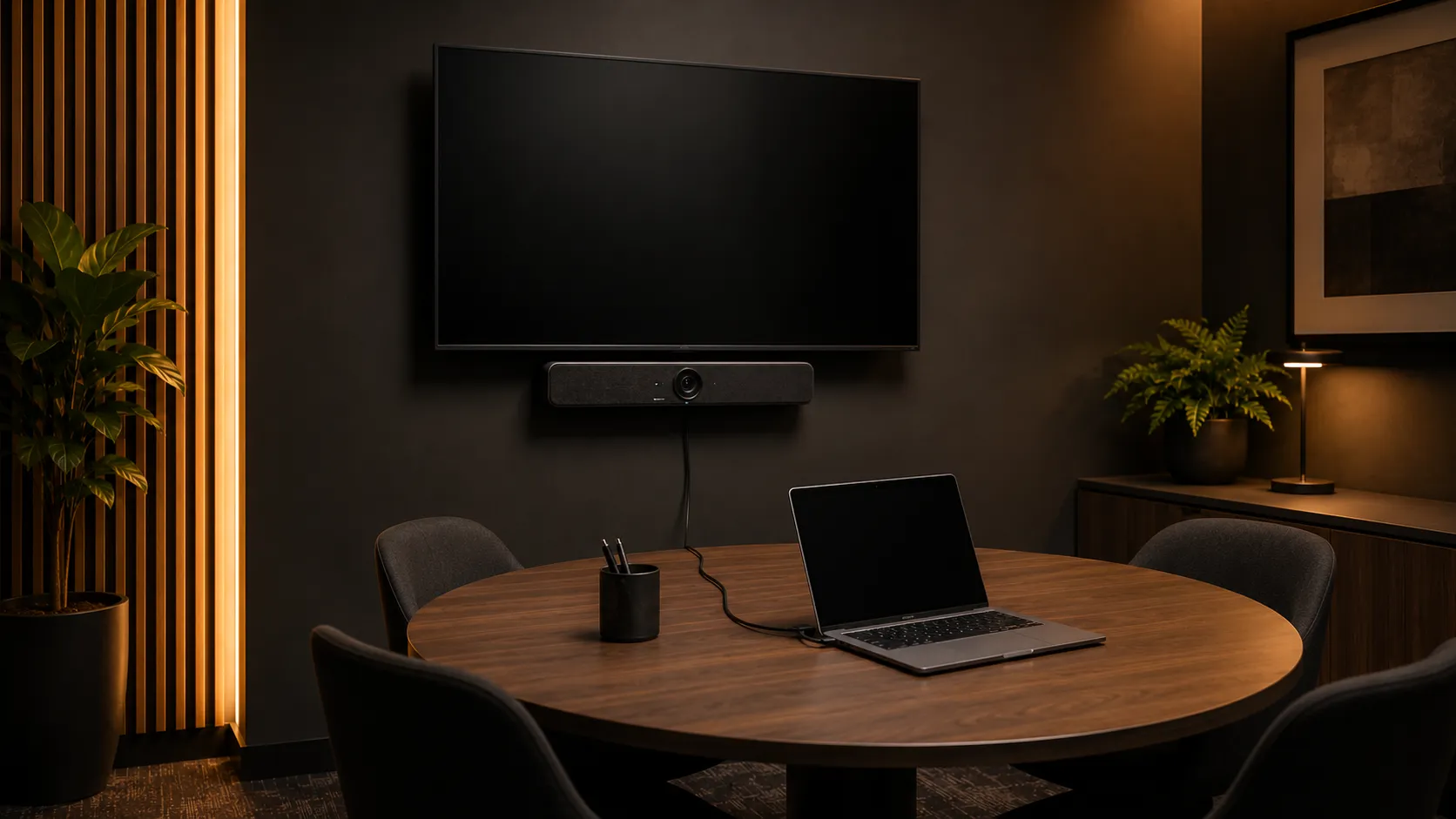
→ For rooms over 6 people see Medium Meeting Rooms

Beyond the four main pillars

The hardware above covers the four manufacturers we recommend most often for small meeting rooms and huddle spaces — Logitech, Yealink, Poly and AVer for video, plus Jabra for audio-only modular setups. Our full small room range includes additional models and configurations across all five brands. Browse the complete small room conferencing range below.

Shop Small Room Conferencing Hardware →

Some small rooms need only a speakerphone — no camera required. Browse our full conference microphone and audio range including USB speakerphones for small spaces.

Shop conference microphones & audio →

A video bar is the go-to solution for most small meeting rooms — one device handles camera, microphone and speaker. Browse all video bar models.

Browse video bars →

See the full product range tagged for small meeting room deployments — all room sizes, all platforms, all price points.

Browse all small meeting room products →

Running meetings from your laptop with no platform licence? See all BYOD-compatible equipment — plug in and go, any platform.

Browse BYOD conference equipment →
Platform Guide

Teams Rooms for small offices or Zoom Rooms for huddle spaces — which platform is right?

Platform choice for small rooms is simpler than for boardrooms. The hardware requirements are the same regardless of platform — the decision comes down to which platform your small team already uses and what the licensing cost looks like.

  • Platform 01 — Microsoft

    Teams Rooms For Small Offices — And It's Free At Basic

    Microsoft Teams Rooms Basic covers one-touch join, single screen and Teams meetings for up to 25 rooms at no cost. For small offices running Teams meetings on a single screen, Basic delivers everything needed at zero ongoing licence cost. This is the most cost-effective small room platform option available — hardware cost only.

    See full Microsoft Teams Rooms guide →
  • Platform 02 — Zoom

    Zoom Rooms For Huddle Spaces — Paid But Purpose-Built

    Every Zoom Rooms deployment requires a paid per-room licence regardless of room size. For a small business already paying for Zoom user licences, the additional room licence is the key cost consideration. Zoom Rooms is the right fit when your team lives in Zoom daily and values the familiar one-touch interface.

    See full Zoom Rooms guide →

Android Bars Support Both

Most certified Android bars — Logitech Rally Bar Huddle, Yealink A25, Poly Studio X32, AVer VB150 — support both Teams Rooms and Zoom Rooms. Platform choice doesn't lock you into a hardware choice.

The Pre-Configuration Decision

Switching platforms on existing hardware requires a factory reset and full reconfiguration on each unit — straightforward on one room, but a meaningful IT project if multiple rooms are involved. Pre-configuration is available from most manufacturers before hardware ships, typically adding $100–$300 per unit. It must be confirmed before the order is placed — it cannot be applied after the unit leaves the warehouse. For businesses with a clear platform preference, pre-configuration eliminates deployment-day setup time and is worth the small additional cost.

Bottom line: For small offices running Microsoft 365 and Teams — Teams Rooms Basic is the obvious choice. Free, complete, same hardware. If your team lives in Zoom, Zoom Rooms is the right fit despite the additional licence cost.

See full Microsoft Teams Rooms guide
See full Zoom Rooms guide

Expert Guidance

What actually causes small meeting room and huddle space conferencing problems — and how to avoid them

Small room problems are different from boardroom problems. The scale is smaller but the frustration is the same — and most issues in small office conferencing systems are avoidable with a little planning before anything is ordered.

  1. Issue 01

    Over-Specifying The Hardware For A Compact Meeting Space

    The most common small room mistake. A business installs a full component system — separate PTZ camera, separate ceiling microphone, Windows compute unit — in a 4-person huddle room. The system costs three times what it should, takes twice as long to install, and generates more IT support calls than a simple all-in-one bar would have.

    What to do: Match hardware to actual room size and usage. A 4-person huddle space used for Teams or Zoom calls does not need a PTZ camera or a ceiling microphone array. The best small room conferencing system is the simplest one that meets the room's actual requirements.

  2. Issue 02

    Poor Network Causing Connection Instability

    Small meeting rooms and huddle spaces are often the last rooms to get a dedicated network connection. Wired ethernet is the gold standard for any permanently installed small room system — it eliminates the most common source of intermittent drops and video degradation. If running ethernet genuinely isn't feasible, ensure the system is on a dedicated 5GHz corporate VLAN — not sharing bandwidth with employee phones and general office traffic.

    What to do: Plan network connectivity before ordering hardware. A wired drop is a one-time infrastructure cost that eliminates an ongoing frustration. If wired isn't practical, a dedicated 5GHz VLAN is the next best option.

  3. Issue 03

    Display Too Small For The Room

    A 55-inch display where participants sit 2–3 metres away is adequate. The same display where participants sit 4 metres away makes remote faces difficult to see. Display sizing matters even in small rooms.

    What to do: Display diagonal in inches should be at least one third of the viewing distance in inches. For a 3-metre viewing distance, 42 inches minimum. For 4 metres, 55 inches minimum.

  4. Issue 04

    Poor Cable Management Creating Daily Friction

    A touch controller with a loose cable, or an HDMI cable knocked out of the display every other day, creates more meeting disruption than almost any hardware problem. In small huddle rooms especially, cable clutter on the table defeats the purpose of a clean one-touch system.

    What to do: Budget for proper cable management as part of the installation. A cable clip, a short conduit run or a recess-mounted socket costs very little and eliminates a daily irritation.

  5. Issue 05

    Licensing Assumed To Be Included In Existing Subscriptions

    Teams Rooms Basic is free — but requires a specific licence assignment that many IT managers haven't configured. Zoom Rooms requires a separate per-room licence not included in standard Zoom user plans. Both are discoverable problems — but discovering them after hardware arrives creates delays.

    What to do: Confirm platform licence requirements before ordering hardware. A 10-minute check prevents a week of delay.

Bottom line: Most small room and huddle space conferencing problems come down to five predictable causes — over-specified hardware, inadequate network connectivity, under-sized displays, poor cable management, and unconfirmed licensing. Every one of them is avoidable with a brief conversation before anything is ordered.

Independent Advice

Why Australian businesses choose Kickstart for small room and huddle space conferencing — independent advice since 2007
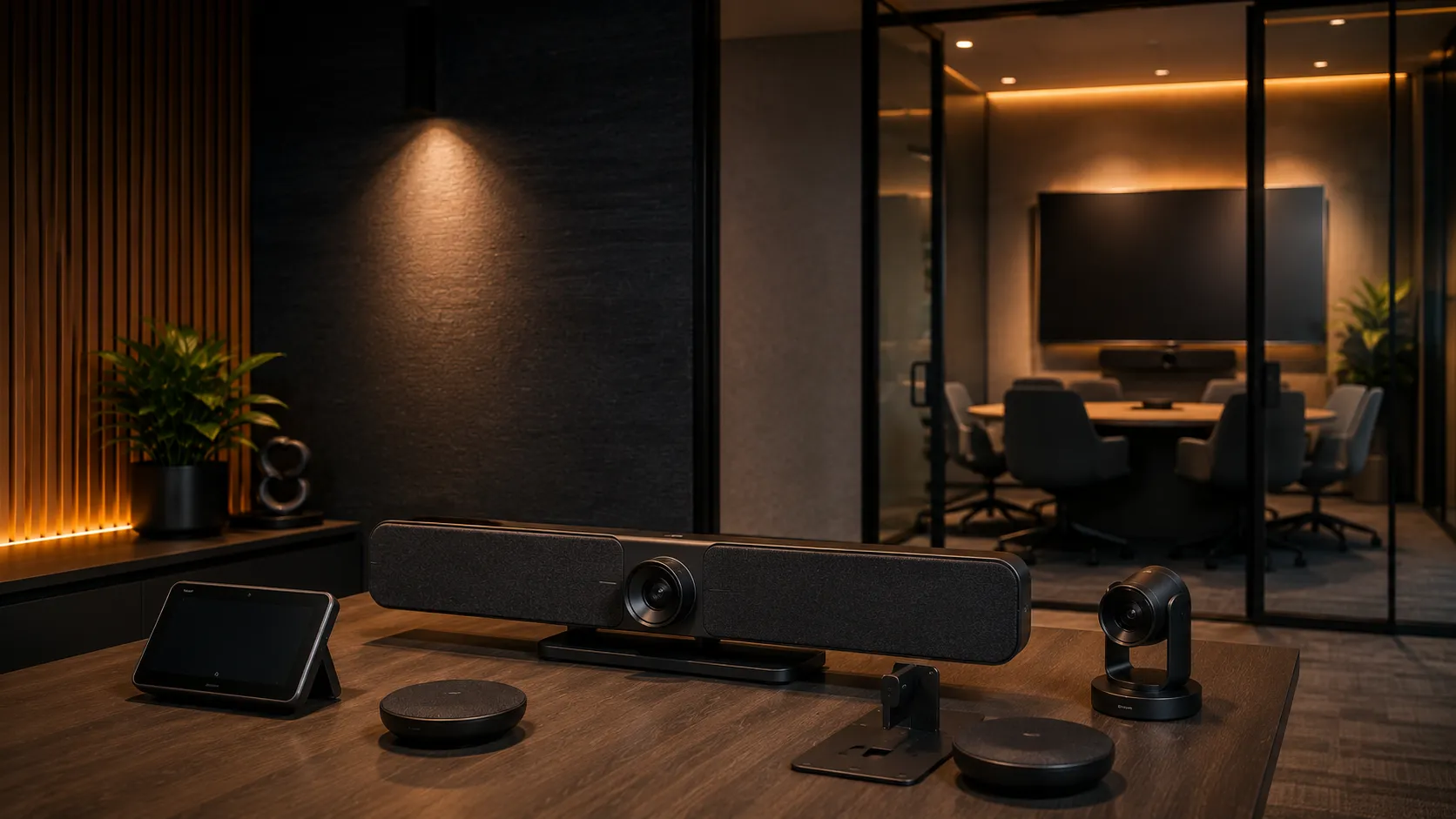
Independent video conferencing consultation environment for small meeting rooms and huddle spaces, Australian business advisory setting, warm professional lighting — Kickstart Computers since 2007

Kickstart Computers has been advising Australian businesses on small office conferencing systems and huddle room setups since 2007. Small rooms are where most deployments start — and where the most common mistakes are made, usually by over-specifying hardware or under-preparing the network.

We're not aligned to a single brand or platform. Our job is to match your compact meeting space, your usage pattern and your platform to the right hardware at the right price — without upselling hardware the room doesn't need.

  • Point 01

    Independent Advice

    We recommend what the room needs, not what generates margin. Hardware choice is matched to room size and usage — not to which brand has the highest reseller incentive.

  • Point 02

    Multi-Brand Hardware

    Logitech, Yealink, Poly, Jabra and AVer across all price points. Five brands means real choice — the right system for the room rather than the one brand a single-vendor reseller carries.

  • Point 03

    Phone & Email Support

    Real advice before you buy. Most clients are interstate — the phone and email conversation matters more than a showroom visit. We talk through room size, usage and platform before recommending anything.

  • Point 04

    No Lock-In

    No platform preference, no support contract required. Buy what suits the room — we're here for the deployment conversation and any follow-up advice, not to lock you into ongoing fees.

Frequently Asked Questions

Small meeting room and huddle space video conferencing — questions Australian businesses ask before buying

Independent answers to the questions we hear most often from Australian businesses planning small meeting room and huddle space video conferencing deployments. If your question isn't covered here, the fastest path is a phone or email conversation — we cover room size, usage and platform before recommending anything.

  • Kickstart Computers has been advising Australian businesses on small meeting room and huddle space video conferencing since 2007. We supply independent multi-brand hardware from Logitech, Yealink, Poly, Jabra and AVer with platform support for Microsoft Teams Rooms and Zoom Rooms. We deliver nationally across Australia and work primarily by phone and email — most clients are interstate. Showroom access through our supplier network is available for multi-room fitouts and significant deployments.

  • Yes. Microsoft Teams Rooms Basic includes one-touch join, single-screen Teams meetings and room calendar integration at no additional licence cost for up to 25 rooms. For Australian small businesses already running Microsoft 365 and Teams, Basic delivers everything a small meeting room or huddle space needs — hardware cost only, no ongoing platform licence. This makes Teams Rooms one of the most cost-effective small room conferencing platforms currently available.

  • Yes. Unlike Microsoft Teams Rooms which offers a free Basic tier for up to 25 rooms, every Zoom Rooms deployment requires a paid per-room licence regardless of room size or usage frequency. The licence is separate from the standard Zoom user subscriptions your team already has. For small businesses already running Zoom daily for user meetings, Zoom Rooms remains a strong fit despite the added cost because of platform consistency and the familiar one-touch interface.

  • Pre-configuration means the manufacturer loads either Microsoft Teams Rooms or Zoom Rooms onto the conferencing bar before it ships, eliminating deployment-day setup time. It typically adds $100–$300 per unit. The critical point — pre-configuration must be confirmed before the order is placed. Once the unit leaves the warehouse with the wrong platform installed, switching to the other platform requires a factory reset and full reconfiguration on each unit. Worth doing if your business has a clear platform preference.

  • A complete small meeting room or huddle space setup typically ranges from $2,500 to $6,000 AUD including all-in-one bar, touch controller, display and platform licence. Entry-level USB and BYOD systems start around $400–$2,500 hardware-only. Mid-range Android all-in-one bars sit at $1,800–$3,500 (excluding platform licence). Premium Android systems for client-facing or high-use spaces range $3,000–$5,000. Most businesses over-specify small rooms — a well-chosen mid-range system outperforms an over-engineered one in a 4-person space every time.

  • For a single small room with standard hardware in stock, deployment typically runs 1 to 3 weeks from order to operation — including shipping, on-site installation and platform setup. Pre-configured units shorten the on-site work to under a day. Multi-room deployments take longer not because of the hardware but because of network preparation, cable runs and platform licence configuration. Lead times can extend if specific hardware is out of stock or if pre-configuration is ordered with the unit. Worth confirming hardware availability before committing to an installation date.

  • For a 4-person huddle room in regular daily use, an all-in-one Android conferencing bar is almost always the right answer. The Logitech Rally Bar Huddle, Yealink MeetingBar A25 and Poly Studio X32 are the three we recommend most often — all support Microsoft Teams Rooms and Zoom Rooms natively, all mount cleanly below the display, and none require a separate Windows compute unit. For huddle rooms used only a few times a week, a USB bar like the Logitech MeetUp 2 or Poly Studio R30 connected to a laptop is a practical lower-cost alternative.

  • Terminology varies by industry — huddle rooms, huddle spaces, breakout rooms, focus rooms, collaboration pods and small meeting rooms all describe spaces seating 2 to 6 people for video calls. The hardware logic is largely the same across all of them. The meaningful differences: huddle rooms (2–4 people) prioritise speed and one-touch join; small meeting rooms (4–6 people) need wider audio pickup and camera coverage; breakout spaces sit in open-plan environments and need stronger background noise suppression because of ambient workspace sound.

  • There's often a strong case for it. A pattern we've seen during office fitouts — a business has one small huddle room alongside several medium meeting rooms, and the instinct is to spec each room with hardware matched exactly to its size. But once you factor in keeping a spare unit for hardware failures, coffee spills or replacement delays, matching the small room's hardware to the medium-room tier means one spare unit cross-deploys to any of the five rooms. The small room is slightly over-specified, but the operational flexibility usually outweighs the cost difference. Worth discussing during planning, not after the order.

  • BYOD passthrough allows a guest or visitor to connect their laptop to the room's conferencing bar via a single USB cable and use the room's camera, microphone and speaker for any video conferencing platform — Teams, Zoom, Webex, GoToMeeting, Google Meet — without needing a Teams Rooms or Zoom Rooms licence on the room. Most modern Android conferencing bars support BYOD passthrough alongside their native platform mode. Useful for businesses that host external clients running different platforms, or for rooms used across multiple meeting tools.

  • Wired ethernet is the gold standard for any permanently installed small room conferencing system. It eliminates the most common cause of intermittent drops, video degradation and audio quality issues. If running ethernet to the room genuinely isn't feasible, ensure the system runs on a dedicated 5GHz corporate VLAN — not shared bandwidth with employee phones and general office traffic. Network preparation is often the difference between a small room that just works and one that generates ongoing IT support tickets.

  • Some can. The Logitech Rally Bar Huddle and Yealink MeetingBar A25 are scoped specifically for small rooms — they're great in that environment but don't expand. The Logitech Rally Bar Mini and Yealink MeetingBar A30 sit at the small-to-medium overlap and can scale into rooms up to 8 to 10 seats with expansion microphones. For rooms that may grow significantly, it's often more economical to specify medium-room hardware from the start than to replace a small-room system later — particularly relevant when fleet consistency across multiple rooms matters more than perfectly matching each individual space.

Final Step — Talk To Us

Not sure which small room system is right for you?

Talk to us. We'll ask about your room size, how often it's used, which platform your team runs and your budget — and give you a straight recommendation. No upselling to hardware the room doesn't need. Most decisions take a 10-minute phone call or a single email exchange.

Shopping Cart
Scroll to Top