Large Meeting Room & Conference Room Video Conferencing — Hardware For Spaces Seating 10 to 20 People
Large meeting rooms sit in a different hardware category to huddle rooms and medium conference rooms. The camera throw is longer, microphone coverage is wider, and underpowered systems fail visibly — in front of the people whose opinion matters most. This guide covers what actually works at this scale, and what to avoid when specifying for rooms seating 10 to 20.
- Australian Business Since 2007
- Independent Multi-Brand Advice
- Phone & Email Support
- Logitech · Yealink · Poly · AVer
- No Lock-In
What Most Buyers Get Wrong About Large Room AV
Why can't I use the same bar as the huddle room?
All-in-one conferencing bars are engineered for rooms up to roughly 6 metres deep. In a large meeting room the camera can't frame a long table and the microphones can't reliably pick up the far end. Large rooms need purpose-built components — PTZ cameras with real optical zoom and dedicated microphone arrays with wider coverage patterns.
Does platform choice matter more at this scale?
Yes — significantly. Microsoft Teams Rooms Pro licensing unlocks intelligent speaker tracking, multi-camera switching, remote device management and meeting room analytics. At $14,000 to $50,000+ hardware investment, running Basic or Standard licensing is a false economy. The platform decision should be made before hardware is specified — not after.
What actually causes large room systems to fail?
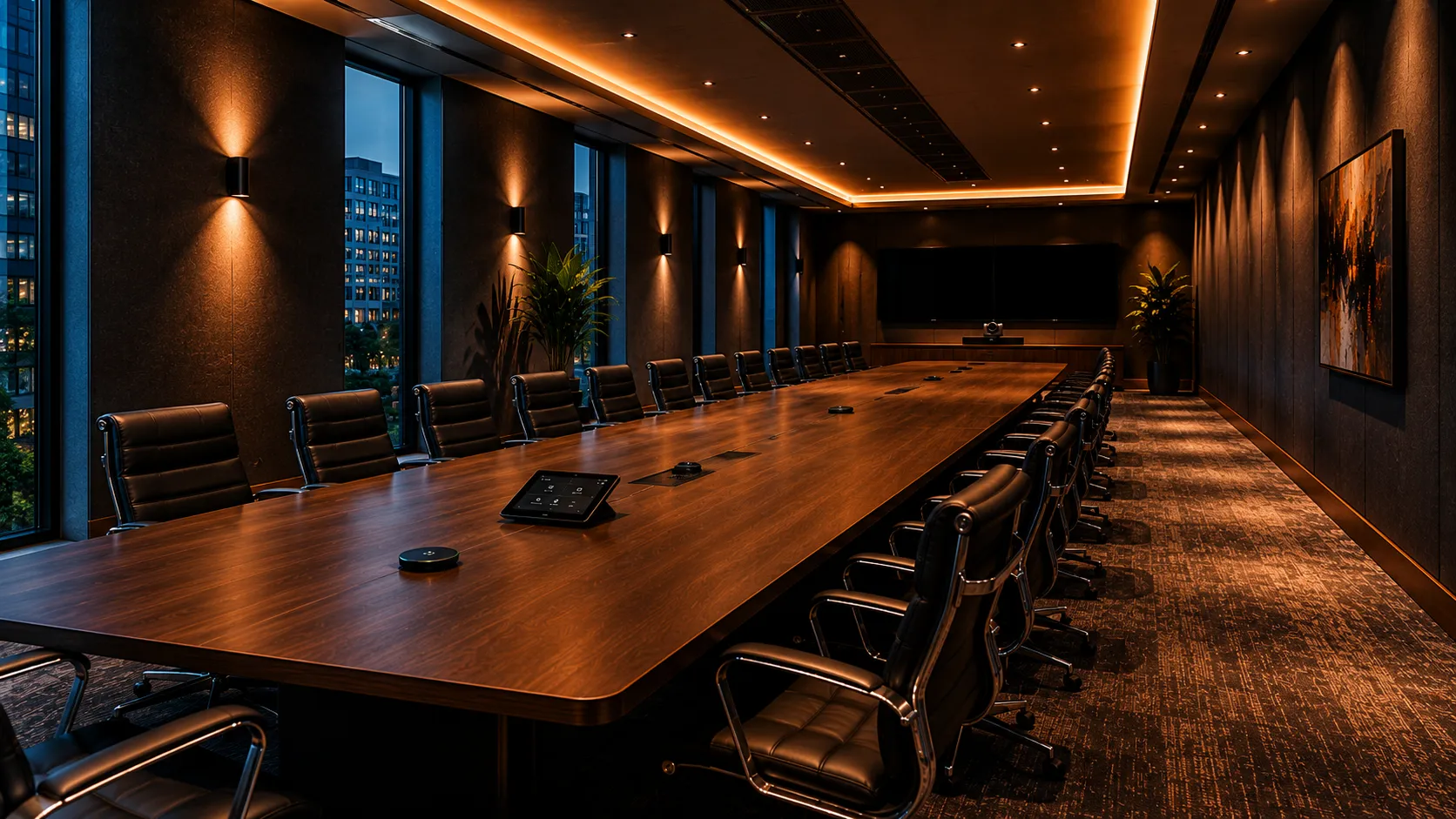
Rarely the camera. Almost always the audio. In rooms over 8 metres, microphone placement and room acoustics have more impact on meeting quality than any other variable. Hard surfaces, high ceilings and parallel walls create echo that no microphone can compensate for. The second most common failure is underpowered compute running a 4K PTZ camera and dual displays.
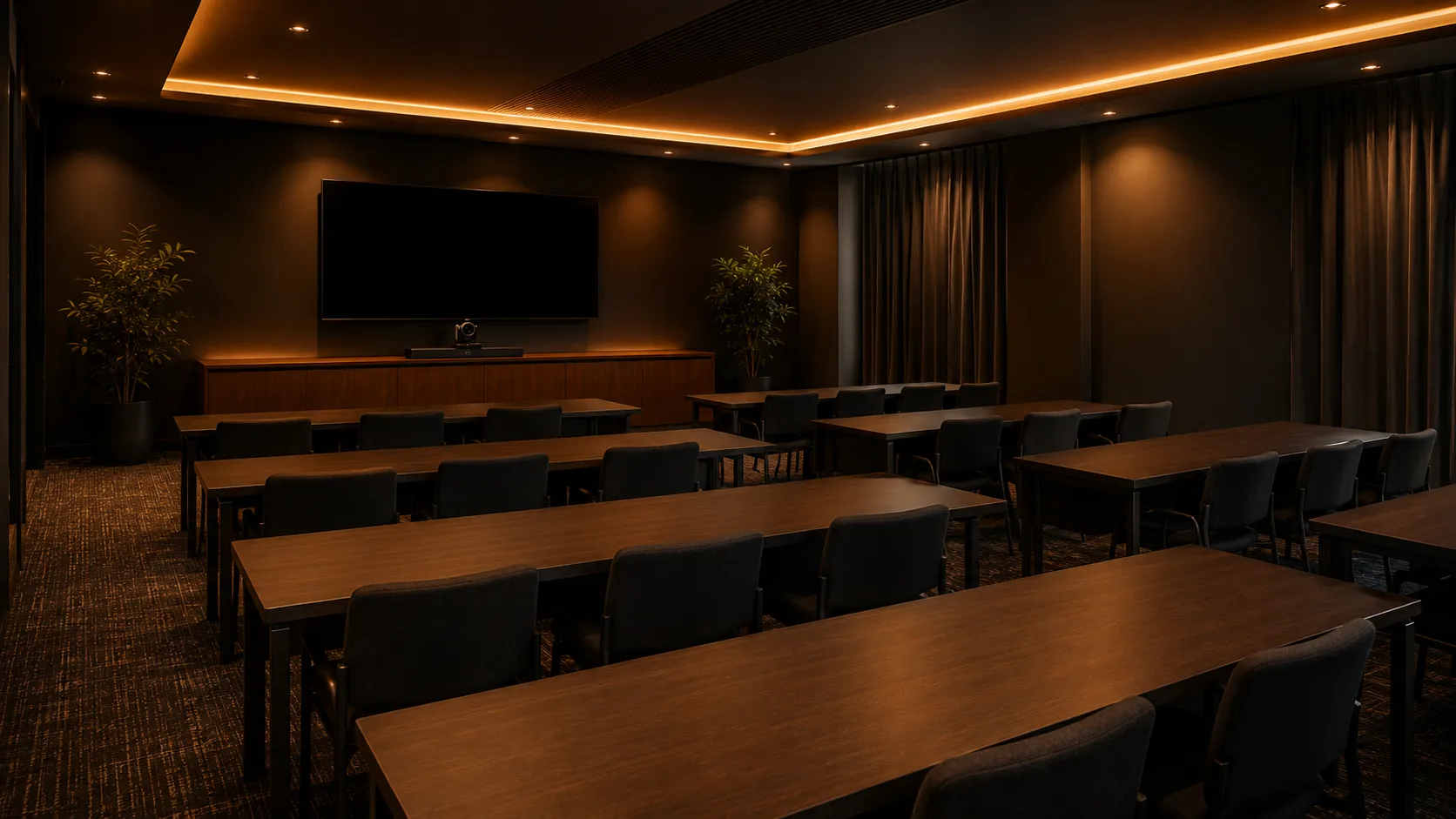
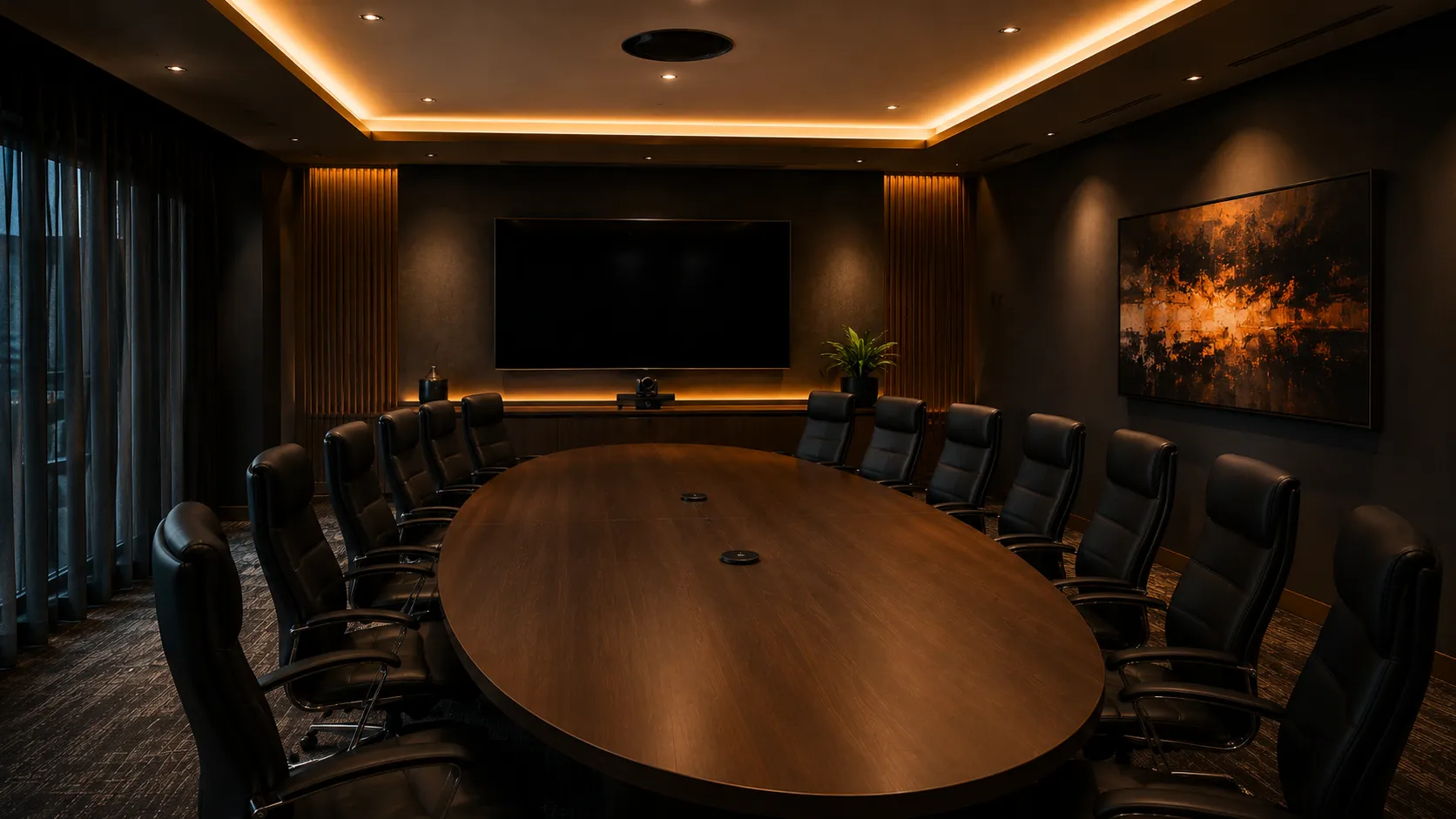
Large Meeting Rooms Cover Three Distinct Space Types
The hardware decisions differ depending on how the room is used — not just how many people it seats. Getting this right before specifying saves significant cost and rework.

Why Large Rooms Need Purpose-Built Systems
The all-in-one conferencing bar changed how small and medium rooms work. It didn't change the physics of a large room. A bar designed for a 5-metre huddle space simply cannot cover a 10-metre conference room — the camera optical zoom isn't there, and the microphone array wasn't designed for the coverage pattern required.
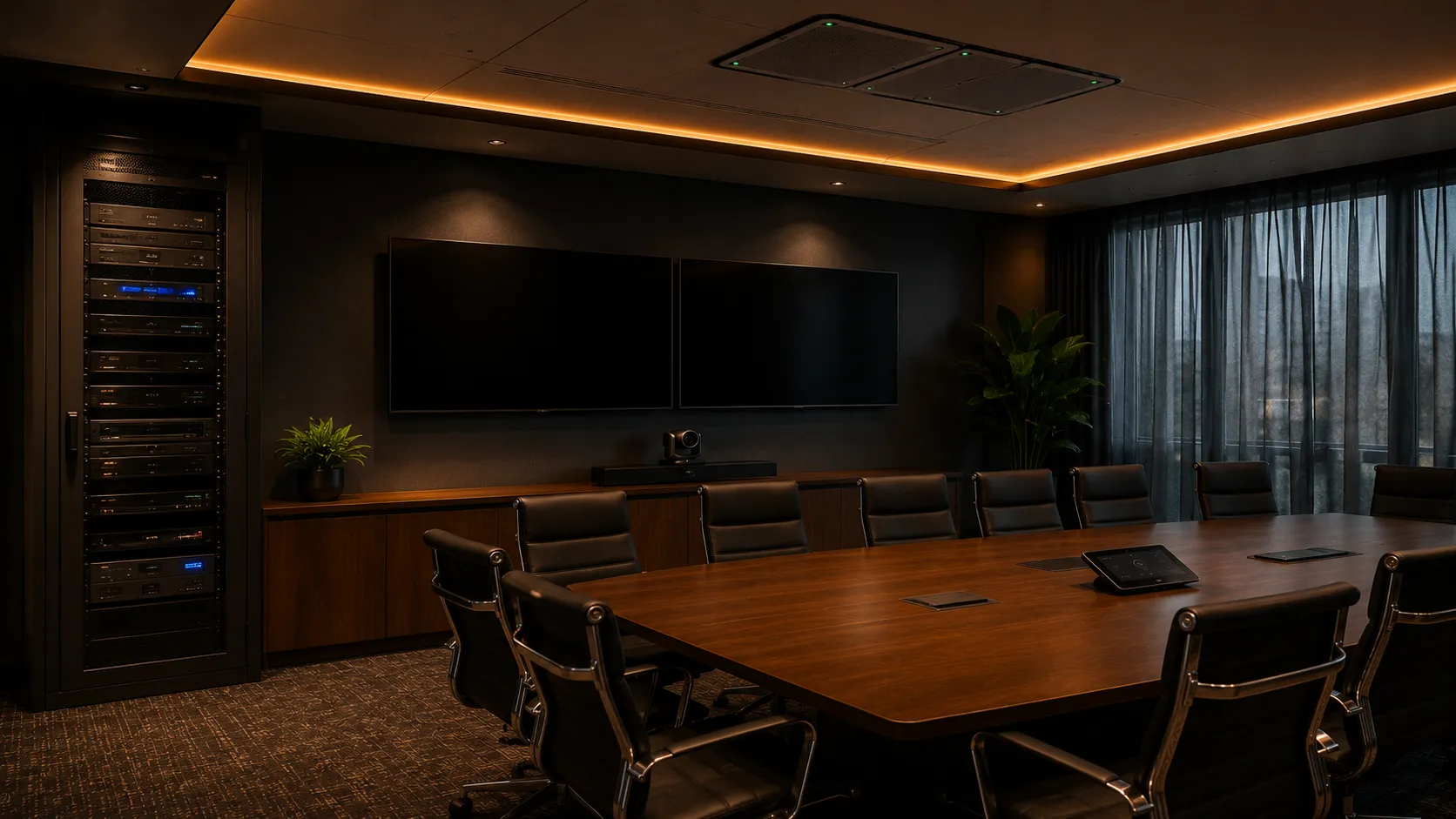
Purpose-built large room systems separate the camera, microphone, compute and display into discrete components. This matters because each component can be specified for the actual room dimensions — and replaced independently when technology changes or something fails.
In most large room installations, the difference between a system that works and one that doesn't comes down to whether the camera has genuine optical zoom and whether the microphone array was specified for the room's actual dimensions — not a generic coverage estimate.
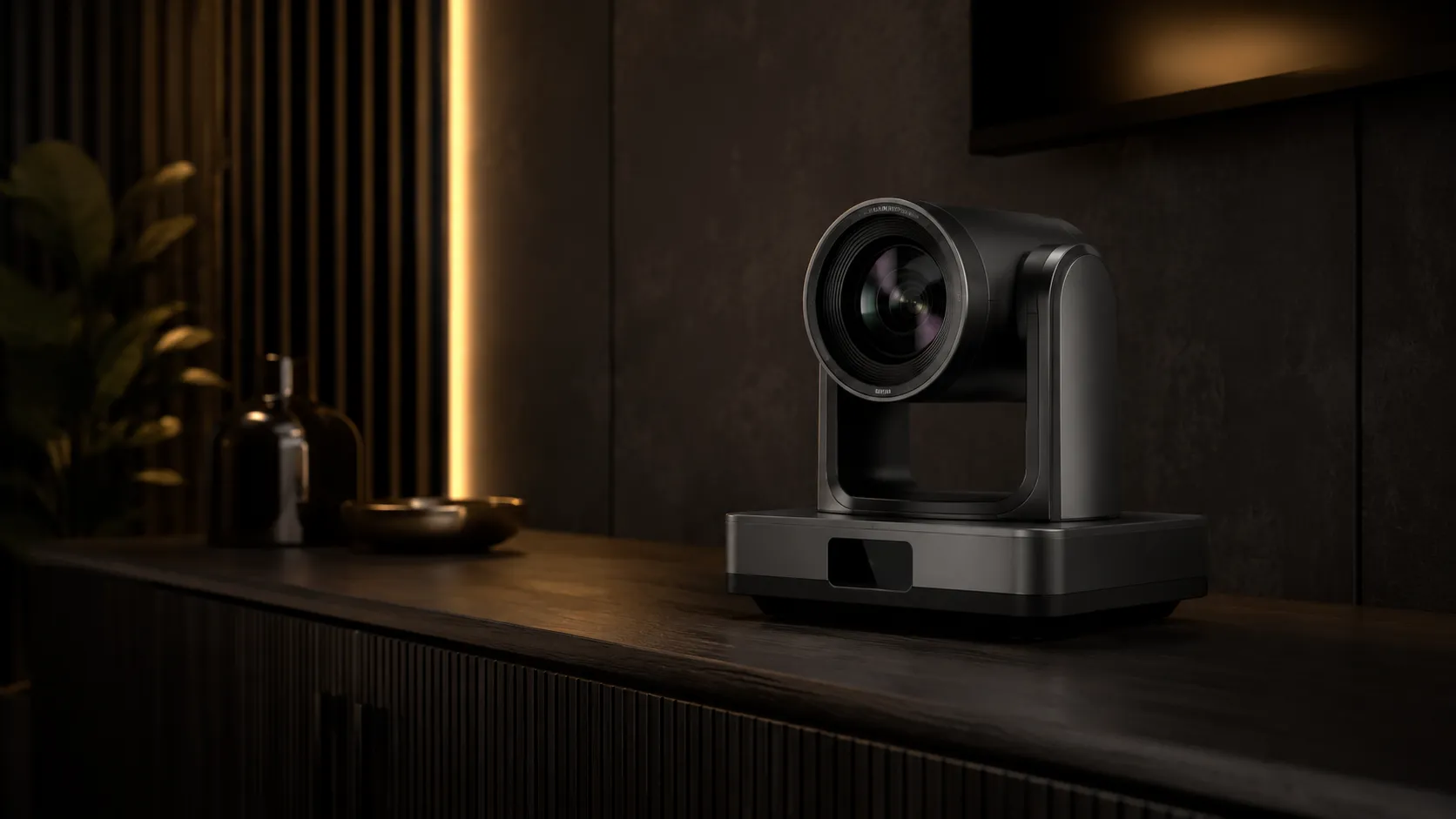
PTZ with 12x optical zoom minimum for rooms over 8 metres. 4K sensor for dual-display setups.
Expansion mic array or ceiling-mounted beamforming. Coverage mapped to table dimensions.
Dedicated compute unit sized for 4K PTZ input, dual display output and platform processing.
75–86 inch dual display for rooms over 10 metres. Single large display viable for narrower rooms.
Three Budget Tiers For Large Meeting Rooms
Budget ranges are approximate and exclude installation, cabling and platform licensing. Actual cost depends on room dimensions, display requirements and whether an existing network infrastructure can support the system.
$14,000 – $20,000
Suitable for large rooms up to 8–9 metres with straightforward rectangular layout. PTZ camera with 12x optical zoom, satellite or expansion microphone system, single 75–86 inch commercial display and dedicated compute unit running Teams Rooms or Zoom Rooms appliance mode. Prices include hardware and a single commercial display — excludes installation, cabling and platform licensing.
Typical Hardware
- → Logitech Rally Camera + Rally Bar Mic
- → Yealink UVC84 PTZ + MVC900 II compute
- → Poly Studio E60 + G10-T compute
- → Single 75" commercial display
Best for: rectangular rooms up to 9 metres with fixed seating and standard internal meeting use. Avoid if your room exceeds 9 metres, uses a training layout, or requires dual displays.
$20,000 – $35,000
The most common specification for Australian large conference rooms. PTZ camera with 20x optical zoom, ceiling or table-top beamforming microphone array, dual 75–86 inch commercial display setup, Windows or Android compute unit with full platform licensing. Prices include hardware and dual commercial displays — excludes installation, cabling and platform licensing.
Typical Hardware
- → Yealink UVC86 PTZ + VCM38 ceiling mic
- → Logitech Rally Plus system
- → AVer CAM570 PTZ + VC520 Pro3
- → Dual 75–86" commercial displays
Best for: conference rooms up to 12 metres with hybrid meeting requirements. Avoid if the room exceeds 12 metres, requires ceiling mic installation, or has complex camera positioning requirements.
$35,000 – $50,000+
Full component specification for large rooms over 12 metres, training rooms with complex camera requirements, or environments where audio quality is non-negotiable. Ceiling microphone arrays, 4K PTZ cameras with AI auto-framing, Windows compute with full Teams Rooms Pro or Zoom Rooms licensing, and often dual-camera setups for wide rooms. Prices include hardware and dual 86" commercial displays — excludes installation, structural cabling and platform licensing.
Typical Hardware
- → Poly Studio E70 dual-camera
- → Yealink UVC86 + ceiling mic array
- → Windows compute + full Pro licensing
- → Dual 86" 4K commercial displays
Best for: rooms over 12 metres, training spaces, executive-adjacent conference rooms, or multi-room fleet deployments.
Not sure which tier fits your room? Room dimensions, ceiling height, surface materials and network infrastructure all affect the right specification. Talk to a Kickstart specialist before purchasing — the wrong tier costs more to fix than to get right first time.
Teams Rooms vs Zoom Rooms — What Changes At Large Room Scale
Platform choice matters more in large rooms than small ones. The features that differentiate Pro licensing — intelligent camera control, speaker tracking, room analytics, remote management — only matter at the scale where you need them. In a huddle room, they're a nice-to-have. In a large meeting room used by senior stakeholders, they're the difference between a system that works and one that embarrasses.
Teams Rooms Pro — The Large Room Standard
Teams Rooms Pro licensing at approximately $50 AUD per room per month unlocks AI-driven camera control, intelligent speaker tracking and multi-camera switching. For large rooms this isn't a premium — it's the baseline required to make PTZ cameras behave intelligently rather than sitting on a fixed preset.
- AI speaker tracking — camera follows the active speaker automatically
- Remote device management across all rooms from Teams Admin Centre
- Meeting room analytics — utilisation data for facilities planning
- Front Row layout — remote participants displayed life-size at table level
Zoom Rooms — Per-Room Licensing At Scale
Zoom Rooms licensing at approximately $60 AUD per room per month includes smart camera control, speaker tracking and the Zoom dashboard for remote room management. Unlike Teams Rooms Basic, there is no free tier — every Zoom Rooms deployment requires a paid licence from day one.
- Smart Gallery — separate video feeds for each in-room participant
- Zoom Room Controller — dedicated tablet interface for room management
- Workspace reservation integrated with Zoom Scheduler
- Android or Windows compute — Android for most rooms, Windows for complex setups
The honest comparison: If your organisation runs Microsoft 365, Teams Rooms Pro is the natural path — the licensing integrates with your existing tenant and the hardware ecosystem is the broadest available. If your organisation is platform-agnostic or Zoom-first, Zoom Rooms delivers comparable large room features. The hardware that runs both platforms is often the same — the decision is licensing and management preference, not hardware capability.
Five Large Room Problems Most Buyers Don't See Coming
These aren't edge cases. They're the most common failure patterns seen across large room installations in Australian businesses over the past decade.
Microphone coverage drops off past 4 metres
A single conference mic or bar microphone placed at the near end of a long table leaves the far end effectively unheard by remote participants. The people at the far end sound distant, echo-prone, or drop in and out. This is the single most common large room complaint — and the most preventable with correct specification.
Camera zoom insufficient for room depth
An all-in-one bar or wide-angle camera in a large room frames the entire table as a wide shot — every participant appears as a small face. Remote participants struggle to read expressions or see who is speaking. PTZ cameras with genuine optical zoom are non-negotiable for rooms over 8 metres.
Compute unit undersized for the display output
Running a 4K PTZ camera signal and dual display output from a compute unit sized for a medium room results in dropped frames, processing lag and meeting quality degradation. This is often not discovered until the room is in regular use — and fixing it means replacing the compute unit post-installation.
"In larger meeting rooms, microphone placement and room acoustics typically have more impact on meeting quality than camera resolution. A $3,000 microphone system in a well-treated room will outperform a $10,000 camera system in a room with hard parallel walls."
— Kickstart Computers, based on large room installations across Australia
Room acoustics not addressed before hardware install
Hard parallel walls, high ceilings and uncarpeted floors create reverberation that makes every voice sound like it is in a bathroom. No microphone technology fully compensates for a reverberant room. Basic acoustic treatment — ceiling panels, carpet, soft furnishings — reduces reverberation significantly and costs far less than premium microphone hardware.
Platform licensing not matched to room scale
Running Teams Rooms Basic or Standard licensing on a $30,000+ hardware system means the intelligent camera features, speaker tracking and remote management capabilities are simply turned off. The camera sits on a fixed wide shot. The room cannot be managed remotely. This is a recurring pattern in organisations that specified the hardware correctly but under-licensed the platform.
Most Organisations Have More Than One Room Type
When you are specifying a large meeting room, it is rarely in isolation. Most Australian businesses deploying large room AV also have a mix of small huddle rooms and medium conference rooms. The decisions made on platform and brand at the large room level have downstream consequences for the rest of the fleet.
Standardise on platform first
Mixing Teams Rooms and Zoom Rooms across a fleet creates two separate management environments. Pick one platform and specify hardware that is certified for it across all room sizes.
Brand consistency reduces support overhead
Logitech across all rooms, or Yealink across all rooms, means one firmware update process, one support relationship and one spare parts inventory. Mixed brands multiply support complexity.
Large room budget affects small room specification
Businesses that over-specify the large room sometimes under-specify the small rooms. A $40,000 boardroom system and $600 huddle room bars on the same platform creates a dramatically inconsistent user experience.
Specifying an interactive display or presentation screen for a boardroom or large collaboration space? See our meeting room interactive display page for large room sizing, dual-screen setups, and compatible display options.
Independent Large Room Advice Since 2007
Kickstart Computers has been specifying and supplying video conferencing systems for Australian businesses since 2007. Large meeting rooms represent a significant capital investment — $14,000 to $50,000+ before installation. Getting the specification wrong at this scale is expensive to fix.
Because we are not aligned to any single manufacturer, we recommend what fits the room — not what earns the best margin. That means genuine comparison across Logitech, Yealink, Poly, AVer and Jabra based on your room dimensions, platform choice and budget.
Multi-brand
We supply Logitech, Yealink, Poly, AVer and Jabra. The recommendation follows the room requirements, not the brand relationship.
Pre-configured
Systems are pre-configured before shipping. Your IT team receives hardware ready to connect — not hardware requiring a Teams Rooms or Zoom Rooms setup process.
Room-first spec
We ask about room dimensions, ceiling height, surface materials and network before recommending hardware. Specification starts with the room, not a product catalogue.
Phone support
Talk to Andrew directly on 0416 353 501. Large room projects involve enough variables that a phone conversation is usually more useful than a quote form.
The Four Brands We Deploy Most Often In Australian Large Meeting Rooms
Most large meeting room deployments sit within four manufacturer ecosystems — Logitech, Yealink, Poly and AVer. Each approaches large room hardware differently, from modular component systems through to dual-camera AI-framing solutions. These are not the only options available, but they represent the majority of large room systems we specify and support across Teams Rooms and Zoom Rooms environments in Australia.