
Interactive Whiteboards — Kickstart Computers
SMART Board Interactive Whiteboard — Six Series, One Decision
Choosing the right SMART Board series is harder than it looks. A GX Plus and an RX are both called SMART Boards — but they run different platforms, target different environments, and carry different price points. Getting the series wrong affects both budget and workflow for the life of the deployment.
The range spans six series — GX, MX, RX, T Pro, QX, and M Pro — each designed for a different buyer, platform, and use case. Education, business, and enterprise deployments all have different requirements, and the series names alone don't make the distinctions obvious.
This page explains how the current SMART Board series fit together, what separates them in practical terms, what they cost in Australia, and where SMART Board genuinely outperforms the alternatives — so you can make the right series decision before committing to a model.
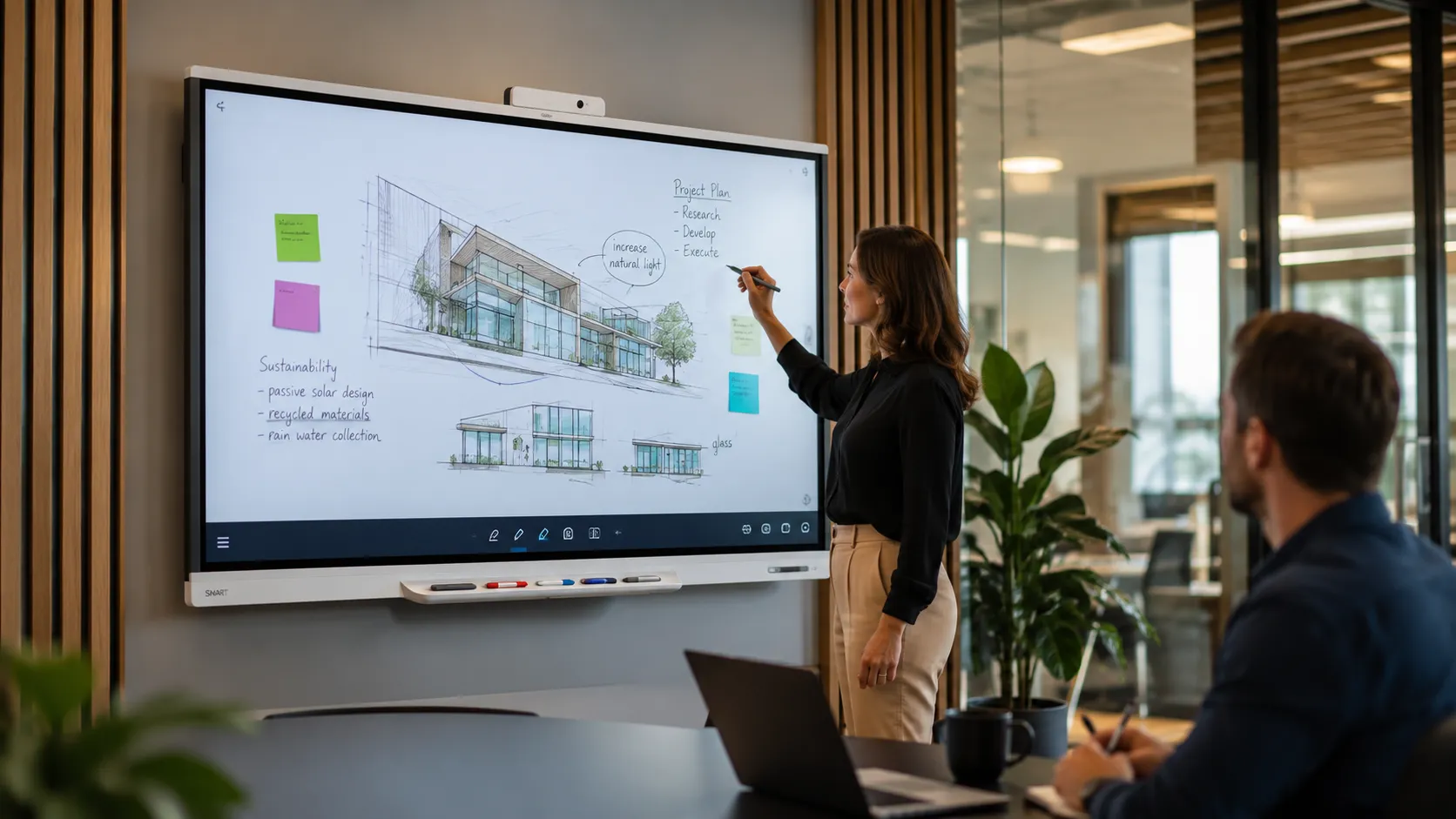
Key Takeaways
- ✓ SMART Technologies has been developing interactive display technology for decades — one of the most established names in the market
- ✓ GX Plus V4 runs Android 14 with native Google EDLA certification out of the box — no external appliance needed
- ✓ MX V5 has iQ 4 built in, Hyper Touch, EDLA certified — 5-year warranty standard
- ✓ RX series adds premium panel and deeper AI tools — the choice where Lumio and iQ are central to daily use
- ✓ T Pro runs no embedded OS — designed for Windows or Mac compute via OPS module or external device
- ✓ Basic SMART Notebook desktop is included with every display — Lumio and Notebook Plus require a subscription
- ✓ Room solution bundles with Jabra, Logitech, Yealink, and Barco available across all room sizes
- ✓ Prices on this page are indicative — the range changes regularly; contact us for current pricing
Is SMART Board Right For You?
Who Should Buy a SMART Board
SMART Board is not the only credible option in this category. Here is an honest assessment of who it suits well — and where alternatives may be worth evaluating.
SMART Board suits you if…
- ✓ You already use SMART Notebook and have existing content built around it
- ✓ Writing feel and stylus response are a priority — annotation-heavy workflows, training delivery, collaborative work
- ✓ You are deploying across multiple rooms and want a consistent platform with long-term software support
- ✓ Your organisation runs Google Workspace or Microsoft 365 and wants certified integration
- ✓ You need a meeting room display that also functions as a genuine interactive whiteboard
- ✓ You are in a government or defence environment with TAA compliance requirements
Consider alternatives if…
- — Price is the primary driver and the SMART ecosystem is not already in place — BenQ and others are competitive at entry level
- — The display is primarily a video conferencing surface rather than an interactive whiteboard — Samsung Flip is strong here
- — You are already embedded in the Promethean ecosystem — switching costs work both ways
Not sure which category you fall into? The comparison section further down this page covers SMART Board against Samsung, BenQ, and Promethean across the key decision axes. If you haven't yet worked out what your room actually needs — screen size, mounting height, viewing distance, platform — our page on how room layout and lighting shape the right interactive whiteboard covers that first.
The Range
The SMART Board Range — How the Series Fit Together
SMART currently sells across several distinct series, each designed for a different buyer and deployment context. The table below gives a fast orientation before the detail that follows.
The current SMART Board family — from entry education to enterprise boardroom.
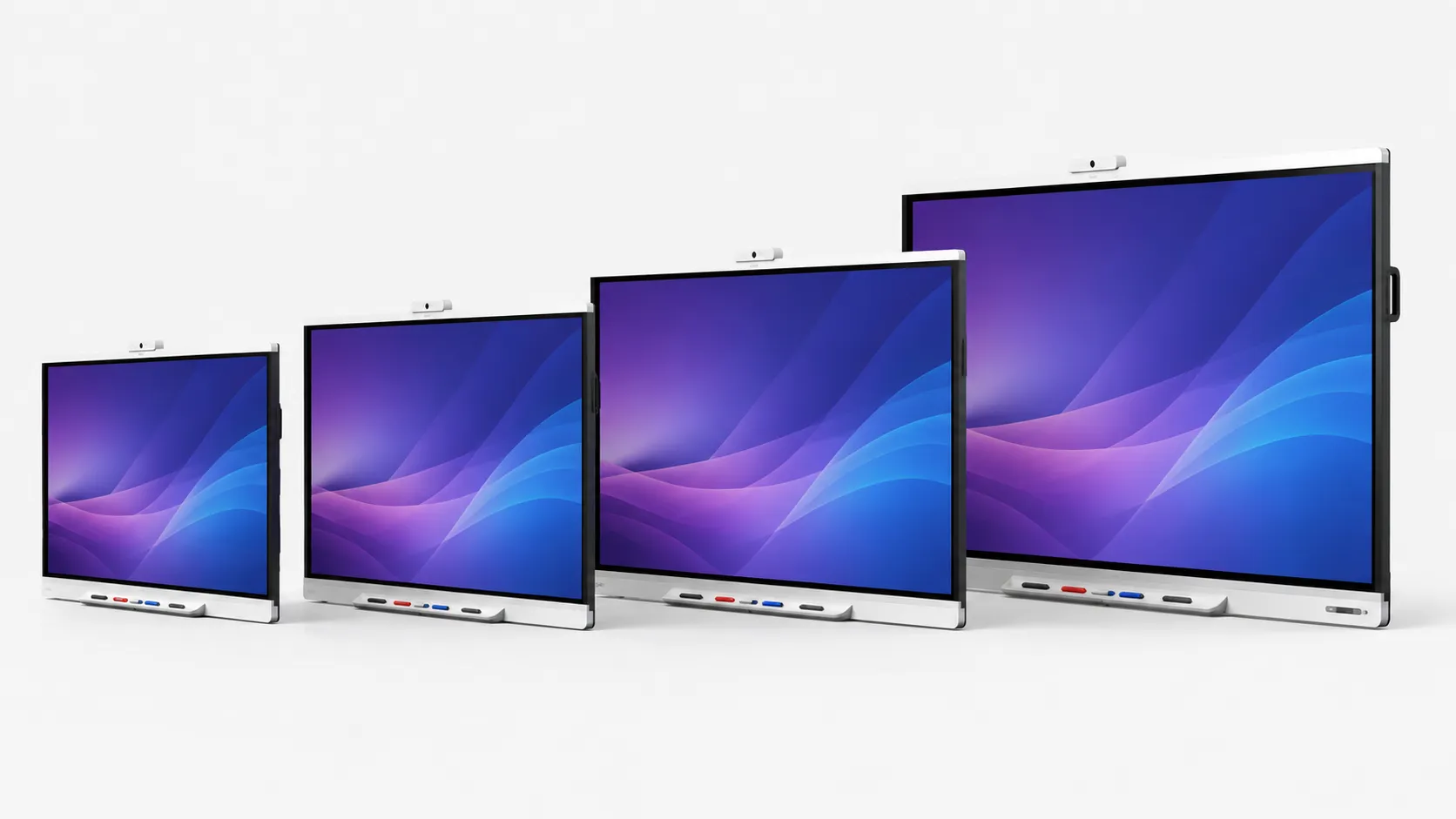
The six series in the current SMART Board range, compared across the key decision criteria.
| Series | Best For | Operating System | Touch | Warranty | Typical Buyer |
|---|---|---|---|---|---|
| GX Plus V4 | Education, general commercial | Android 14, EDLA native | 40-pt IR | 3-year | Entry deployments, budget-conscious |
| MX V5 | Education, commercial | Android 13 + iQ 4, EDLA | 40-pt Hyper Touch | 5-year | Mid-range, writing quality priority |
| RX | Education, commercial | Android 13 + iQ 4, EDLA | 40-pt Hyper Touch | 5-year | Lumio-heavy, AI tools, premium panel |
| T Pro | Business, enterprise | No OS — OPS or external | 40-pt Hyper Touch | 5-year Assure | Teams / Zoom Rooms, Windows deployments |
| QX Pro V2 | Enterprise | No OS — OPS or external | 40-pt Hyper Touch | 5-year Assure | Boardrooms, executive spaces |
| M Pro | Government | No OS | 40-pt Hyper Touch | 5-year Assure | TAA-compliant deployments |
Quick Recommendation
- → Best for classrooms and training rooms: MX V5 — Hyper Touch, iQ 4 built in, 5-year warranty
- → Best for Lumio-heavy deployments: RX Series — premium panel, full iQ 4, advanced AI tools
- → Best for meeting rooms running Teams or Zoom: T Pro Series — QLED, no embedded OS, OPS-ready
- → Best for government and high-security: M Pro Series — TAA-compliant
Not sure which series fits your rooms? We can work through it with you.
Contact UsHow to Choose
Five Decisions That Lead You to the Right SMART Board Series
Most buyers start with brand and screen size. Those are the last two decisions, not the first. Work through these five in order and the right series becomes obvious.
Room Type
Classroom, meeting room, boardroom, training space
Platform
Android embedded or Windows / Mac via OPS
Software
SMART Notebook only, or Lumio and iQ tools central
Series
GX / MX / RX / T Pro / QX — now the decision is clear
Screen Size
65", 75", or 86" based on room depth and use
GX Plus V4
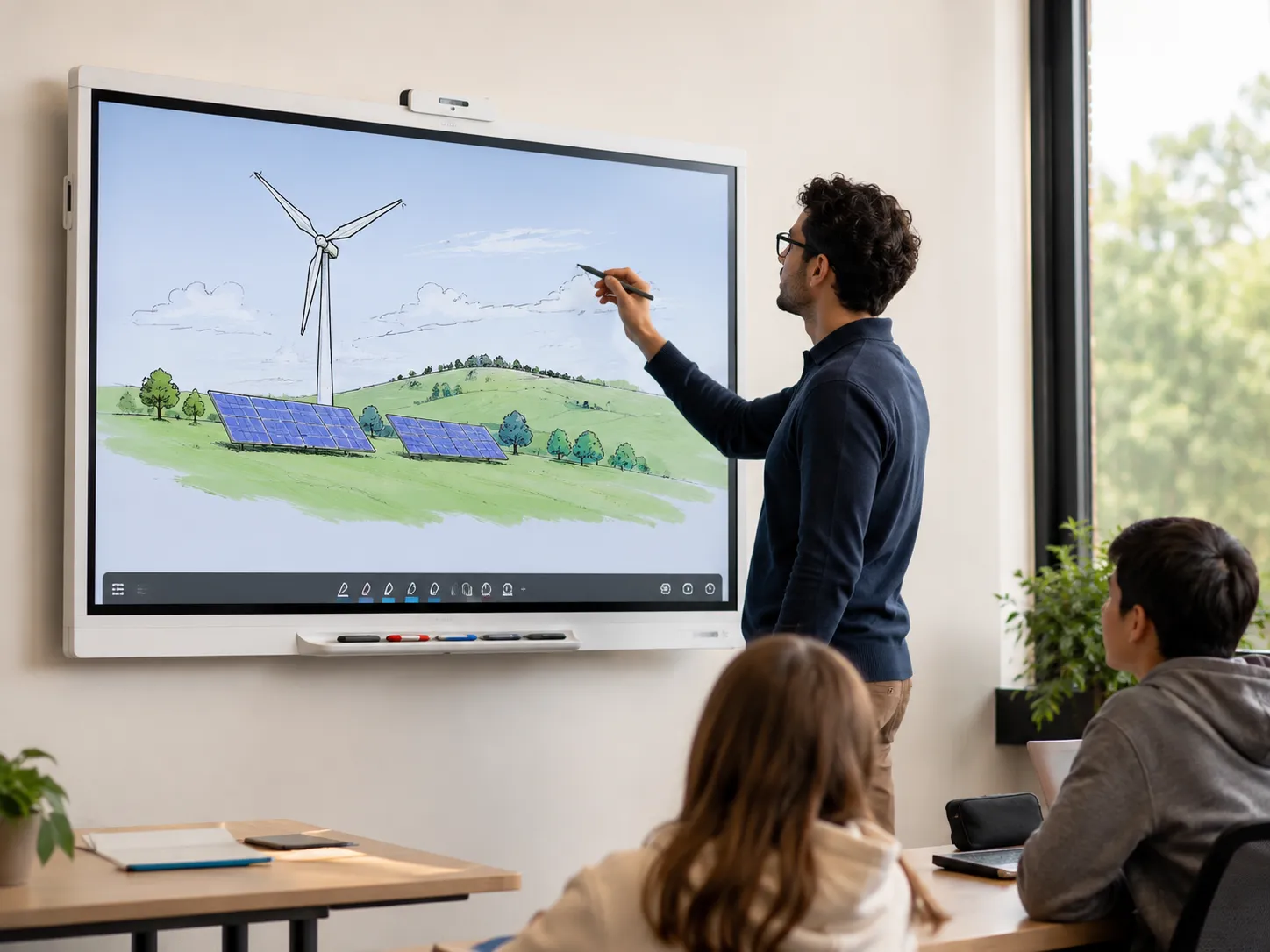
GX Plus V4 — Education Entry Level
The GX Plus V4 is SMART's entry-level display and the starting point for most new deployments. It runs Android 14 with native Google EDLA certification out of the box — no external appliance required for Google Play access. Available in 65", 75", and 86".
Built-in features include 40-point IR touch, SMART Mirror screen sharing, split screen, picture-in-picture, and Android Whiteboard tools. The GX Plus V4 connects to SMART Notebook and Lumio through the iQ ecosystem via the SMART app on the display.
For organisations that want a reliable, well-supported interactive display at a sensible entry price, this is where most SMART deployments start. The 3-year warranty is standard — upgrade to 5-year Assure coverage is available.
Best for: Schools and organisations starting their SMART Board journey, budget-conscious multi-room deployments, and environments where basic Notebook and Lumio integration is sufficient.
MX V5
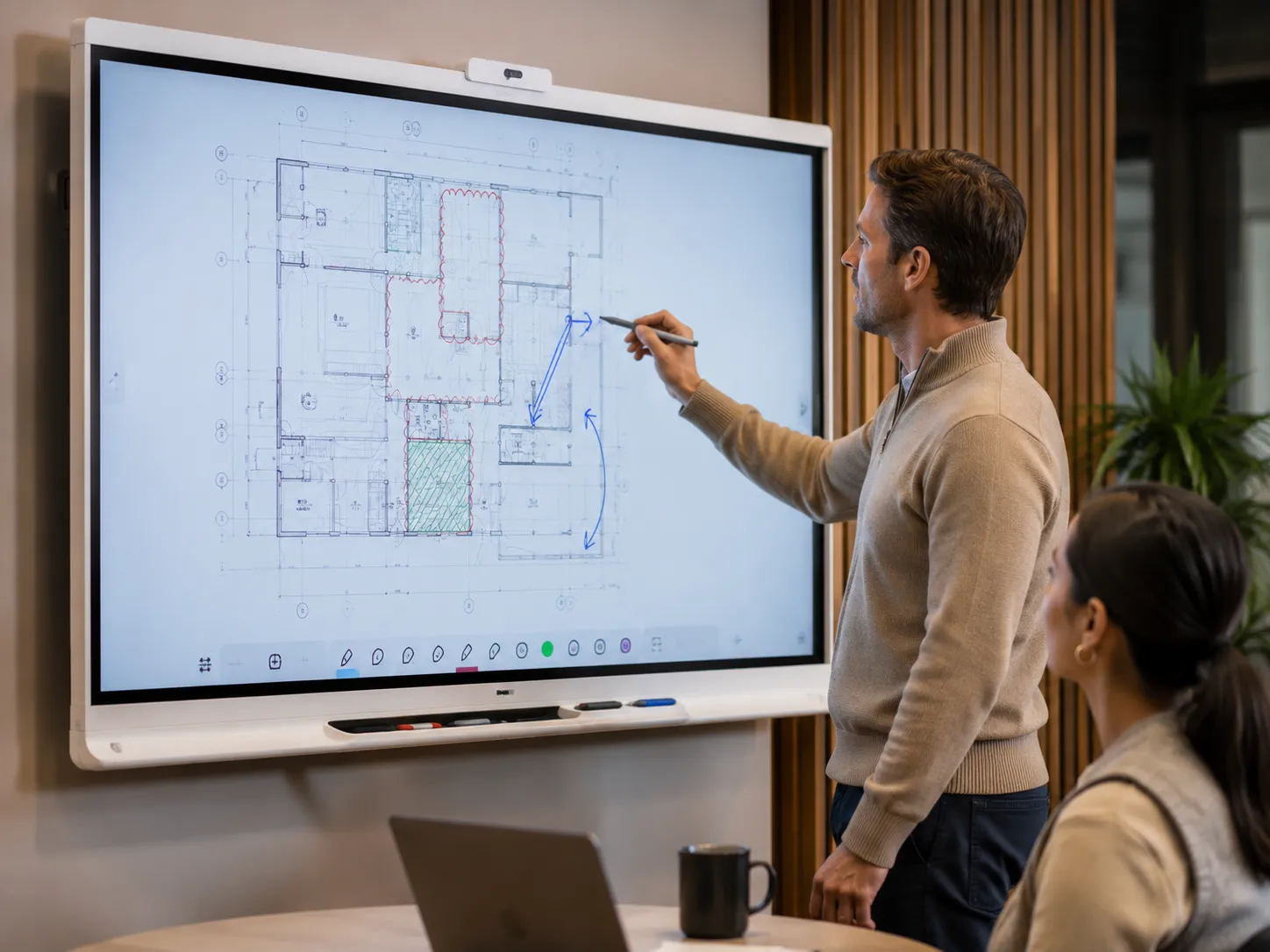
MX V5 — Mid-Tier
The MX V5 uses SMART's Hyper Touch technology — a finer, more responsive touch layer that makes a noticeable difference for handwriting and annotation work. The line follows the tip rather than trailing behind it, and palm rejection handles the way people actually write on a surface.
iQ 4 is built directly into the MX V5 — the full SMART software ecosystem including Lumio integration, NFC sign-in, remote management, and AI-assisted tools is available without a separate AM60 appliance. Android 13 with EDLA certification is standard, with an OTA update to Android 15 scheduled for late 2025.
Available from 55" through to 86". The 5-year warranty is standard across the range. Organisations replacing older SMART Boards frequently move to the MX V5 as the natural upgrade — the Hyper Touch improvement is a genuine step up, not just a spec increment.
Best for: Organisations where writing quality and annotation precision matter, multi-room deployments wanting 5-year warranty coverage, and environments where Lumio is already part of the daily workflow.
RX Series
RX Series — Premium
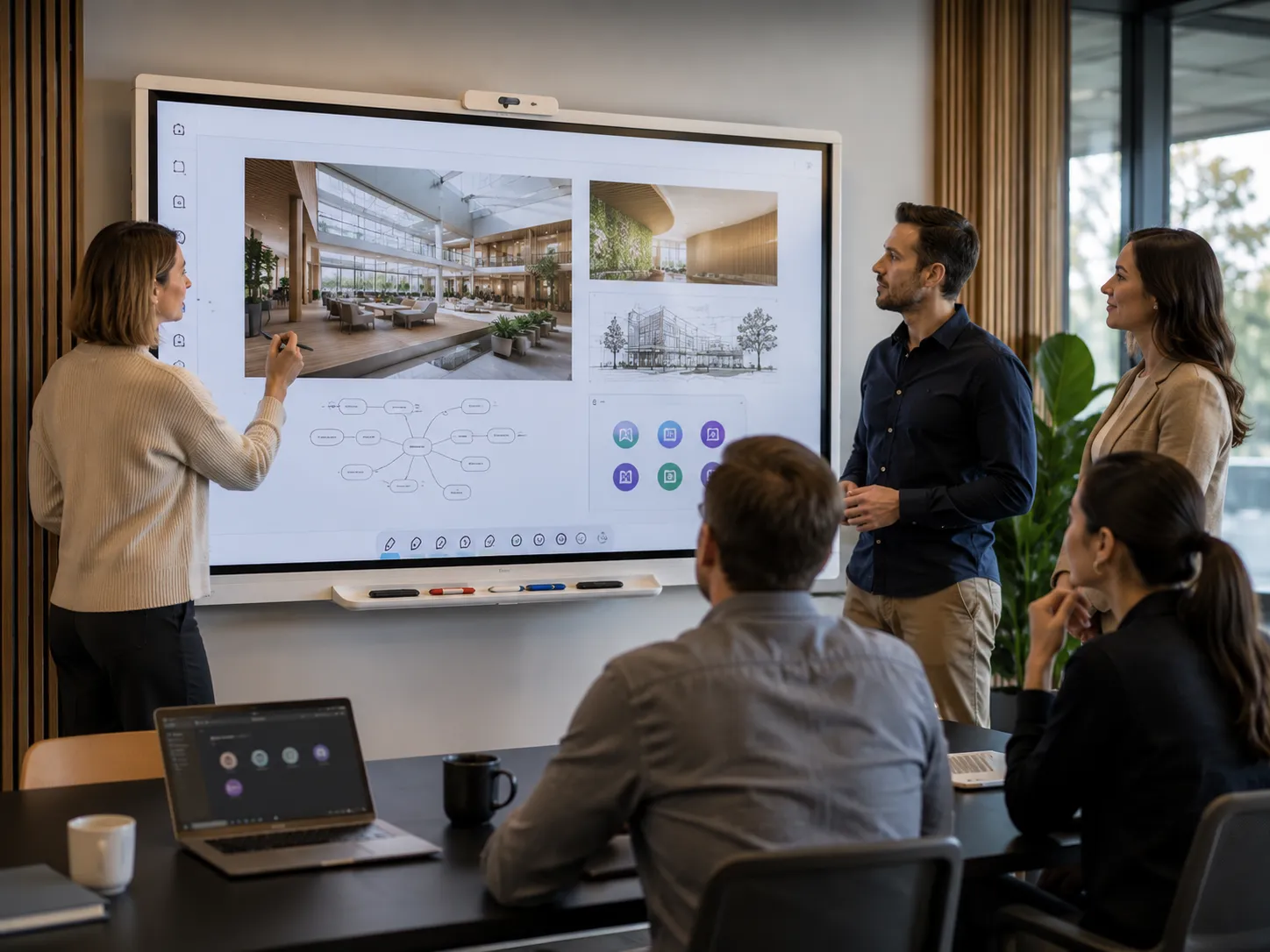
The RX series builds on the MX V5 foundation with a premium panel and a deeper implementation of SMART iQ 4 — more advanced AI-assisted tools, enhanced Lumio integration, and automatic content saving that works in the background during sessions.
Like the MX V5, iQ 4 is built directly into the RX — the full SMART software ecosystem is available from day one. Android 13 with EDLA certification is standard. The 5-year warranty is included across all screen sizes.
For organisations where SMART Notebook and Lumio are central to the daily operation — and where the panel quality and AI layer justify the step up from the MX V5 — the RX is the natural endpoint of the education and commercial range.
Best for: Organisations where Lumio and iQ tools are used daily, deployments requiring the best panel quality in the SMART range, and environments where AI-assisted features drive genuine value.
T Pro Series

T Pro Series — Enterprise, No Embedded OS
The T Pro is SMART's QLED panel without an embedded operating system. It is designed for organisations that want to supply their own compute — either via an OPS module (the AM60 Android appliance or a Windows OPS PC) or via an external device connected through USB-C or HDMI.
The QLED panel delivers noticeably better contrast and colour depth compared to the LCD panels in the GX and MX series. Organisations running Microsoft Teams Rooms or Zoom Rooms through their own hardware choose the T Pro because the platform decision has already been made at the IT level — the display should not override it.
Available in 65", 75", and 86" with a 5-year Assure warranty as standard. Room solution bundles pairing the T Pro with Jabra, Logitech, Yealink, or Barco video bars are available across all three sizes.
Best for: Organisations running Teams Rooms or Zoom Rooms, IT environments where the compute platform is managed centrally, and meeting rooms where QLED panel quality matters.
Andrew's Observation
Enterprise buyers often assume Android and Windows are interchangeable on an interactive display. They are not. The operating system shapes the entire management, security, and integration experience. Choosing the right platform before choosing the display avoids expensive compromises later — and the T Pro exists specifically for organisations where that platform decision has already been made at the IT level.
Enterprise, Government & Specialist
The Complete SMART Board Range — QX Pro, M Pro and SMART Board Mini
Three additional series cover enterprise boardrooms, government procurement, and specialist presenter environments.
QX Pro V2
The top of the commercial range. 40-point Hyper Touch, built-in Ultra HD 120-degree camera, and 5-year Assure warranty with remote management. No embedded OS — OPS or external compute required. Designed for boardrooms and executive spaces where the environment justifies the investment.
M Pro Series
The M Pro carries TAA compliance for government and defence procurement. Built on the same Hyper Touch platform as the QX Pro V2 with sovereign supply specifications. If your organisation has specific TAA compliance requirements, this is the series to ask about. Pricing and availability on request.
SMART Board Mini (SIP-727)
A 27" PCAP interactive podium with an integrated 8-microphone array, 4K e-PTZ camera, and an OPS module slot for AM60 or Windows compute. Designed for presenter-forward environments — lecture theatres, training rooms, and hybrid spaces where the presenter controls content from a podium rather than a wall-mounted display.
Note on the NX Series: The NX series is a commercial display without touch capability, running Android 13 and suited to digital signage applications. It is not an interactive whiteboard and is mentioned here only to avoid confusion — it appears in the SMART catalogue alongside the interactive range but serves a completely different purpose.
Honest Assessment
SMART Board Strengths and Considerations
Most product pages present one side. Here is a direct take on where SMART Board leads and where the trade-offs are real.
Strengths
- ✓ Writing feel — the stylus response and palm rejection are consistently the benchmark others are measured against
- ✓ SMART Notebook ecosystem — decades of content libraries and active software development
- ✓ EDLA certification native on GX Plus V4 and MX V5 — not an add-on or appliance requirement
- ✓ Long-term upgrade path — appliance-based upgrades for older hardware rather than forced replacement
- ✓ Breadth of range — entry education through government-grade TAA-compliant deployments under one brand
- ✓ Room solution bundles — pre-configured display and video bar packages sized to room dimensions
Considerations
- — Software subscriptions add to total cost — basic Notebook desktop is included, but Lumio and Notebook Plus require an annual subscription per seat
- — Premium series pricing is higher than some competitors at equivalent screen sizes
- — Platform choice matters — Android versus Windows OPS needs to be decided before selecting a series, not after
- — Range complexity — six series with different OS, touch, and warranty tiers requires careful navigation to avoid the wrong choice
What We See Repeatedly
SMART Board Interactive Whiteboard for Classrooms and Meeting Rooms
These are not hypothetical. They are the conversations we have regularly after a procurement decision has already been made.
Choosing a brand before deciding on Android vs Windows
The platform decision shapes every other choice — management, integration, certified software, and long-term flexibility. Settling on a brand first and then trying to fit the platform around it almost always creates a compromise that lives with the deployment for five years.
Buying on screen size rather than room depth
An 86" display in a room that only needs a 75" is not an upgrade — it is an oversized panel that dominates the space and often creates viewing angle problems at the front row. Size should follow room depth and seating layout, not budget headroom.
Forgetting to budget for software over five years
The hardware lasts five to seven years. The Lumio and Notebook Plus subscriptions renew every year. At around $60 per seat per year, a 20-room deployment carries $1,200 per year in software costs that many procurement decisions do not account for until year two.
Assuming the AM60 is still required on current models
The GX Plus V4 and MX V5 both have iQ 4 and EDLA certification built in. The AM60 appliance is relevant for older SMART Board models being extended, not for current hardware. Budgeting for an AM60 on a new GX or MX purchase is an unnecessary cost.
What Sets SMART Board Apart
Writing Feel — Why It Matters More Than the Spec Sheet

The photograph above illustrates why the stylus experience is central to the SMART Board's reputation — precision at the tip, not trailing behind it.
Most interactive whiteboard spec sheets look similar at a glance. Touch points, resolution, brightness, Android version — these numbers converge across brands at similar price points. Writing feel does not appear on a spec sheet, and it is the thing that most determines whether people actually use the display day to day or quietly revert to other habits.
The difference between a display that feels natural to write on and one that feels like a workaround directly affects how much the hardware gets used after installation.
SMART Board has consistently invested in the stylus and touch layer in a way that shows in everyday use. The pen response is low-latency, the line follows the tip rather than trailing behind it, and palm rejection handles the way people actually write — resting a hand on the surface while drawing or annotating — without producing unwanted marks.
This matters in any environment where the display is used for active work rather than passive presentation. A trainer annotating a live document, a project team marking up a plan on screen, a presenter working through content with a stylus — all of these depend on the board behaving like a writing surface, not a touchscreen that tolerates a pen.
Andrew's Observation
The buyers who tell us they are happiest with their SMART Board three years after installation are almost always the ones who based the decision on how it felt to write on, not which brand had the longest spec sheet.
A display that people use every day earns its cost. One that ends up permanently on HDMI input does not.
Environments
SMART Board for Classrooms and Meeting Rooms
SMART Board works across both environments, but the series selection and accessory configuration differ enough to separate them.
Classrooms & Training Rooms
Best SMART Board Series for Classrooms
For classroom and training room deployment, the GX Plus V4 or MX V5 is the starting point for most organisations. The key decisions are screen size relative to room depth, whether SMART Notebook is already embedded in the workflow, and whether the project is a like-for-like replacement or an upgrade to a different capability level.
Organisations already using SMART Notebook content and Lumio will find the transition to a newer SMART Board straightforward — content carries across. Those switching from a different brand will need to factor in familiarisation time, which is real but typically shorter than expected.
The RX series is the right choice where Lumio is central to daily operation — the built-in iQ 4 layer delivers the full AI-assisted feature set from day one without a separate appliance.
- GX Plus V4 — entry level, EDLA native, 3-year warranty
- MX V5 — Hyper Touch, iQ 4 built in, 5-year warranty
- RX — premium panel, advanced iQ 4, 5-year warranty
Meeting Rooms & Boardrooms
Best SMART Board Series for Meeting Rooms
For meeting rooms, the T Pro series is the most common choice for organisations running Microsoft Teams Rooms or Zoom Rooms through their own hardware. The no-OS panel paired with an AM60 Android appliance or Windows OPS module gives IT teams full control over the compute environment.
For smaller meeting rooms where simplicity matters more than platform control, the GX Plus V4 or MX V5 paired with a bundled video bar is often the faster path to a working, connected room.
For boardrooms and executive spaces where panel quality is non-negotiable, the QX Pro V2 — with its built-in Ultra HD 120-degree camera and 5-year Assure warranty — is the natural choice.
- GX Plus V4 or MX V5 + video bar — small to medium rooms
- T Pro + OPS — Teams Rooms or Zoom Rooms deployments
- QX Pro V2 — boardrooms, executive spaces
What Organisations Usually Discover Too Late
The software subscription is the cost most organisations underestimate at procurement time. The hardware lasts five to seven years. The Lumio and SMART Notebook Plus licences renew annually.
At around $60 per seat per year for a standard plan, a deployment across 20 rooms carries $1,200 per year in software costs on top of the hardware. Basic SMART Notebook desktop is included with the display — the subscription covers Notebook Plus features and Lumio.
That distinction belongs in the budget conversation from the start, not as a surprise at year two.
Upgrading from older SMART Boards? Existing hardware may be extendable rather than replaced.
Talk to Us FirstBundles
SMART Board Room Solutions — Display Plus Video Conferencing
SMART offers pre-configured room solution bundles that pair an interactive display with a video bar sized to the room. All bundles are available with Jabra, Logitech, Yealink, or Barco ClickShare — and with a motorised trolley option for mobile deployment between rooms.
The table below shows the three room size tiers, the typical display size, and which video bar partners are available for each configuration.
| Room Size | Display | Video Bar Partners | Indicative Price (inc GST) |
|---|---|---|---|
| Small (up to 4.5m × 4.5m) | 65" | Jabra P40, Logitech Rally Bar Huddle, Yealink A25, Barco ClickShare | From around $3,600 |
| Medium (4.5m × 6m) | 75" | Jabra P55, Logitech Rally Bar Mini, Yealink A40 / A50, Barco ClickShare | From around $5,800 |
| Large (up to 6m × 8m) | 86" | Jabra P55 + speaker/mic, Logitech Rally Bar, Yealink A50, Barco ClickShare | From around $7,550 |
Prices are indicative and include GST. The range changes regularly and current promotions may not be reflected above. Contact us for current bundle pricing.

A complete SMART Board room solution — display, video bar, and audio — installed and ready for Teams or Zoom.