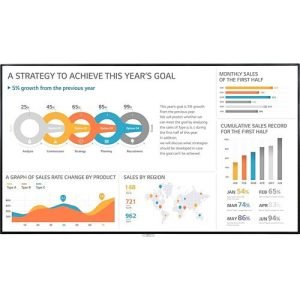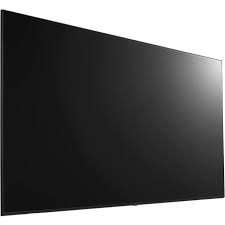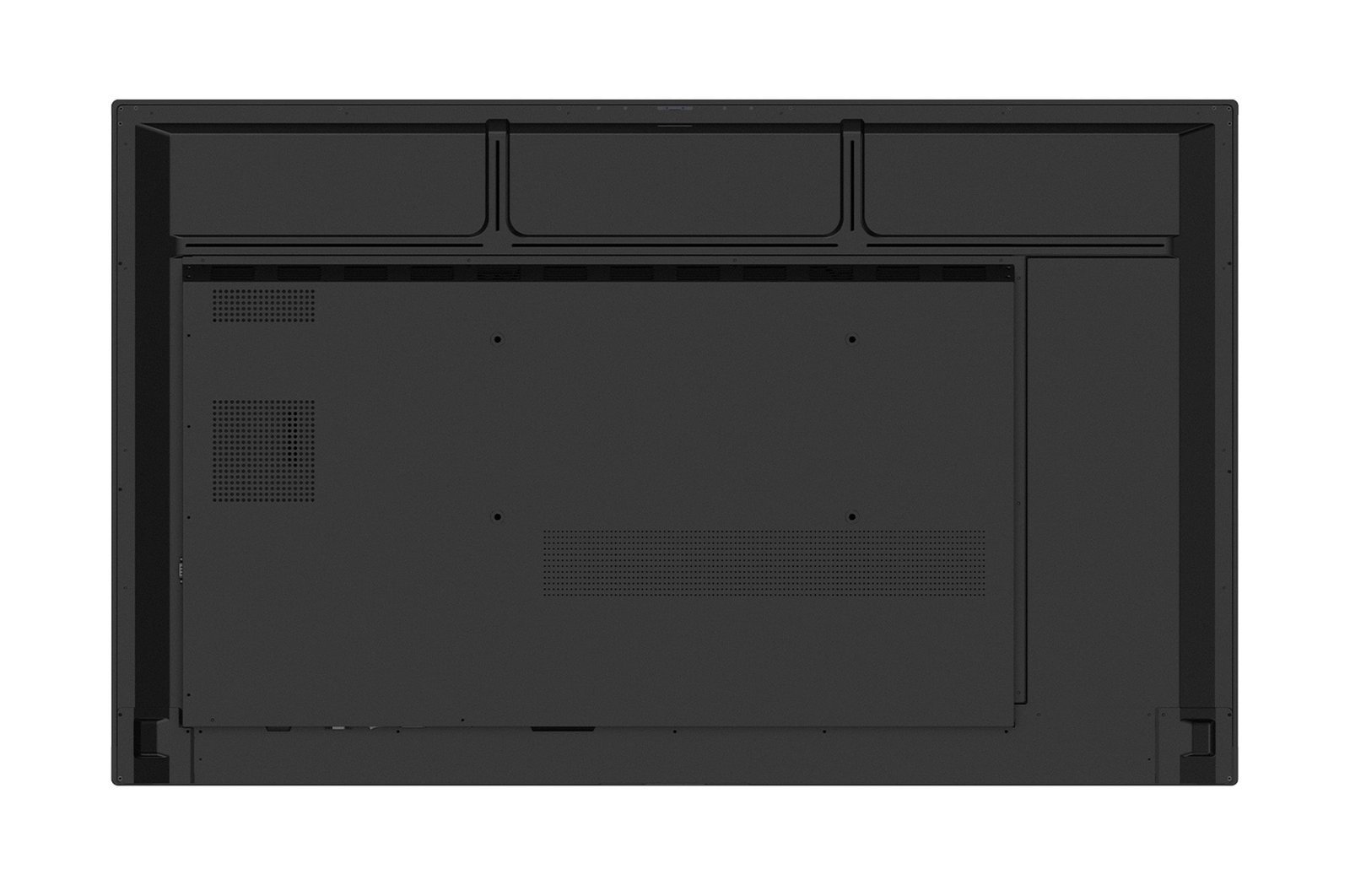
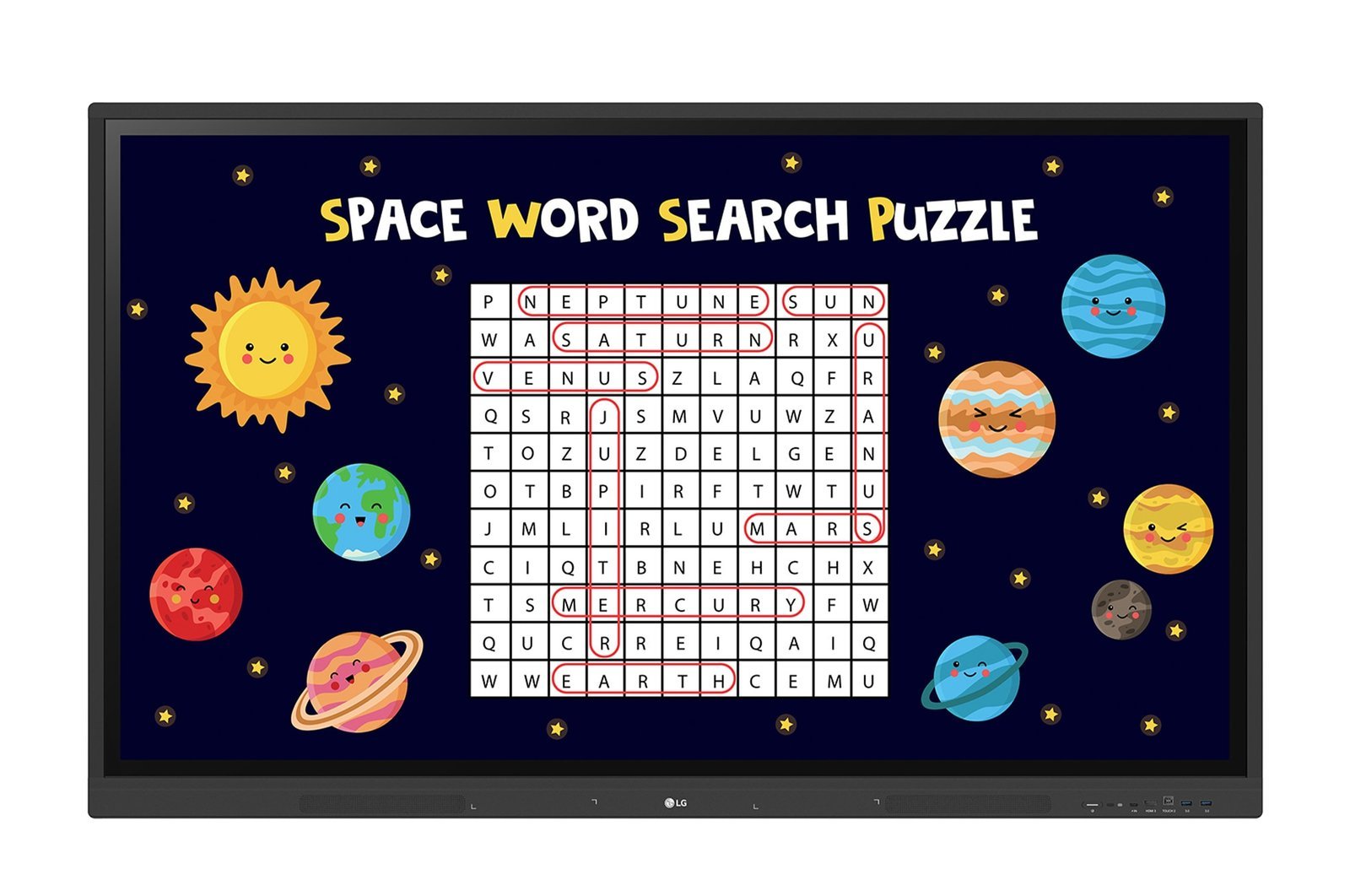
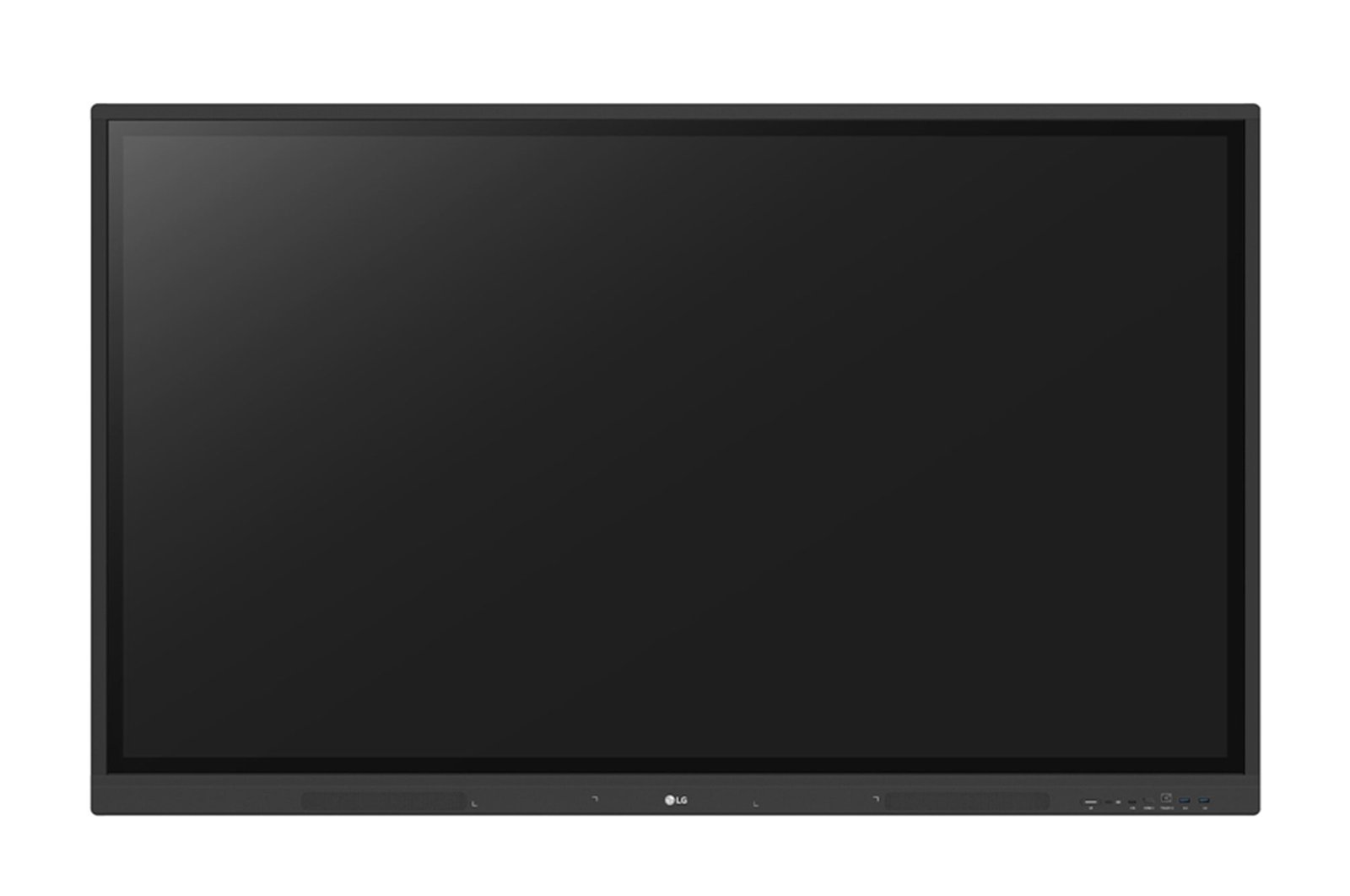
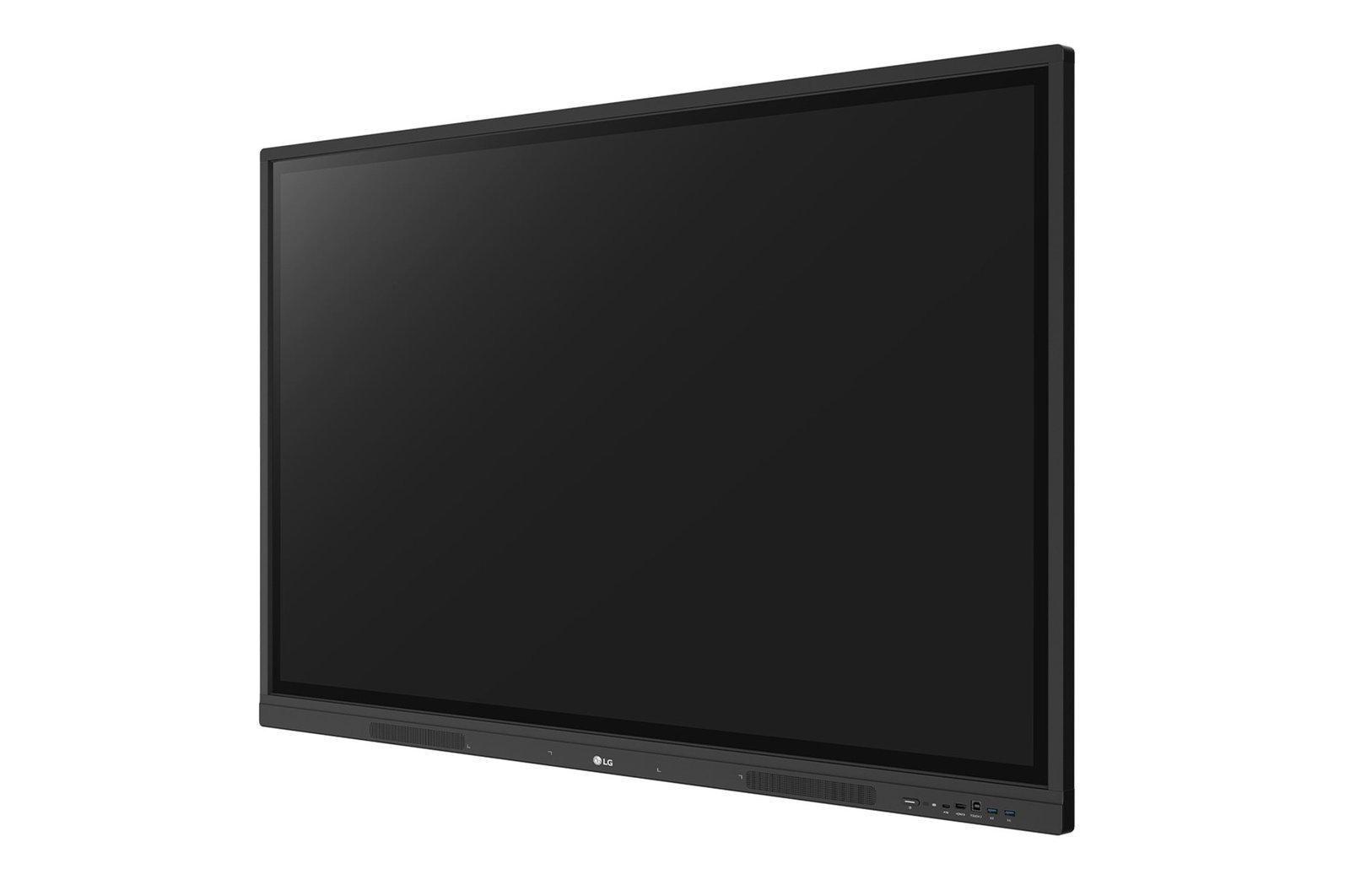
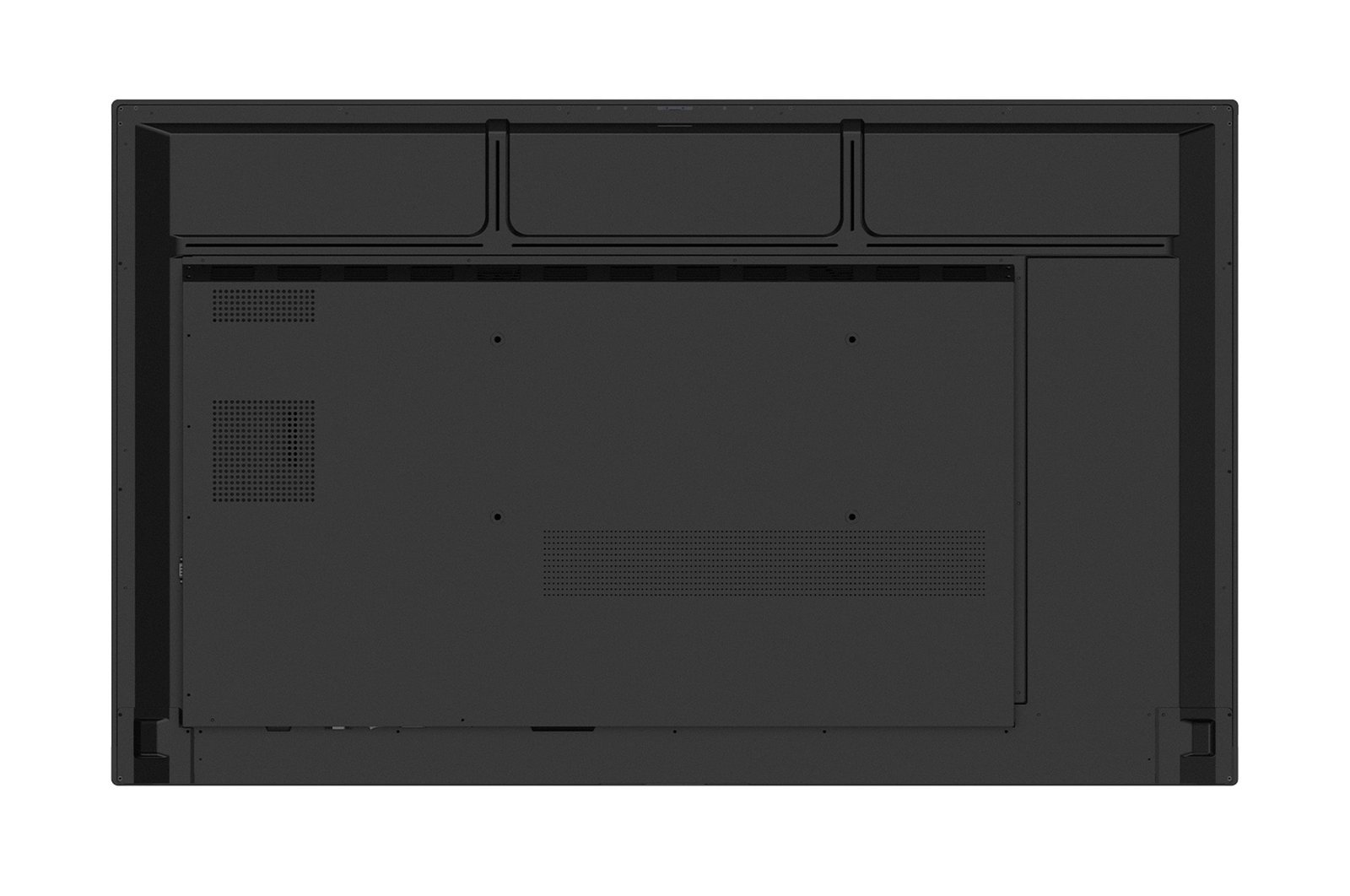
The LG 98TR3DK CreateBoard is a 98″ 4K UHD interactive whiteboard designed for the largest education and corporate collaboration environments, including lecture theatres, large training facilities, boardrooms, and multi-room institutional deployments. The 98″ IPS panel with 390nit brightness and 178 degree viewing angles provides a precise touch writing surface across the largest standard interactive whiteboard format in the LG range.
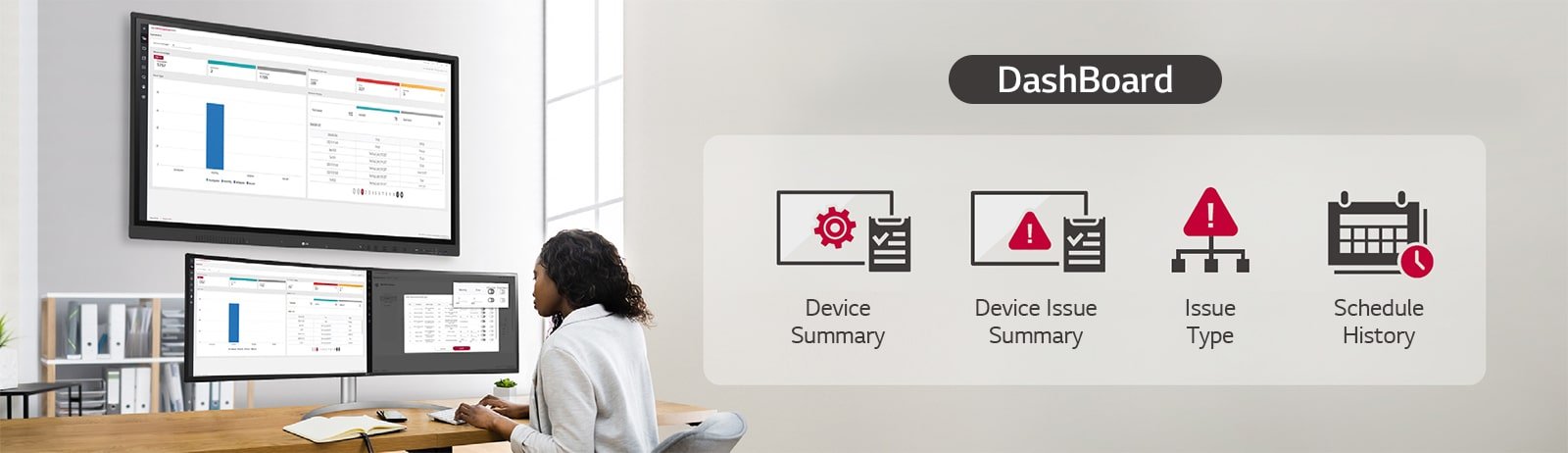
The 98TR3DK includes LG ConnectedCare DMS (Device Management System) for remote fleet management, enabling IT administrators to control power scheduling, brightness, screen lock, and content distribution across multiple deployed units from a central interface without physical access to each display. Broadcasting and alert messaging functionality allows content and notifications to be transmitted from a main system to individual classroom or boardroom displays simultaneously.
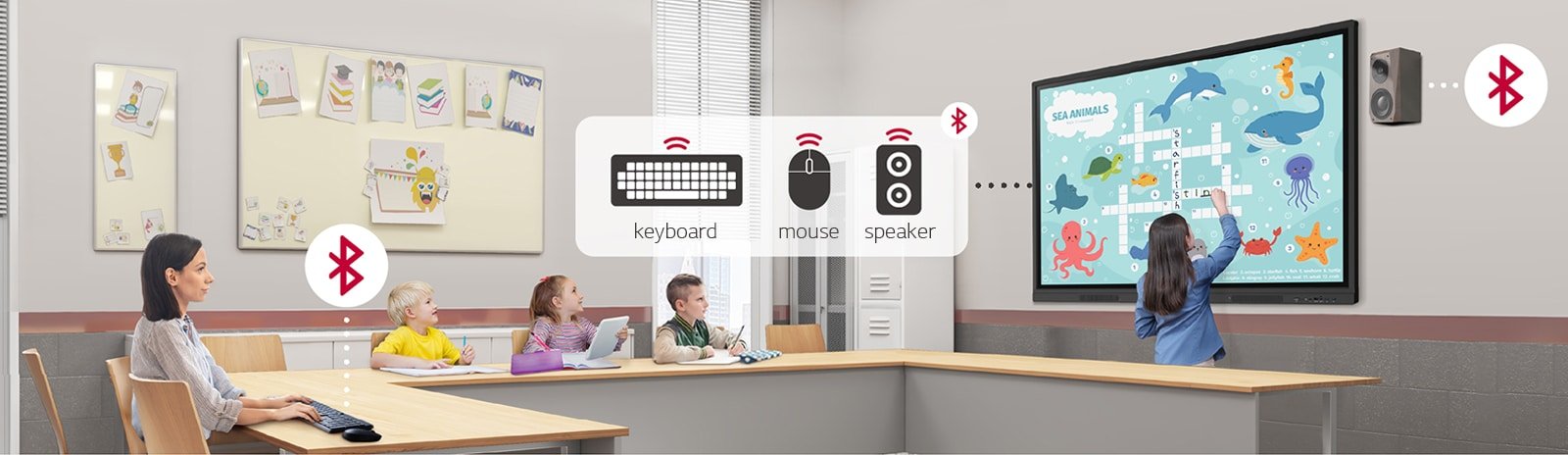
Security features include Screen Lock with password protection, Secure Mode to prevent unauthorised content display, USB Lock Mode to prevent unauthorised data copying, and Auto-remove Files for scheduled content deletion. Wireless screen sharing and Bluetooth connectivity complete the feature set for institutional deployments requiring comprehensive management and security controls.
40-point multi-touch at 98″ scale

The 98TR3DK supports up to 40 simultaneous touch points across the 98″ IPS surface, enabling multi-user collaborative interaction at the largest standard interactive whiteboard scale. Suited to lecture theatres, large training facilities, and institutional boardrooms.
- 98″ for the largest collaboration environments — the largest standard interactive whiteboard format in the LG range, suited to lecture theatres, large training facilities, and institutional boardrooms.
- ConnectedCare DMS remote management — IT administrators can control power scheduling, brightness, screen lock, and content distribution across deployed units without physical access to each display.
- Broadcasting and alert messaging — transmits content and notifications from a main system to individual displays simultaneously across multi-room institutional deployments.
- 40-point multi-touch at 98″ — simultaneous multi-user touch across the largest available interactive whiteboard surface.
- Screen Lock with password protection — teachers and facilitators can lock and unlock the display to control access during sessions.
- Secure Mode and USB Lock — prevents unauthorised content display via screen sharing and unauthorised data copying to external devices.
- Wireless screen sharing — participants can share content from their own devices wirelessly without cable connections.
- Advanced eye care technology — flicker-free display and blue light reduction for extended session comfort in large-room environments.
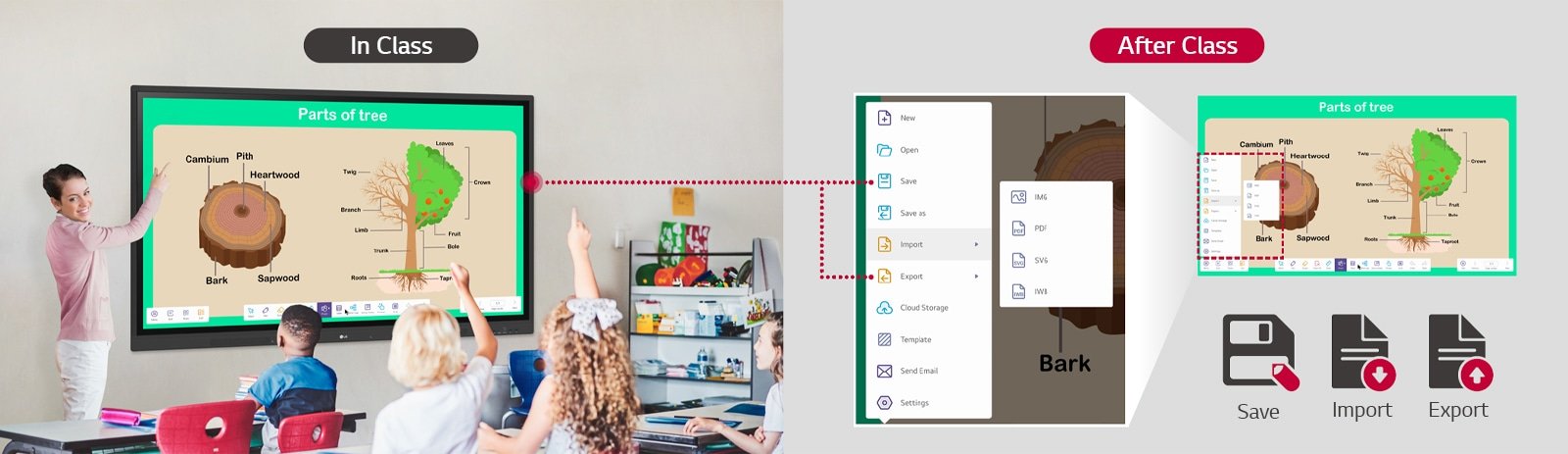
Save, import, and export session content
LG CreateBoard file management tools allow session content to be saved, imported from sources including Google Drive, and exported for distribution to participants after the session.
ConnectedCare DMS for remote fleet management
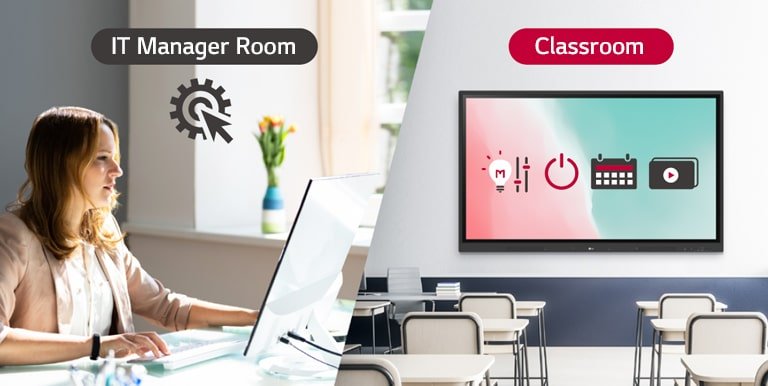
LG ConnectedCare DMS allows IT administrators to remotely control power scheduling, brightness, screen lock, and other functions across multiple deployed 98″ units from a central interface without physical IT attendance at each display.
Broadcasting and alert messaging across rooms
ConnectedCare DMS broadcasting transmits content and alert notifications from a main system to individual classroom or boardroom displays simultaneously. Suited to institutional deployments requiring coordinated messaging across multiple rooms.
Real-time monitoring and fault diagnosis
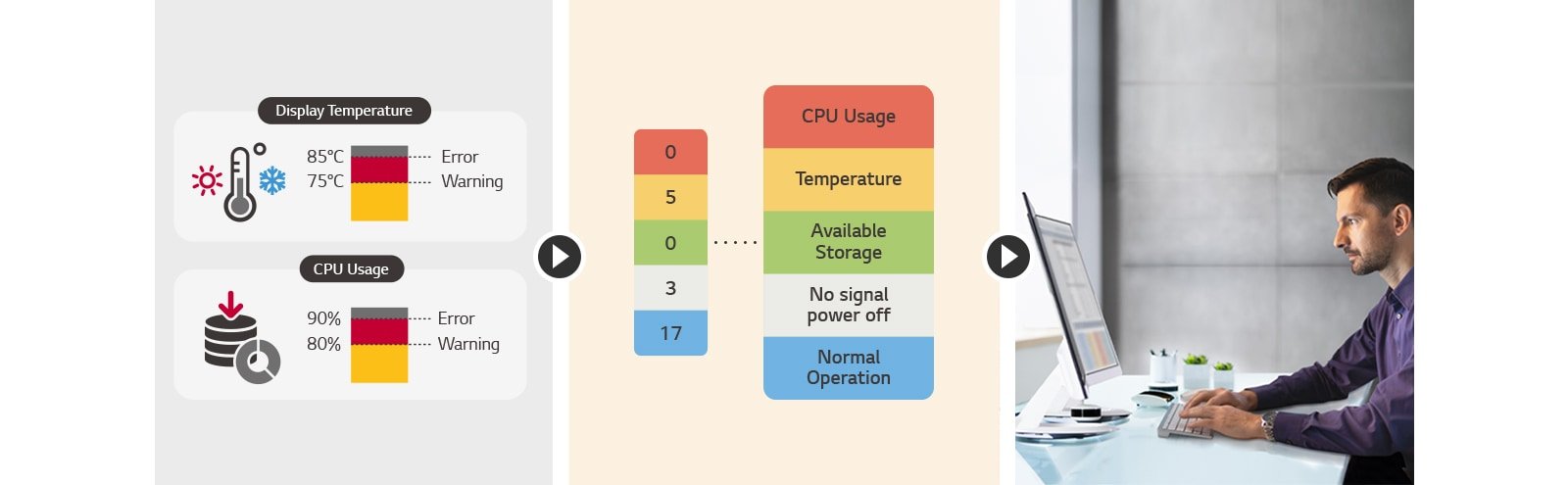
IT managers can perform real-time status checks and remote problem diagnosis across deployed 98″ units via ConnectedCare DMS, reducing response time and on-site attendance requirements.
Remote issue management across deployments
ConnectedCare DMS enables remote issue management across multi-room 98″ deployments, allowing IT administrators to identify, categorise, and resolve display issues without dispatching on-site staff.
Screen Lock for controlled access
Teachers and facilitators can lock the 98″ display using Screen Lock with password protection, preventing unauthorised use during unattended periods.
Secure Mode prevents unauthorised sharing
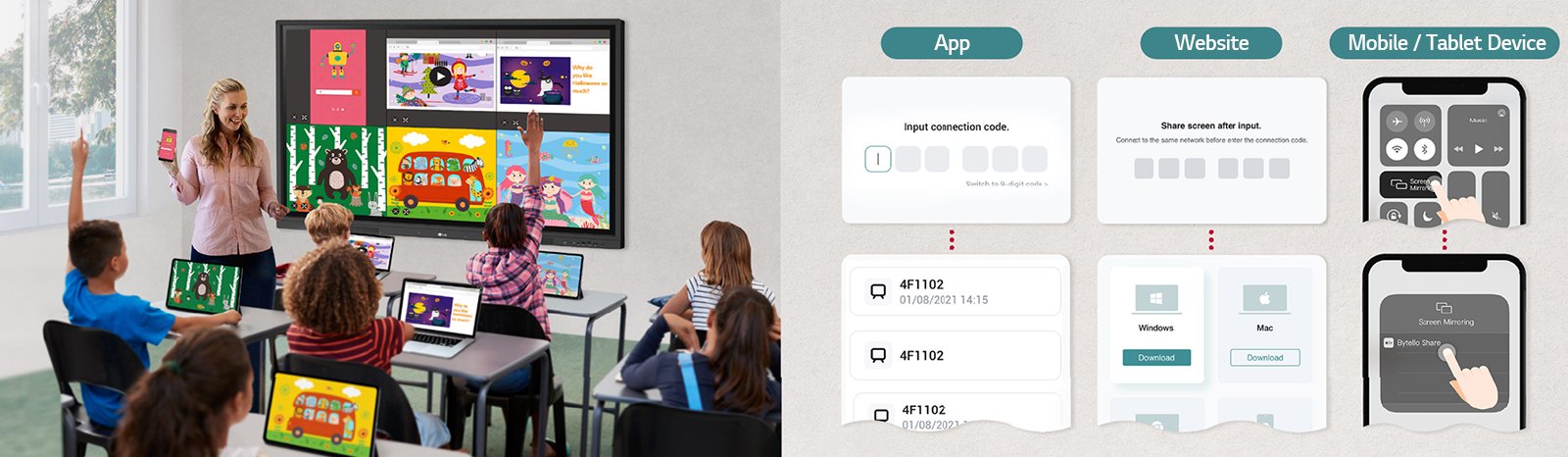
Secure Mode disables LG CreateBoard Share to prevent unauthorised content from being displayed on the 98″ screen via wireless screen sharing.
USB Lock Mode for data security
USB Lock Mode prevents unauthorised copying of data to external USB devices from the 98″ display, relevant for institutional environments with data security and compliance requirements.
Auto-remove Files for scheduled content deletion
Auto-remove Files allows users to schedule regular deletion of files stored on the display, maintaining data hygiene and security across shared institutional deployments.
| Specification | Value | What it means for you |
|---|---|---|
| Screen size | 98″ | Largest standard interactive whiteboard format providing writing area and viewing coverage for the largest lecture theatres, training facilities, and institutional boardrooms. |
| Panel technology | IPS | IPS panel delivers 178 degree viewing angles so participants across the widest range of seating positions see consistent image accuracy. |
| Resolution | 3,840 x 2,160 (4K UHD) | 4K at 98″ keeps handwriting and content sharp at the longest viewing distances of large-room installations. |
| Brightness | 390nit (typ., without glass) | Higher brightness than smaller CreateBoard models for improved visibility in larger rooms with higher ambient lighting. |
| Touch points | 40-point multi-touch | Supports simultaneous multi-user touch for collaborative group interaction across the largest available whiteboard surface. |
| Remote management | ConnectedCare DMS | Centralised remote control of power, brightness, scheduling, and screen lock across multi-room deployments without physical IT access to each display. |
| Security | Screen Lock, Secure Mode, USB Lock, Auto-remove Files | Multi-layer security controls for institutional environments where display access, content integrity, and data security are compliance requirements. |
| Screen sharing | Wireless (LG CreateBoard Share) | Wireless content sharing from participant devices eliminates cable switching in group sessions. |
| Connectivity | Bluetooth, wireless screen share, HDMI, USB | Comprehensive connectivity for device-agnostic use in large-room institutional BYOD environments. |
LG Australia Warranty
This product is covered by LG Australia’s standard commercial warranty. LG Business displays carry a 3-year on-site warranty for Australian business customers, covering defects in materials and workmanship under normal operating conditions.
Kickstart Computers is an authorised LG Business reseller in Australia. If you experience any issues, contact us and we will manage your warranty claim with LG directly.
Interactive whiteboard specifications vary by room size, touch technology, and software ecosystem requirements. LG interactive whiteboards at Kickstart Computers covers the full range for Australian business. For LG’s complete business display lineup, visit the LG digital signage range at Kickstart Computers.