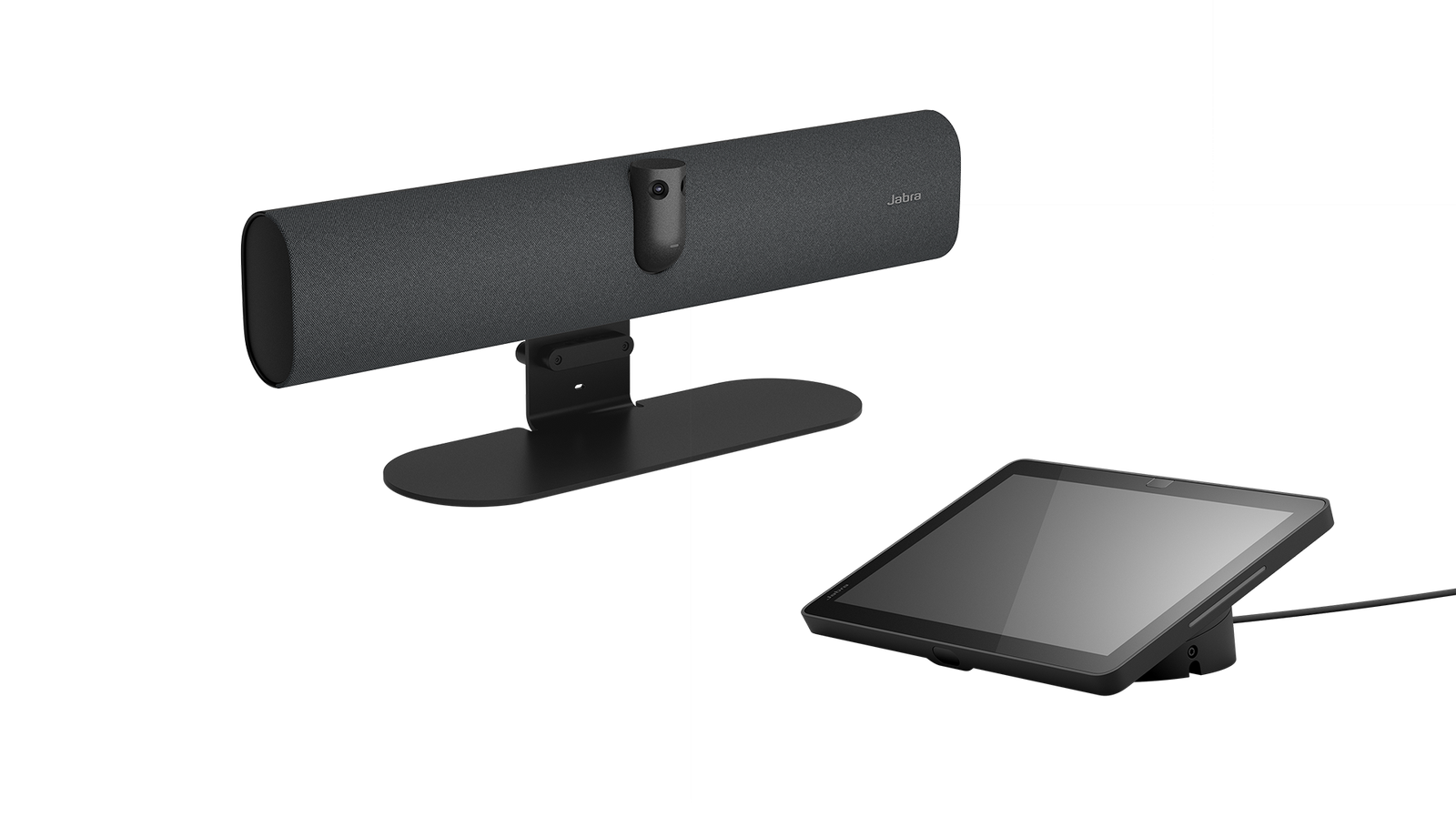

The Jabra PanaCast 40 VBS is an Android 13 all-in-one video bar designed for small meeting rooms and huddle spaces where a self-contained room system is preferred over BYOD. Running natively on Android, it hosts Microsoft Teams or Zoom Rooms without requiring a connected laptop — participants join meetings directly from the room controller.
The 4K AI camera delivers wide-angle coverage for rooms up to six people, with AI-powered features including Dynamic Composition, Virtual Director, Intelligent Zoom, and Intelligent Meeting Space providing automatic framing and speaker tracking. Built-in beamforming microphones and speakers handle audio without additional peripherals.
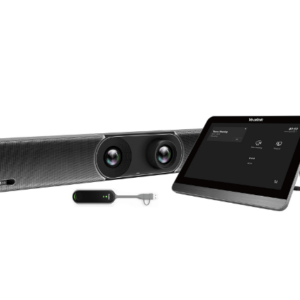
Built on the Microsoft Device Ecosystem Platform (MDEP) for enterprise security, the PanaCast 40 VBS includes the Jabra Control IP touchscreen controller and wall mount for a complete room installation. From box to first meeting in under 12 minutes based on Jabra’s internal testing — relevant for IT teams deploying across multiple sites.
- Android 13 native room system — runs Microsoft Teams or Zoom Rooms natively without a connected laptop; participants join meetings directly from the Jabra Control IP touchscreen.
- 4K AI camera with intelligent framing — Dynamic Composition, Virtual Director, and Intelligent Zoom keep participants in frame and highlight active speakers automatically.
- Microsoft Device Ecosystem Platform (MDEP) — enterprise-grade security framework ensures the device meets corporate security requirements and receives ongoing security updates.
- Jabra Control IP included — dedicated touchscreen controller provides one-touch meeting join, content sharing, and room control without a separate PC or tablet.
- Under 12-minute installation — wall mount, cable management, and simple Android setup mean rooms can be deployed quickly at scale.
- Certified for Teams and Zoom Rooms — tested and optimised for both platforms, confirmed compatible with Microsoft Teams Rooms and Zoom Rooms deployment models.
One-touch meeting join via Control IP
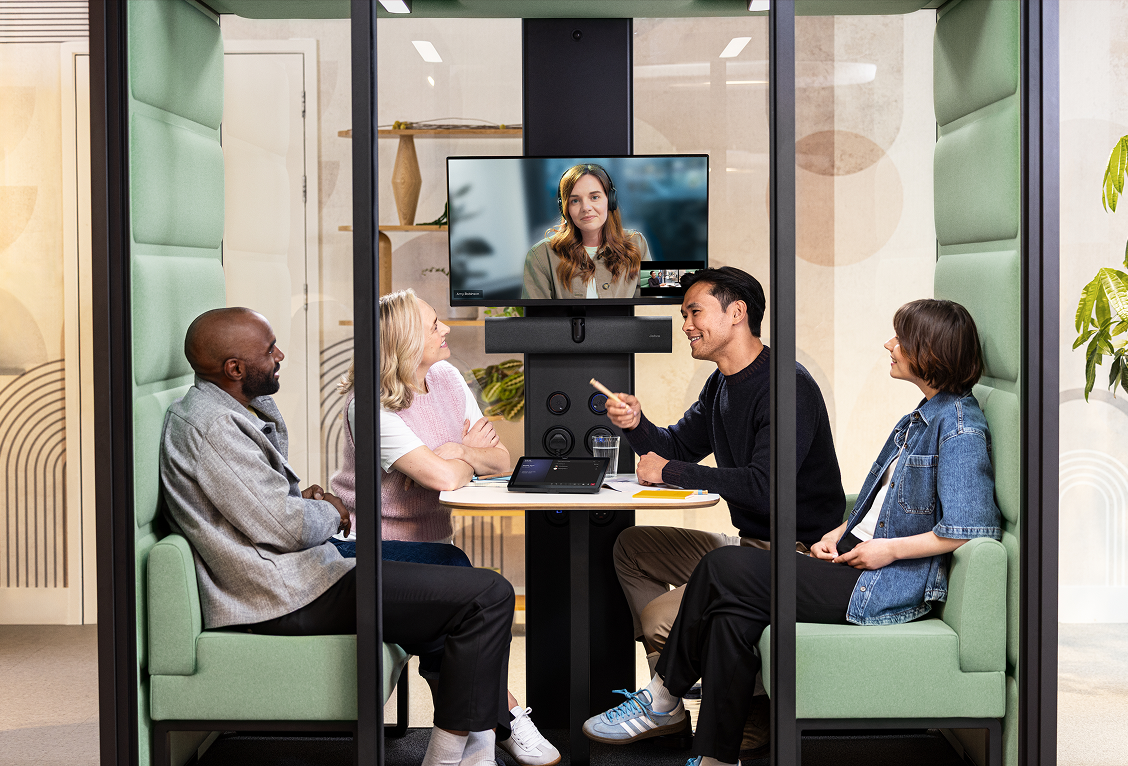
The included Jabra Control IP touchscreen controller provides one-touch access to Teams and Zoom meetings, content sharing controls, and room status — without requiring a separate tablet or PC-based controller.
Box to meeting in under 12 minutes
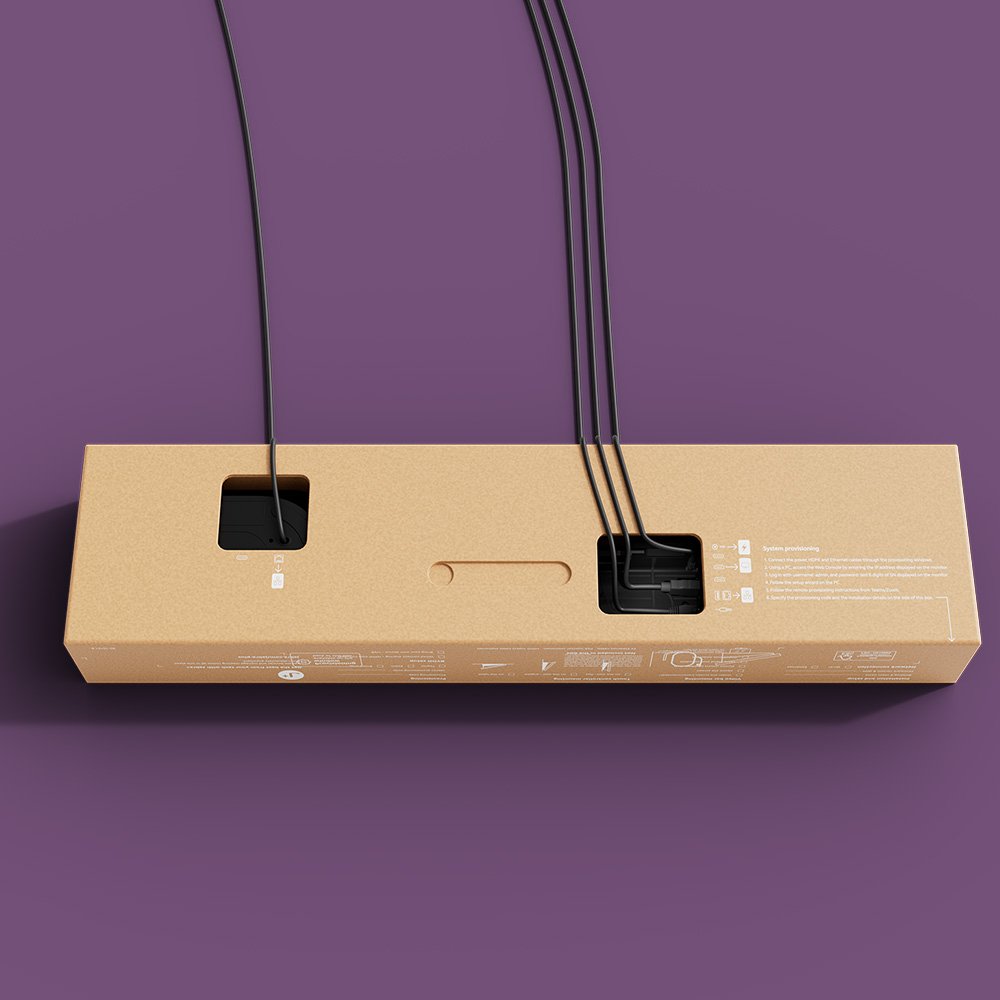
Jabra’s internal testing confirms the PanaCast 40 VBS can be wall-mounted, cabled, and ready for its first meeting in under 12 minutes — a significant factor for IT teams managing large-scale rollouts across multiple sites.
Managed remotely via Jabra+

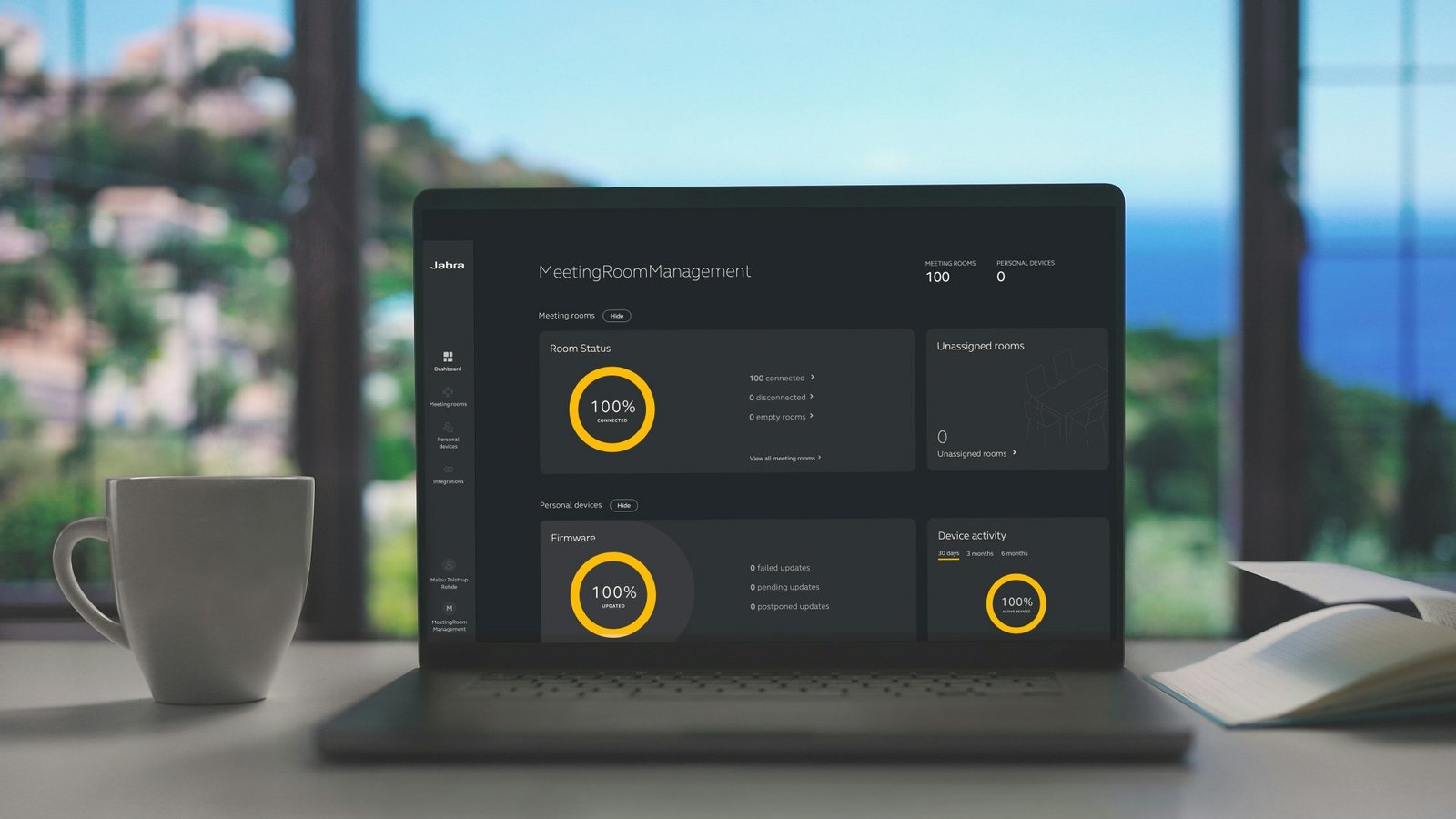
All PanaCast 40 VBS units across an organisation can be monitored, updated, and configured through the Jabra+ management platform — enabling remote fleet management without requiring physical access to each room.
Jabra Warranty+ available

Extended warranty coverage up to 5 years is available through Jabra’s Warranty+ programme, protecting the investment for longer and providing predictable support costs for multi-site deployments.
| Specification | Value | What it means for you |
|---|---|---|
| Operating system | Android 13 | Android-based systems run Teams or Zoom natively without requiring a separate PC. |
| Onboard AI | Yes | AI processing happens on the device — no cloud dependency for video features like auto-framing. |
| Cable management | Yes | Built-in cable routing keeps installations tidy and reduces visible cabling. |
| Kensington lock compatible | Yes | Standard security slot for physical cable lock — relevant for shared or semi-public meeting spaces. |
| Operating voltage | 100-240V | |
| LED features and functions | Firmware update status, Mute/unmute, Power indicator, Streaming | |
| Certifications and compliance | Microsoft Teams Rooms, Zoom Rooms, ADA | |
| Room size | Up to 4.5m x 4.5m | |
| Video input | 1 x HDMI | |
| Supported display resolution | Supports up to 4K, Touch Display Compatible | |
| Content sharing | Apple Airplay (only supported by Zoom), HDMI input, Microsoft TeamsCast (only supported by Teams) | |
| Number of cameras | 2 | More cameras means wider or more intelligent coverage — relevant for large or unusually shaped meeting rooms. |
| Type of camera | Dual camera panoramic | Multi-camera panoramic arrays provide seamless wide-angle coverage without distortion. |
| Camera resolution | Up to 3840 x 1080 px | Higher resolution captures more detail — important for large displays and rooms where participants are further from the camera. |
| Zoom | Up to 4x digital zoom | Digital zoom allows the camera to crop in on participants without physically moving — useful for highlighting active speakers. |
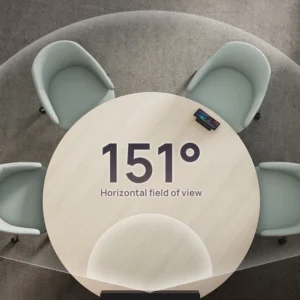
| Field of view | Horizontal: 180°, Vertical: 50° | Wider field of view captures more of the room in a single shot — 180° means the entire table width is visible. |
| Intelligent Meeting Space | Yes | Sets a virtual boundary so only participants within the designated meeting area are captured. |
| Multi-stream Dynamic Composition | Yes | |
| Dynamic Composition | Yes | Simultaneously shows the full room view and close-ups of active speakers in a single stream. |
| Virtual director | Yes | AI tracks who is speaking and adjusts the camera view in real time — reduces the need for manual camera operation. |
| Support secondary external USB camera | Yes | |
| Speaker frequency range | 80Hz – 20000Hz | The audio frequency range the speakers can reproduce — wider range means richer, more natural sound. |
| Number of speakers | 1 | More speaker drivers provide better stereo separation and room coverage. |
| Automatic Speaker Detection | Yes | The system automatically identifies and frames the active speaker without manual intervention. |
| Full Duplex | Yes | Both sides can speak simultaneously without audio cutting out. |
| Noise Reduction Echo Cancellation | Yes | |
| Number of microphones | 6 | |
| Microphone sensitivity | -37dBFS | How responsive the microphones are to sound — higher sensitivity picks up quieter voices more reliably. |
| Microphone frequency range | 100Hz – 16000Hz | Frequency range captured by the microphones — wider range gives more natural voice reproduction. |
| Aux-Out for assistive listening devices | 3.5mm jack | |
| Media encryption | Provided by VaaS Partner | |
| Access management | Jabra+; Jabra WebConsole; Local account; VaaS Admin Portals including MS Teams Admin Center and Zoom Device Management | |
| Security management | Remote log in via Jabra+, Jabra WebConsole and VaaS Admin Portal | |
| Authenticated access to Admin settings, Jabra WebConsole, Jabra+ | Yes | |
| Account password strength check and enforcement | Yes | |
| Device locked down for security | Yes | |
| Lockdown with secureboot, OS verified boot, Vendor lock | Yes | |
| Log retrieval via Jabra Web Console | Yes | |
| Microsoft and Zoom based VaaS account authentication | Yes | |
| Interfaces | USB-A, USB-C, Ethernet (RJ45), HDMI,Wi-Fi, 3.5mm jack port | |
| Bluetooth version | 5.2 | |
| Supported USB versions | USB 2.0, USB 3.0 | |
| Recommended USB cable length | Up to 3m | |
| Internet Protocol | (IP) IPv4, IPv6 | |
| Ethernet | 10/100/1000 Mbps | |
| Auto-MDIX | Yes | |
| Support DHCP | Yes | |
| Support Static IP Address | Yes | |
| Simple Certificate Enrollment Protocol | Yes | |
| System requirements | Compatible with Android 13 | |
| Compatible software and apps | Jabra+; Jabra WebConsole for remote device management via HTTPS; Support for native 3rd party applications, including Microsoft Teams Room for Android and Zoom Rooms; Cloud service providers including Microsoft Teams Admin Center and Zoom Device Management | |
| Appliance mode | Yes | |
| BYOD mode | Yes | |
| Digital pan/tilt/zoom | Yes | |
| Manual Pan-Tilt-Zoom (PTZ) | Yes | |
| One touch meeting join | Yes | |
| Camera privacy cover | Yes | |
| Weight | 670.72g | |
| Display size | 10.1″ | |
| Display orientation | Landscape | |
| Display resolution | 1920 x 1200 | |
| PoE | Yes | |
| Power over ethernet (PoE) | IEEE 802.3af | |
| Position angle | 0° / 25° | |
| Proximity sensor | 2 sensors | |
| Kensington lock compatible | Yes | Standard security slot for physical cable lock — relevant for shared or semi-public meeting spaces. |
Jabra Warranty
Jabra PanaCast video bars carry a 2-year warranty covering defects in materials and workmanship under normal operating conditions.
Kickstart Computers is an authorised Jabra reseller in Australia. Contact us on 0416 353 501 for warranty assistance.
The Jabra PanaCast 40 VBS – Android Video Bar for Small Meeting Rooms is a professional Android all-in-one video bar for small meeting rooms suited to Australian business meeting environments. Browse the full range of Jabra video conferencing solutions or explore all available video conferencing equipment through Kickstart Computers.