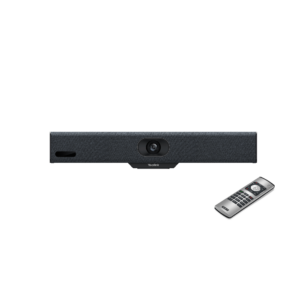

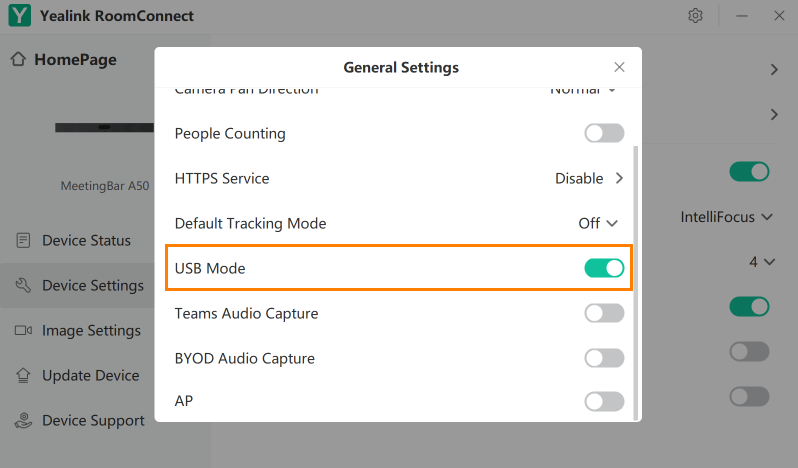

The MVC S50 answers a specific question that comes up regularly in Teams Rooms deployments: you want the MeetingBar A50’s camera and audio performance, but you need Windows compute rather than Android. Whether that’s because your organisation requires Windows-based Teams Rooms for Copilot integration, IT policy, or management platform reasons — the MVC S50 delivers exactly that combination.
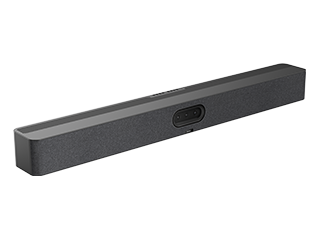
The MeetingBar A50 handles all camera and audio work. Its triple-camera system uses three 50MP sensors — one wide-angle at 98° HFOV and two telephoto at 41.6° HFOV — with an electronic gimbal that moves between focal lengths without mechanical PTZ delay. The built-in electric privacy shutter blocks the camera physically when the room is unoccupied. AI features running on the A50 include IntelliFocus, Multi-Stream IntelliFrame with Copilot support, video fence, and auto framing — with nine preset positions available for rooms where consistent framing matters. Audio is handled by a 16-mic MEMS array with 10-metre pickup, 32-bit sampling, AI-enhanced noise suppression, full duplex AEC, and four 5W speakers with a 97 dBSPL maximum output.
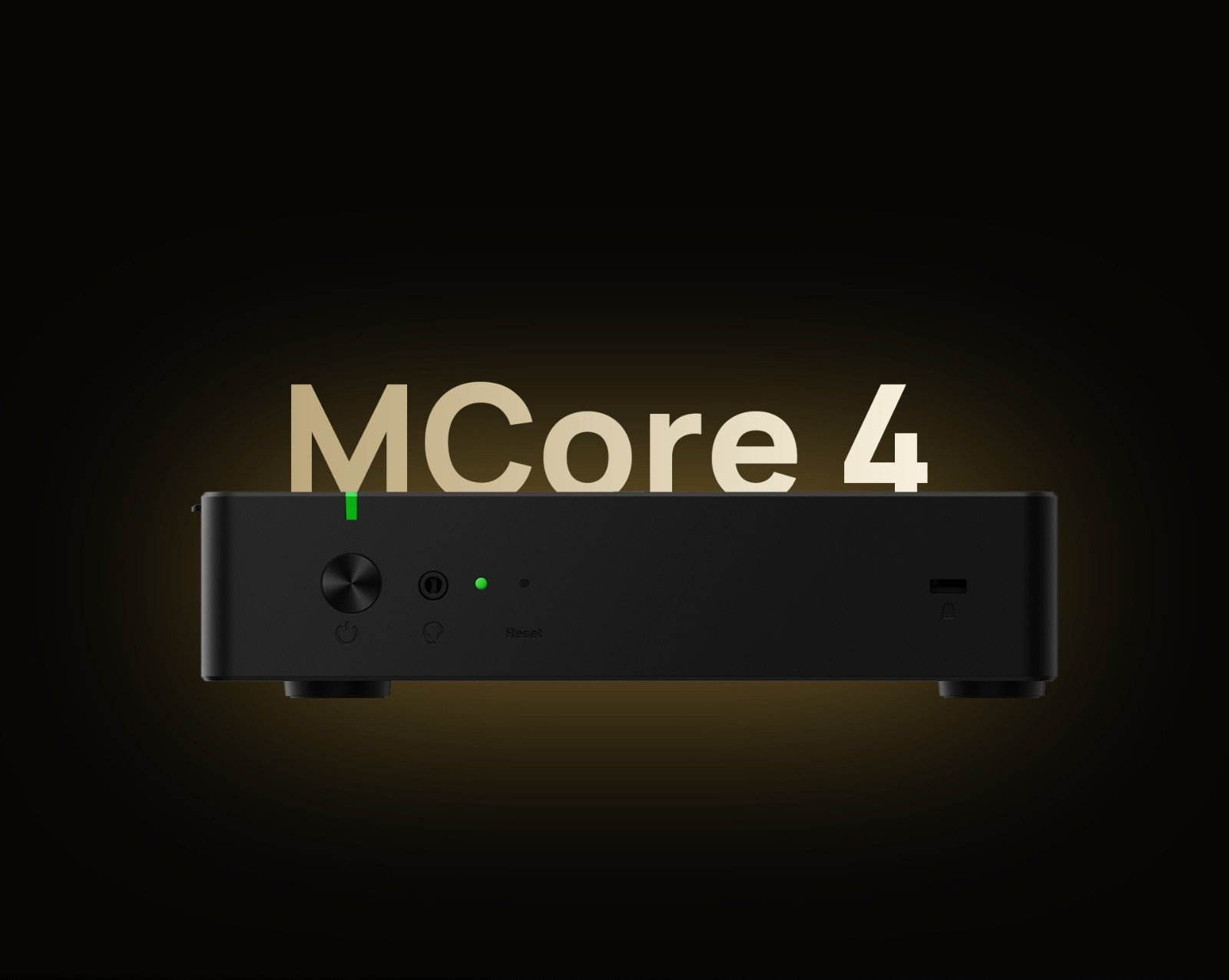
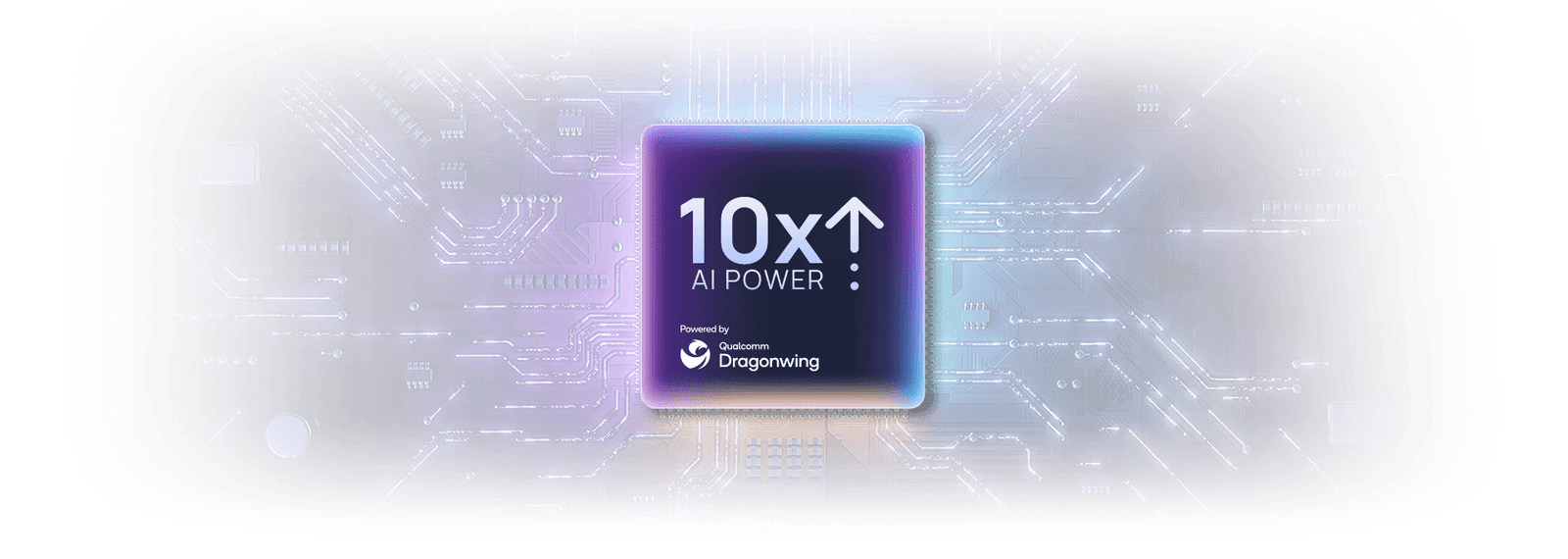
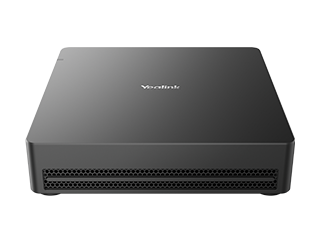
The MCore 4 provides Windows 11 IoT Enterprise compute with the Intel Ultra5 125H processor and dedicated NPU delivering up to 34 TOPS of AI processing. This is the key difference from a standalone MeetingBar A50 deployment — the MCore 4 runs Teams Rooms on Windows rather than Android, which unlocks the full Windows Teams Rooms feature set including native Copilot in Teams Rooms, broader device management options via Microsoft Endpoint Manager, and deeper integration with Windows-based IT infrastructure. Three HDMI outputs (one 2.1, two 2.0) support dual displays plus an additional output, and a 4K HDMI-In handles auxiliary presentation input at full resolution.
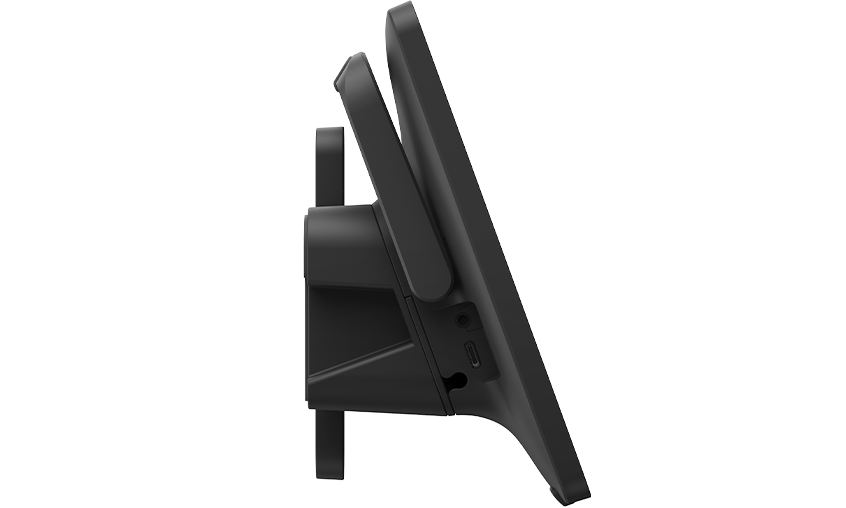
Room control is handled by the MTouch Plus 11.6″ IPS panel, connecting to MCore 4 via a single CAT5e cable for both data and power. Calendar meetings display for one-touch join, camera presets are selectable from the panel, and content sharing is managed without touching the display or compute unit. The RoomSensor pairs via Bluetooth and auto-wakes the system on room entry, with live temperature, humidity, and occupancy data surfacing on the MTouch Plus.
Content sharing covers wired HDMI and USB-C inputs on the MTouch Plus, wireless sharing via the optional WPP30 adapter at 1080p/30fps, and 4K auxiliary input via HDMI-In on the MCore 4. All devices support Yealink Device Management Platform for centralised remote configuration, firmware updates, diagnostics, and monitoring.
The MVC S50 suits small to medium meeting rooms in organisations where Windows-based Teams Rooms is the standard — particularly those rolling out Copilot in Teams Rooms across their room estate, or where IT teams manage devices through Microsoft Endpoint Manager rather than a separate Android device management platform.
Browse our full Yealink product range to compare models across room sizes, or explore our complete video conferencing equipment guide below.
MeetingBar A50 Camera and Audio — Windows Compute From MCore 4
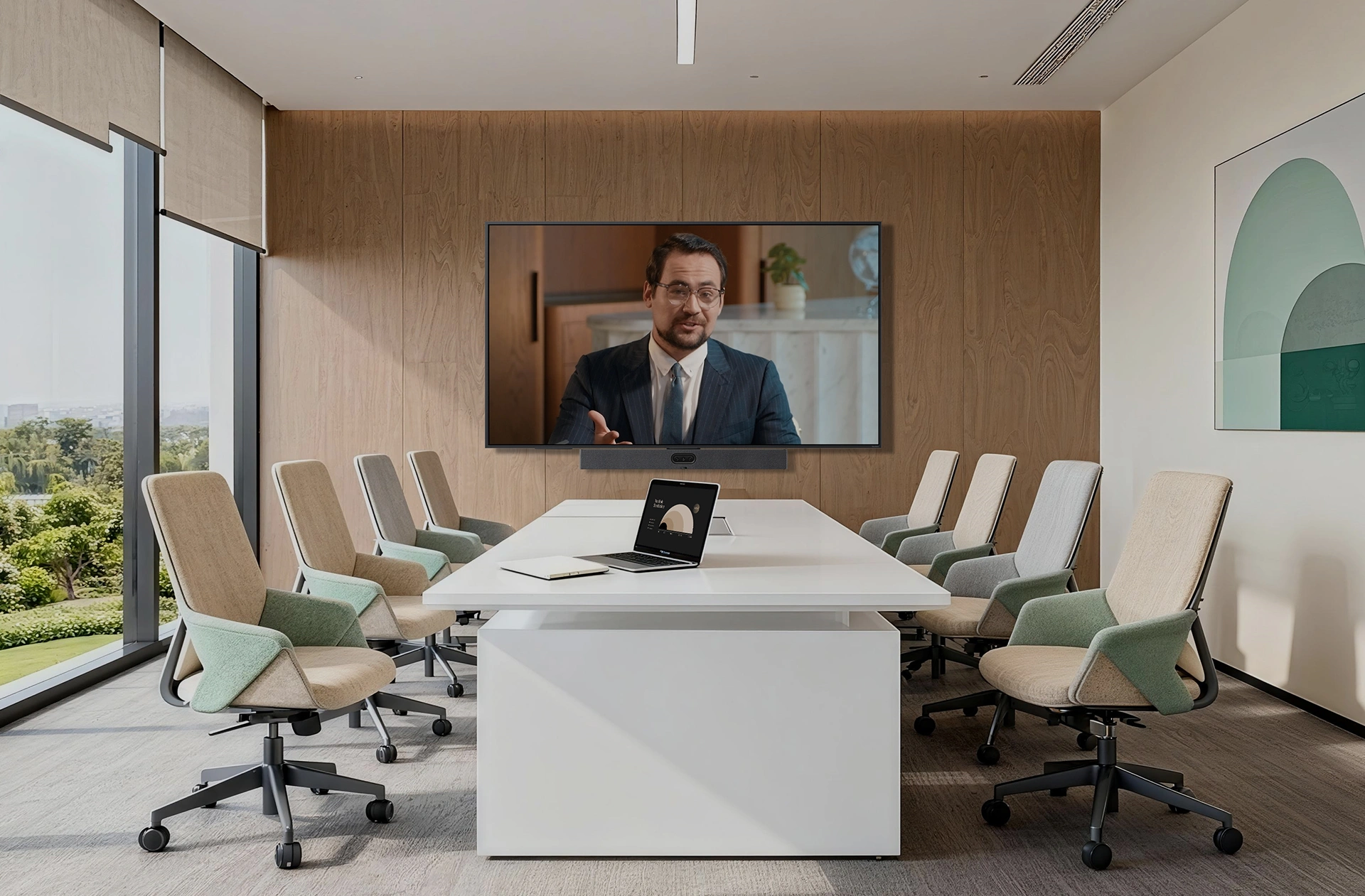
The MVC S50 pairs the MeetingBar A50’s triple 50MP camera and 16-mic audio system with the MCore 4 Windows compute module — giving you the A50’s proven camera and audio performance running Teams Rooms on Windows rather than Android. For organisations standardised on Windows-based Teams Rooms, this is the direct path to deploying A50-quality AV in small to medium rooms without compromising on platform.
Key Features
- MeetingBar A50 — triple 50MP camera system — 98° wide-angle and dual 41.6° telephoto lenses with electronic gimbal, 9 preset positions, and electric physical privacy shutter
- Windows 11 IoT Enterprise compute via MCore 4 — Teams Rooms on Windows for Copilot support, Microsoft Endpoint Manager compatibility, and full Windows Teams Rooms feature parity
- Multi-Stream IntelliFrame with Copilot — AI-framed individual participant shots with Microsoft Copilot integration for meeting summaries, transcription, and intelligent features
- 16-mic MEMS array, 10-metre pickup — 32-bit sampling, AI-enhanced noise suppression, full duplex AEC, AGC — supports up to 3 expansion microphones
- 4 × 5W speakers, 97 dBSPL max output — 80Hz–20kHz frequency response, 0–180° sound emission angle for even room coverage
- Intel Ultra5 125H with NPU (up to 34 TOPS) — dedicated AI chip handles tracking and framing without impacting Teams Rooms CPU performance
- MTouch Plus 11.6″ touch panel — single CAT5e for data and power, one-touch meeting join, camera preset selection, live RoomSensor environmental display
- 4K HDMI-In on MCore 4 — lossless 4K auxiliary content input for presentations
- RoomSensor — 120° BLE occupancy detection, auto-wakes system on room entry, temperature and humidity display on MTouch Plus
- Wi-Fi 6 (802.11ax) and Bluetooth 5.2 on MCore 4
- Full remote management via YDMP — configuration, firmware, diagnostics, and monitoring across all devices
- 2-year warranty — Australian stock, freight delivery
Intel Ultra5 125H With NPU — Windows Teams Rooms With Full Copilot Support

The MCore 4 runs Windows 11 IoT Enterprise with Teams Rooms preloaded. The Intel Ultra5 125H processor includes a dedicated NPU delivering up to 34 TOPS of AI compute — all camera tracking and framing runs on the NPU, leaving Teams Rooms running cleanly on the CPU. Windows compute unlocks Copilot in Teams Rooms for meeting summaries, transcription, and intelligent features, and allows IT teams to manage the device through Microsoft Endpoint Manager alongside the rest of the Windows estate.
Triple 50MP Camera System With Electric Privacy Shutter

The MeetingBar A50 combines three 50MP sensors — one 98° wide-angle and two 41.6° telephoto — with an electronic gimbal that shifts between focal lengths without mechanical delay. The wide lens covers the full room for group shots and IntelliFrame framing; the telephoto lenses deliver sharp individual close-ups when speaker tracking activates. An electric physical privacy shutter closes automatically when the room is unoccupied — providing verifiable camera blocking rather than a software-only mute.
Multi-Stream IntelliFrame With Copilot — AI That Works for Remote Participants
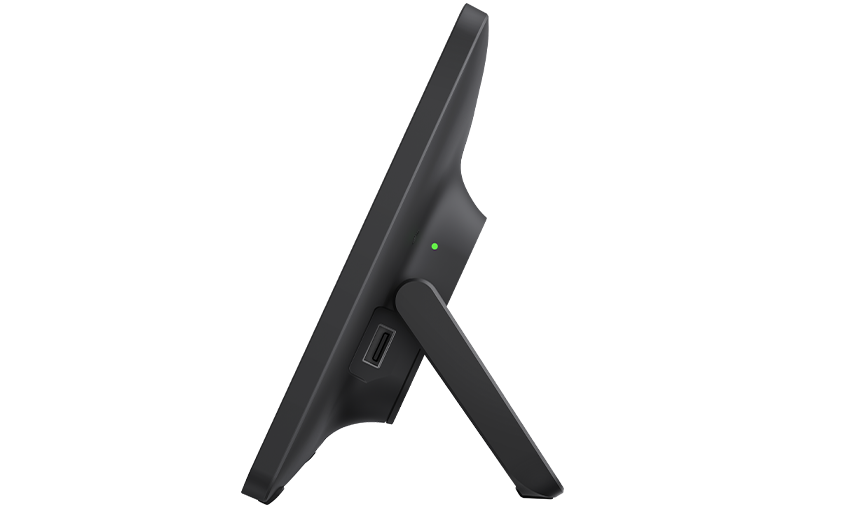
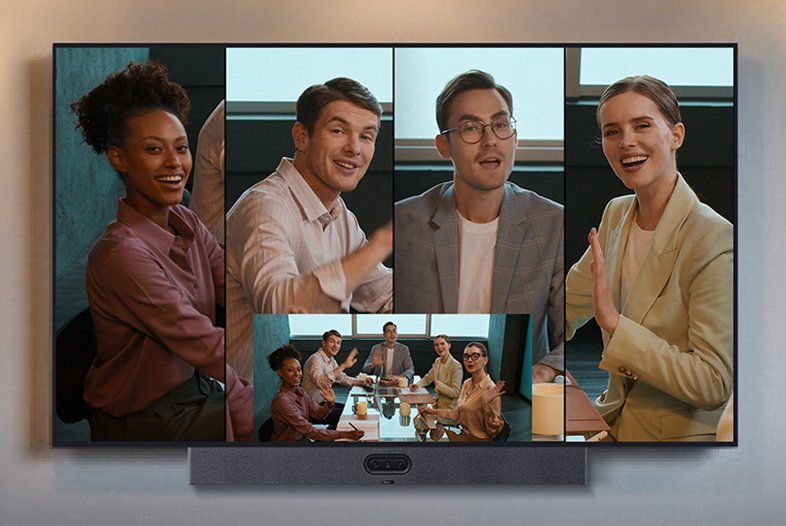
Multi-Stream IntelliFrame delivers individually framed participant shots to remote attendees — instead of a static wide angle, remote participants see clearly framed individuals switching with the conversation. With Copilot integration on Windows Teams Rooms, meeting summaries, action items, and transcription run natively within the Teams Rooms interface. IntelliFocus, video fence, auto framing, and nine preset positions round out the AI feature set — all running on-device without cloud processing dependency.
16-Mic Array, 10-Metre Pickup, AI Noise Suppression
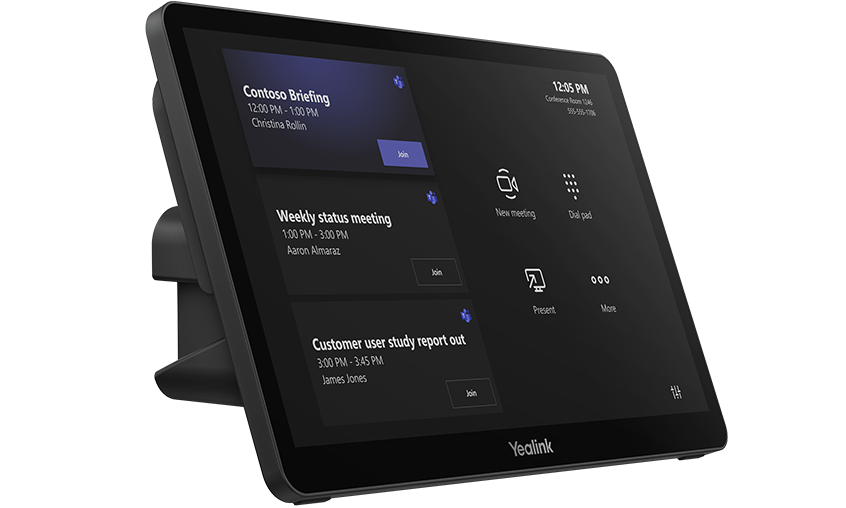
The A50’s 16-mic MEMS array picks up speech across a 10-metre range with 32-bit sampling and AI-enhanced noise suppression that removes HVAC noise, keyboard sounds, and room echo without affecting voice clarity. Full duplex AEC means participants can speak simultaneously without audio cancellation artefacts. Four 5W speakers with a 0–180° sound emission angle distribute audio evenly across the room — no hot spots at one end, no drop-off at the other. Up to three expansion microphones can be added for larger or L-shaped rooms.
MTouch Plus — One-Touch Join and Full Room Control
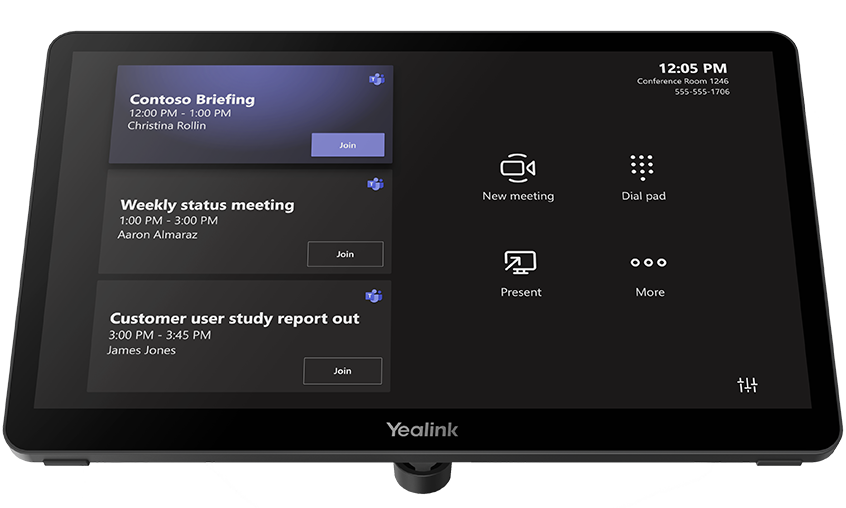
The MTouch Plus 11.6″ IPS panel connects to MCore 4 via a single CAT5e cable carrying both data and power. Upcoming calendar meetings display on the home screen for one-touch join, camera presets are selectable without touching the bar, and content sharing is managed from the panel. Live RoomSensor data — occupancy status, temperature, and humidity — surfaces directly on the MTouch Plus interface. The panel supports desktop placement, desktop-fixed mounting, or wall mounting depending on room configuration.
Wired and Wireless Content Sharing — 4K Input on MCore 4
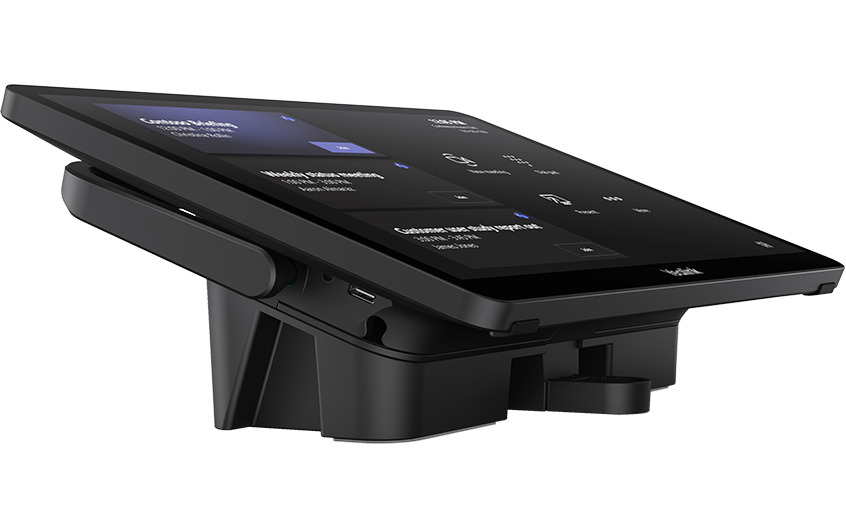
Content sharing works across wired and wireless modes. The MTouch Plus accepts HDMI and USB-C inputs from any laptop for wired sharing without additional hardware. Wireless sharing via the optional WPP30 adapter supports 1080p/30fps one-click casting. The MCore 4’s HDMI-In accepts 4K auxiliary presentation streams at full resolution — useful when the presenting device outputs high-resolution content that standard inputs would downscale. All sharing modes are accessible from the MTouch Plus without interrupting the meeting.
Remote Management via YDMP — Full Visibility Across Every Device

All MVC S50 components — MCore 4, MeetingBar A50, MTouch Plus, and RoomSensor — support Yealink Device Management Platform for centralised remote configuration, firmware updates, diagnostics, and monitoring. IT teams managing multiple rooms or sites can push updates and check device health without on-site visits. Combined with Microsoft Endpoint Manager support via Windows compute, the MVC S50 fits cleanly into enterprise device management workflows alongside the rest of the Windows estate.
Things to Consider Before Buying
| Feature | Specification | Why It Matters |
|---|---|---|
| Room Size | Small to medium — 4 to 12 participants | The A50’s 98° wide-angle covers small huddle rooms; the telephoto lenses and 10m mic pickup handle medium boardrooms comfortably |
| Key Difference vs Standalone A50 | Windows compute (MCore 4) instead of Android | Teams Rooms on Windows unlocks Copilot in Teams Rooms, Microsoft Endpoint Manager management, and full Windows Teams Rooms feature parity |
| Camera System | 3 × 50MP sensors — 1 × 98° HFOV wide, 2 × 41.6° HFOV telephoto | Triple 50MP sensors deliver Ultra HD clarity across wide and close-up shots simultaneously — no quality trade-off switching focal lengths |
| Privacy Shutter | Electric physical shutter — blocks camera when room unoccupied | Physical shutter provides verifiable privacy — relevant for organisations with compliance or data governance requirements |
| AI Features | IntelliFocus, Multi-Stream IntelliFrame with Copilot, video fence, auto framing, 9 presets | Copilot integration delivers meeting summaries and transcription; video fence prevents false tracking triggers from adjoining spaces |
| Microphone | 16 MEMS mic array, 10m pickup, 32-bit, AI noise suppression, AEC/AGC | 10m pickup covers medium rooms end-to-end; AI suppression removes HVAC and keyboard noise without affecting speech clarity |
| Speakers | 4 × 5W (max 10W each), 97 dBSPL, 80Hz–20kHz, 0–180° emission | Wide sound emission angle distributes audio evenly across the room — no hot spots or dead zones at the far end of the table |
| Mic Expansion | Supports up to 3 expansion microphones | Extend pickup for rooms longer than 10m or U-shaped layouts where the bar’s built-in array can’t cover all seating |
| Processor | Intel Ultra5 125H with NPU (up to 34 TOPS) | NPU handles AI tracking independently — Teams Rooms runs without competition from camera AI workloads on the same chip |
| Memory / Storage | 16GB DDR5 / 256GB SSD | Sufficient for Windows 11 IoT, Teams Rooms, and simultaneous AI processing without performance compromise |
| Display Outputs | 3 × HDMI out (1 × 2.1, 2 × 2.0) on MCore 4 + 2 × HDMI on A50 | Multiple output options give flexibility for single or dual display setups depending on room configuration |
| Content Input | 1 × HDMI-In (4K) on MCore 4 + HDMI/USB-C on MTouch Plus | 4K input preserves full presentation quality; MTouch Plus inputs handle wired laptop sharing without extra hardware |
| Touch Panel | MTouch Plus — 11.6″ IPS, 1920×1080, single CAT5e | One cable for data and power — no separate power adapter needed at the desk or wall mount |
| Occupancy Sensor | RoomSensor — 120° BLE, temp/humidity | Auto-wakes the system on room entry; live environmental data on MTouch Plus supports room management and booking accuracy |
| OS / Software | Windows 11 IoT Enterprise, Teams Rooms app, Yealink RoomConnect — preloaded | Ships ready to enrol — no OS licensing to purchase separately, Teams Rooms preinstalled and licensed |
| Warranty | 2-year limited hardware warranty | Covers all kit components — MCore 4, MeetingBar A50, MTouch Plus, and RoomSensor |
Warranty & Support
The Yealink MVC S50 is covered by a 2-year limited hardware warranty across all kit components — MCore 4, MeetingBar A50, MTouch Plus, and RoomSensor. Australian stock. Freight delivery to metro and regional locations.
Kickstart Computers provides pre-sales consultation, deployment guidance, and post-sales support for MVC S50 installations. Contact us for site assessment, installation referrals, or YDMP configuration assistance.