touch-display
Touch Screen Commercial Displays — Shop Australia
Commercial touch screen displays for Australian businesses — from small-format touch panels for self-service applications through to large-format touchscreen displays for retail, corporate, healthcare and public environments. Samsung touch displays available with Australia-wide delivery.
A touch screen commercial display — sometimes referred to as a commercial touch display or touch screen display — is a flat panel that accepts finger or stylus input directly on the screen surface — allowing users to interact with content, navigate menus, annotate documents or control applications without a keyboard, mouse or separate input device. In commercial deployments, touch capability transforms a passive display into an active interface, and the right touch technology specification determines how reliably and durably that interface performs across thousands of daily interactions.
| Touch Technology | How It Works | Best For | Consideration |
|---|---|---|---|
| Infrared (IR) | Optical sensors across the bezel detect interruptions | Public kiosks, large-format signage, whiteboards | Works with gloves, stylus or any object |
| Capacitive | Electrical field change detected at touch point | Small-format panels, high-precision applications | Requires bare skin or capacitive stylus |
| Projected Capacitive (PCAP) | Multi-layer capacitive grid beneath glass | Premium retail kiosks, medical displays | Superior precision and multi-touch accuracy |
Samsung commercial touch displays are widely deployed in meeting rooms, visitor information points, retail environments and self-service applications where reliable touch performance is required throughout the day. They use infrared touch technology — the practical choice for commercial signage and public-facing applications where durability, multi-touch reliability and compatibility with any input object (finger, stylus, gloved hand) are the priority. The Samsung QM-T series specifically extends the standard QM commercial panel range with calibrated IR touch overlays, making them suited to applications that need commercial touch capability without the full interactive whiteboard feature set of the WA or WM series.
Touch screen signage and touchscreen digital signage are terms commonly used interchangeably with touch display in commercial contexts — all referring to a commercial panel that responds to direct touch input for public-facing or interactive applications. The specification decisions below apply regardless of which term is used in your brief or procurement documentation.
Touch point count — the number of simultaneous touch inputs a display can register — is a specification worth confirming for your use case. Most commercial touch displays support 10 to 20 simultaneous touch points. For single-user applications like a reception kiosk or self-service terminal, 10-point touch is more than sufficient. For collaborative applications where multiple users may interact simultaneously, confirming the touch point count before purchase avoids a frustrating limitation that cannot be addressed after installation.
- Self-service kiosks
- Reception terminals
- Retail product browsers
- Healthcare check-in
- Meeting room panels
- Corporate touch signage
- Exhibition displays
- Training room displays
If your application requires touch capability specifically for interactive digital signage — product catalogues, self-service ordering or public information kiosks — the content management platform you choose will have as much impact on the result as the panel specification.
If your requirement is a collaborative whiteboard display for a classroom or training facility, our interactive whiteboard range covers touch panels built specifically for annotation, education platforms and hybrid meeting environments.
Browse Interactive WhiteboardsIf you are deploying touch displays as part of a broader interactive signage installation — including kiosks, wayfinding systems or self-service terminals — our interactive digital signage range covers the full scope.
Browse Interactive SignageDeploying touch panels in a dedicated meeting room or boardroom environment? Our meeting room display range covers displays specified for video conferencing, wireless presentation and collaborative use in corporate meeting spaces.
Browse Meeting Room DisplaysNeed help specifying the right touch display?
Call Andrew on 0416 353 501 or send us a message — touch display applications vary enough that confirming the right touch technology, size and software compatibility before you purchase is worth the five minutes.
Showing 1–16 of 135 results
- Dont see what youre looking for? Request a quote!
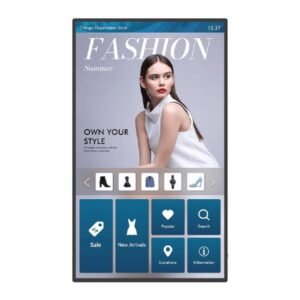
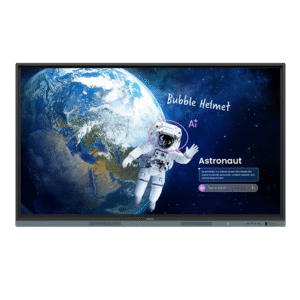
BenQ 55″ IL550 40-Point Multi Touch Interactive Flat Panel/ 24/7 Usage / 16:9/ 4K 3840×2160 / Android 8.0 / RM02 IFP Firmware
Add to cartBenQ 55″ IL550 40-Point Multi Touch Interactive Flat Panel/ 24/7 Usage / 16:9/ 4K 3840×2160 / Android 8.0 / RM02 IFP Firmware
Original price was: $4,449.00.$3,311.40Current price is: $3,311.40. - Dont see what youre looking for? Request a quote!
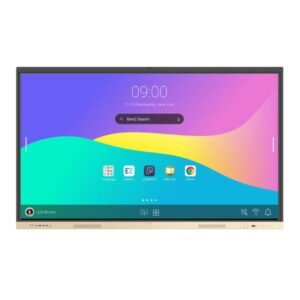
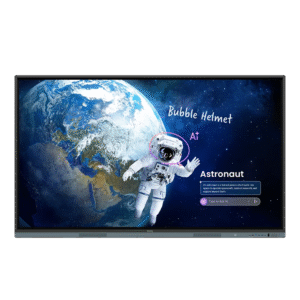
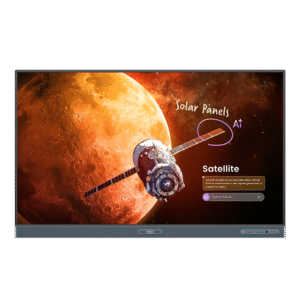
BenQ RE6504FV 65″, 16:9 IFP 4K 3840 x 2160, Essential Series with Google GMS w/built-in cam/NFC reader
Add to cartBenQ RE6504FV 65″, 16:9 IFP 4K 3840 x 2160, Essential Series with Google GMS w/built-in cam/NFC reader
Original price was: $5,299.00.$3,399.00Current price is: $3,399.00. - Dont see what youre looking for? Request a quote!
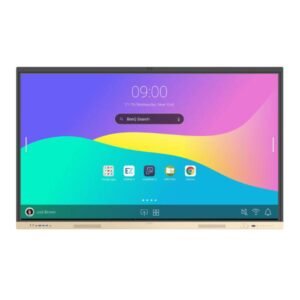
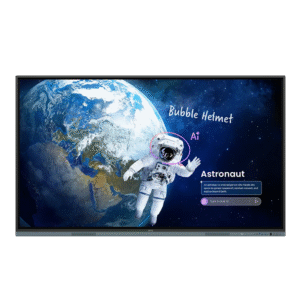
BenQ RE7504FV 75″, 16:9 IFP 4K 3840 x 2160, Essential Series with Google GMS w/built-in cam/NFC reader
Add to cartBenQ RE7504FV 75″, 16:9 IFP 4K 3840 x 2160, Essential Series with Google GMS w/built-in cam/NFC reader
Original price was: $7,299.00.$4,999.00Current price is: $4,999.00.