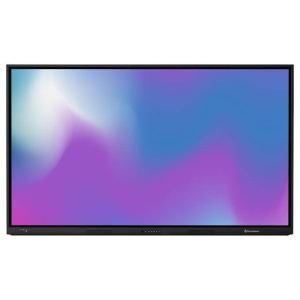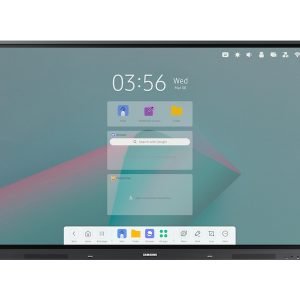
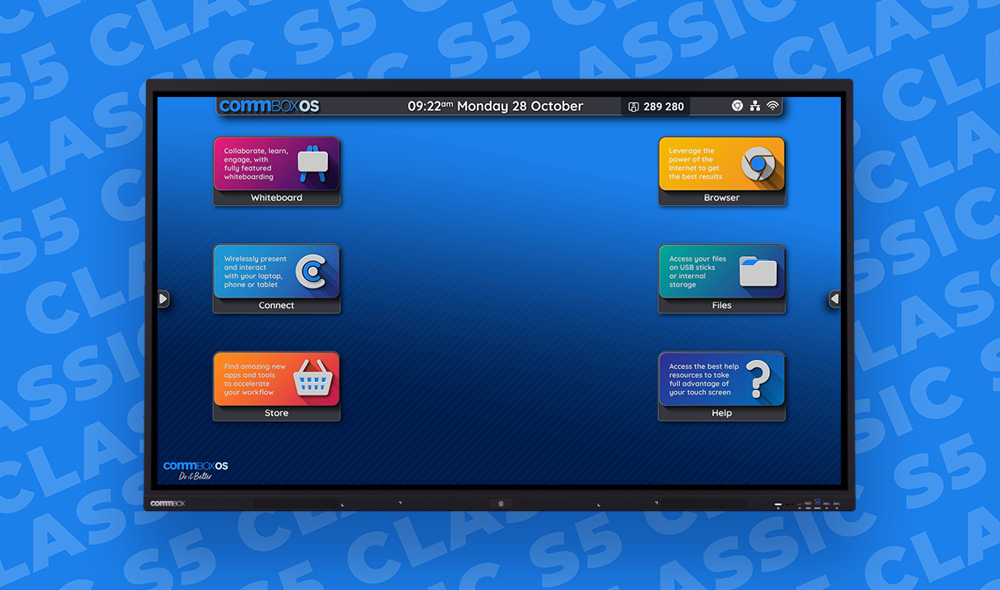
CommBox Classic S5 65″ — The Premium Australian-Designed Interactive Display
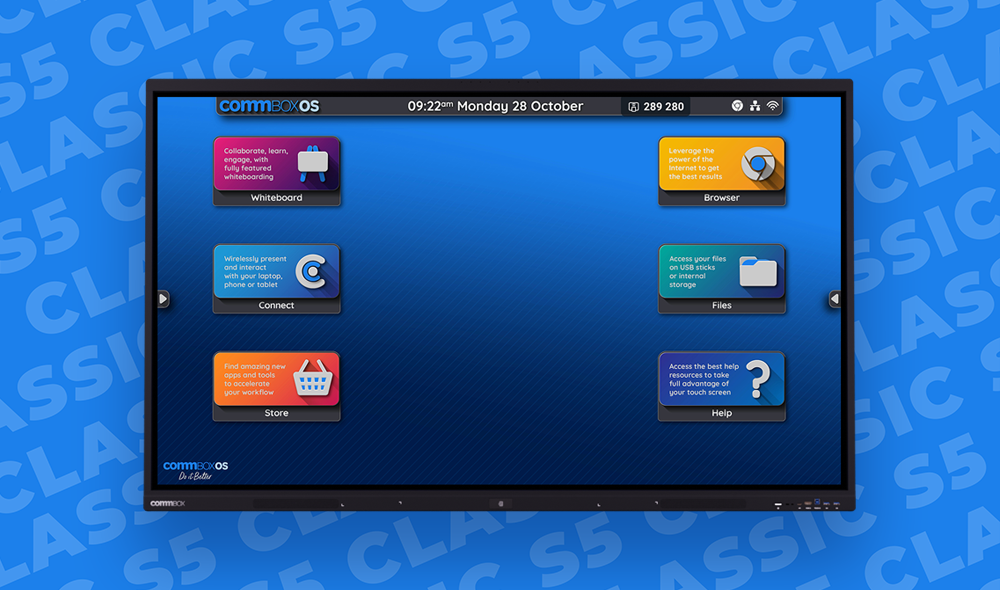
The CommBox Classic S5 65″ is a professional-grade interactive display built for Australian businesses, education facilities, and organisations that need more than a basic screen. Running Android 14 with CommBox OS Experience and Google EDLA certification, it gives you the full Google Play Store alongside CommBox’s own suite of collaboration and productivity tools — all on a 65″ 4K Ultra HD panel with 50-point infrared touch.
What sets the S5 apart is the depth of the platform. Built-in NFC means users tap to log in to a personalised session and are automatically logged out when done — a genuine cyber security feature, not an afterthought. CommBox OS is Google CASA Tier 3 certified, and the S5 goes beyond standard security patches with continuous hardening built into the design. For IT managers running a fleet, CommBox Manage handles remote configuration, software updates, and troubleshooting from a single dashboard.
In the room, the S5 performs. The 2 × 25W front-facing speakers fill the space without external AV, and the 8-array microphone picks up voices from up to 8 metres away — making it genuinely suitable for hybrid meetings out of the box. The dual-tip stylus, palm rejection, and pressure sensing make annotation feel natural, and the built-in NPU adds on-device AI for voice commands and smart features.
Supplied with a 5-year warranty, unlimited free virtual training, and same-business-day help desk support, the CommBox Classic S5 is a long-term platform investment — not just a display purchase.
Work Your Way
The CommBox Classic S5 adapts to how your team works — not the other way around. Access Microsoft OneDrive, Teams, Google Drive, and Workspace directly on screen. Your cloud files are one tap away, with no cables or laptop required.
- 50-point infrared touch — up to 50 simultaneous touch points with 1mm accuracy and ≤2.5ms response. Finger, stylus, or palm all work naturally.
- Android 14 + Google EDLA certified — full Google Play Store access with CommBox OS Experience layered on top. Access every app your team already uses.
- Built-in NFC login — tap your phone or badge to instantly load a personalised session. No shared logins, no forgotten logouts.
- 2 × 25W front-facing speakers + 8-array microphone — room-filling audio and 0–8m voice pick-up. Run hybrid meetings without extra AV hardware.
- CommBox OS cyber security — Google CASA Tier 3 certified, automated session logout, hardened components. Australian-designed with security built in.
- Wi-Fi 6 + Bluetooth 5.3 — fastest available wireless with stable screen-sharing from any laptop, tablet, or phone.
- Built-in NPU (Neural Processing Unit) — on-device AI for voice commands, smart annotation, and AI-enhanced audio.
- CommBox Manage remote device management — configure once, push to all screens. IT teams manage the entire fleet from one dashboard.
- OPS expansion slot — slot in a Windows PC module or Android box without replacing the screen. Future-proof investment.
- 5-year warranty + unlimited free virtual training — CommBox backs their hardware and your team with ongoing support at no extra cost.
Market-Leading Touch Technology
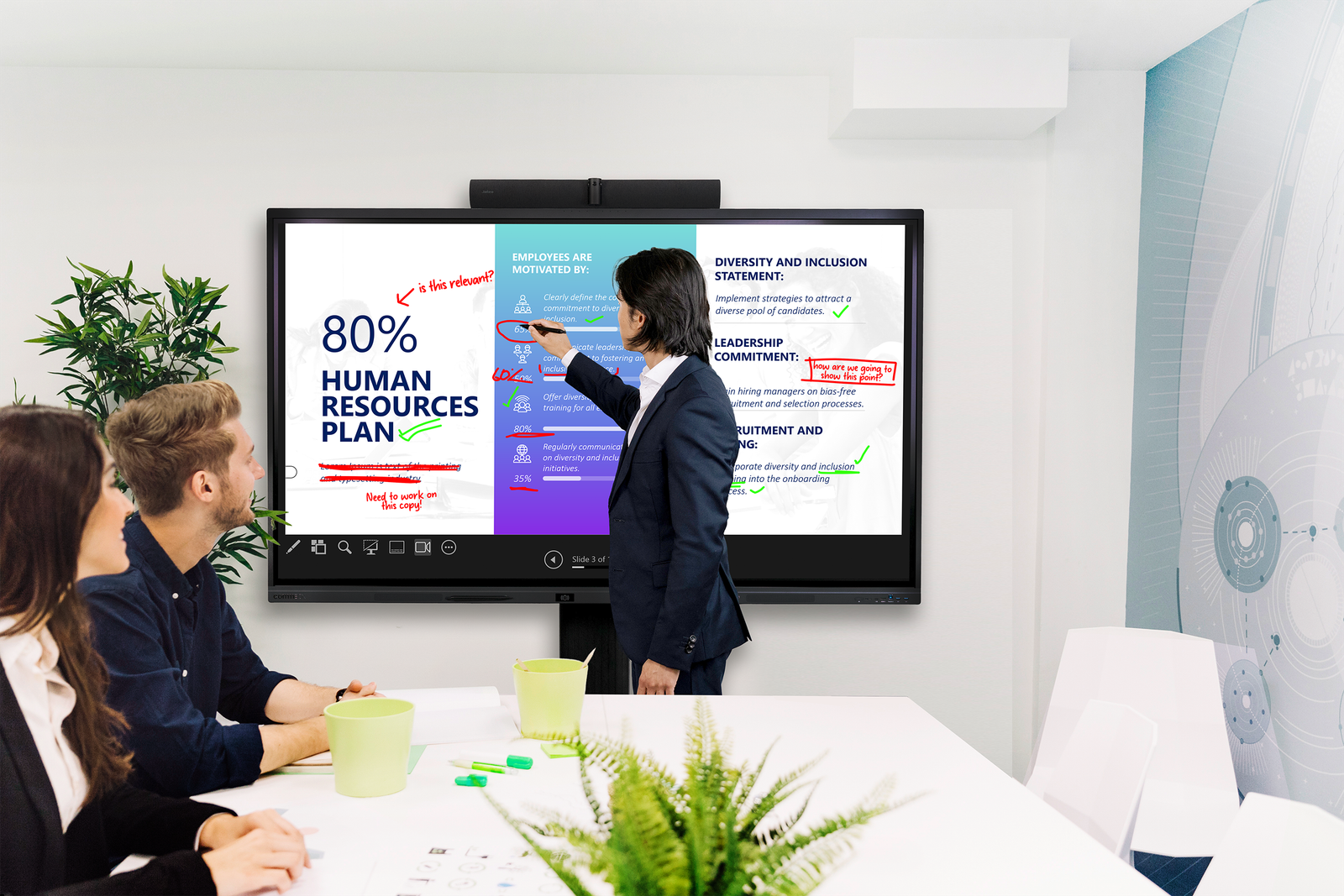
50-point infrared touch with 1mm accuracy and ≤2.5ms response means the S5 responds the instant you touch it. Annotate, draw, and collaborate with up to 50 simultaneous touch points — finger, stylus, or palm all work naturally alongside each other.
Designed for Every User
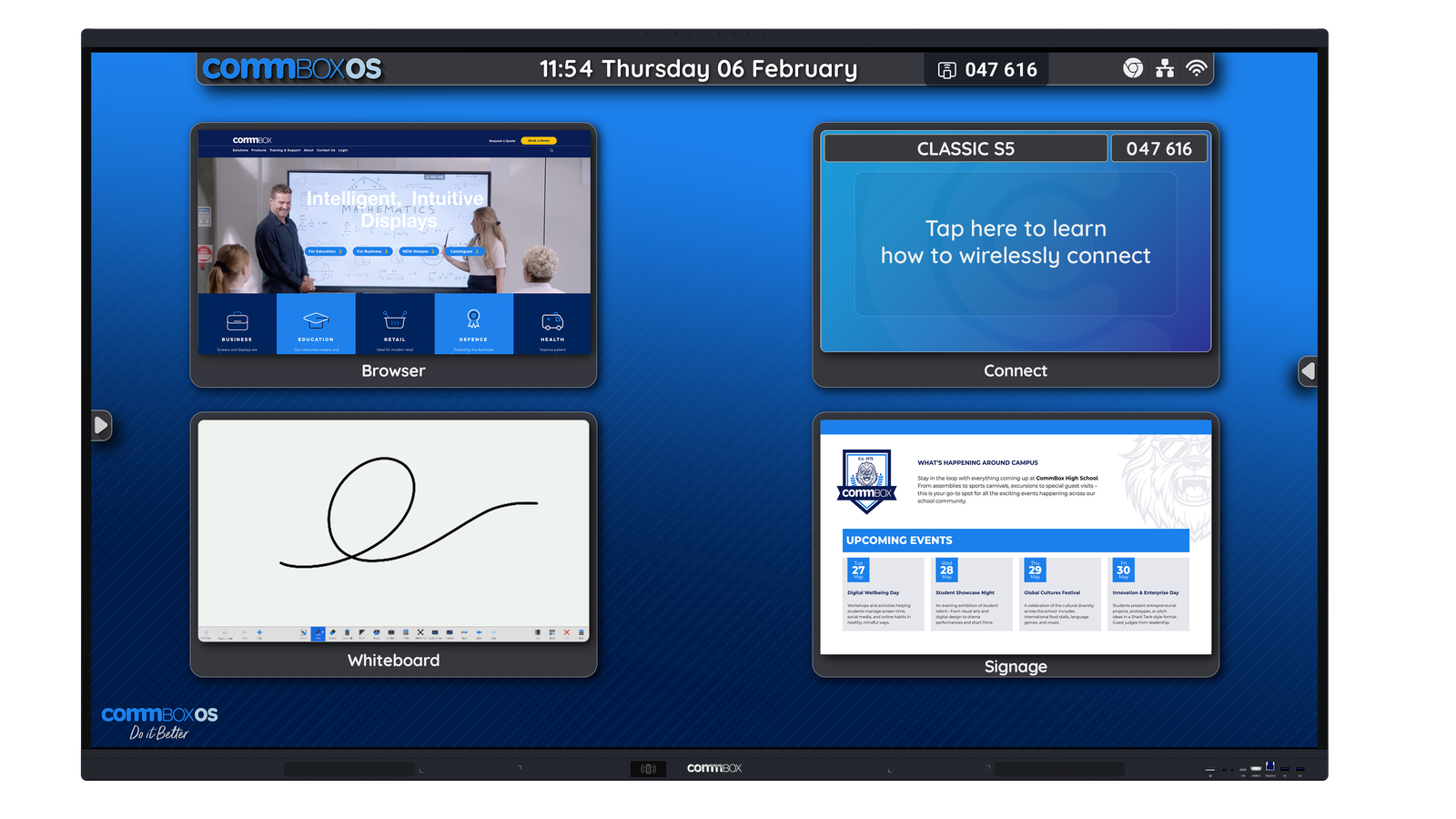
Optimised for business executives, educators, and IT managers alike. Business teams get powerful whiteboard collaboration and hybrid meeting tools. Educators get rich lesson delivery with full Google Play access. IT gets CommBox Manage for fleet-wide remote configuration.
Google Certified — Full Play Store Access

With Google EDLA certification, the S5 gives you unrestricted access to the Google Play Store — over 2 million apps available directly on the screen. Alongside the CommBox Store’s exclusive tools, you have everything your team already uses, built in.
Best-in-Class Cyber Security

CommBox OS is Google CASA Tier 3 certified — the highest security tier. The S5 goes beyond standard Google security patches with continuous hardening, automated session logout, and built-in NFC personalised login. Australian-designed with security at the core, not bolted on.
Seamless Hybrid Meeting Performance
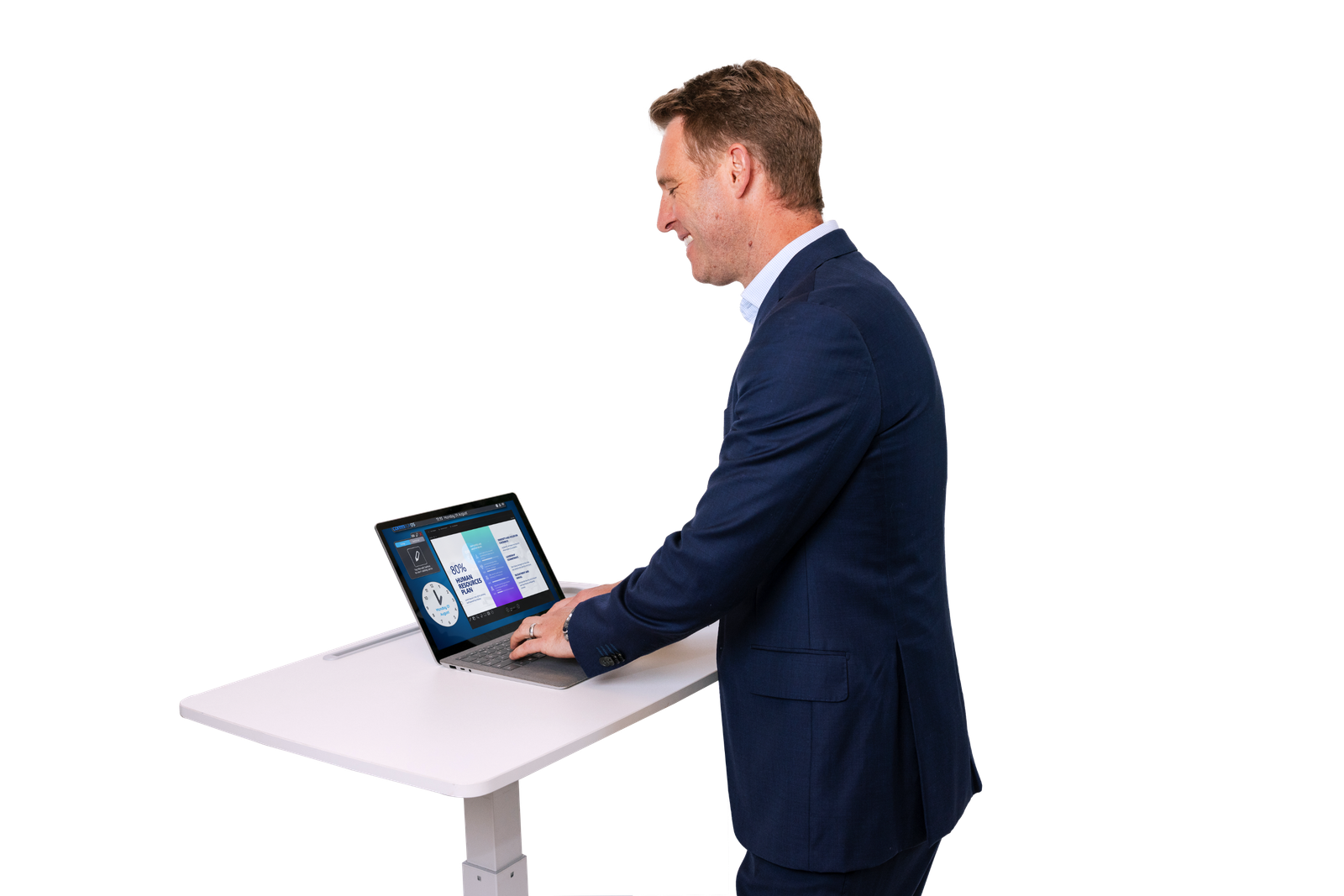
The 2 × 25W front-facing speakers and 8-array microphone (0–8m pick-up range) mean the S5 runs hybrid meetings without external AV equipment. Works natively with Microsoft Teams, Zoom Rooms, and Google Meet — no additional hardware needed.
Easy Fleet Management with CommBox Manage
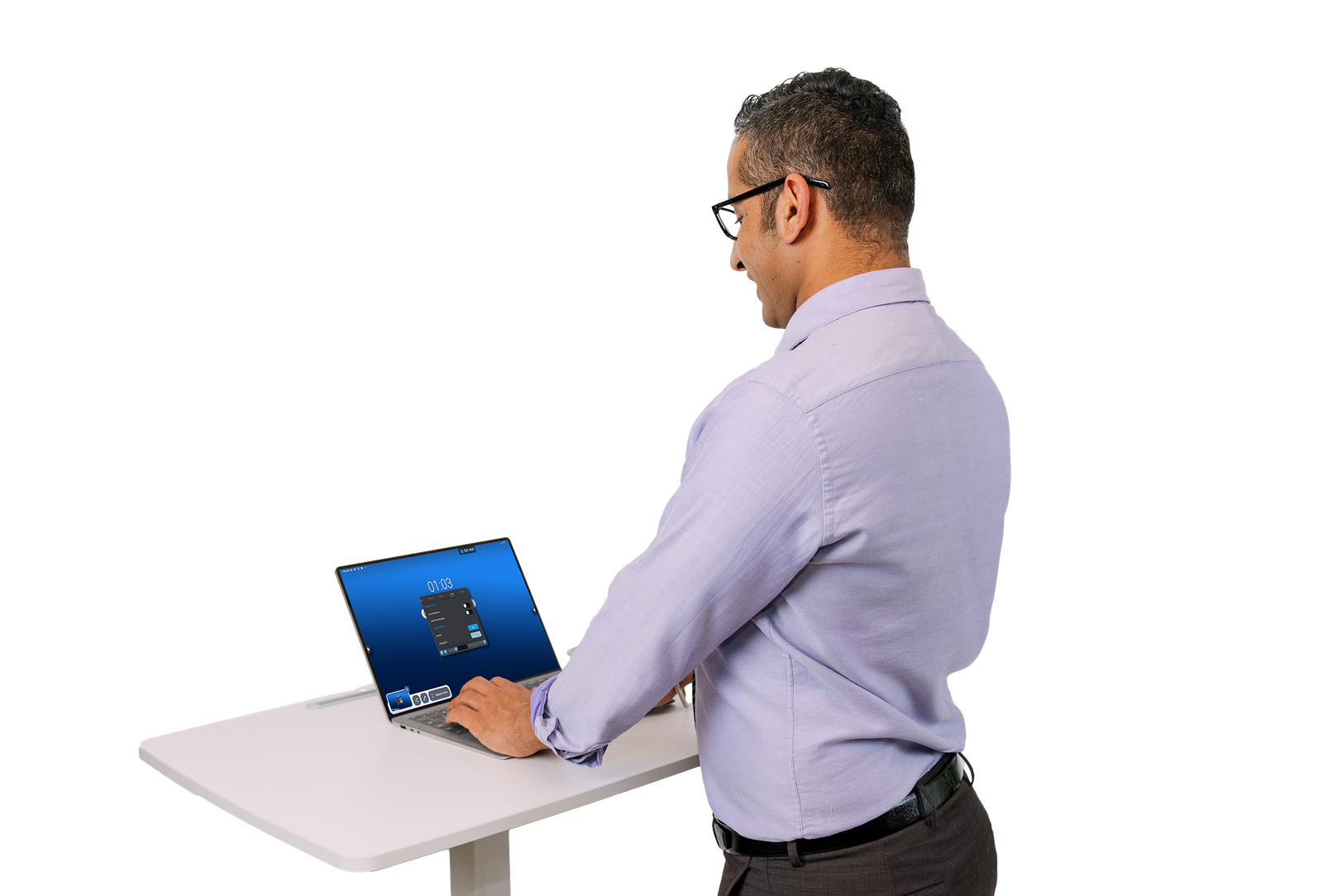
Configure one screen and push the settings to your entire fleet. CommBox Manage gives IT teams remote troubleshooting, software updates, custom branding, and consistent profiles across every screen in every room — from a single dashboard.
Built to Last — 5-Year Warranty

The CommBox Classic S5 is built from hardened components with an anti-microbial bezel coating and 50,000-hour rated panel. Backed by a 5-year warranty, unlimited free virtual training, and same-business-day support — a genuine long-term investment.

| Specification | Value | What it means for you |
|---|---|---|
| DISPLAY | ||
| Screen Size | 65″ | Bigger screen = more immersive collaboration and visibility across the room. |
| Resolution | 3840 × 2160 (4K Ultra HD) | Every pixel is razor-sharp — presentation text, data, and video all look crisp from any seat. |
| Brightness | 400 cd/m² | Higher brightness means the screen stays clear and readable even in well-lit rooms. |
| Contrast Ratio | 5000:1 | Deeper blacks and brighter whites — images and video look natural and vivid. |
| Viewing Angle | 178° | Anyone in the room sees the same quality image — no colour shift from the sides. |
| Glass Protection | H6 Anti-Glare, Low Friction, 3.2mm Tempered (Mohs 7) | Scratch-resistant and glare-free — write comfortably with stylus or finger under any lighting. |
| Screen Lifespan | 50,000 hours | Over 17 years of daily use — a long-term investment, not a consumable. |
| TOUCH & ANNOTATION | ||
| Touch Technology | Infrared Recognition — 50 touch points | Up to 50 simultaneous touches — multiple people can write, draw, and navigate at once. |
| Touch Accuracy | 1mm | Handwriting recognition and fine annotation feel natural and precise. |
| Touch Response | ≤2.5ms | Zero perceptible lag between pen and mark — feels like writing on paper. |
| Palm Rejection | Yes | Rest your hand naturally on the screen while writing — the screen ignores your palm. |
| Pressure Sensing | Yes | Vary line thickness naturally by pressing harder or lighter — just like a real pen. |
| Pen Included | 2 × Dual-Tip Stylus (3mm / 7mm tip) | Two pens included out of the box with magnetic holders on the bezel — always to hand. |
| AUDIO & MICROPHONE | ||
| Speakers | 2 × 25W Dual Front-Facing | Room-filling audio — no external speakers needed for meetings or classroom lessons. |
| Microphone Array | 8-array, 0–8m pick-up | Picks up voices from anywhere in the room — ideal for hybrid meetings without a separate mic. |
| COMPUTE | ||
| Operating System | Android 14 + CommBox OS Experience + Google EDLA | Latest Android with full Google Play Store access and CommBox’s own productivity layer. |
| Processor | 2 × Quad Core (Dual Quad Core) | Smooth multitasking — run video, whiteboard, and conferencing apps simultaneously without lag. |
| RAM / Storage | 8GB RAM / 128GB ROM | Plenty of headroom for apps, files, and sessions — no slowdowns mid-meeting. |
| AI / NPU | Built-in Neural Processing Unit | On-device AI for voice commands, smart annotation, and enhanced audio processing. |
| CONNECTIVITY | ||
| Wi-Fi | Wi-Fi 6 (802.11 b/g/n/a/ac/ax) — 2.4 / 5 / 6GHz | Fastest available Wi-Fi — stable wireless screen sharing and cloud access. |
| Bluetooth | Bluetooth 5.3 | Connect keyboards, mice, and peripherals reliably. |
| NFC | Built-in | Tap your phone or badge to instantly log in to a personalised session. |
| Front Ports | 1× HDMI In, 2× USB-A 3.0, 1× USB-B Touch, 1× USB-C (65W charging, data, touch) | Plug in a laptop at the front — power it and use the screen simultaneously. |
| Rear Ports | 2× HDMI In, 1× HDMI Out, 2× USB-A 3.0, 1× USB-A 2.0, 1× USB-C, 1× VGA, Audio In/Out, S/PDIF, 2× LAN | Comprehensive connectivity for AV systems, room controllers, and daisy-chaining. |
| OPS Slot | Yes (Slot-in PC or Android Box) | Future-proof — upgrade the compute module without replacing the screen. |
| WARRANTY & SUPPORT | ||
| Warranty | 5 Years | One of the longest warranties in the category — CommBox stands behind their hardware. |
| Remote Management | CommBox Manage (included) | IT teams can configure, update, and troubleshoot every screen remotely from one dashboard. |
| Training | Unlimited FREE virtual training | Your team gets up to speed fast — ongoing training included at no extra cost. |
CommBox Warranty & Support
- 5-year warranty — AU & NZ
- Unlimited free virtual training for the life of the screen
- Same business day help desk support
Not sure if the 65″ is the right size for your space?
The CommBox Classic S5 is available in 65″, 75″, 86″, and 98″ — we can help you match the right screen size to your room dimensions and use case.
Learn more about interactive display solutions →
Comparing interactive displays vs interactive whiteboards? Read our guide →