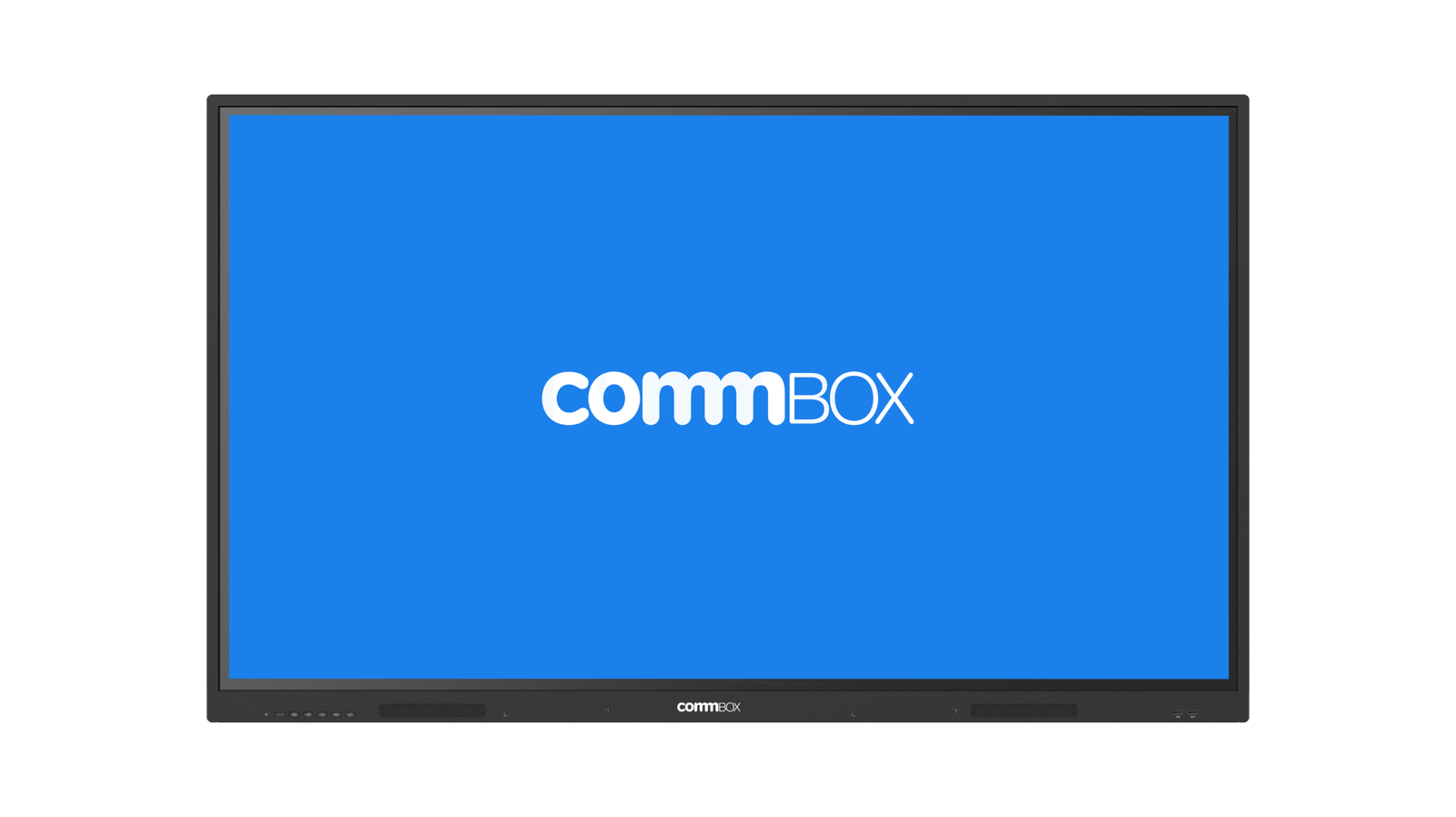
CommBox Interactive Neo 75 Inch — The Secure, Simple Interactive Display for BYOD Rooms
Most interactive displays come loaded with an operating system, an app store, cloud accounts, and a firmware update schedule. The CommBox Interactive Neo 75 Inch does not. Running CommBox OS Neo — a purpose-built, non-Android platform with no OS layer — the Neo takes a fundamentally different approach: simple equals secure. No OS means no OS vulnerabilities, no patches to schedule, and no malware risk through the display itself. For schools, government departments, and enterprises rolling out interactivity at scale, that is a significant operational and security advantage.
The Neo is designed for BYOD environments — rooms where people bring their own laptops and need the screen to be reliably interactive, not to be a platform in its own right. Plug in via USB-C (which also charges most laptops at 65W), switch inputs with the Neo OS, annotate over whatever is on screen, whiteboard on a blank canvas, or cast wirelessly from any device on the same network using CommBox Connect Lite. None of this requires a login, a subscription, or an internet connection. It just works — every time, for every user, regardless of their technical confidence.
The 75 inch 4K IPS panel with anti-glare tempered glass and 40-point infrared touch handles daily classroom and meeting room use comfortably. The 2 × 20W front-facing speakers provide clear audio without external equipment, and the comprehensive rear port set — including 3× HDMI, DisplayPort, dual LAN, and an OPS slot — means the Neo connects to virtually anything and can be upgraded with a compute module if requirements change. Backed by a 5-year swap-out warranty and same business day support from CommBox’s local Australian team, the Neo is built to be deployed at scale and left to run without ongoing IT overhead.
Security by Simplicity — No OS, No Risk

The CommBox Neo has no operating system. That is not a limitation — it is the security feature. Without an OS there are no OS-level vulnerabilities, no firmware patches to schedule across your fleet, and no app store through which malware can enter. For school ICT coordinators, government IT teams, and enterprise security-conscious environments, the Neo’s OS-free architecture removes an entire category of risk that Android and Windows-based interactive displays carry by default.
- OS-free by design — Simple equals Secure — no operating system means no OS vulnerabilities, no firmware update schedules, and no malware risk through the display. The most straightforward security story in the interactive display market.
- Everything built in, nothing to subscribe to — whiteboard, annotation over any HDMI input, wireless screensharing, and power scheduling are all on-panel from day one. No apps to install, no accounts to create, no subscriptions required to unlock core tools.
- BYOD-first design — your laptop does the heavy lifting. Plug in via USB-C (65W charging included) or HDMI, or cast wirelessly over your existing network with CommBox Connect Lite. The Neo makes any laptop instantly interactive.
- No Wi-Fi or Bluetooth by default — maximum security for environments where wireless network isolation is a compliance requirement. Add wireless connectivity via OPS slot only when your organisation needs it.
- 40-point infrared touch with dual-tip passive pens — annotate, whiteboard, and interact using finger, stylus, or eraser with no pairing, no batteries, and no logins. Two pens included in the box.
- 2 × 20W front-facing speakers — clear, room-filling audio for presentations and lessons without external AV equipment.
- Scales across a fleet without complexity — consistent experience in every room, RS232 and Wake on LAN for remote power management, and no per-device cloud accounts to manage at rollout.
- OPS slot for future compute needs — add a Windows PC or Android module without replacing the screen. Start with the Neo’s secure simplicity and upgrade individual rooms as requirements change.
- Q-SYS certified, Crestron and Cisco pending — integrates natively with professional AV control ecosystems, making the Neo suitable for managed room environments and large-scale AV deployments.
- 5-year swap-out warranty with same business day support — local Australian support and fast unit swap-out minimises downtime across your fleet.
Built for BYOD — Your Laptop Does the Work
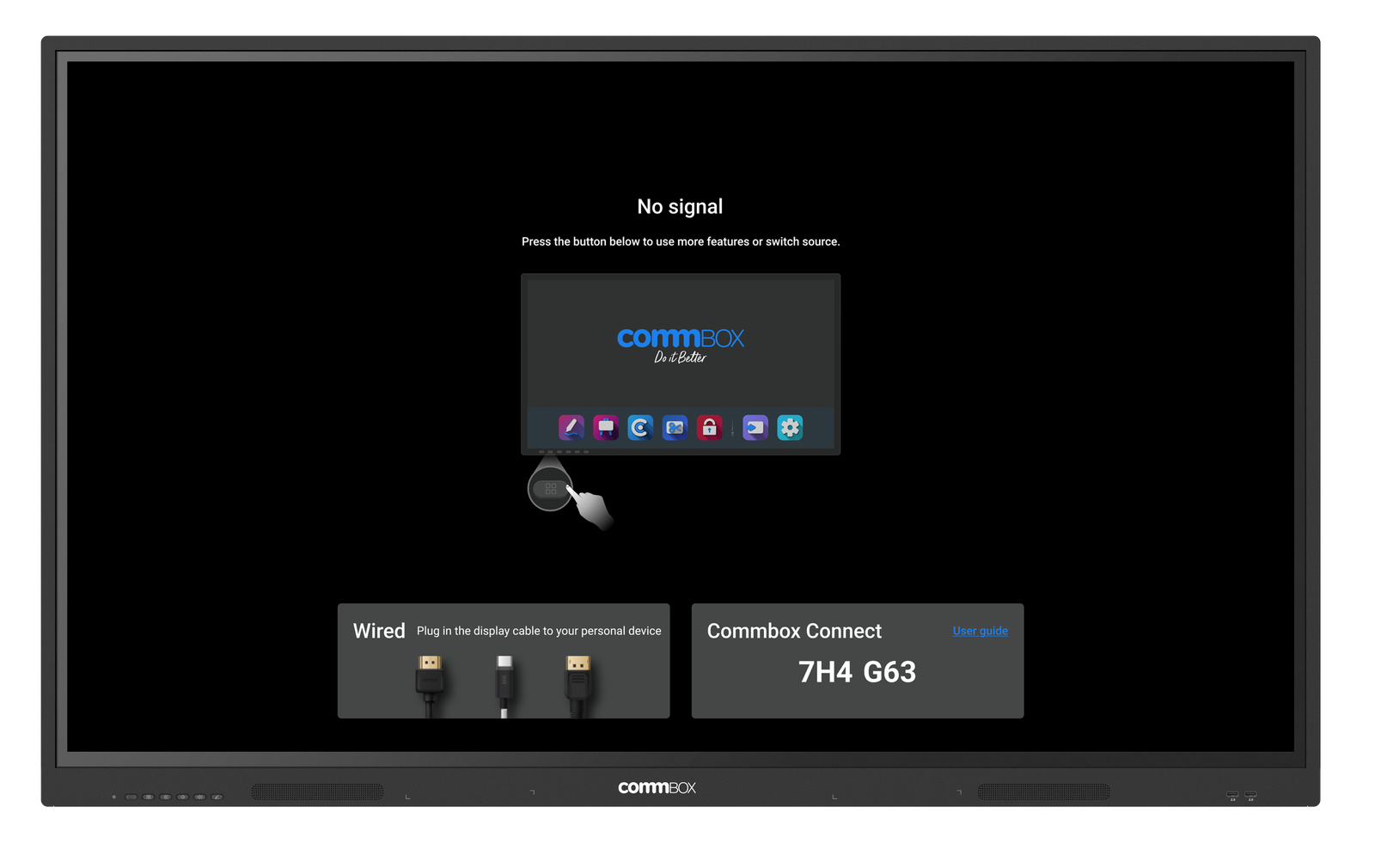
The Neo is designed for rooms where people bring their own devices. Plug a laptop into the front USB-C port — which also charges at 65W — and the screen instantly mirrors your content. Switch between three HDMI sources without touching a menu. Cast wirelessly from any device on the same network using CommBox Connect Lite. The Neo makes any laptop interactive without requiring the laptop user to install anything, log in to anything, or change how they already work.
Everything You Need On-Panel — Nothing Extra to Buy
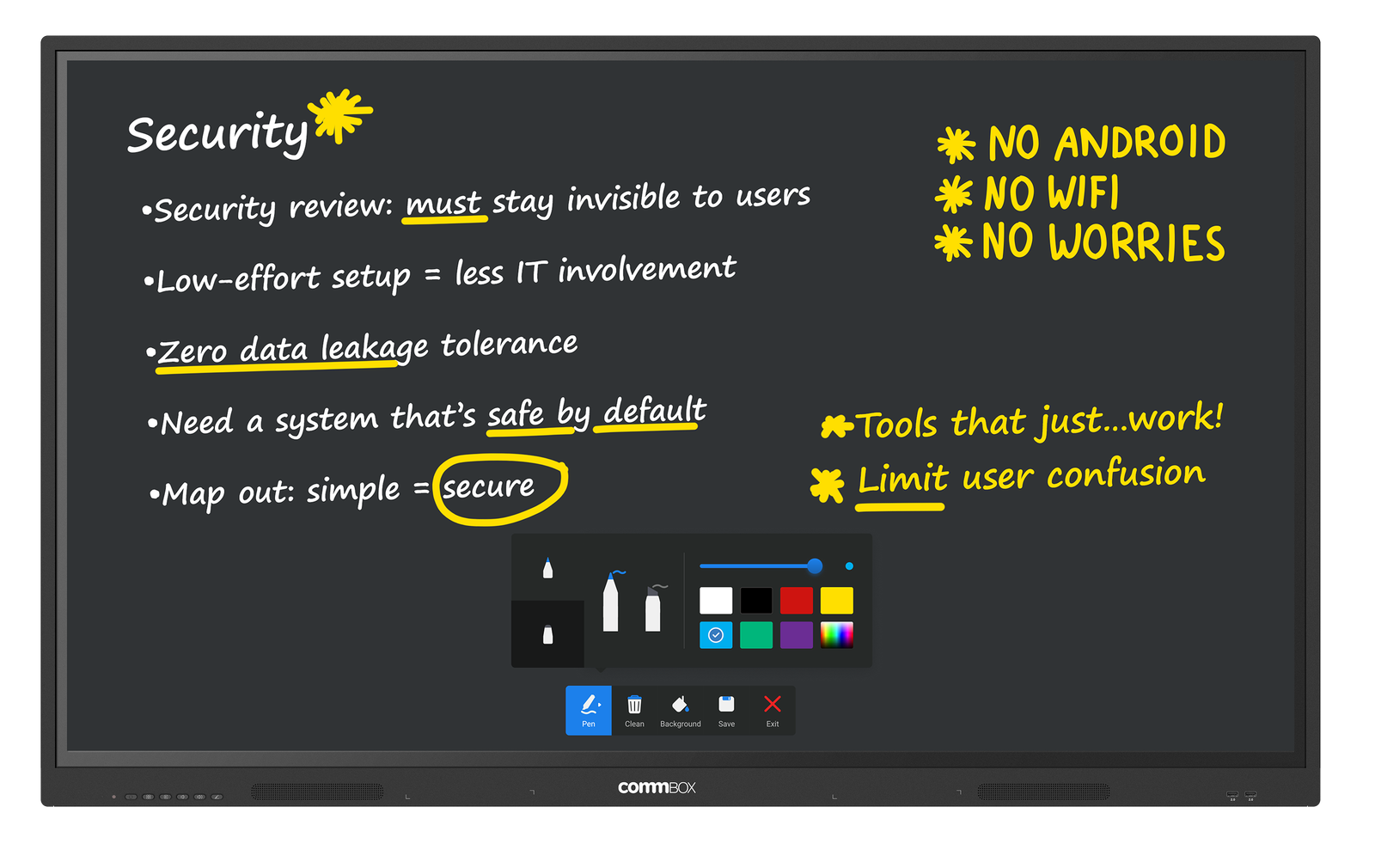
Whiteboard, annotation over any input, wireless screensharing, and power scheduling are all built into the Neo from day one. There are no subscriptions to unlock core tools, no cloud accounts required for the whiteboard, and no app installs needed on connected devices. What you see in the box is what you get — and it keeps working the same way five years from now.
The Right Choice for Schools Replacing Projectors
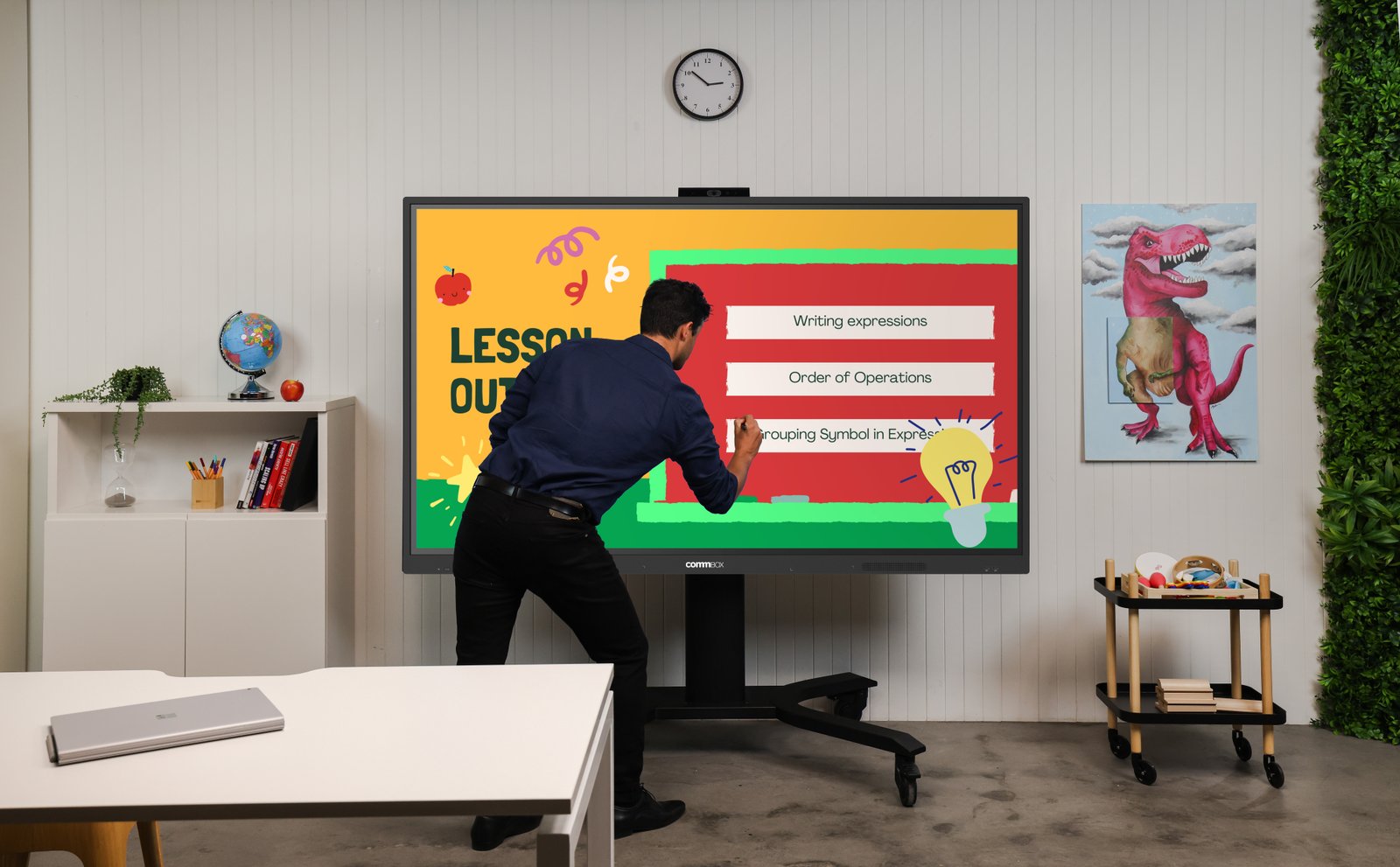
Projectors wear out, bulbs fail, and image quality degrades over time. The CommBox Neo replaces a projector and interactive whiteboard combination with a single, low-maintenance 4K touch display. No bulbs. No calibration. No logins for teachers who just want to write on the board. The anti-glare IPS panel at 350 nits is calibrated for classroom lighting — bright enough to see clearly from the back row without washing out under overhead lights.
Scale Across Every Classroom or Meeting Room

The Neo’s OS-free platform means every unit behaves identically — no per-device app configurations, no Google account provisioning, no individual screen setups. RS232 control and Wake on LAN let IT teams manage power scheduling across an entire fleet remotely. For organisations rolling out 10, 50, or 200 screens, that consistency significantly reduces deployment time and ongoing IT overhead.
A Secure Entry Point — With an Upgrade Path
The Neo is the right starting point for organisations that want to pilot interactive displays before committing to a full platform rollout. It delivers reliable core interactivity in every room, and the OPS slot allows a Windows or Android compute module to be added to individual rooms where more capability is needed — without replacing the screen. When flagship rooms warrant a full interactive platform, the CommBox Classic S5 steps in as the natural upgrade, sharing the same CommBox ecosystem.
40-Point Touch — Simple to Use for Everyone
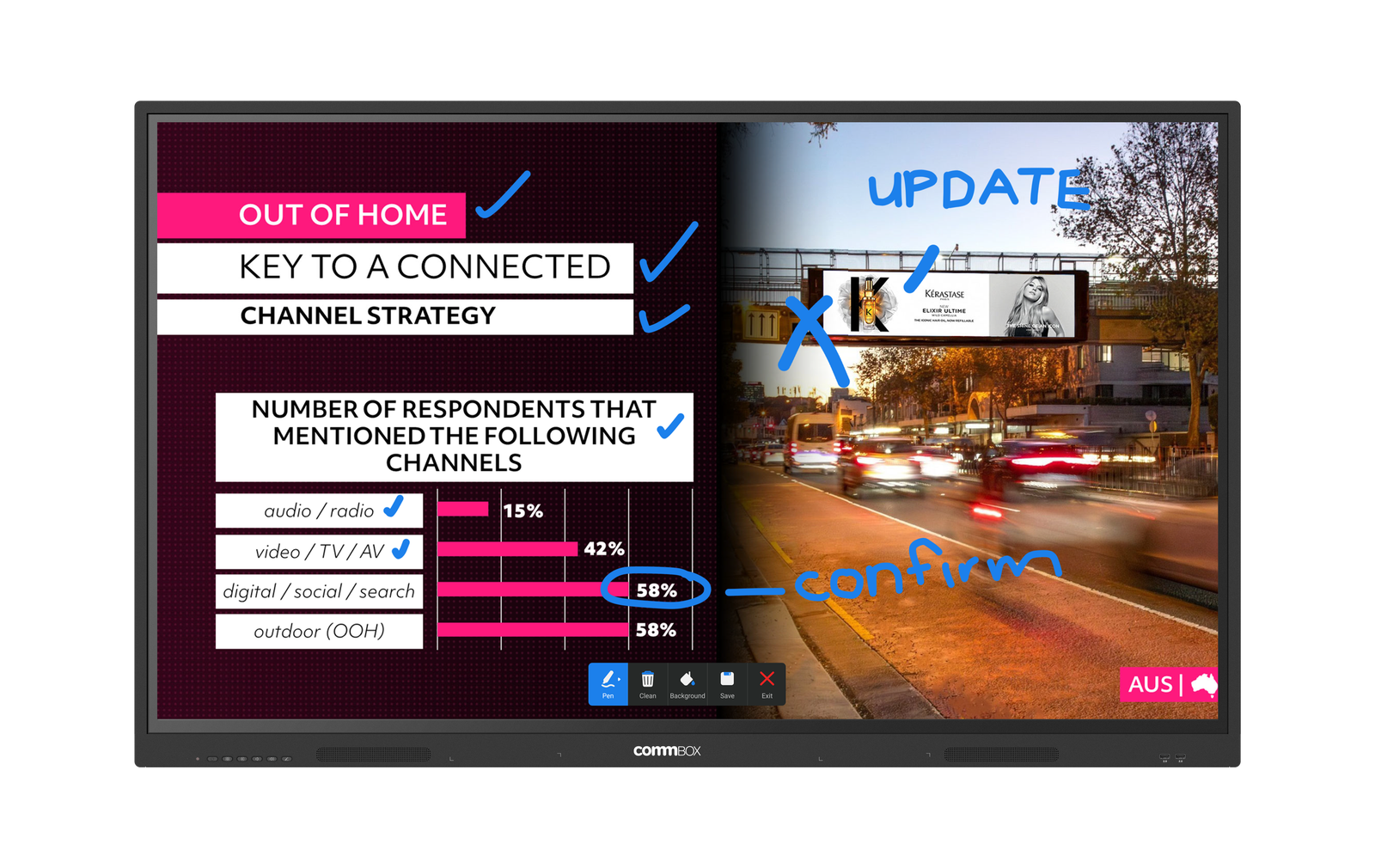
The Neo’s 40-point infrared touch frame works with finger, passive stylus, or eraser — no pairing, no batteries, no technical setup. Two dual-tip styluses are included in the box. For tech-averse staff or students who find interactive technology intimidating, the Neo’s straightforward interface — nothing requires a login, nothing has a hidden settings menu to navigate — removes the barriers that cause interactive displays to sit unused.
Professional AV Integration — Q-SYS Certified
The CommBox Neo holds Q-SYS certification and has Crestron and Cisco certifications pending, making it a natural fit for professionally managed AV environments. Combined with RS232 control, dual LAN ports, and the OPS expansion slot, the Neo integrates cleanly into managed room control systems — suitable for enterprise AV deployments, government facilities, and education environments running centralised AV infrastructure.
| Specification | Value | What it means for you |
|---|---|---|
| DISPLAY | ||
| Screen Size | 75 inch | Choose the size that matches your room — the Neo is available in 65, 75, and 86 inch to suit spaces of all sizes. |
| Screen Type | LCD IPS 4K Ultra HD | IPS technology means accurate colours and consistent image quality from any angle in the room — no washed-out colours from the sides. |
| Resolution | 3840 × 2160 (4K Ultra HD) | Sharp, clear 4K image — presentation slides, spreadsheets, and video all look crisp from the back of the room. |
| Brightness | 350 cd/m² | Calibrated for standard classroom and meeting room lighting — bright enough to see clearly without causing eye fatigue or glare. |
| Contrast Ratio | 1200:1 | Clear distinction between light and dark areas — good for displaying data, charts, and video content. |
| Viewing Angle | 178° | Everyone in the room sees the same quality image regardless of where they sit — no colour shift from wide angles. |
| Glass | 3.2mm Tempered Anti-Glare, Mohs Level 7 | Scratch-resistant, glare-free writing surface. The metal chassis and tempered glass are built for daily classroom and meeting room use. |
| Screen Life | > 30,000 hours | Designed for daily use across the school or working year — over 10 years at standard usage rates. |
| TOUCH & ANNOTATION | ||
| Touch Technology | Infrared — 40 touch points | Up to 40 simultaneous touches — multiple students or team members can interact with the screen at once. |
| Touch Accuracy | 2mm writing height | Natural, comfortable handwriting on screen — the Neo’s touch frame is optimised for annotation from any angle. |
| Touch Response | ≤10ms | Fast enough that annotation and navigation feel natural — no noticeable lag between touch and action. |
| Touch Tool | Finger, Passive Stylus, Eraser | No active pen pairing needed. Use your finger, the included stylus, or flip it to erase — works immediately, every time. |
| Pens Included | 2 × Dual-Tip Passive Stylus | Two pens in the box, ready to use without charging, pairing, or replacement batteries. |
| AUDIO | ||
| Speakers | 2 × 20W Dual Front-Facing | Room-filling audio without external speakers — suitable for standard classrooms and meeting rooms out of the box. |
| PLATFORM & SECURITY | ||
| Operating System | CommBox OS Neo — No OS | No operating system means no OS vulnerabilities, no firmware update schedules, no malware risk through the display. Security by simplicity. |
| Built-in Tools | Whiteboard, Annotation over any input, Wireless Screenshare (CommBox Connect Lite), Power Scheduling | Everything your team or class needs is already on the panel — no apps to install, no logins, no subscriptions required to use core tools. |
| Wi-Fi / Bluetooth | None by default | No wireless radios by default — maximum security for environments where network isolation is a requirement. Add via OPS slot if needed. |
| Screensharing | CommBox Connect Lite — same-network casting | Wireless screensharing over your existing LAN — no additional hardware or app installs on the laptop required. |
| Remote Control | RS232, Wake on LAN | IT teams can manage power scheduling and remote wake across a fleet without OS-level software agents. |
| CONNECTIVITY | ||
| Front | 2× USB-A 2.0, Sensor Light | Easy-access front ports for USB drives and peripherals — no reaching around the screen. |
| Rear | 3× HDMI In, 2× USB-A 3.0, 1× USB-A 2.0, 2× USB-B Touch, 1× USB-C (65W charging), 1× DisplayPort, Audio In/Out, SPDIF, RS232, 2× LAN | Comprehensive rear connectivity — 65W USB-C charges most laptops while they present. Three HDMI inputs for switching between multiple sources. |
| OPS Slot | Yes — Windows PC or Android Box | Add a full compute module when a specific workflow needs it, without replacing the screen. Future-proof from day one. |
| WARRANTY & SUPPORT | ||
| Warranty | 5-Year Swap-Out — AU & NZ | CommBox swaps the unit if there is a fault — fast local turnaround that minimises classroom or room downtime. |
| Support | Same Business Day Help Desk | Local Australian support — same business day response when you need help. |
| Certifications | RoHS, RCM, CE, Q-SYS Certified | Meets Australian compliance requirements. Q-SYS certification means the Neo integrates natively with professional AV control ecosystems. |
CommBox Warranty & Support
- 5-year swap-out warranty — AU & NZ (local support, fast turnaround)
- Same business day help desk support
- Q-SYS certified — Crestron and Cisco certification pending
- RoHS, RCM, CE certified
Is the CommBox Neo right for your rooms?
The Neo suits BYOD-first environments where security, simplicity, and scale matter — schools, government training rooms, and enterprise pilots. If your team needs on-panel apps, Microsoft Teams Rooms, or a full Google Play Store, the CommBox Classic S5 is likely the better fit. Not sure? We can help you choose the right model for each room type.
Explore interactive display solutions for your organisation →
Interactive displays vs interactive whiteboards — what’s the difference? →