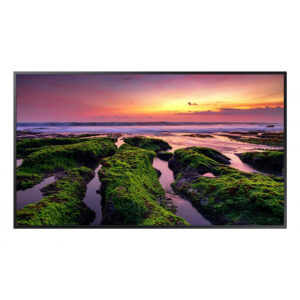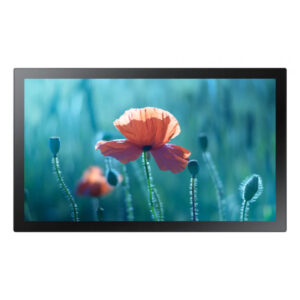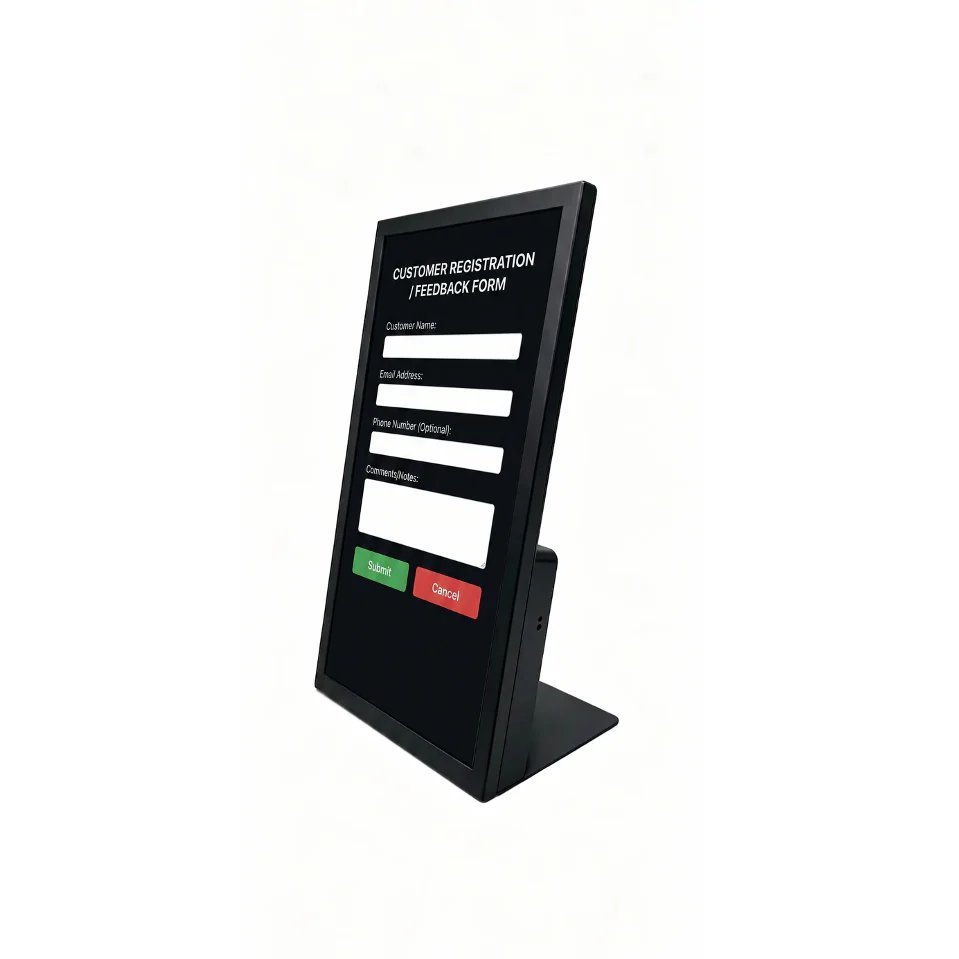
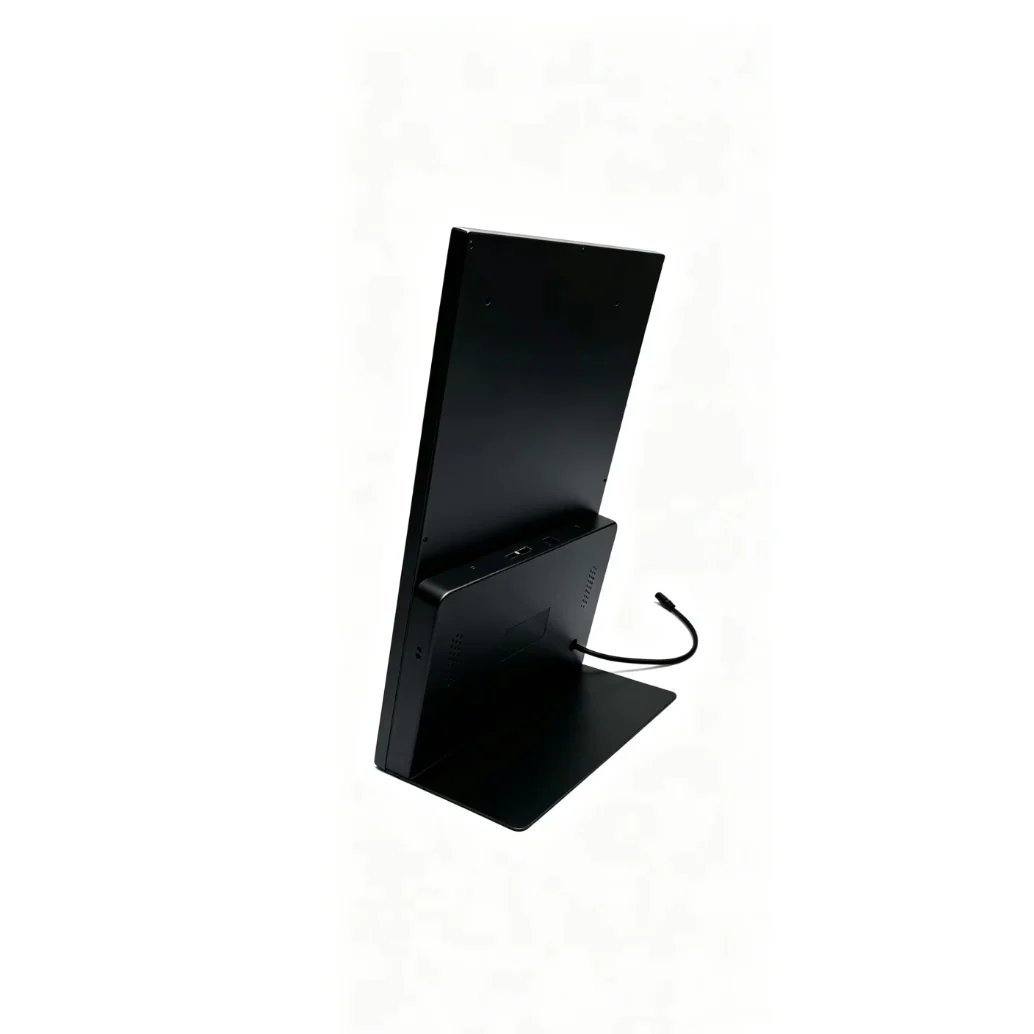

This 21.5-inch countertop touch display is designed for reception desks, retail service counters, and hospitality check-in stations where customer interaction needs to happen in a limited physical footprint. Freestanding kiosk installations require floor space and structural clearance — this countertop unit delivers the same interactive capability within the physical constraints of a service counter environment.
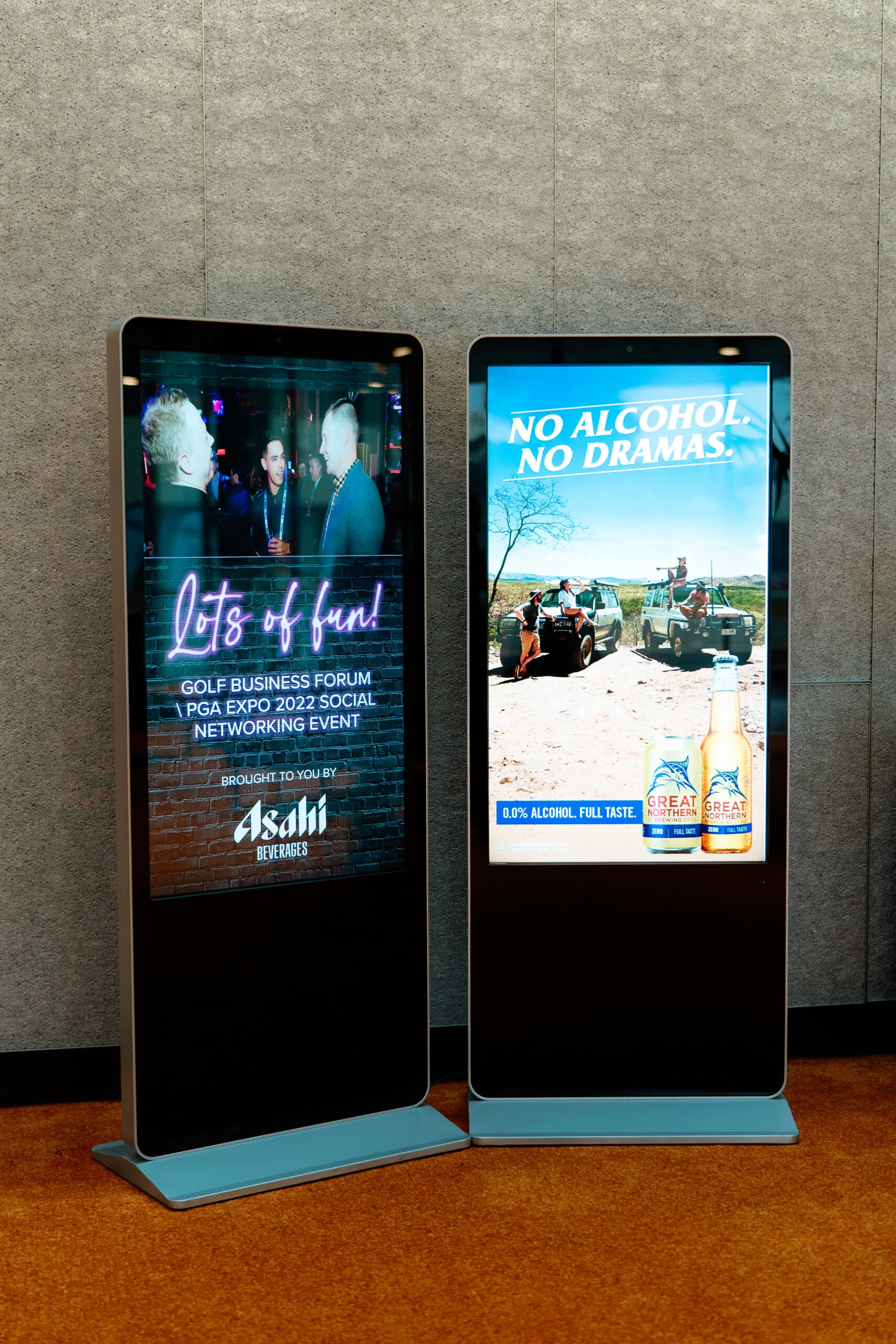
Retail Showroom Touch Screen Kiosk for Product Browsing
Reception desks and service counters have limited physical space. A countertop touch display provides interactive capability — customer check-in, product browsing, wayfinding — within the footprint of the counter surface, without the floor space and structural clearance requirements of a freestanding kiosk.
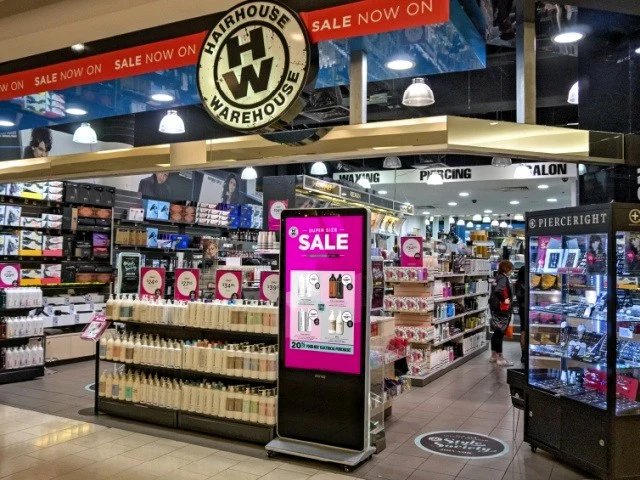
Hotel Lobby Self-Service Touch Screen Kiosk for Check-In
Hotel front desks and hospitality check-in counters use countertop displays to present digital check-in options, upgrade prompts, and property information to guests during the check-in interaction. The display supplements the staff member rather than replacing the interaction entirely.
Key Features
- Commercial Grade Reliability: Capacitive multi-touch at countertop height supports smooth customer self-service interaction — property listing browsing, check-in confirmation, wayfinding — without requiring pressure-based input or stylus accessories.
- 4K Ultra HD Clarity: Full HD resolution maintains content sharpness at the close viewing distances typical of counter and desk interactions — 30cm to 1 metre — where lower-resolution panels would show pixel structure in fine text and interface elements.
- Plug and Play Deployment: Compact countertop form factor integrates into existing service counter environments without requiring structural modifications or floor space allocation. Installation is straightforward compared to freestanding kiosk alternatives.
Specifications
| Specification | Detail | Why It Matters |
|---|---|---|
| Panel Size | 21.5 inches | Determines effective viewing distance and content scale for the installation environment. |
| Form Factor | Countertop / Freestanding | |
| Touch Technology | Capacitive (assumed based on category) | Responsive capacitive input supports customer browsing, directory navigation, and self-service without pressure-based input. |
| Application | Interactive self-service kiosk |
Selecting the right interactive kiosk for a retail, healthcare, or corporate self-service environment involves more than screen size — enclosure profile, touch technology, and operating system all affect deployment outcomes. Kickstart Computers covers these considerations in detail across our interactive kiosk deployment guides for Australian commercial environments. For a broader understanding of how Soniq positions its commercial kiosk hardware across different self-service use cases, the Soniq digital signage range at Kickstart Computers covers the full hardware lineup in context.