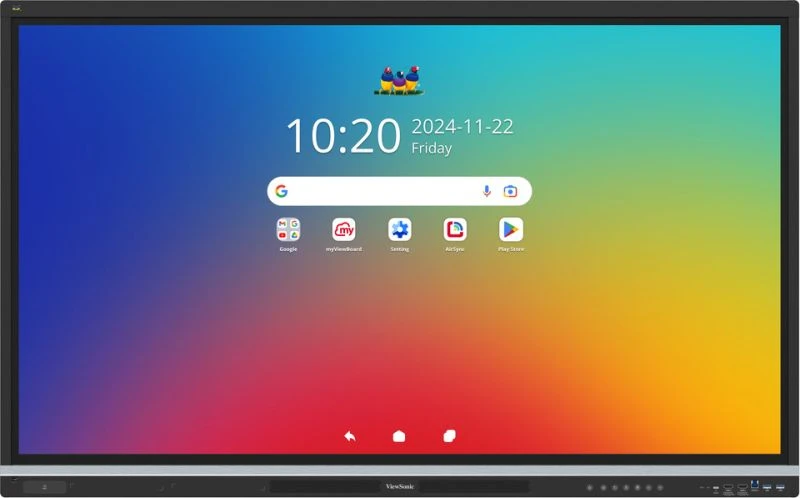
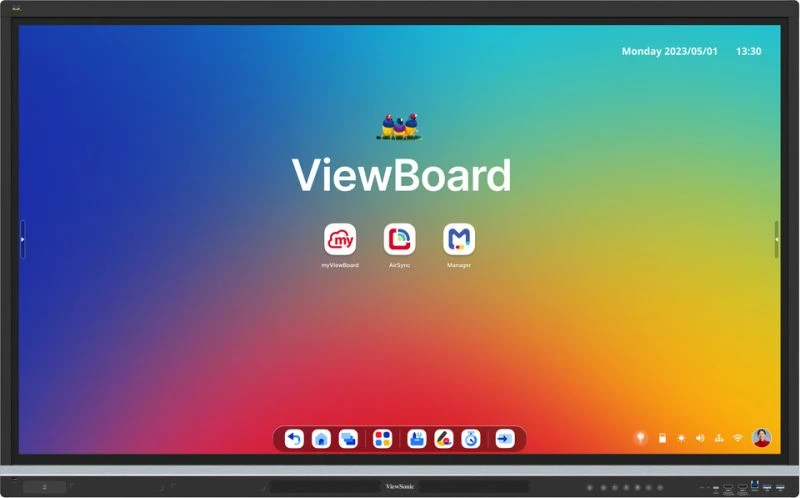
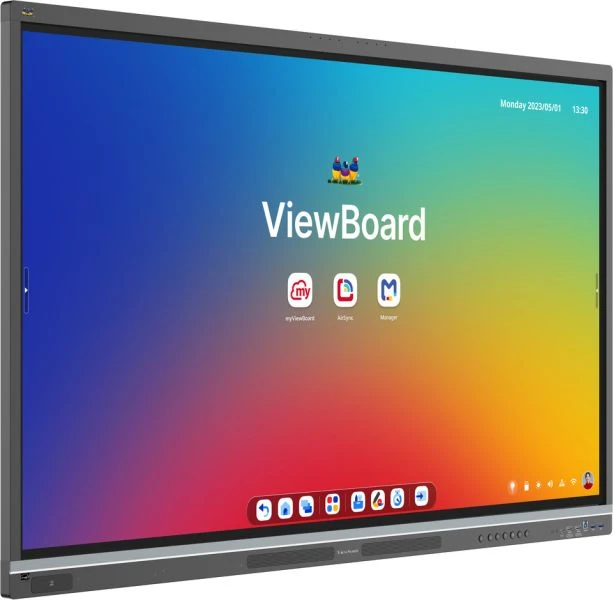
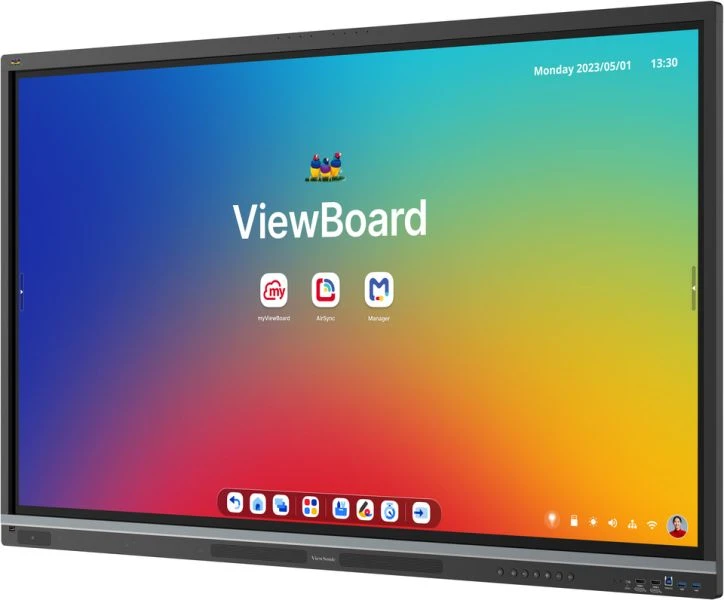

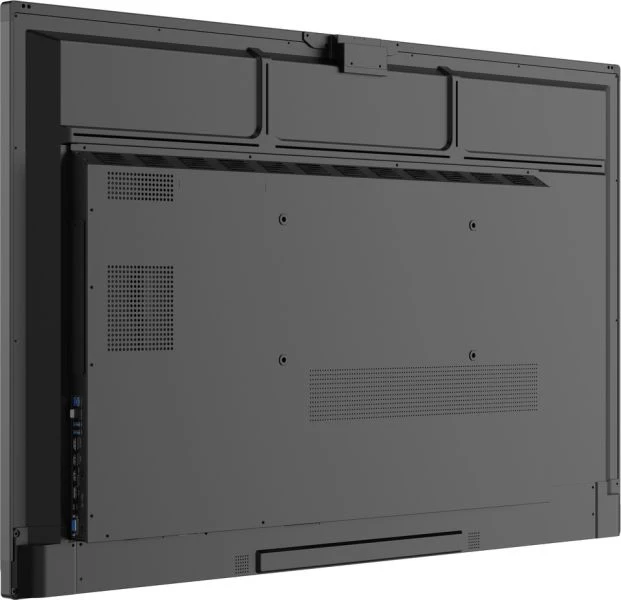


Sign-in should feel instant, annotation natural, and hand movement responsive. The IFP5551 prioritises user experience at the glass — 50-point touch with palm rejection means the surface responds to simultaneous input from multiple participants without false triggers, and NFC authentication removes friction from session starts. Android 14 with EDLA certification ensures platform stability without compromise, while 400 nits of brightness keeps content readable in naturally lit classrooms and meeting rooms.
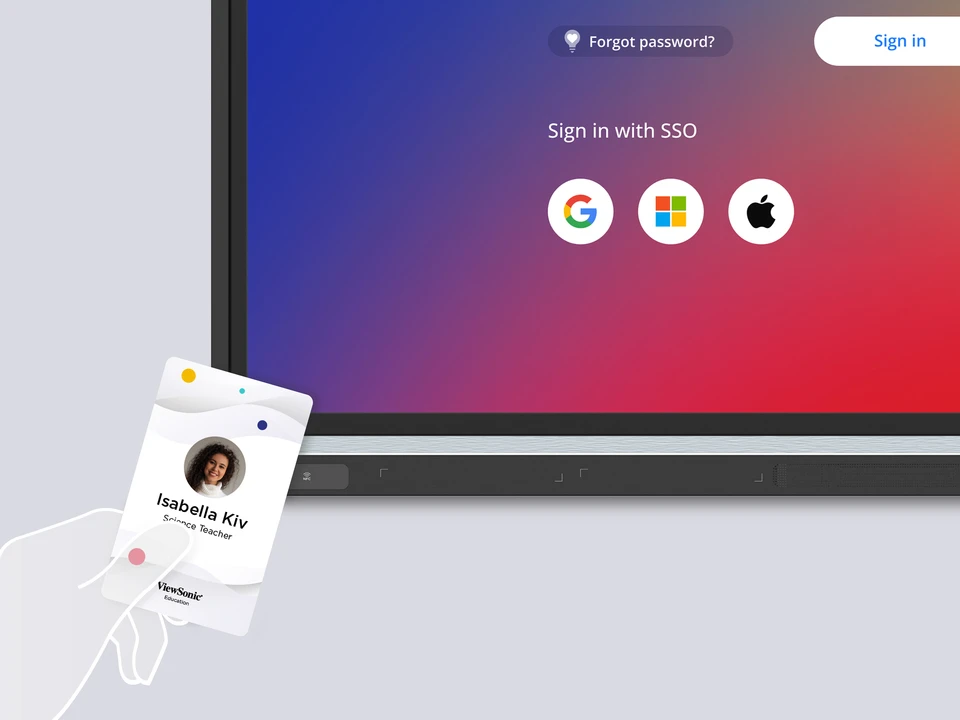
Fast Authentication via NFC or Single Sign-On
Tap an NFC badge or authenticate through institutional SSO to begin teaching without typing credentials at session start. Eliminates time wasted on login screens and reduces cognitive load, allowing educators to focus on content rather than device administration.
Key Features
- 50-Point Touch with Palm Rejection: Multi-user annotation and interaction remain responsive even when hands, sleeves, or pens rest on the surface — critical for crowded whiteboarding sessions and group problem-solving activities where touch stability directly affects teaching pace.
- NFC and SSO Sign-In: Educators and presenters authenticate via NFC tag tap or single sign-on integration, eliminating password entry delays and reducing cognitive load at the start of lessons or meetings.
- EDLA-Certified Android 14: Enterprise Device Licensing Agreement compliance ensures security hardening, firmware stability, and compliance alignment without requiring Windows infrastructure — a significant operational advantage in education networks.
- Google Workspace for Education Integration: Native Google Classroom, Docs, and Meet support means lessons and collaborative work flow directly from cloud-based workflows already in use across institutions.
- myViewBoard Annotation Software: Built-in digital whiteboard software handles multi-colour markup, shape tools, and screen capture across embedded Android and optional Windows environments without requiring third-party software licensing.
- AirSync Wireless Casting: Teachers and presenters cast from laptops, tablets, or phones without hunting for cables — particularly valuable in shared spaces where different educators occupy the display throughout the day.
- Octa-Core Processor with 16GB RAM: Performance headroom prevents interface lag during rapid annotation switching, multi-app workflows, or simultaneous casting and screen recording — operational reliability in high-traffic learning environments.
- Triple USB-C with Power Delivery: Front and rear USB-C ports deliver video, data, and up to 65W charging in a single connection, reducing port clutter and supporting laptops, tablets, or external peripherals from a single tethering point.
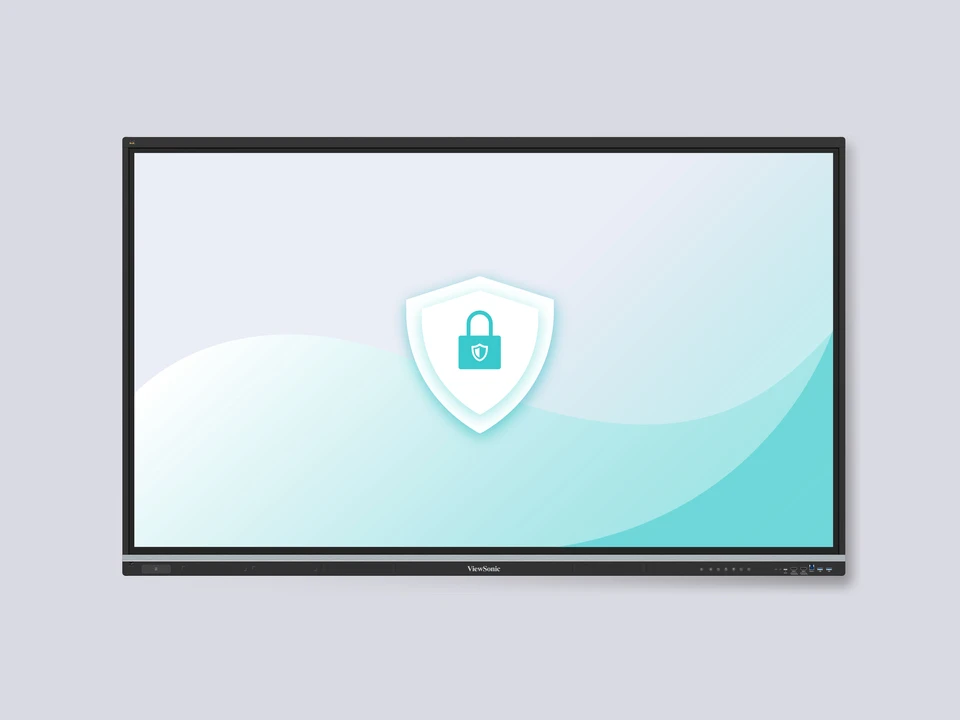
Enterprise Security and Compliance with EDLA Certification
EDLA (Enterprise Device Licensing Agreement) certification ensures firmware stability, security hardening, and compliance alignment without requiring Windows licensing or complex IT infrastructure. Android 14 provides institutional-grade management and audit trails suitable for government, education, and corporate deployments.

Native Google Workspace for Education Support
Classroom, Docs, Meet, and Drive integrate directly into the Android interface — no separate app installs or authentication loops. Lessons and collaborative work leverage the cloud tools already embedded in institutional workflows.

Interactive Annotation Without Third-Party Software
myViewBoard annotation software ships embedded for both Android and Windows environments, handling multi-colour markup, shape tools, screen capture, and session recording without additional licensing. Lessons begin and end without software configuration friction.

Responsive Performance Under Intensive Classroom Use
16GB RAM and octa-core processing prevent interface lag during annotation switching, multi-app workflows, or simultaneous screen recording and casting — maintaining operational reliability during peak teaching hours.
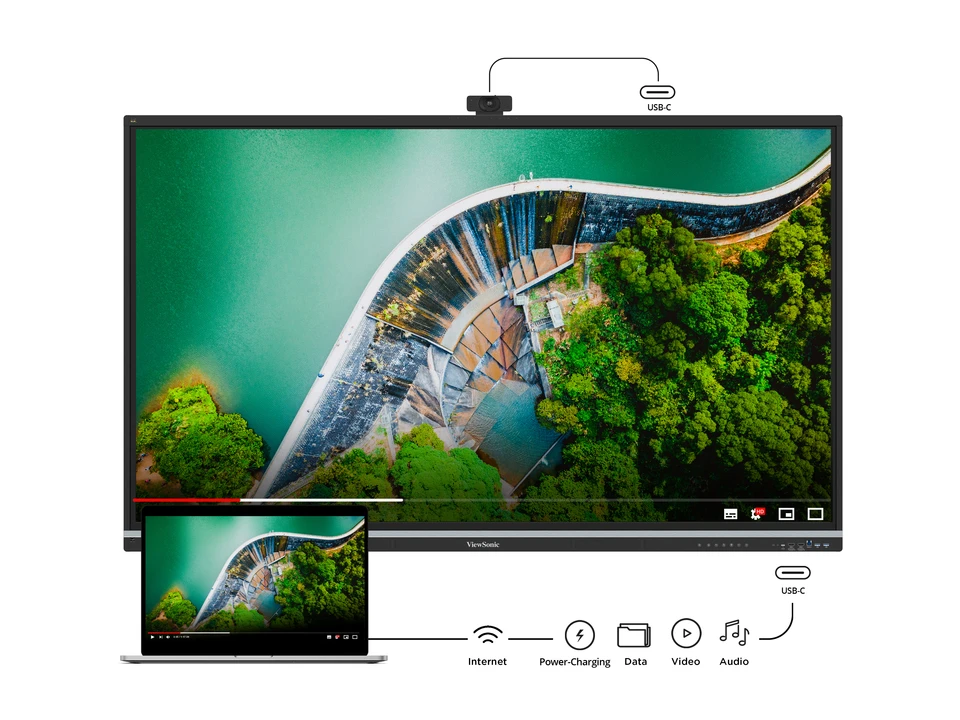
Single-Cable Laptop Connectivity via USB-C Power Delivery
Front USB-C port delivers video, data, and up to 65W charging in one connection — reducing port clutter and supporting full laptop docking scenarios. Teachers dock, present, and charge from the display without additional adapters or power supplies.
Specifications
| Specification | Detail |
|---|---|
| Display Size | 55 inches (54.6″ active area) |
| Resolution | UHD 3840 × 2160 pixels |
| Panel Type | TFT LCD with DLED backlight |
| Brightness | 400 nits (typical) |
| Contrast Ratio | 1200:1 typical; 5000:1 dynamic |
| Backlight Life | 50,000 hours minimum |
| Touch Technology | Ultra Fine IR Recognition; 50 simultaneous touch points with palm rejection |
| Operating System | Android 14 with EDLA certification |
| Processor | Octa-core CPU |
| RAM | 16 GB |
| Storage | 128 GB internal |
| Bundled Software | myViewBoard (Android annotation); myViewBoard for Windows (VPC embedded); AirSync wireless casting; ViewSonic Manager device control; ViewSonic Launcher |
| HDMI Inputs | 4 (Front ×2 HDMI 2.1 with CEC/HDCP; Rear ×2 HDMI 2.1 with CEC/HDCP and ARC on one port) |
| USB-C Ports | 3 (Front ×1 with USB 3.2 Gen 1, DP 1.2, Ethernet 100M, PD 65W; Rear ×1 with USB 3.2 Gen 1, DP 1.2, Ethernet 100M, PD 15W; Top ×1 with USB 3.2 Gen 1, PD 15W) |
| USB Type-A | 5 (Front ×2, Rear ×3: two with USB 3.2 Gen 1 and SmartPort; one with USB 2.0 for system update) |
| USB Type-B | 2 (Front ×1 and Rear ×1 with USB 3.2 Gen 1) |
| DisplayPort | 1 input (supports UHD 3840 × 2160) |
| VGA / RGB Input | 1 |
| Network | 2 × RJ45 LAN (10/100/1000M; USB-C at 100M) |
| Audio | 25W × 2 front soundbar + 20W × 1 subwoofer; 8-array built-in microphone; line-out and S/PDIF optical output |
| Additional Connectivity | OPS PC slot; Micro SD card slot; NFC reader; RS232; ambient light sensor; top camera plate |
| VESA Wall Mount | 400 × 200 mm |
| Dimensions (W × H × D) | 1269.8 × 789.3 × 83.7 mm (49.99 × 31.08 × 3.3 inches) |
| Weight | 25.86 kg (57.01 lbs) |
| Power Consumption | On: 76.16W; Standby: <0.5W |
| Operating Temperature | 0°C to 40°C |
| Operating Humidity | 20% to 80% RH (non-condensing) |
| Certifications | EDLA certified; Energy Star 8.0; EPEAT; cTUVus; FCC/ICES-003; UKCA; Low Blue Light; Flicker Free; RoHS |
Connectivity
- HDMI Inputs (×4): Two front-mounted HDMI 2.1 inputs for immediate laptop or media player connection; two rear HDMI 2.1 inputs with one supporting ARC for audio return from external receivers.
- USB-C (×3): Front port combines USB 3.2, DisplayPort, Ethernet, and 65W Power Delivery for single-cable laptop connectivity; rear and top ports offer additional USB-C connectivity with reduced power delivery for peripheral expansion.
- DisplayPort Input: Native UHD 3840 × 2160 support for high-performance graphics workstations or presentation laptops requiring bandwidth-efficient video routing.
- USB Type-A (×5): Front ports for immediate device access; rear SmartPort-enabled ports for annotation pens, wireless receivers, or external storage; dedicated USB 2.0 for firmware updates.
- USB Type-B (×2): Front and rear USB 3.2 Gen 1 connections for touch input streams and advanced peripheral communication.
- Ethernet (×2 RAN): Dual 1GB network ports provide redundant IP connectivity for device control systems, classroom management, or bandwidth-intensive streaming scenarios.
- VGA / RGB Input: Legacy support for older presentation laptops or institutional AV infrastructure without HDMI endpoints.
- NFC Reader: Built-in NFC capability enables badge-based authentication for rapid educator sign-in without password entry.
- Audio: 3.5mm line-out for external amplification; S/PDIF optical output for AV receiver integration; built-in 8-array microphone for collaborative sessions or video conferencing with edge audio capture.
- OPS Slot: Compatible with ViewSonic slot-in Windows PCs for integrated computational power without external hardware clutter.
- Micro SD Card Slot: Direct storage expansion for offline content management or quick-swap media distribution in multi-classroom environments.
Warranty
This ViewSonic display is covered by a 5-year replacement warranty. In the event of a hardware fault, ViewSonic will replace the unit — minimising downtime in classroom and enterprise deployments. Contact Kickstart Computers for warranty claims and support.
Looking for more options? Browse our full range of interactive digital signage solutions available from Kickstart Computers Australia.