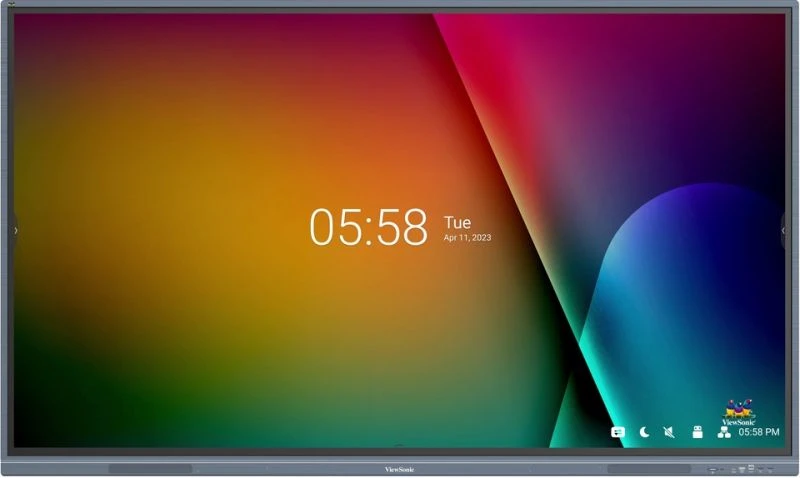
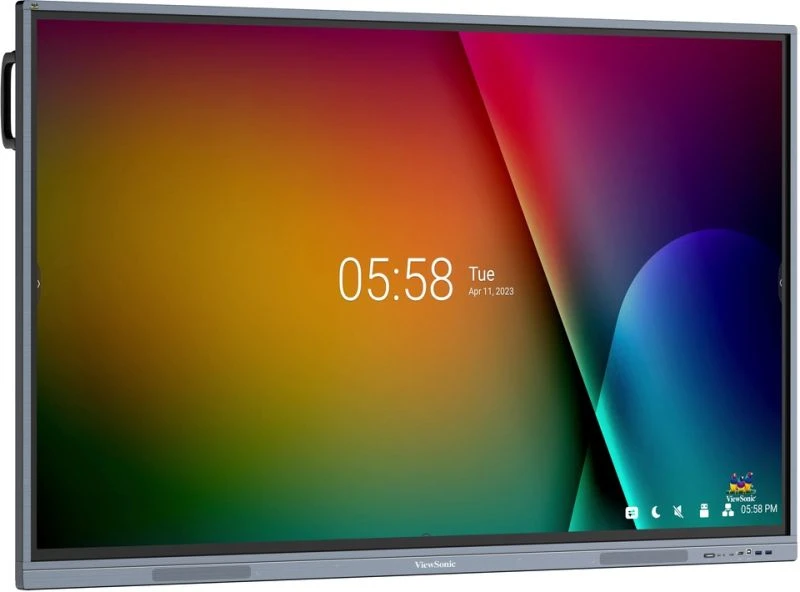
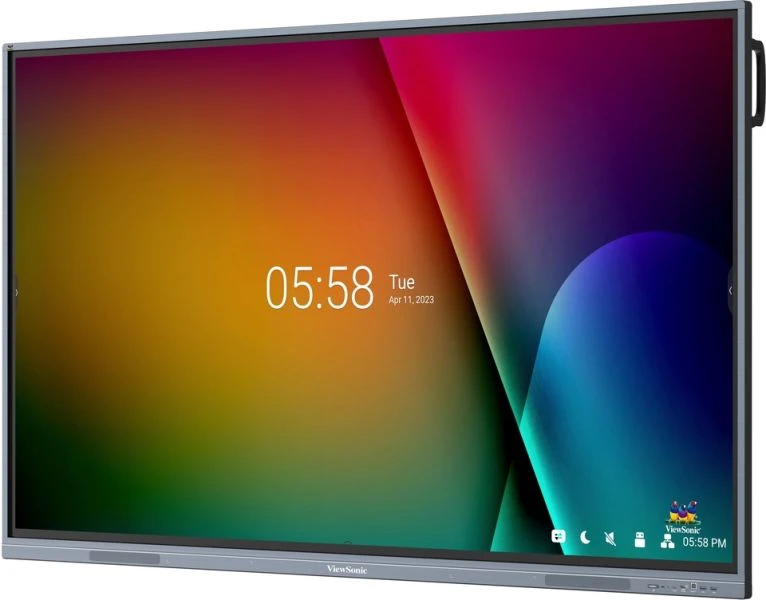




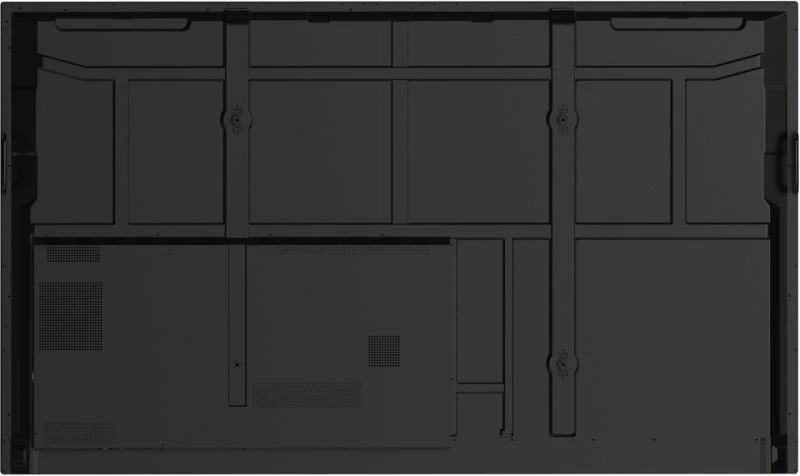
Large-format interactive displays in education and enterprise collaboration spaces must handle sustained multi-user interaction, support simultaneous content sharing from multiple devices, and integrate into existing IT infrastructure without friction. The 86-inch format sits at the threshold where visibility from the back of a classroom or boardroom becomes reliable, and where touch becomes a practical tool rather than a novelty. This environment—where mixed-ability users, varied devices, and different operating systems converge—sets the operational requirements that drive specification choice.

Multitasking Annotation Without Performance Lag
Classrooms running interactive lessons often need to display reference material on one side of the screen while students or instructors annotate lesson content simultaneously on the other. The 40-point touch system and 8GB RAM ensure that real-time annotation, simultaneous content windows, and video playback don’t create bottlenecks or missed touch inputs—maintaining fluidity when multiple users contribute to the same lesson.
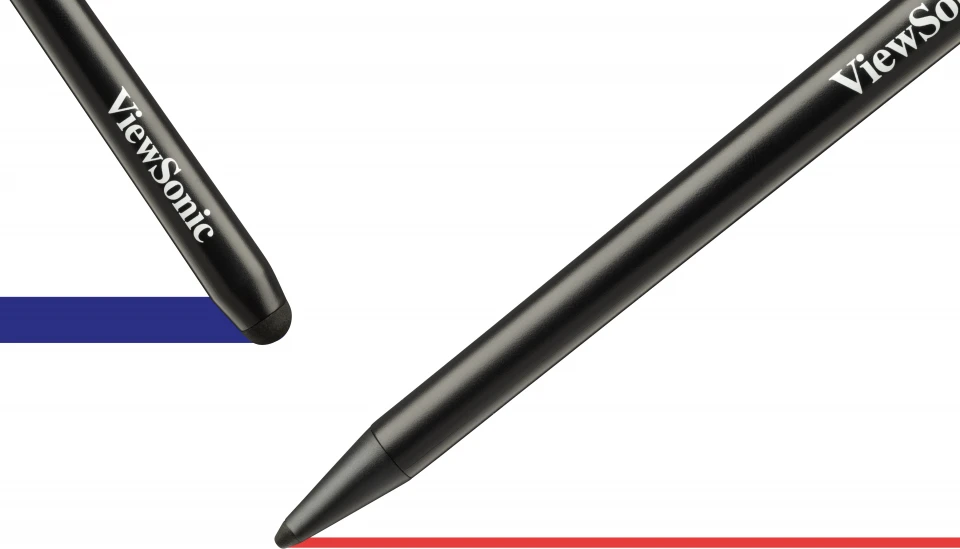
Pressure-Sensitive Touch Writing That Tracks Pen Movement
Instructors writing freehand notes, diagrams, or mathematical notation need immediate visual feedback. The ultra-fine touch technology registers the touch pen with precision across the entire 86-inch surface, eliminating the jitter and lag that undermines confidence in real-time writing and making the display feel responsive rather than sluggish.
Key Features
- 40-Point Ultra-Fine Touch with Smooth Writing Response: Multi-user collaboration requires touch that responds instantly and accurately regardless of whether ten people are annotating simultaneously or one instructor is writing. The 40-point touch system ensures that real-time annotation—whether on lesson materials, whiteboard applications, or embedded web content—doesn’t lag or miss inputs, preserving the natural flow of classroom instruction or meeting discussion.
- 4K Resolution and 400 Nits Brightness: Classrooms with windows and corporate meeting rooms with mixed ambient lighting need readable graphics, sharp text, and visible colour distinction at distance. The 3840×2160 resolution ensures that detailed spreadsheets, small fonts in video content, and fine instructional graphics remain legible from all seats, while the 400-nit brightness maintains visibility without adding glare under typical fluorescent or daylit conditions.
- USB-C Single-Port Connectivity and SmartPort Integration: Classroom and meeting workflows demand minimal technical setup friction. The front-facing USB-C port combines power delivery (65W), DisplayPort 1.2 video, and data transfer—allowing a single cable connection from a laptop, tablet, or document camera to power the device, project content, and enable touch-responsive interaction simultaneously, reducing connection troubleshooting and speeding up session handoffs between users.
- Wireless Casting with myViewBoard Display: Not every device has a cable, and not every participant arrives with the right adapter. Built-in wireless presentation via myViewBoard Display allows instructors and meeting participants to project from phones, tablets, or laptops without physical connection, while myViewBoard Cast enables basic touch feedback from remote presenters, supporting hybrid learning and distributed meeting scenarios where some participants are on-site and others are remote.
- Front-Facing 16W Dual Speakers: Audio clarity matters in spaces where content includes video, instruction, or presentation narration. Front-mounted speaker placement ensures that sound projects toward the audience rather than into a wall or cabinet, eliminating the need for external speaker systems in most classroom and small-to-medium boardroom configurations and reducing audio latency for video playback and real-time communication.
- Android 11 Platform with Optional Slot-in PC Compatibility: Educational institutions and corporate environments often run mixed technology stacks. Native Android 11 support handles day-to-day annotation, web browsing, and casting workflows without additional compute, while the optional VPC slot-in PC (sold separately) allows deployment of Windows-only software or deeper IT management when institutional workflows demand it—preserving infrastructure investment without forcing a single platform choice.
- Dual LAN Ports and 802.11ac WiFi Slot: Network integration is essential in IT-managed environments. Two Gigabit LAN ports support daisy-chaining or redundant network paths, while the WiFi slot accepts ViewSonic’s VSB-050 dongle for environments where hardwired network drops are unavailable or where guest wireless access is the deployment standard.
- Multiple HDMI and Connectivity for Mixed Device Ecosystems: Deployments typically involve document cameras, HDMI playback devices, legacy AV infrastructure, and contemporary laptop connections. Three HDMI 2.0 inputs at 60Hz, VGA support, four USB 3.0 and two USB 2.0 ports, plus dual USB Type-B connection points ensure that existing AV ecosystem components—from ceiling-mounted cameras to Blu-ray players to podium control systems—connect without adapter chains or single-point dependencies.
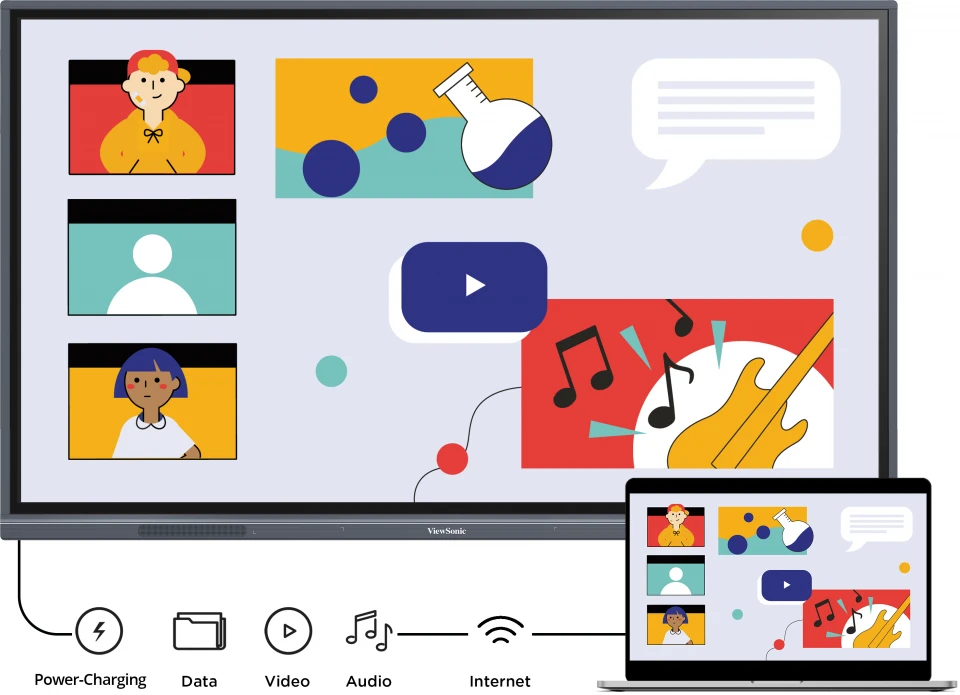
Single USB-C Connection Powers and Connects Simultaneously
Classrooms rotate between multiple instructors and meeting rooms cycle through different presenters throughout the day. The front-facing USB-C port delivers 65W power, video via DisplayPort 1.2, and data transfer in one connection, cutting setup time from multiple adapters and cable changes—critical when transitions between presenters must happen within minutes.
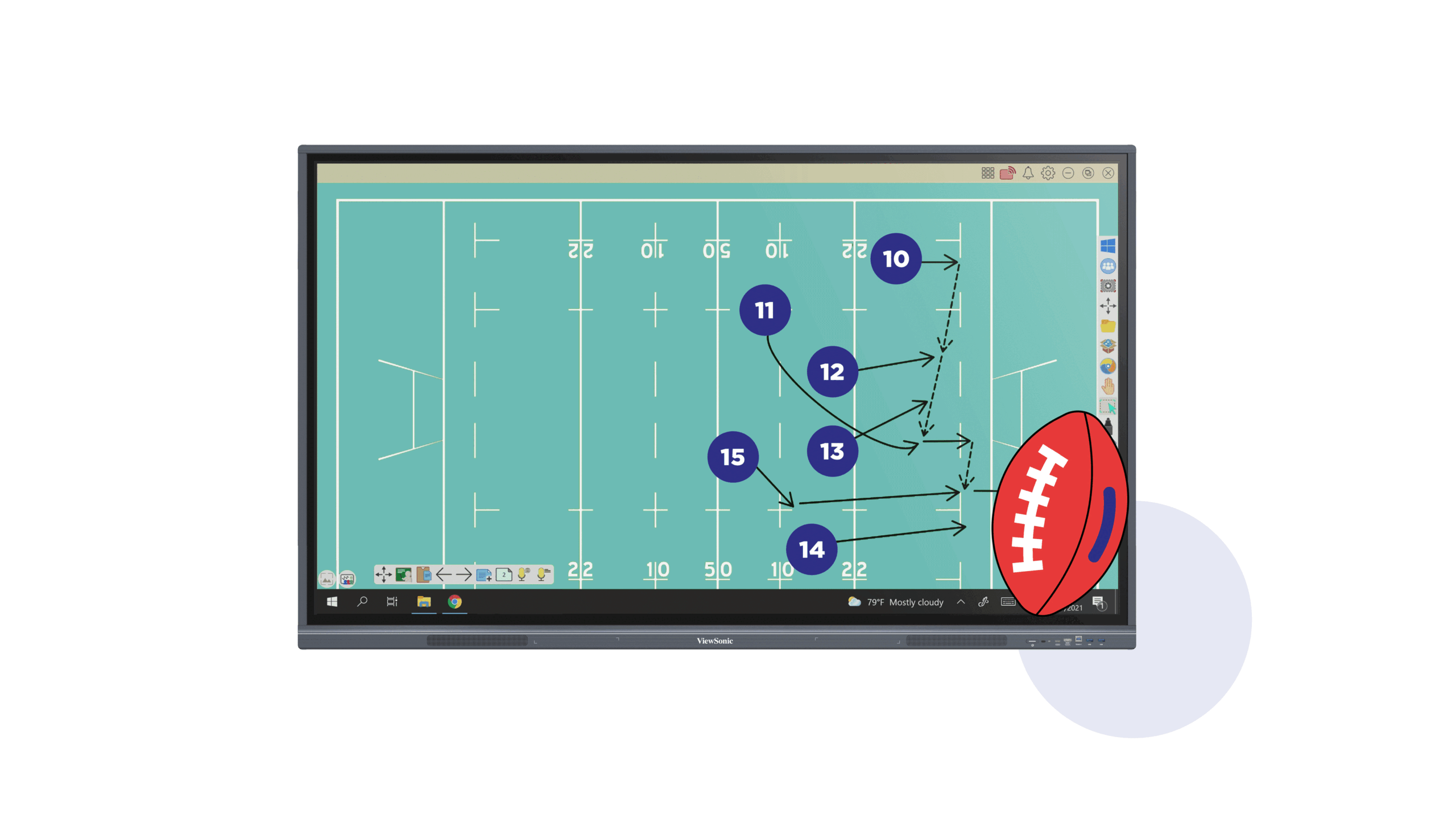
Native Android Integration with Optional Windows Flexibility
Educational workflows often depend on specific software—some institutions standardize on Android-native annotation tools, others require Windows applications embedded via slot-in PC. The IFP8633-G runs myViewBoard and standard Android apps natively, while the optional VPC compute module slot allows deployment of institution-specific Windows software without hardware replacement.
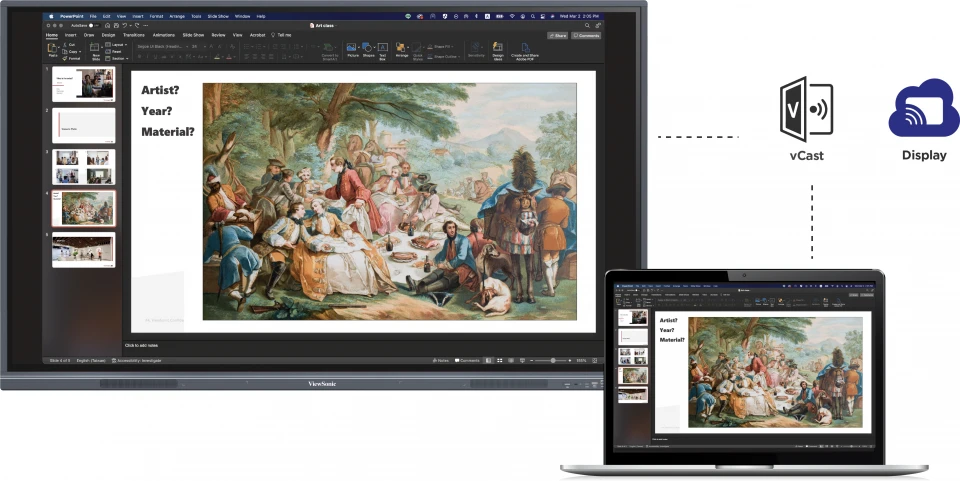
Cast Content Wirelessly from Any Device Type
Not every classroom or meeting has wired connection points at every seat, and hybrid learning setups require remote participants to present content. The myViewBoard Display app enables wireless projection from phones, tablets, and laptops, while basic touch feedback from remote presenters supports collaborative scenarios without requiring additional infrastructure.
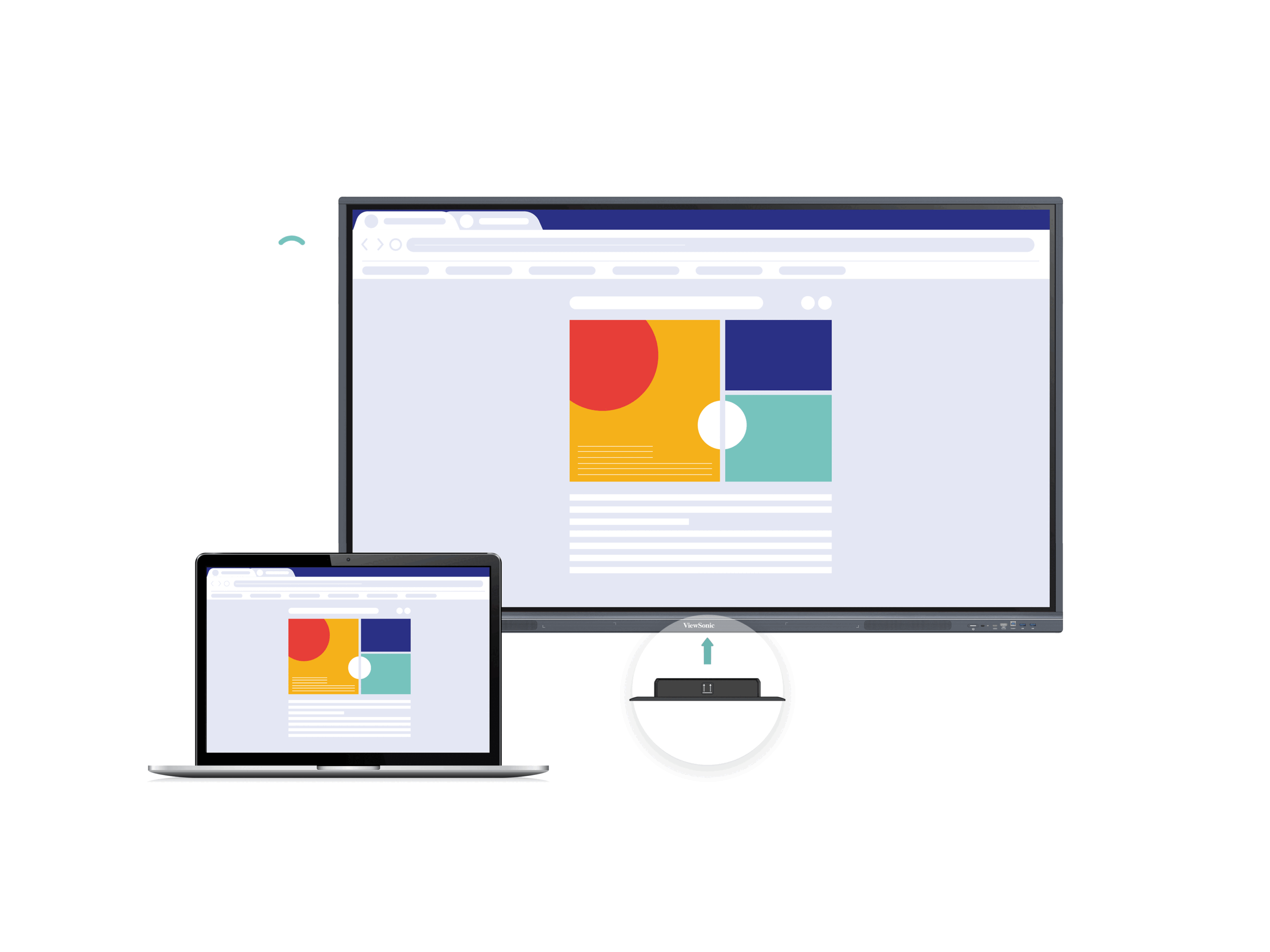
WiFi Connectivity for Wireless-First Deployments
Some facilities lack structured network cabling to every room, or deployments prioritize guest wireless access over hardwired connections. The VSB-050 WiFi dongle slot supports 802.11ac connectivity, allowing the display to join network infrastructure without additional powered external equipment or IT installation complexity.
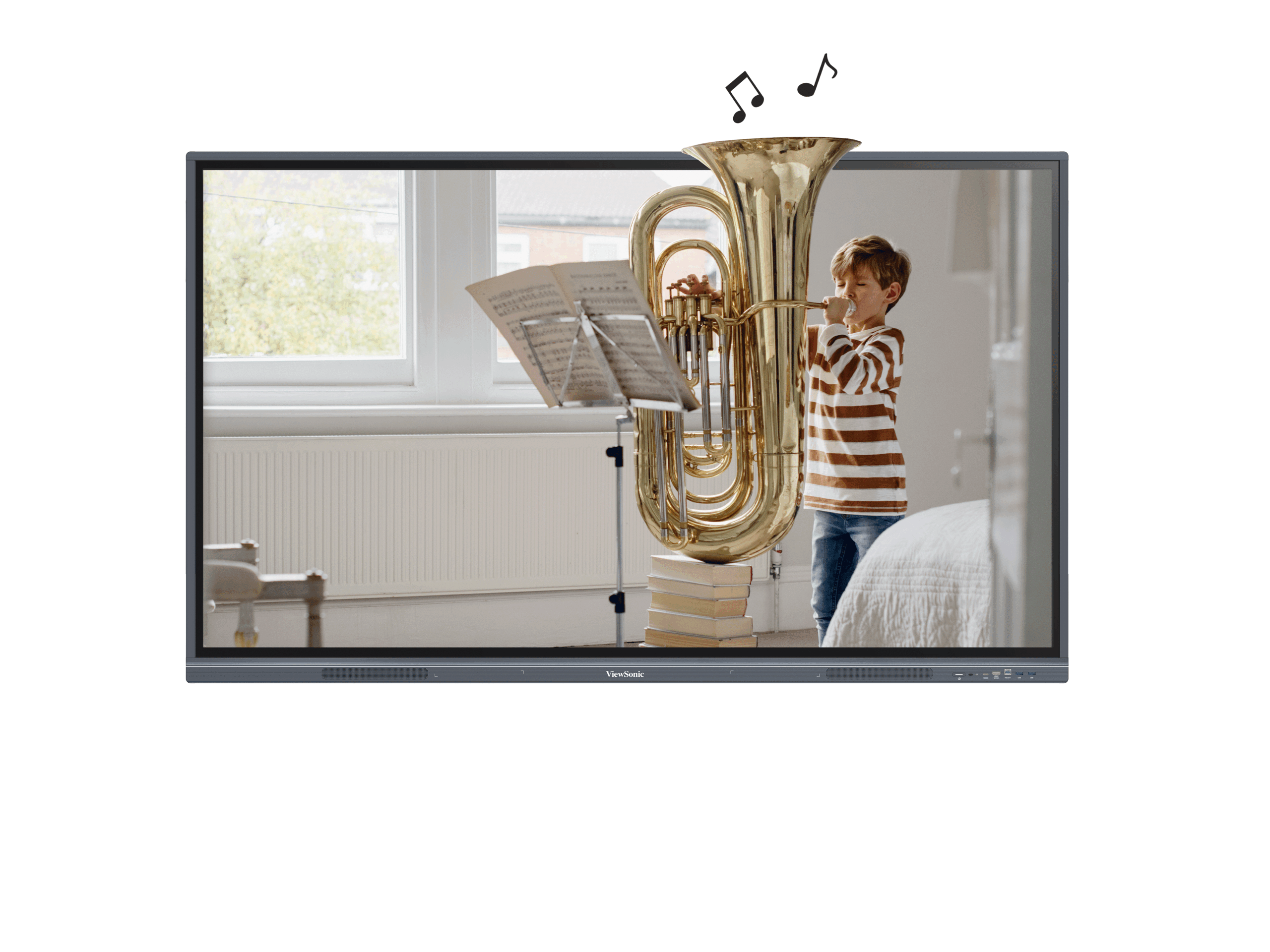
Front-Mounted Dual Stereo Audio for Direct Audience Coverage
Built-in speaker systems in displays must project sound toward the room, not into walls or cabinets. The 16W dual front-facing configuration ensures audio from instructional video, presentation narration, or videoconference participants reaches the audience clearly, reducing the need for external sound reinforcement in standard classroom and boardroom sizes.
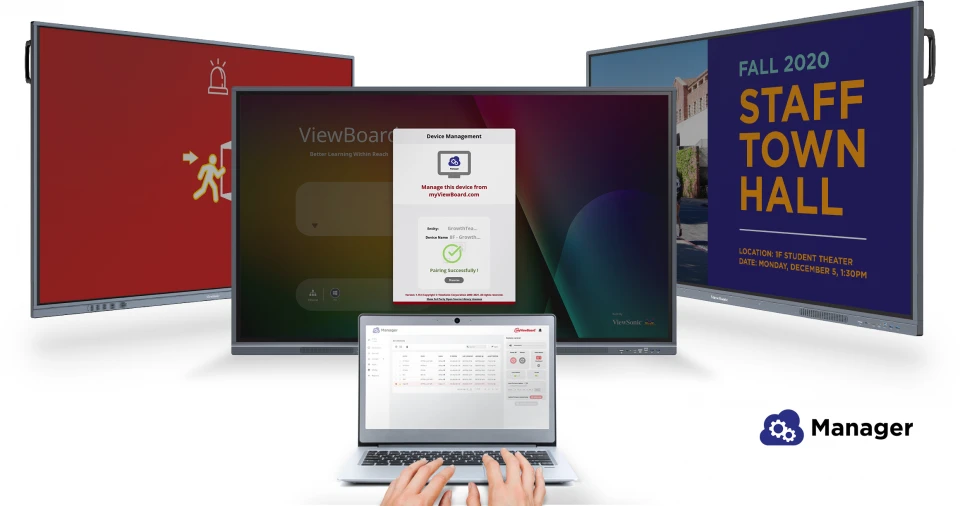
Network Messaging and Campus Digital Signage Ready
Many institutions deploy large displays for dual-purpose use: interactive instruction during the day, campus announcements and digital signage outside hours. The dual LAN ports, Android platform, and optional Windows slot support both roles, allowing IT teams to push content schedules, manage firmware remotely, and control display operation across multiple sites from a central management platform.
Specifications
| Specification | Detail |
|---|---|
| Display Size | 86 inches (diagonal) |
| Resolution | UHD 3840×2160 pixels (4K) |
| Panel Type | TFT LCD VA with DLED backlight |
| Brightness | 400 nits |
| Contrast Ratio | 5000:1 (max. with DCR enabled) |
| Backlight Life | 50,000 hours minimum |
| Surface Treatment | 9H hardness anti-glare coating |
| Viewing Angles | 178° horizontal, 178° vertical |
| Response Time | 8ms |
| Operating System | Android 11 |
| Processor | Quad-core ARM Cortex-A55 |
| RAM | 8GB DDR4 |
| Storage | 128GB internal |
| Touch Technology | Ultra Fine Touch, 40-point multi-touch |
| Audio Output | 2 × 16W front-facing speakers |
| VESA Mount | 800×600mm |
| Physical Dimensions (W×H×D) | 1957 × 1160 × 100mm (77″ × 45.7″ × 3.9″) |
| Weight | 58.55kg (129.1 lbs) |
| Power Consumption | 154W typical operation; ≤0.5W standby |
| Operating Temperature | 0°C to 40°C |
| Bundle Software | myViewBoard Whiteboard (annotation), myViewBoard Display (wireless casting) |
Connectivity
- Video Input: 3 × HDMI 2.0 (3840×2160 @60Hz), 1 × VGA/RGB
- Video Output: 1 × HDMI 2.0
- USB Type-C: 1 × front-facing (PD 65W + DisplayPort 1.2 + USB 2.0 data + 10/100M network sharing)
- USB Type-A: 4 × USB 3.0 (2 front, 2 rear), 1 × USB 2.0
- USB Type-B: 2 × (1 front, 1 rear) for touch and control inputs
- Network: 2 × RJ45 Gigabit LAN ports; 1 × WiFi expansion slot (supports VSB-050 802.11ac dongle)
- Audio: 1 × 3.5mm audio input, 1 × 3.5mm audio output, 1 × S/PDIF digital output
- Control: 1 × RS-232 serial port
- Expansion: 1 × OPS (Optional Intel Standard OPS slot for compute module)
- Mounting: VESA 800×600mm
Warranty
This ViewSonic display is covered by a 5-year replacement warranty. In the event of a hardware fault, ViewSonic will replace the unit — minimising downtime in classroom and enterprise deployments. Contact Kickstart Computers for warranty claims and support.
Looking for more options? Browse our full range of interactive digital signage solutions available from Kickstart Computers Australia.