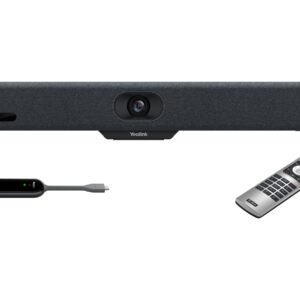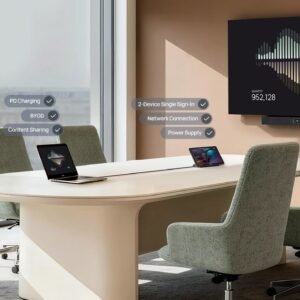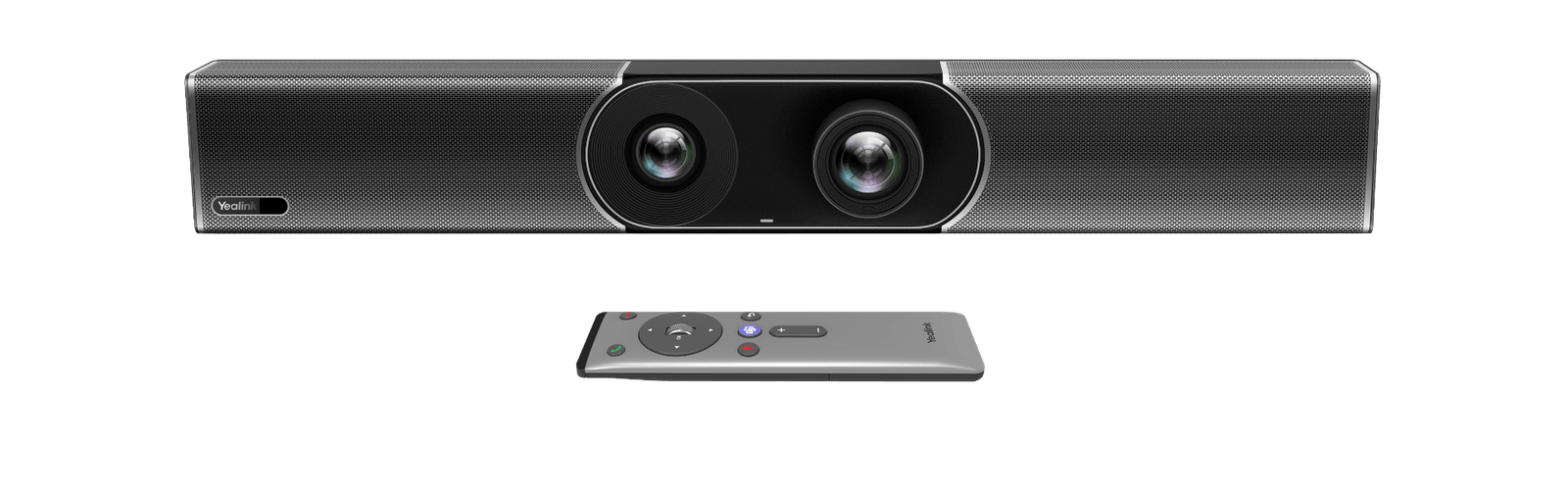
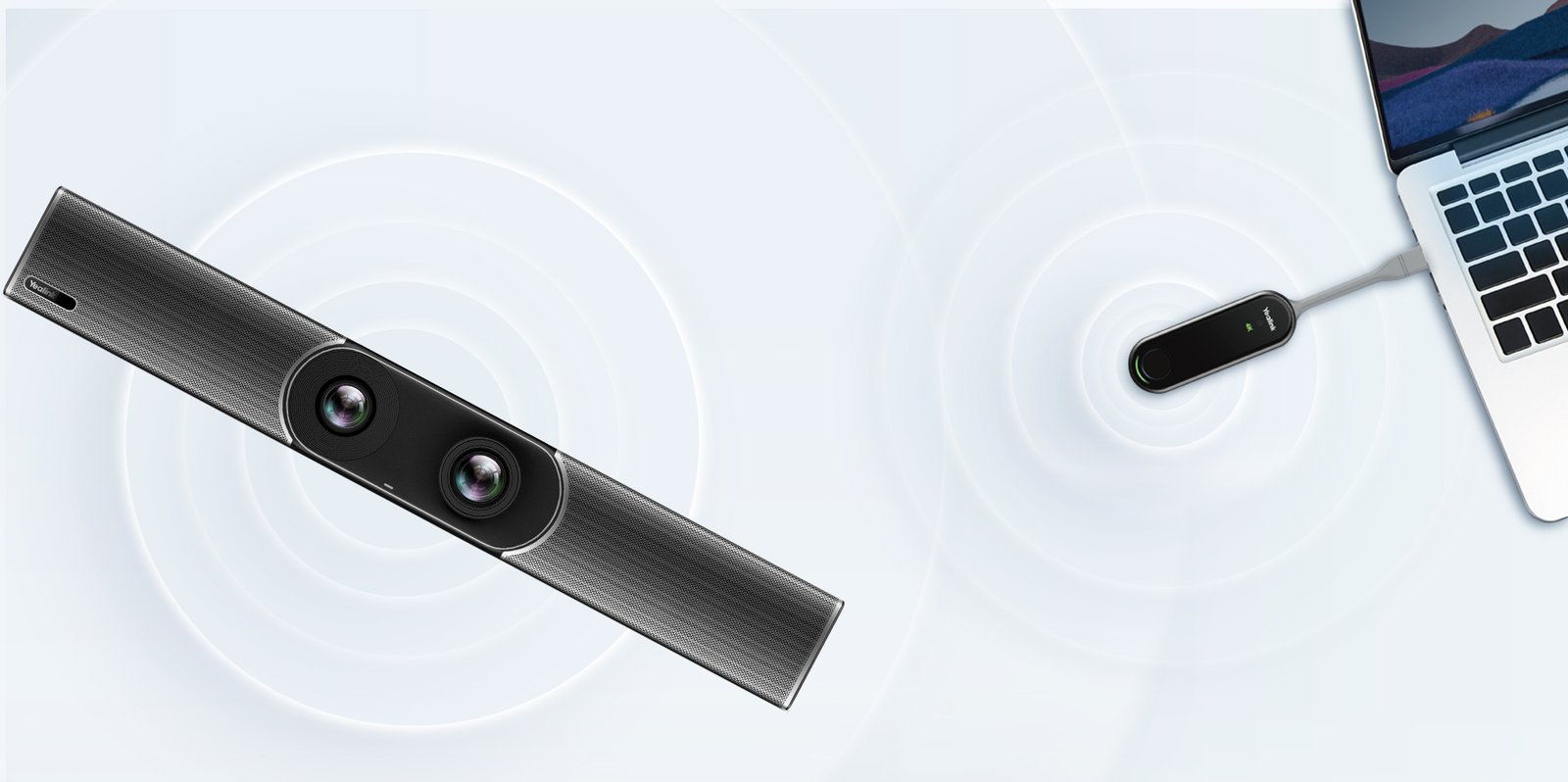
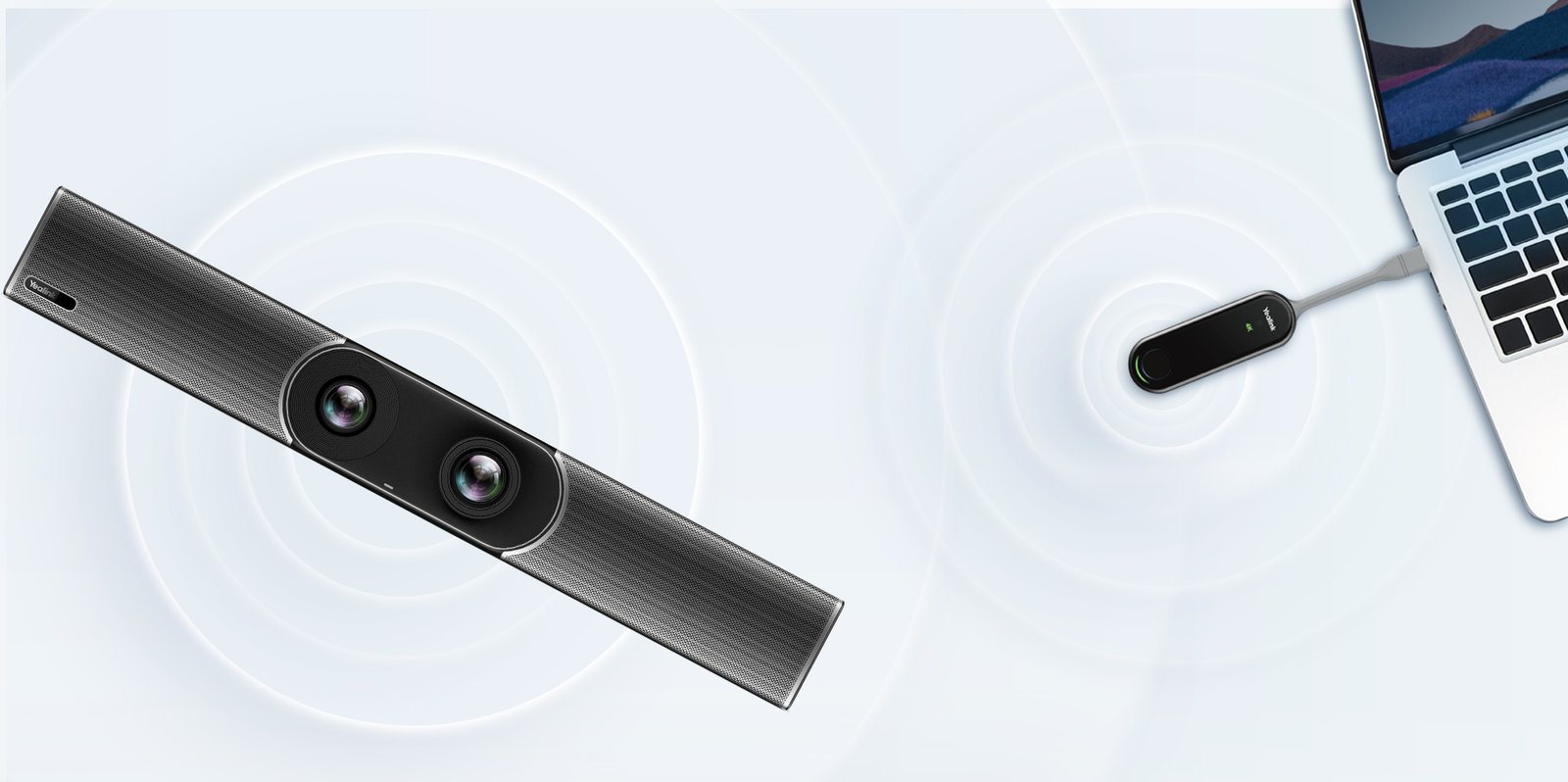
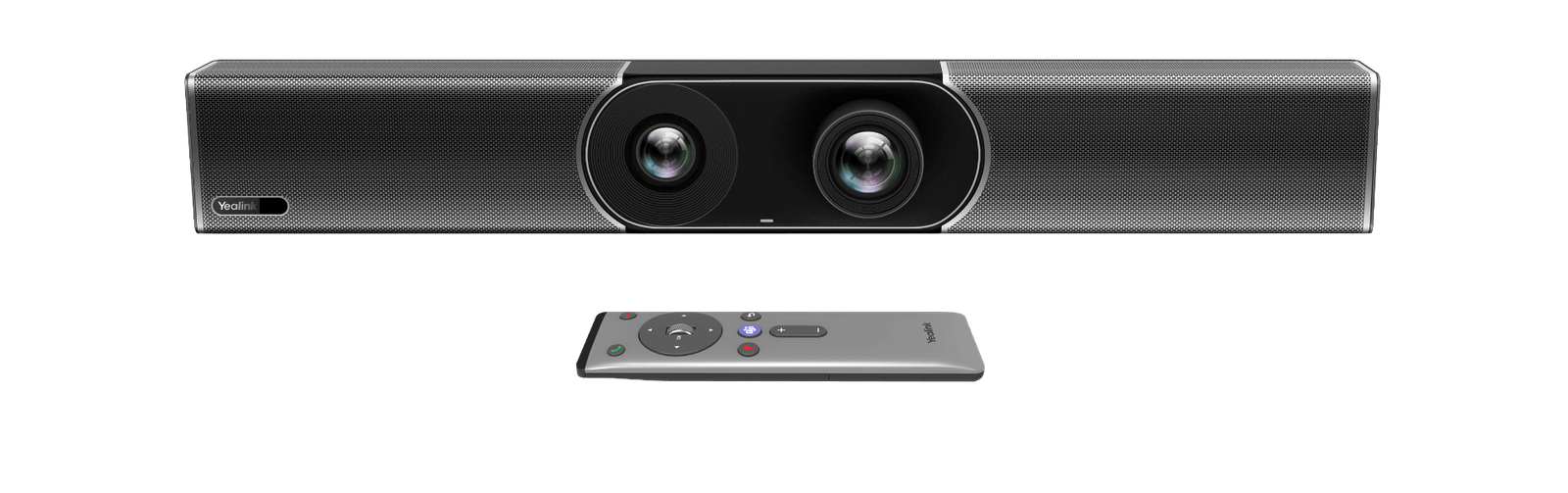
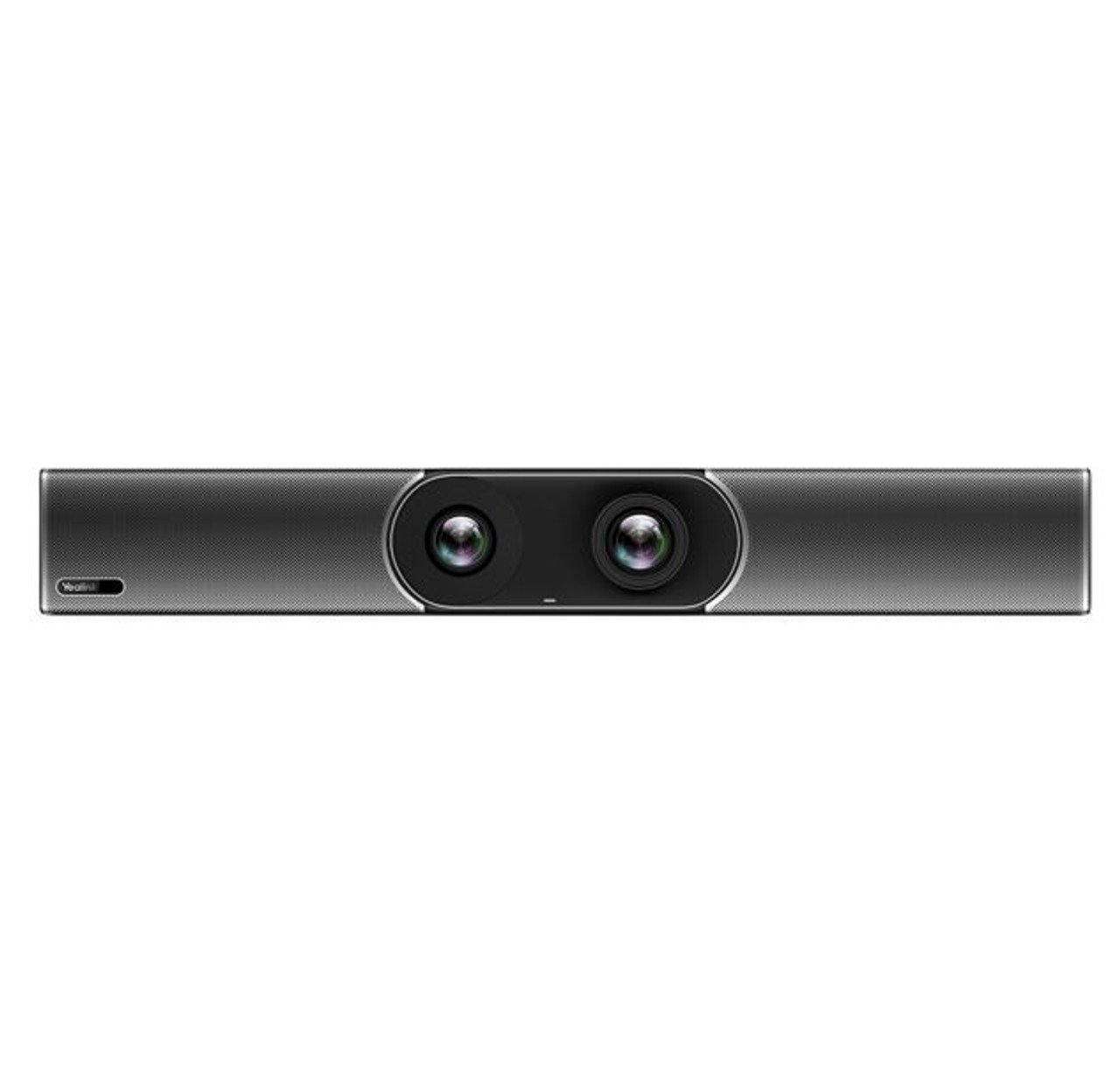
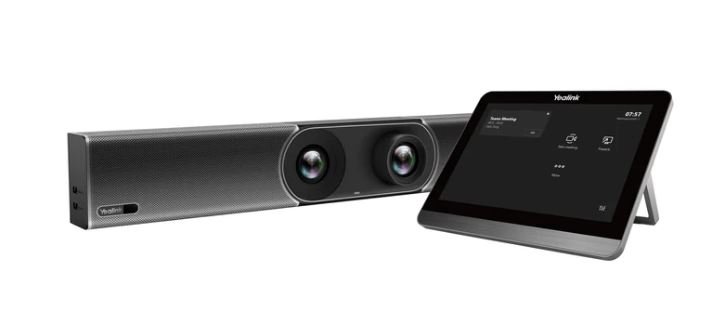
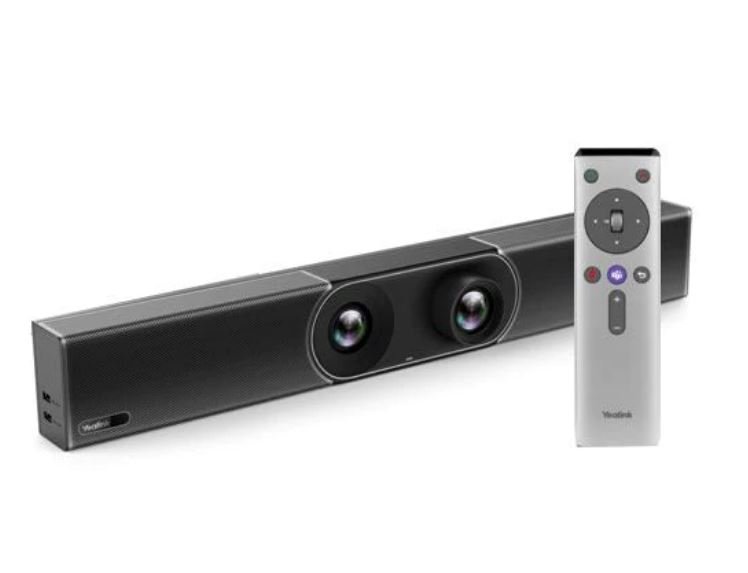

As certified Yealink integration specialists since 2007, Kickstart Computers has installed the Yealink MeetingBar A30 in hundreds of Australian businesses. It remains one of the most practical all-in-one video bars available for medium-sized meeting rooms — a single unit that covers camera, microphone, speaker, and compute without a rack, a separate codec, or an AV integrator on site.
Three Bundle Options
| Model | What’s Included | Best For |
|---|---|---|
| A30-010 | MeetingBar A30 only | Rooms with existing control systems or where on-screen controls are sufficient |
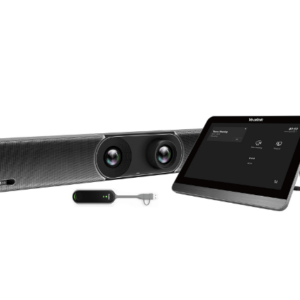
| A30-020 | MeetingBar A30 + CTP18 13.3″ touch panel | Rooms requiring a dedicated meeting control and room scheduling interface |
| A30-025 | MeetingBar A30 + CTP18 touch panel + WPP30 wireless presentation pod | Full-featured rooms with frequent presentations and guest content sharing |
Buy A30-020 With CTP18 Touch Panel →Buy A30-025 With CTP18 + WPP30 →
Key Features
- 20MP camera, 133° super-wide-angle lens — captures every participant in a medium-sized room without repositioning; AI Auto Framing and Speaker Tracking adjust automatically as participants move or join
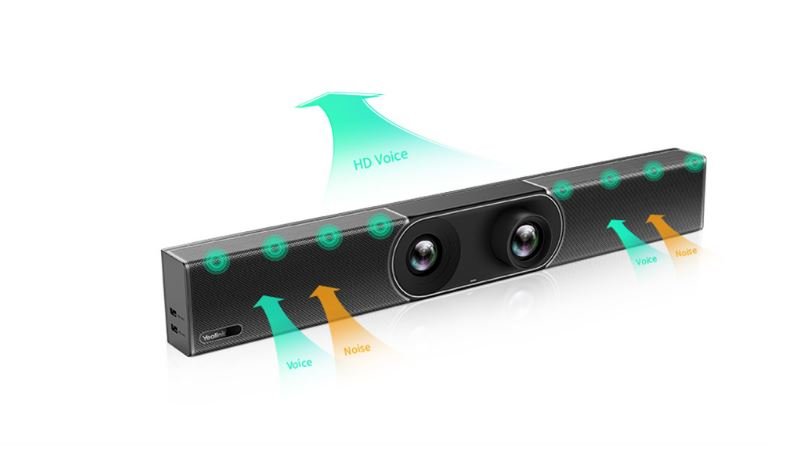
- 8-mic MEMS array, 6-metre pickup — full-duplex coverage across rooms seating 6–12 without an external speakerphone; AI noise suppression removes background distractions
- Dual 4K HDMI output — supports two simultaneous displays; main screen plus confidence monitor or overflow display
- Native Microsoft Teams & Zoom Rooms certified — one-touch join from the home screen without a laptop
- People Counting — AI room occupancy detection for room utilisation reporting
- Human motion sensor — automatic device wake-up when participants enter the room
- Optional expansion microphones — VCM34 wired expansion mics for larger room configurations
- Wireless content sharing — WPP30 presentation pod (included in A30-025) for one-click laptop screen sharing without cables
What Our Customers Say
“We installed the Yealink A30 in our main conference rooms and the difference was immediate in comparison to the old technology we replaced. The dual display support has transformed how we conduct meetings with clients and our teams in other states. The auto-framing and speaker tracking features ensure everyone feels engaged and the touch panel makes controlling meetings a breeze.”
— Operations Manager, Melbourne Financial Services Firm
“After evaluating several video conferencing solutions we contacted Kickstart and ended up employing the Yealink A30 for two of our medium-sized meeting rooms. The reliable performance and natural audio quality have made a significant difference in our client communications. Even the older staff members are impressed with the clear voices from the speakers, and it ensures everyone is clearly visible without constant adjustments.”
— IT Director, Sydney Financial Services
How the A30 Compares to Other Yealink Bars
| Feature | MeetingBar A30 | MeetingBar A40 | MeetingBar A50 |
|---|---|---|---|
| Ideal room size | Medium — 6–12 people | Small–medium — 4–12 people | Medium–large — 8–20+ people |
| Camera | 20MP, 133° HFOV, single lens | Dual 48MP stitched, 110° HFOV | Triple 50MP, 98° HFOV |
| Mic pickup | 6 metres, 8 MEMS | 6 metres + 2 expansion mics | 10 metres + 3 expansion mics |
| IntelliFocus | No | Up to 4 portraits | Up to 4 portraits |
| HDMI outputs | 2× 4K HDMI | 2× 4K HDMI | 2× 4K HDMI |
| Touch controller | CTP18 (13.3″) | CTP25 (10.1″) | CTP25 (10.1″) |
| MTR-W support | No | No | Yes (MVC S50) |
| Warranty | 2-year | 2-year | 2-year |
Technical Specifications
Camera
| Feature | Specification | Why It Matters |
|---|---|---|
| Resolution | 20MP | High pixel count delivers sharp facial detail at medium room distances |
| Field of view | 133° HFOV super-wide-angle | Captures every participant across a standard medium room width without repositioning |
| Video output | Up to 4K@30fps, 1080p@60fps | 4K output ensures participant faces are sharp on large remote displays |
| AI modes | Auto Framing, Speaker Tracking, People Counting | Camera adjusts automatically — no manual pan or zoom required during meetings |
| Motion sensor | Human motion detection | Device wakes automatically when participants enter — no pressing buttons to start |
Audio
| Feature | Specification | Why It Matters |
|---|---|---|
| Microphone array | 8 MEMS, 6-metre pickup, full-duplex | Covers every seat in a standard 6–12 person meeting room without ceiling infrastructure |
| Noise suppression | AI-enhanced, AEC, AGC | Removes keyboard clicks, HVAC, and background noise before it reaches the far end |
| Speaker | Built-in HD speaker | Clear far-end audio for medium rooms without an external amplifier |
| Expansion mics | Optional VCM34 wired expansion | Extends coverage for larger rooms or U-shaped table configurations |
| Audio I/O | 3.5mm line-out | Supports connection to external speaker systems when required |
Connectivity & Ports
| Feature | Specification | Why It Matters |
|---|---|---|
| HDMI outputs | 2× HDMI (4K supported) | Dual display support — main screen plus confidence monitor or overflow display |
| USB | 2× USB-A, 1× USB-C | Peripheral connection and BYOD support |
| Network | Gigabit Ethernet + Wi-Fi | Wired Ethernet preferred for stable meeting room deployments |
| Bluetooth | Bluetooth 5.0 | Wireless peripheral pairing without additional USB adapters |
System & Platform
| Feature | Specification | Why It Matters |
|---|---|---|
| Processor | Qualcomm Snapdragon 865 | Handles Teams Rooms, Zoom Rooms, and AI camera features without performance compromise |
| Operating system | Android 9.0 | Stable certified platform for Teams Rooms and Zoom Rooms native operation |
| Platform support | Microsoft Teams Rooms, Zoom Rooms | Native certification — one-touch join without a laptop or external compute device |
| Content sharing | Wired (HDMI/USB) + wireless (WPP30 pod) | WPP30 pod (A30-025) enables one-click wireless screen sharing from any laptop |
| Mounting | Display mount or wall mount (bracket included) | Mount above or below your existing display — bracket included in the box |
| Warranty | 2-year limited hardware warranty | Covers manufacturing defects on all integrated components |
What’s in the Box
- Yealink MeetingBar A30 unit
- Power adapter
- HDMI cable
- Remote control (VCR20)
- Wall mount bracket
- Quick start guide
Note: CTP18 touch panel and WPP30 wireless presentation pod are included in the A30-020 and A30-025 bundles respectively — not in the base A30-010.
Compatible Accessories
- CTP18 — 13.3″ touch panel controller for room scheduling and meeting management (included in A30-020 and A30-025)
- WPP30 — wireless presentation pod for one-click laptop screen sharing (included in A30-025)
- VCM34 — wired expansion microphones for extended audio coverage in larger rooms
- VCH51 — wired sharing box for HDMI content input
Frequently Asked Questions
What is the difference between the A30-010, A30-020, and A30-025?
All three include the same MeetingBar A30 unit. The A30-010 is the base bar only. The A30-020 adds the CTP18 13.3″ touch panel for room scheduling and meeting control. The A30-025 adds both the CTP18 and the WPP30 wireless presentation pod for one-click laptop content sharing without cables.
What room size does the Yealink MeetingBar A30 suit?
The MeetingBar A30 suits medium rooms seating 6–12 people. The 133° super-wide-angle camera and 6-metre mic pickup cover standard medium room dimensions. For smaller focus rooms the MeetingBar A25 is more appropriate. For larger boardrooms consider the MeetingBar A40 or A50.
Does the Yealink MeetingBar A30 work without a PC?
Yes — the A30 runs Microsoft Teams Rooms and Zoom Rooms natively on Android 9.0. No PC required. Tap once on the home screen or CTP18 touch panel to join a meeting.
Can I add external microphones to the Yealink MeetingBar A30?
Yes — the A30 supports optional VCM34 wired expansion microphones for larger rooms or U-shaped table configurations where the built-in 6-metre array needs supplementing.
Where can I buy the Yealink MeetingBar A30 in Australia?
Available from Kickstart Computers, an authorised Yealink reseller since 2007. All bundles include a 2-year Australian warranty. Contact Andrew on 0416 353 501 for pricing and deployment advice.
Warranty & Support
The Yealink MeetingBar A30 is covered by a 2-year limited hardware warranty against manufacturing defects. Contact Kickstart Computers for warranty claims, on-site assessment, and post-sale technical support across Australia.
Further Reading
For a detailed breakdown of the A30’s performance, deployment considerations, and real-world use cases, read our in-depth guide.
Read the Yealink A30 In-Depth Guide →
Explore the Full Yealink Video Conferencing Range
The MeetingBar A30 is one of several Yealink bars covering every room size — from focus rooms through to large boardrooms — all managed through a single platform.
Yes, the Yealink A30 MeetingBar supports human motion sensor technology. This feature allows the device to detect when people enter the room and automatically wake from sleep mode, reducing startup time before meetings.
The built-in 8 MEMS microphone array on the Yealink A30 has an effective voice pickup range of 6 meters (approximately 20 feet) with 360° coverage. For larger rooms, you can extend this range by adding VCM34 expansion microphones.
The Yealink A30 MeetingBar runs on Android 9.0 with Yealink's custom interface layer optimized for video conferencing. This provides a secure, stable platform with regular security updates.
Pairing devices with the Yealink A30 can be done in several ways:
- For the CTP18 touch panel: Connect it to the same network as the A30, then follow the on-screen pairing instructions.
- For the WPP30 wireless presentation pod: Simply plug it into the A30's USB port for initial pairing, then it can be used wirelessly afterward.
- For Bluetooth devices: Navigate to the Bluetooth settings on the A30's interface, enable pairing mode, and connect from your device.
- For expansion microphones: Connect them directly to the A30 via provided cables, and they'll be automatically recognized.
The Yealink A30 comes in three configurations:
- A30-010: The base model that includes only the A30 MeetingBar unit itself.
- A30-020: Includes the A30 MeetingBar plus the CTP18 touch panel controller for enhanced meeting management and control.
- A30-025: The complete package that includes the A30 MeetingBar, CTP18 touch panel, and WPP30 wireless presentation pod for cable-free content sharing.
Yes, the Yealink A30 is fully certified for Microsoft Teams. It offers native Microsoft Teams integration with one-touch meeting join, complete Teams functionality, and an optimized user interface specifically for the Teams experience.