The BenQ Board range occupies a specific and genuinely useful position in the Australian interactive whiteboard market — built around teacher adoption, Google Workspace compatibility, and classroom health considerations rather than the broad commercial display capabilities that define some competing brands. The Board RP05, RM05, and RE04 compete directly against SMART Board, Promethean ActivPanel, and Samsung's WAFX-P in education environments, and against Samsung's Flip WMFX and Yealink MeetingBoard in corporate meeting rooms.
This page explains which BenQ Board suits which classroom or organisation, where BenQ genuinely leads the market, where another manufacturer may be a better fit, and how the decision actually gets made once specification sheets stop being useful. If your interest extends to BenQ's commercial display and digital signage range beyond interactive whiteboards, the BenQ Digital Signage page covers the full picture including the CP5505 corporate platform.
Jump Ahead Too
ToggleBenQ Interactive Whiteboard
- Google EDLA Certified
- Android 15 Platform
- On-Device AI — 10 TOPS NPU
- NFC Card Login
- Supplying SA Since 2007
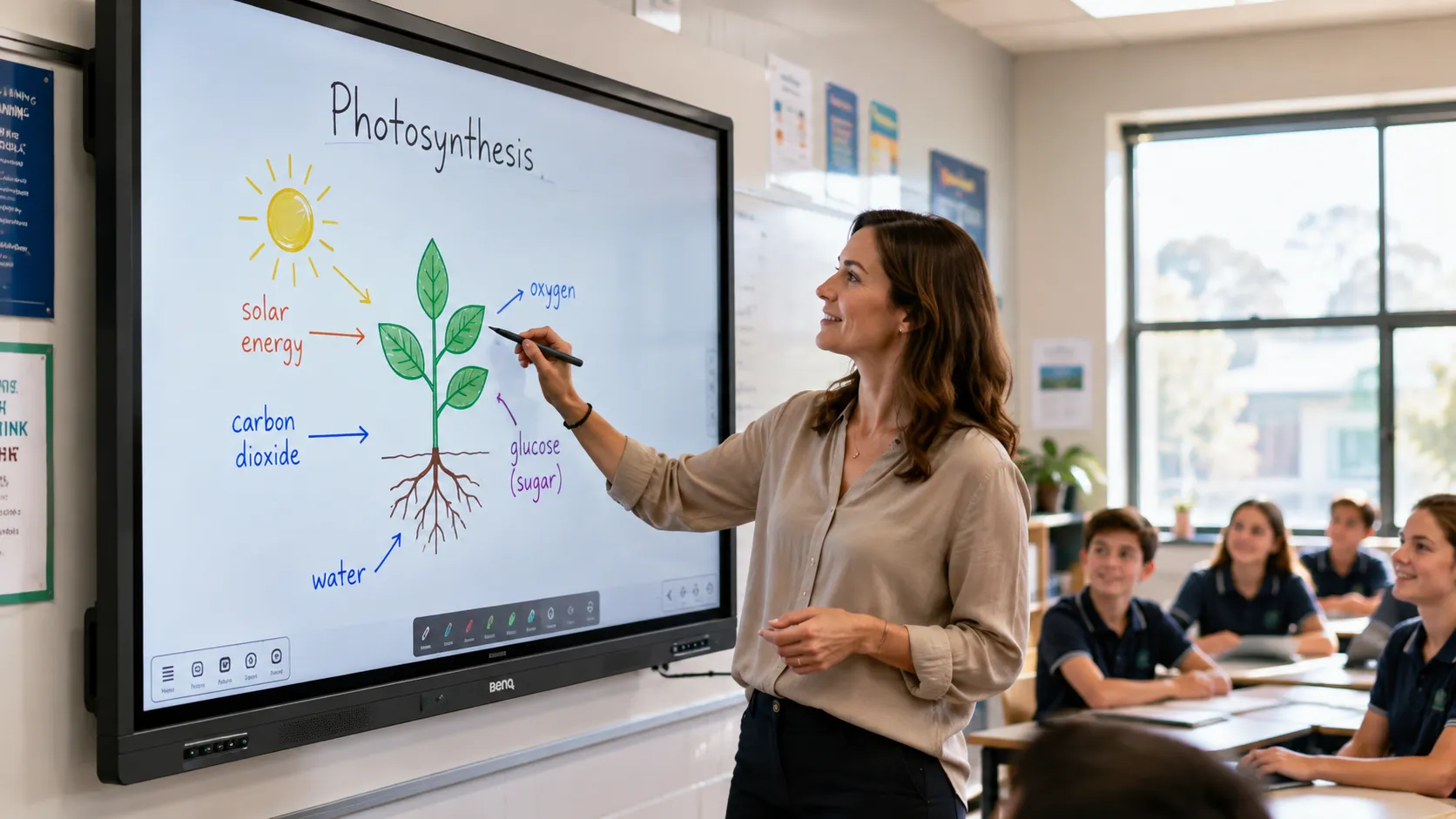
What You Need to Know Before Reading Further
Google EDLA Certified — All Models Google Play, Drive, Meet, and Workspace work natively on every BenQ Board tier. No workarounds, no sideloading.
05 Generation — Android 15, On-Device AI The RP05 and RM05 run a 10 TOPS neural processing unit. AI tools operate on the device — no cloud dependency required.
Pricing — Current Generation RE04 from $3,399 inc GST (65", clearance). RM05 from $3,041 inc GST (65") — entry point into the current 05 generation.
Teacher Adoption — BenQ's Strongest Argument NFC card login, QR code login, and InstaShare 2 wireless casting remove the daily friction that causes boards to be underused.
Open Android Platform BenQ Board gives schools the flexibility to install apps from Google Play, integrate existing software, and adapt workflows over time.
Not the Right Fit For Everyone BenQ is not the right choice for retail signage, outdoor displays, or video walls. Those categories belong to specialist signage manufacturers.
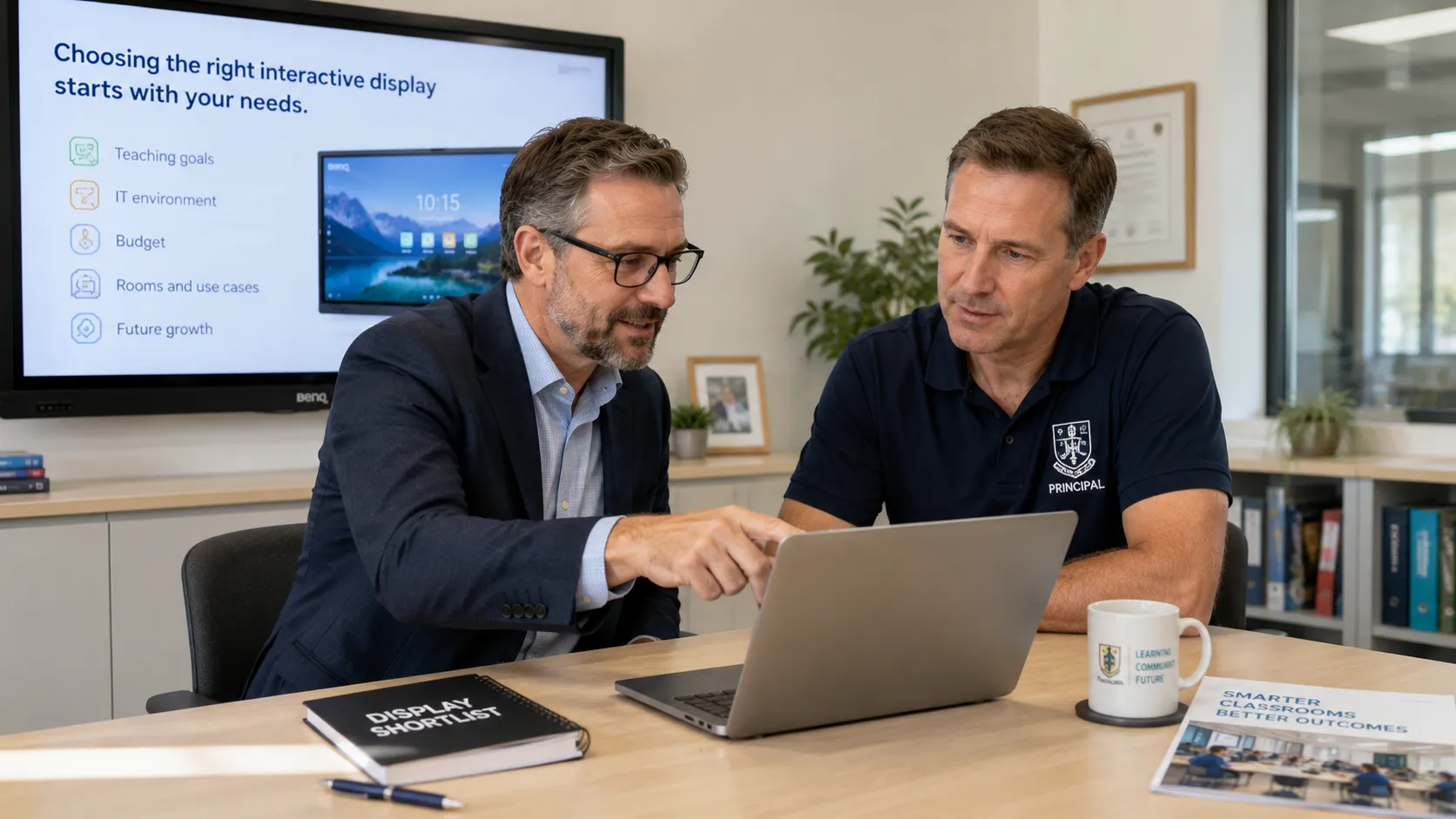
Start With What You Need to Achieve — Not the Brand You Already Know
The most common mistake in interactive whiteboard procurement is starting with a brand rather than a deployment brief. Schools and organisations default to the name they already know — and in many cases that produces a result that works adequately on the surface, while quietly failing to deliver what the environment actually needed.
The better starting question is not "which brand should we buy?" It is "what does this display need to achieve in this environment, with this group of people, running these workflows?" The answer sometimes confirms the familiar brand. Just as often, it doesn't.
One of the things that consistently gets overlooked in this conversation is the operating system. BenQ Board runs Android — giving schools the flexibility to install apps from Google Play, integrate with existing school software, and adapt the display to changing requirements over time. Some competing interactive display ecosystems run proprietary software — tighter control, more predictable behaviour, but less flexibility for environments that need to adapt. That difference is worth understanding before the order goes in.
Andrew's Observation
Schools almost always come into a demonstration with a strong preference for a brand they already know. What changes the conversation isn't our pitch — it's working through what the display actually needs to do day to day. Which ecosystem does the school run? How tech-confident is the teaching staff? How many rooms need covering, and what does the budget look like per room? Once those questions are on the table, the decision often lands somewhere different to where it started. That process is worth having before the purchase order, not after.
Why BenQ Gets Chosen — and Why It Sometimes Doesn't
Most buyers arrive at BenQ after narrowing a shortlist to two or three brands. The specs look close. The prices are real but not always decisive. What the specification tables don't surface is the operational gap that opens up six months after installation — between a board that teachers use confidently every day and one that quietly becomes an expensive projector replacement.
In our experience, teachers rarely complain about picture quality. They complain when technology interrupts the lesson — login delays, wireless casting that doesn't quite connect, software that requires three steps where one should do. BenQ's design philosophy is built around removing exactly those friction points. The NFC card login on the RP05 and RM05 is the clearest example: tap your card, your workspace loads, and you are into the lesson within seconds. It sounds like a small thing until you multiply it across six or seven lessons a day, across every teacher, across every room in the school. At that scale it is not a small thing at all.
The same principle applies outside schools. Meeting rooms with interactive displays that require IT support for routine daily operation — or that staff quietly avoid because the interface feels unfamiliar — are a frequent and expensive disappointment. The display that gets used simply and reliably by everyone delivers more value than the technically superior display used only by the three people in the organisation who enjoy configuring technology.
Andrew's Observation
In demonstrations, the NFC login consistently gets the strongest reaction — not because it is technically impressive, but because teachers immediately understand what it means for their day. We have seen staff who were genuinely apprehensive about the technology in general become comfortable within a single session once the login friction was gone. That shift from apprehension to confidence is what determines whether a board gets used consistently or quietly pushed aside. It is almost never about the specifications.
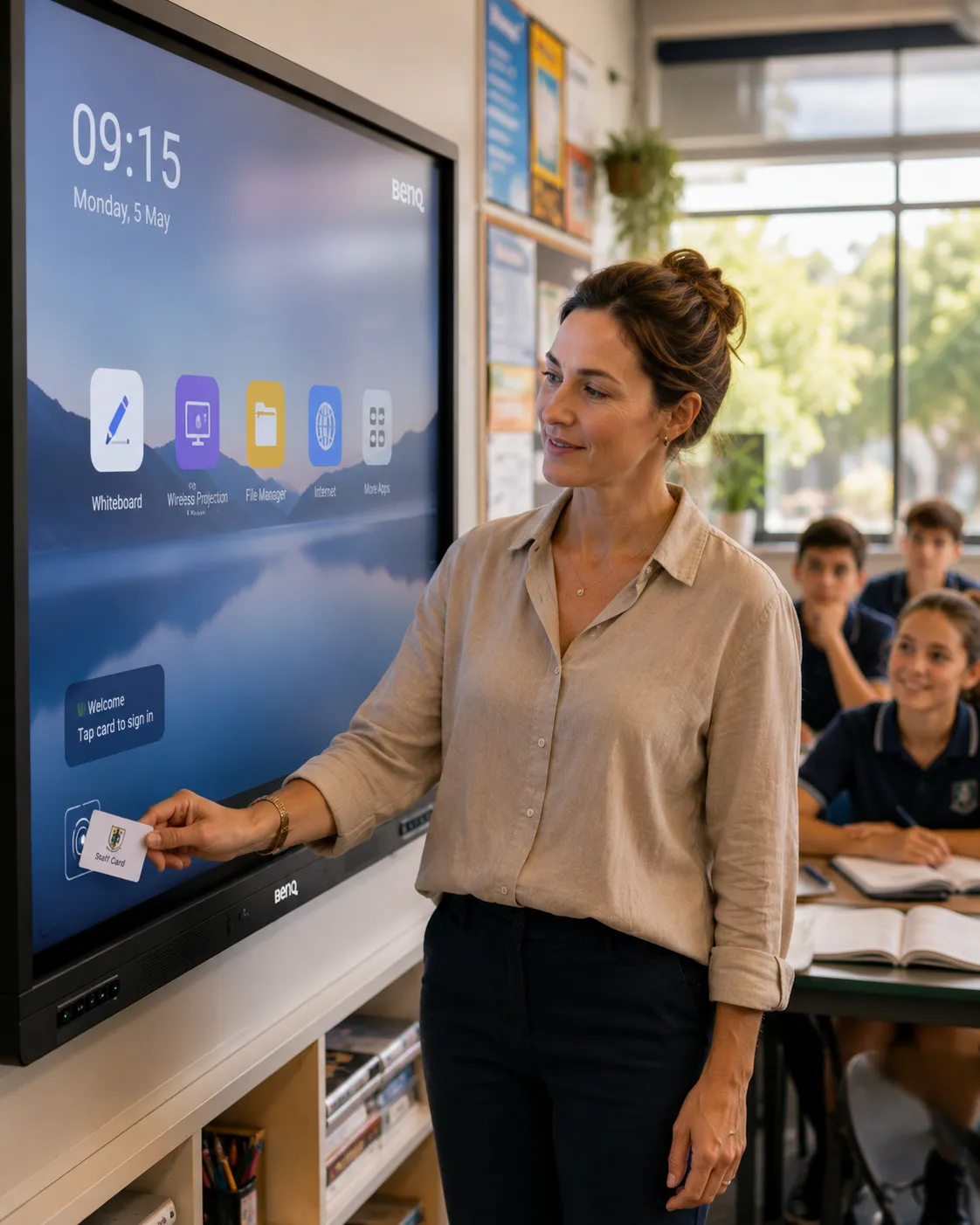
BenQ Board RP05, RM05 and RE04 — Which Generation Are You Actually Buying?
BenQ's current interactive whiteboard range in Australia spans two active generations. The 05 generation — RP05 and RM05 — is the current production range running Android 15 EDLA with a dedicated 10 TOPS neural processing unit. The RE04 is the outgoing Essential tier at clearance pricing while stock lasts.
Understanding the generational difference matters for procurement. The RE04 at $3,399 inc GST and the RM05 at $3,041 inc GST are not the same generation at different price points — the RM05 is current platform hardware, the RE04 is outgoing. That context changes the per-room investment calculation considerably.
The following table compares the three BenQ Board models currently available in Australia across the specifications that matter most for deployment planning.
| Feature |
Current — 05 Gen Board Pro RP05 |
Current — 05 Gen Board Master RM05 |
Outgoing — 04 Gen Board Essential RE04 |
|---|---|---|---|
| OS Platform | Android 15 EDLA | Android 15 EDLA | Android 13/14 EDLA |
| AI Processing | 10 TOPS NPU | 10 TOPS NPU | None — cloud dependent |
| RAM / Storage | 16GB / 256GB | 8GB / 128GB | 8GB / 32–64GB |
| Touch Points | 50 points | 50 points | 40 points |
| Touch Response | <2.5ms (65"/75") | <5ms | <5ms |
| Microphone | 8-mic array, 12m range | 8-mic array, 12m range | Single mic input |
| NFC Login | Yes | Yes | No — QR code only |
| Wi-Fi 6 | Standard | Optional add-on | Not listed |
| Air Quality | CO₂, PM2.5, TVOC + ionizer | No | No |
| Audio | 70W (speakers + sub) | 50W (speakers) | 40W (speakers) |
| Eyesafe | 3.0 | 3.0 | TÜV certified |
| Sizes | 65", 75", 86" | 65", 75", 86" | 65", 75", 86" |
| From (65" inc GST) | $4,017 | $3,041 | $3,399 (clearance) |
RE04 clearance price reduced from $5,299. RM05 is current 05 generation at standard pricing. Confirm availability before ordering.
RP05 — When the Room Justifies the Investment
At $4,017 inc GST for the 65" model, the RP05 commands a premium that is justified in specific environments — not across every room in a school. The 16GB RAM and 256GB storage handle demanding multi-app workflows without the processing slowdown that undermines teaching confidence over time. The 10 TOPS NPU runs AI tools — Ask AI, Lasso Search, EZMath, Circle to Artify — on the device, not in the cloud. In schools where network bandwidth varies during peak periods, local AI processing is the difference between tools that work reliably and tools that don't.
The air quality monitoring — CO₂, PM2.5, TVOC, temperature, humidity, plus a built-in ionizer — is unique to the Pro tier. Eyesafe 3.0 certification, Wi-Fi 6 as standard, and 70W total audio with a subwoofer complete a specification that is genuinely future-proofed for flagship environments. Wall mount and Wi-Fi dongle included.
- Android 15 EDLA — 10 TOPS NPU on-device AI
- 16GB RAM / 256GB storage
- 50-point touch — <2.5ms response (65"/75")
- 8-mic array — 12m pickup range
- 70W audio (speakers + subwoofer)
- Air quality monitoring + built-in ionizer
- Eyesafe 3.0 + circadian optimisation
- Wi-Fi 6 standard — wall mount + dongle included
- Available: 65", 75", 86"
The BenQ Board Pro RP05 is available through Kickstart Computers in three sizes — the link below shows current pricing and availability.
Shop BenQ Board Pro RP05
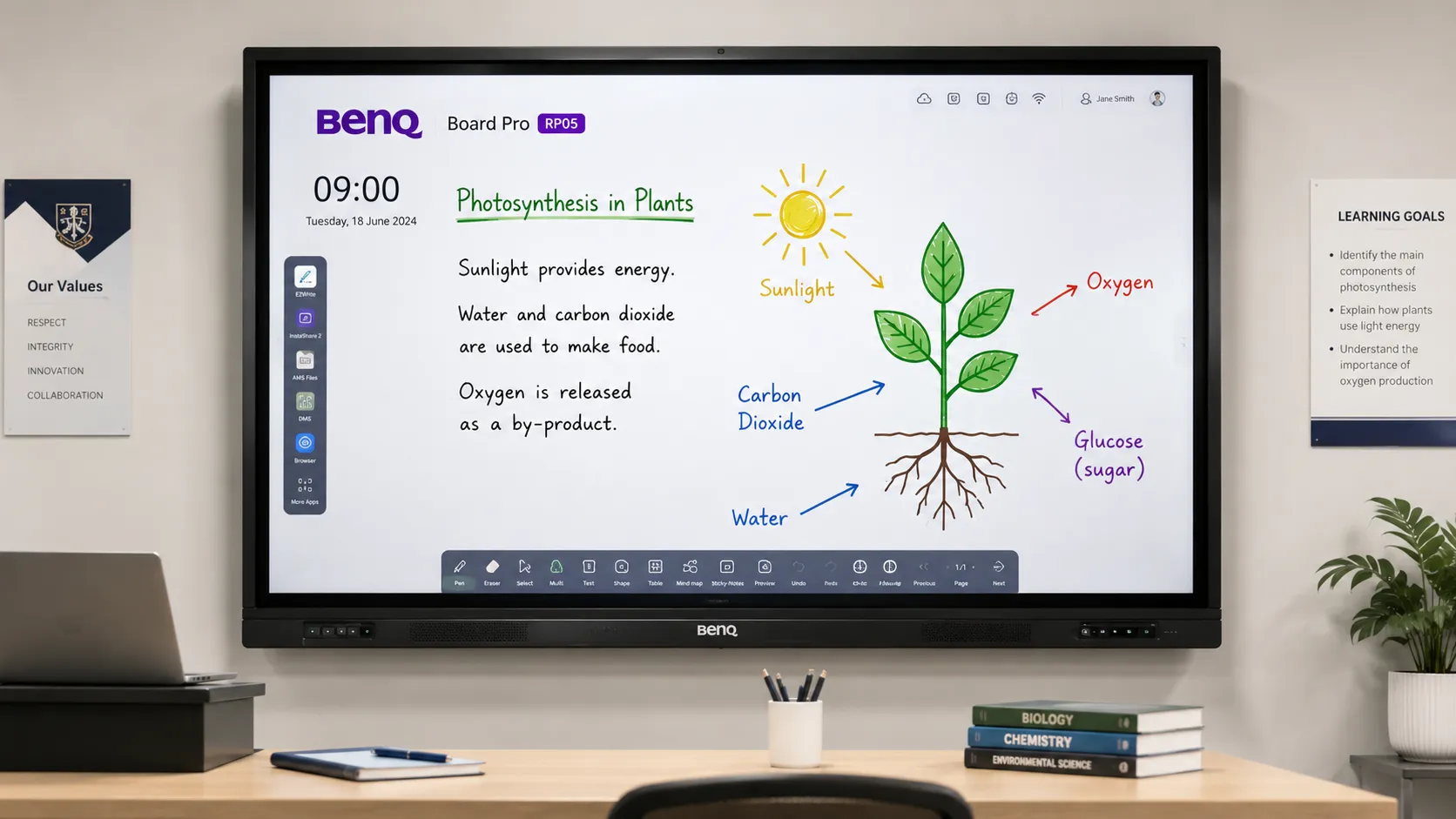
RM05 — The Multi-Room Default
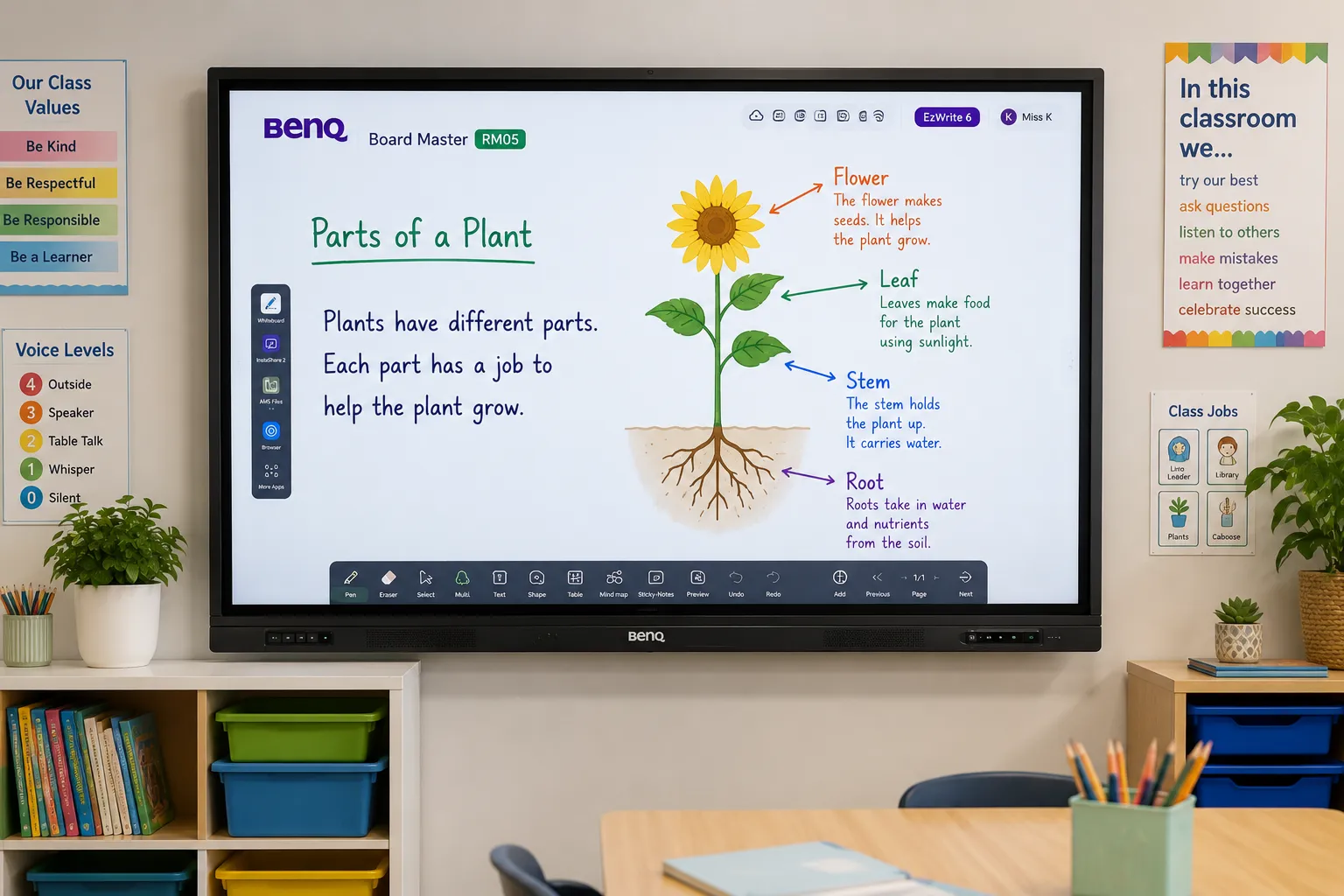
For most Australian schools and organisations, the RM05 is the answer before the detailed conversation starts. At $3,041 inc GST for the 65" model — the lowest entry point into the current 05 generation — it delivers a daily classroom experience that is difficult to meaningfully distinguish from the RP05 for standard teaching workflows.
The RM05 runs the same Android 15 EDLA platform and 10 TOPS NPU as the Pro. Same EZWrite 6 environment. Same InstaShare 2 wireless casting. Same NFC and QR code login. Same 8-microphone 12-metre array. The differences — 8GB RAM versus 16GB, 50W audio without the subwoofer, no air quality monitoring, Wi-Fi 6 as an optional add-on — matter for specific environments, not for general classroom or meeting room operation. Wall mount and Wi-Fi dongle included.
- Android 15 EDLA — 10 TOPS NPU on-device AI
- 8GB RAM / 128GB storage
- 50-point touch — <5ms response
- 8-mic array — 12m pickup range
- 50W audio (speakers)
- NFC + QR code login
- Eyesafe 3.0 + circadian optimisation
- Wi-Fi 6 optional add-on — wall mount + dongle included
- Available: 65", 75", 86"
The BenQ Board Master RM05 is available in three sizes — current pricing and availability below.
Shop BenQ Board Master RM05Andrew's Observation
The RM05 is the model we end up recommending most often. It hits every capability threshold that matters for a real classroom — current platform, on-device AI, NFC login, full mic array — without the Pro premium that only makes sense for specific flagship or health-monitoring environments. In most teaching rooms, the daily experience on an RM05 and an RP05 is indistinguishable. Applying the Pro premium uniformly across every room in a school is rarely the right call.
RE04 — Outgoing Stock at Clearance Pricing
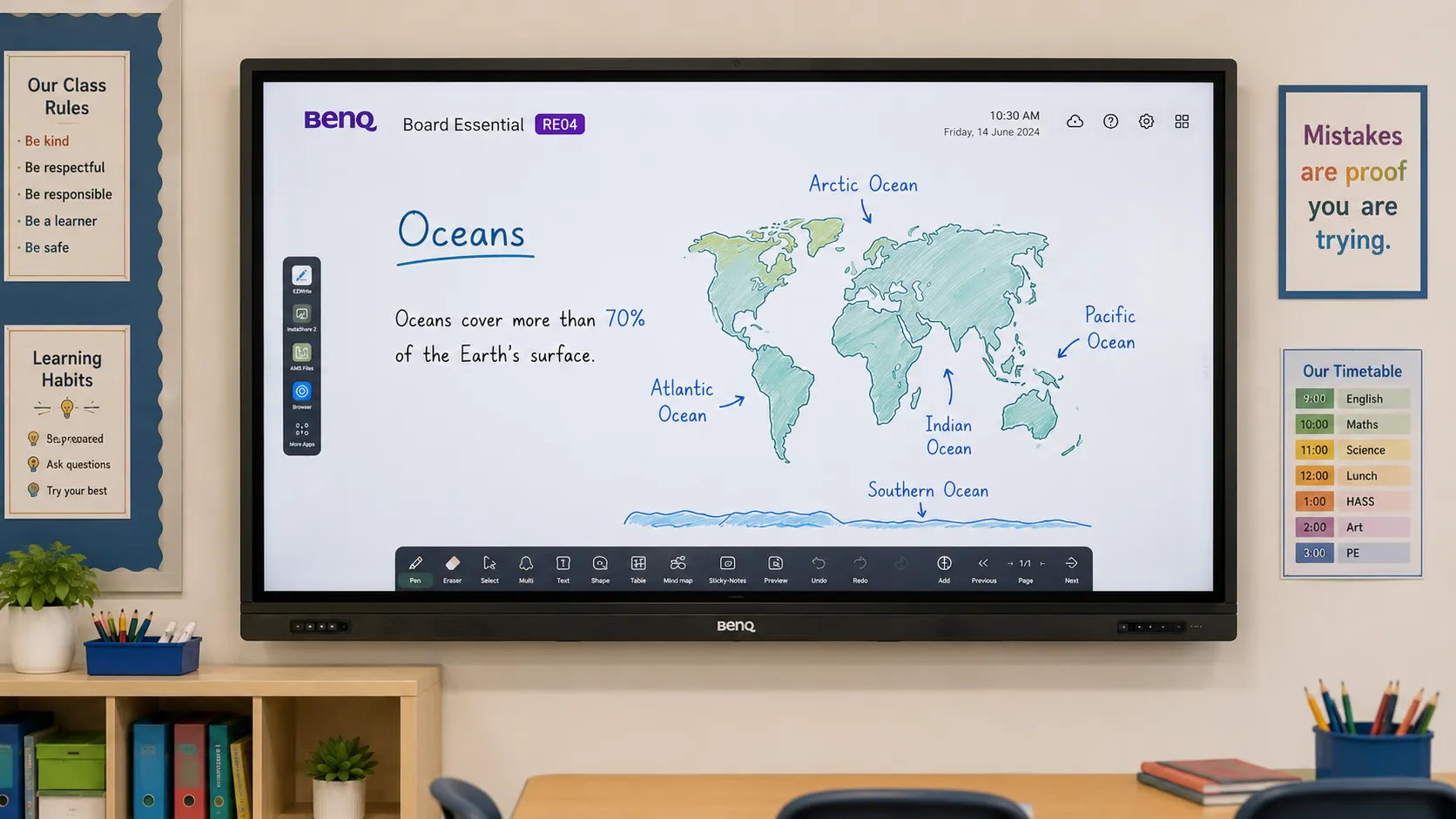
The RE04 runs Android 13/14 EDLA, does not carry a dedicated AI processor, and uses a single microphone input rather than the 8-mic array on the 05 generation models. NFC login is not available on the RE04; QR code login is. ClassroomCare basics — flicker-free, low blue light, anti-glare, antimicrobial touchscreen — are maintained across all tiers.
The honest procurement question is whether the RE04's clearance price represents a better per-room investment than the RM05 at $3,041 — which is $358 less per room and current-generation hardware. For most multi-room rollouts, the RM05 is the stronger long-term decision. The RE04 makes sense where budget is the absolute ceiling, the outgoing platform status is understood, and core EZWrite 6 annotation and Google EDLA certification are sufficient for the environment.
- Android 13/14 EDLA — no dedicated AI processor
- 8GB RAM / 32–64GB storage
- 40-point touch — <5ms response
- Single mic input (no array)
- 40W audio (speakers)
- QR code login only — no NFC
- ClassroomCare basics — Eyesafe TÜV certified
- Available: 65", 75", 86"
Confirm current availability before ordering — clearance stock is finite.
View BenQ Board Essential RE04
EZWrite 6 — The Software That Makes the Hardware Worth It
Buyers who focus exclusively on hardware specifications miss the thing that most determines daily teaching experience: the software. EZWrite 6 is a mature whiteboarding platform — not something that feels like it was shipped alongside the hardware to tick a box.
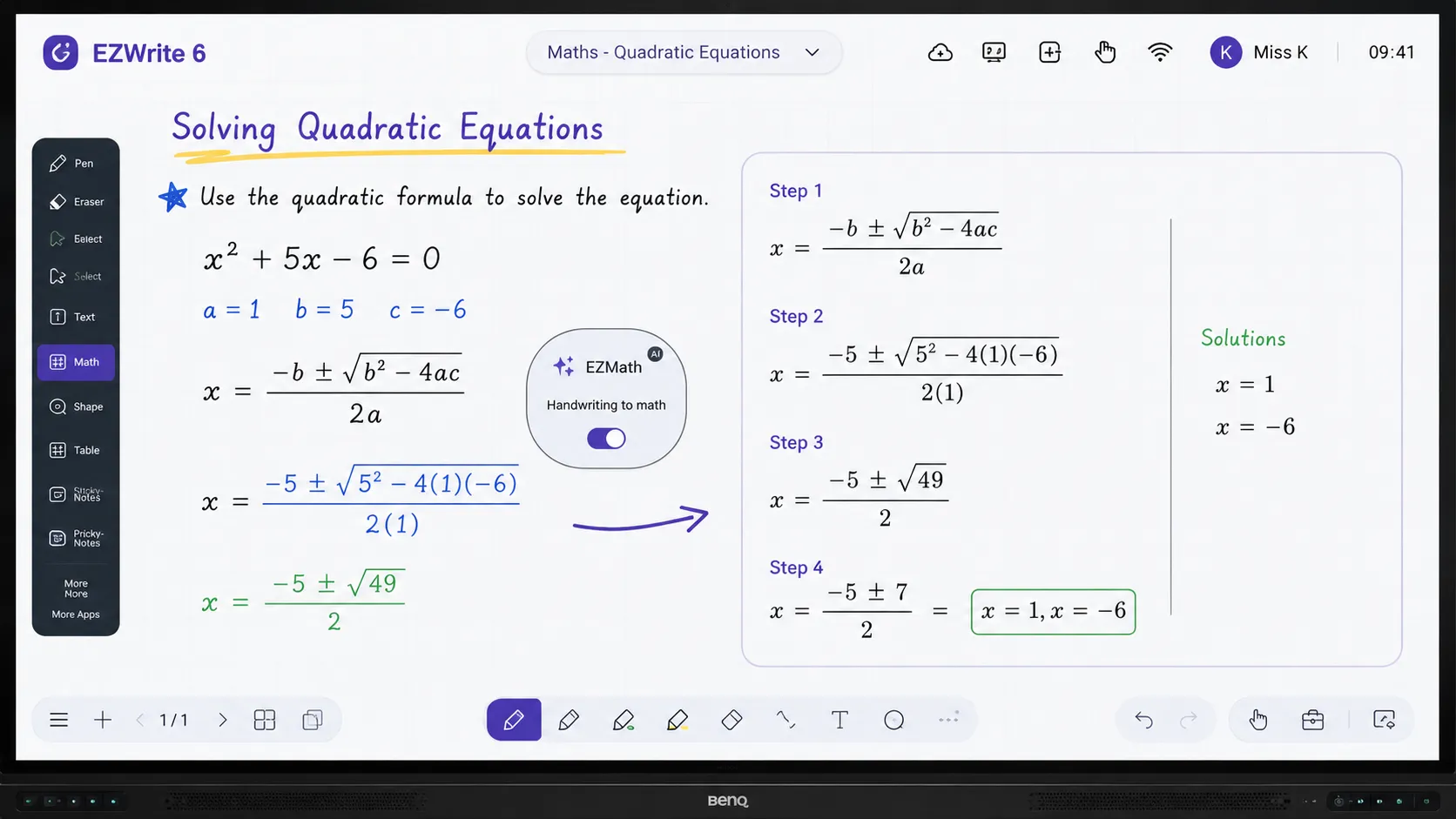
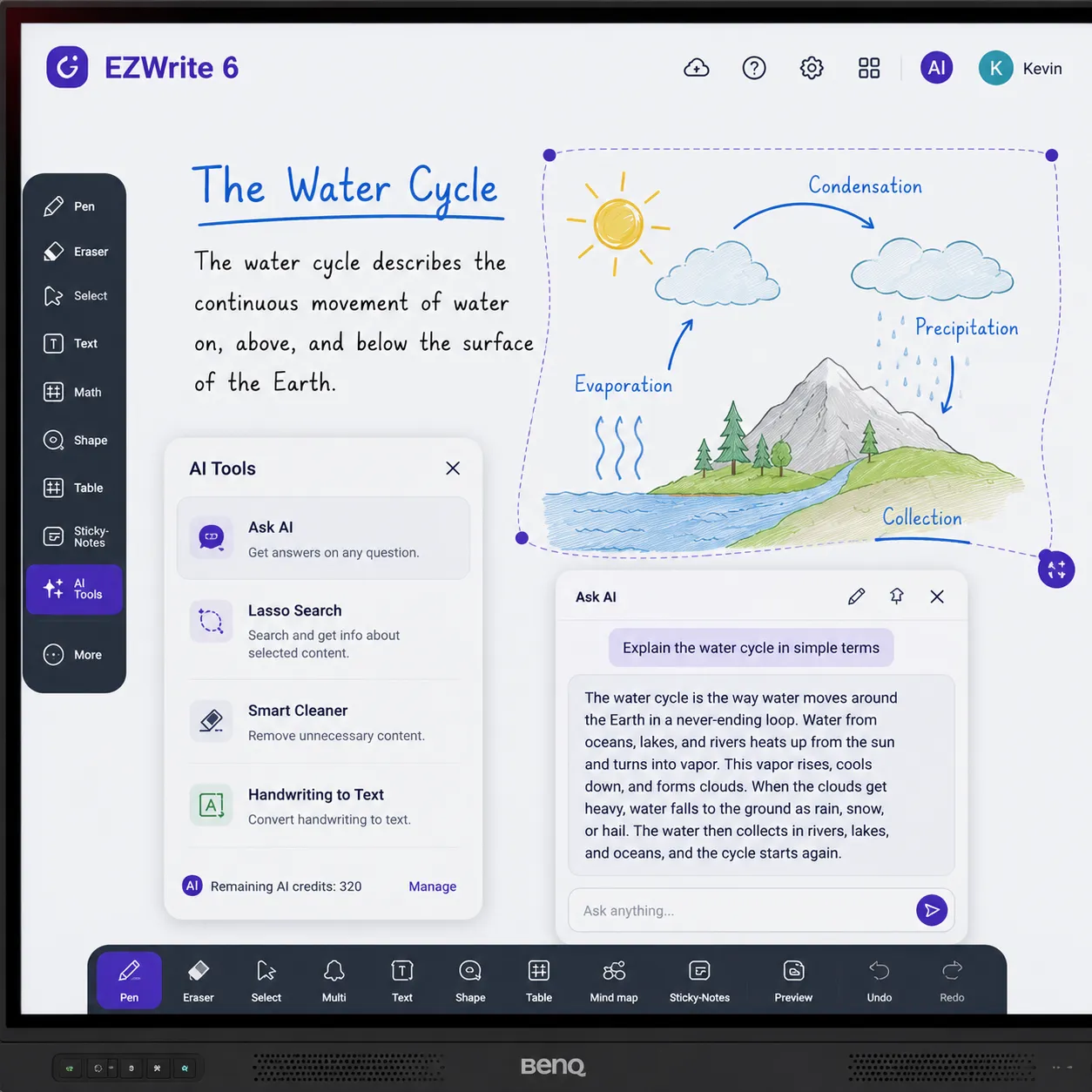
On the 05 generation, AI tools run on the device's NPU rather than the cloud. Ask AI answers questions within a lesson context without leaving the whiteboard. Lasso Search lets a teacher circle content on screen and search it instantly. EZMath converts handwritten equations into clean formatted notation — useful in any lesson where a messy equation on a traditional whiteboard would previously have required careful rewriting or a separate application.
Andrew's Observation
EZMath gets a consistent reaction in secondary school maths and science demonstrations. It's not that teachers couldn't write equations on a board before — it's that the conversion from a quick handwritten scrawl to clean formatted notation removes a step that used to slow the lesson down. The broader point is that EZWrite 6 feels like software designed around how teaching actually works, not around what looks impressive on a feature list.
The following features are available across all BenQ Board tiers running EZWrite 6. AI tools marked below require the 05 generation NPU for on-device operation.
Expandable Canvas
Lesson space extends beyond the visible screen — students follow along on their own devices as the whiteboard grows through a session.
Split-Screen Collaboration
Multiple sources — teacher laptop, student tablet, document camera — appear simultaneously alongside the whiteboard space.
EZMath — AI Formula Rendering
Converts handwritten mathematical expressions into clean formatted notation. Runs on-device via NPU on RP05 and RM05. No cloud dependency.
Lasso Search — AI Content Search
Circle any content on the whiteboard and search it instantly. Works without leaving the whiteboard environment. NPU-powered on 05 generation.
Ask AI — On-Board Assistant
Answers questions within a lesson context without requiring a browser detour. On-device on RP05 and RM05 — functions on variable school networks.
Template Library
Lesson structures, concept maps, timelines, and interactive exercise formats — reduces lesson preparation overhead rather than adding to it.
How We Recommend a BenQ Board
Short answer for each environment. If your situation is more complex, call us on 0416 353 501.
| Environment | Recommendation | Why |
|---|---|---|
| Primary school | RM05 | Full 05 platform, NFC login, straightforward enough for any staff member to operate independently |
| Secondary school — standard classroom | RM05 | On-device AI handles maths, science, and annotation workflows reliably even on variable school networks |
| Secondary school — flagship or STEM room | RP05 | Air quality monitoring, 16GB RAM, maximum AI headroom for demanding multi-app workflows |
| TAFE or training provider | RM05 or RP05 | Depends on room size and whether classroom health monitoring is part of the brief |
| University lecture theatre | RP05 | Room scale, 70W audio output, and AI performance all justify the Pro tier at this environment type |
| Small business meeting room | RM05 | Google Meet, InstaShare 2 wireless casting, EZWrite whiteboarding — covers the brief at the right price |
| Corporate boardroom — video conferencing focus | BenQ CP5505 | Purpose-built for that brief — 50MP AI camera, SummarAI meeting minutes, CASA data privacy certification |
| Budget-constrained multi-room | RE04 or RM05 | Compare per-room cost carefully — RM05 is current generation for $358 less than RE04 clearance price |

BenQ vs SMART Board, Samsung and Promethean — How Australian Schools Are Deciding
Every comparison below is written to help you make the right decision for your environment — including when that decision is not BenQ. The manufacturers below are covered in full on their own pages; the summaries here are deployment-decision focused, not specification lists.
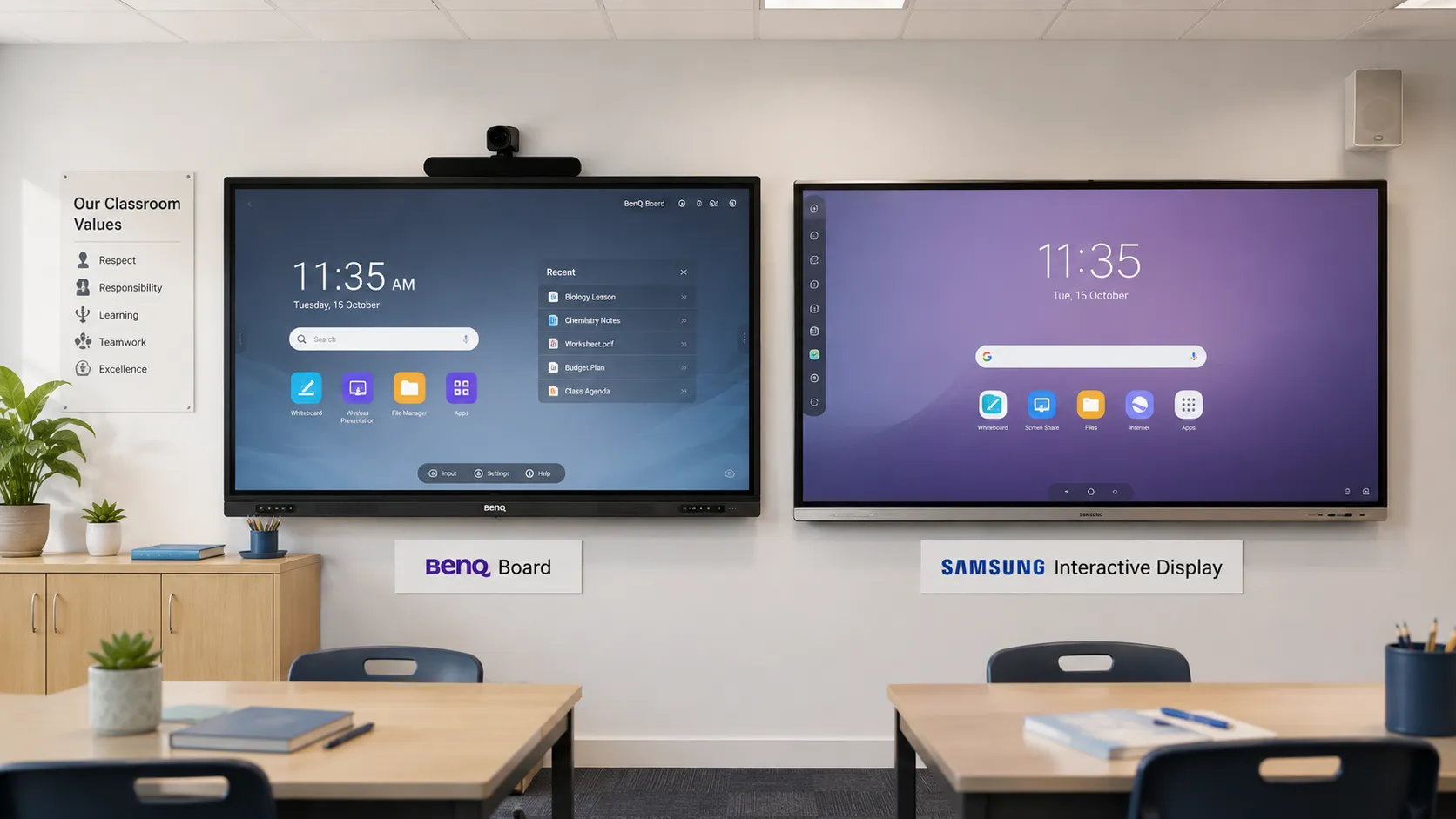
BenQ vs Samsung WAFX-P — The Google Classroom Shortlist
This is the most common head-to-head in Australian schools right now. Both carry Google EDLA certification. Both run Android. Both are priced for multi-classroom rollouts. The decision comes down to software depth, ecosystem familiarity, and what the school is already running.
BenQ's advantage is EZWrite 6 maturity, teacher adoption track record, and ClassroomCare health features built specifically around classroom environments. Samsung WAFX-P's advantage is ecosystem consistency for schools already running Samsung hardware elsewhere on campus. The WAFX-P also runs Android EDLA — so the open platform argument applies to both. The practical differentiation is software depth and deployment track record, not platform architecture.
Many buyers assume the specification table will make the decision for them. In practice, it almost always comes down to which ecosystem the school's IT team is already managing and which software environment teachers find most intuitive in a live classroom context.
Samsung Interactive Whiteboard — WMFX, WAFX-P and the Flip Pro family explained →
BenQ advantage
- EZWrite 6 education software maturity
- NFC login — fastest teacher onboarding
- ClassroomCare health features
- Stronger adoption track record in AU education
Samsung advantage
- Ecosystem consistency across Samsung campus hardware
- WAFX-P purpose-built for classroom annotation
- Competitive multi-room pricing
- Broader Samsung hardware support network
BenQ advantage
- Google Workspace native compatibility
- On-device AI — 10 TOPS NPU
- More accessible multi-room pricing
- NFC login — faster daily teacher adoption
SMART advantage
- Deepest curriculum software in AU education
- SMART Learning Suite — lesson delivery depth
- Established curriculum alignment tools
- Large existing lesson file ecosystem
BenQ vs SMART Board — Software Depth vs Deployment Practicality
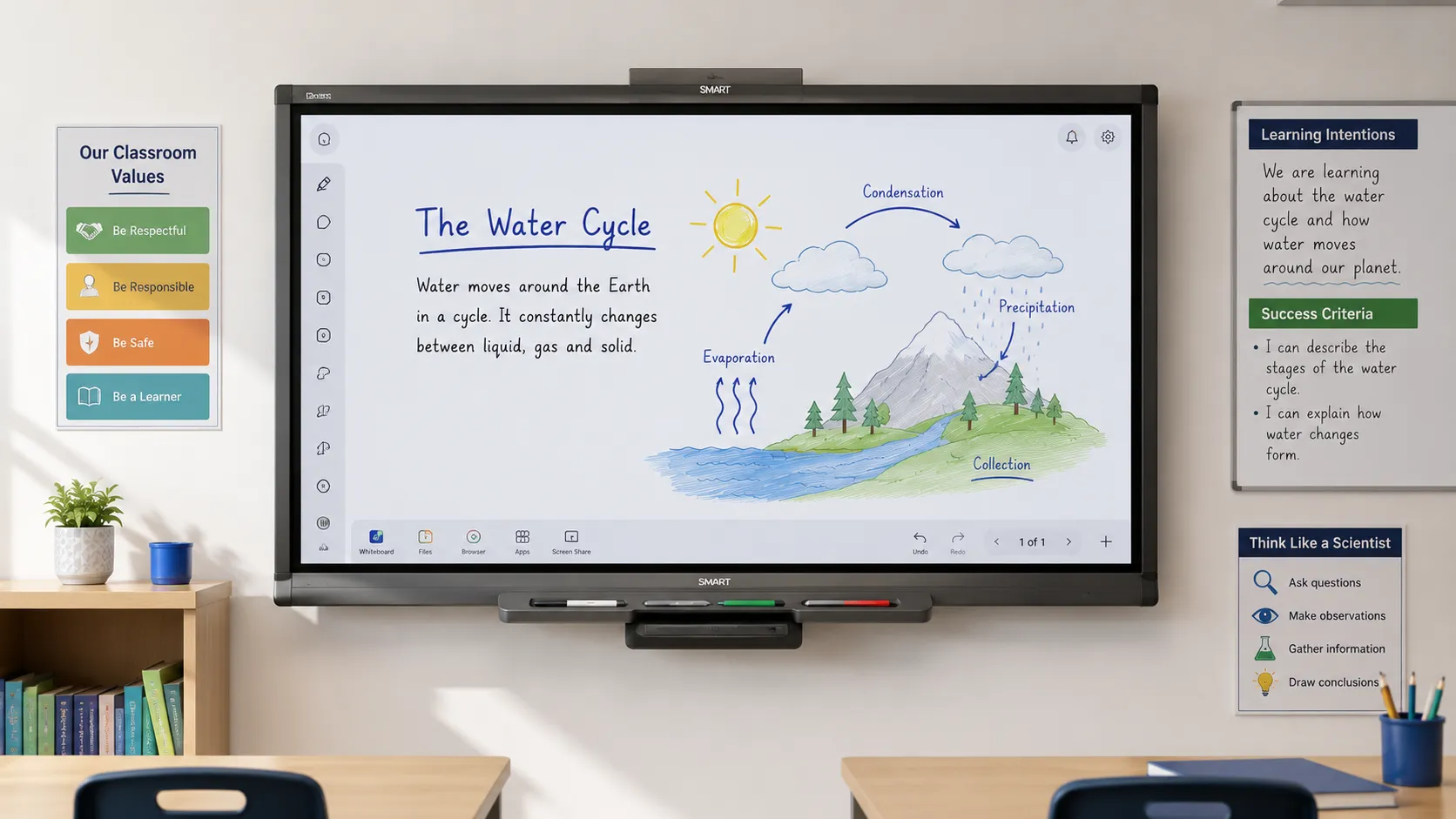
SMART Board carries the deepest curriculum-integrated lesson software in the Australian education market. For schools where SMART Learning Suite and curriculum alignment tools are central to teaching strategy, SMART is a strong choice that BenQ doesn't fully replicate at the software layer.
BenQ competes on teacher adoption simplicity, Google ecosystem depth, on-device AI on the 05 generation, and more accessible multi-classroom pricing. Schools with hundreds of existing SMART lesson files face a real switching cost that hardware comparisons don't surface.
The better question is not "which board is technically better" — it is "which platform will be used confidently by the largest proportion of staff from week two of deployment?" That question sometimes confirms SMART. It sometimes confirms BenQ. It rarely confirms whichever brand the procurement committee already knew.
SMART Board — interactive whiteboard range and deployment breakdown →BenQ vs Promethean ActivPanel — When Existing Investment Enters the Decision
Schools evaluating BenQ against Promethean are usually doing so against an existing Promethean installation. The switching cost question is real. Replacing boards means replacing the software environment teachers already know — and that retraining overhead doesn't appear in any hardware comparison.
BenQ is the stronger choice where Google Workspace is the primary environment, where the school is starting fresh, or where per-unit rollout cost is the deciding factor. Where Promethean's ecosystem is embedded in teaching practice, quantify that switching cost honestly before assuming BenQ is a straightforward upgrade.
Promethean — ActivPanel range and deployment overview →BenQ in Meeting Rooms — Board Range vs Corporate Brief
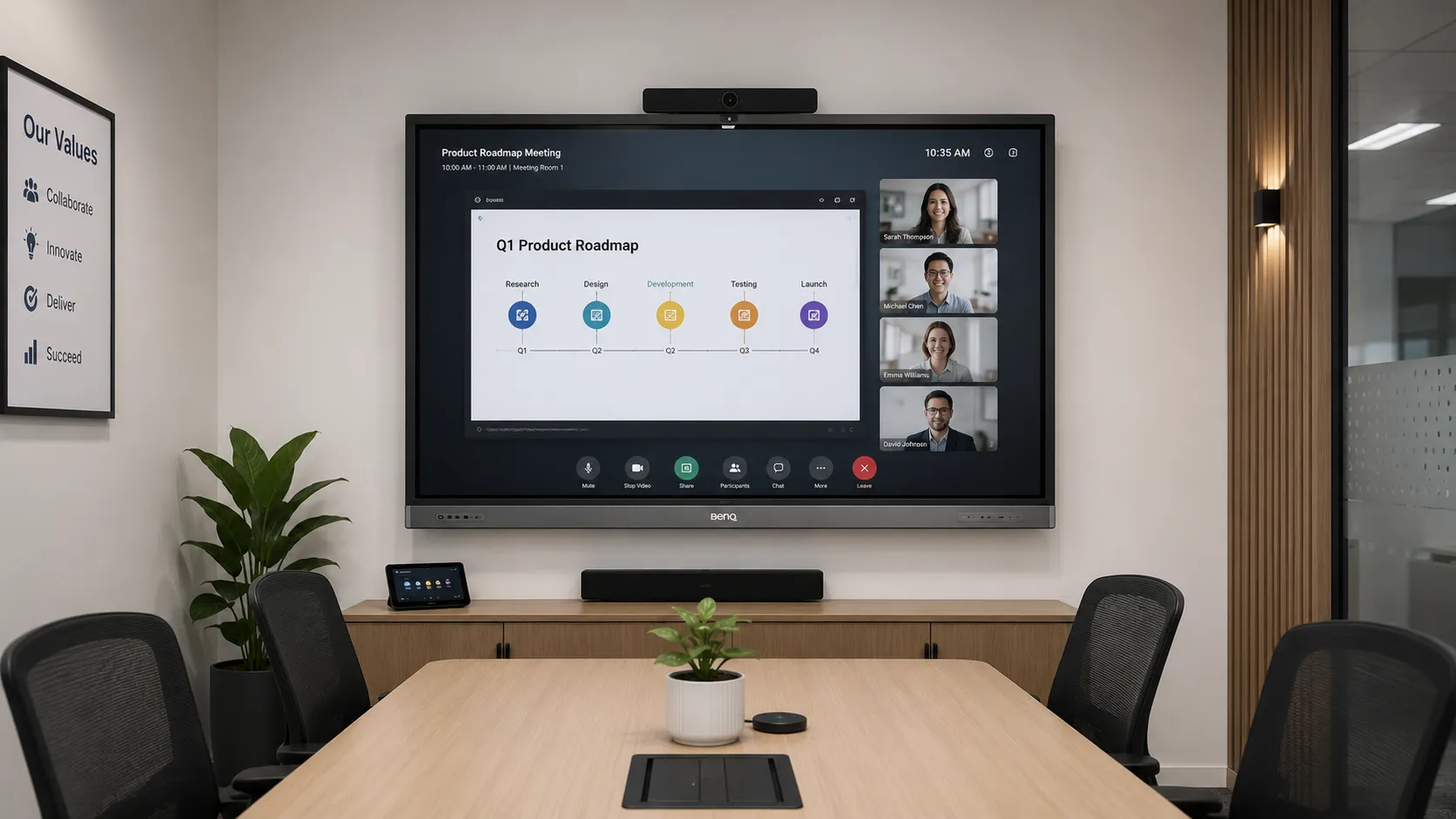
BenQ's Board range works in small and medium meeting rooms where Google Meet, wireless casting, and whiteboarding are the primary requirements. The RM05 at $3,041 inc GST (65") is a cost-effective option for organisations running Google Workspace that need a capable collaboration surface without a dedicated corporate platform.
Where the brief extends to high-resolution integrated camera, AI meeting minutes, Pantone colour accuracy, or CASA data privacy certification, the CP5505 is the right product — not the education Board range adapted for a boardroom.
Meeting Rooms — display planning for small business and corporate environments →Who Should NOT Buy BenQ
Worth reading even if you are already leaning toward BenQ. The strongest procurement decisions come from understanding where a product is the wrong fit — not just where it performs well.
- Your school has hundreds of existing SMART lesson files or embedded ActivInspire workflows — the switching cost is real and rarely captured in hardware comparisons. Retraining overhead compounds across every teacher, every room.
- Your organisation requires Microsoft Teams Rooms certification — BenQ Board runs Teams as a third-party Android app, not a native certified Teams Room system. Yealink MeetingBoard is the more appropriate solution for dedicated Teams Room environments.
- Your primary requirement is retail signage, outdoor displays, or video walls — BenQ is not a specialist in those categories. Samsung, LG, and dedicated signage manufacturers are better fits.
- Your deployment depends on a locked, single-vendor software ecosystem — BenQ's Android flexibility is a strength in adaptable environments, less relevant where a controlled proprietary ecosystem is the deliberate IT strategy.
- Lowest possible per-room cost is the absolute ceiling — value-tier alternatives may serve the brief more directly than BenQ's Essential tier, particularly once the RE04 clearance stock is exhausted.
Andrew's Observation
Knowing when to recommend against a product is the difference between a supplier and a salesperson. We have walked away from BenQ recommendations where SMART's curriculum software was genuinely central to a school's teaching approach and the switching cost would have outweighed any per-unit saving. Those conversations build more trust than the ones where we just confirm whatever the customer came in wanting to hear. If any of the above describes your situation, call us before ordering.
Which BenQ Board for Which Environment — Deployment Decision Framework
The following table maps common deployment briefs to the BenQ model — or alternative — best suited to the requirement. If your brief doesn't fit neatly into a row, call us on 0416 353 501.
| Deployment need | Best choice |
|---|---|
| Flagship classroom — maximum AI performance and health monitoring | Board Pro RP05 |
| Multi-classroom rollout — full 05 generation at practical cost | Board Master RM05 |
| Budget-constrained — core classroom functionality, outgoing platform understood | Board Essential RE04 (clearance) |
| Corporate meeting room — video conferencing quality and AI meeting minutes | BenQ CP5505 |
| Deepest curriculum-integrated lesson software | SMART Board |
| Google Classroom school — strong BenQ alternative | Samsung WAFX-P |
| Microsoft Teams Rooms certified environment | Yealink MeetingBoard |
| Existing Promethean ecosystem — ActivInspire or Classflow embedded | Evaluate switching costs first |
What Procurement Teams Usually Discover Too Late
The total cost of an interactive whiteboard rollout is not the purchase price. It is the purchase price plus installation, mounting hardware, any network infrastructure upgrades required for wireless casting to work reliably at scale, and the staff training time that actually gets used rather than the training time budgeted. Organisations that plan for hardware and forget to plan for the operational environment around it find that the display works technically but underperforms practically from day one.
The second thing procurement teams discover too late is that the installation training session is not the same as staff confidence three weeks later. A board that teachers find genuinely easy to use independently — without needing IT support for routine daily operation — delivers compounding value over its deployment life. Ask for adoption data from comparable deployments, not just feature lists, when evaluating any interactive display platform.
Deployment PlanningWhat a BenQ Board Rollout Actually Looks Like — Week by Week
The timeline below reflects a standard interactive whiteboard deployment for a school or organisation within South Australia. Larger multi-site rollouts will vary — contact us to discuss your specific project scope.
| Week | Stage | Key activities |
|---|---|---|
| Week 1 | Planning | Confirm room count, screen sizes, network readiness, and mounting requirements |
| Week 2 | Site inspection | Room measurements, power and data point locations, mounting surface assessment |
| Week 3 | Order and logistics | Order placed, delivery confirmed, installation team scheduled |
| Week 4 | Delivery and installation | Hardware delivered, boards mounted, network connected, initial configuration completed |
| Week 5 | Staff onboarding | NFC cards configured, Google Workspace sync set up, EZWrite orientation session delivered |
| Week 6 | Go live | Boards in daily classroom or meeting room use — IT support on standby for first week |
Contact us at /contact-us/ or call 0416 353 501 to discuss your specific rollout requirements.
How BenQ Fits the Australian Interactive Whiteboard Market
BenQ is strong in Google Workspace education environments, capable in corporate collaboration, and not the right fit for retail signage or large-format commercial display. The pages below cover the other manufacturers and environments in the same operational depth as this page — including where BenQ is not the right answer.
SMART Board
Deepest curriculum-integrated lesson software ecosystem in Australian education. The benchmark for schools where teaching software depth is the priority.
View SMART Board range →Promethean ActivPanel
Strong annotation quality and an established ActivInspire ecosystem. Worth evaluating carefully if Promethean is already embedded in your school's teaching practice.
View Promethean range →Samsung Interactive Whiteboard
WMFX, WAFX-P, and the Flip Pro family — the most common BenQ alternative in Australian Google Classroom school shortlists.
View Samsung IWB range →Meeting Rooms
Room size to screen size matching, mounting planning, and platform selection across all manufacturers for small business and corporate environments.
View Meeting Rooms guide →Interactive Whiteboard Hub
Full category comparison across all manufacturers — the starting point if you haven't shortlisted yet or want to revisit the full market picture.
View IWB Hub →BenQ Digital Signage
BenQ's full commercial display range beyond interactive whiteboards — including the CP5505 corporate collaboration platform and commercial signage displays.
View BenQ Digital Signage →Pricing note: All prices shown on this page are inclusive of GST and were accurate at the time of publication. Product pricing and availability are subject to change without notice. Confirm current pricing on the interactive whiteboard product page before ordering.
Choosing an interactive whiteboard supplier means trusting that supplier to understand not just the hardware, but the environment it goes into — the staff who will use it, the network it will run on, and the workflows it needs to support from day one. We have been supplying and installing interactive displays across education and corporate environments in South Australia since 2007. The questions we get asked most often are not on any spec sheet.
As an independent small business, our recommendations are based on what works in the actual environment — not what carries the highest margin or the shortest lead time. If this breakdown has been useful, a Google review helps other buyers find independent advice alongside manufacturer marketing.
Leave a Google Review for Kickstart Computers ★BenQ Interactive Whiteboard — Common Questions Answered
Every question below comes from real conversations with schools and organisations evaluating interactive displays. If your question isn't here, call us on 0416 353 501.
Models & Range
Flagship classroom or lecture theatre with health monitoring requirements and maximum AI performance: RP05. Multi-room rollout needing the full 05 generation AI toolkit at practical per-unit cost: RM05 — this is the right answer for most Australian school deployments. Budget-constrained deployment where core classroom functionality is sufficient and the outgoing platform status is understood: RE04 at clearance pricing while stock lasts. For anything more complex, call 0416 353 501 before ordering — the conversation is more useful than any decision matrix.
The RP05 and RM05 are current 05 generation models running Android 15 EDLA with a dedicated 10 TOPS NPU for on-device AI. The RE04 is the outgoing fourth-generation model running Android 13/14 EDLA without a dedicated AI processor. All three carry Google EDLA certification and run EZWrite 6. The main operational differences are processing power, memory, microphone array, NFC login, and air quality monitoring — which steps up progressively from Essential to Pro.
The RP05, RM05, and RE04 are all available in 65", 75", and 86". A general planning rule is that the furthest viewer should be no more than 2.5 times the screen height from the display surface. For standard classrooms, 75" or 86" is typically the practical choice. Contact us to discuss room size to screen size matching before ordering.
BenQ Board comes with a wall mount bracket and Wi-Fi dongle included across all three current models — these are not extras to budget for separately. Additional accessories available include: active stylus pens for finer annotation precision, OPS (Open Pluggable Specification) slot compatibility for inserting a Windows PC module directly into the board if a Windows environment is required alongside Android, an optional expansion camera for improved video conferencing coverage in larger rooms, and floor stand or trolley mounts for deployments where wall mounting is not possible. Confirm accessory compatibility with your specific model before ordering.
Panel lifespan at typical school usage levels is generally in the range of seven to ten years before image quality begins to degrade meaningfully. The more operationally relevant question is software longevity — how long the Android platform and EZWrite environment receive updates and remain compatible with Google services. The 05 generation's Android 15 EDLA platform provides meaningful runway from that perspective. The 04 series is already transitioning out of active production.
Yes. BenQ Board receives Android platform updates and EZWrite software updates through its standard update pathway. The 05 generation running Android 15 EDLA has a meaningful update runway ahead of it. Google EDLA certification requires ongoing compliance with Google's Android standards, which provides an additional layer of assurance that the platform remains compatible with Google Workspace services over time. The RE04 running Android 13/14 EDLA is on the outgoing platform — the update trajectory for the 04 generation is shorter than for the current 05 generation.
BenQ Australia provides a 3-year on-site warranty covering parts and labour on interactive display products in educational and commercial environments. Warranty terms can vary by model and purchase channel — confirm the specific warranty terms for your configuration before ordering. Contact us at 0416 353 501 or visit our contact page for current warranty details on your chosen model.
For schools running Google Workspace where teacher adoption and daily ease of use are the primary deployment concerns, yes — BenQ Board consistently delivers on those specific requirements. The NFC login, EZWrite 6 maturity, and on-device AI on the 05 generation are genuine differentiators that hold up in daily classroom use, not just in demonstrations. For schools with deeply embedded SMART or Promethean software ecosystems, or organisations requiring Microsoft Teams Rooms certification, BenQ may not be the right fit regardless of price. The honest answer to "is it worth it" depends entirely on what your environment needs it to do.
Software & Features
EZWrite 6 is BenQ's built-in whiteboarding and annotation platform — expandable canvas, split-screen collaboration, template libraries, and AI tools including text-to-speech, OCR, EZMath formula rendering, and multilingual translation. On the RP05 and RM05, the AI tools run on the device's 10 TOPS NPU, meaning core AI functionality operates without cloud dependency. An internet connection is required for cloud whiteboarding extensions and remote collaboration features.
ClassroomCare is BenQ's framework of classroom health and wellbeing features built into every Board tier. At the baseline, all three models include flicker-free display technology, low blue light reduction, anti-glare surface treatment, automatic brightness adjustment, and an antimicrobial nano-ionic silver coating on the touchscreen surface. Eyesafe 3.0 certification — the highest current level of blue light protection — applies to the RP05 and RM05. Air quality monitoring covering CO₂, PM2.5, TVOC, temperature, and humidity, plus a built-in air ionizer, is exclusive to the RP05 Pro tier. The RE04 carries TÜV-certified eye care protection at the baseline level.
EDLA stands for Enterprise Device Licensing Agreement — it is Google's certification program for Android devices used in commercial and education environments. A device carrying Google EDLA certification has passed Google's compliance requirements, which means Google Play, Google Drive, Google Meet, Google Classroom, and the full Google Workspace suite work natively on the device without sideloading, workarounds, or unofficial app installations. For schools running Google Workspace, EDLA certification is the baseline requirement that separates displays that work reliably within the Google ecosystem from displays that partially work or require IT effort to maintain compatibility. All three current BenQ Board tiers carry Google EDLA certification.
NFC card login is available on the RP05 and RM05. Each user is issued an NFC card registered to their profile. Tapping the card loads their personalised workspace — cloud files, app shortcuts, display settings, and authentication credentials — without manual input. In a school running multiple periods daily, this removes the credential entry that otherwise adds friction at the start of every lesson. QR code login is available on all three tiers as an alternative for teachers who prefer phone-based authentication.
Yes — and this is one of the practical strengths of the NFC login system on the RP05 and RM05. Each teacher is issued their own NFC card linked to their individual profile. Any teacher can walk into any room, tap their card, and their personal workspace loads — their files, their app shortcuts, their display preferences — without touching the previous teacher's setup. QR code login works the same way on all three tiers. In schools with shared teaching spaces or relief teachers rotating across rooms, this profile-per-teacher approach removes a significant daily administration overhead.
Yes. EZWrite 6 lessons can be saved to local storage, to Google Drive or OneDrive, or exported as PDF or image files for student distribution. On 05 generation models with NFC login, a teacher's saved files and cloud connections load automatically when they tap their NFC card — meaning lesson content from a previous session is accessible immediately without manual navigation or re-authentication.
BenQ Board supports screen recording via its Android platform — the built-in screen recorder can capture what is happening on the display, including EZWrite annotations, shared content, and audio from the microphone array. On the RP05 and RM05, the 8-microphone array with 12-metre pickup range provides audio capture quality sufficient for lesson recording purposes. Recordings can be saved locally or to cloud storage via Google Drive or OneDrive. For more structured lesson recording workflows — including automatic cloud upload, timestamping, and integration with learning management systems — confirm the specific workflow with us before purchase, as capability varies by use case.
No. EZWrite 6 is included with every BenQ Board at no ongoing licence cost — there is no subscription required to use the core whiteboarding, annotation, AI tools, or collaboration features. The hardware purchase is the full cost of the software environment. Some extended cloud collaboration features within EZWrite may require a BenQ account, but the core on-device functionality operates without any recurring fee. This is a meaningful distinction from some competing platforms where the hardware purchase is followed by a per-seat annual software licence.
In our experience, yes — and teacher ease of adoption is one of the primary reasons BenQ holds its position in Australian school shortlists. The NFC card login removes the credential and settings friction that typically slows teacher confidence in the first weeks of deployment. EZWrite 6 is designed around familiar whiteboarding behaviours — write, annotate, move, save — rather than requiring teachers to learn a new software paradigm. In demonstrations, teachers who describe themselves as not tech-confident are typically operating the board independently within a single session. That adoption speed is not universal across all interactive display platforms.
Compatibility & Connectivity
Yes. All three tiers carry Google EDLA certification — Google Play, Google Drive, Google Meet, and Google Workspace applications work natively on the display. For schools operating within Google Workspace environments, this native compatibility is one of BenQ's stronger practical advantages over non-EDLA Android displays and platforms running proprietary firmware.
Yes. BenQ Board runs Android and operates independently of Google Workspace — EZWrite 6, the AI tools, and the core whiteboarding environment all work without a Google Workspace subscription. Schools or organisations using Microsoft 365 can install OneDrive and Microsoft apps from Google Play; files can be saved to OneDrive and accessed via Microsoft accounts. Microsoft Teams can be installed and run as a third-party Android app. The board's Google EDLA certification means Google apps work natively, but the platform does not require Google Workspace to function. Contact us to discuss your specific environment if you are running Microsoft 365 or a mixed ecosystem.
BenQ Board supports Microsoft Teams as a third-party Android app — it can be installed and run from Google Play on any EDLA-certified BenQ display. However, BenQ Board is not a certified Microsoft Teams Room device. Organisations requiring native Teams Room certification — dedicated Teams Room interface, one-touch join, and certified hardware ecosystem — should evaluate Yealink MeetingBoard alongside BenQ.
Yes. Zoom can be installed and run from Google Play on any EDLA-certified BenQ display — the open Android platform means Zoom operates as it would on any Android device. As with Microsoft Teams, BenQ Board is not a Zoom Rooms certified device. Organisations requiring native Zoom Rooms certification — with a dedicated Zoom interface, one-touch meeting join, and certified hardware integration — should evaluate purpose-built Zoom Rooms hardware alongside BenQ's education Board range.
Yes. InstaShare 2 wireless casting supports AirPlay — MacBooks, iPhones, and iPads can cast to the BenQ Board without additional hardware or software. USB-C is also available for wired connection from MacBooks and USB-C iPads. BenQ's Android platform means Apple device compatibility runs through standard protocols rather than proprietary casting solutions.
Yes. All three tiers support multi-touch interaction directly on the display surface — up to 50 simultaneous touch points on the RP05 and RM05, and 40 points on the RE04. Students can also interact wirelessly via InstaShare 2, which allows student devices to cast to the board or receive the board's content on their own screen. In EZWrite 6, the split-screen feature allows a student device to appear alongside the teacher's whiteboard space simultaneously, which supports paired and small-group interaction without leaving the main lesson view.
No. BenQ Board is a standalone Android device — it operates fully without a connected computer. EZWrite 6, Google Workspace apps, the camera and microphone array, and all AI tools on the 05 generation run natively on the board's own processor. A PC can be connected via HDMI or USB-C if a teacher prefers to mirror or extend their laptop display, but this is optional rather than required. This standalone capability is one of the practical reasons BenQ boards tend to be used consistently — there is no dependency on a teacher's laptop being present, charged, or configured correctly before the lesson can start.
Deployment & Use Cases
SMART Board carries a deeper curriculum-integrated lesson software ecosystem — SMART Learning Suite is more feature-rich for lesson delivery and curriculum alignment than EZWrite 6. BenQ competes on teacher adoption simplicity, Google ecosystem depth, on-device AI on the 05 generation, and more accessible multi-classroom pricing. Schools prioritising curriculum software depth should evaluate SMART directly. Schools prioritising Google Workspace compatibility, teacher adoption ease, and multi-room rollout value will generally find BenQ the stronger fit.
Yes — and for most Australian classrooms currently running a projector and whiteboard combination, a BenQ Board is a direct functional replacement that delivers a significantly better teaching experience. The display is brighter, sharper, and more responsive than any projector setup in a typical classroom lighting environment. There is no lamp to replace, no warm-up time, no shadow when you stand in front of the beam, and no separate whiteboard surface to maintain. The interactive capability, built-in software, wireless casting, and NFC login add functionality that a projector setup cannot replicate. For schools evaluating whether to replace ageing projectors, the RM05 at $3,041 inc GST (65") is the model worth costing against a projector replacement plus screen plus installation.
Technically yes — BenQ Board is a large-format Android display with built-in speakers, and streaming apps such as YouTube can be installed from Google Play. In practice, it is significantly overspecified for passive TV viewing, and the display panel is optimised for interactive use and ambient lighting conditions rather than entertainment viewing. In schools, boards are sometimes used to stream educational video content directly in lessons, which works well. In meeting rooms, they are used to display content from streaming platforms during presentations or events. Using a BenQ Board as a primary television in a residential or non-educational context would not be a cost-effective use of the hardware.
The RM05 is a capable option for small and medium meeting rooms where Google Meet, wireless casting, and whiteboarding are the primary requirements. For more demanding briefs — integrated high-resolution camera, AI meeting minutes, Pantone colour accuracy, or CASA data privacy certification — BenQ's CP5505 is the purpose-built answer. The CP5505 is covered in detail on the BenQ Digital Signage page.
Standard BenQ Board models are designed for controlled indoor lighting — classrooms, meeting rooms, and training spaces where ambient light can be managed with blinds or diffused ceiling lighting. They are not designed for window-facing installations, retail window displays, or environments with direct sunlight on the screen. For high-ambient-light environments, specialist high-brightness commercial displays are the appropriate solution. If your installation involves a wall adjacent to large windows or skylights, discuss the specific lighting conditions with us before ordering — screen placement and room layout adjustments can often resolve the issue without requiring a specialist display.
Not sure which BenQ Board suits your environment?
We supply across BenQ, Samsung, SMART, Promethean, and Yealink. Our recommendation is based on what works in your specific environment — not what we have in stock.
