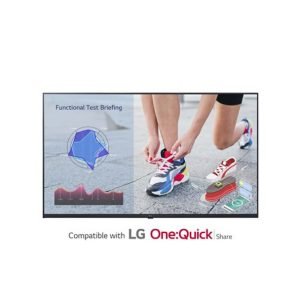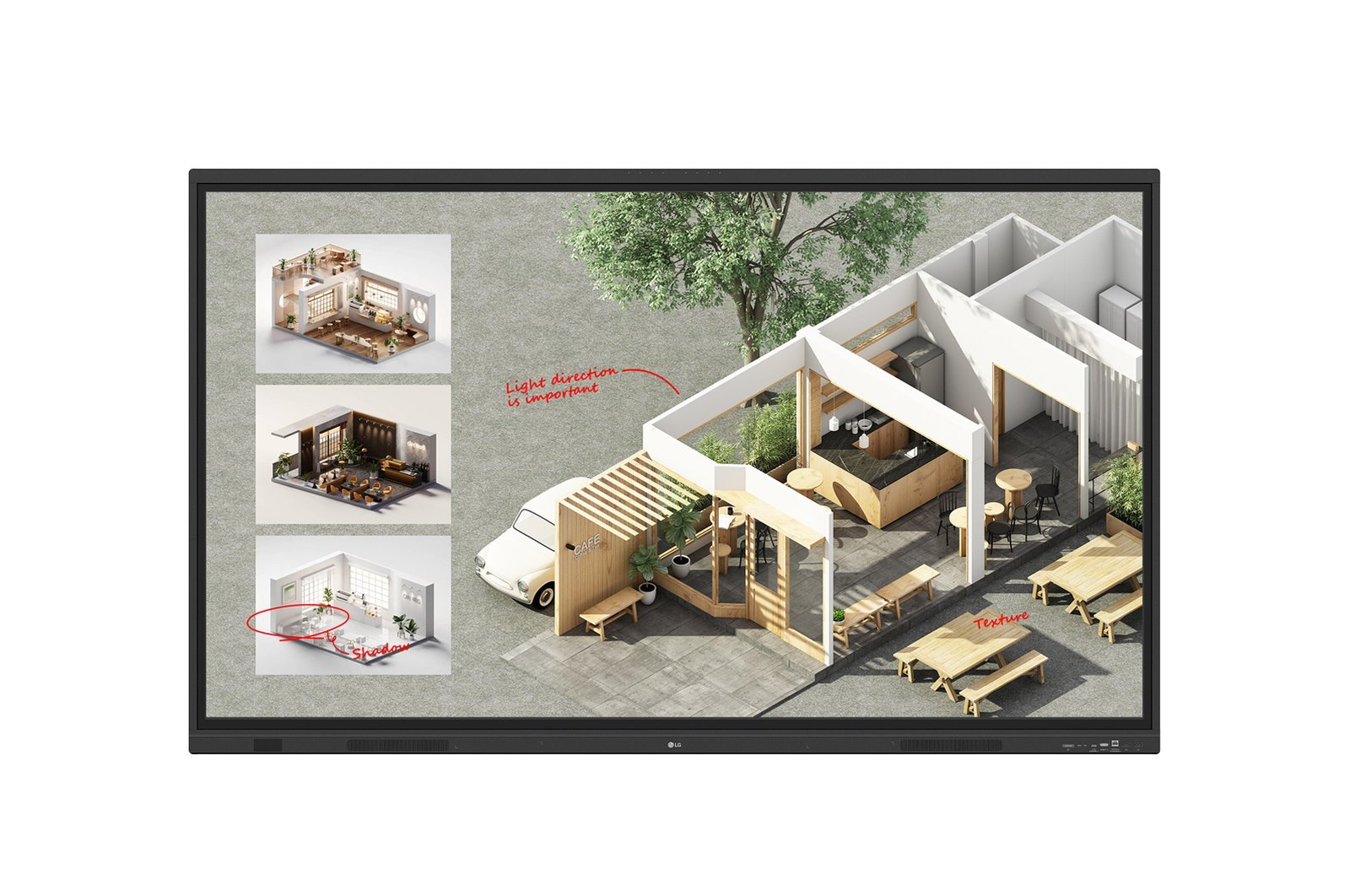




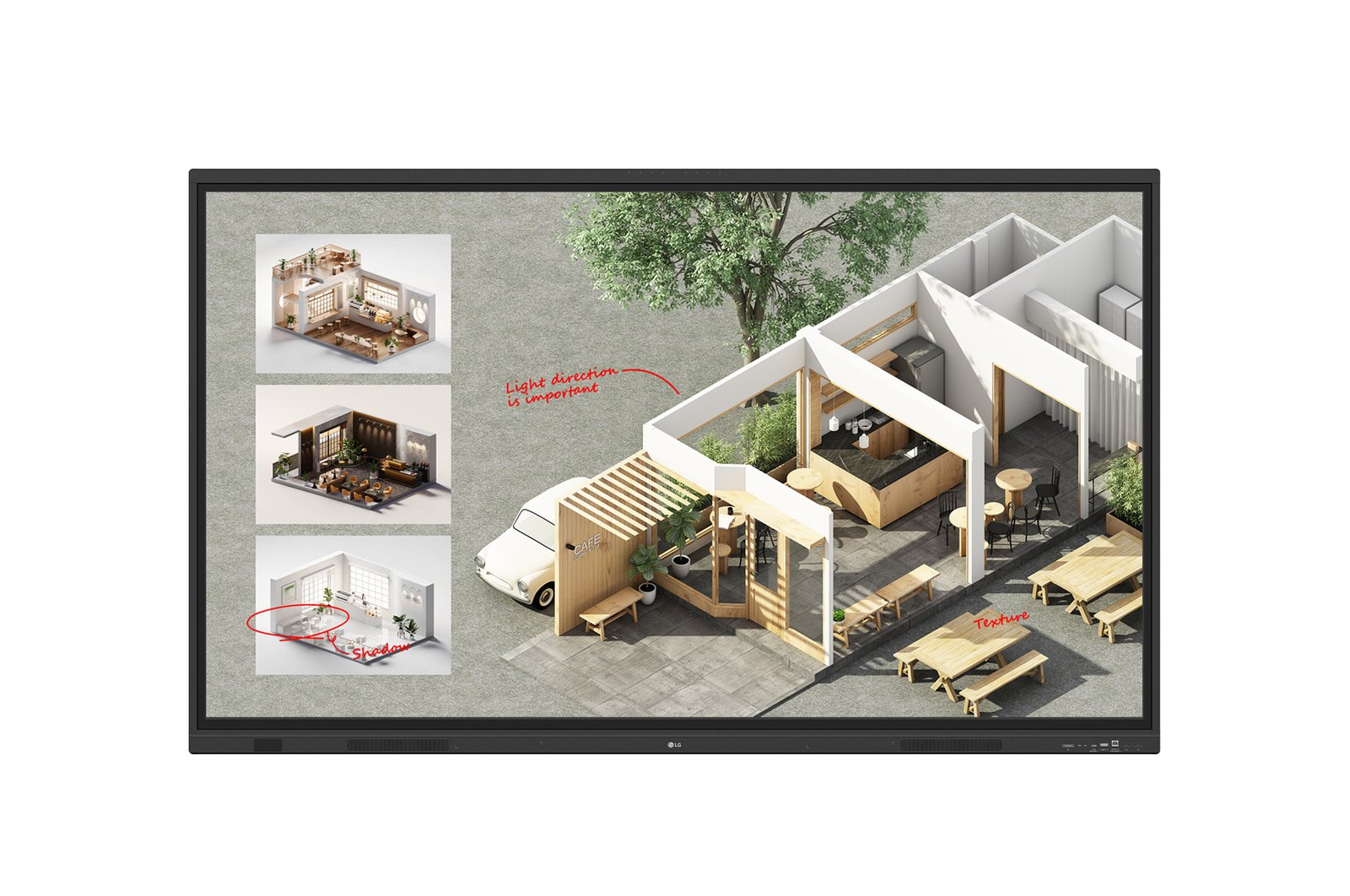
The LG 75TR3DQ CreateBoard Standard is a 75″ 4K UHD interactive whiteboard with an integrated AI feature set designed for education and corporate collaboration environments. Built on the CreateBoard Core platform with the addition of LG CreateBoard Lab proprietary whiteboarding software, the 75TR3DQ adds AI-powered capabilities including AI Search, AI Live Subtitle and Translation, and AI Video Summary — tools that extend the collaborative utility of the display beyond standard annotation and presentation functions.
The display delivers 400nit brightness on a VA panel with a 5,500:1 contrast ratio and 178° viewing angles, providing clear visibility across large classrooms, lecture theatres, training rooms, and corporate boardrooms. LG CreateBoard Lab provides a comprehensive whiteboarding environment with teaching templates, interactive tools (ruler, calculator, clock, sticky notes), and multi-OS support — compatible with Windows, Android, iOS, and ChromeOS without proprietary dongles or platform restrictions.
LG CreateBoard Share enables wireless screen sharing from connected devices, allowing participants to share content to the main display from their own devices without physical cable connections. The display supports OTA firmware updates for wireless software maintenance, and the built-in OPS slot accommodates an optional compute module for standalone operation. The 75TR3DQ is suited to institutions and organisations that require AI-augmented collaboration tools alongside the core interactive whiteboard functionality.
AI-powered collaboration on the whiteboard
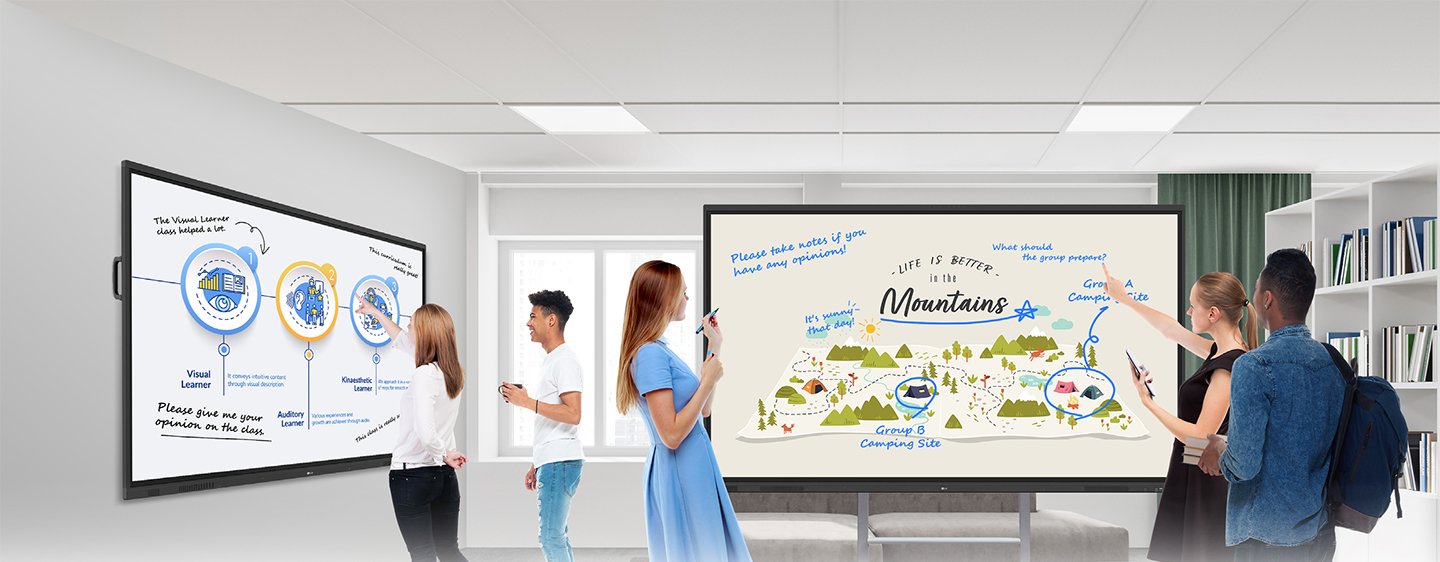
The 75TR3DQ CreateBoard Standard integrates LLM-powered AI Search directly into the whiteboard environment, providing instant answers and reference information on-screen during sessions without switching to a separate device. Relevant for research-heavy training, academic seminars, and corporate strategy sessions.
- AI Search — LLM-powered AI search provides instant answers and reference information directly on the display during sessions without switching to a separate device.
- AI Live Subtitle and Translation — automatically generates captions and translates spoken content into the user’s preferred language in real time — relevant for multilingual training and international collaboration.
- AI Video Summary — automatically analyses and summarises key takeaways from videos played on the display, enabling participants to capture key points without manual note-taking.
- LG CreateBoard Lab software — proprietary whiteboarding environment with teaching templates, interactive tools, and multi-OS support across Windows, Android, iOS, and ChromeOS.
- LG CreateBoard Share wireless screen sharing — allows participants to share content from their own devices to the main display wirelessly, eliminating cable switching in group sessions.
- 40-point multi-touch at 75″ — supports simultaneous multi-user touch input across the large writing surface for collaborative group annotation.
- 4K UHD resolution — sharp rendering of handwriting, diagrams, and content at the longer viewing distances of 75″ large-room installations.
- OTA firmware updates — wireless software updates remove the need for physical IT attendance for routine maintenance across multi-room deployments.
Teaching templates for interactive education
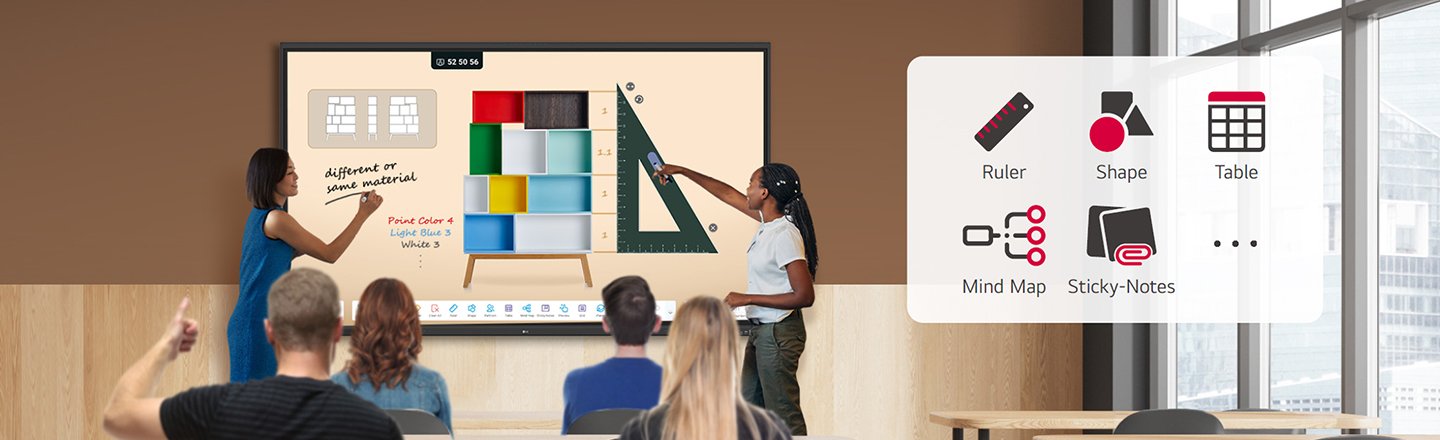
LG CreateBoard Lab includes a library of educational templates and interactive tools — ruler, table, sticky notes, calculator, and clock — enabling educators to structure sessions without building content from scratch. Templates support structured lesson delivery across science, mathematics, and general education curricula.
Save, import, and export session content
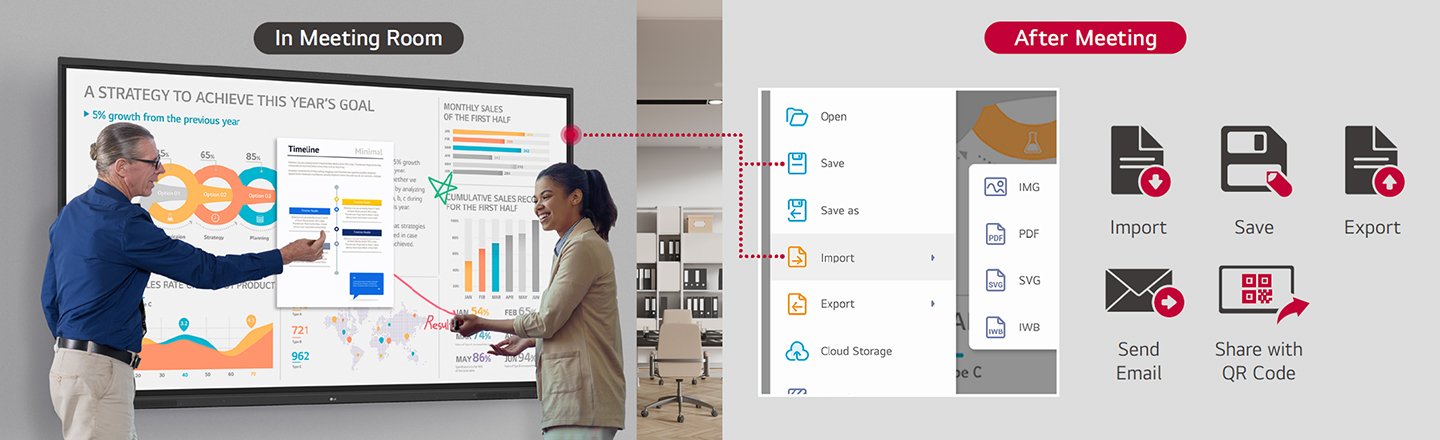
CreateBoard’s file management tools allow session content to be saved, imported from other sources, and exported for distribution to participants after the session. Eliminates the need for participants to photograph the whiteboard or manually transcribe content.
AI Search for instant on-screen reference
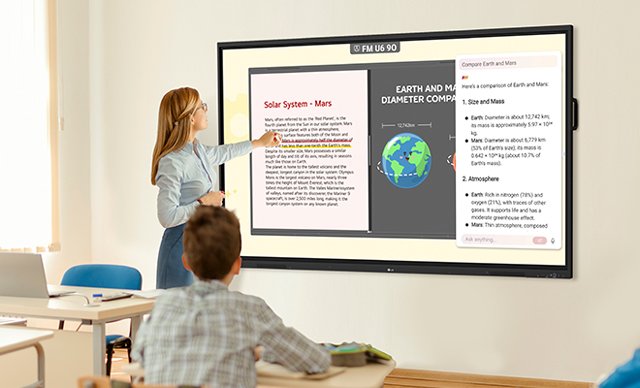
LLM-powered AI Search delivers contextually relevant answers and information directly on the display during sessions, reducing the need to switch between applications or devices for reference material. Suited to research, training, and collaborative problem-solving environments.
AI Live Subtitle and Translation
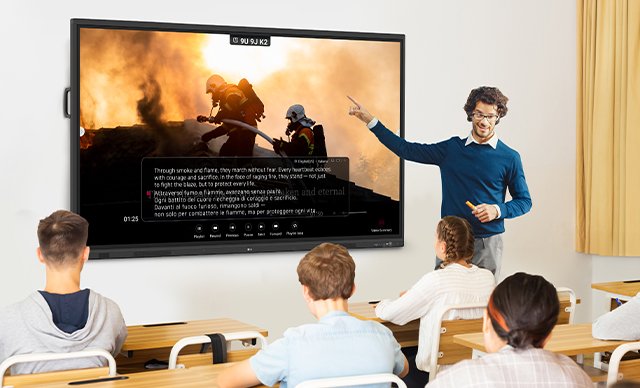
The display automatically generates real-time captions and can translate spoken content into the user’s preferred language, removing language barriers in multilingual training sessions, international corporate meetings, and diverse classroom environments.
AI Video Summary for key takeaways
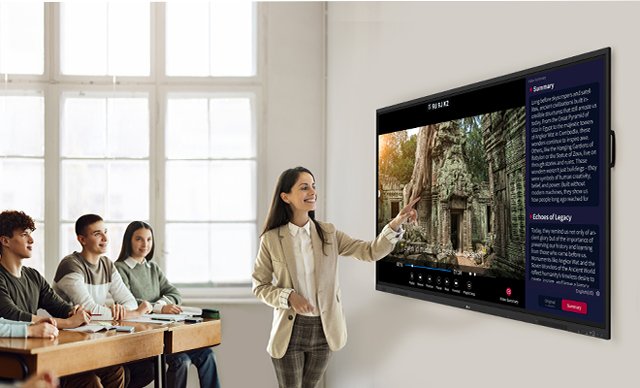
AI Video Summary automatically analyses videos played on the display and generates a concise summary of key points, allowing participants to capture the essential content of video segments without manual note-taking during sessions.
LG CreateBoard Lab whiteboarding software

LG’s proprietary CreateBoard Lab provides a comprehensive multi-OS whiteboarding environment compatible with Windows, Android, iOS, and ChromeOS without proprietary dongles. Supports annotation, drawing, templates, and collaborative tools in a single integrated interface.
Discussion tools for fluid sessions
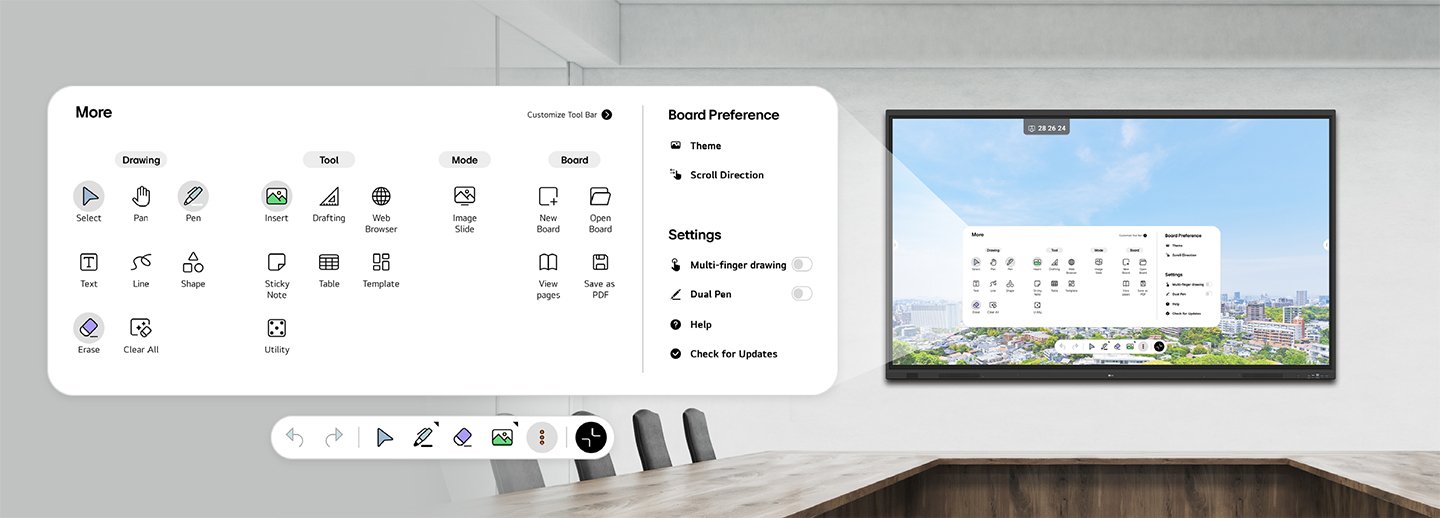
A range of built-in tools including a calculator, clock, and sticky notes are available directly within CreateBoard Lab to support smooth discussion flow without interrupting the session to switch applications or source external tools.
Web browser for real-time reference
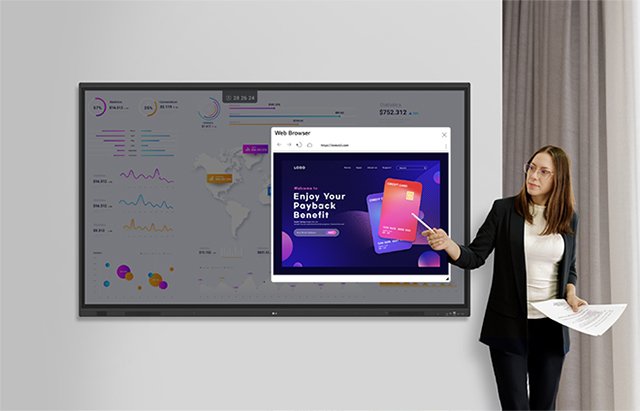
The integrated web browser allows facilitators and participants to access online reference material, live data, and web content directly on the display during a session with a single tap — without switching devices or connecting a separate computer.
Multi-OS support across all devices
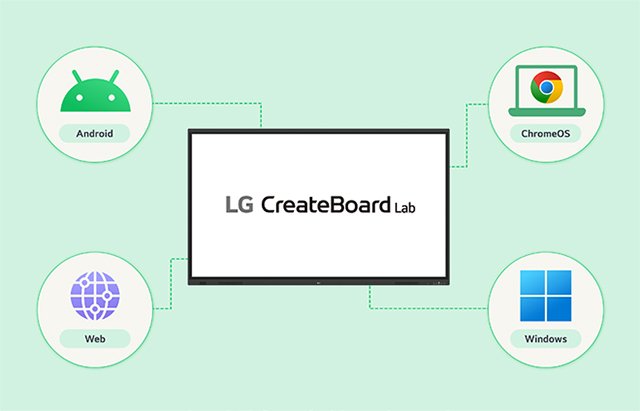
CreateBoard Lab supports multi-OS operation across Windows, Android, iOS, and ChromeOS, allowing institutions with mixed device environments to use the whiteboard consistently regardless of the operating system each participant brings to the session.
CreateBoard Share wireless screen sharing
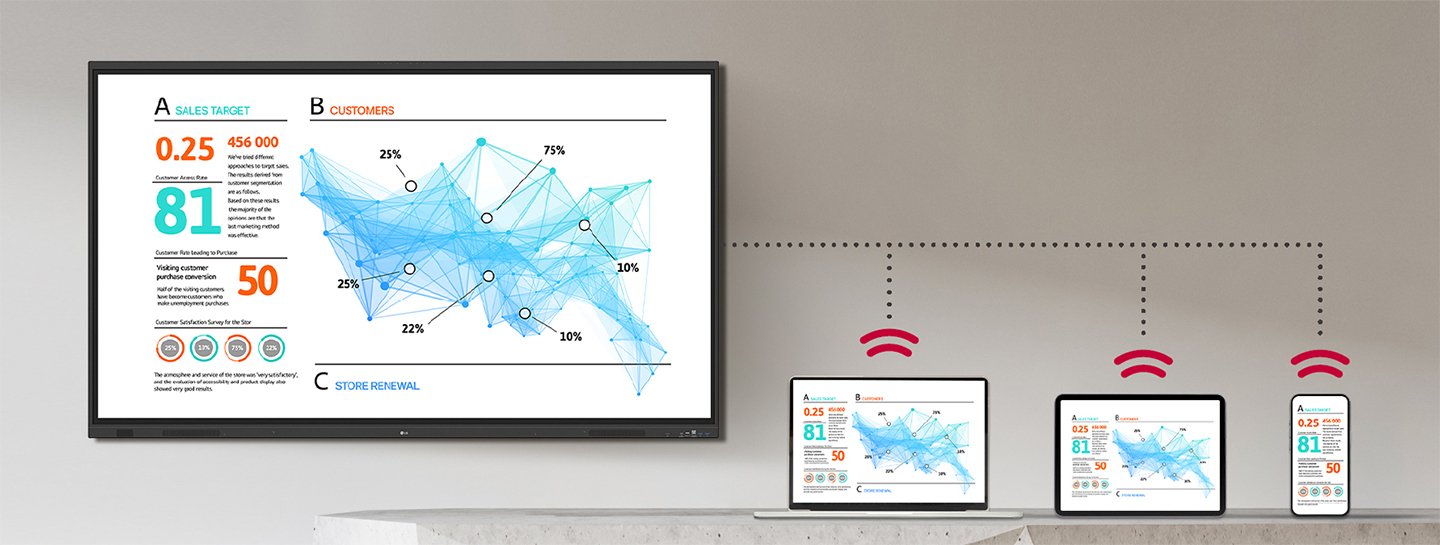
LG CreateBoard Share enables wireless content sharing from participant devices to the main display, eliminating cable switching and reducing session setup time. Supports a flexible group discussion environment where multiple participants can share content sequentially.
Wireless screen sharing for seamless meetings
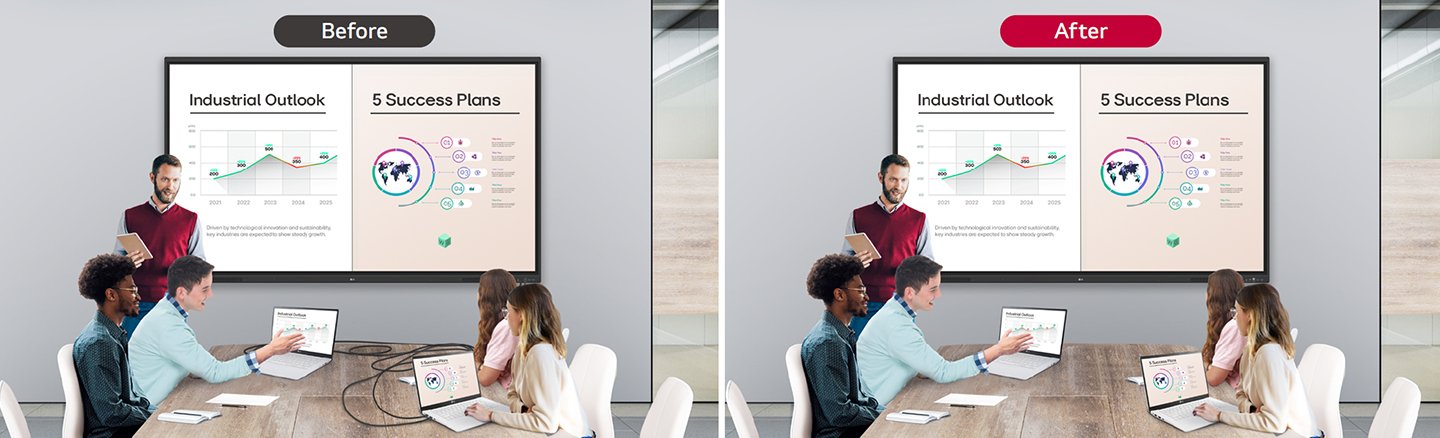
CreateBoard Share establishes a stable wireless meeting environment with screen sharing technology that removes the cable connection requirement for content presentation. Suited to corporate meeting rooms and training environments where session flow is important.
| Specification | Value | What it means for you |
|---|---|---|
| Screen size | 75″ | Large format provides the writing area and viewing coverage required for lecture theatres, large classrooms, and corporate boardrooms at extended room sizes. |
| Resolution | 3,840 × 2,160 (4K UHD) | 4K at 75″ ensures handwriting, diagrams, and AI-generated content remain sharp at the longer viewing distances of large-room installations. |
| Brightness | 400nit (typ.) | Higher than the CreateBoard Core — improved visibility for rooms with higher ambient lighting or less-controlled window light. |
| Contrast ratio | 5,500:1 | High contrast VA panel reduces eye fatigue during extended collaboration sessions and enhances whiteboard content legibility. |
| Touch points | Multi-touch (IR) | Supports simultaneous multi-user touch for collaborative group annotation and interactive exercises across the 75″ surface. |
| AI features | AI Search, AI Live Subtitle/Translation, AI Video Summary | Reduces manual note-taking and language barriers during sessions — particularly valuable in training, multilingual, and research environments. |
| Whiteboard software | LG CreateBoard Lab | Proprietary multi-OS whiteboarding environment with templates and tools — works across Windows, Android, iOS, and ChromeOS without dongles. |
| Screen sharing | LG CreateBoard Share (wireless) | Wireless content sharing from participant devices eliminates cable switching and reduces session setup time in group environments. |
| OPS slot | Yes | Optional OPS module enables standalone PC-free operation in permanent large-room installations. |
| OTA updates | Yes | Wireless firmware updates across deployed units without physical IT attendance. |
LG Australia Warranty
This product is covered by LG Australia’s standard commercial warranty. LG Business displays carry a 3-year on-site warranty for Australian business customers, covering defects in materials and workmanship under normal operating conditions.
Kickstart Computers is an authorised LG Business reseller in Australia. If you experience any issues, contact us and we will manage your warranty claim with LG directly.
Interactive whiteboard specifications vary by room size, touch technology, and software ecosystem requirements. LG interactive whiteboards at Kickstart Computers covers the full range for Australian business. For LG’s complete business display lineup, visit the LG digital signage range at Kickstart Computers.