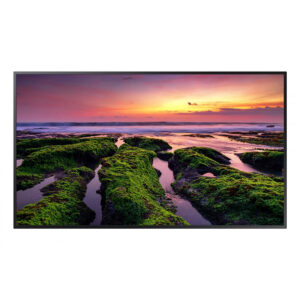



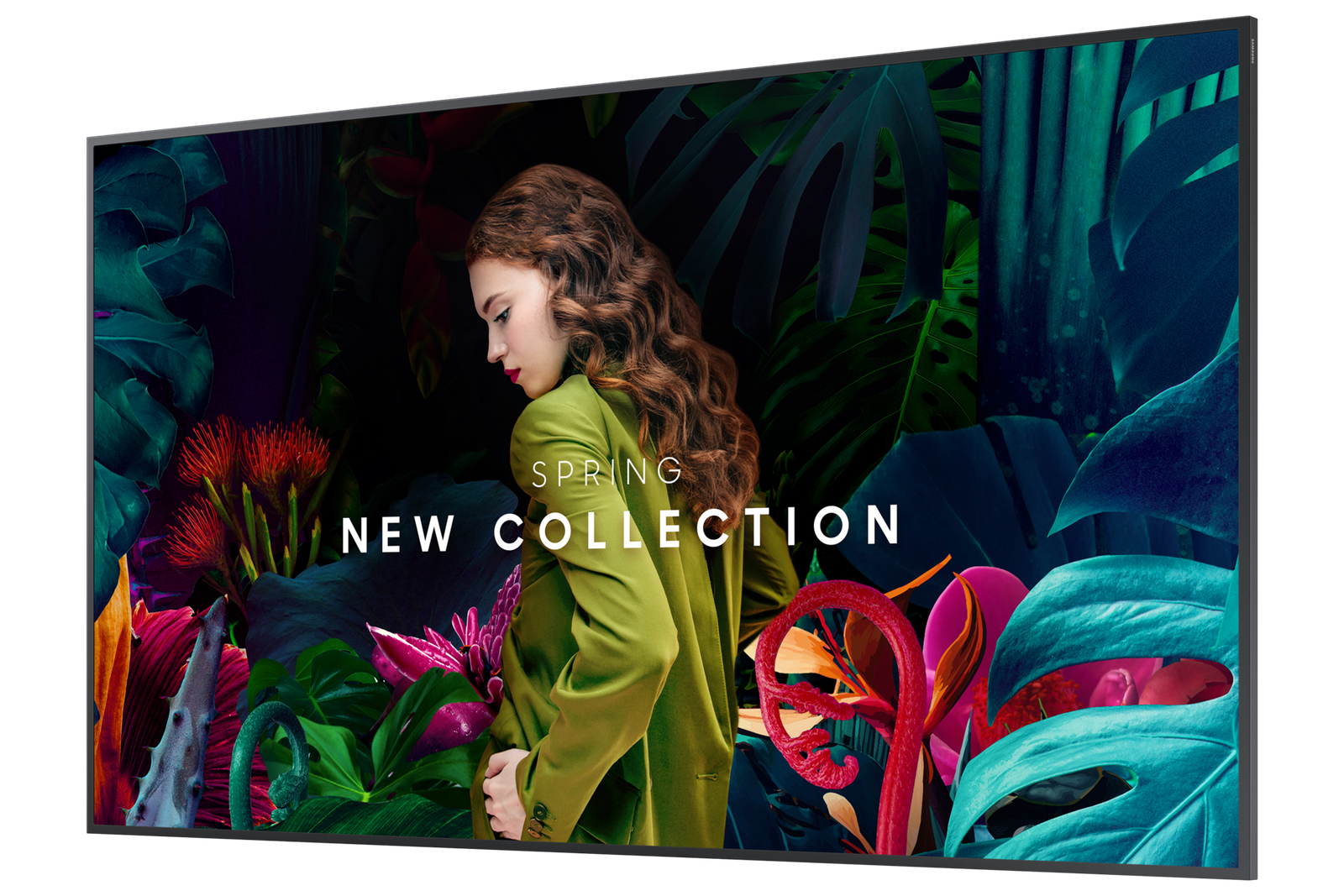


The Samsung 55″ QBC-N is a professional 4K UHD display for medium-to-large meeting rooms, retail floors, and corporate lobbies. For business owners and directors, the QBC-N delivers reliable 24/7-rated commercial display performance with Tizen 7.0 and MagicInfo integration — the infrastructure for managing content across multiple displays without a separate media player or CMS hardware. The ultra-slim depth and even bezel design make it a considered installation choice for environments where the display is part of the room’s aesthetic, not just a functional screen.
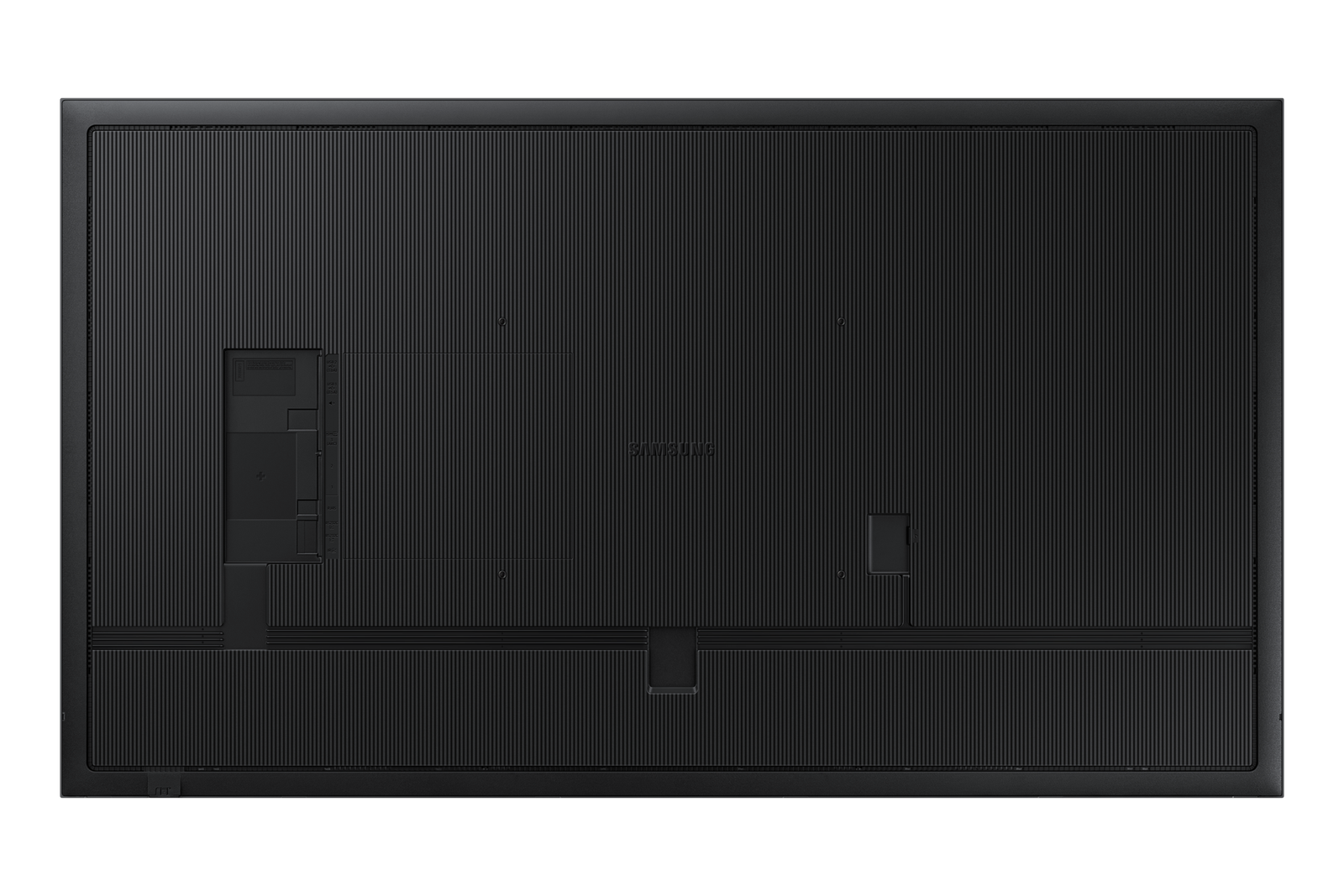
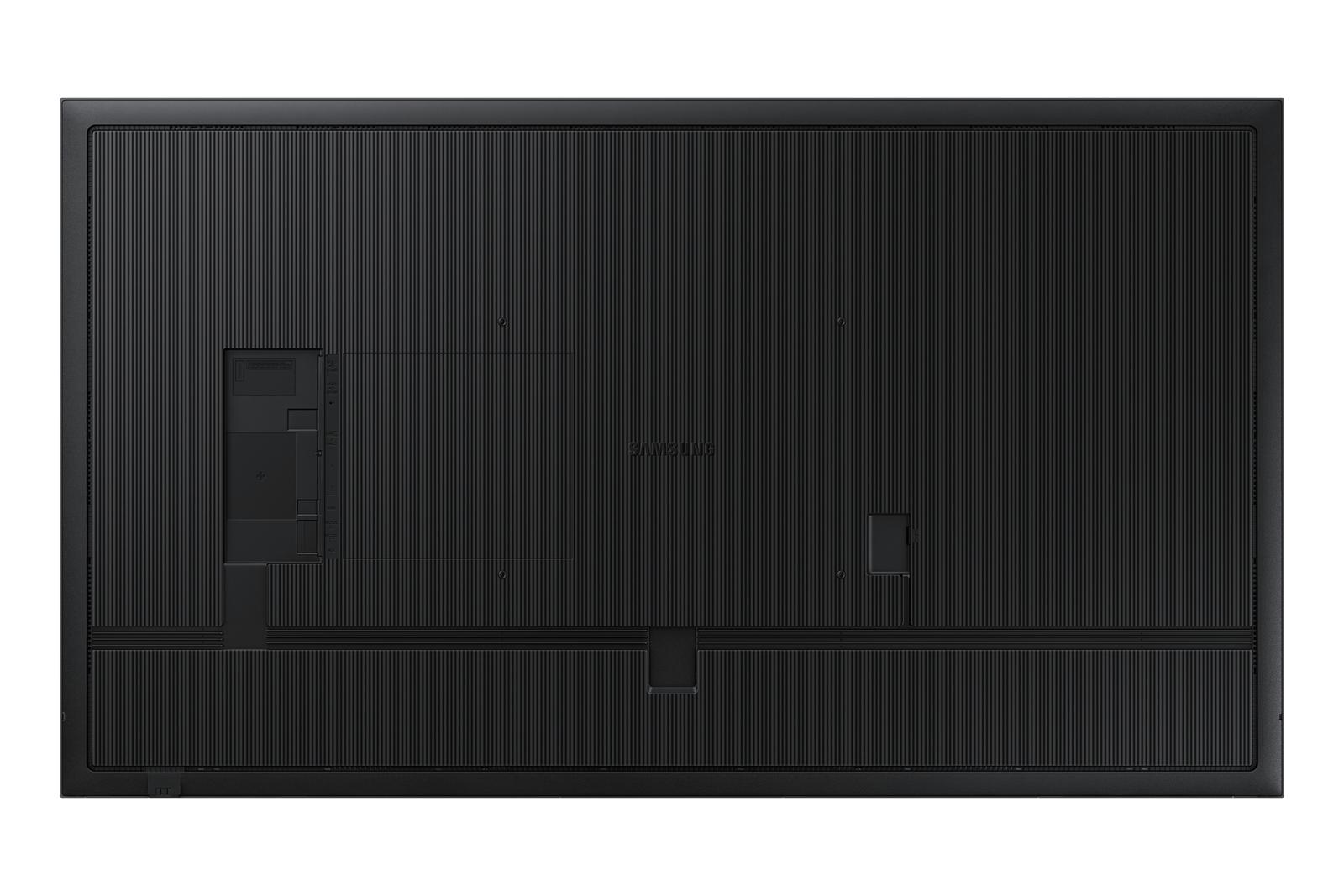
IT managers deploying the QBC-N across a commercial estate will appreciate the centred VESA mount holes — a practical feature that ensures the display hangs level on standard commercial brackets without shimming or adjustment. Tizen 7.0 supports remote content management, network diagnostics, and display configuration without on-site visits. At 350 nit brightness it is specified for controlled indoor commercial lighting — appropriate for meeting rooms seating 10–15, large retail floor, and corporate reception areas. Connectivity includes 2x HDMI, DisplayPort, and USB-C with the option to add a media player via the expansion slot.
For the people using these spaces — meeting participants, customers, and staff — the QBC-N delivers sharp 4K UHD content across the benchmark commercial display size for Australian meeting rooms, retail, and corporate environments — visible from up to 7 metres. The even bezel and ultra-slim profile create a display that looks intentional and considered in the room rather than bolted on as an afterthought.
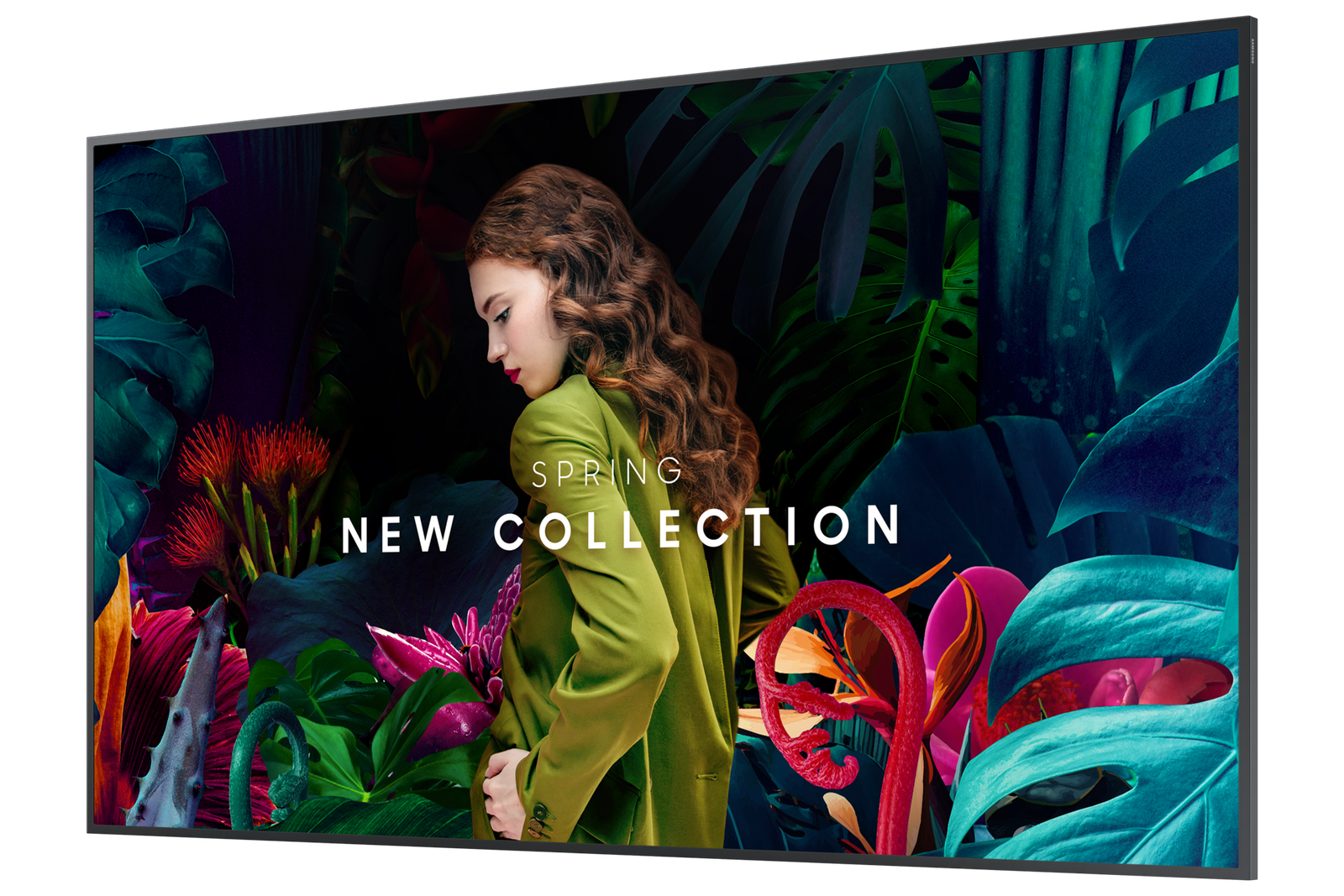
Ultra-slim depth for considered installations
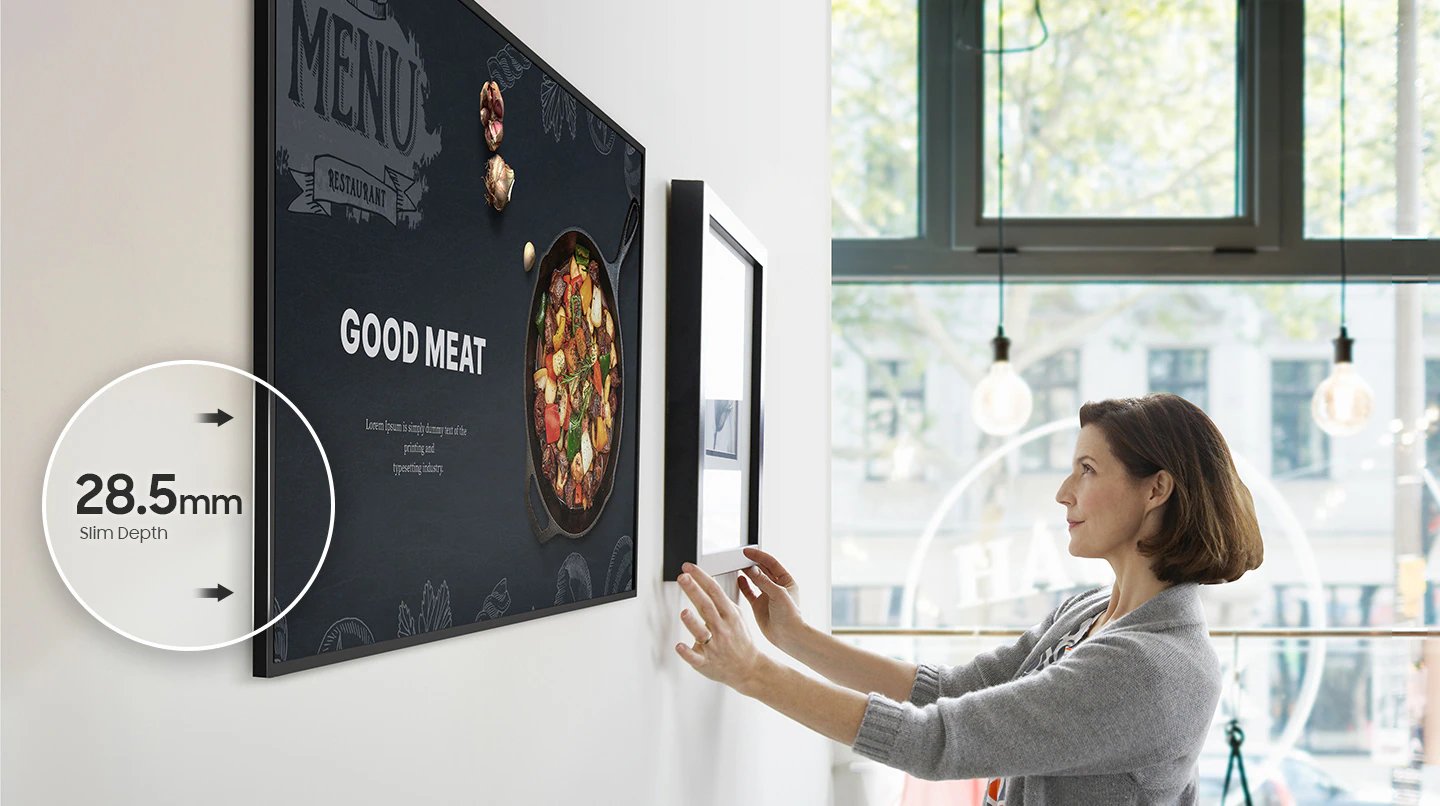
The QBC-N’s ultra-slim profile minimises wall protrusion in meeting rooms where the display is part of the room’s design brief, not just a functional screen bolted to the wall. Slim depth is a specification that matters most when the display is viewed from multiple angles throughout the day.
- Ultra-slim depth — minimal wall protrusion for a clean, considered installation in meeting rooms where aesthetics matter alongside function.
- Even bezel design — consistent bezel width on all four sides for clean visual symmetry, particularly relevant in multi-display video wall configurations.
- Centred VESA mount holes — display hangs level on standard commercial brackets without adjustment — a practical time-saver across multi-unit commercial deployments.
- Tizen 7.0 with MagicInfo — remote content management, network diagnostics, and display configuration without on-site visits or additional CMS hardware.
- 4K UHD resolution — sharp text, accurate product imagery, and detailed presentation content at the benchmark commercial display size for Australian meeting rooms, retail, and corporate environments — visible from up to 7 metres.
- USB-C connectivity — single-cable connection for supported devices — power delivery, video, and data over one cable, reducing cable clutter in meeting room installations.
Even bezel for video wall and single-screen use
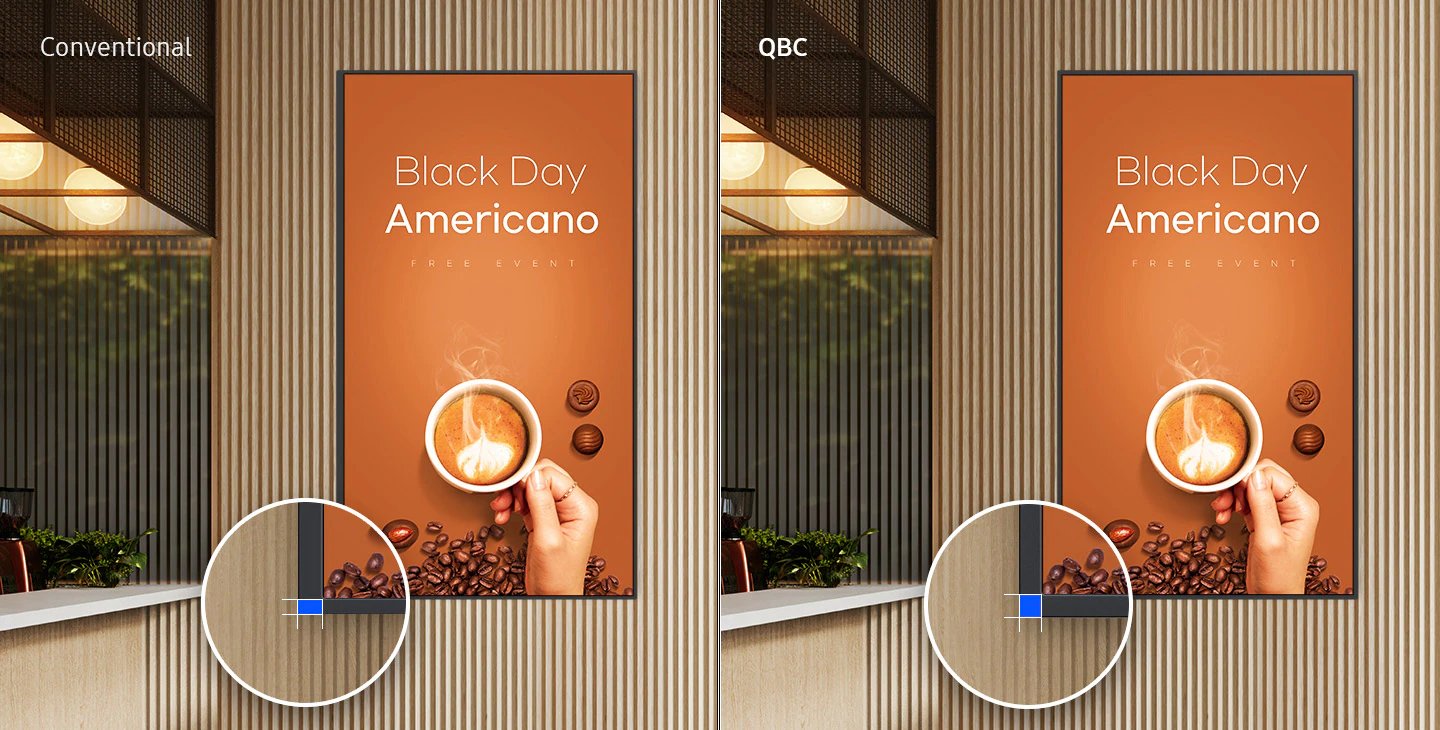
The even bezel design — consistent width on all four sides — creates visual symmetry that matters in both single-screen installations and multi-display video wall configurations. Uneven bezels create visual imbalance that is immediately obvious to anyone in the room. The QBC-N is designed to look right from every angle.
Centred VESA mount holes save installation time
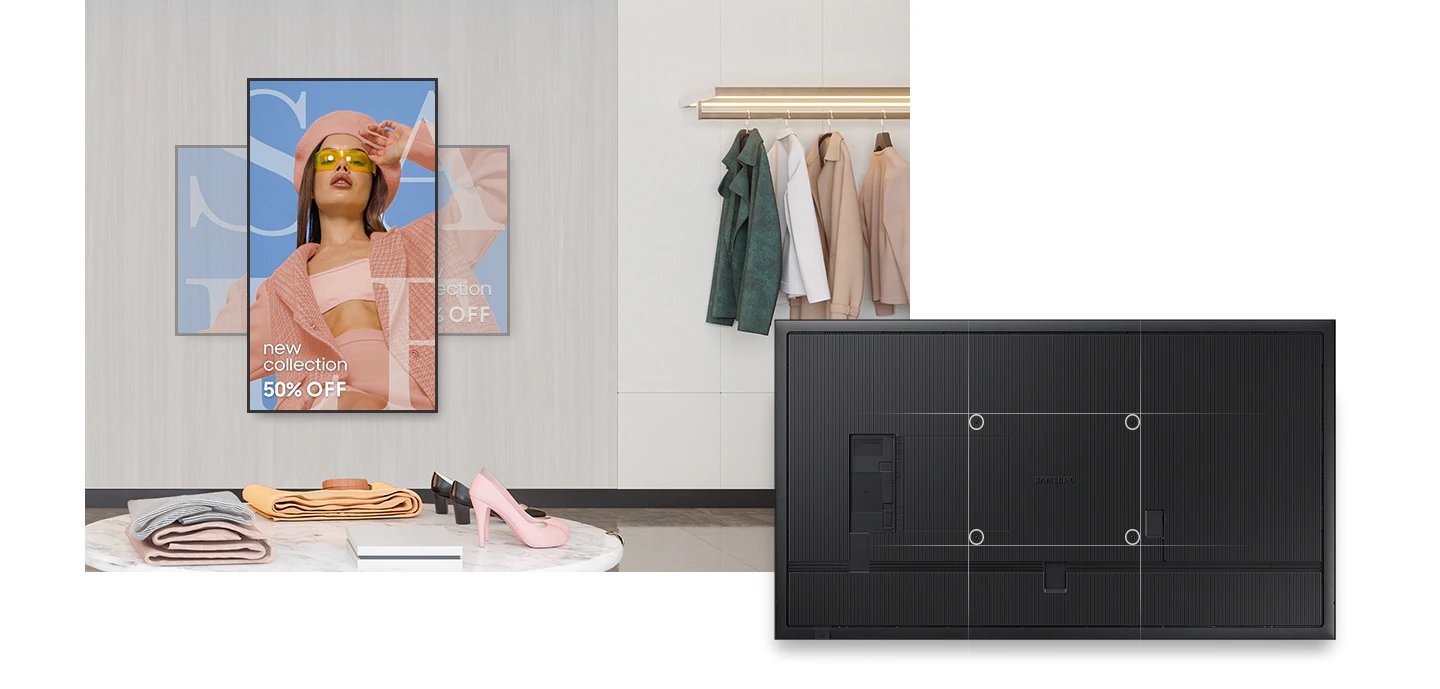
Centred VESA mount holes ensure the QBC-N hangs level on standard commercial wall brackets without shimming, adjustment, or rework. Across a multi-unit deployment — fitting out a floor of meeting rooms or a retail chain — this saves measurable installation time and eliminates the ongoing frustration of displays that aren’t quite straight.
4K UHD for sharp content at commercial distances
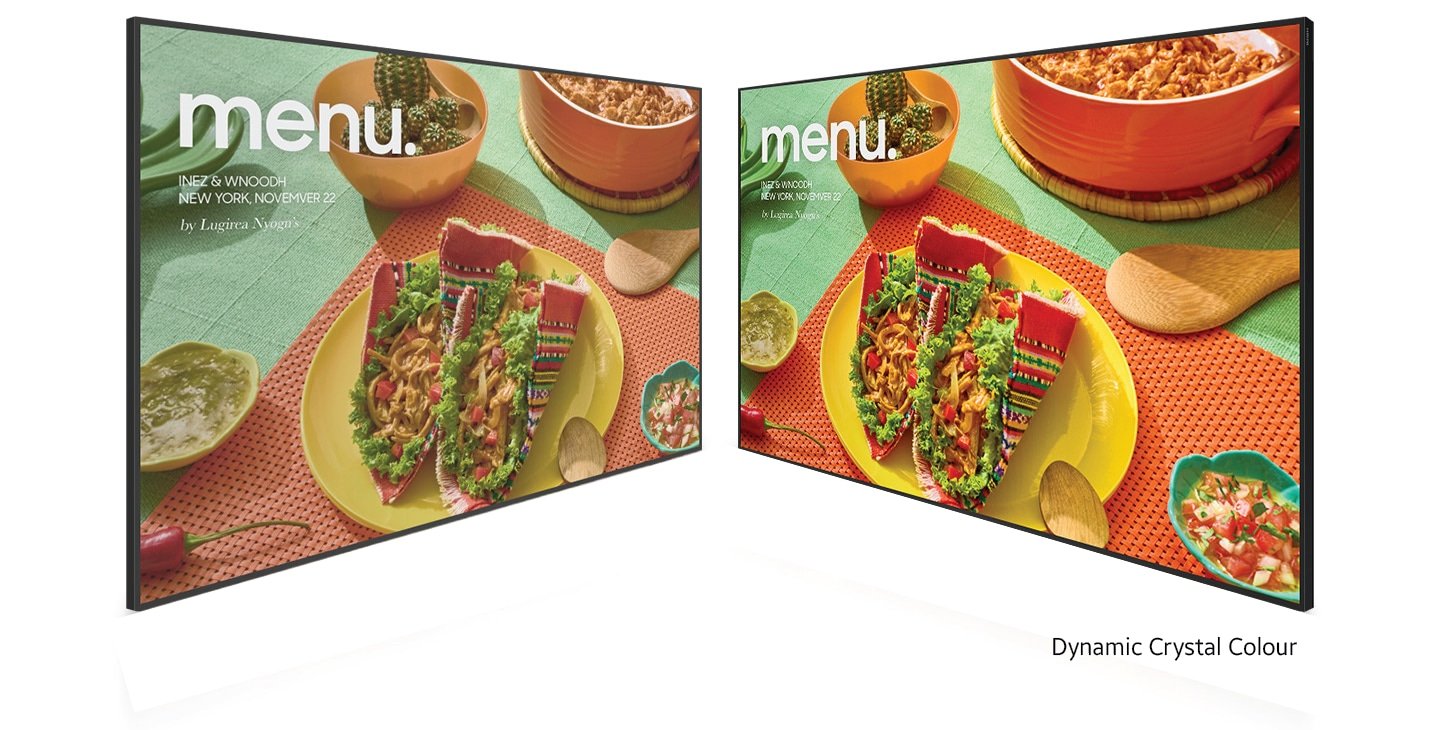
At 55″ and 4K resolution, text remains sharp and presentation content legible from all seating positions in meeting rooms seating 10–15, large retail floor, and corporate reception areas. For IT managers specifying displays for meeting rooms or boardrooms where detailed content is regularly presented, 4K at this size ensures nothing is sacrificed in the translation from screen to room.
Tizen 7.0 and MagicInfo for remote management

Tizen 7.0 with MagicInfo integration allows IT teams to manage content, run diagnostics, and configure displays remotely — without on-site visits for routine tasks. For organisations with multiple meeting rooms or multi-site retail deployments, this is the operational efficiency feature that justifies the professional display specification over a consumer TV.
USB-C single-cable meeting room connection

USB-C connectivity allows laptop users to connect to the display with a single cable — delivering video, data, and power simultaneously. In meeting room environments, reducing cable clutter and connection friction directly improves the meeting experience. One cable in, presentation on screen.
350 nit brightness for controlled commercial lighting
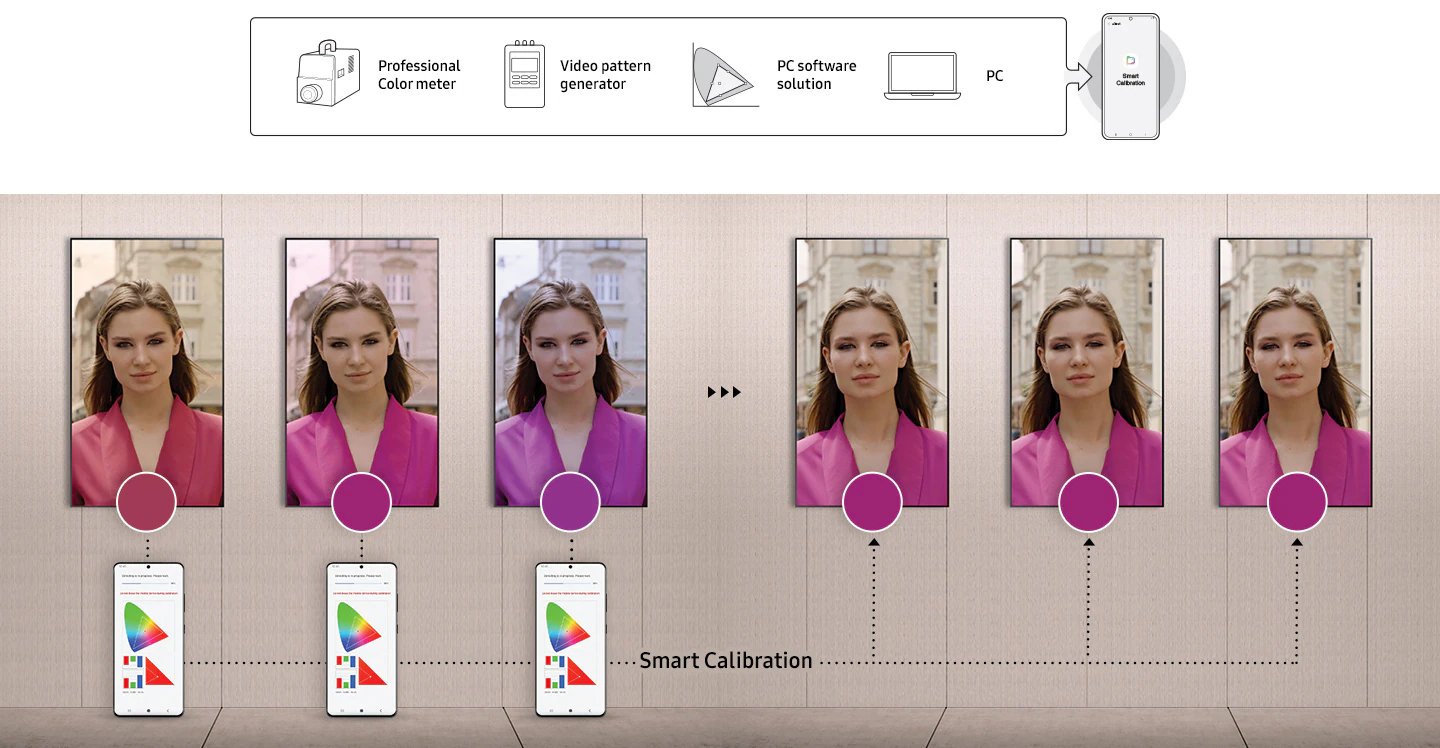
At 350 nit, the QBC-N is specified for controlled indoor commercial lighting — meeting rooms, boardrooms, and office environments where ambient light is managed. This is the correct brightness specification for meeting rooms seating 10–15, large retail floor, and corporate reception areas. Higher brightness in controlled lighting wastes power and can cause eye fatigue for close-range meeting room viewing.
DisplayPort for professional AV integration

DisplayPort connectivity supports high-resolution workstation and PC connection with consistent refresh rates and colour accuracy — the preferred connection for professional AV installations where HDMI limitations at high resolutions and refresh rates are a concern for IT managers specifying the full room AV system.
Reliable 24/7 commercial operation
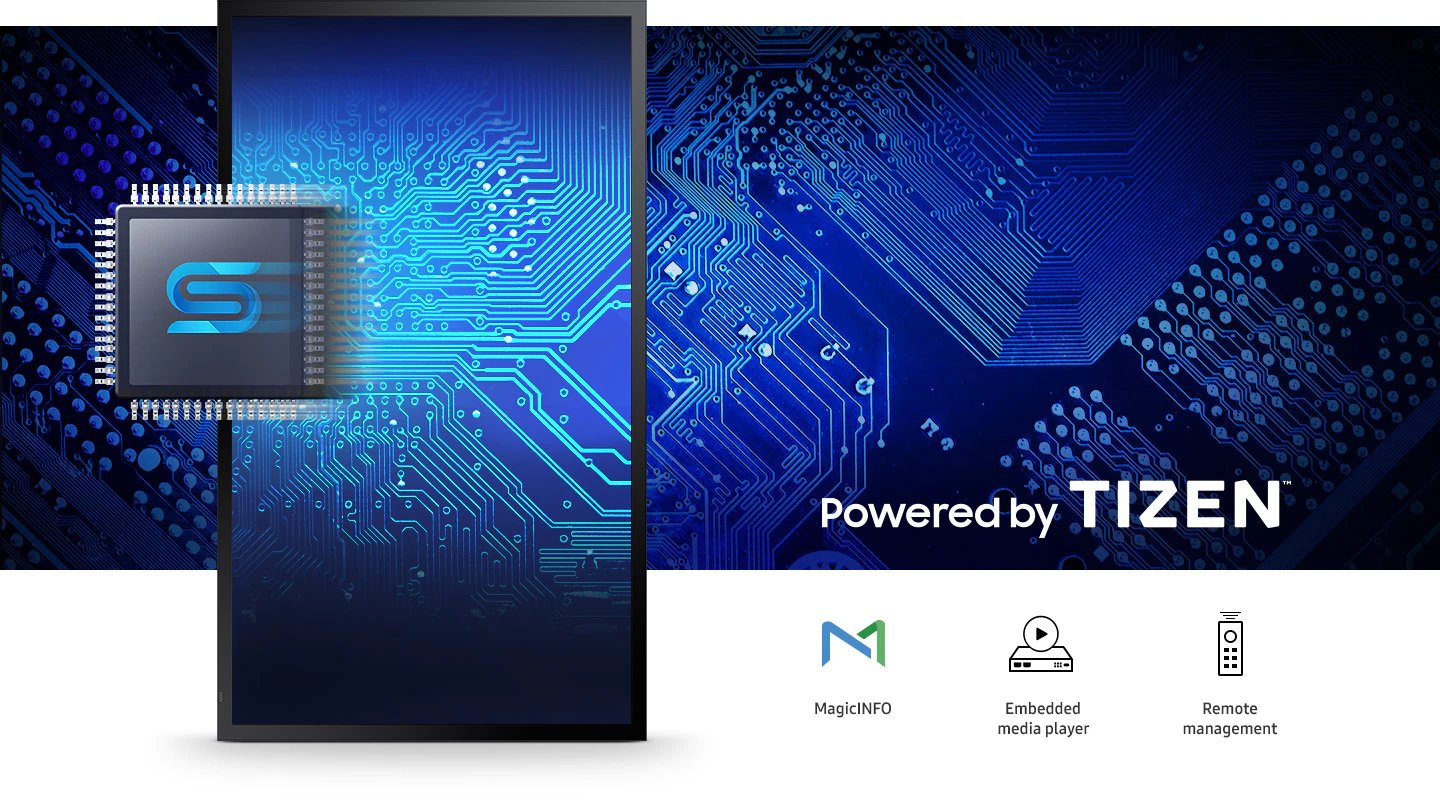
The QBC-N is rated for 24/7 continuous operation — appropriate for lobby displays, reception screens, and retail installations that run beyond standard hours. A consumer TV in the same position carries warranty restrictions on commercial use and duty cycle limits that a professional display like the QBC-N does not.
Clean installation for any commercial environment

The combination of ultra-slim depth, even bezel, centred VESA mount holes, and a 55″ 4K panel makes the QBC-N a considered specification for medium-to-large meeting rooms, retail floors, and corporate lobbies — where the display needs to perform functionally and look intentional in the space. Professional installers and interior designers consistently cite these physical characteristics as the difference between a display that looks right and one that doesn’t.
| Specification | Value | What it means for you |
|---|---|---|
| Screen size | 55″ | the benchmark commercial display size for Australian meeting rooms, retail, and corporate environments — visible from up to 7 metres. |
| Resolution | 4K UHD (3,840 x 2,160) | At 55″, 4K resolution ensures text remains sharp and presentation content legible from all seating positions in meeting rooms seating 10–15, large retail floor, and corporate reception areas. Pixel density at this resolution is sufficient for close-range reading of detailed content. |
| Brightness | 350 nit | Specified for controlled indoor commercial lighting — meeting rooms, boardrooms, retail with overhead lighting, and office environments without direct sunlight on the screen. Not recommended for window-facing or high-ambient installations. |
| Contrast ratio | 4,000:1 | Good contrast for presentation content, data visualisations, and video in standard commercial lighting conditions — blacks appear dark and colours render accurately without requiring room blackout. |
| Operating system | Tizen 7.0 | Samsung’s commercial-grade OS supports MagicInfo for remote content management, display diagnostics, and configuration — without additional media player hardware. Tizen 7.0 is the current generation platform with ongoing Samsung software support. |
| HDMI inputs | 2 | Connect a PC and a secondary source simultaneously without cable switching. Standard for meeting room AV configurations. |
| DisplayPort | 1 | DisplayPort for high-resolution PC and workstation connection — preferred over HDMI for professional AV installations requiring consistent refresh rates and colour accuracy. |
| USB-C | 1 | Single-cable connection for supported devices — delivers video, data, and power over one cable. Reduces cable clutter in meeting rooms and simplifies connection for laptop users. |
| VESA mount | Centred holes | Centred VESA mount holes ensure the display hangs level on standard commercial wall brackets without shimming — a practical feature that saves installation time across multi-unit deployments. |
| Bezel design | Even bezel | Consistent bezel width on all four sides creates visual symmetry — relevant for both single installations and multi-display video wall configurations where bezel alignment directly affects the finished appearance. |
| Depth profile | Ultra-slim | Minimal wall protrusion for clean installation — particularly important in meeting rooms and boardrooms where the display is viewed from multiple angles and slim depth contributes to the overall room aesthetic. |
| Operation time | 24/7 | Rated for continuous commercial operation — appropriate for always-on lobby displays, reception screens, and retail installations that run beyond standard office hours. |
| Content management | MagicInfo compatible | Samsung’s enterprise signage platform supports remote content scheduling, multi-display management, and diagnostic monitoring — without on-site visits for routine content updates or configuration changes. |
Samsung Australia Warranty
This product is covered by Samsung Australia’s standard commercial warranty. Samsung Business displays carry a 3-year on-site warranty for Australian business customers, covering defects in materials and workmanship under normal operating conditions.
Kickstart Computers is an authorised Samsung Business reseller in Australia. If you experience any issue with your Samsung display, our team can assist you through the warranty process — whether that involves a repair, replacement, or liaison with Samsung’s service network. Contact Kickstart Computers and we’ll manage the return, repair or replace process on your behalf.
Specifying a commercial display involves evaluating panel grade, brightness rating, operating system, connectivity, and duty cycle against the intended deployment environment — consumer-grade panels are not rated for the continuous operation commercial signage requires. Samsung commercial display specifications and deployment guides for retail, corporate, and public environment installations in Australia. For a broader understanding of how Samsung engineers its commercial display range for different deployment contexts and operational requirements, the Samsung commercial signage and professional display solutions at Kickstart Computers covers the full hardware lineup in context.