

Jump Ahead Too
ToggleSamsung Digital Signage & Commercial Displays Australia
Digital signage has become a core part of how modern businesses communicate — with customers, with staff, and with the environments they operate in. Retail stores, corporate offices, schools, hospitals, transportation hubs, and public venues are all deploying commercial displays in ways that would have been considered specialised infrastructure a decade ago.
Samsung has built one of the broadest commercial display ecosystems available in the Australian market. That breadth is genuinely useful, but it also creates a real evaluation challenge: understanding which part of the Samsung range actually suits a given environment, and where the operational differences between display categories matter more than the headline specifications.
This page is structured as a deployment advisory overview — not a product catalogue. It covers where Samsung commercial displays perform strongly, where the technology decisions get nuanced, how the Samsung Flip Interactive Whiteboard and interactive collaboration ecosystem fit within the broader range, and where alternatives are worth honest consideration.
Choosing the Right Samsung Display Starts With Environment, Not Specifications
One of the most consistent mistakes in commercial display procurement is leading with screen size and price rather than deployment environment and operational requirements. Two commercial displays that appear visually similar on a specification sheet can behave very differently in practice — and selecting the wrong category for an environment is a problem that rarely becomes fully apparent until months into a deployment.
The factors that actually determine long-term display suitability in commercial environments include operating hours, ambient brightness, content type, touch requirements, portrait versus landscape orientation, remote management needs, and whether the display will face direct sunlight. Samsung’s commercial range is designed to address all of these scenarios — but within distinct product categories that are not interchangeable.
The sections below work through each major deployment category, the relevant operational considerations, and where Samsung’s solutions sit within each.
Outdoor & High-Brightness Storefront Signage
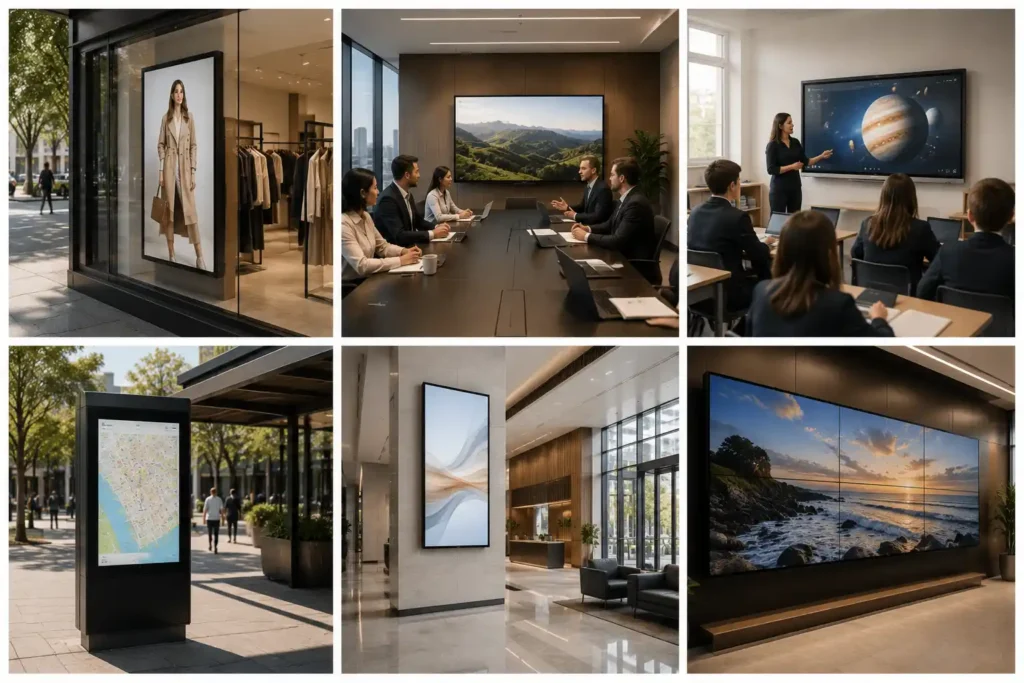
Brightness is the single most consequential specification in outdoor and window-facing signage deployments, and it is also the one most commonly underestimated during procurement.
Standard commercial displays typically operate somewhere between 350 and 700 nits — adequate for controlled indoor environments with managed lighting. A retail storefront facing west in the Australian afternoon is not a controlled indoor environment. Under direct sunlight exposure, a 500-nit display becomes functionally unreadable for significant portions of the day, which defeats the operational purpose of the installation entirely.
High-brightness commercial signage designed for storefront and outdoor visibility typically requires 2,500 nits at minimum, with demanding installations calling for 3,000 to 4,000+ nits depending on the degree of direct sun exposure and the installation geometry. For many years, Samsung and LG were among the very few major manufacturers consistently delivering reliable commercial displays in this brightness range. That consistency helped establish both brands as dominant players within the Australian high-brightness signage segment — particularly across premium retail, shopping centre, and transportation environments where visibility reliability throughout the day is a genuine operational requirement rather than a preference.
That landscape is beginning to shift. Manufacturers including Hisense have been pushing aggressively into the high-brightness commercial panel segment with increasingly competitive products. For organisations evaluating this category, the honest advice is to assess not just peak brightness specifications but also thermal management, long-term deployment maturity, and commercial support infrastructure — areas where the established players have considerably more track record than newer entrants, though that gap is narrowing.
Samsung's OMN and OH series displays remain strong choices for storefront, outdoor kiosk, and weather-exposed environments — combining high brightness with commercial durability, anti-glare treatment, and the remote management integration that serious outdoor signage networks require.

Samsung Interactive Whiteboard & Collaboration Displays
Samsung has established a strong presence within the interactive collaboration display market — an environment that has grown considerably as hybrid work, hybrid learning, and annotation-driven collaboration workflows have become standard operational requirements rather than specialist use cases.
Within this category, Samsung's ecosystem currently centres on two platforms that serve meaningfully different deployment contexts.
The Samsung Flip digital whiteboard is the premium collaboration and annotation-focused platform, built around extremely low writing latency, optical bonding for precise pen registration, and pressure-sensitive line thickness simulation that produces a writing experience noticeably closer to pen on paper than most commercial interactive displays. It is particularly well-suited to corporate boardrooms, executive meeting suites, university environments, and secondary education classrooms where teachers or presenters annotate extensively throughout the day. Presenter and teacher fatigue over sustained daily use is a real operational consideration that raw specifications don't capture — and it is an area where the Samsung Flip's writing quality becomes a genuine differentiator rather than a marketing point.
The Samsung WAFX-P addresses a different deployment brief: broader education rollout where Google Workspace integration, EDLA certification, and accessible per-unit cost are the primary drivers. It is not a lesser version of the Samsung Flip — it is a different product serving a different deployment logic. Organisations trying to apply Flip WMFX investment reasoning to a large-scale classroom rollout, or WAFX-P reasoning to a boardroom requiring premium annotation quality, will typically find themselves with the wrong tool for the context.
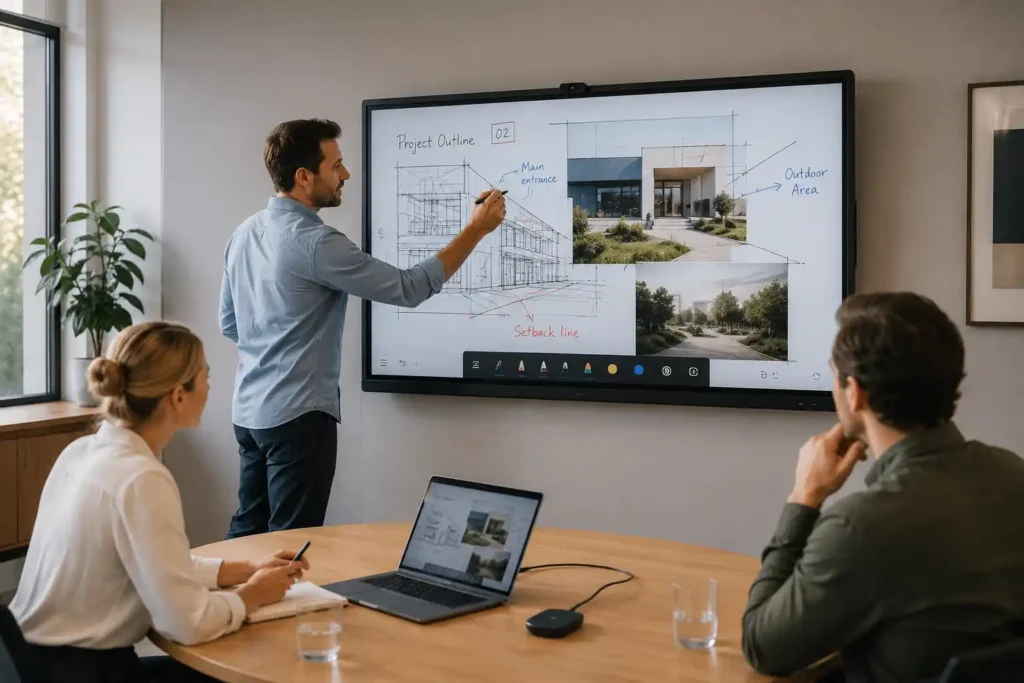
For organisations evaluating both Samsung platforms in detail, or comparing Samsung’s interactive displays against education-first ecosystems like SMART Board and Promethean ActivPanel, the dedicated resources within our Interactive Whiteboard Hub cover those decisions in operational depth.
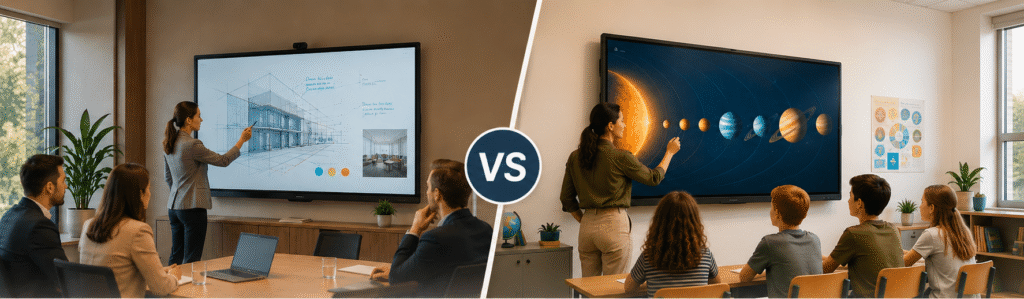
Not sure which Samsung collaboration platform suits your environment?
Explore our Samsung Flip WMFX vs WAFX-P comparison guide
Samsung Video Wall & Large-Format Visual Environments
Samsung video wall deployments occupy a distinct category within the commercial display market — one where the planning, infrastructure, and ongoing management requirements are meaningfully more complex than single-screen installations.
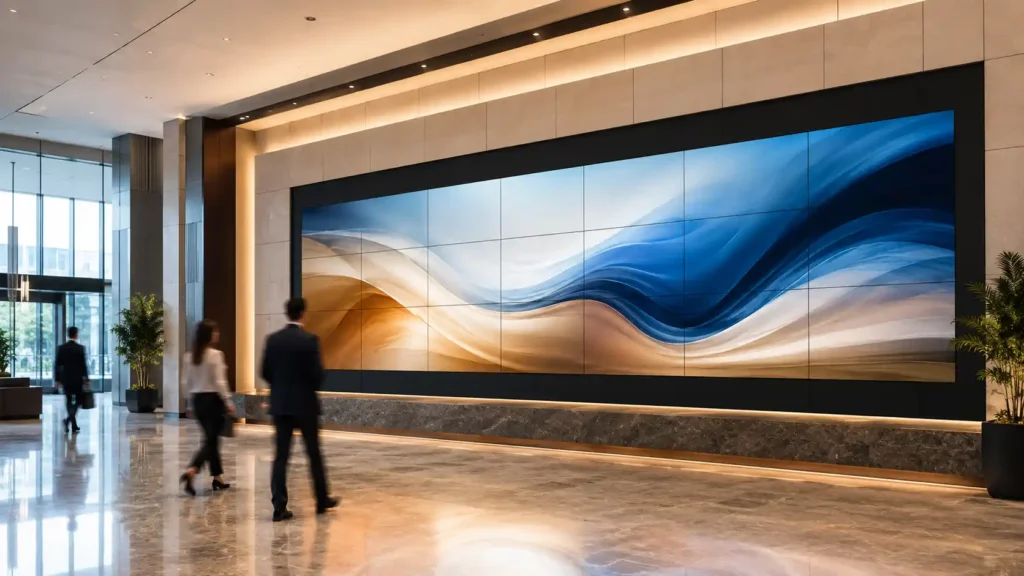
Samsung's VMR and commercial LED series are deployed across corporate headquarters, control rooms, command centres, retail feature walls, public venues, hospitality spaces, and exhibition environments. The common requirement across all of these is a unified visual canvas at a scale that a single display cannot deliver — whether that's a 3x3 LCD panel installation in a corporate lobby or a large-format direct-view LED wall in a retail flagship store.
For LCD video wall deployments, bezel thickness remains a practical consideration. Near-zero bezel configurations minimise the visible grid effect across multi-panel installations, which matters considerably in customer-facing environments where the visual continuity of the content is part of the impact. Samsung's ultra-narrow bezel commercial panels have been a consistent choice for indoor LCD video wall applications where this continuity is important.
Direct-view LED wall deployments remove the bezel issue entirely and offer significantly greater brightness and flexibility in custom sizing — but at a higher cost and with greater complexity in installation and content management. For organisations at the planning stage for video wall deployments, the gap between a well-planned installation and a problematic one is usually found in the infrastructure and content management planning rather than in the panels themselves. Getting the structural mounting, cable management, and CMS configuration right before installation begins avoids the kind of remediation work that significantly inflates the total cost of a project.
Viewing distance is also a more consequential planning variable for video walls than for single-screen installations. Pixel pitch — the distance between individual LED elements — directly affects the minimum comfortable viewing distance. A pixel pitch that looks sharp in a large open atrium can appear grainy at close range in a corridor installation. This is a specification that needs to be matched to the physical environment rather than selected on cost alone.
Samsung's commercial display range spans several of the major digital signage categories. If you are still orientating your research across the broader market, the links below cover each category in full — across all manufacturers, not Samsung alone.
Digital Signage Displays
Professional commercial displays designed for retail stores, hospitality venues, schools, and corporate environments.

Video Walls
Large-format multi-screen display systems designed for immersive commercial communication and visual impact.
Digital Menu Boards
Dynamic menu board solutions for cafes, restaurants, takeaway stores, and hospitality businesses.

Outdoor Digital Signage
Weather-resistant outdoor display solutions designed for advertising, public communication, and high visibility.
Interactive Digital Signage
Interactive touchscreen display systems designed to improve engagement, communication, and customer experiences.
Samsung MagicINFO & VXT — Content Management at Scale
One of the areas where Samsung has historically held a genuine competitive advantage within commercial signage is its content management ecosystem. Managing signage content across multiple screens, multiple locations, and multiple content schedules is where the operational gap between a well-chosen signage platform and a poorly chosen one becomes most visible — and most costly.
Samsung's MagicINFO platform has been one of the more established commercial signage management systems within the Australian market, particularly for enterprise and on-premise deployment environments where centralised control, scheduling reliability, and device monitoring across large display networks are genuine operational requirements. For organisations running ten, fifty, or several hundred Samsung commercial displays across multiple sites, the ability to manage content schedules, push updates, monitor display status, and enforce device policy from a central console is not a convenience — it is a core operational capability.
More recently, Samsung has been expanding into cloud-based signage management through Samsung VXT, which simplifies deployment and management workflows for organisations that prefer cloud infrastructure over on-premise server management. For retail chains, franchise networks, school groups, and multi-site hospitality operators, cloud-managed signage is increasingly becoming the practical default — reducing the IT overhead of maintaining local server infrastructure while delivering the remote management capability that distributed signage networks require.
It is worth noting that MagicINFO and VXT are not unique in the market. Competitors including LG's SuperSign platform, and a range of third-party cloud CMS platforms, offer comparable functionality for organisations not exclusively committed to the Samsung ecosystem. For multi-manufacturer signage environments, third-party CMS platforms are often the more practical management choice — and worth evaluating before committing to a manufacturer-specific solution that may complicate future hardware decisions.
Choosing between MagicINFO, VXT, and third-party platforms is one of the most consequential decisions in a Samsung signage deployment.
Our dedicated CMS decision framework covers what each platform does, when a manufacturer CMS is the right choice versus a third-party platform, and the four questions to answer before evaluating any option — including a plain-language comparison of MagicINFO, VXT, PPDS Wave, SuperSign, Fusion Signage, and BrightSign.
How to Choose a Signage CMS Before You Buy Hardware →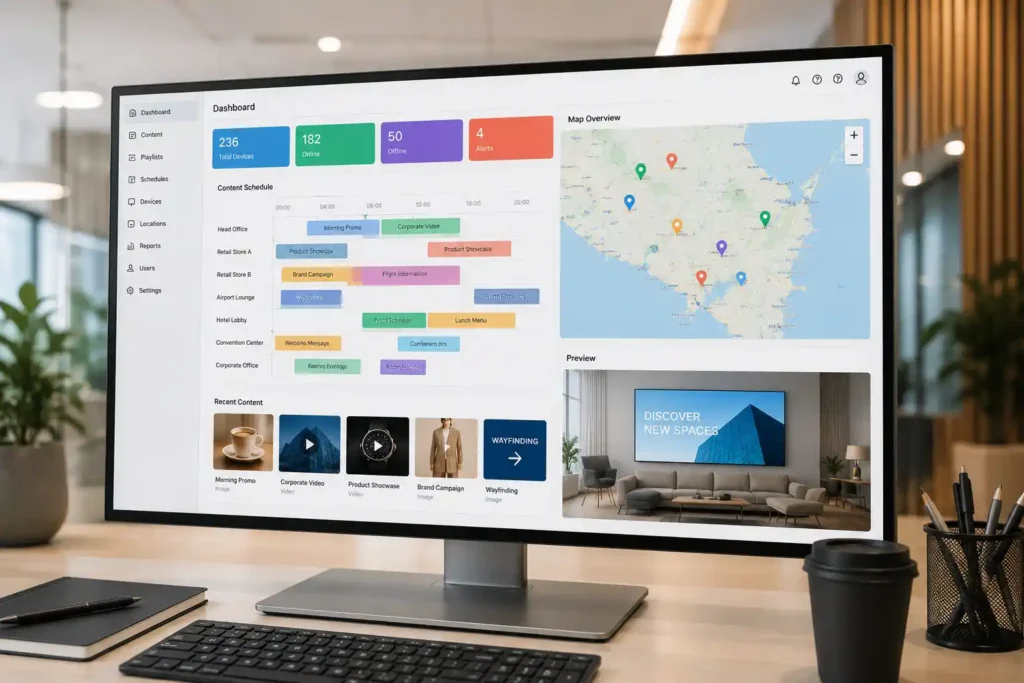
Where Samsung Fits in the Broader Commercial Display Market
Samsung tends to perform particularly strongly in deployment environments where the combination of display quality, brightness capability, content management maturity, and commercial support infrastructure all matter together. Premium retail and storefront environments, enterprise corporate signage networks, and annotation-heavy collaboration spaces are categories where Samsung's established ecosystem depth is a genuine operational asset rather than simply brand familiarity.
LG remains Samsung's closest competitor across much of the commercial display landscape — particularly within high-brightness storefront signage and large-format commercial panels — and organisations at the serious evaluation stage for retail or outdoor deployments should assess both directly rather than defaulting to either on the basis of brand recognition alone.
Within the interactive collaboration segment, the competitive landscape is more fragmented. SMART Board and Promethean ActivPanel remain strong choices for education-first deployments where curriculum-integrated software depth matters. Yealink and purpose-built Microsoft Teams Room hardware offer a different trade-off — tighter Teams ecosystem integration at the expense of the platform flexibility that Android-based systems like the Samsung Flip Pro Interactive Whiteboard provide. BenQ, ViewSonic, and Hisense are increasingly competitive within value-tier interactive display segments, and organisations balancing premium writing experience against broad classroom rollout affordability should evaluate those platforms within the context of their specific deployment logic.
Samsung is not the right answer for every commercial display brief. But for organisations that need a manufacturer with genuine range, commercial maturity, and an established Australian support presence across multiple display categories simultaneously, it remains one of the stronger ecosystem choices available.

Common Samsung Deployment Scenarios
Understanding which Samsung display category suits which environment is where most procurement decisions either land well or go wrong. The general deployment logic across the most common Australian commercial environments looks like this.
Retail storefronts and window-facing displays — Samsung OMN high-brightness series where direct sunlight exposure is a factor. Standard QBC or QMC commercial panels for internal retail environments with controlled lighting. The brightness requirement between these two scenarios is not marginal — it is the difference between a display that performs reliably throughout the day and one that becomes unreadable during peak sunlight hours.
Corporate lobbies, reception, and internal communications — Samsung QBC or QHC series for professional single-screen and multi-screen deployments. MagicINFO or VXT for centralised content management across multiple corporate locations or floors. For organisations running large corporate signage networks, the content management platform decision should happen before the hardware selection — not after.
Meeting rooms and collaboration spaces — The Samsung Flip Pro for environments where annotation quality, hybrid meeting integration, and premium writing experience are daily operational requirements. The distinction between the Flip Pro and lower-tier options is most apparent in environments with sustained daily annotation use — a distinction that becomes clear within a week of regular use but is difficult to fully appreciate in a brief showroom demonstration.
Education classrooms — The Samsung Flip Pro Interactive Whiteboard for secondary and tertiary environments with heavy annotation workflows. Samsung WAD eBoard for broader primary and secondary rollout where Google Workspace integration and value-conscious per-unit cost are the primary deployment drivers.
Large-format and video wall environments — Samsung VMR ultra-narrow bezel series for LCD video wall applications where near-seamless panel joins matter. Direct-view LED configurations for custom large-format installations where bezel-free continuity, high brightness, and flexible sizing are priorities over per-unit cost.
Outdoor and weather-exposed environments — Samsung OH series for fully outdoor installations requiring weatherproofing and sustained high-brightness performance. OMN series for semi-outdoor and window-facing high-brightness requirements where full weatherproofing is not necessary but direct sunlight visibility is.

Commercial Deployment Considerations
A few operational considerations that consistently affect commercial display deployments and are worth addressing at the planning stage rather than after installation.
Duty cycle matters more than it appears in showroom conditions. A display rated for 16/7 operation placed in a 24/7 environment will degrade faster than the warranty conditions cover. Confirming operating hour requirements and matching them to the display's rated duty cycle before purchase avoids a common and expensive mismatch that won't become apparent until the warranty conversation.
A display rated for 16/7 operation in a 24/7 environment is outside its warranty from day one — and the symptoms won't appear until months into the deployment.
Our dedicated duty cycle page covers what each rating means in plain language, which environments require which rating, the visible symptoms of a mismatch, and what happens to the warranty claim when a display has been running beyond its rated hours.
Commercial Display Duty Cycle — What It Means and How to Specify It Correctly →Consumer televisions in commercial environments are a false economy. The upfront cost difference between a commercial display and a consumer television narrows considerably once accelerated replacement cycles, lack of remote management, portrait orientation limitations, and commercial warranty exclusions are factored into the total cost of ownership calculation.
Content management planning should happen before display selection. Organisations deploying more than a handful of screens across more than one location need a content management strategy — whether that's Samsung MagicINFO, VXT, or a third-party platform — before committing to hardware. Retrofitting CMS capability onto an existing display network is considerably more disruptive than building it in from the outset.
Room environment affects display selection more than budget alone. The brightness requirement for a south-facing internal office display and a north-facing retail shopfront in Queensland are fundamentally different problems. Getting the brightness specification right for the actual installation environment is more important than optimising on price within a category that doesn't suit the space.
Interactive display writing quality is best evaluated under real conditions. For environments considering the Flip Pro or any premium collaboration display, a brief showroom demonstration rarely reveals the operational difference that sustained daily annotation use will. Request an extended hands-on session of at least twenty to thirty minutes — the writing quality difference between display tiers becomes apparent quickly under those conditions and is difficult to unsee once noticed.

Comparing Samsung Against Other Commercial Display Platforms
Samsung is one of several serious commercial display ecosystems available in the Australian market, and an honest evaluation should engage with the alternatives directly rather than treating brand familiarity as a substitute for deployment fit assessment.
For organisations comparing Samsung interactive whiteboards against other platforms, the resources below are designed to support that evaluation with operational specificity rather than specification-sheet comparison alone.
Samsung Flip WMFX vs Samsung WAFX-P — The most common internal Samsung comparison. Covers the deployment logic distinction between a premium interactive whiteboard environment and a value-focused education touchscreen display rollout. View the full comparison →
Samsung Flip Pro vs Samsung Flip WMFX — Relevant for organisations currently running the previous Flip Pro generation and evaluating whether to upgrade to the current WMFX platform. Covers what changed, what carried over, and where the upgrade is operationally justified. View the full comparison →
Samsung Flip Pro vs Yealink MeetingBoard — Relevant for corporate environments comparing Samsung's Android-native digital whiteboard platform against a purpose-built Microsoft Teams Room certified touchscreen display. View the full comparison →
Promethean vs BenQ vs SMART Board — For organisations evaluating Samsung alongside the three most established education-focused interactive display platforms. Covers classroom deployment, software ecosystems, switching costs, and total cost of ownership across all four manufacturers. View the full comparison →
Digital Signage for Schools — For schools evaluating Samsung displays across the full campus environment — classrooms, canteens, corridors, reception, and outdoor spaces. Samsung's education range covers multiple campus environments, not just classroom interactive displays. School campus display overview →
For organisations at the early research stage comparing interactive whiteboards and collaboration displays across multiple manufacturers simultaneously, the interactive whiteboard and collaboration display hub is the most efficient starting point. It covers SMART, Promethean, Samsung, Yealink, BenQ, ViewSonic, and Hisense across classroom deployment, corporate collaboration, hybrid meeting environments, Microsoft Teams Rooms, Android versus OPS architecture, and premium versus value rollout strategy.
The goal of these resources is not to direct every evaluation toward Samsung. It is to help organisations understand the operational trade-offs across the interactive display and commercial signage category clearly enough to make a deployment decision they will still be comfortable with three years into the installation.
Compare Other Display Manufacturers
Kickstart Computers supplies and advises across multiple commercial display and interactive technology manufacturers — not a single brand. The manufacturers below occupy similar or adjacent territory to Samsung across commercial signage, video walls, interactive displays, and collaboration environments. If Samsung is not the right fit for your specific deployment brief, the pages below cover each manufacturer in the same operational depth as this guide.

LG Digital Signage
Samsung's closest competitor across commercial displays, video walls, and interactive whiteboards — LG's OLED range and architectural display credentials give it a meaningful edge in premium presentation environments.
Explore LG Displays
Sharp Digital Signage
Sharp NEC Display Solutions competes with Samsung across professional commercial display tiers — five distinct brightness tiers from essential signage through to 700-nit premium displays with SpectraView colour precision and enterprise AV integration.
Explore Sharp Displays
BenQ Digital Signage
BenQ's Board range competes directly with Samsung's Flip and WAD eBoard across education and corporate interactive whiteboard environments — particularly strong within Google Workspace deployments and AI-assisted classroom technology.
Explore BenQ Displays
Philips Digital Signage
Philips commercial displays compete with Samsung's standard signage range across retail, corporate, and hospitality environments — worth evaluating directly for organisations comparing multiple brands before committing to a deployment platform.
Explore Philips Displays
Sony Digital Signage
Sony professional displays compete with Samsung in premium corporate and presentation environments — particularly where image processing quality, colour accuracy, and visual precision drive the deployment decision.
Explore Sony Displays
Soniq Digital Signage
Soniq offers value-tier commercial digital signage, interactive displays, and kiosk solutions — a practical consideration for budget-conscious deployments where Samsung's commercial pricing is the primary constraint.
Explore Soniq DisplaysWork With Kickstart Computers
Whether you are planning a single meeting room interactive whiteboard installation, a multi-site retail digital signage network, a school touchscreen display rollout, or a large-format video wall, Kickstart Computers can assist with solution planning, display selection, deployment advice, and signage ecosystem guidance across the full Samsung commercial display range.
We also assist organisations comparing Samsung against other commercial display and interactive whiteboard manufacturers — including LG, BenQ, Hisense, ViewSonic, SMART, Promethean, and Yealink — across specific deployment contexts where the right answer isn't always the most familiar brand name.
Samsung sits within a broader commercial display and digital signage market spanning multiple manufacturers and deployment categories. If you are still orientating your research across the full market before committing to a direction, the Digital Signage Hub covers every manufacturer and solution type we supply across Australia.
Digital Signage HubLG is Samsung's primary competitor across commercial displays, video walls, and interactive whiteboards in the Australian market. If you are comparing both manufacturers side by side before making a decision, the LG Digital Signage page covers their full commercial range in the same operational depth as this guide.
LG Digital SignageSamsung's full commercial display range — including high-brightness storefront signage, video walls, menu board displays, outdoor panels, and standard commercial signage — is available to order through Kickstart Computers. The link below filters directly to Samsung products so you can browse available models without wading through other brands.
Shop Samsung Digital SignageSamsung's interactive whiteboard range — including the Flip WMFX and WAFX-P — is available within our dedicated Interactive Whiteboard shopping category, filtered directly to Samsung models for easy comparison.
Shop Samsung Interactive Whiteboards📞 0416 353 501
📩 sales@kickstartcomputers.com.au