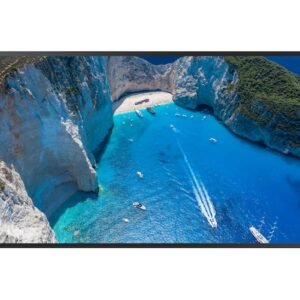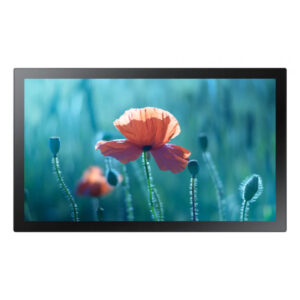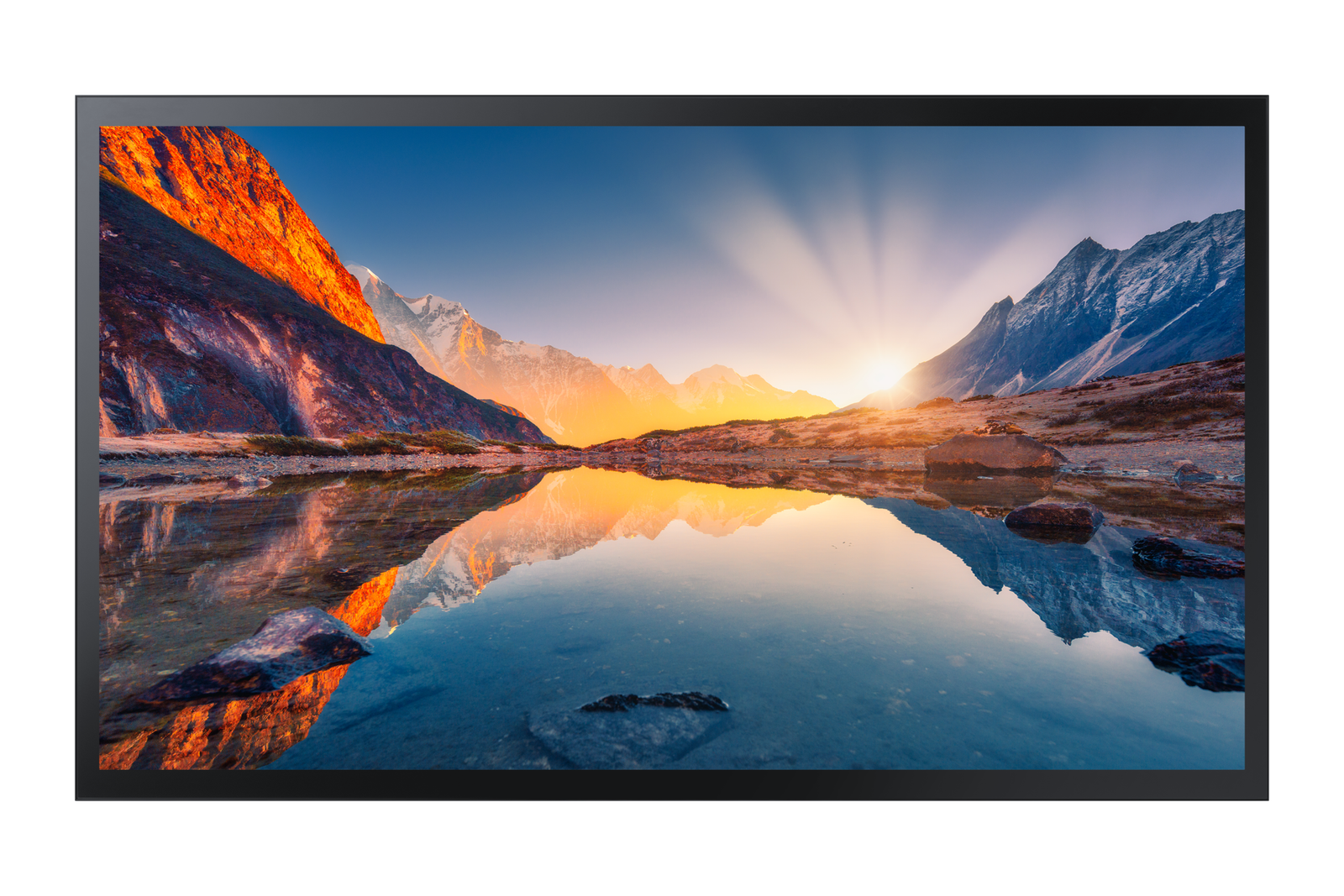
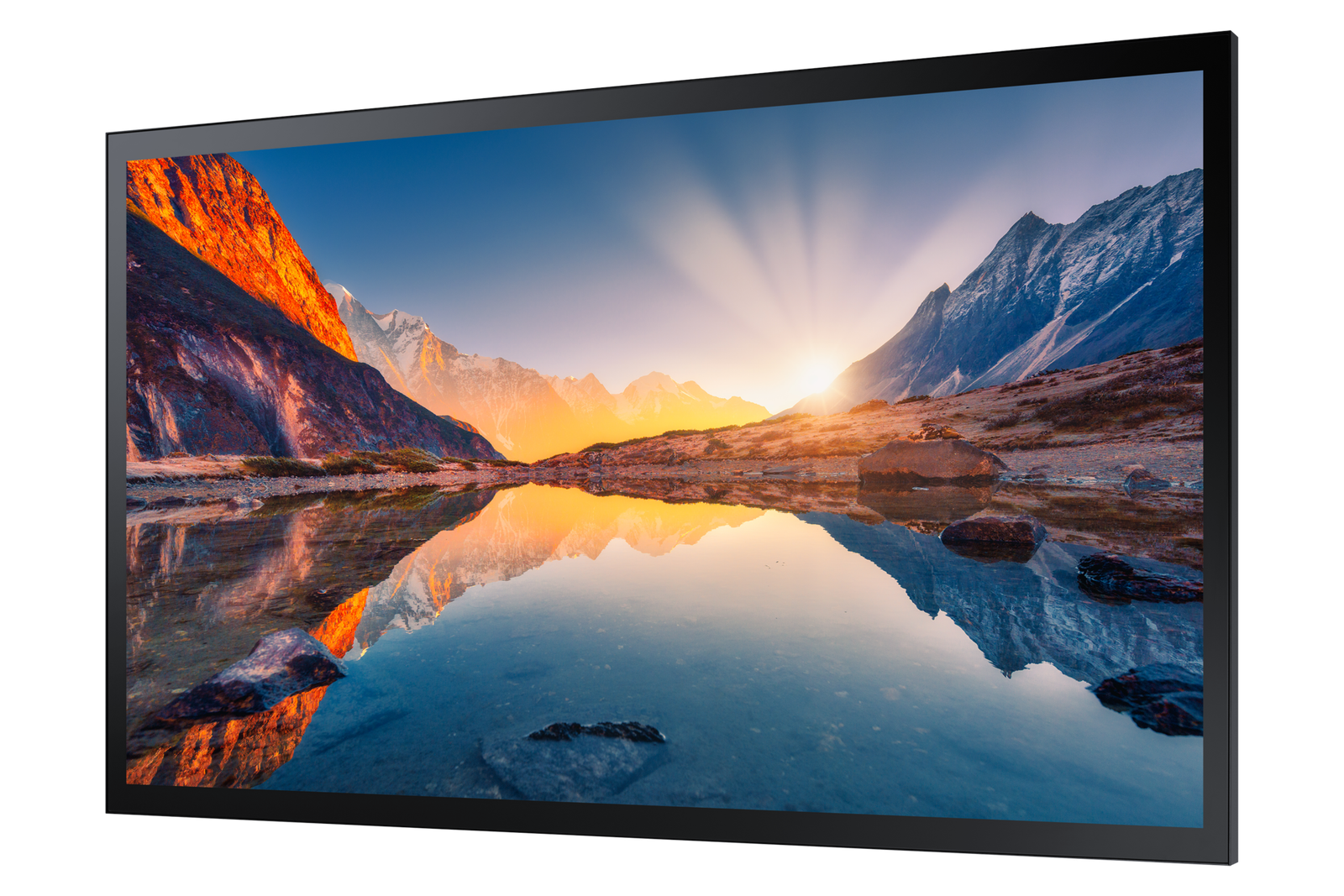
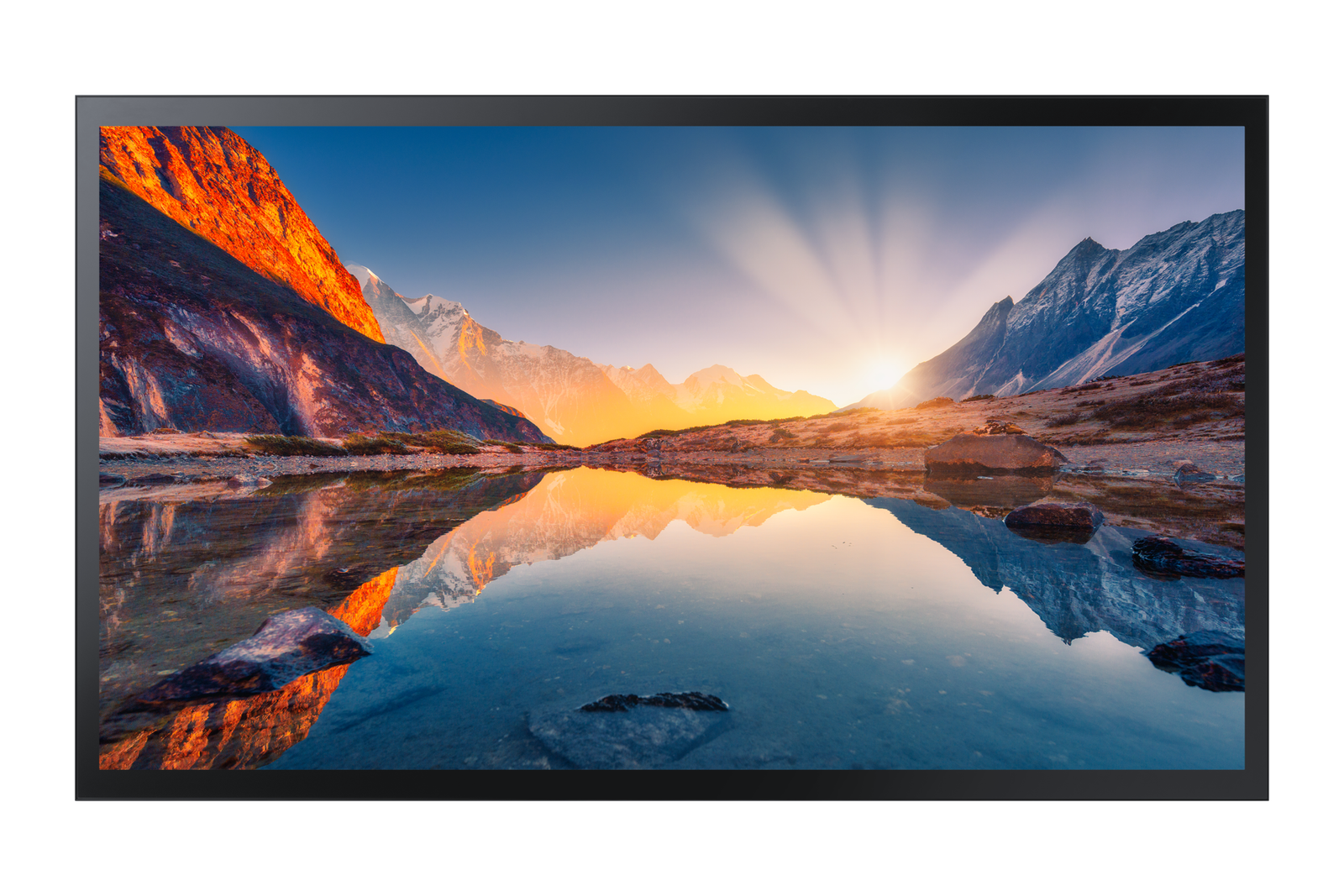
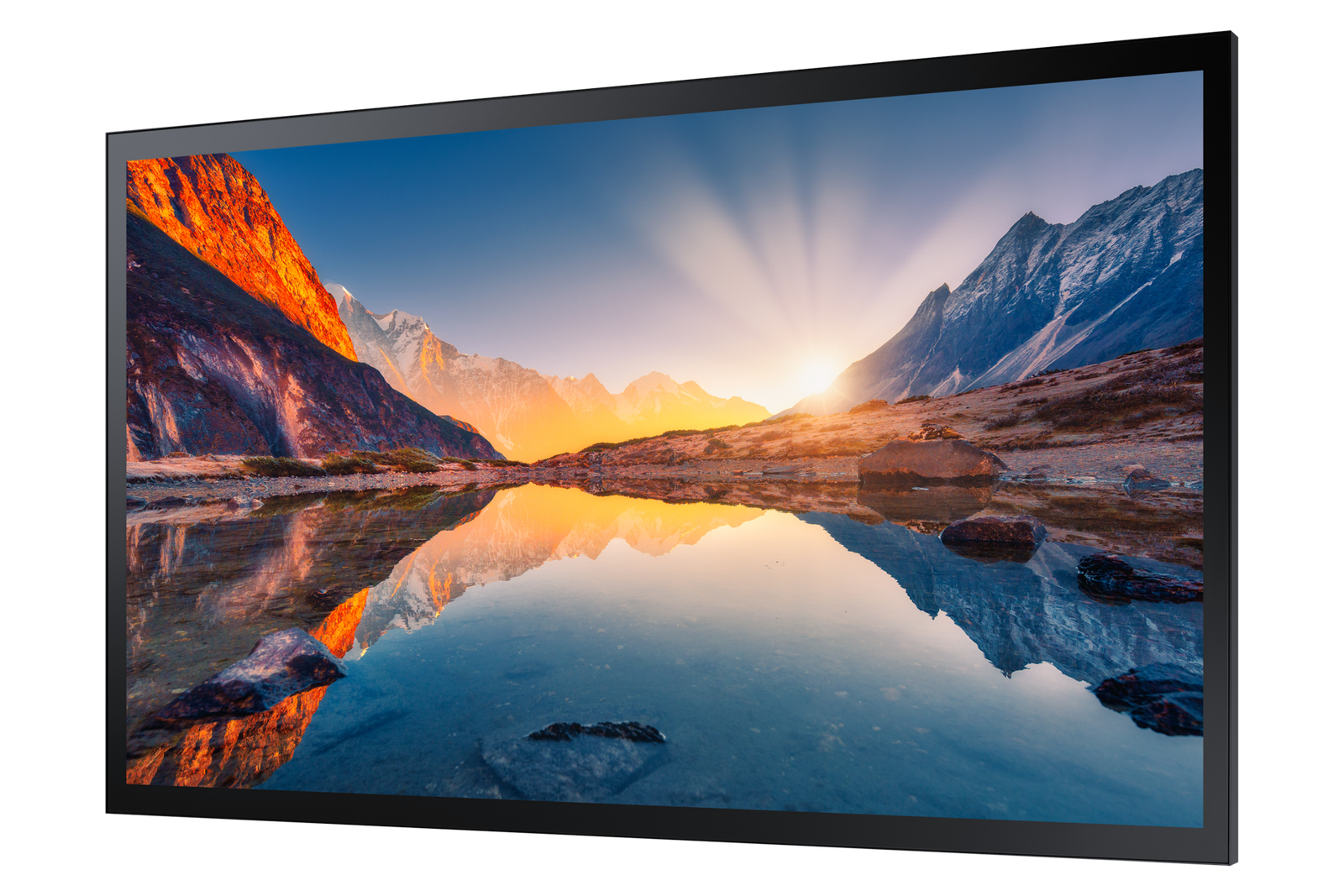
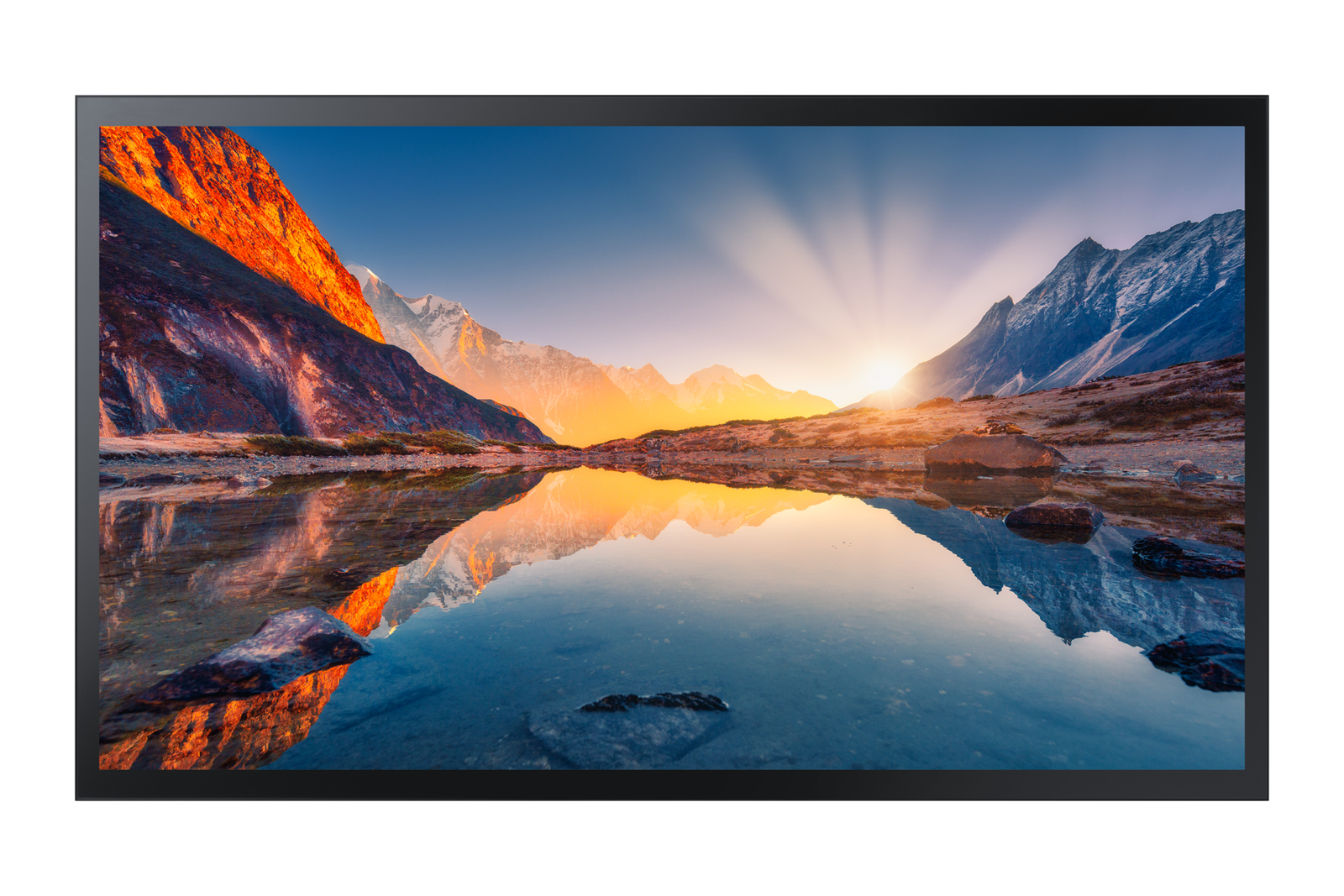
The Samsung 55″ QMB-T is a 4K UHD capacitive touch interactive display for large meeting rooms, boardrooms, and training centres seating up to 20. For business owners and operations managers, the QMB-T delivers a fully integrated touch collaboration solution — Tizen OS, capacitive multi-touch, and non-glare 4K UHD display in a single panel without a separate PC or OPS module for basic collaborative use. The 55″ format is sized for large meeting rooms and boardrooms with viewing distances of 2–6 metres, providing both close-range touch interaction capability and full-room content visibility for participants at the back of the space.
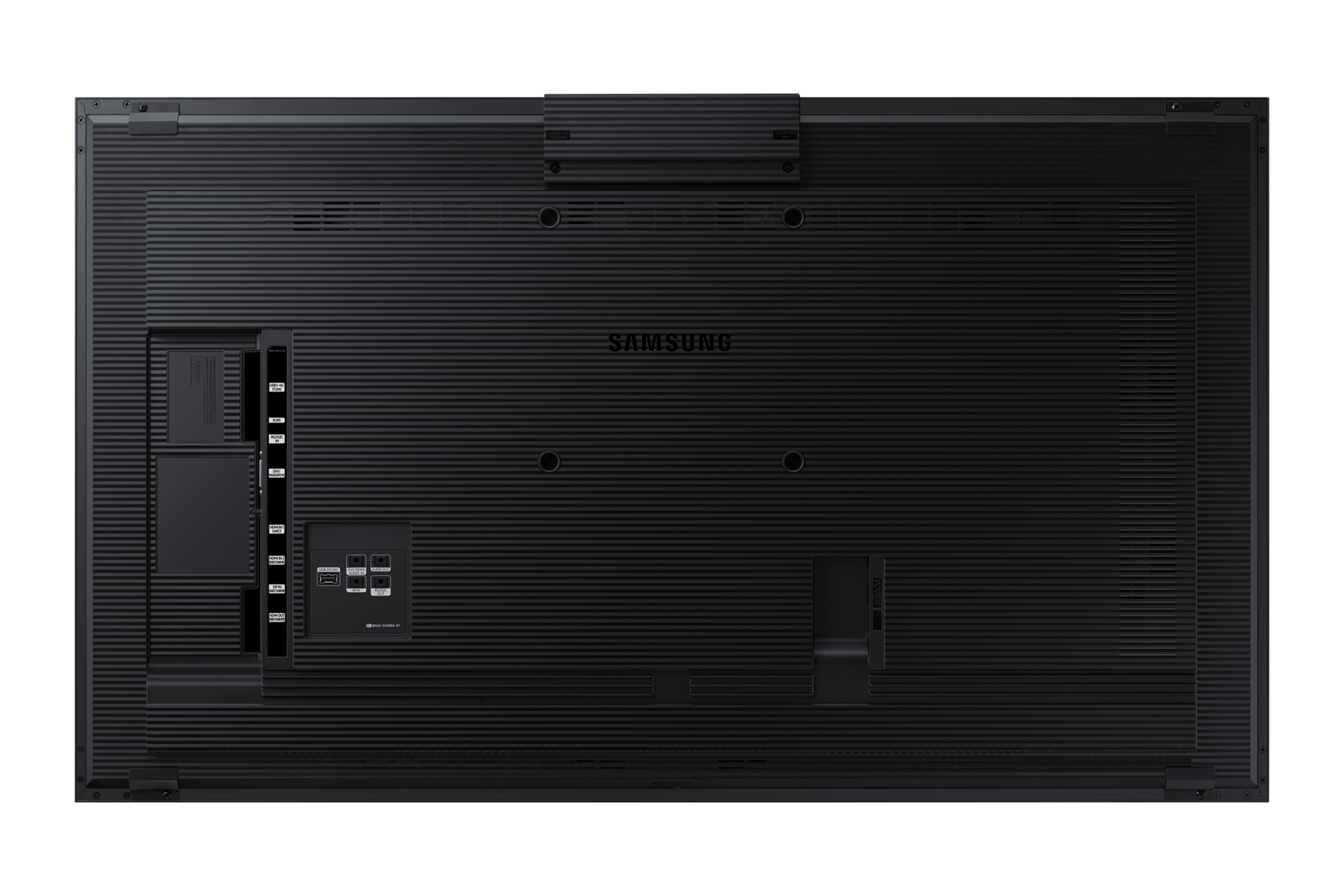
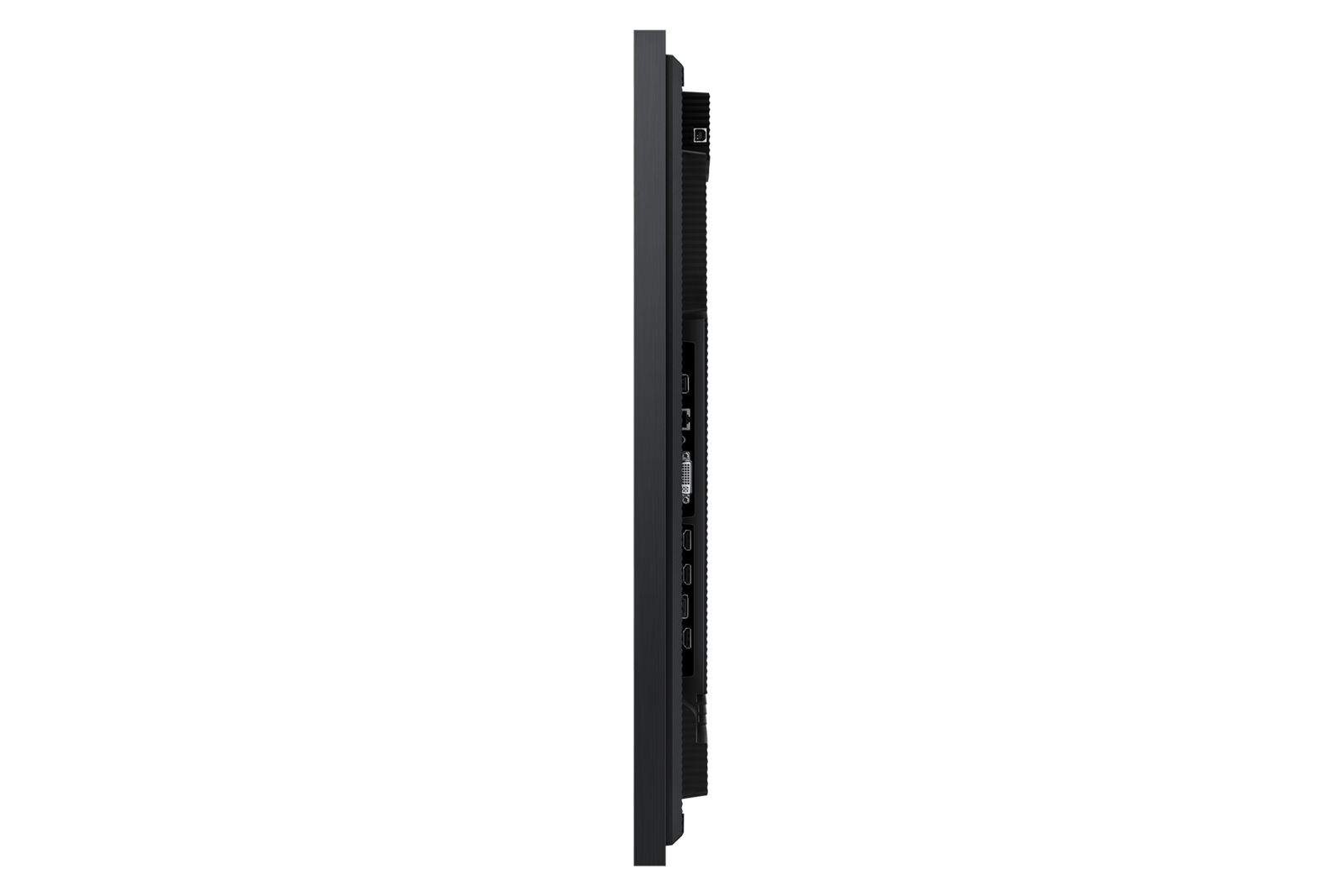
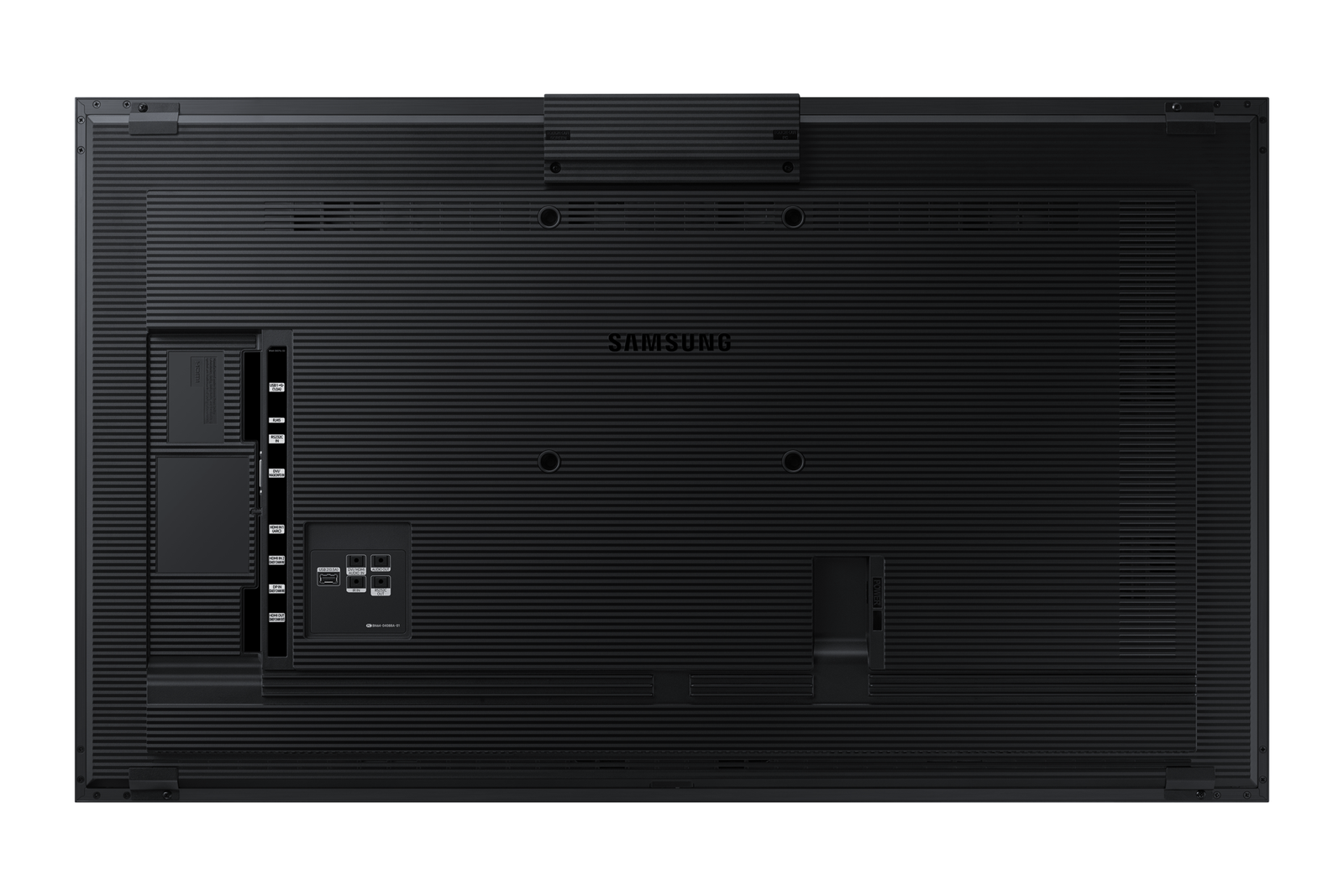
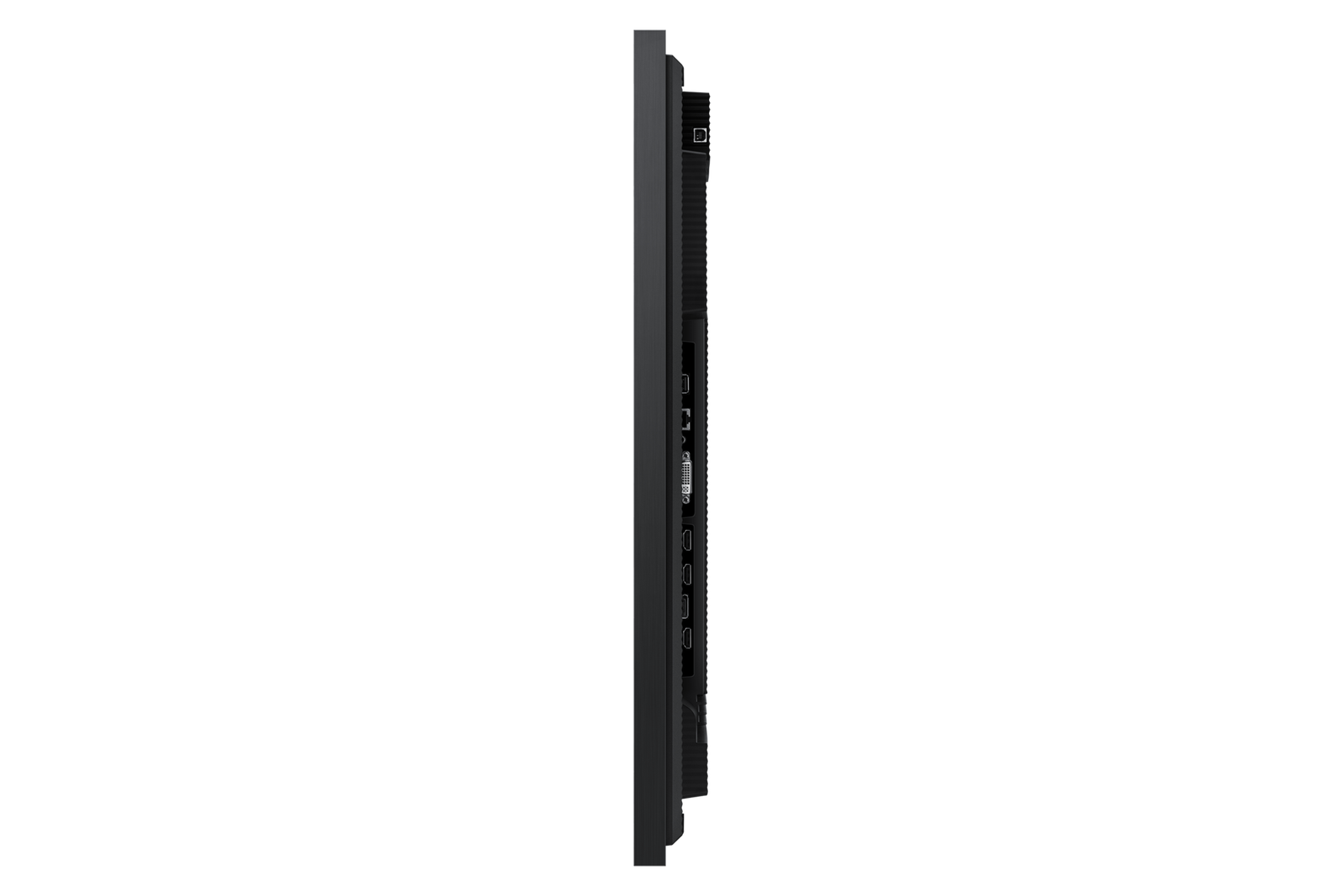
IT managers deploying the QMB-T across a meeting room estate will find it integrates into standard commercial AV infrastructure via HDMI, DisplayPort, and USB-C. The non-glare panel treatment reduces reflections in mixed-lighting meeting room environments, and 400 nit brightness with glass (500 nit without) is specified for standard commercial meeting room lighting conditions. Tizen OS supports MagicInfo for remote management and diagnostics across multiple units. USB touch passthrough enables full touch interaction with connected PC environments without additional configuration.
For meeting participants using the QMB-T, the combination of 4K clarity and capacitive touch responsiveness — at large meeting rooms and boardrooms where both touch interaction and full-room content visibility are requirements — 55″ covers both at typical boardroom seating distances — delivers a collaboration experience that matches the investment in the meeting space itself.
4K touch for professional collaboration
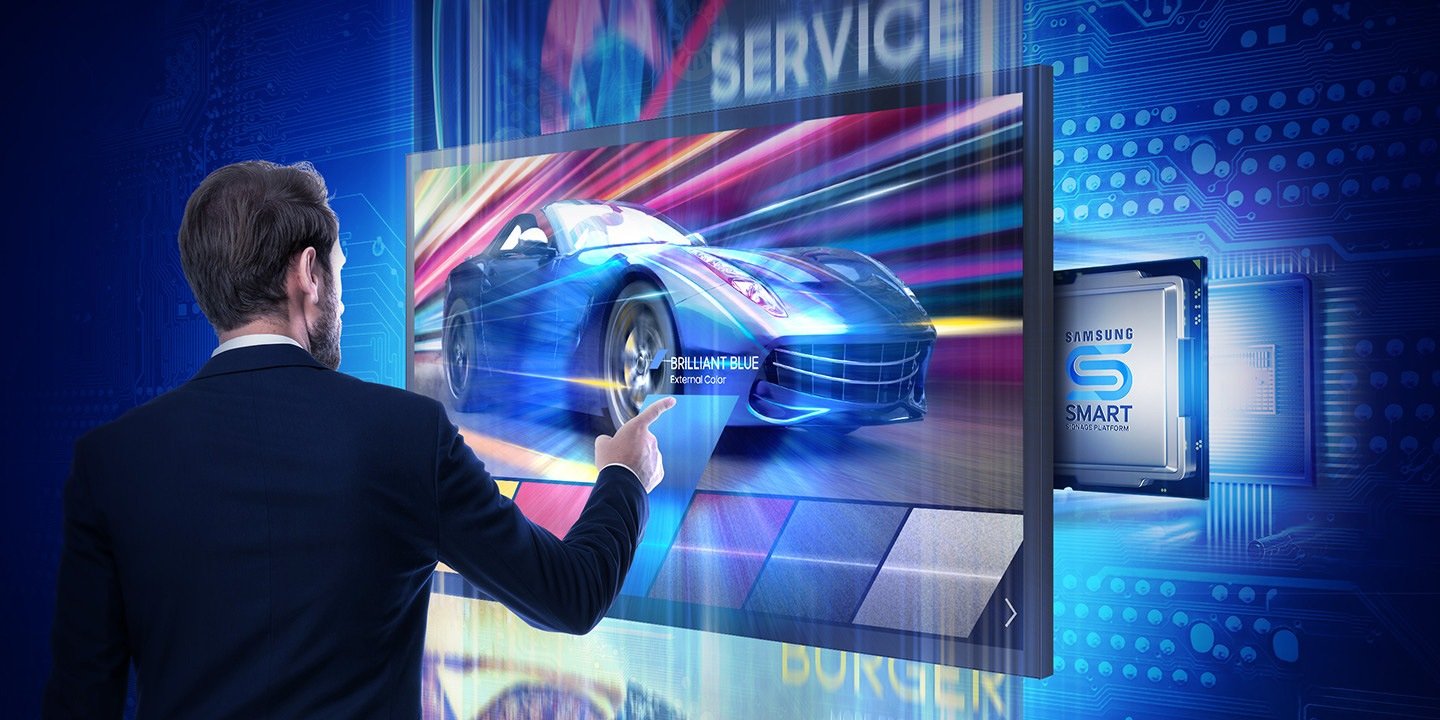
The QMB-T combines 4K UHD display quality with capacitive multi-touch in a single 55″ panel — delivering both the content clarity needed for detailed presentations and the touch responsiveness needed for productive annotation and whiteboarding. At large meeting rooms and boardrooms where both touch interaction and full-room content visibility are requirements — 55″ covers both at typical boardroom seating distances, it serves both functions without compromise.
- 4K UHD capacitive touch — sharp content at 55″ with responsive, accurate touch input for annotation, whiteboarding, and interactive collaboration.
- Non-glare panel — reduces reflections in mixed-lighting meeting room environments — critical for rooms where window light and overhead lighting create reflection challenges on standard panels.
- Tizen OS — no separate PC required — built-in OS for basic collaborative use without additional hardware, reducing deployment complexity and cost.
- USB-C single-cable connection — video, data, and power over one cable for laptop users — reduces meeting room cable clutter.
- 400 nit with glass (500 nit without) — specified for standard commercial meeting room lighting without direct sunlight exposure.
- MagicInfo compatible — remote content management, diagnostics, and configuration for multi-room deployments.
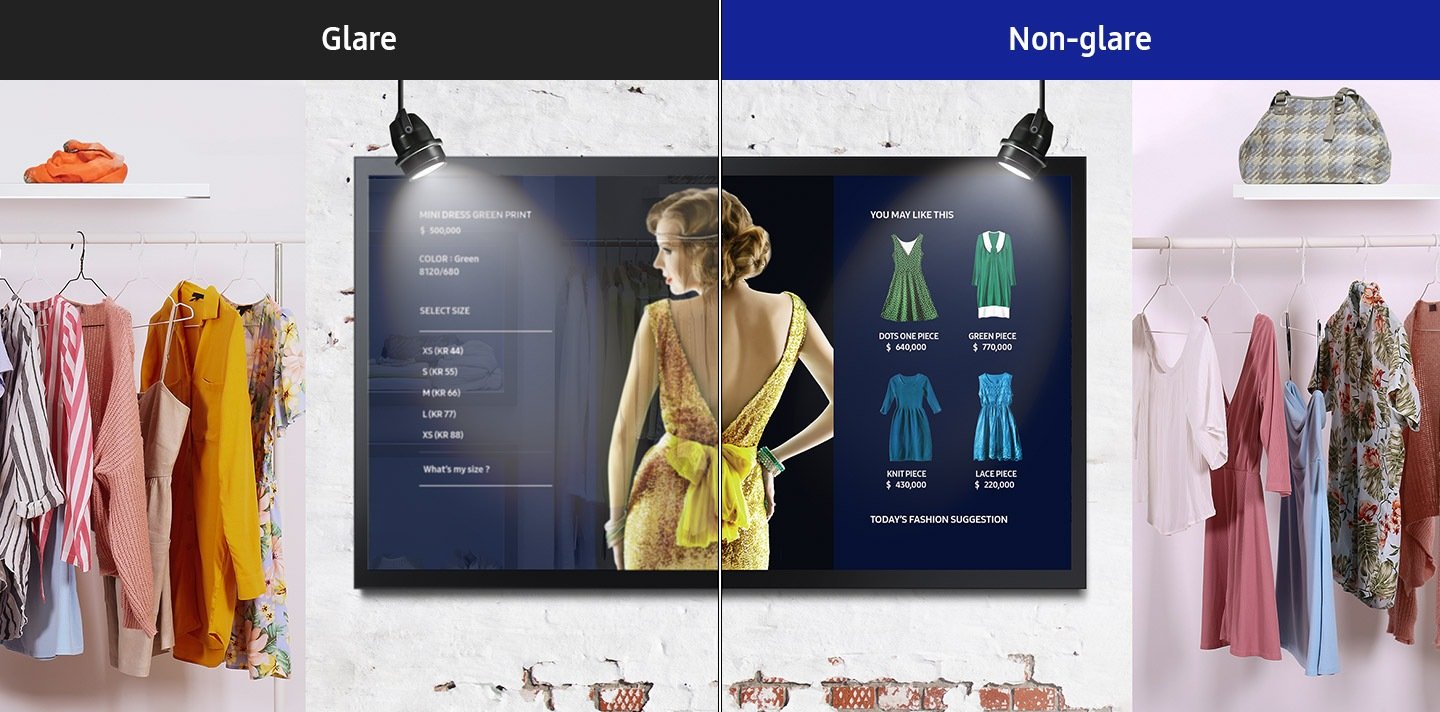
Non-glare panel for mixed-lighting rooms
Non-glare panel treatment reduces the reflection hotspots that make standard glossy touch panels difficult to use in meeting rooms with mixed overhead, window, and presentation lighting. In Australian commercial buildings where meeting rooms often have significant natural light, non-glare treatment is a functional requirement rather than a preference.
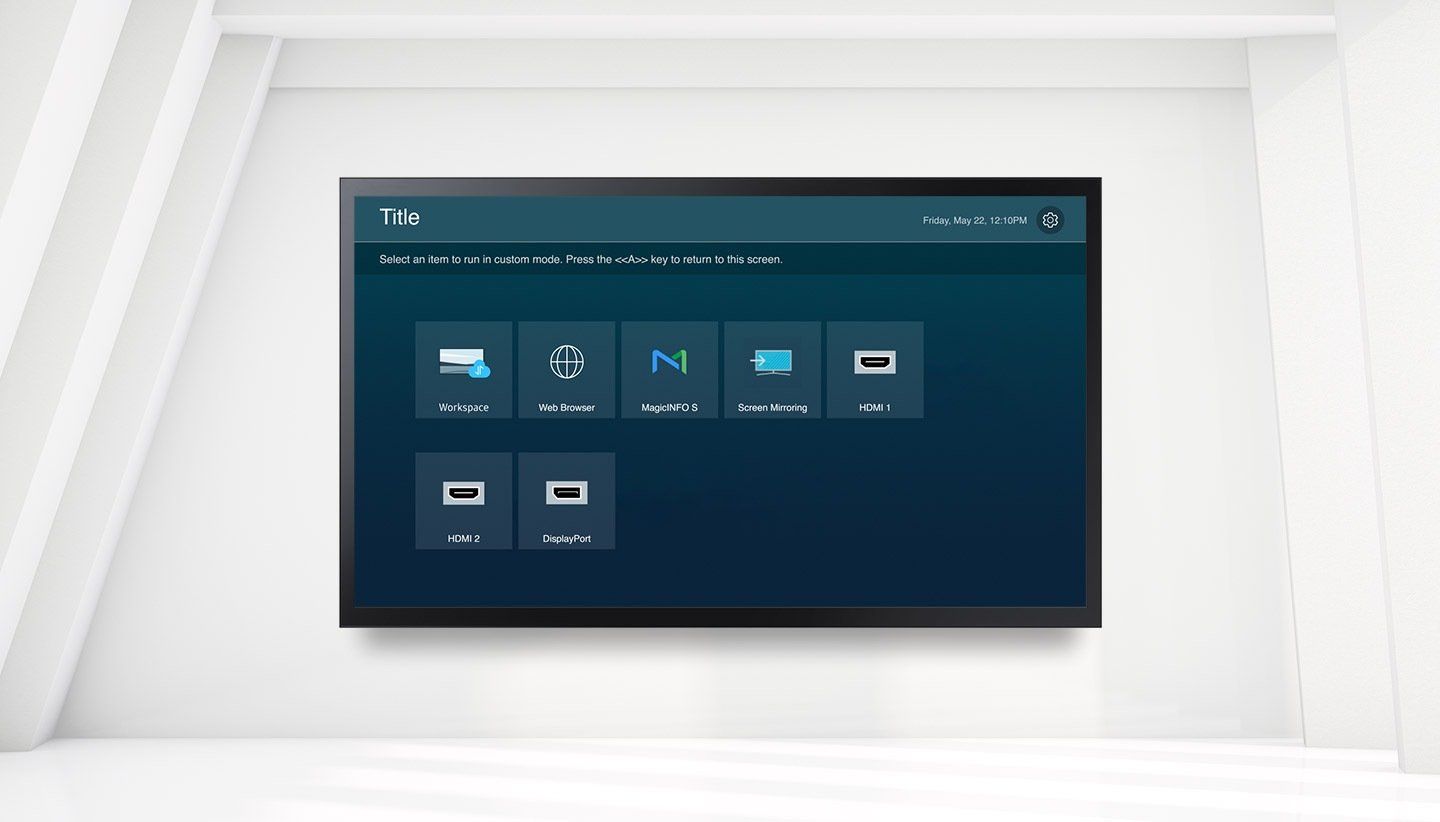
Tizen OS eliminates the separate room PC
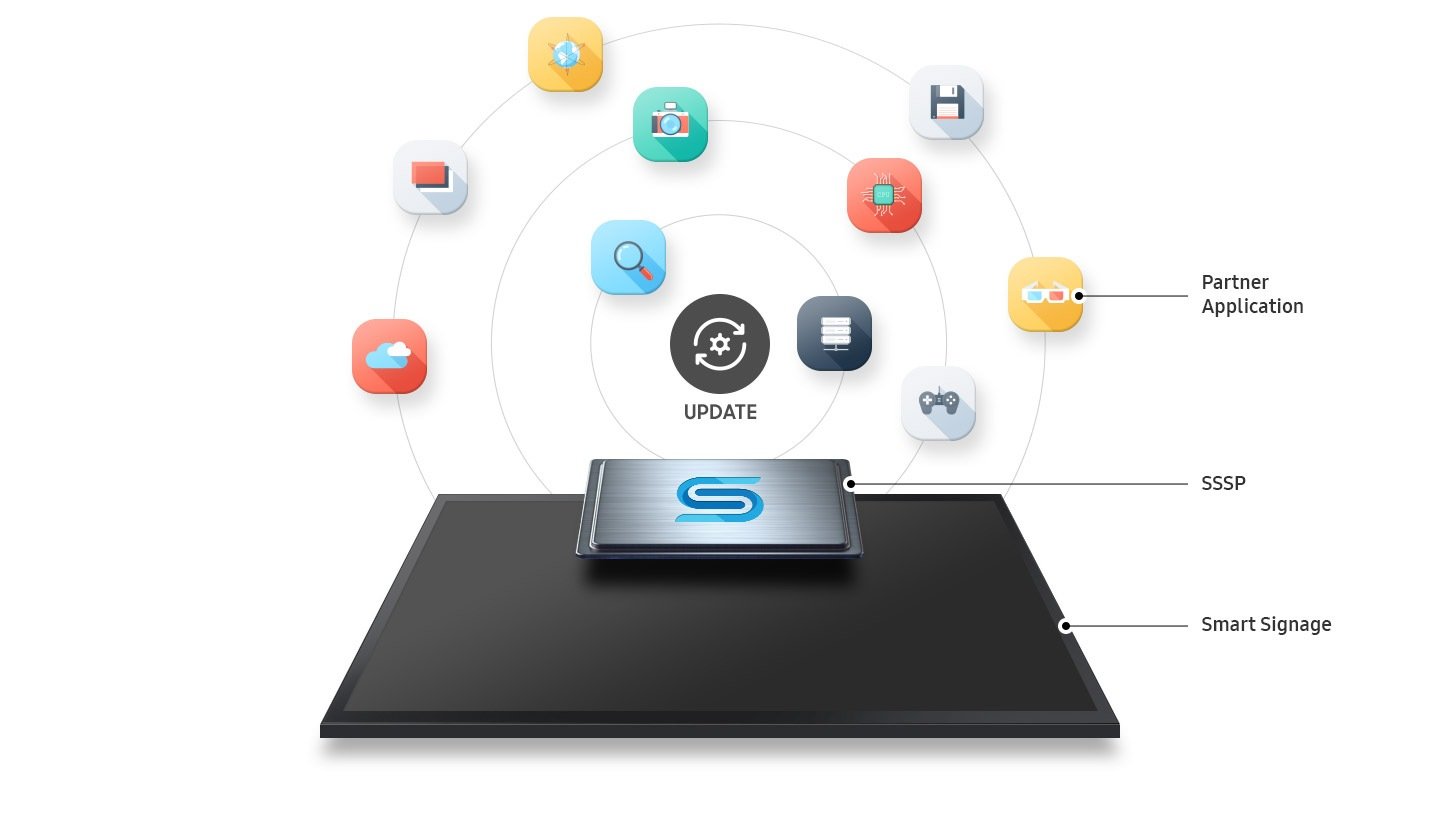
Built-in Tizen OS supports basic collaborative use — content display, annotation, and meeting management — without a dedicated room PC or OPS module. For IT managers deploying across a large meeting room estate, eliminating the per-room PC reduces both capital cost and ongoing IT support overhead.
USB-C single cable for laptop connection
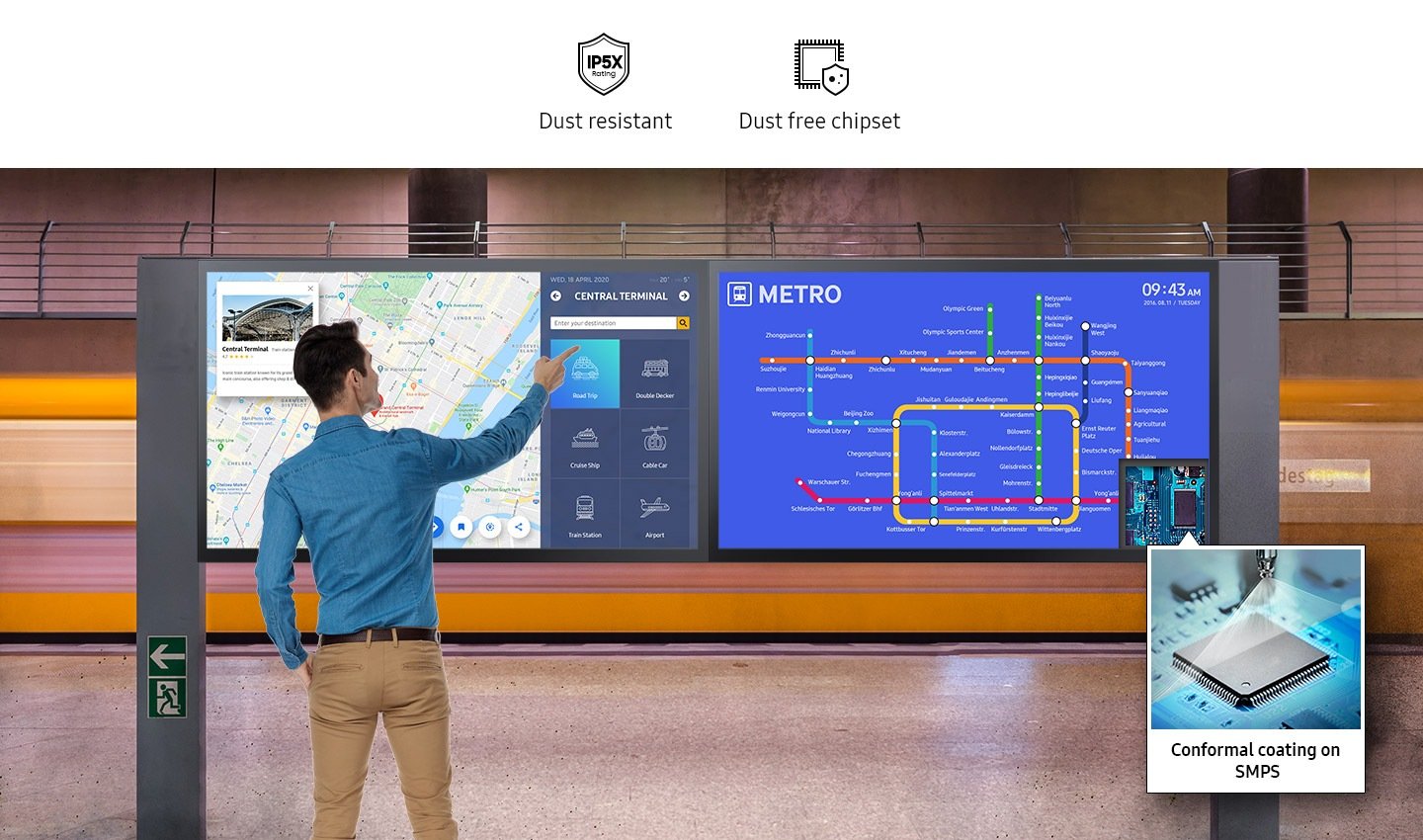
USB-C delivers video, data, and power to supported laptops over a single cable — reducing cable clutter in meeting rooms and simplifying connection for the varied device types brought in by different users. In high-use meeting rooms, single-cable connection is a practical improvement that reduces the friction at the start of every meeting.
Capacitive touch accuracy for annotation
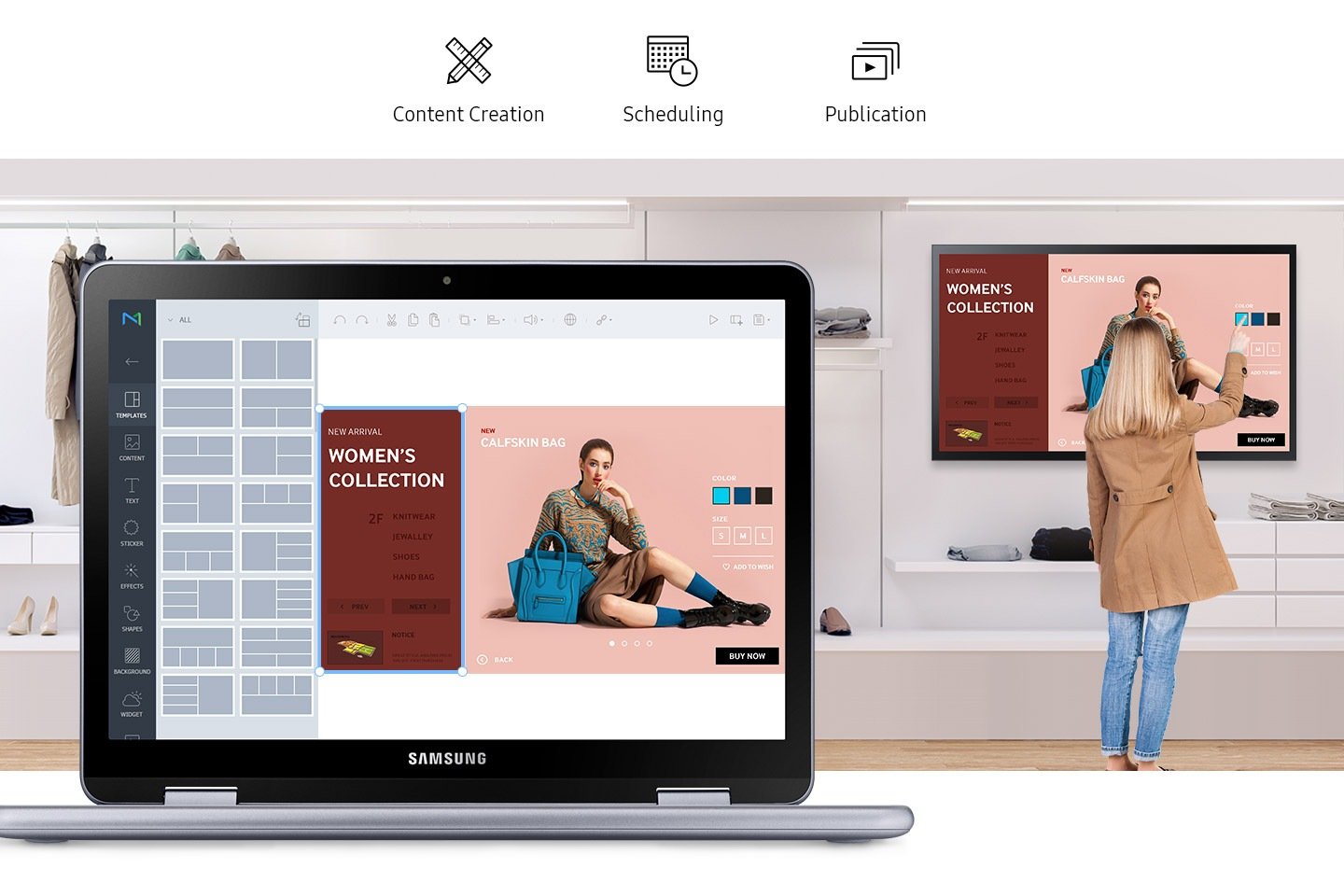
Capacitive multi-touch matches the responsiveness familiar from smartphone and tablet use — faster and more accurate than infrared for fine-detail annotation, precise selection, and handwriting recognition. In meeting rooms where annotation quality matters — design reviews, financial presentations, technical sessions — capacitive touch delivers the precision that infrared alternatives cannot.
4K clarity at meeting room distances
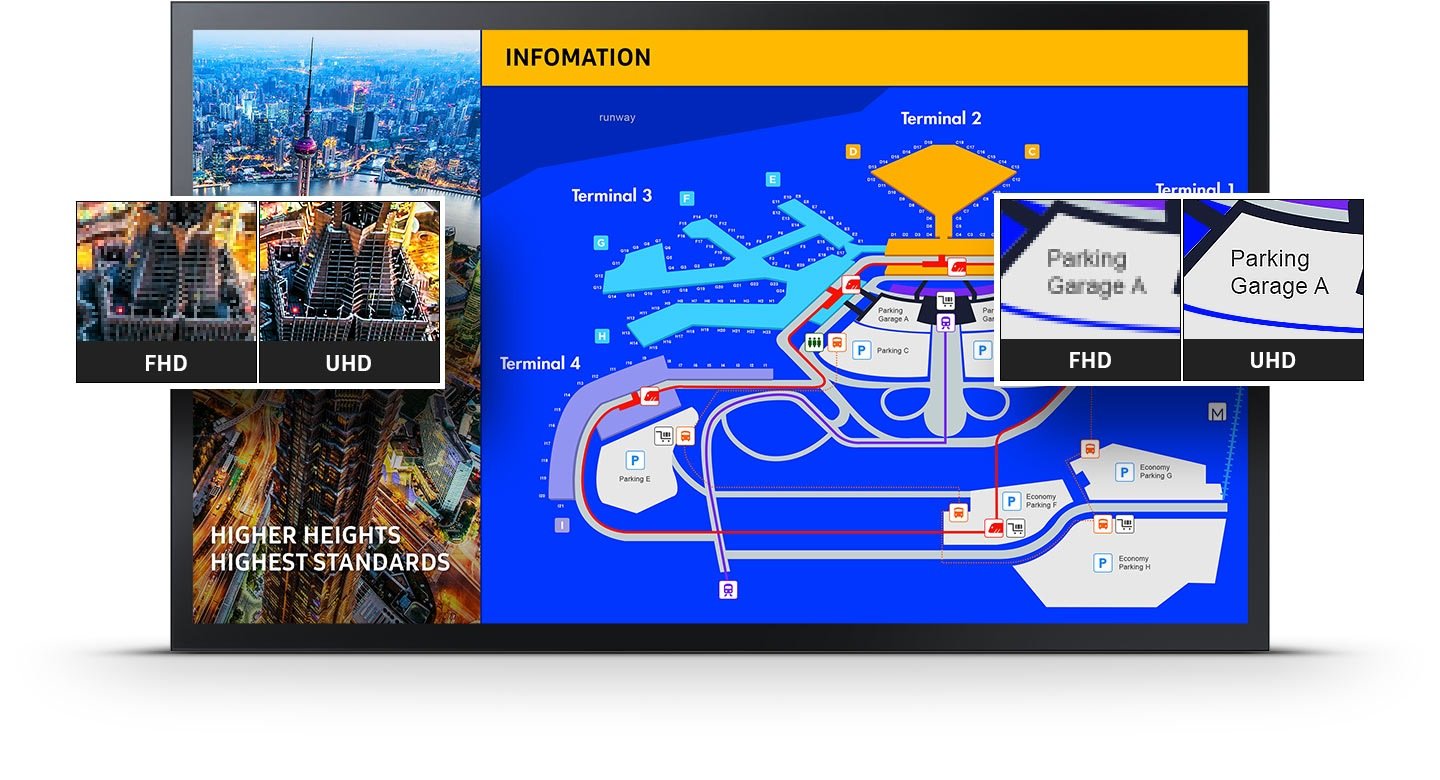
At 55″ and 4K resolution, presentation content, data tables, and annotations remain sharp and legible from all seating positions in large meeting rooms and boardrooms with viewing distances of 2–6 metres. Pixel density at this resolution ensures that detailed content — small text, fine data, annotated diagrams — is readable from the back of the room without zooming or moving closer to the display.
MagicInfo for multi-room management
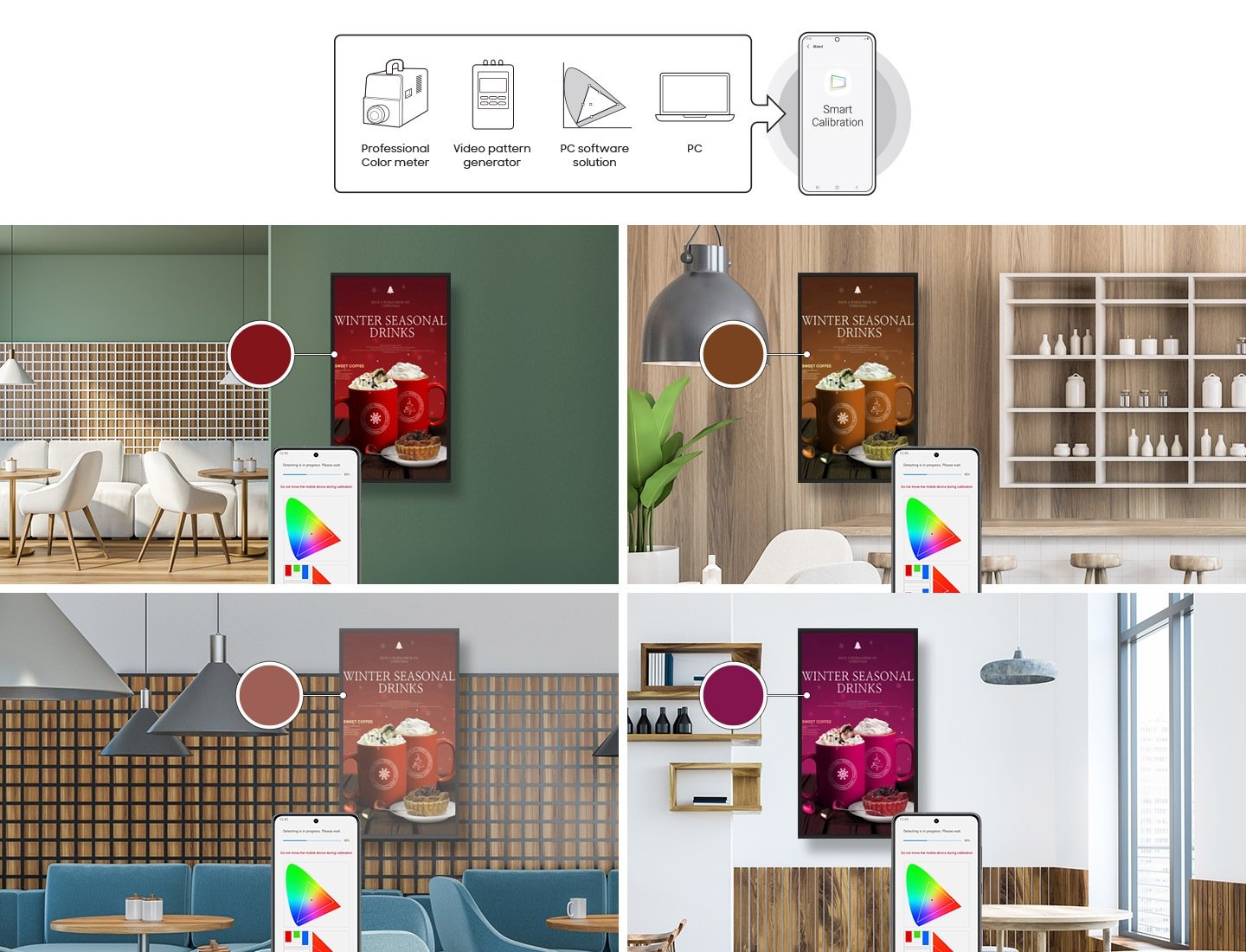
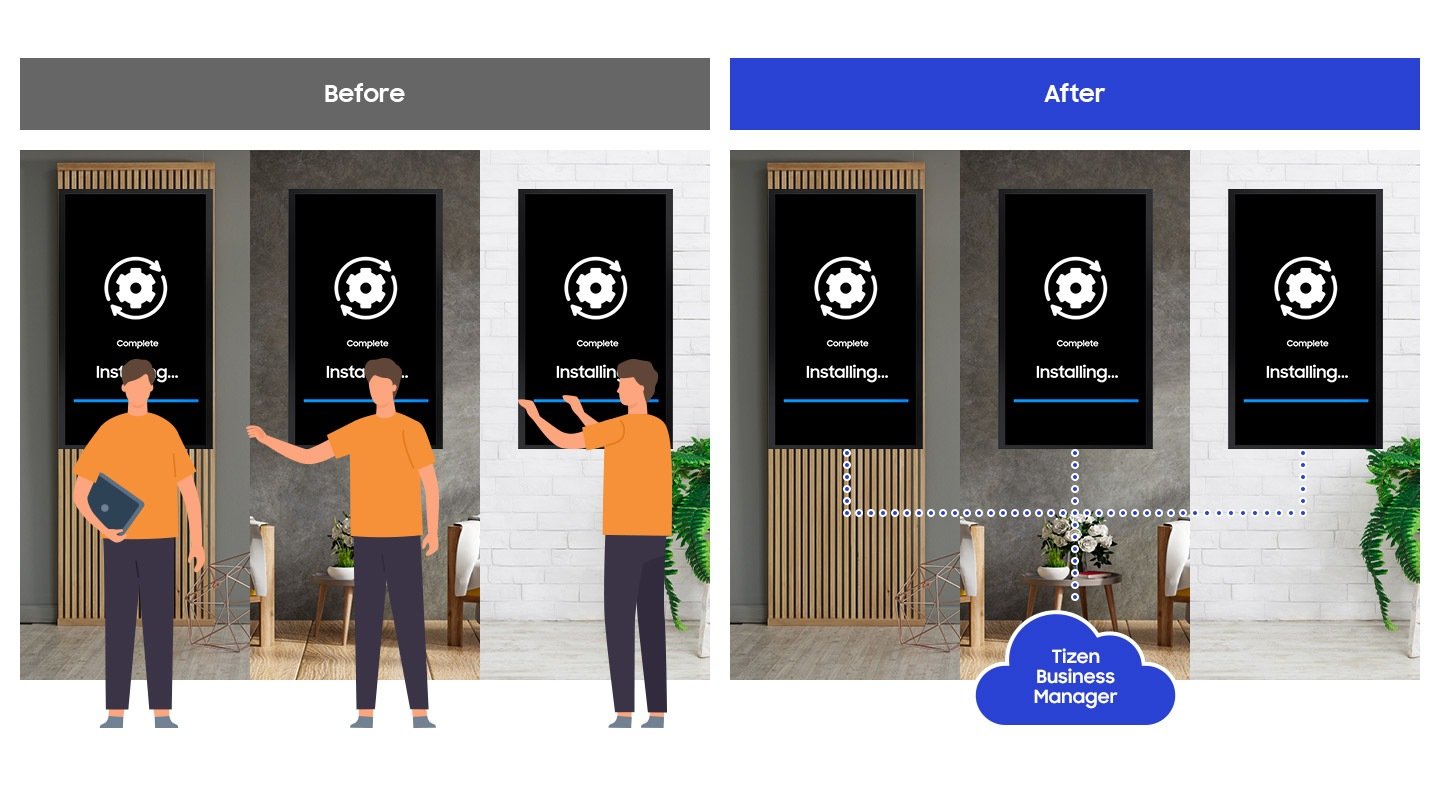
MagicInfo allows IT teams to manage content, run diagnostics, and configure all QMB-T displays across a meeting room estate remotely — without on-site visits for routine tasks. For organisations deploying interactive displays across multiple rooms or locations, centralised management is the operational efficiency feature that justifies the professional display specification.
HDMI and DisplayPort for AV integration
Two HDMI inputs and DisplayPort support the full range of source connections typical in commercial meeting room AV infrastructure — dedicated room PC, guest laptop, video conferencing system, and backup source — without additional switching hardware in most standard meeting room configurations.
Reliable commercial operation
The QMB-T is rated for extended commercial operation in large meeting room environments — appropriate for high-use rooms that run beyond standard business hours for training sessions, evening events, and extended working days. A consumer display in the same environment carries duty cycle restrictions that a commercial interactive panel does not.
Professional touch display for serious spaces
The 55″ QMB-T is the specification for large meeting rooms and boardrooms where the quality of the collaboration technology reflects the quality of the business. 4K UHD, non-glare, capacitive touch, and Tizen OS in a professional commercial panel — the right specification for spaces where productive meetings matter.
| Specification | Value | What it means for you |
|---|---|---|
| Screen size | 55″ | large meeting rooms and boardrooms where both touch interaction and full-room content visibility are requirements — 55″ covers both at typical boardroom seating distances. |
| Resolution | 4K UHD (3,840 x 2,160) | At 55″, 4K resolution ensures presentation content, data, and annotations remain sharp and legible from all seating positions in large meeting rooms and boardrooms with viewing distances of 2–6 metres. High pixel density at this resolution makes fine detail — financial data, technical drawings, and text annotations — clearly readable at meeting room distances. |
| Brightness | 400 nit (with glass) / 500 nit (without glass) | Specified for standard commercial meeting room lighting. The glass touch overlay reduces brightness from 500 to 400 nit — appropriate for controlled meeting room environments without direct sunlight on the panel. |
| Touch type | Capacitive multi-touch | Capacitive touch delivers smartphone-quality responsiveness for annotation, whiteboarding, and interactive navigation. More accurate and responsive than infrared alternatives for fine-detail annotation use cases typical of professional meeting room environments. |
| Panel treatment | Non-glare | Non-glare treatment reduces specular reflections in meeting rooms with mixed lighting — overhead, window, and presentation light sources. Critical for rooms where standard glossy panels create reflection hotspots that compromise content visibility for some participants. |
| Operating system | Tizen OS | Built-in OS supports basic collaborative use without a separate PC — reducing deployment complexity for standard meeting room configurations. Full touch interaction with connected PCs via USB passthrough for environments requiring Windows or macOS applications. |
| USB-C | 1 | Single-cable connection for laptop users — video, data, and power delivery over one cable. Reduces cable clutter and simplifies connection for the varied laptop types brought into large meeting rooms by different users. |
| HDMI | 2 | Two HDMI inputs support simultaneous source connection without cable switching — useful in meeting rooms with both a dedicated room PC and guest laptop connections. |
| DisplayPort | 1 | DisplayPort for workstation and high-refresh-rate source connection — preferred for professional AV installations requiring consistent colour accuracy. |
| USB touch | Passthrough | USB touch signal passthrough enables full touch interaction with connected Windows and macOS environments without additional configuration in most standard commercial setups. |
| Content management | MagicInfo compatible | Remote content management, diagnostics, and configuration for multi-room deployments — update content and run diagnostics across all QMB-T displays without on-site visits. |
Samsung Australia Warranty
This product is covered by Samsung Australia’s standard commercial warranty. Samsung Business displays carry a 3-year on-site warranty for Australian business customers, covering defects in materials and workmanship under normal operating conditions.
Kickstart Computers is an authorised Samsung Business reseller in Australia. If you experience any issue with your Samsung display, our team can assist you through the warranty process — whether that involves a repair, replacement, or liaison with Samsung’s service network. Contact Kickstart Computers and we’ll manage the return, repair or replace process on your behalf.
Selecting the right interactive display for a classroom, lecture theatre, or corporate training room involves evaluating touch point count, panel size relative to room depth, and operating system compatibility with existing institutional software. Samsung interactive whiteboard and display deployment guides for education and corporate environments in Australia. For a broader understanding of how Samsung positions its interactive display range across education and corporate use cases, the Samsung interactive display and digital signage solutions at Kickstart Computers covers the full hardware lineup in context.