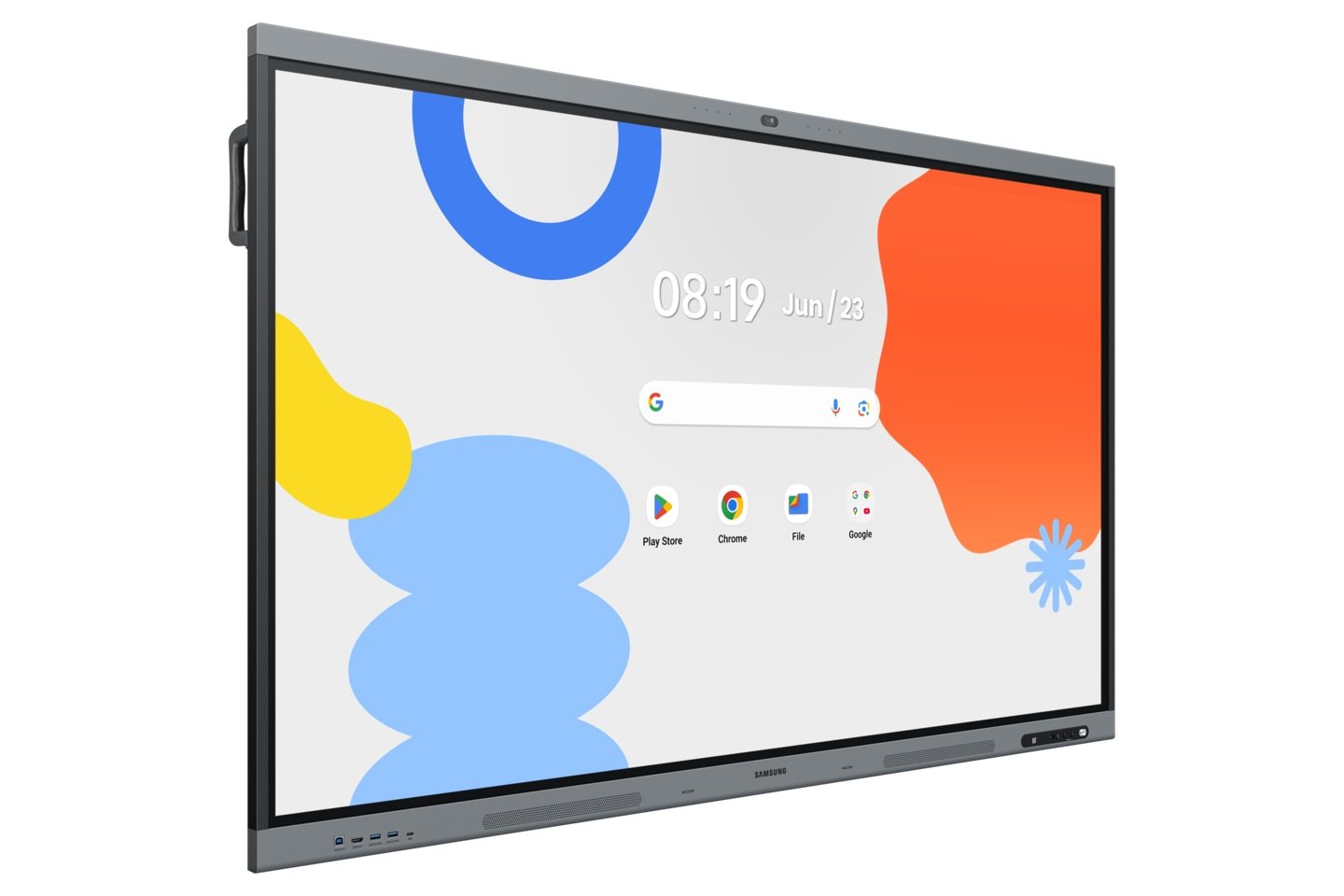
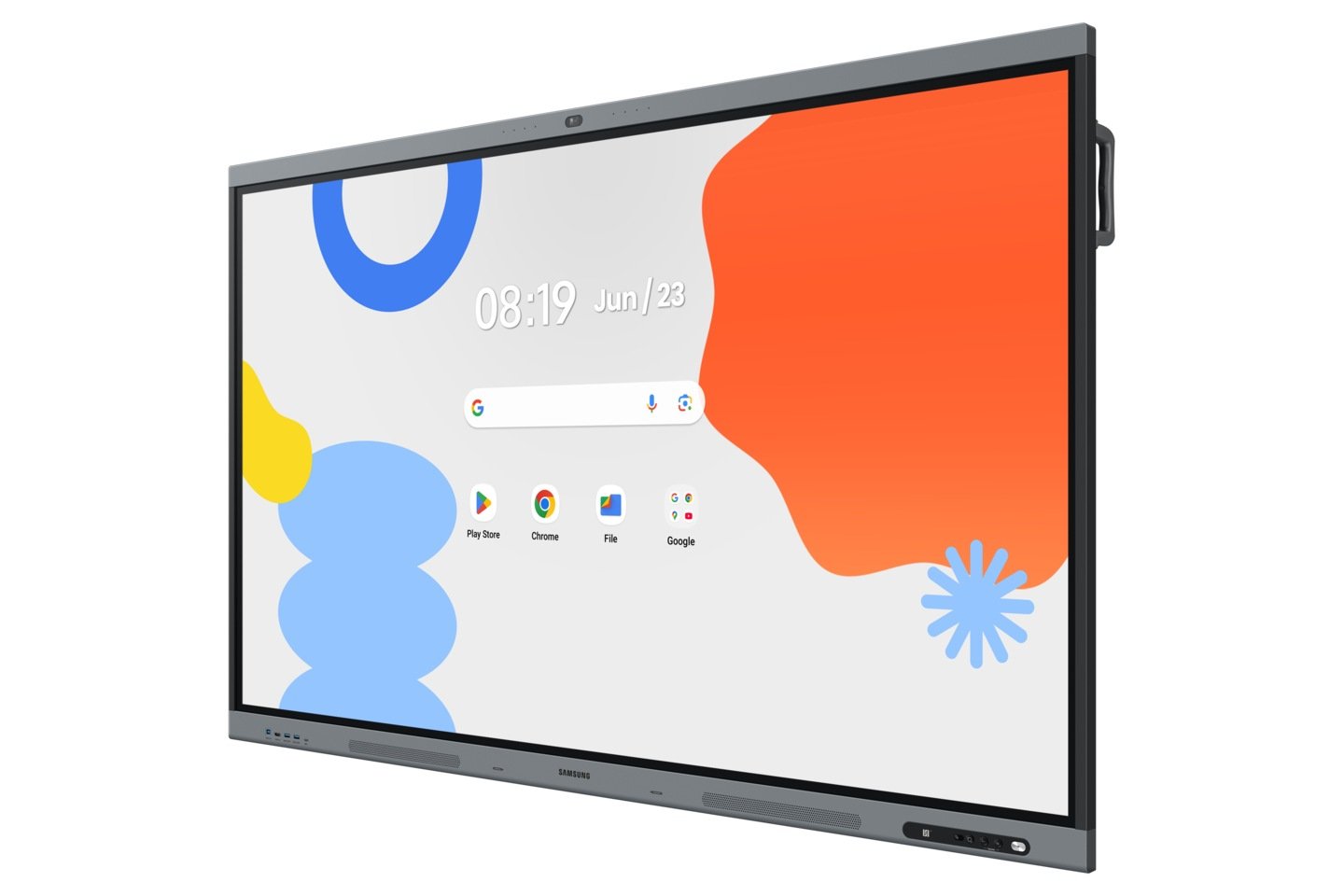
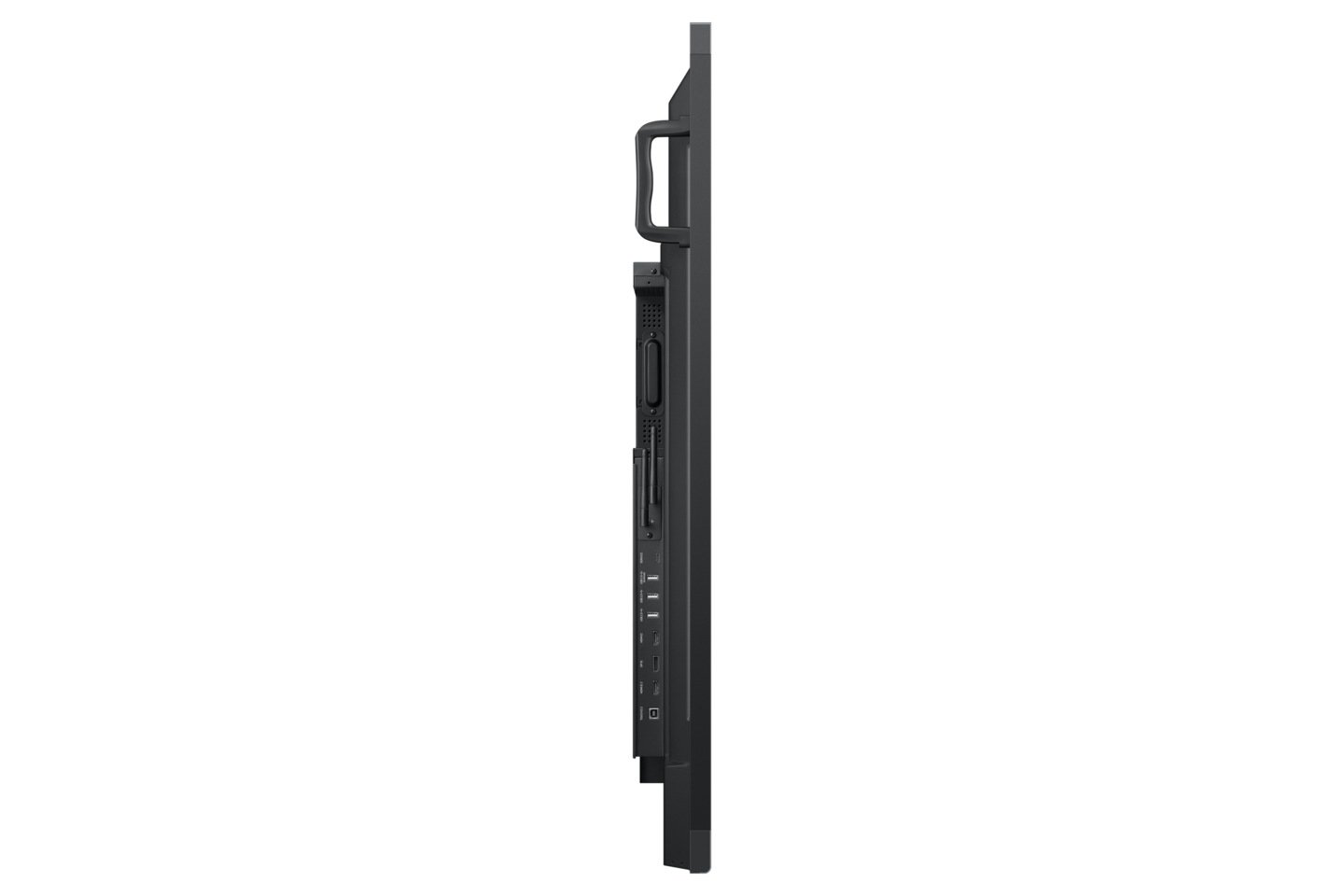
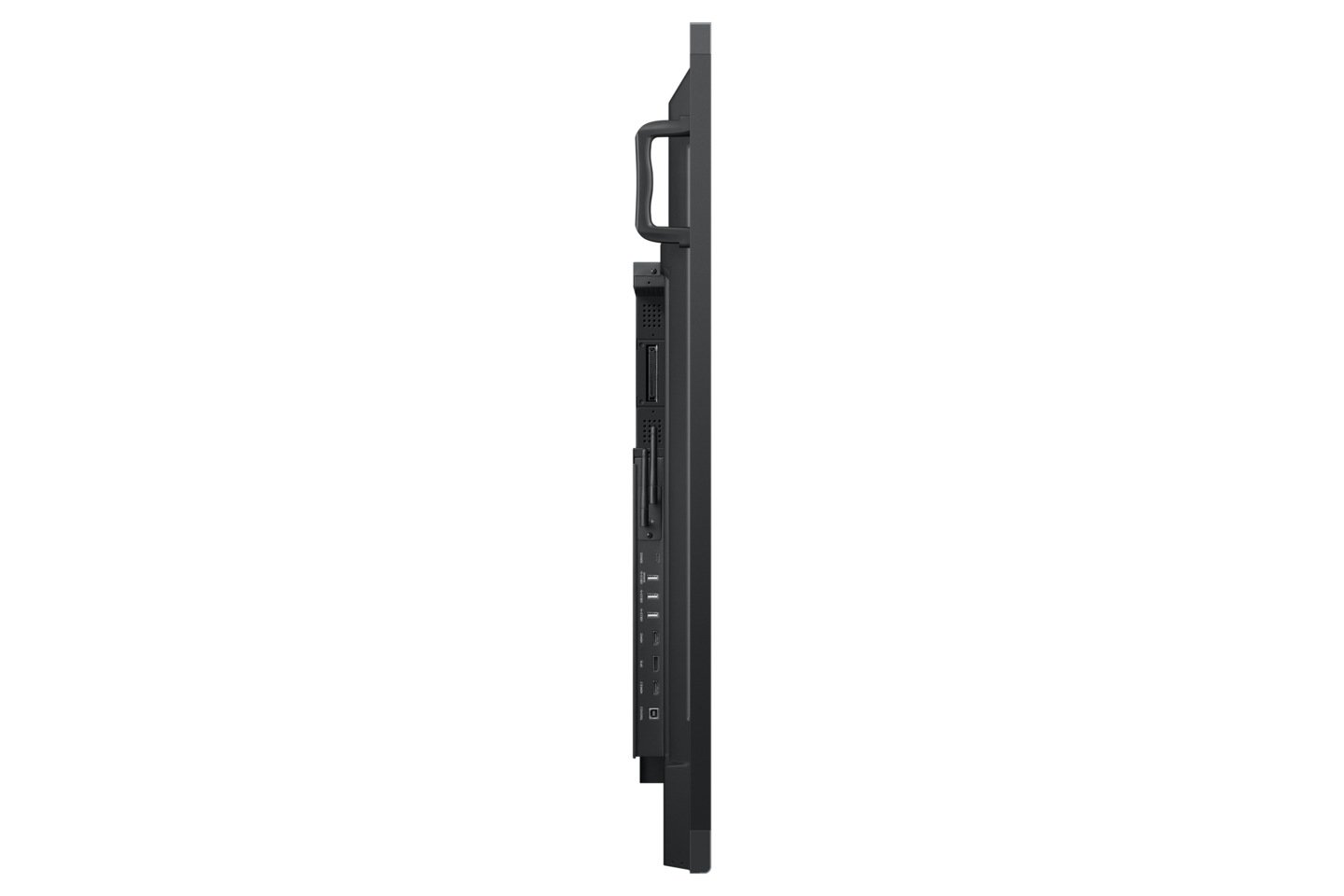
Samsung Interactive Display Platform — WAFX-P: The WAFX-P continues Samsung’s Android and Google-based interactive display ecosystem previously represented through the WAD series — a separate deployment philosophy from Samsung’s premium WMFX Flip collaboration platform. Built on Android 15, Google EDLA certified, and equipped with an integrated 48MP camera, 10-metre microphone array and dual 20W speakers, it delivers an all-in-one solution for video conferencing and digital classroom instruction. Explore the full Samsung interactive display range →
Looking for the Samsung Flip WMFX instead? The WAFX-P runs Android 15 and is built around Google’s education and enterprise ecosystem. If your environment does not require Android, Google EDLA certification or built-in video conferencing hardware — and your primary use case is boardroom collaboration, wireless screen sharing and a premium Tizen-based writing experience — the Samsung Flip WMFX is the more appropriate platform. See our full WMFX vs WAFX-P comparison if you are evaluating both.
The Samsung Interactive Display WAFX-P is designed specifically for environments standardised on Google’s ecosystem — schools running Google Workspace for Education, campuses deploying Android enterprise management, and hybrid meeting rooms requiring built-in all-in-one video conferencing without additional peripherals. It is not a direct replacement for the Samsung Flip WMFX. It is a different product built around a different deployment philosophy — Android-first, Google-certified, and equipped with integrated AV hardware that most interactive displays require separate peripherals to achieve.
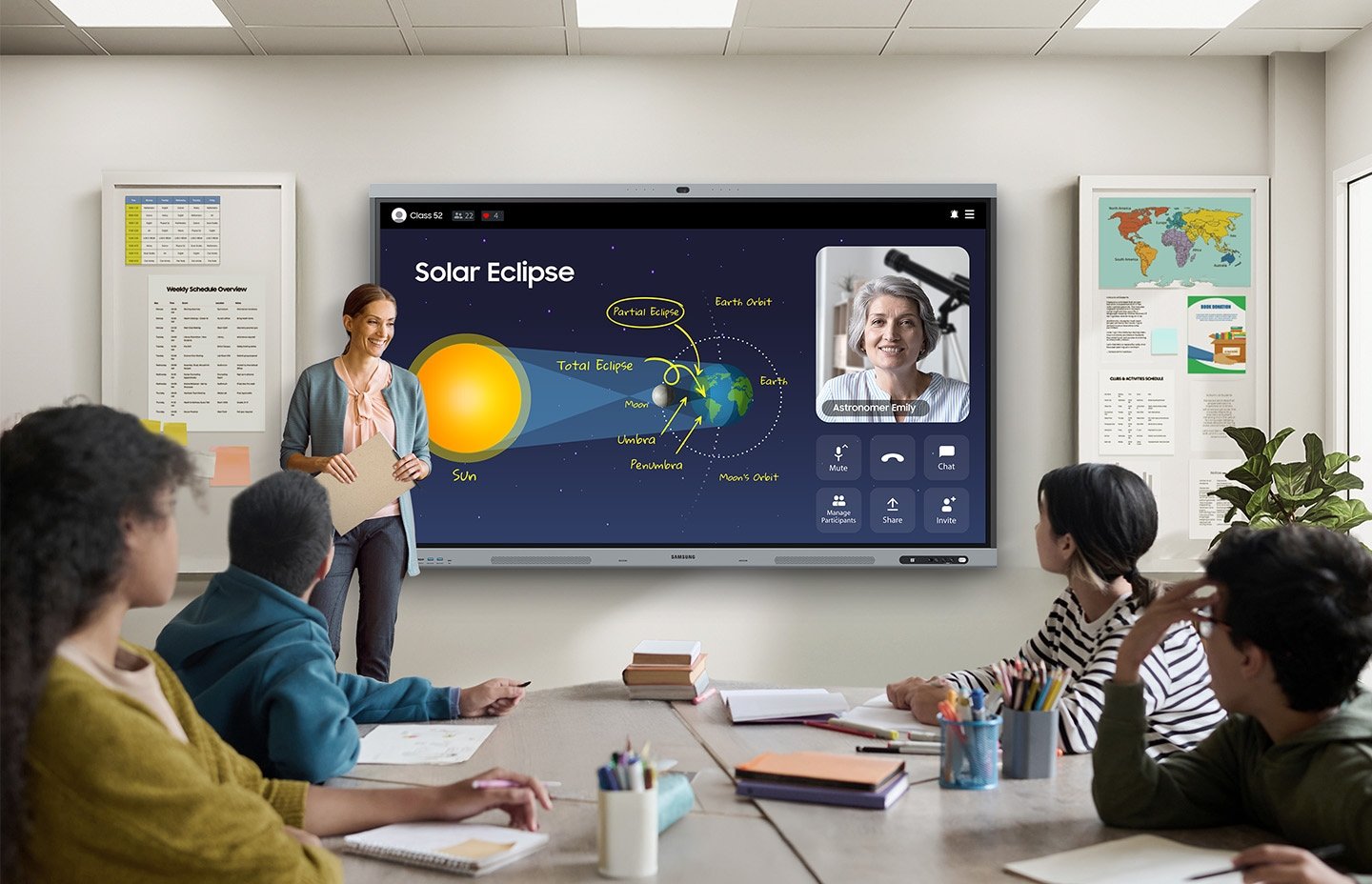
The Samsung Interactive Display WAFX-P is Samsung’s current-generation Android-powered interactive whiteboard designed for modern classrooms, training rooms and hybrid meeting environments. Unlike standard interactive whiteboards that require additional peripherals for video conferencing, the WAFX-P integrates an all-in-one communication system — camera, microphone and speakers — directly into the display, eliminating cable complexity and reducing the hardware footprint of a fully functional collaborative learning environment.
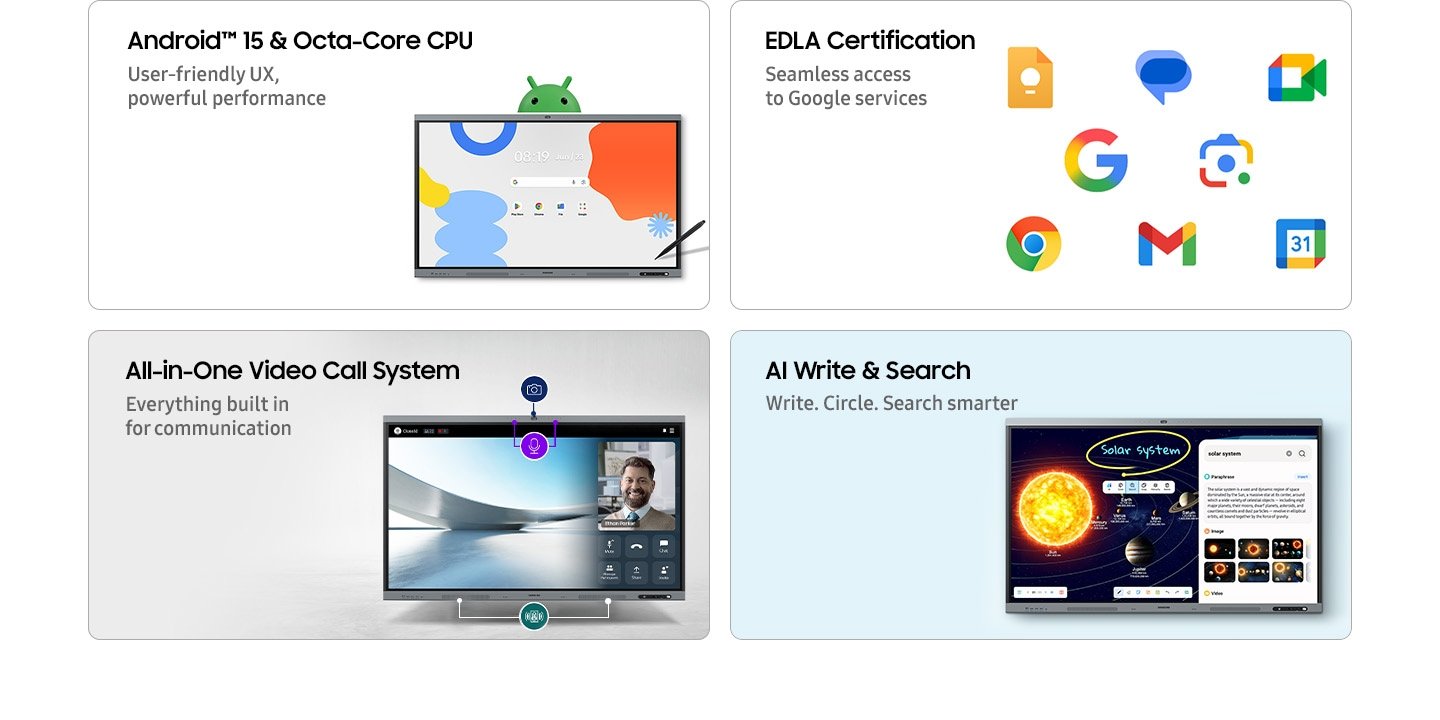
Running on Android 15 with an Octa-core CPU and carrying Google EDLA certification, the WAFX-P provides seamless, verified access to Google Play, Google Classroom, Google Meet and the full Google Workspace for Education suite — a significant operational advantage for institutions already standardising workflows within the Google ecosystem. The 128GB internal storage, 8GB memory and Wi-Fi 6 connectivity position this as a display engineered for intensive daily use rather than occasional deployment.
Unlike Samsung’s WMFX Flip platform — which prioritises enterprise meeting-room collaboration and a Tizen-based ecosystem — the WAFX-P is designed around education-first Android deployment, campus-scale device management and the Google software environment that most Australian schools and universities already operate within. For institutions evaluating Samsung interactive displays across both platforms, the WAFX-P extends beyond the capabilities of many standard IR touch interactive displays as a Google-certified interactive display and education interactive display platform — where ecosystem fit matters more than raw specification comparison. Compare the Samsung WMFX Flip and WAFX-P platforms →
Available in 65″, 75″ and 86″ screen sizes to suit different room configurations and viewing distances. Supplied Australia-wide.
Android 15, Octa-Core Performance & AI Tools
The WAFX-P runs Android 15 powered by an Octa-core CPU — delivering the processing headroom needed for multi-app classroom workflows, video playback, wireless screen sharing and real-time collaboration tools simultaneously. The interface mirrors standard Android device layouts, keeping user adoption straightforward and reducing the staff training burden that often accompanies new classroom technology rollouts.
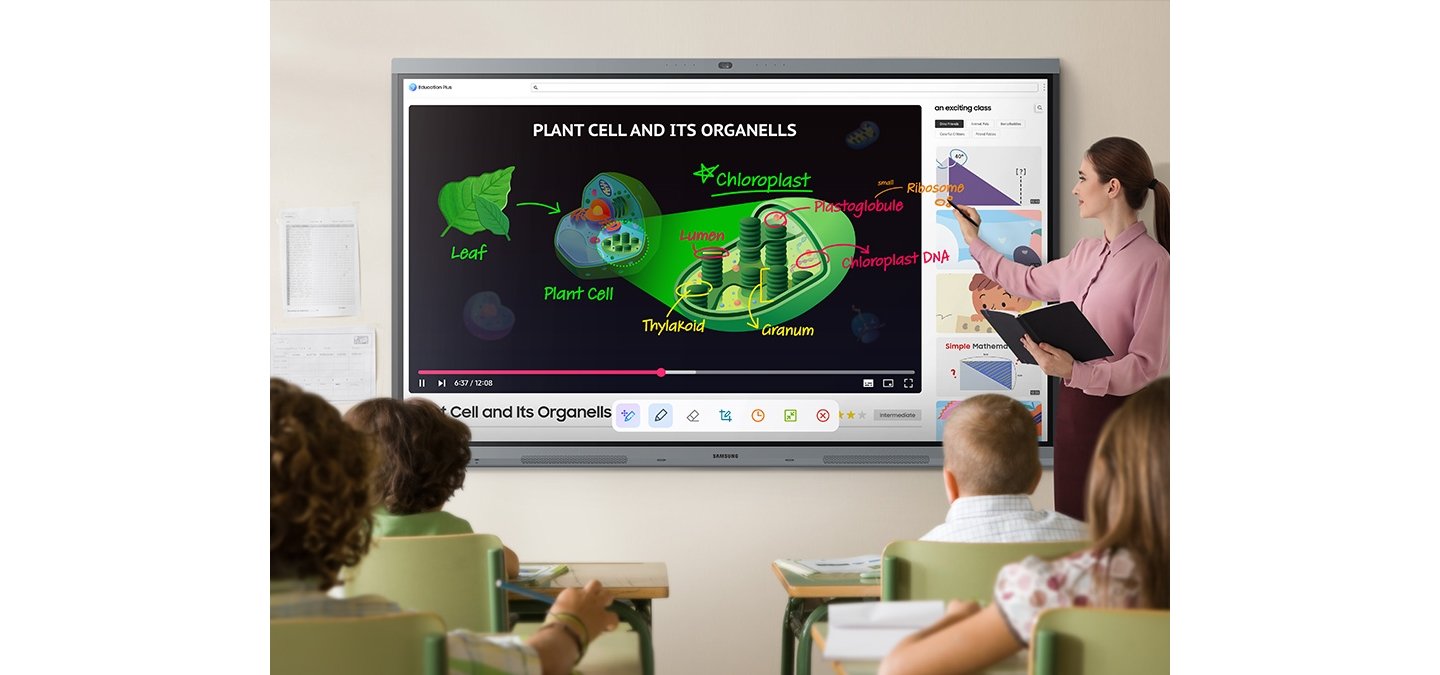
Embedded AI Write & Search allows users to circle handwritten notes directly on screen and immediately retrieve web results, images and related content without switching applications or typing. The display also supports voice recording and AI-assisted transcription — automatically generating structured lesson summaries with headers and timestamps, a practical capability for educators building reusable learning resources from live teaching sessions. For schools already operating within Google Workspace for Education, these AI tools extend naturally into existing workflows.
All-in-One Video Conferencing — Built In, Not Bolted On
One of the most significant practical advantages of the WAFX-P over conventional interactive whiteboards is its integrated all-in-one video communication system. The built-in 48MP camera with Auto Framing automatically keeps the active speaker centred in frame — removing the need for a separately managed PTZ camera. The integrated microphone array captures voices within a 10-metre range, and dual 20W speakers with a built-in woofer deliver audio quality that eliminates the need for external amplification in most classroom and meeting room environments.
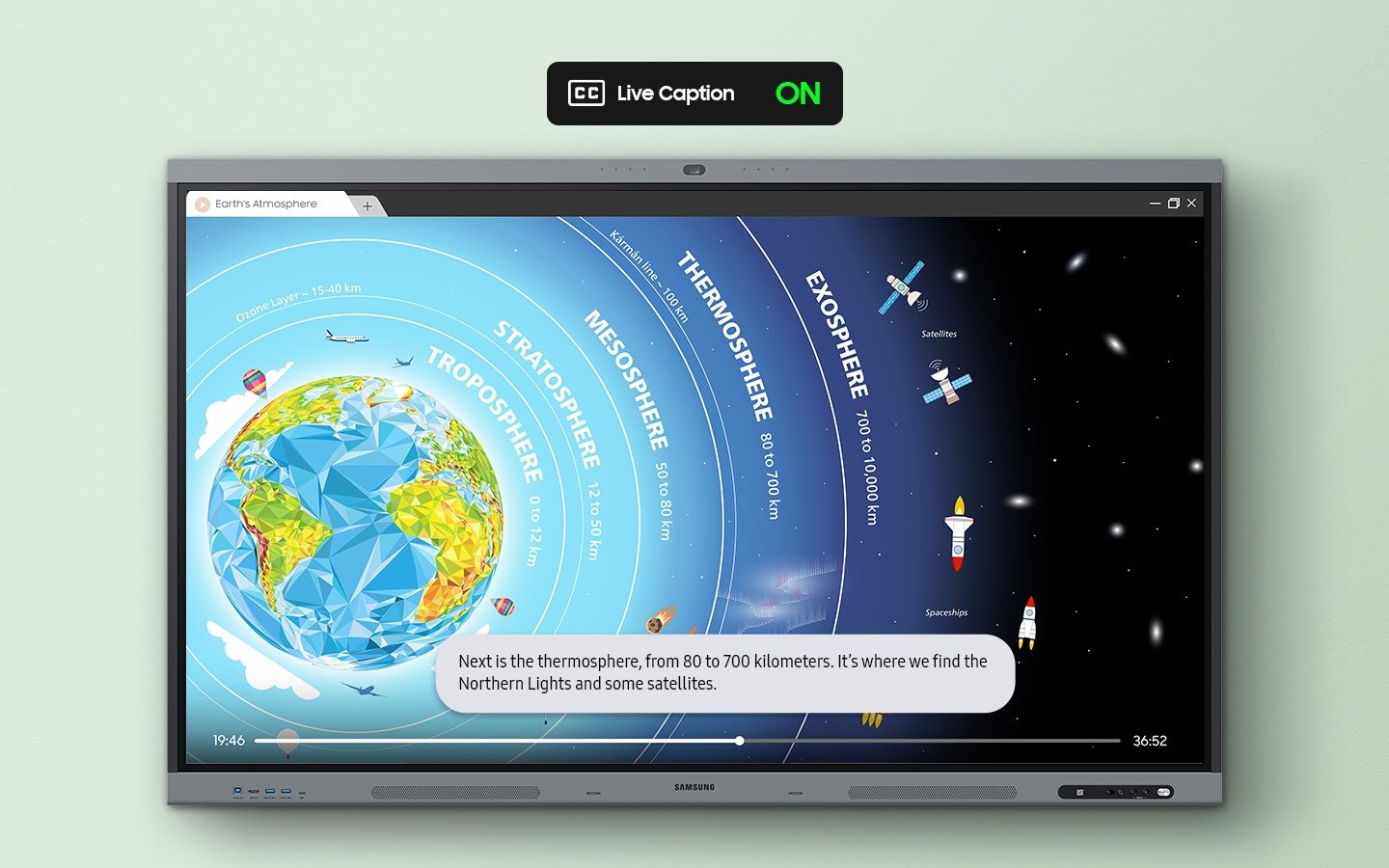
For education institutions and organisations deploying hybrid learning models — where some participants are physically present and others join remotely — this level of integrated AV capability significantly reduces both the upfront hardware cost and the ongoing technical management burden of maintaining separate camera, microphone and speaker systems alongside the display. Built-in Live Captioning automatically generates on-screen captions for audio and video content, supporting accessible learning across diverse classroom environments.
Fast & Precise Writing — Paper-Like Experience
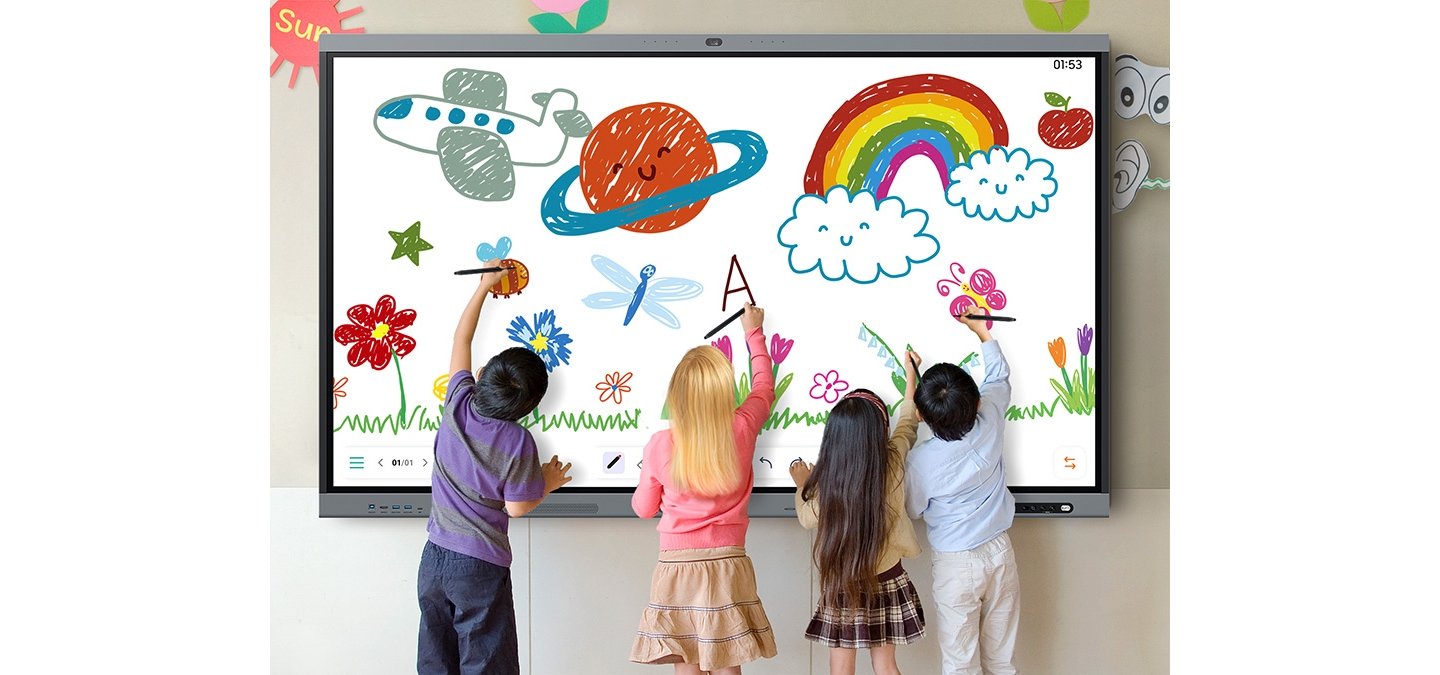
The WAFX-P delivers a paper-like writing experience powered by handwriting prediction technology — accurately detecting fast pen strokes, varying pressure depths and subtle annotation markers without perceptible lag. As an interactive touchscreen display, the 450-nit IPS panel with a 25% anti-glare haze treatment ensures clear text visibility under standard classroom lighting conditions.
The display supports up to 40 simultaneous touchpoints natively on Android, expanding to 50-point multi-touch when running Windows via an integrated OPS module or external PC connection. The battery-free dual-pen with a double-sided nib allows instant switching between ink colours or tool profiles without navigating settings — keeping the flow of collaborative work uninterrupted.
Annotation On Any Source & Multi-Window Mode
The WAFX-P’s Annotation On feature allows users to write and draw directly over any active content source — video, browser, document or application — without interrupting or closing the source material. Notes are captured independently, allowing sessions to continue uninterrupted while annotations are saved and shared.
Multi-Window mode allows teachers to display multiple content types simultaneously — lesson materials, educational videos and browser windows side by side. The upgraded Note app supports up to four independent note areas on a single page, allowing multiple students to contribute to the whiteboard simultaneously without affecting each other’s work areas — a practical improvement for small-group exercises and collaborative classroom activities.
Google EDLA Certification, NFC Login & Wireless Sharing
As a Google EDLA certified interactive display, the WAFX-P provides verified, secure access to Google Play, Google Classroom, Google Meet and the full Google Workspace for Education application suite — without compatibility limitations sometimes encountered with non-certified Android displays. For IT departments standardising on Android enterprise security profiles, this certification simplifies deployment considerably.
An integrated NFC reader allows teachers to tap an ID card to instantly log into their personalised profiles and cloud storage — eliminating shared login friction in multi-teacher environments. Wireless screen sharing supports up to 9 devices simultaneously across Windows, Android, iOS, Mac and ChromeOS. The front-facing 3-in-1 USB-C port handles touch control, screen connection and 65W device charging from a single cable, while HDMI Out extends content to secondary screens or lecture hall projection systems. An OPS slot additionally allows Windows operation directly through the display when required.
Centralised Device Management for Schools & Campuses
For IT administrators managing multiple displays across a school campus or corporate environment, the WAFX-P includes a centralised on-premises device management solution — enabling remote control of device settings, application management and content updates across all connected displays from a single management interface, without requiring on-site room visits.
The system supports instant messaging and emergency alert broadcasting to all displays simultaneously — ensuring time-sensitive announcements reach students and staff in real time across an entire campus network. The included Knox Manage 1 Year License provides enterprise-grade mobile device management capability from day one, making the WAFX-P a practically manageable infrastructure component rather than a collection of independently maintained classroom devices. Explore all Samsung interactive display solutions →
Samsung Interactive Display WAFX-P — Technical Specifications by Screen Size
Comparing 65″, 75″ and 86″ models. All sizes feature 4K UHD resolution, IPS panel, Android 15, IR touch technology, Wi-Fi 6 and Samsung Knox enterprise security.
| Specification | 65″ | 75″ | 86″ |
|---|
| Model Identity |
| MPN | LH65WAFPLGCXXS | LH75WAFPLGCXXS | LH86WAFPLGCXXS |
|---|
| Screen Size | 65 inch | 75 inch | 86 inch |
|---|
| Display |
| Panel Type | IPS |
|---|
| Resolution | 3,840 × 2,160 (4K UHD) |
|---|
| Pixel Pitch (H×V) | 0.372 × 0.372 mm | 0.429 × 0.429 mm | 0.493 × 0.493 mm |
|---|
| Brightness (typical) | 450 nit |
|---|
| Contrast Ratio | 1,200:1 |
|---|
| Viewing Angle (H/V) | 178° / 178° |
|---|
| Response Time | 8ms |
|---|
| Colour Gamut | 72% (NTSC) |
|---|
| Glass Haze | 25% |
|---|
| Operation Hours | 12/7 |
|---|
| Touch & Intelligence |
| Touch Technology | IR (Infrared) |
|---|
| Multi-Touch Points | 40-point (Android) / 50-point (Windows via OPS or external PC) |
|---|
| Operating System | Android 15 |
|---|
| RAM | 8 GB |
|---|
| Flash Memory | 128 GB |
|---|
| Google Certification | Google EDLA certified — full Google Play & Workspace access |
|---|
| Security | Samsung Knox enterprise-grade (Knox Manage 1 Year License included) |
|---|
| Connectivity |
| HDMI In | 2 (HDMI 2.1, HDCP 2.2) |
|---|
| DisplayPort In | 1 (DP 1.2) |
|---|
| USB | 4 (includes 3-in-1 USB-C: touch + screen + 65W charging) |
|---|
| Network | RJ45 In + RJ45 Out, Wi-Fi 6 (802.11ax), Bluetooth |
|---|
| Audio | Stereo Mini Jack In + Out | Built-in dual 20W speakers + woofer |
|---|
| Video Out / RS232 | Yes / Yes |
|---|
| Built-in Camera | 48MP with Auto Framing |
|---|
| Microphone Range | 10-metre pickup range |
|---|
| NFC | Yes — tap-to-login for personalised teacher profiles |
|---|
| OPS Slot | Yes — supports Windows OPS module |
|---|
| Wireless Screen Sharing | Up to 9 devices simultaneously — Windows, Android, iOS, Mac, ChromeOS |
|---|
| Power |
| Power Supply | AC 100–240V, 50/60Hz |
|---|
| Power Consumption (On) | 392W | 440W | 529W |
|---|
| Power Consumption (Sleep) | 0.5W |
|---|
| Physical |
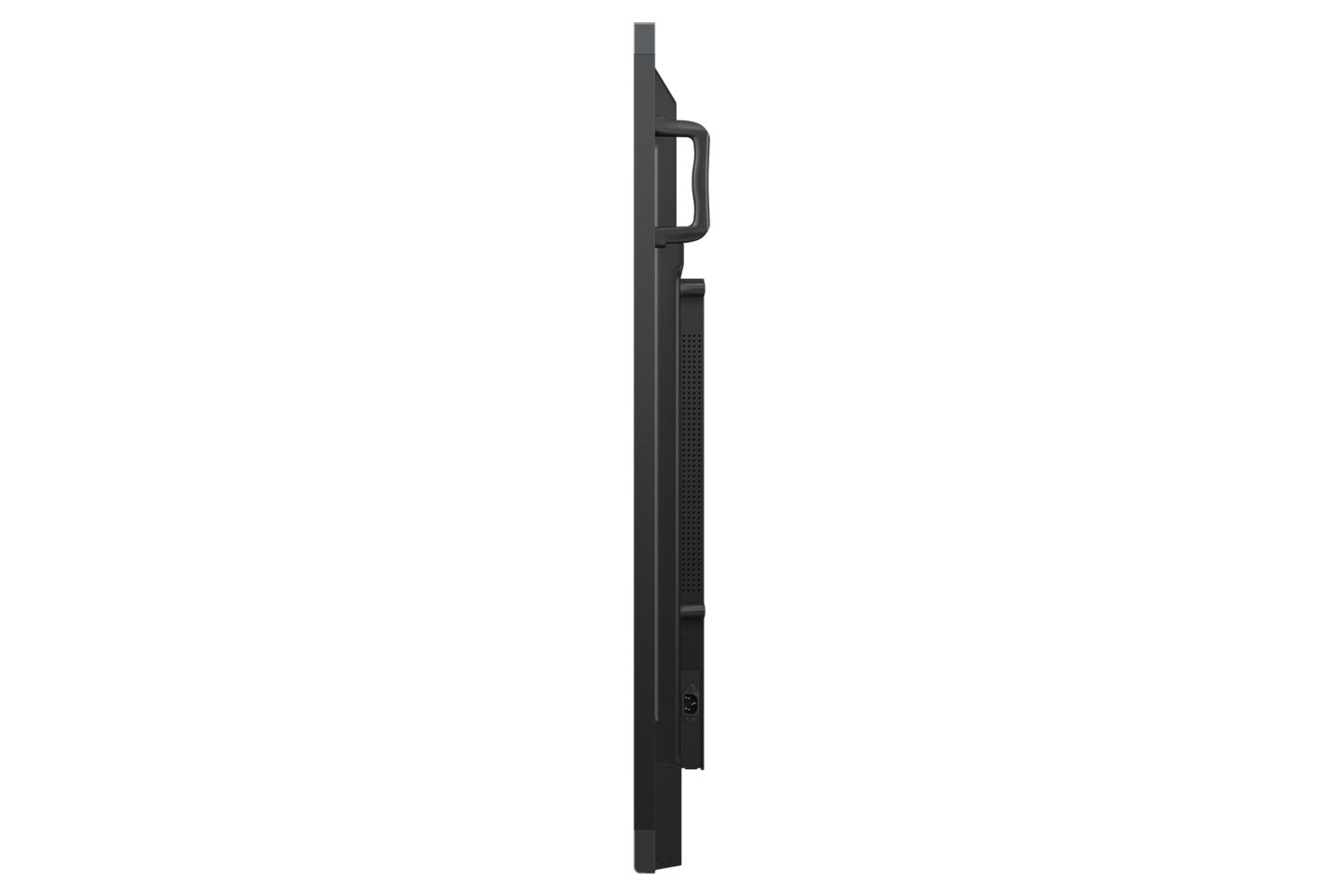
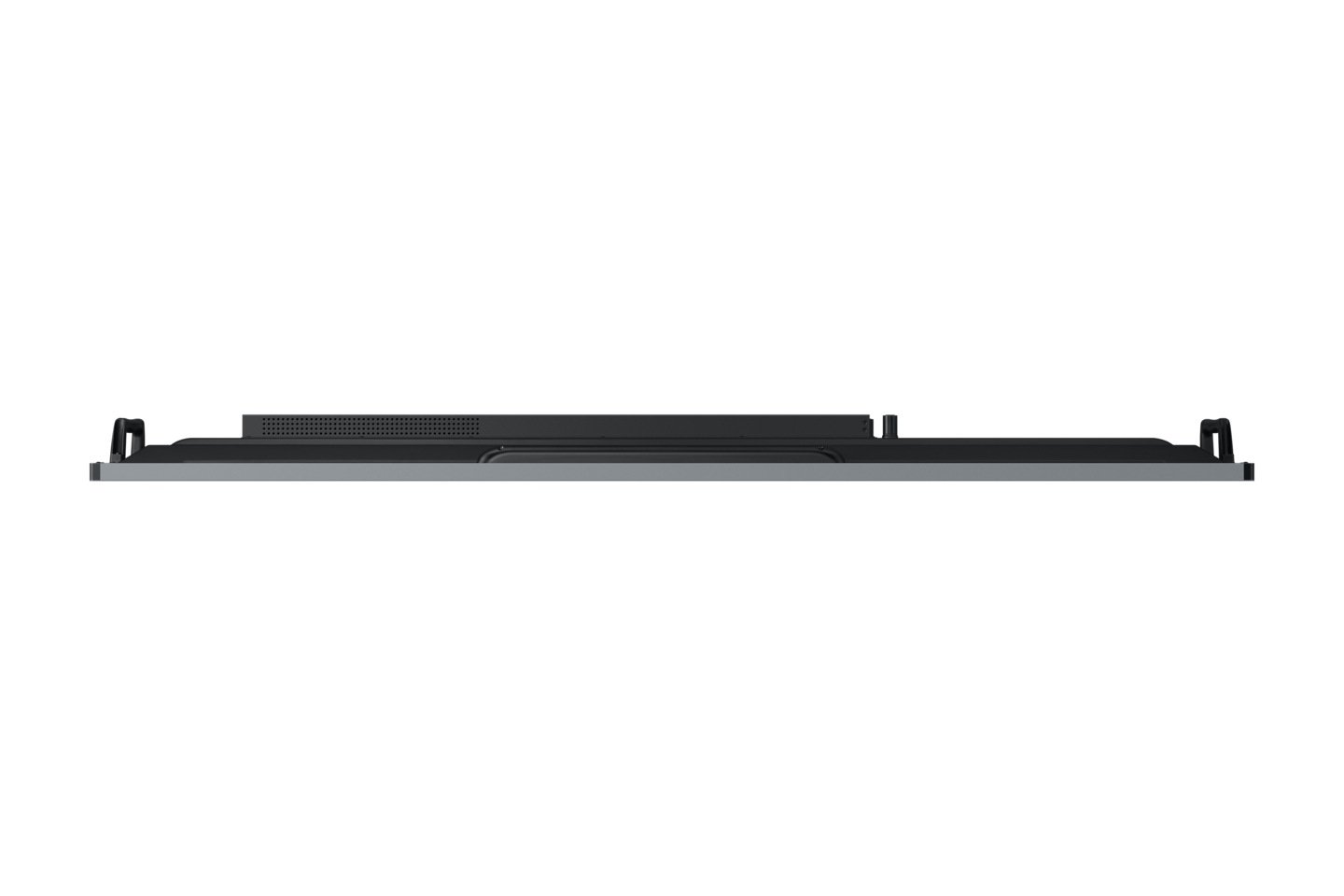
| Dimensions W×H×D (set) | 1483.9 × 911.9 × 86.9 mm | 1705.0 × 1036.3 × 87.1 mm | 1950.4 × 1174.0 × 87.1 mm |
|---|
| Set Weight | 36.3 kg | 50.3 kg | 60.9 kg |
|---|
| Package Dimensions W×H×D | 1640 × 1010 × 185 mm | 1860 × 1125 × 185 mm | 2095 × 1265 × 185 mm |
|---|
| Package Weight | 43.8 kg | 59.1 kg | 71.8 kg |
|---|
| Mechanical |
| VESA Mount | 600 × 400 mm | 800 × 400 mm | 800 × 600 mm |
|---|
| Bezel Width | 14.9 mm (all sizes) |
|---|
| Bezel Colour | Top/Bottom: Dark blue-gray | Sides: Black |
|---|
| Frame Material | Aluminium |
|---|
| Operating Conditions |
| Temperature | 0°C – 40°C |
|---|
| Humidity | 10–80% (non-condensing) |
|---|
| Certification & Compliance |
| EMC | FCC CFR Title 47, Part 15, Subpart B | EN55032:2015+A11:2020 |
|---|
| Safety | IEC62368-1 | UL62368-1 | IEC60950-1 | IS13252 |
|---|
| Specifications sourced from Samsung. Subject to change without notice. Contact us to confirm specifications for your specific deployment requirements. |
Free Samsung WAFX-P Practical Setup & Deployment Resource
Setting up a Samsung Interactive Display WAFX-P for the first time? We’ve put together a free Practical Setup & Deployment resource covering initial configuration, Android setup, Google Workspace for Education integration, Knox Manage enrollment, wireless sharing setup and the most common deployment issues we see in the field. Download it before you begin — it covers the steps Samsung’s standard documentation skips.
📄 PDF · [FILE SIZE] · [PAGE COUNT] pages · Updated July 2026
Download the Free Practical Setup & Deployment Resource (PDF) →
Need help determining whether the Samsung WAFX-P Android interactive display, the Samsung Flip WMFX, or an alternative interactive whiteboard platform best suits your environment?
Call 0416 353 501 or request a quote today. Our team can help you compare the WAFX-P against other commercial interactive whiteboard solutions from Samsung, LG, BenQ, ViewSonic and Promethean — and advise on the right platform for your specific teaching, collaboration and management requirements.
Samsung Interactive Display WAFX-P Frequently Asked Questions
Practical answers for ICT coordinators, school principals, IT managers, AV consultants and procurement teams evaluating the Samsung WAFX-P for education and commercial deployment.
What is Google EDLA certification and why does it matter for interactive displays?
Google EDLA — Enterprise Device Licensing Agreement — is Google’s certification programme for Android devices used in commercial and education environments. A display carrying EDLA certification has been verified by Google to run Android in a fully compliant, secure configuration with guaranteed access to Google Play, Google Workspace, Google Meet and the broader Google ecosystem without the application compatibility limitations sometimes found on non-certified Android displays.
For Australian schools and universities standardising on Google Workspace for Education, this matters for two practical reasons. First, EDLA certification means Google apps behave as they would on a certified Chromebook or Android tablet — predictably, with full feature access, and without workarounds. Second, it simplifies IT procurement decisions considerably: if your institution’s device policy requires Google certification for managed devices, the WAFX-P meets that requirement where a non-certified display would not. Organisations evaluating interactive displays that advertise Android compatibility without EDLA certification should ask specifically whether Google Play and Google Workspace applications are fully supported — the answer is not always yes.
Can the Samsung WAFX-P run Google Classroom and Google Workspace for Education natively?
Yes — and the distinction between “runs it” and “runs it natively with full feature access” matters here. Because the WAFX-P carries Google EDLA certification, Google Classroom, Google Meet, Google Drive, Google Slides and the full Google Workspace for Education suite run exactly as they do on any certified Android device. There are no feature restrictions, compatibility workarounds or side-loaded applications required.
For schools already operating Google Workspace for Education domains, this means teachers can log into their institutional Google account on the WAFX-P and access their Drive, Classroom assignments, Meet sessions and Slides presentations directly from the display — the same workflow they use on their personal devices, scaled to a 65″, 75″ or 86″ interactive screen. NFC tap-to-login means this transition takes seconds rather than minutes in a multi-teacher environment where shared login friction is a daily operational problem. For institutions evaluating whether the WAFX-P genuinely integrates into a Google-standardised environment rather than merely running a version of Android, the EDLA certification is the definitive answer.
How does the built-in 48MP camera compare to a separate PTZ camera setup?
The WAFX-P’s integrated 48MP camera with Auto Framing is not a direct replacement for a high-end PTZ camera in large lecture theatres or purpose-built video production environments. It is, however, a genuinely capable solution for standard classroom and meeting room use cases — and it eliminates the installation complexity, cable management and ongoing maintenance overhead of a separately managed PTZ system.
Auto Framing automatically detects and tracks the active speaker, keeping them centred in frame without operator intervention. For rooms up to approximately 8–10 metres in depth where a single presenter or small group is the primary subject, the integrated camera performs well for Google Meet, Zoom and Teams calls. For larger lecture theatres, auditoriums or environments requiring multiple camera angles, a dedicated PTZ camera connected via HDMI or USB remains the more appropriate solution. The WAFX-P’s value is removing the camera decision entirely for standard deployments where the integrated hardware is sufficient.
Can the Samsung WAFX-P be used without a Google account?
Yes — the WAFX-P runs Android 15 and can be used without a Google account for local whiteboarding, wireless screen sharing, annotation and general display functions. The built-in Note app, SMARTVIEW+ wireless sharing, multi-window mode and USB-C device connection all work independently of Google account authentication.
However, the Google ecosystem integration — Google Classroom, Google Drive, Google Meet, Google Play app installation — requires a Google account login. If Google ecosystem access is not a requirement, the Samsung Flip WMFX running Tizen OS may be a more cost-appropriate platform for purely collaborative meeting room use cases, as the WAFX-P’s most differentiated capabilities — EDLA certification, Google Workspace integration, Knox Manage enrollment — are most valuable in Google-standardised environments. Contact us to discuss which platform better fits your specific deployment.
How does Knox Manage work and what does the included one-year licence cover?
Knox Manage is Samsung’s enterprise mobile device management platform — a cloud-based MDM solution that allows IT administrators to remotely enrol, configure, monitor and manage Samsung devices from a central dashboard without requiring on-site access to individual units. For schools and organisations deploying multiple WAFX-P displays across classrooms or meeting rooms, Knox Manage provides the management infrastructure to treat those displays as managed endpoints rather than standalone devices.
The one-year Knox Manage licence included with each WAFX-P covers remote device enrolment, application push and management, policy enforcement, display setting control, content management and remote wipe capability. It also enables the WAFX-P’s emergency alert broadcasting feature — pushing time-sensitive messages simultaneously to all enrolled displays across a campus. After the first year, Knox Manage requires a subscription renewal. For organisations already using Google Admin Console for Android Enterprise management, Knox Manage and Android Enterprise management can be used in conjunction — Knox providing the Samsung-specific device layer and Google Admin Console managing the broader Workspace policy.
What wireless screen sharing protocols does the WAFX-P support and do participants need to install software?
The WAFX-P supports wireless screen sharing from Windows, Mac, iOS, Android and ChromeOS devices simultaneously — up to nine devices connected at once with single-click switching between them. For most device types, no additional software installation is required on the participant’s device. Windows and Mac devices share via the built-in SMARTVIEW+ protocol. iOS devices share via AirPlay, which is native to iPhone and iPad without any app installation. Android devices share via SMARTVIEW+ or Miracast.
The practical result is that a mixed-device classroom or meeting room — Windows laptops, MacBooks, iPads and Android phones — can all share content to the WAFX-P without a pre-meeting software installation process. One exception worth noting: some corporate network environments with strict firewall configurations may require IT to whitelist the WAFX-P’s wireless sharing protocols. This is worth confirming with your network team before deployment in tightly managed enterprise networks.
Is the Samsung WAFX-P suitable for primary schools as well as secondary and tertiary environments?
The WAFX-P is physically and technically appropriate for primary school environments — the 65″ size is the most practical for standard primary classrooms, the writing experience is accurate at low touch heights, and the 40-point multi-touch supports multiple students working simultaneously on the display. The Android 15 interface is familiar to students already using Android tablets or phones, which reduces the adoption barrier.
The more relevant consideration for primary schools is content ecosystem fit. Schools standardised on Google Workspace for Education will find the WAFX-P a natural extension of their existing environment. Schools using Microsoft 365 or Apple Classroom as their primary platform should confirm application compatibility with their IT coordinator before committing, as the WAFX-P is optimised for Google’s ecosystem rather than Microsoft’s or Apple’s. Schools that are unsure are welcome to contact us — ecosystem fit is the single most important factor in getting this decision right.
Can the Samsung WAFX-P be managed alongside other Android devices in our existing Google Admin Console?
Yes — because the WAFX-P carries Google EDLA certification and runs Android 15, it can be enrolled and managed through Google Admin Console as an Android enterprise device alongside Chromebooks, Android tablets and other EDLA-certified devices already in your environment. This is a significant operational advantage for IT departments that have standardised on Google’s management infrastructure and want to avoid introducing a parallel management platform for interactive displays.
Through Google Admin Console, IT administrators can enforce application policies, manage Google account access, control device settings and deploy configuration profiles to WAFX-P displays using the same workflows already applied to other managed Android devices in the fleet. Samsung Knox Manage — included for the first year — provides an additional Samsung-specific management layer for features specific to the display hardware, such as power scheduling, emergency broadcasting and Samsung-specific application management. The two platforms are complementary rather than mutually exclusive.
What happens to the Knox Manage licence and device management when the first year expires?
When the included Knox Manage one-year licence expires, remote management capability through Knox Manage specifically will cease until the licence is renewed. The display itself continues to function normally — Android 15, all local features, Google Workspace access and wireless sharing are unaffected by the Knox Manage licence status. What lapses is the centralised remote management, emergency broadcasting and Knox-specific policy enforcement capability.
For organisations that have enrolled the WAFX-P in Google Admin Console for Android enterprise management, that management layer continues independently of the Knox Manage licence status. For larger campus deployments where emergency broadcasting is an operational requirement, renewal is straightforward. For smaller deployments where Google Admin Console provides sufficient management coverage, the Knox renewal may be optional depending on your specific requirements. We can advise on renewal pricing and options at the time of purchase.
Does the Samsung WAFX-P work with Microsoft Teams and Zoom for hybrid classroom and meeting room use?
Yes — because the WAFX-P runs Android 15 with full Google Play access, Microsoft Teams and Zoom can be installed directly from the Play Store and used for video conferencing through the display’s integrated 48MP camera, 10-metre microphone array and dual 20W speakers. This makes the WAFX-P capable of running Teams and Zoom calls as a self-contained room system without additional AV peripherals.
It is important to note that this is not the same as a Microsoft Teams Rooms certified deployment. Teams Rooms certification requires a specific hardware and software configuration — typically Windows-based — and provides a managed, IT-controllable room system experience that differs from running the Teams Android app on a display. For organisations requiring certified Teams Rooms compliance as an IT policy standard, an OPS module running Windows with Teams Rooms software is the correct path. For education institutions and smaller organisations where running Teams or Zoom through the Android app is operationally sufficient — which covers the majority of hybrid classroom and meeting room use cases — the WAFX-P’s integrated AV hardware makes it a practical all-in-one solution. Contact us to discuss your specific conferencing requirements before purchasing.
How does the WAFX-P handle multi-teacher environments where each teacher has a personalised setup?
The WAFX-P’s NFC tap-to-login feature is the primary mechanism for multi-teacher personalisation. Each teacher taps their NFC-enabled ID card or device to the display’s NFC reader, which instantly authenticates their Google account and loads their personalised profile — Drive files, Classroom assignments, recently used applications and display preferences — without manually typing credentials on a shared display.
This is operationally significant in primary and secondary school environments where multiple teachers use the same display across different class periods throughout the day. The NFC workflow reduces this to a tap — typically under 10 seconds from authentication to personalised home screen. For schools where NFC-enabled staff ID cards are already in use for building access or library systems, the WAFX-P integrates into that existing card infrastructure without additional hardware. For schools that do not currently issue NFC cards, standard Google account login via keyboard remains available as the fallback authentication method.
What screen size should I choose for my classroom or meeting room?
Screen size selection for the WAFX-P comes down to room depth and the furthest viewing distance from the display. As a general starting point: 65″ suits classrooms and meeting rooms up to approximately 6–7 metres in depth; 75″ suits rooms between 7–9 metres where a larger image area improves readability for participants at the back; 86″ suits larger classrooms, training rooms and multipurpose spaces where viewing distances exceed 9 metres or where the display needs to serve a larger audience simultaneously.
Room layout, ambient lighting, ceiling height and whether the display is wall-mounted or on a mobile stand all affect the practical viewing experience. One consideration specific to the WAFX-P: the integrated camera performs best when the display is positioned at approximately eye level or slightly above for seated participants — something worth factoring into mount height decisions regardless of screen size. If you are unsure which size suits your specific room configuration, contact us with your room dimensions and we can recommend the most appropriate option before you purchase.