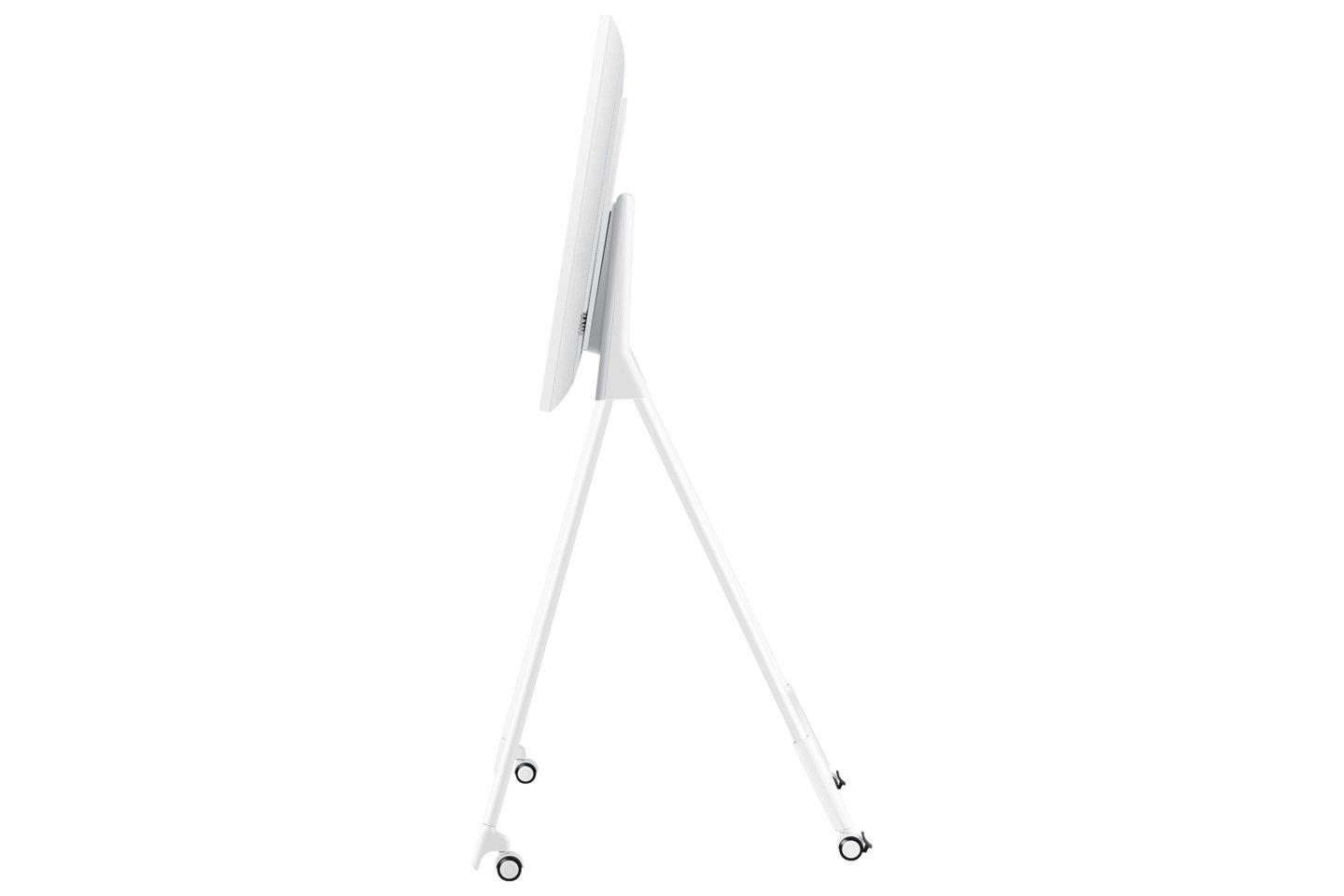
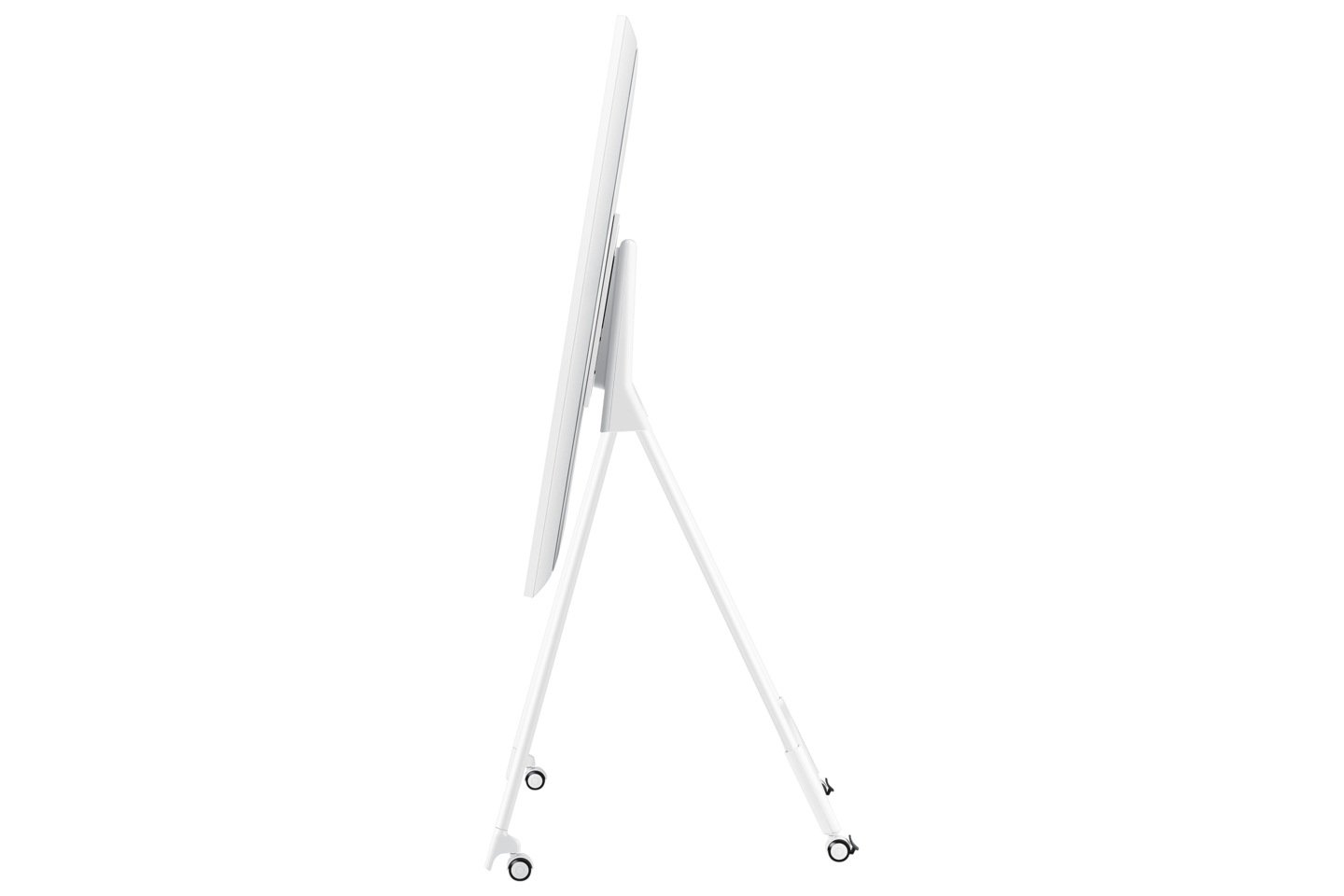
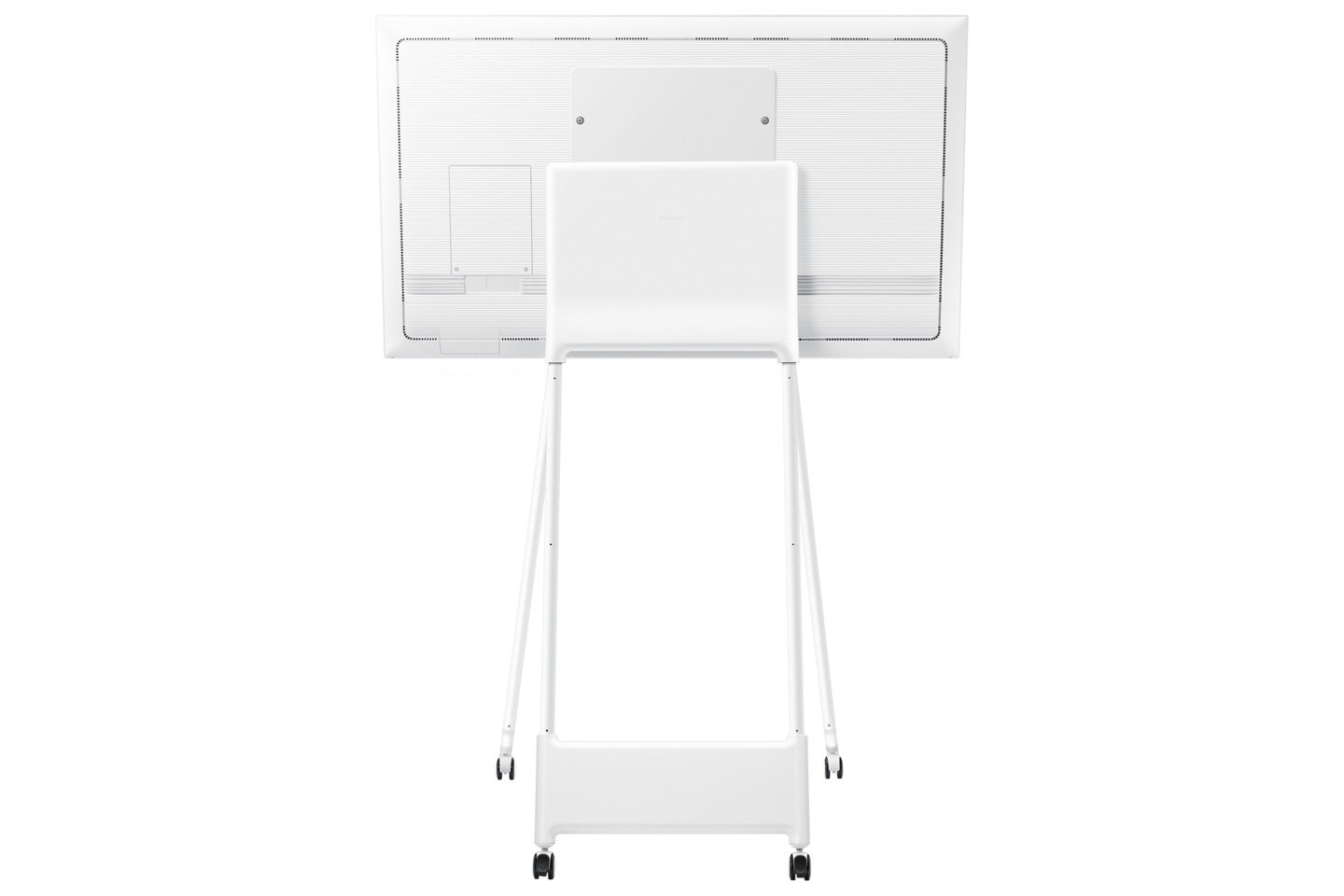
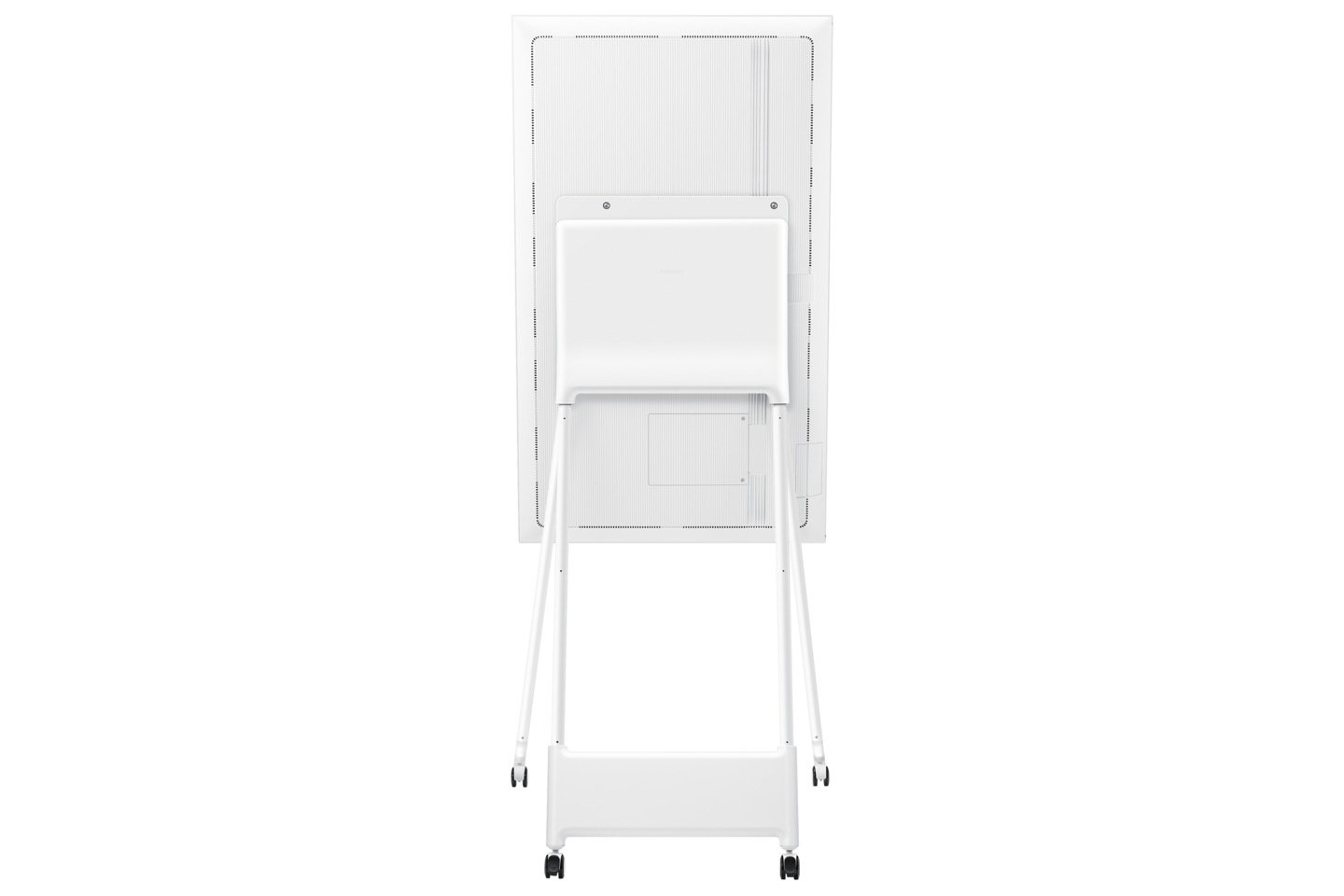
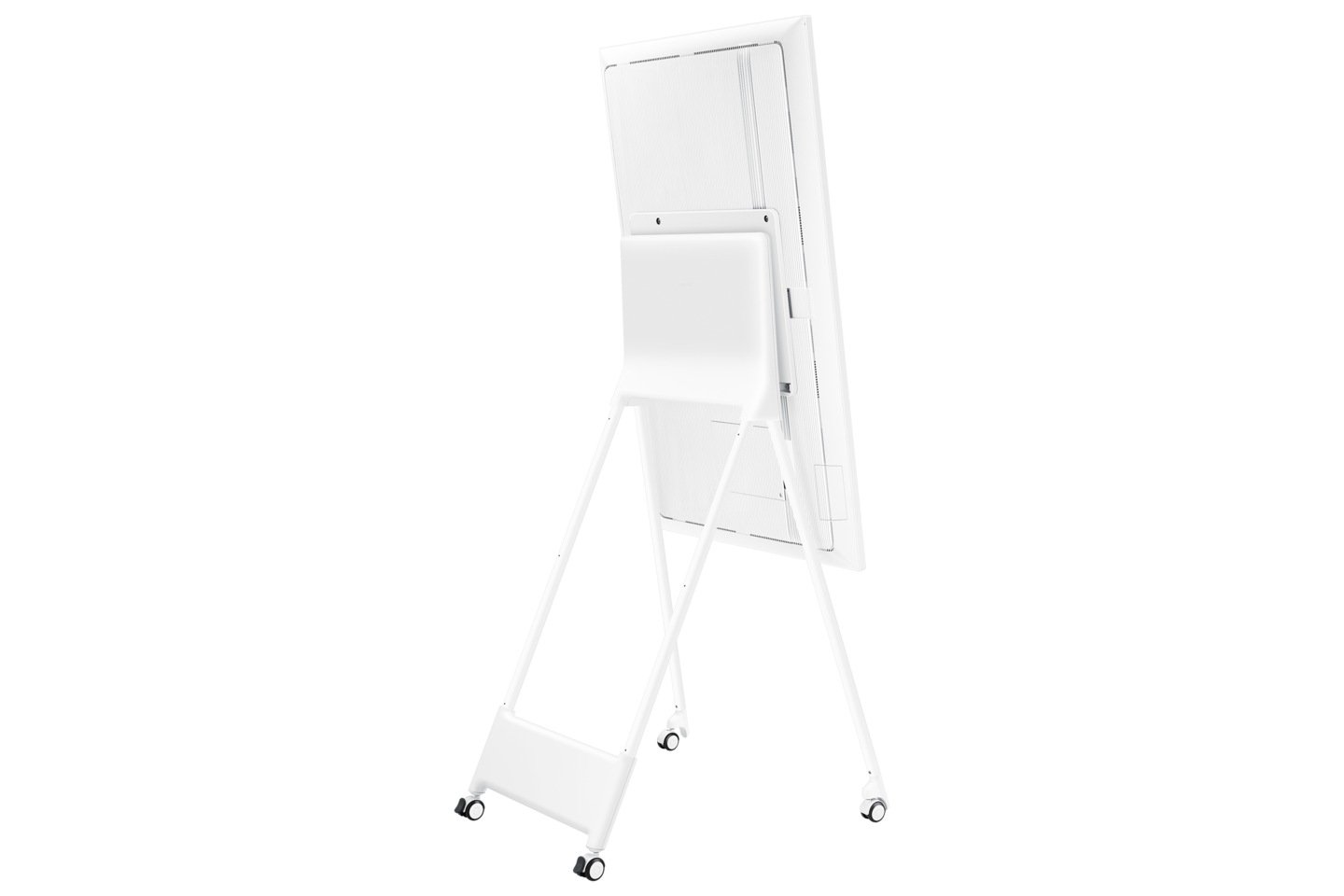
Samsung Flip Platform — Current Generation: This page covers the Samsung Flip WMFX — the current generation of Samsung’s premium interactive whiteboard platform, succeeding the Flip Pro WMB series. The WMFX brings meaningful improvements in display brightness, collaboration features and management infrastructure while preserving the writing experience and platform philosophy that made the Flip Pro the benchmark for Australian boardrooms and education environments. Compare the Samsung Flip WMB vs WMFX →
Also searching for the Samsung Flip Pro? The Flip Pro name was applied to the previous WMB generation of the Samsung Flip platform. The Samsung Flip WMFX is the current model that succeeded it — built on the same platform philosophy with improved brightness, updated collaboration tools and enhanced management capability. If you were looking for the Samsung Flip Pro WMB, see our full WMB vs WMFX comparison to understand what changed between generations and which model suits your deployment.
Searching for the Samsung Flip Pro? The Samsung Flip Pro WMB has now been superseded by the Samsung Flip WMFX. Many organisations still search using the Flip Pro name because it became the recognised product family across Australian education and business environments. This page therefore covers the current Samsung Flip WMFX while also helping previous Flip Pro owners understand what has changed — and what has stayed exactly the same.
Looking for an Android-powered Samsung interactive display? The Samsung Flip WMFX runs on Tizen OS — Samsung’s commercial display platform. If your organisation requires Android 15 with Google EDLA certification, built-in video conferencing (48MP camera, 10-metre microphone array, dual 20W speakers) and full Google Workspace for Education access, the Samsung Interactive Display WAFX-P is the Android variant in Samsung’s current interactive display range — available in 65″, 75″ and 86″.
Samsung Flip Pro to WMFX — What Changed and What Stayed the Same
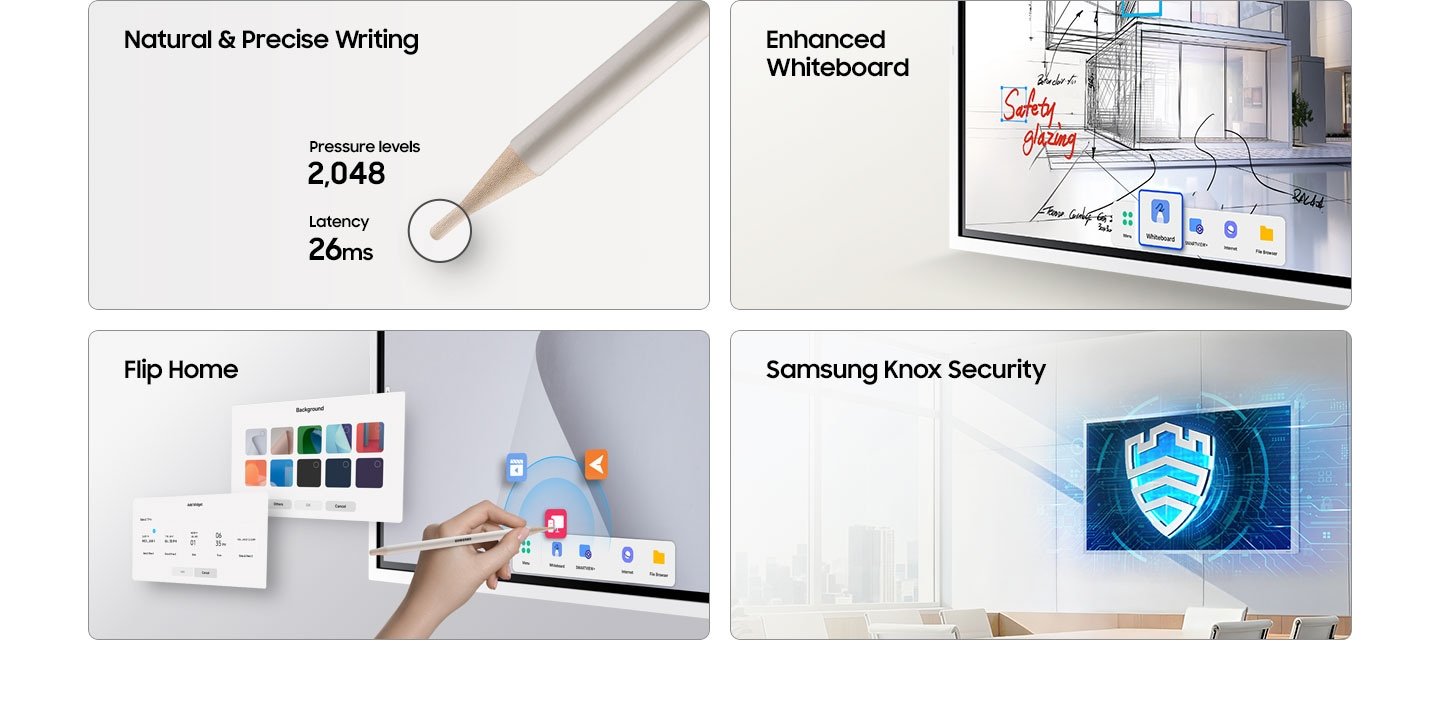
The Samsung Flip Pro WMB established the platform. The WMFX refines it. The core writing experience — 26ms latency, 2,048 pressure levels, rotatable design, annotation over any source, wireless sharing — remains consistent across both generations. What changed is where it needed to: display brightness is up 29%, the OS has moved to Tizen 9.0, and the management infrastructure has been updated for current enterprise deployment requirements. For organisations already running Flip Pro hardware, the WMFX will feel immediately familiar while delivering measurable improvements in environments where the WMB showed its limitations.
Natural Writing That Feels Like Pen on Paper
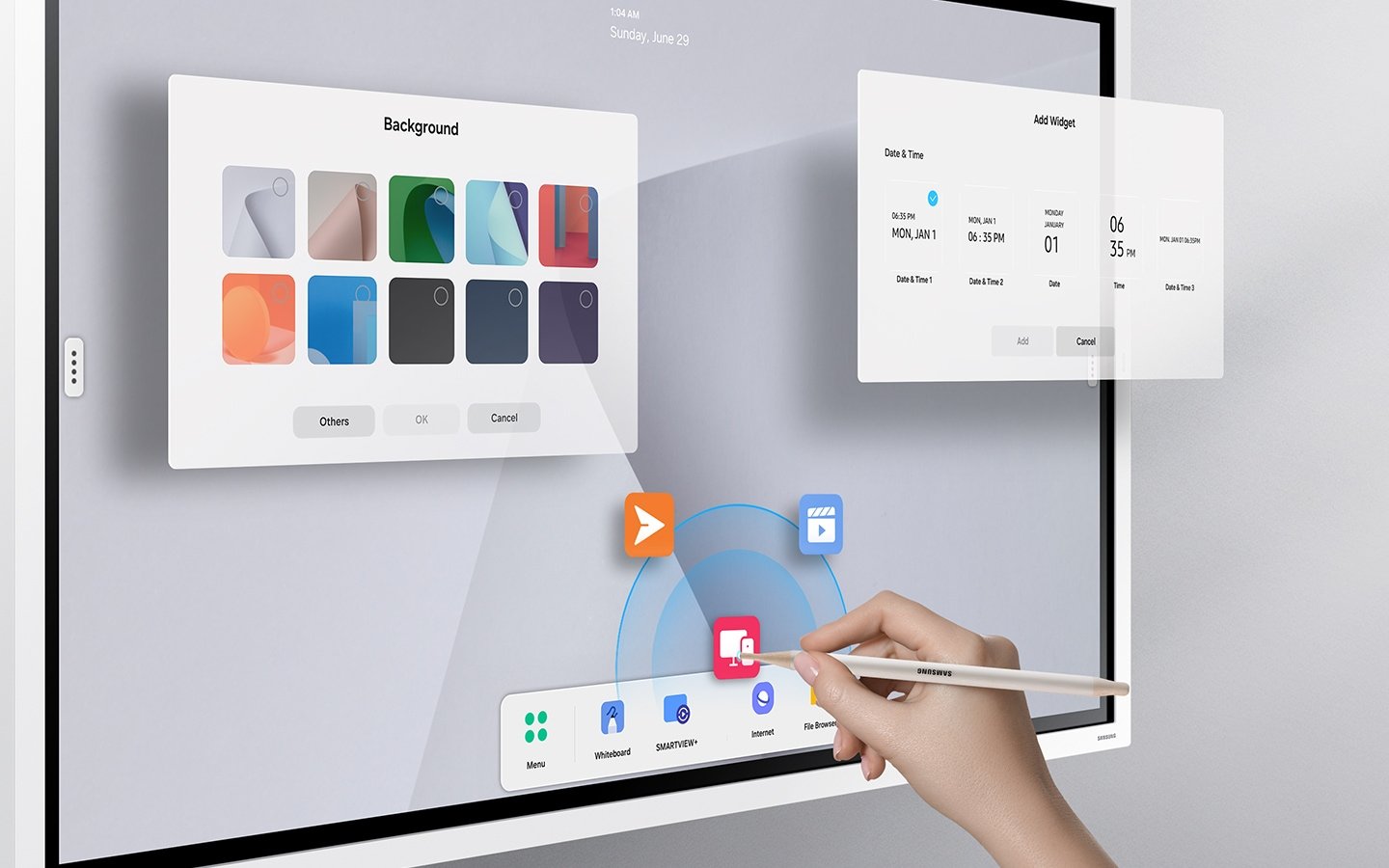
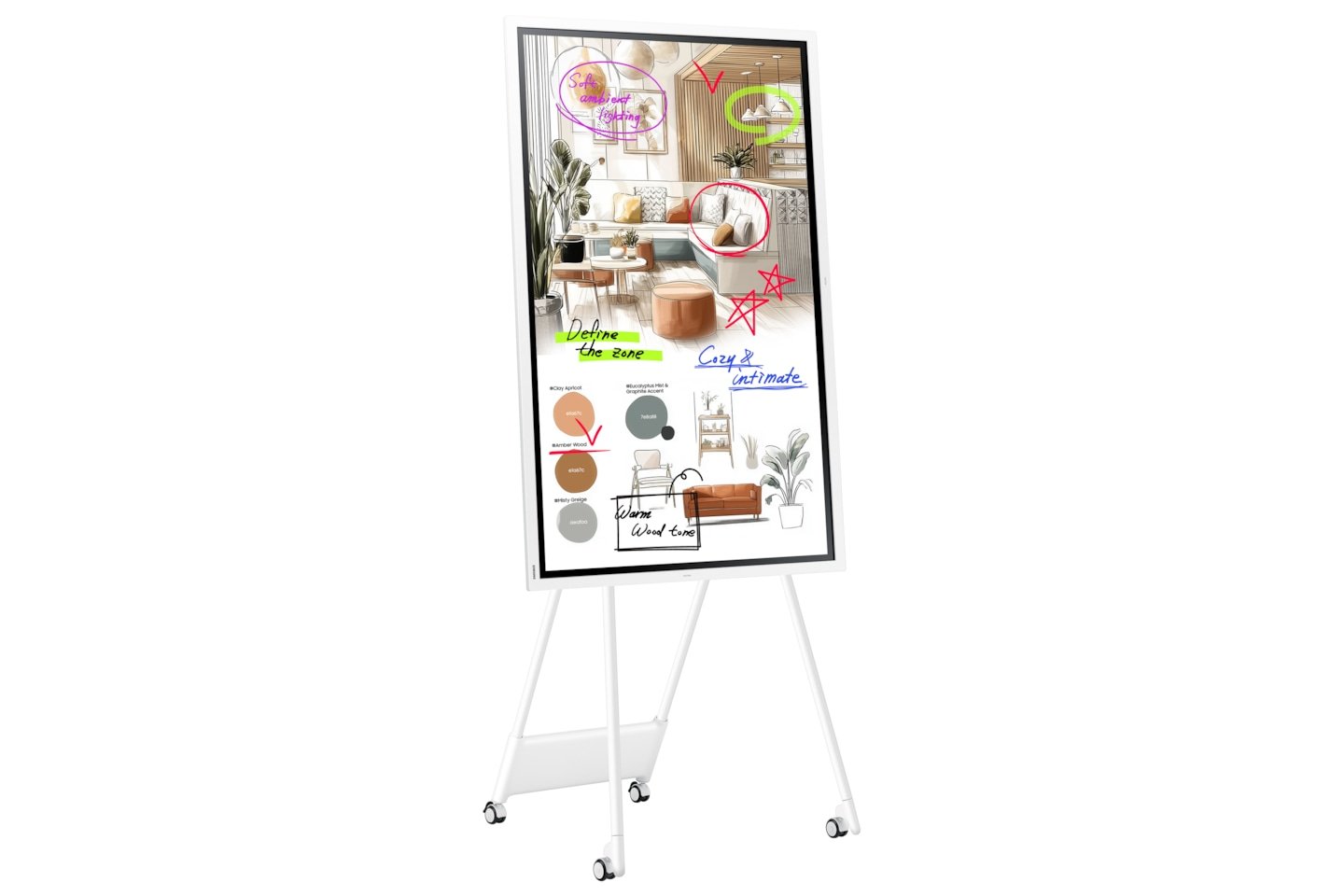
One of the most common complaints about interactive whiteboards is writing lag — the frustrating delay between pen movement and what appears on screen. The Samsung Flip WMFX addresses this directly with a 26ms response time and 2,048 pressure levels, delivering smooth, accurate strokes that translate ideas onto the interactive display almost instantaneously.
This writing philosophy — prioritising low latency and pressure sensitivity over raw specification numbers — has remained a consistent characteristic across the Samsung Flip platform from the WMB generation through to the current WMFX. For educators, trainers and business professionals who rely on handwriting, annotation and real-time sketching as part of their daily workflow, this level of precision is a genuine differentiator — particularly when compared to budget-tier interactive displays where writing performance remains noticeably inconsistent.
One Display, Two Orientations — Portrait and Landscape
The Samsung Flip WMFX’s rotatable design allows teams to switch freely between vertical portrait mode and horizontal landscape mode depending on the task at hand. Portrait orientation suits whiteboard brainstorming, mind mapping and note-taking, while landscape mode is better suited to presentations, video content and multi-window collaboration.
This flexibility is a key reason the Samsung Flip WMFX continues to be specified for boardrooms, training facilities and education environments where the same display needs to serve multiple functions throughout the day. The rotatable design remains one of the defining characteristics of the Samsung Flip platform across all generations. Available in 55″, 65″, 75″ and 85″ screen sizes to suit different room configurations and viewing distances.
Annotate Over Any Connected Source
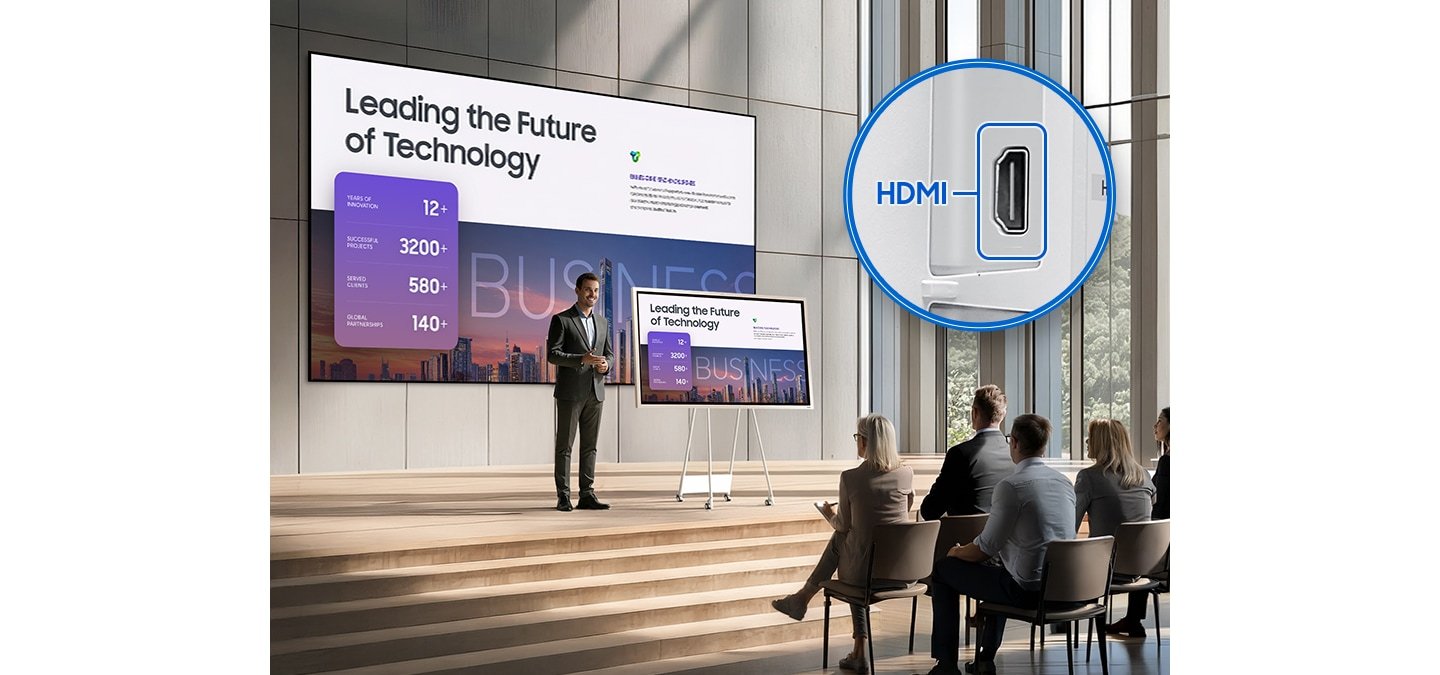
The Annotation On feature allows users to write and draw directly over any connected input source — whether that’s a laptop, tablet, document camera or any HDMI-connected device — without interrupting or closing the source content. Notes and annotations can be captured and saved independently of the source material.
This is particularly valuable in education and training environments where instructors need to highlight, annotate or respond to content being shown from a student or participant device in real time, without switching modes or disrupting the flow of the session. Annotation capability across connected sources remains a consistent strength across both WMB and WMFX generations of the Samsung Flip platform.
Wireless Collaboration Across Multiple Devices
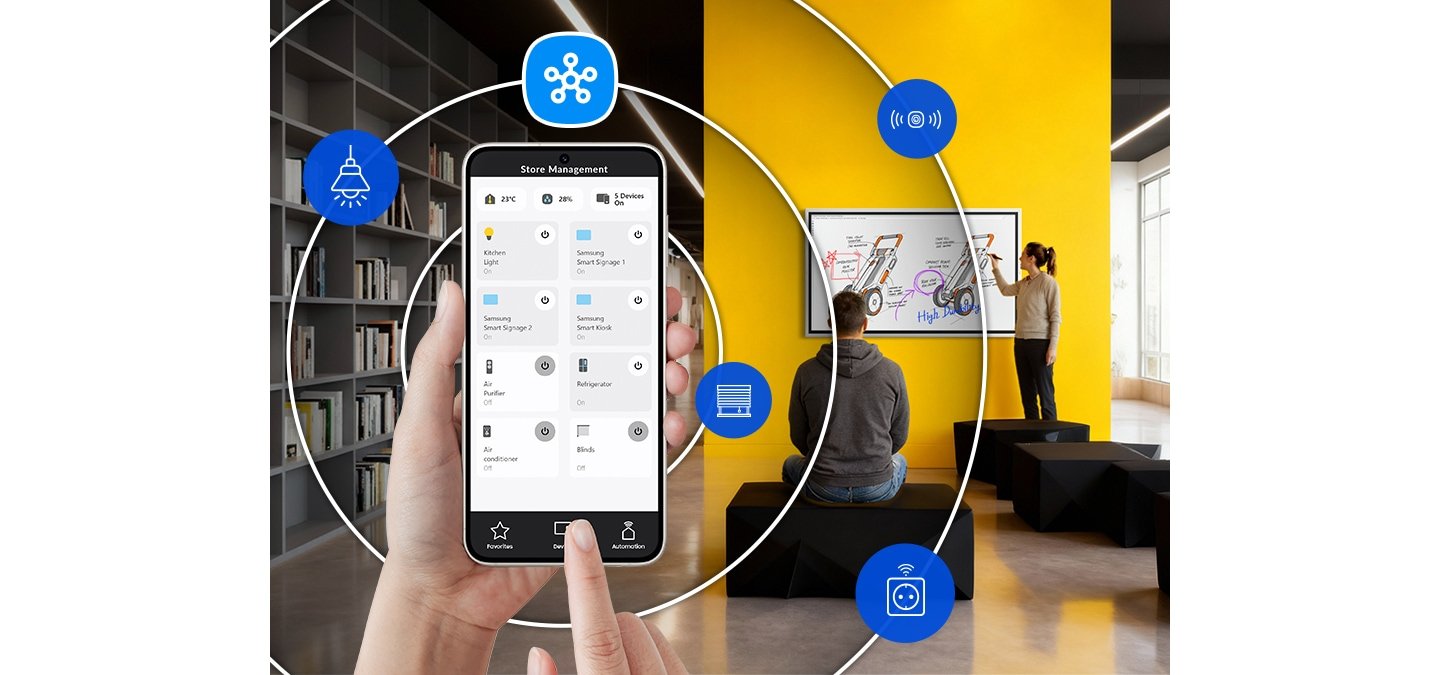
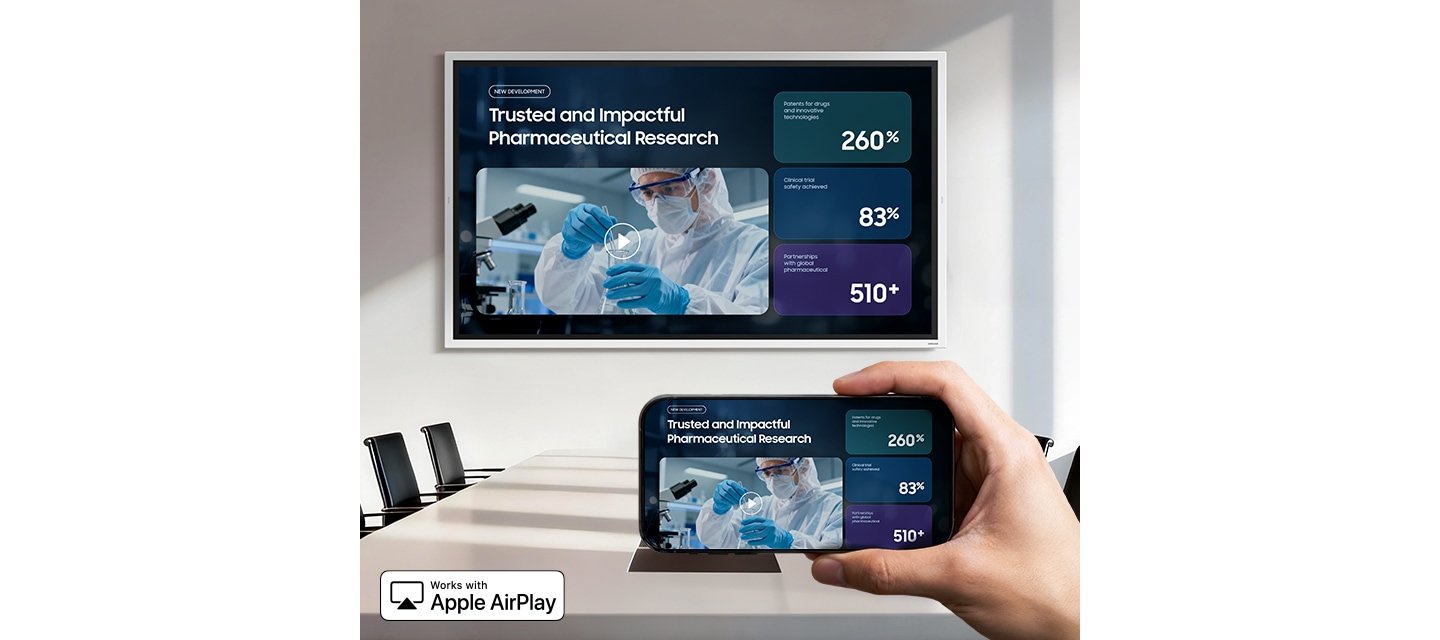
SMARTVIEW+ on the Samsung Flip WMFX enables wireless screen sharing across up to 9 devices simultaneously — Windows, Android and iOS all supported — allowing meeting participants to share content directly to the display without cables, adaptors or AV switchers. Switching between connected devices is handled with a single click.
Combined with built-in AirPlay 2 support for iPhone, iPad and Mac users, the Samsung Flip WMFX accommodates mixed-device meeting rooms without requiring additional hardware — a practical advantage for organisations running bring-your-own-device (BYOD) environments where users regularly move between personal laptops and shared collaboration infrastructure.
Anti-Glare 4K Display — 29% Brighter Than the Samsung Flip Pro WMB
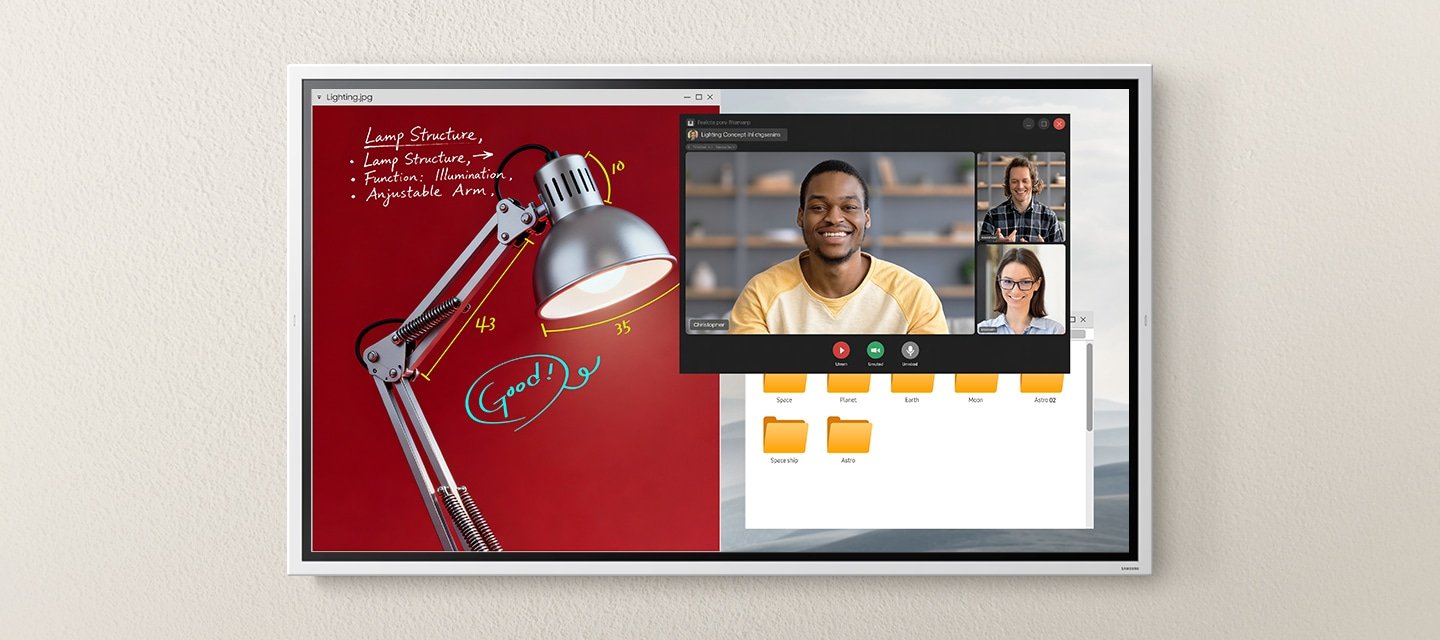
The Samsung Flip WMFX features a 4K UHD display with 450-nit brightness (without glass) and an anti-glare coating designed to minimise reflections in naturally lit and artificially lit commercial environments. This represents approximately a 29% brightness increase over the previous Flip Pro WMB generation — a meaningful improvement for glass-heavy or well-lit meeting environments where display washout was a documented limitation of earlier Flip deployments.
For organisations already familiar with Samsung Flip Pro WMB deployments, the WMFX will feel immediately recognisable — but noticeably more refined. Samsung preserved the core writing experience while improving brightness, management infrastructure, collaboration workflows and deployment flexibility. If your organisation has previously experienced display washout, daylight glare or visibility issues in glass-heavy or well-lit meeting environments using earlier Flip Pro hardware, the WMFX directly addresses those deployment realities — without requiring retraining, workflow changes or a new content management approach.
For a full comparison across the Samsung Flip Interactive Whiteboard range, including specifications across WMB and WMFX generations, contact our team for straightforward pre-sale guidance.
For organisations comparing interactive whiteboards, display brightness and anti-glare performance are often underestimated factors that significantly affect day-to-day usability — particularly in open-plan offices and rooms where lighting cannot be easily controlled.
Simplified Setup With Integrated USB-C Hub
The Samsung Flip WMFX’s integrated USB-C hub simplifies meeting room setup considerably. A single USB-C connection handles power, data and display — allowing external devices such as document cameras, webcams and laptops to connect to both the Flip WMFX and a host PC simultaneously without cable juggling or additional docking stations.
For IT managers and facilities teams deploying interactive displays across multiple meeting rooms — particularly in BYOD environments where users regularly move between personal laptops and shared collaboration infrastructure — this level of connectivity simplification reduces installation complexity and ongoing support requirements. It is a practical consideration that rarely appears prominently in specification comparisons but matters significantly in real-world deployments at scale.
Samsung Flip WMFX — Technical Specifications by Screen Size
Comparing 55″, 65″, 75″ and 85″ models. All sizes feature 4K UHD resolution, VA panel, Tizen 9.0 OS, IR touch technology and Samsung Knox enterprise security.
| Specification | 55″ | 65″ | 75″ | 85″ |
|---|---|---|---|---|
| Model Identity | ||||
| MPN | LH55WMFWBGCXEN | LH65WMFWBGCXEN | LH75WMFWBGCXEN | LH85WMFWBGCXEN |
| Screen Size | 55 inch | 65 inch | 75 inch | 85 inch |
| Display | ||||
| Panel Type | VA | |||
| Resolution | 3,840 × 2,160 (4K UHD) | |||
| Pixel Pitch (H×V) | 0.315 × 0.315 mm | 0.372 × 0.372 mm | 0.430 × 0.430 mm | 0.487 × 0.487 mm |
| Brightness (without glass) | 450 nit (typical) — approx. 29% brighter than the previous Flip Pro WMB generation | |||
| Brightness (with glass) | 300 nit (typical) | 300 nit (typical) | — | — |
| Contrast Ratio | 4,000:1 (without glass) | |||
| Viewing Angle (H/V) | 178° / 178° | |||
| Response Time | 55″: 9.5ms | 65″ / 75″ / 85″: 8ms | ||
| Colour Gamut | 72% (NTSC) | |||
| Glass Haze | 2% (without glass) | |||
| Operation Hours | 12/7 | |||
| Touch & Intelligence | ||||
| Touch Technology | IR (Infrared) | |||
| Operating System | Tizen 9.0 | |||
| Flash Memory | 64 GB | |||
| Security | Samsung Knox enterprise-grade | |||
| Connectivity | ||||
| HDMI In | 2 (1 internal, 1 option tray) | 2 (1 internal, 1 option tray) | 2 | 2 |
| HDMI Version | 2.0 (HDCP 2.2) | |||
| USB | 1 Rear + 1 option tray | 1 Rear + 1 option tray | 2 (Front 1, Rear 1) | 2 (Front 1, Rear 1) |
| Network | RJ45 (LAN), WiFi, Bluetooth | |||
| Audio Out | Stereo Mini Jack | |||
| RS232 / Video Out | Yes / Yes | |||
| Power | ||||
| Power Supply | AC 100–240V, 50/60Hz | |||
| Power Consumption (On) | 154W | 192.5W | 385W | 429W |
| Physical | ||||
| Dimensions W×H×D (set) | 1297 × 768 × 60 mm | 1522 × 898 × 63 mm | 1735 × 1039 × 84 mm | 1957 × 1163 × 84 mm |
| Weight (with stand) | 28.6 kg | 39.7 kg | 53.6 kg | 66.9 kg |
| Package Dimensions W×H×D | 1464 × 915 × 190 mm | 1691 × 1055 × 198 mm | 1885 × 1171 × 210 mm | 2130 × 1295 × 220 mm |
| Package Weight | 35.9 kg | 48.2 kg | 64.5 kg | 78.6 kg |
| Mechanical | ||||
| VESA Mount | 400 × 400 mm | 400 × 400 mm | 400 × 400 mm | 600 × 400 mm |
| Bezel Width | 26.2 mm | 26.2 mm | 23.5 mm | 23.5 mm |
| Bezel Colour / Frame | Gray White / Non-Glossy Plastic | |||
| Operating Conditions | ||||
| Temperature | 0°C – 40°C | |||
| Humidity | 10–80% (non-condensing) | |||
| Optional Accessories | ||||
| Wall Mount | WMN-4277SF | WMN-WM65R | Available | Available |
| Stand | STN-WM55R | — | — | — |
| Certification & Compliance | ||||
| Australian Certification | C-Tick — AS/NZS CISPR32:2015 | RCM — IEC60950-1 / AS/NZS 60950-1 | |||
| International Certifications | FCC (USA) | CE (Europe) | KCC (Korea) | VCCI (Japan) | CCC (China) | BSMI (Taiwan) | EAC (Russia) | UL (USA) | |||
| Specifications sourced from Samsung global documentation. Australian market part numbers not yet listed on Samsung Australia — XCEN suffix reflects global specification. Contact us to confirm Australian availability and local part numbers for your deployment. | ||||
Free Samsung Flip WMFX Practical Setup & Deployment Guide
Installing or deploying a Samsung Flip WMFX? Download our free Practical Setup & Deployment Guide before you begin. It covers real-world setup, deployment, troubleshooting and best practices that go beyond Samsung’s standard documentation.
Download the Free Practical Setup & Deployment Guide (PDF) →
Free Samsung Flip WMFX Practical Setup & Deployment Guide
Setting up a Samsung Flip WMFX for the first time? We’ve put together a free Practical Setup & Deployment Guide covering first-time configuration, Microsoft Teams and Microsoft 365 integration, wireless screen sharing, USB-C and HDMI connectivity, OPS module deployment, network setup and the most common setup and deployment issues we encounter in the field.
It also explains practical troubleshooting techniques, deployment best practices and solutions to common problems that are either briefly covered or not included in Samsung’s standard documentation, helping you get your display installed and operational faster.
📄 PDF · 2.1 MB · 11 pages · Updated July 2026
Download the Free Practical Setup & Deployment Guide (PDF) →
Need help confirming whether the Samsung Flip WMFX is the right fit for your environment, or whether an alternative interactive whiteboard platform better suits your requirements?
Call 0416 353 501 or request a quote today. Our team can help you compare the WMFX against other commercial interactive whiteboard solutions from LG, BenQ, ViewSonic, Promethean and Yealink — and, where appropriate, the Samsung WAFX-P Android interactive display for organisations requiring Google EDLA certification and integrated video conferencing.
Samsung Flip WMFX Frequently Asked Questions
Practical answers for IT managers, ICT coordinators, AV consultants and procurement teams evaluating the Samsung Flip WMFX for commercial or education deployment.