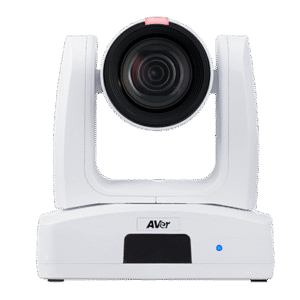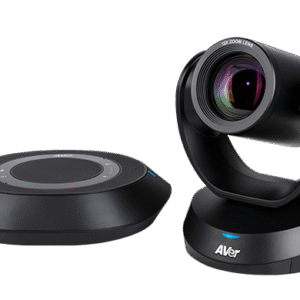
Room Cameras

Room cameras for video conferencing — PTZ and fixed cameras Australia
Kickstart Computers — Est. 2007

Room Cameras for Video Conferencing — Shop Online Australia

Kickstart Computers supplies room cameras and conference cameras for Microsoft Teams Rooms, Zoom Rooms and USB video conferencing deployments across Australia. From compact fixed cameras for small meeting rooms through to PTZ cameras for enterprise boardrooms — we supply conference cameras to match your room size, platform and budget. Most models we supply are certified for Microsoft Teams Rooms, Zoom Rooms or both platforms.

  • PTZ & fixed camera specialists
  • Teams Rooms & Zoom Rooms certified
  • Four competing brands — independent advice
  • Australia-wide delivery
  • In business since 2007
What You Need to Know

Which type of conference camera is right for your room?

Not every meeting room suits an all-in-one conference bar. Medium to large rooms, boardrooms with wide tables, training spaces that need to cover the full room, and environments where PTZ camera control matters — these are the situations where a standalone conference camera delivers results a bar cannot.

The most common camera mistake we see is choosing based on resolution rather than field of view and placement. A 4K PTZ camera in the wrong position consistently performs worse than a well-placed 1080p fixed camera in the same room.

There are three main types of room camera used in Australian meeting rooms. The right choice depends on your room size, table layout and whether you need remote camera control.

Best for: Small to medium rooms

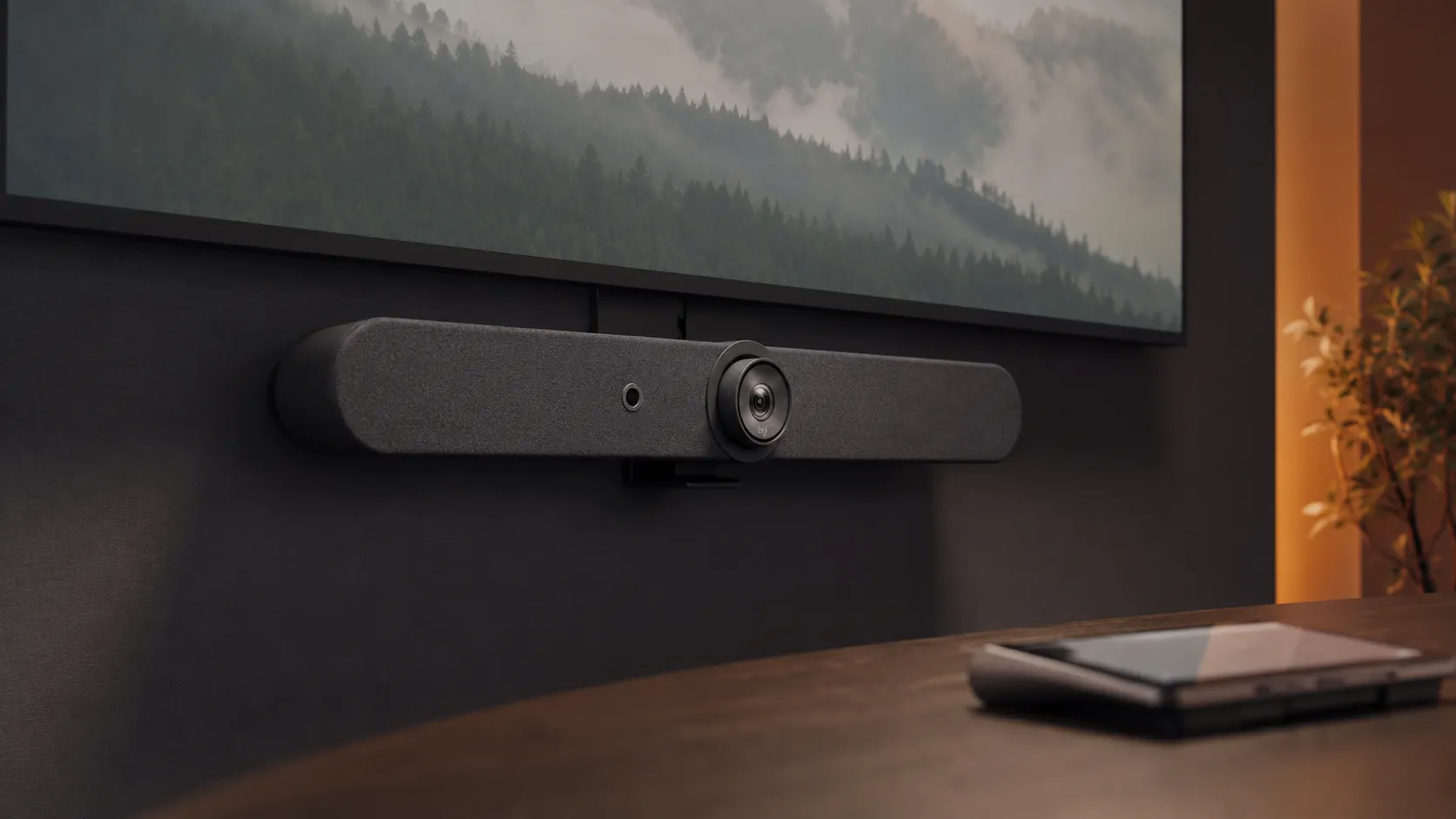
Fixed wide-angle cameras

A set field of view that covers the whole room without any moving parts. Simpler to install, simpler to support and typically lower cost than PTZ cameras. The right answer for small and medium rooms where camera position does not need to change between meetings.
Best for: Small to large rooms

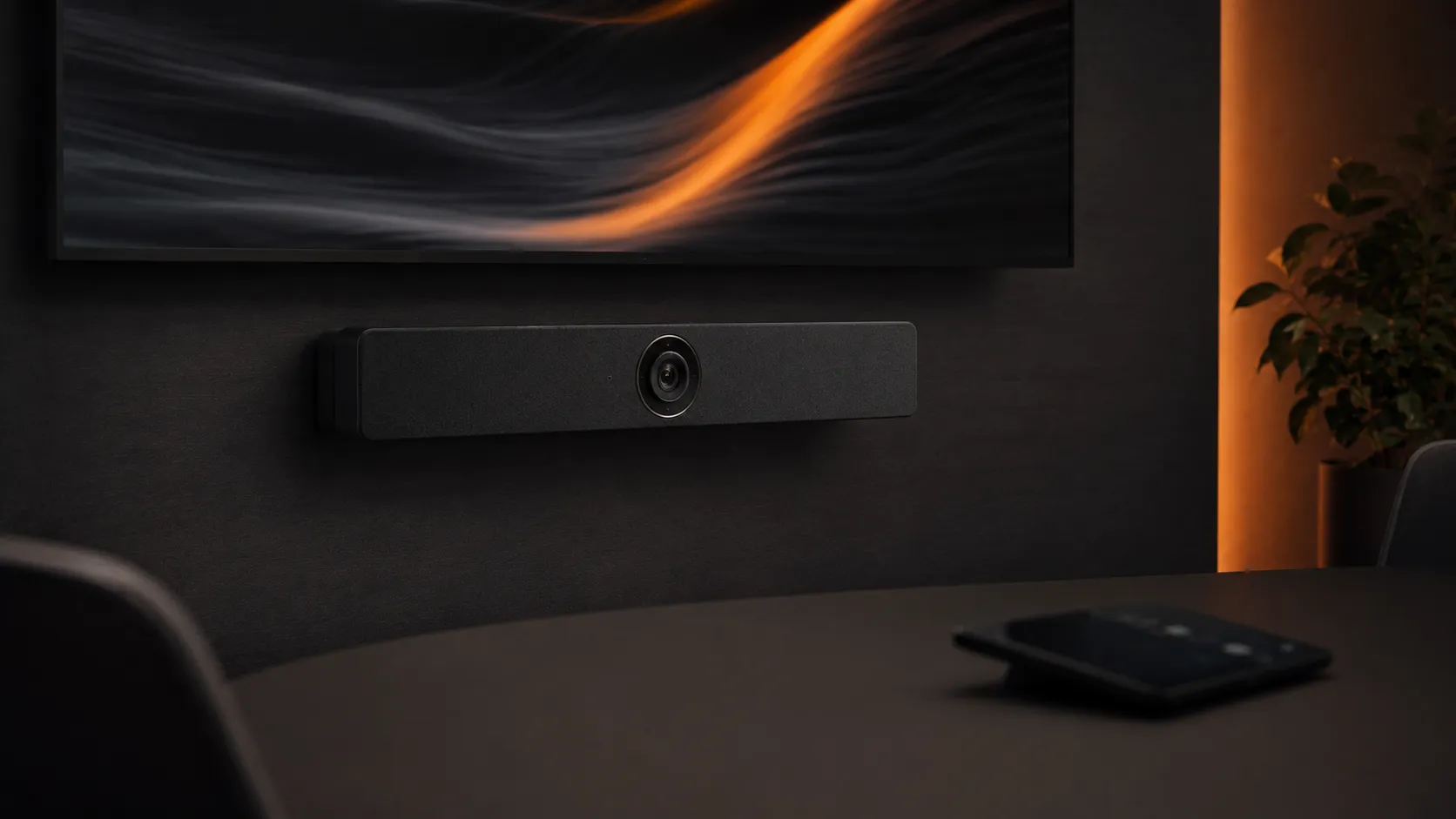
AI auto-framing cameras

Software automatically tracks and frames the active speaker or group without manual control. Offers the flexibility of a PTZ with the simplicity of a fixed device. Increasingly common in medium rooms where a touch controller is not part of the setup.

Best for: Large rooms & boardrooms

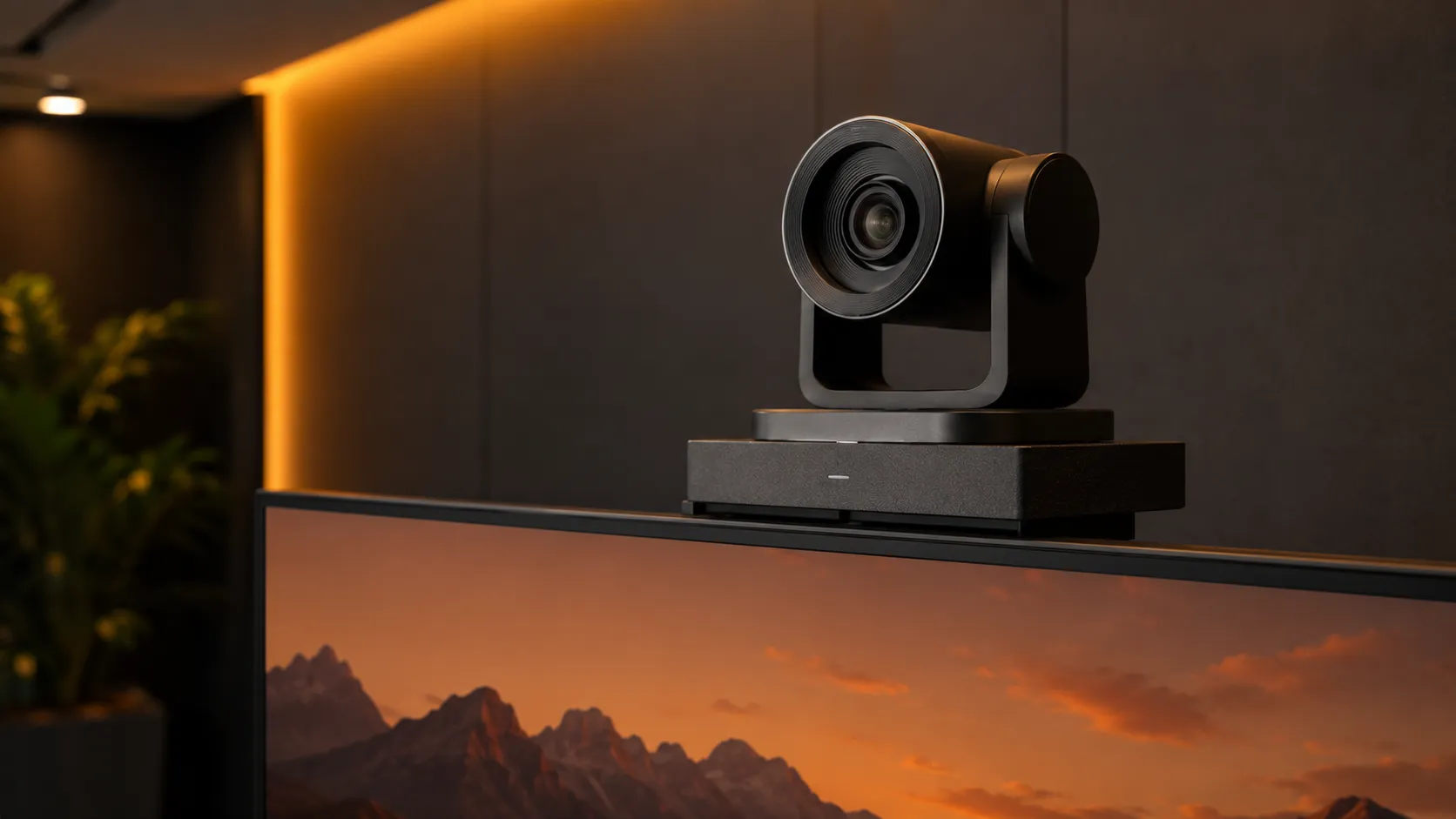
PTZ cameras

Full remote control over pan, tilt and zoom. The standard choice for large meeting rooms, boardrooms and training spaces where a fixed lens cannot cover the full room or where the presenter moves around. Operated via touch controller or remote with position presets.

Quick reference — conference camera type by room size
Camera typeRoom sizeBest forPTZ control
Fixed wide-angleSmall to mediumSimple setups, no PTZ neededNo
AI auto-framingSmall to largeSpeaker tracking, no manual controlAutomatic
PTZ cameraMedium to largeFull camera control, presenter movementYes
PTZ + expansion audioLarge / boardroomComplete modular setupYes

Back to video conferencing shop

If you want to compare all three product categories before deciding, our main video conferencing shop gives you the full picture including brands, room guides and platform compatibility.

Video Conferencing Shop →

All-in-one systems

If you are still deciding between a standalone camera and an all-in-one bar, our all-in-one systems category covers conference bars and full room kits where a single integrated device makes more sense than a modular setup.

Shop All-in-One Systems →

Microphones & audio

A standalone camera needs the right audio to complete the room. Our microphones and audio category covers speakerphones, mic arrays and expansion audio to pair with any conference camera.

Shop Microphones & Audio →
Shop by Room Size

Find the right camera for your room

Room size determines field of view requirements, zoom range, audio pickup distance and whether PTZ control is necessary. The camera that works in a small meeting room will not work in a large boardroom.

Room Type 01

Small meeting rooms

Small rooms for 2–4 people rarely need a standalone camera — a compact conference bar or speakerphone is usually the right answer. However where a display already exists and only a camera upgrade is needed, a compact fixed wide-angle camera is the simplest solution.

Many small room camera purchases are unnecessary — the existing display or all-in-one bar handles the job. We will tell you if a standalone camera is the right answer for your situation rather than just sell you one.

Our small meeting rooms guide covers when a standalone camera makes sense in a small room and when an all-in-one bar is the better starting point.

Small Meeting Room Guide →

For smaller rooms where a fixed-lens conference camera suits better than a PTZ — browse all conference camera models.

Filter: Conference Camera →
Room Type 02

Medium meeting rooms

Rooms for 5–10 people are where standalone cameras start to make real sense. A good wide-angle or auto-framing camera paired with a quality speakerphone gives you a modular setup that is often more flexible and upgradeable than an all-in-one bar at the same price point.

The all-in-one versus modular camera decision starts to matter at medium room size. For rooms with an unusually wide table layout, a standalone camera with the right field of view often outperforms a bar that was designed for a narrower room.

Our medium meeting rooms guide covers the all-in-one versus standalone camera decision and which camera types perform best at this room size.

Medium Meeting Room Guide →
Room Type 03

Large meeting rooms

Large rooms almost always need a PTZ or AI auto-framing camera. Fixed wide-angle lenses rarely provide enough coverage at this room size — distant participants appear too small and audio pickup from a bar microphone typically does not reach the far end of the table.

In larger meeting rooms, camera placement and field of view have a greater impact on remote participant experience than camera resolution. Getting the camera position right matters more than buying the highest resolution model available.

Our large rooms guide covers camera selection, audio pairing and why getting the camera choice right in a large room has a disproportionate impact on call quality.

Large Meeting Rooms Guide →

Large rooms need PTZ cameras — browse all motorised pan, tilt and zoom cameras in our range.

Filter: PTZ Camera →

Browse all products tagged for large meeting room deployments.

Filter: Large Meeting Room →
Room Type 04

Dedicated boardrooms

Boardroom camera deployments place a premium on image quality, smooth PTZ movement and reliable remote control. A PTZ camera paired with distributed audio and a touch controller is the standard boardroom configuration — and the one that is hardest to retrofit if you get it wrong the first time.

Boardroom camera deployments are where the cost of getting it wrong is highest. Businesses that rush a boardroom camera install without specifying the right PTZ range or field of view almost always revisit it within twelve months.

Our boardroom conferencing guide covers what separates a boardroom-grade PTZ camera from a standard large room camera and what the installation implications are before you commit.

Boardroom Conferencing Guide →
Room Type 05

Training & collaboration spaces

Training rooms and collaboration spaces present the most demanding camera brief — wide coverage, multiple presenter positions and sometimes a need to frame both the presenter and a whiteboard or display simultaneously. PTZ cameras with presets or wide-angle auto-framing cameras are the most common solution.

Training rooms are consistently under-specified for camera coverage. The instinct to treat them like a large meeting room almost always results in remote participants missing presenter movement and whiteboard content.

Our collaboration spaces guide covers the specific camera requirements for training and flexible environments where a standard meeting room camera approach falls short.

Collaboration Spaces Guide →
Brands We Stock

Four brands, one independent recommendation

We stock room cameras from Logitech, Yealink, Poly and AVer — covering fixed, AI-powered and PTZ deployments across every room size. We stock four competing camera brands and will tell you which one does not suit your room as readily as we will sell you one that does.

Logitech Rally Camera — PTZ video conferencing camera

Logitech

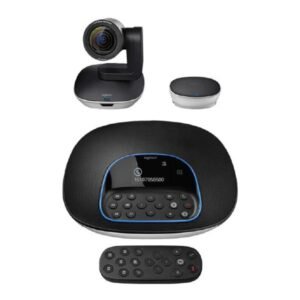
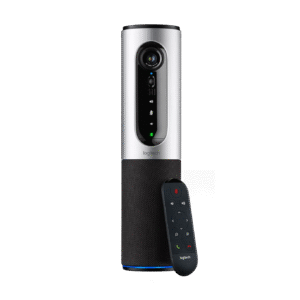
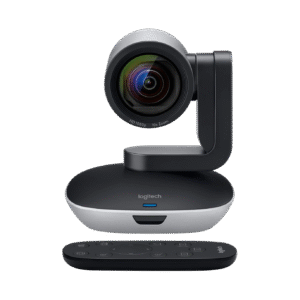
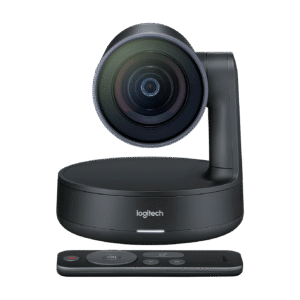
The Logitech Rally Camera is one of the most widely deployed PTZ cameras in Australian meeting rooms — 4K resolution, smooth motorised PTZ movement and strong Teams and Zoom certification. The MeetUp camera covers smaller rooms and huddle spaces.

Many businesses deploying their first PTZ camera choose Logitech because the setup process is well-documented and support is readily accessible across Australia.

Our Logitech guide covers the full camera range — which models suit which room sizes and how they compare to the alternatives.

Explore Logitech →
Yealink UVC Series — video conferencing cameras

Yealink

The Yealink UVC Series covers fixed wide-angle, AI auto-framing and PTZ options across all room sizes. Consistent performance, strong Teams and Zoom certification and competitive pricing at volume — a strong choice for multi-room camera deployments.

Businesses standardising camera hardware across multiple rooms often choose Yealink UVC Series for its consistent performance and strong value at scale.

Our Yealink guide covers the UVC camera range and how it compares to Logitech and Poly at each room size and price tier.

Explore Yealink →
Poly EagleEye — enterprise PTZ conference camera

Poly

The Poly EagleEye range — including the newer HP-era Studio E-Series such as the E60 and E70 — has long been the standard in enterprise boardroom deployments. Strong PTZ performance, high resolution and deep integration with Poly and HP room system ecosystems.

Poly EagleEye cameras are often specified in enterprise environments where organisations have existing Poly infrastructure and want camera consistency across sites.

Our Poly guide covers the EagleEye and E-Series range and how it fits into both standalone camera setups and full Poly room deployments.

Explore Poly →
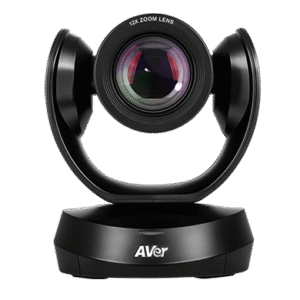
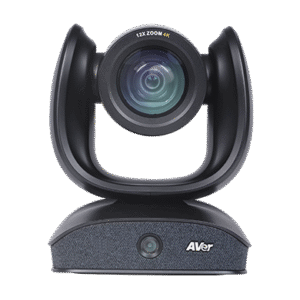
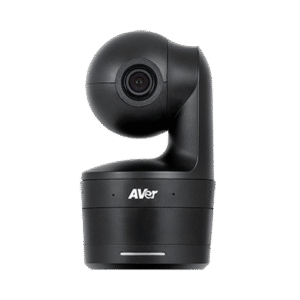
AVer PTZ Series — conference cameras Australia

AVer

The AVer PTZ Series offers strong value in large room and education deployments where premium brand cameras are difficult to justify at scale. Reliable certification, solid PTZ performance and increasingly competitive auto-framing at a lower price point.

AVer PTZ cameras are increasingly appearing in multi-room education and corporate deployments where the savings versus premium brands are significant and the performance difference is minimal in practice.

Our AVer guide covers the PTZ camera range and where AVer delivers the best value versus the premium brands at each room size.

Explore AVer →
Platform Compatibility

Is your camera certified for Teams or Zoom?

The platform you are running determines which cameras are certified, how they are managed and what features are available. Using an uncertified camera in a managed room platform is one of the most common and most frustrating deployment mistakes we see.

Microsoft Teams Rooms

Teams Rooms certified cameras integrate directly with the Teams Rooms management stack. Using an uncertified camera in a Teams Rooms deployment typically means losing remote management, analytics and some meeting features your licence has already paid for.

Businesses that purchase uncertified cameras for a Teams Rooms environment often discover they cannot be managed through the Teams Admin Centre and miss features their licences have already paid for.

Our Microsoft Teams Rooms guide covers certified camera options, certification tiers and what to check before purchasing any room camera for a Teams environment.

Microsoft Teams Rooms Guide →

Zoom Rooms

Zoom Rooms certified cameras work reliably within the Zoom Rooms ecosystem — including room scheduling, one-touch join and intelligent director features on supported devices. Certification requirements differ from Teams Rooms so checking before purchase matters.

Zoom Rooms camera certification requirements are often overlooked by businesses migrating from a Teams Rooms environment — the certified hardware lists for each platform overlap but are not identical.

Our Zoom Rooms guide covers certified camera hardware for Zoom deployments and what to consider when pairing a standalone camera with Zoom Rooms compute.

Zoom Rooms Guide →
Buying Guide

How to choose a video conferencing camera

Work through these five steps before you browse the products above. Getting them in the right order avoids the most common and most costly camera mistakes we see in Australian deployments.

01

Determine your room size

Room size drives almost every other camera decision. Small, medium, large or boardroom — start here before looking at any product.

If you are unsure, our room size guides cover each environment in plain language.

Room size guides →
02

Decide on PTZ or fixed

If your room is large, your presenter moves or you need to frame a whiteboard, PTZ is the right choice. For smaller rooms a fixed or auto-framing camera is simpler and more reliable.

03

Check platform certification

If your room runs on Teams Rooms or Zoom Rooms, certification is not optional. Check before you purchase — not after installation.

Our platform guides cover certified camera lists for both platforms.

Teams Rooms Guide →
04

Confirm your audio solution

A camera without the right audio is only half a room. Confirm your speakerphone or mic array covers the same space the camera covers.

Our microphones and audio category covers every pairing option.

Shop Microphones & Audio →
05

Consider future room growth

A room used by 6 people today may be used by 12 in two years. A PTZ camera with a wider zoom range has more longevity than a fixed camera that cannot adapt to a growing team.

Why Kickstart

Why buy your room camera from Kickstart?

Australian stock

Room cameras held locally — no waiting on international freight for a deployment that has a go-live date.

Check stock availability →

Certification checked first

We verify Teams Rooms and Zoom Rooms certification before recommending any camera — not after you have bought the wrong one.

Teams Rooms certified cameras →

Paired audio advice included

We will not sell you a camera without making sure your audio solution is right for the same room. Camera and audio decisions interact — getting both right on the first purchase saves a costly second visit.

Shop Microphones & Audio →

Multi-room experience

We have deployed room cameras across single-room upgrades and multi-site Australian rollouts — the problems that appear at scale are ones we have already solved.

Video conferencing guide →

In business since 2007

Kickstart Computers has supplied business technology solutions across Australia since 2007. We have seen every camera platform and certification standard change in that time — that perspective matters when you are making a hardware investment that needs to last.

FAQ

Common questions about room cameras and conference cameras

A PTZ camera can pan, tilt and zoom remotely — giving you full control over camera position and framing during a meeting. A fixed wide-angle camera has a set field of view that does not change. PTZ cameras are more flexible but more expensive and require a touch controller or remote to operate. Fixed cameras are simpler, more reliable and better suited to small and medium rooms where a wide-angle view covers everything you need.

For small and medium rooms a field of view between 90 and 120 degrees typically covers the full table without distortion. For large rooms a wider initial field of view combined with optical zoom gives more flexibility. The key is matching the field of view to the width of your table and the distance from the camera to the furthest participant — not just buying the widest lens available.

Contact us with your room dimensions and we can advise the right field of view for your specific space.

Get camera advice for your room →

Not always. Small and medium rooms are often well served by a fixed wide-angle or AI auto-framing camera. PTZ cameras become the right choice when your room is large enough that a fixed lens cannot cover the full space, when a presenter moves around the room, or when you need to frame specific areas such as a whiteboard or display.

Our room size guides cover this decision in detail for each room type.

Large rooms and boardrooms guide →

For most meeting rooms 1080p is sufficient — the bottleneck in video call quality is rarely the camera resolution. 4K cameras are worth considering in large rooms where the camera needs to zoom in significantly, or in boardrooms where image quality is a priority. In smaller rooms a 4K camera rarely delivers a visible improvement over a well-placed 1080p camera.

Yes — a USB conference camera will work as a standard webcam in any video conferencing application including Teams, Zoom, Google Meet and others without requiring a Teams Rooms or Zoom Rooms licence or certified room setup. Teams Rooms and Zoom Rooms are managed room platforms with specific licensing and hardware certification requirements. A USB camera is simply a peripheral that works with any software.

If you are not sure whether you need a managed room platform or a simpler USB setup, contact us and we will walk you through the difference.

Talk to a conferencing specialist →

Most cameras in our range are certified for one or both platforms — but certification matters. Using an uncertified camera in a managed Teams Rooms or Zoom Rooms environment can mean missing features and limited manageability.

Our Teams Rooms guide and Zoom Rooms guide both cover certified camera lists for each platform.

In most cases yes — USB cameras and USB or Bluetooth audio devices will work together in a standard video call setup. However in a managed Teams Rooms or Zoom Rooms environment, certified device pairing is important. Some room systems require the camera and audio to be certified together to unlock all features.

Our microphones and audio category covers every audio option to pair with a standalone room camera.

Shop Microphones & Audio →

Yes — Kickstart Computers ships room cameras Australia-wide and has worked with businesses from single room upgrades through to multi-site camera deployments since 2007. Pre-configuration and pairing with room systems is available on request before shipping.

Get Expert Advice

Not sure which camera is right for your room?

Room camera selection gets complicated quickly — field of view, zoom range, PTZ versus fixed, platform certification and audio pairing all interact. Our team works with Australian businesses on exactly these decisions every day. Call Andrew on 0416 353 501 or send us a message and we will match the right camera to your room without the sales pitch.

  • Australian stock
  • Certification checked before purchase
  • Paired audio advice included
  • Four competing brands
  • In business since 2007
Shopping Cart
Scroll to Top