Back to video conferencing shop
If you want to compare all three product categories — all-in-one systems, cameras and audio — our main video conferencing shop page gives you the full picture before you decide.
Video Conferencing Shop →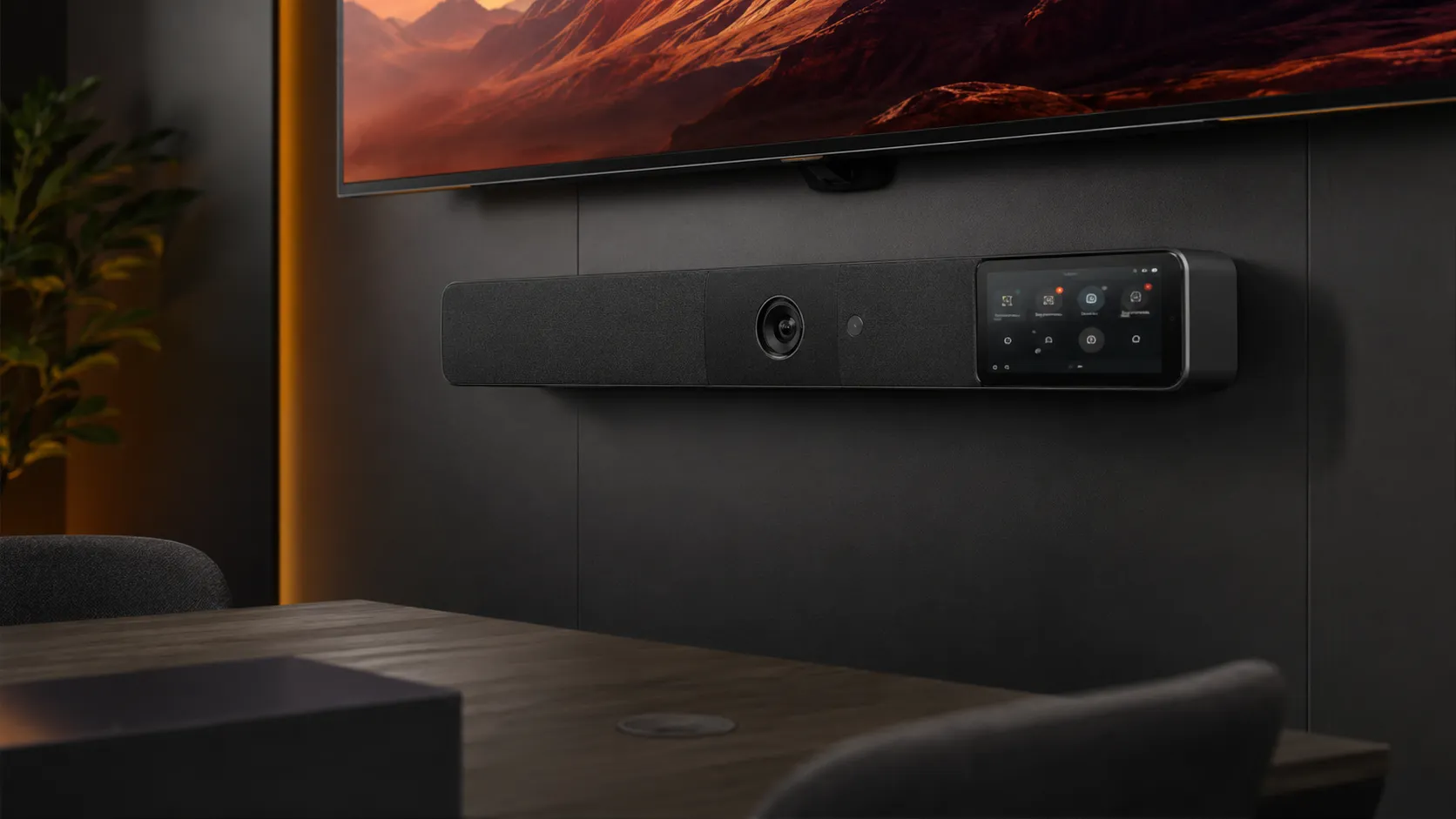
One device. Camera, audio and collaboration built in. Whether you are equipping a small huddle space with a compact conference bar or a large boardroom with a full room kit, Kickstart Computers stocks the systems that suit your room, your platform and your budget — with real advice before you buy.
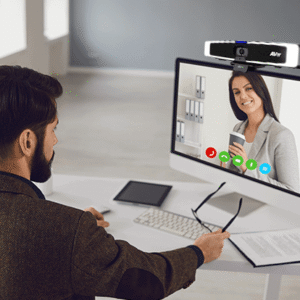
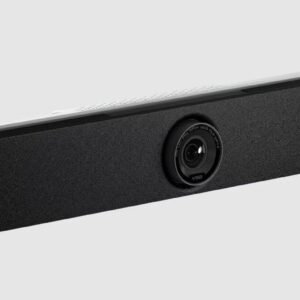
An all-in-one video conferencing system — commonly called a conference bar or collaboration bar — integrates a wide-angle camera, microphone array, speaker and compute into a single device. It mounts below or above your display, connects to your network, and the room is ready. No rack of components, no separate PC, no complicated cabling runs.
Conference bars range from compact units for small huddle spaces through to full room kits that bundle the bar with a touch controller, expansion microphone pods and a dedicated compute module for larger environments. The key difference between a conference bar and a full room kit is not just size — it is how much of the room the system needs to cover and how many participants need clear audio pickup.
Not every room suits an all-in-one approach. Larger spaces with complex layouts, rooms that need precision PTZ camera control, or environments where distributed audio across a wide boardroom table is the priority may be better served by a modular setup. If that sounds like your situation, the two categories below cover the modular path in detail.
Our room cameras category covers standalone PTZ and fixed cameras for medium to large rooms where a conference bar alone cannot provide the coverage or control you need.
Shop Room Cameras →Our microphones and audio category covers speakerphones, mic arrays and audio accessories — including rooms where audio is the entire solution and a camera is not required.
Shop Microphones & Audio →Looking for plug-and-play USB systems with no platform licence? BYOD conference equipment works with any platform from your laptop — no room system subscription required.
Filter: BYOD →| Room size | People | Recommended solution | Typical compute |
|---|---|---|---|
| Small room | 2–4 | Compact conference bar | Android built-in |
| Medium room | 5–10 | Advanced conference bar | Android or Windows built-in |
| Large room | 10–20 | Full room kit | Windows compute module |
| Boardroom / Collab | 20+ | Full room kit + expansion audio | Windows compute module |
If you want to compare all three product categories — all-in-one systems, cameras and audio — our main video conferencing shop page gives you the full picture before you decide.
Video Conferencing Shop →If your room needs a standalone PTZ or fixed camera rather than a bar — or you are building a modular setup — our room cameras category covers the options.
Shop Room Cameras →If audio is your primary concern — or you need a speakerphone for a small room where a full bar is unnecessary — our microphones and audio category covers every option.
Shop Microphones & Audio →Choosing a conference bar rated for a small room and placing it in a large boardroom is the single most common — and most expensive — mistake we see in Australian deployments. Start with your room, not the product.
Huddle spaces and rooms for 2–4 people. A compact conference bar is typically everything you need — camera coverage is manageable, audio reach is straightforward and a touch controller is optional at this scale.
Our small meeting rooms guide covers which compact conference bars suit this environment, what to avoid, and when a speakerphone is actually the better answer.
Small Meeting Room Guide → Filter: Video Bar → Filter: Small Meeting Room →Rooms for 5–10 people. A mid-range conference bar with auto-framing handles most medium rooms well. At this size a touch controller starts to earn its cost — one-touch join removes the meeting friction that hybrid teams feel most acutely.
Our medium meeting rooms guide covers where the conference bar versus modular setup decision starts to matter and which brands perform best in this room size.
Medium Meeting Room Guide → Filter: Medium Meeting Room →Larger spaces where a standalone conference bar is unlikely to cover the full room. Full room kits — bar plus expansion mics, touch controller and sometimes a separate Windows compute module — are the right answer here.
Our large meeting rooms guide covers which full room kits suit this environment, when a modular setup makes more sense, and what to get right on the first install.
Large Meeting Rooms Guide → Filter: Large Meeting Room →A boardroom environment places different demands on hardware than a standard large room — presentation quality, audio clarity and reliability carry more weight. High-specification full room kits with premium camera units and distributed audio are the norm at this level.
Our boardroom conferencing guide covers what separates a boardroom-grade full room kit from a standard large room system and which all-in-one options are appropriate at this level.
Boardroom Conferencing Guide →Flexible spaces for workshops, training sessions and team collaboration have different requirements to a standard meeting room — wider camera coverage, more distributed audio and often a need to support both in-room and remote participants simultaneously.
Our collaboration spaces guide covers which all-in-one systems scale to training and collaboration environments and where the standard room kit approach breaks down.
Collaboration Spaces Guide →We stock five competing all-in-one brands — which means we can tell you which one does not suit your room as readily as we can sell you one that does.
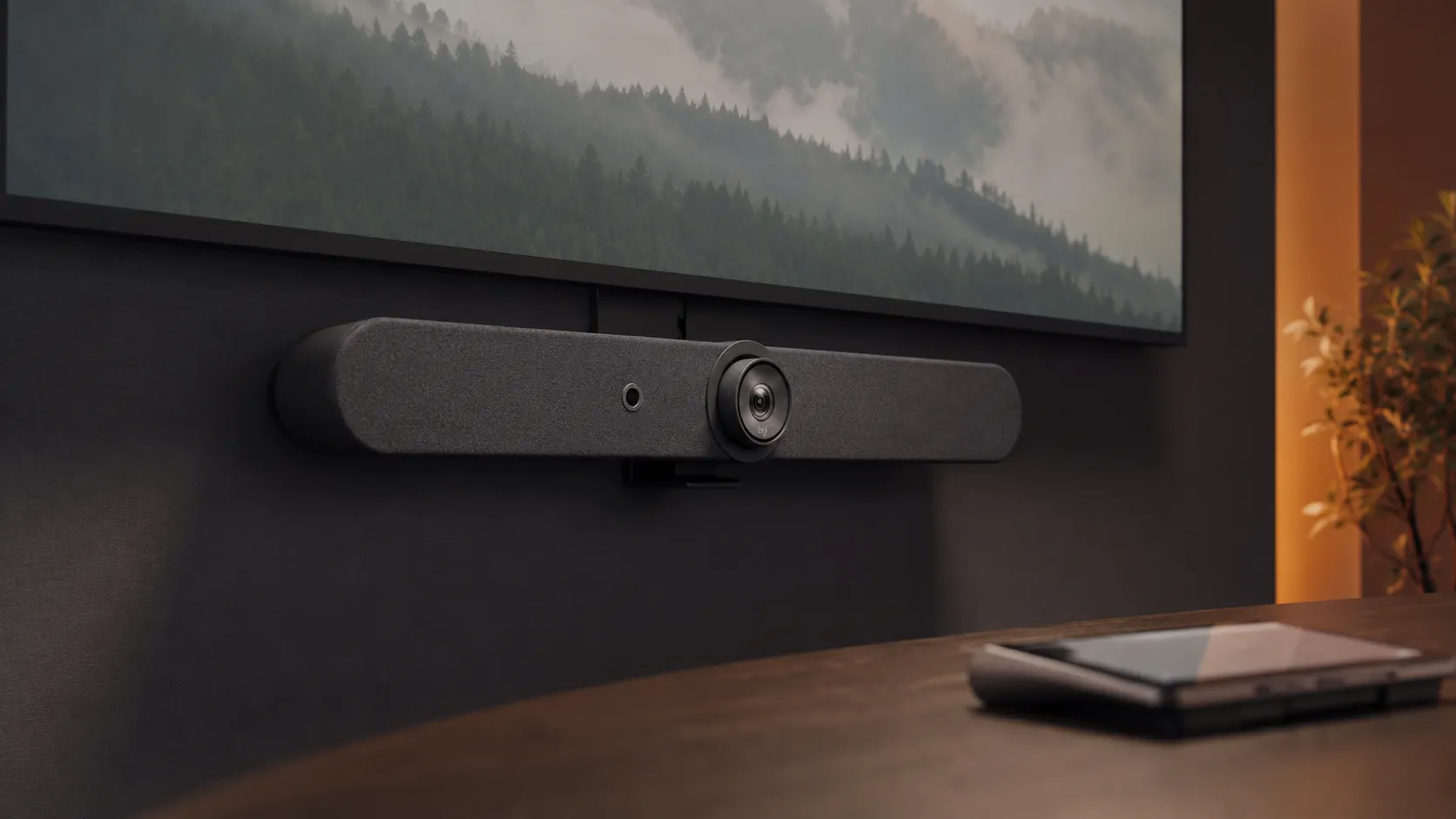
The Rally Bar and Rally Bar Mini are the most widely deployed conference bars in Australian meeting rooms. Strong dual Teams and Zoom certification, straightforward setup and widely available support.
Our Logitech guide covers the full conference bar range — which models suit which room sizes and how they compare to the alternatives.
Explore Logitech →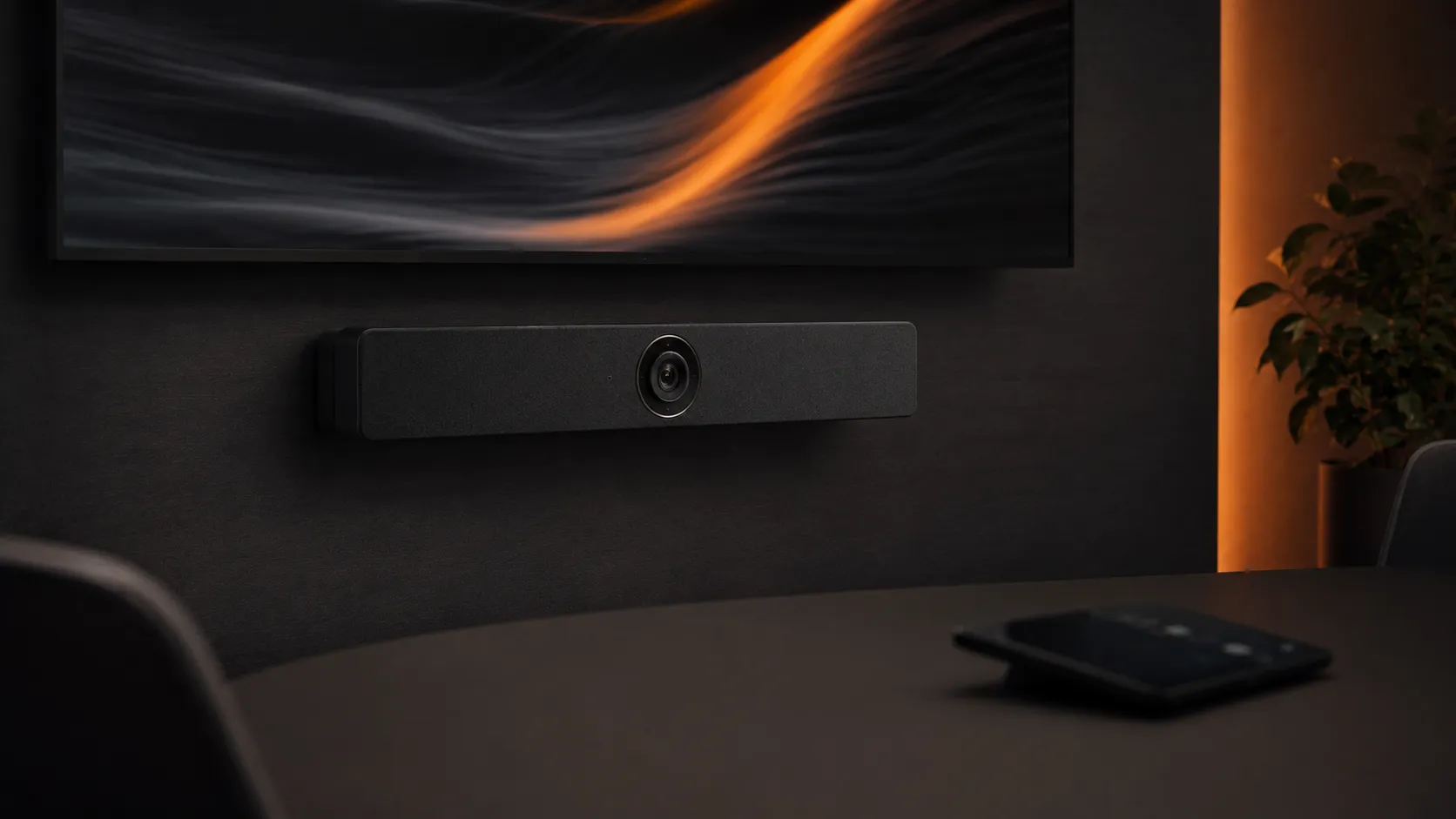
The MeetingBar range covers small through to large rooms with consistent performance and strong value at every tier. One of the most cost-effective ways to standardise conference bar hardware across multiple rooms.
Our Yealink guide covers the MeetingBar range in depth — room size recommendations, compute options and how it compares to Logitech and Poly.
Explore Yealink →
The Studio range has strong enterprise credibility and broad certification across both Teams Rooms and Zoom Rooms. A long-standing name in Australian AV with conference bars covering huddle spaces through to large room kits.
Our Poly guide covers how the Studio range compares to the field and which room sizes the Poly conference bar performs best in.
Explore Poly →
The PanaCast range brings a 180-degree panoramic camera and strong audio into a single conference bar — a different approach that suits rooms where full table visibility matters more than a traditional wide-angle view.
Our Jabra guide covers where the PanaCast conference bar approach suits your room and where it doesn't — and how it compares to the traditional bar format.
Explore Jabra →
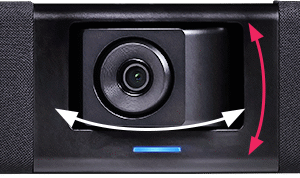
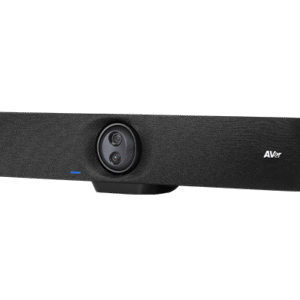
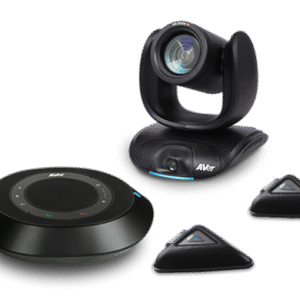
AVer all-in-one systems offer strong value across a range of room sizes and are increasingly specified in education and corporate environments where budget is a real constraint but certification still matters.
Our AVer guide covers the all-in-one range in detail — what they do well, where they fit in the market, and how they compare to the better-known brands.
Explore AVer →Platform certification matters more than most buyers realise. The wrong conference bar for your platform can mean missing features, limited management capability or a device that simply will not operate as a proper room system.
Most conference bars in our range carry Microsoft Teams Rooms certification — but certification tiers matter. A Teams Rooms Basic certified bar behaves differently to a Teams Rooms Pro certified bar, particularly around management, analytics and advanced meeting features.
Our Microsoft Teams Rooms guide covers certified hardware, licensing tiers and the deployment decisions that determine which conference bar is right for your Teams environment.
Microsoft Teams Rooms Guide → Filter: Microsoft Teams Rooms →Zoom Rooms certification covers a different hardware list to Teams Rooms — and some conference bars are certified for both platforms while others are platform-specific. Getting this right before purchase avoids a costly mistake that is difficult to reverse after installation.
Our Zoom Rooms guide covers certified conference bar hardware, licensing requirements and the compute decisions that differ from a Teams Rooms deployment.
Zoom Rooms Guide → Filter: Zoom Rooms →Conference bars and room kits held locally — no waiting on international freight for a deployment that has a go-live date.
We check Teams Rooms and Zoom Rooms certification before we recommend any conference bar — not after you have bought the wrong one.
Conference bars can be pre-configured before shipping — so the device arrives ready to connect rather than requiring on-site setup time.
We have deployed conference bars across single rooms and multi-site Australian rollouts — the problems that appear at scale are ones we have already solved.
We stock Logitech, Yealink, Poly, Jabra and AVer. We recommend based on your room, not on which brand carries the best margin for us.
A standalone conference bar integrates camera, audio and compute in a single device — typically suited to small and medium rooms. A full room kit bundles a conference bar with a touch controller, expansion microphones and sometimes a separate compute module for larger spaces where the bar alone cannot cover the room.
If you are unsure which applies to your situation, our room size guides cover the decision in detail — small, medium and large rooms and boardrooms.
Most do — but not all conference bars are certified for both platforms. Some are Teams-only, some are Zoom-only and some carry dual certification. Platform certification affects which features are available and how the device operates as a managed room system.
Our Teams Rooms guide and Zoom Rooms guide both cover certified hardware lists. Contact us if you are unsure before purchasing.
A standalone conference bar typically cannot cover a large boardroom — field of view and audio reach both become limiting factors at that room size. Full room kits with expansion microphones are the right answer for large spaces.
Our boardroom conferencing guide covers when a full room kit is appropriate versus when a fully modular setup makes more sense.
In most cases no — all-in-one conference bars include their own Android or Windows compute. However some Teams Rooms deployments require a Windows compute module for specific management features or compliance requirements.
Our Microsoft Teams Rooms guide covers the Android versus Windows compute decision in detail for different deployment scenarios.
There is no single answer — it depends on your room size, platform, budget and support requirements. Logitech and Yealink are the most widely deployed conference bars in Australia. Poly suits enterprise environments. Jabra suits rooms where the 180-degree panoramic approach is the right fit. AVer suits budget-conscious deployments where certification still matters.
Our video conferencing equipment guide compares all five brands across room sizes, platforms and budgets in one place.
Compare All Brands →Yes — many conference bars support expansion microphone pods that extend audio coverage for larger tables. Logitech Rally Bar, Yealink MeetingBar and Poly Studio systems all support expansion audio. It is one of the features that makes a mid-range conference bar viable in a medium to large room where the built-in microphone array cannot reach the full table.
Shop Microphones & Audio →Our team works with Australian businesses every day on exactly this — matching the right conference bar or room kit to the room, the platform and the budget. Call Andrew on 0416 353 501 or send us a message and we will point you in the right direction without the sales pitch.
Showing 1–16 of 68 results